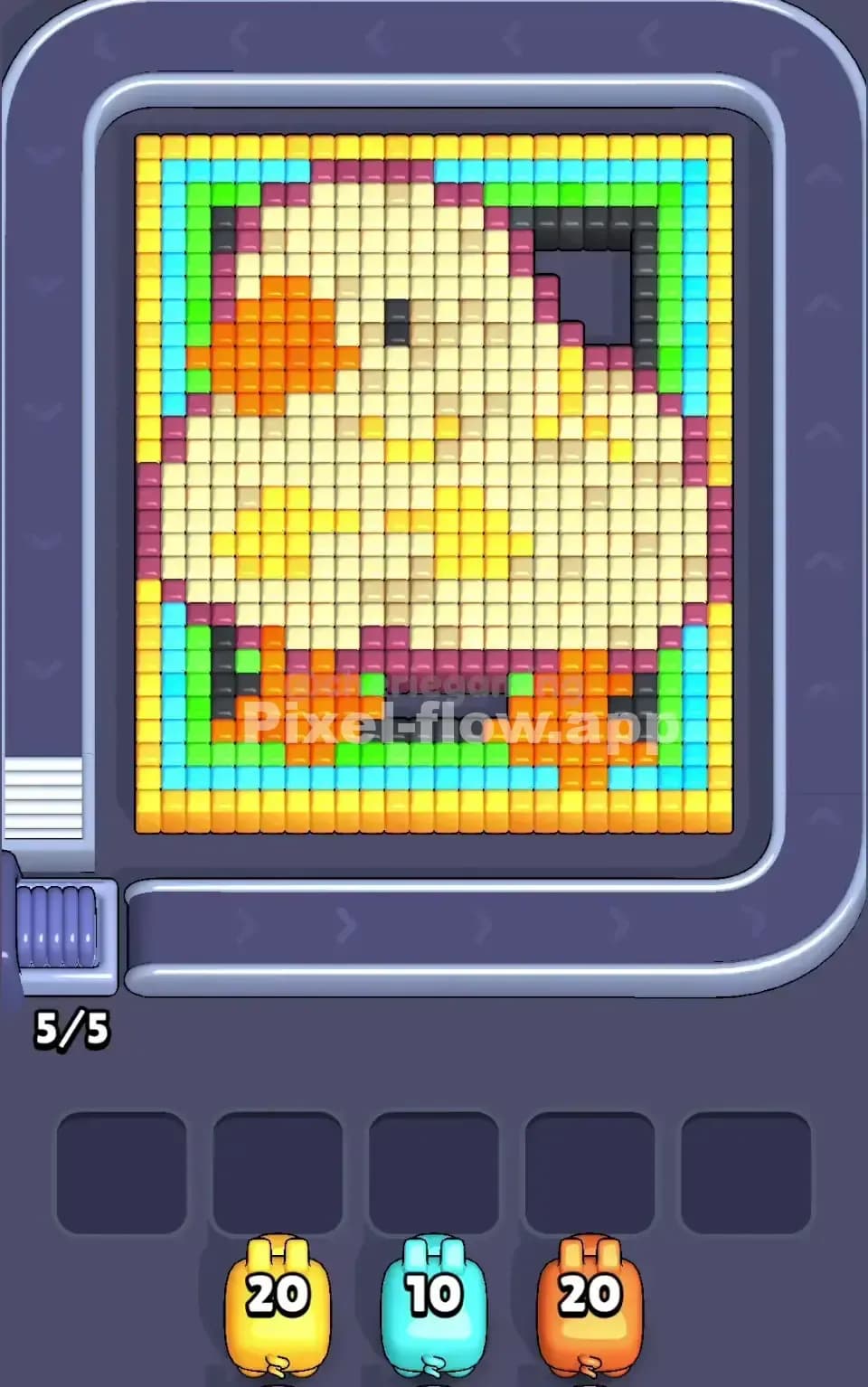
The trapped pig is not just a bonus. It is part of the solution.
In Pixel Flow, the Pig Cell feature places a pig inside the puzzle board instead of giving it to you through the normal pig line. You cannot use that pig right away. First, you need to break through the pixels protecting the cell. Once the cell opens, the pig is rescued and becomes available like a normal piggy.
Simple idea. Dangerous timing.
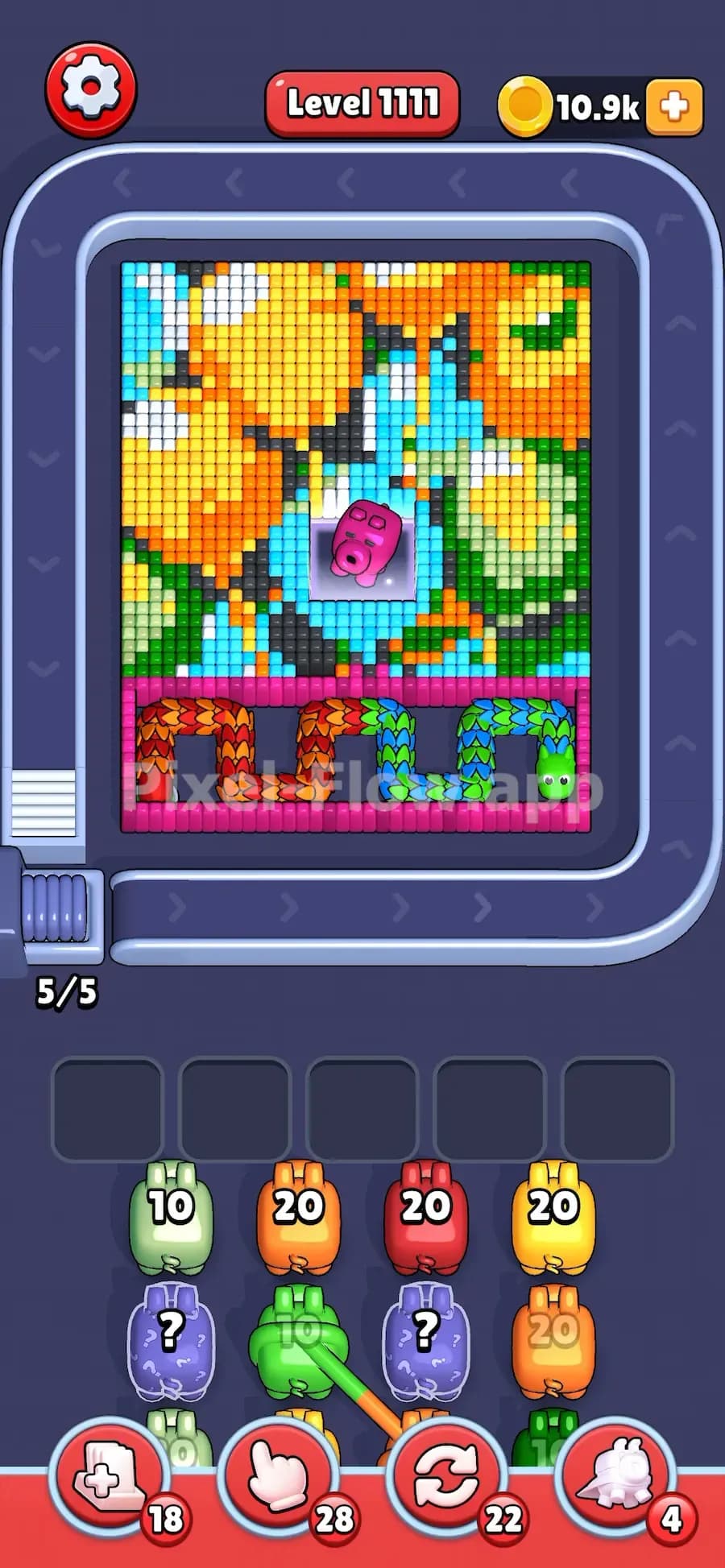
In the shown level, the pink pig is trapped in the middle of the board, while a long Dragon blocks the lower section. That is the whole trick. The level is hiding the color you need most, then forcing you to clear a path toward it before the Dragon becomes manageable.
Pig Cell is a piggy release feature. It traps a colored pig inside a small cell on the board. The pig is usually a 40 ammo pig, which means it can shoot up to 40 matching pixels once it is released.

To rescue it, you do not need to clear the entire area around the cell. You only need to break one of the pixels that surrounds or protects it. Once that opening is made, the cell breaks and the pig comes out.
That sounds helpful, and it is. But only if you use it at the right time.
A rescued pig is still bound by the normal Pixel Flow rules. If it has 40 ammo, it needs enough same-color pixels available to spend that ammo. If you send it out too early and there are not enough targets, it will fall into the waiting slots with ammo left. That can jam your board fast.
That last step matters most. Rescuing the pig is not always the correct move right away. Sometimes you should open the cell, then hold the pig until the board is ready.
The Pig Cell feature changes how you read the level.
Normally, you look at the pig line and plan around the colors you already have. With Pig Cell, one of the key pigs is hidden inside the board. That means the level may look impossible at first because the color you need is not available yet.
This is why Pig Cell often appears in harder boards. It forces you to ask better questions:
In easy levels, Pig Cell is just a small rescue target. In very hard levels, it is usually the board’s main clue.
This is the mistake that loses Pig Cell levels.
You free the trapped pig, feel like you made progress, tap it right away, and then it has nowhere useful to shoot. Now your 40 ammo pig is sitting in a waiting slot with ammo left. The next pig does the same thing. Then another. Suddenly all your slots are full, and the level is dead.
Do not treat rescued pigs like free moves. Treat them like heavy tools.
A 10 ammo pig is easy to clean up. A 20 ammo pig needs more care. A 40 ammo pig can save the level or break it, depending on timing.
Before sending a rescued pig, check the board:
If the answer is bad, wait.
The biggest danger with Pig Cell is not the cell itself. It is the waiting slots.
Pixel Flow only gives you limited space to hold unfinished pigs. When a pig cannot spend all its ammo, it moves into a waiting slot. If those slots fill up, you lose control of the level.
Pig Cell makes this worse because the rescued pig often has a large ammo number. A large pig needs a large target area. If the board has only a few matching pixels open, the pig will not clear itself.
That is why you should rescue the pig with a plan.
A good Pig Cell move looks like this:
A bad Pig Cell move looks like this:
Tiny difference. Huge result.
Pig Cell becomes much more serious when it is paired with Dragon.
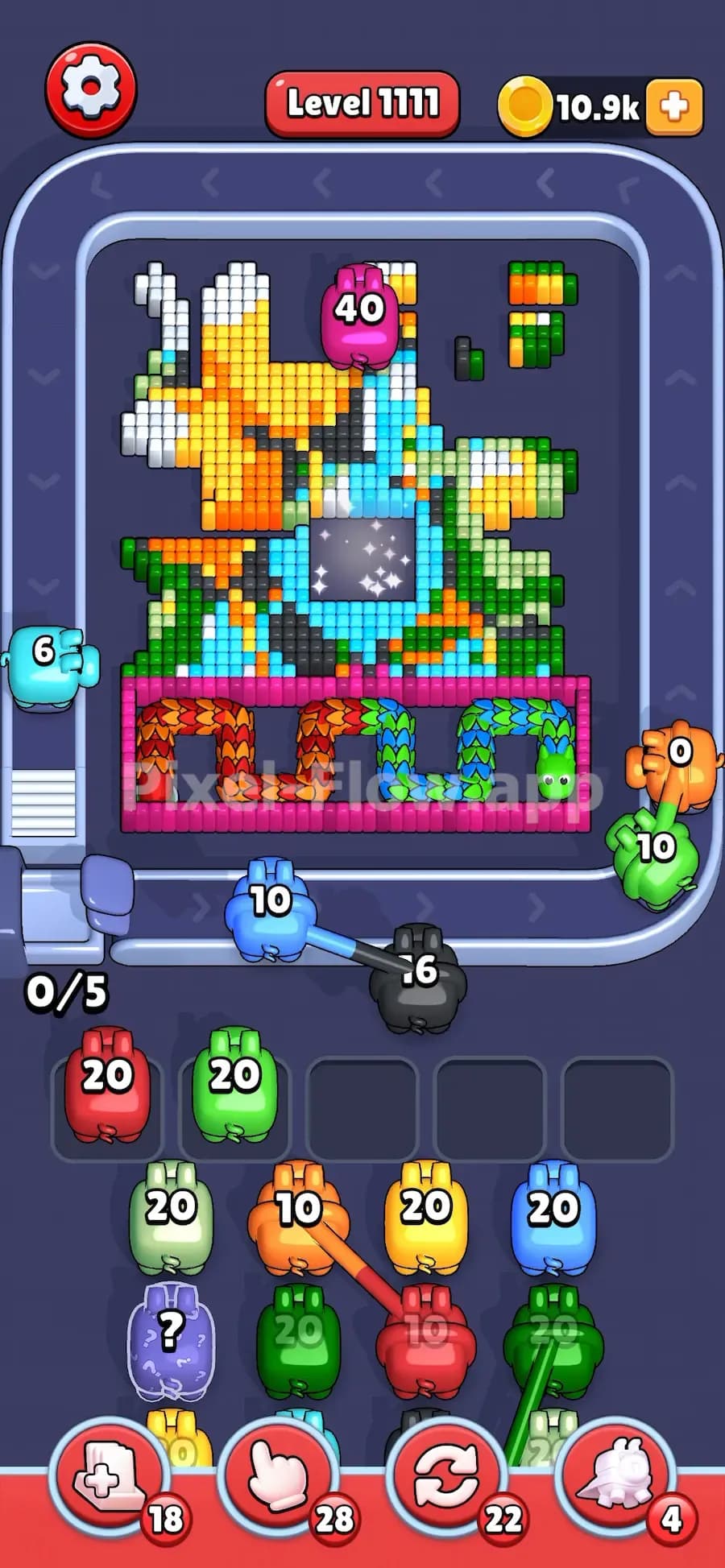
The Dragon needs colored hits on its scales. If the Dragon is blocking the bottom of the board, you often need a specific color to shrink it. In the shown level, the trapped pink pig is the answer because the Dragon section at the bottom needs that kind of pressure.
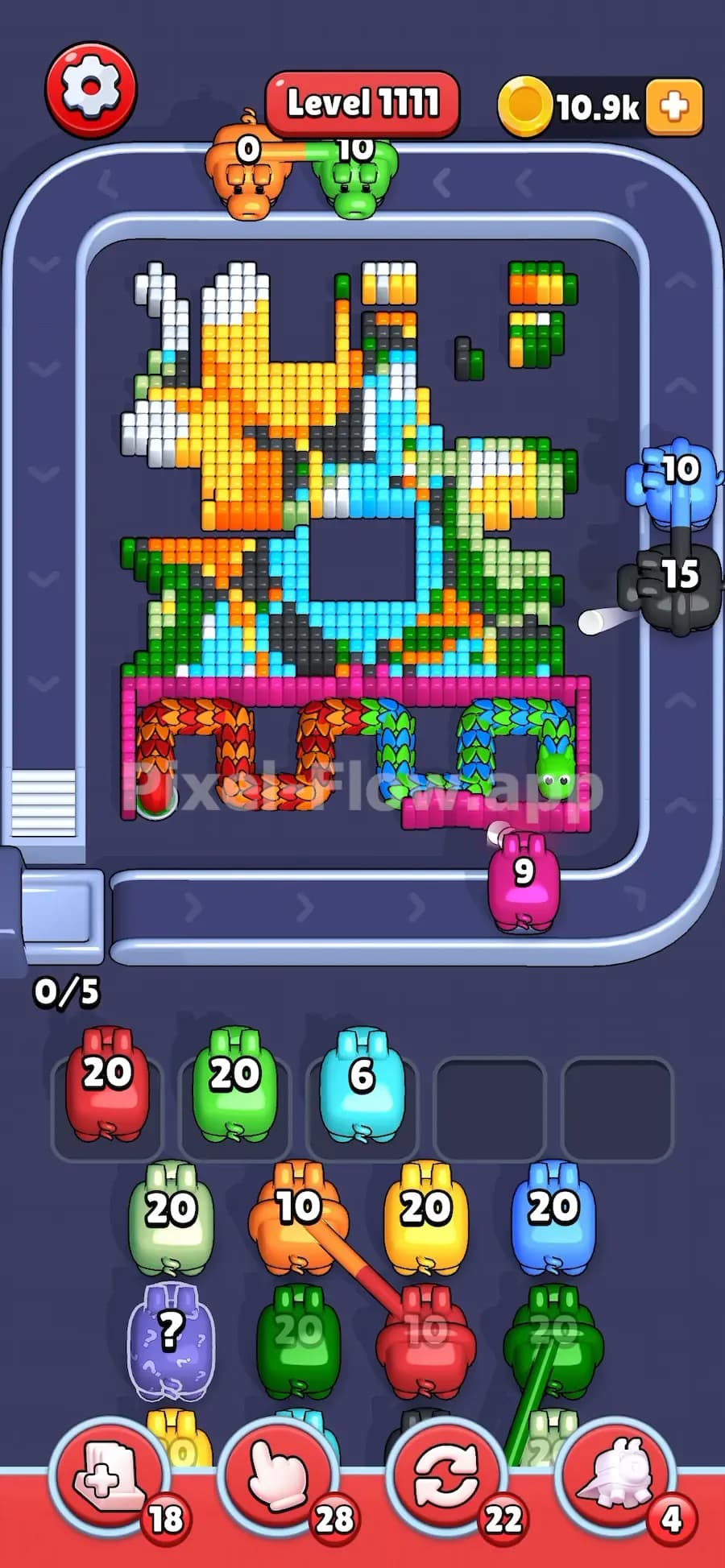
This setup is clever because the game hides the useful pig inside the board first. You need to break through the upper pixels, rescue the pink pig, then use it at the right moment to work on the Dragon.
Do not waste the pink pig on random pixels if the Dragon is the real blocker. The level is not asking you to clear everything equally. It is asking you to find the color that opens the bottom.
That is the real Pig Cell lesson.
Use this plan when you see Pig Cell in Pixel Flow:
Identify the trapped color first. The pig’s color tells you what the board probably needs later.
Look for the feature it supports. If there is a Dragon, Curtain, Hungry Door, or locked lower section, the trapped pig may be tied to that blocker.
Clear a narrow path to the cell. Do not waste ammo clearing a huge circle around it. One opening is enough.
Rescue the pig, but do not auto-send it. Wait until the board gives that pig enough targets.
Protect your waiting slots. Never send a rescued 40 ammo pig into a board with only a handful of matching pixels.
Use the rescued pig on the main obstacle. If the board clearly points to the Dragon, save the rescued pig for that job.
If the Pig Cell is placed in the center of the board, assume the trapped pig is part of the win condition. The game rarely puts a 40 ammo pig there for decoration. Clear toward the cell from the side with the weakest pixel cover, but keep the rescued pig parked until its color connects to the main blocker. In Dragon levels, that usually means waiting until the Dragon’s exposed scales can actually take the hits.
Free the pig when the path is ready. Fire it when the board is ready.