Pixel Flow Level 698 Solution | Pixel Flow 698 Walkthrough
How to beat Pixel Flow Level 698: Video solution & walkthrough. The fastest way to pass Pixel Flow 698.
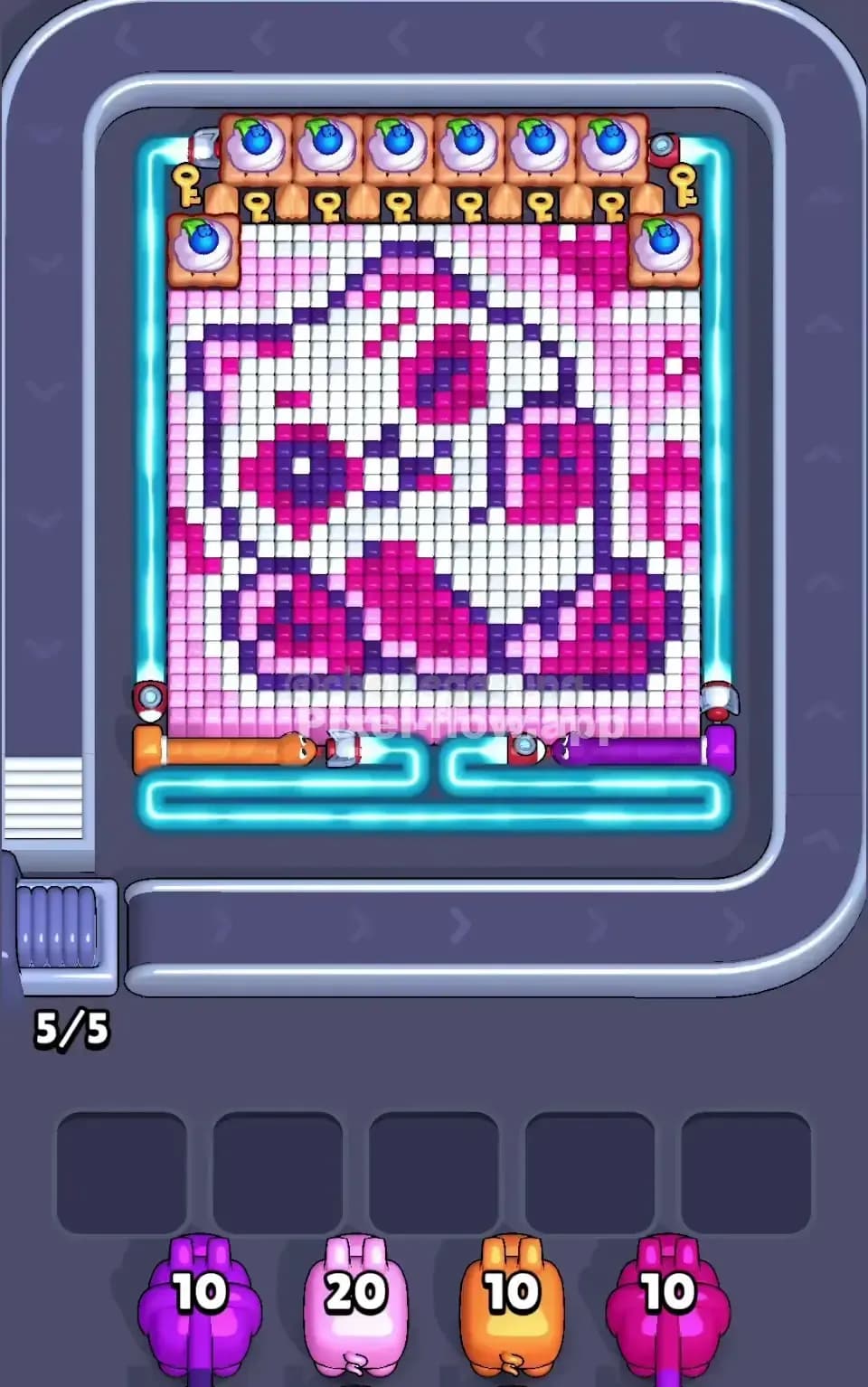
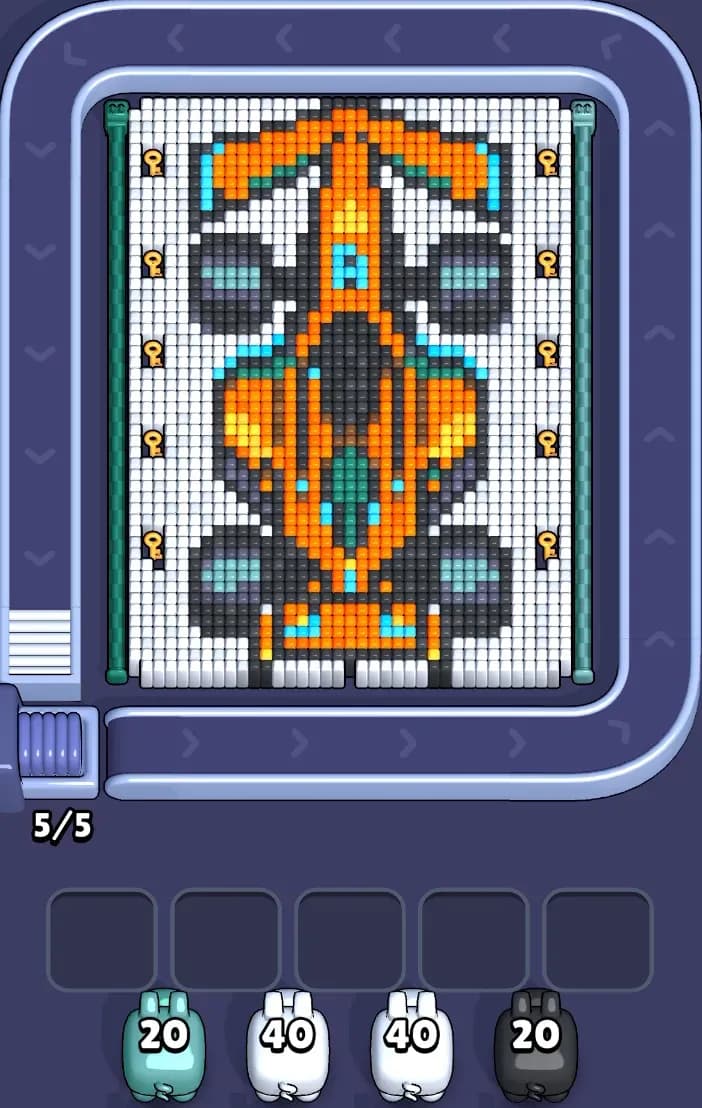
Is this the wrong level layout?🤔
Pixel Flow randomizes levels for different players. Don't worry, just upload a screenshot of your board, and our AI will find the correct video instantly.

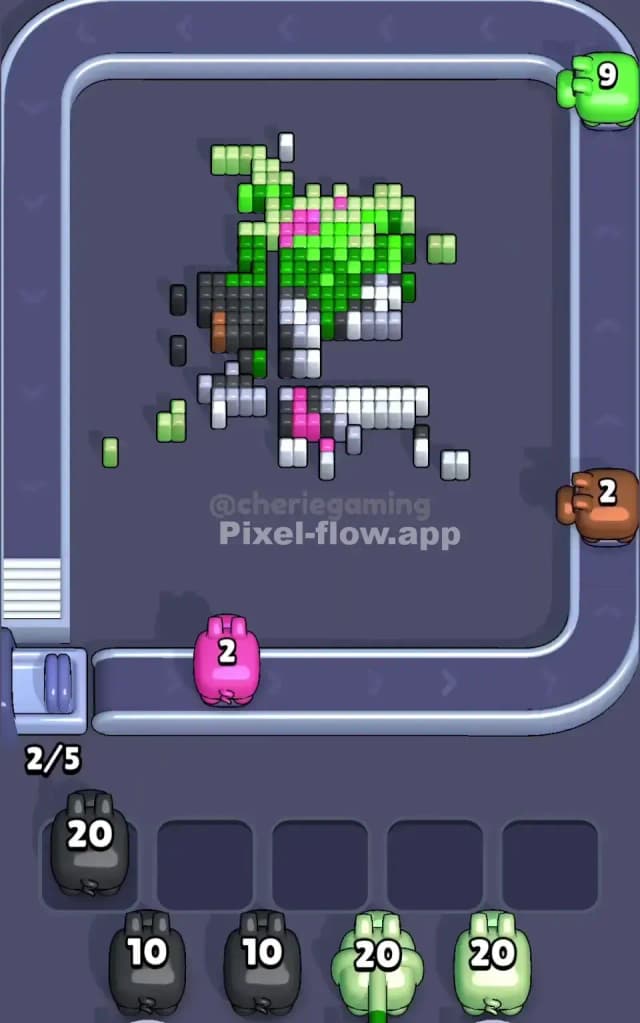
Pixel Flow Level 698 Walkthrough
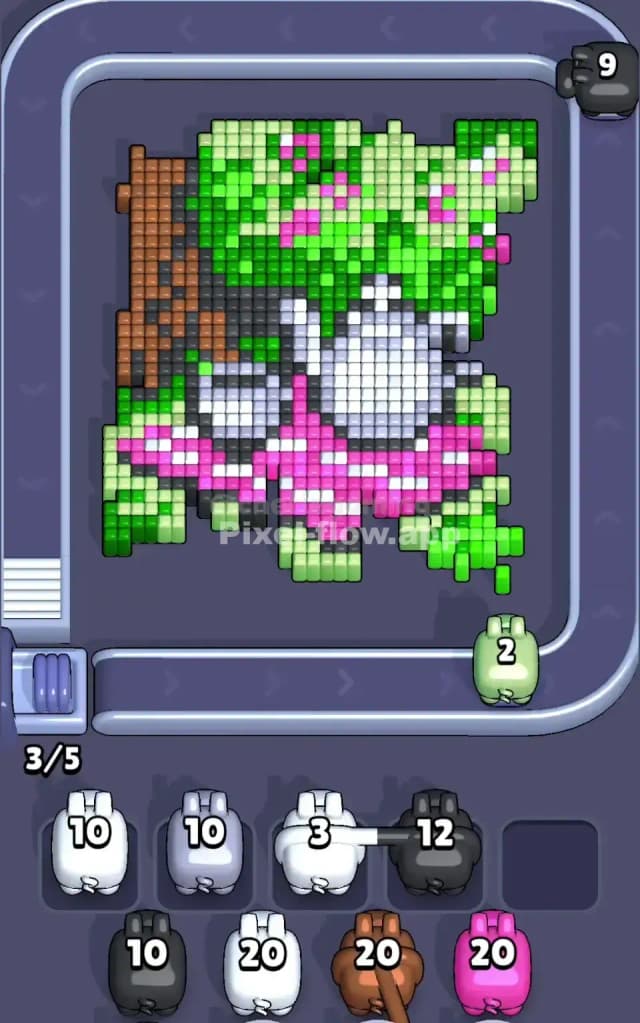
This level depicts a serene picnic scene, complete with a teapot, a teacup, and a checkered blanket, all resting under the shade of a large tree. The main colors here are green (foliage and grass), pink (blanket and flowers), white/grey (tea set), and brown (tree trunk).
Your goal in Pixel Flow Level 698 is to strip away the massive amount of green foliage to reveal the picnic items underneath. The board is dense. Very dense. There are six "blocker" tiles (the cupcake-looking squares) that obstruct your shots at the very top and bottom edges, meaning you have to angle your shots carefully. While the picture is cute, the sheer volume of green blocks makes this a very hard level if you don't manage your waiting slots correctly.
Pixel Flow Level 698 Overview
Imagine a quiet afternoon in the park. The center of the board features a bright white teapot and a matching teacup. They sit on a pink-and-white checkered picnic blanket that stretches horizontally across the lower middle section.
To the left, a thick vertical column of brown pixels represents the tree trunk. Above everything, dominating the top half of the board, is a heavy canopy of green leaves peppered with small pink dots (likely flowers or fruit).
The layout is asymmetric. The left side is "heavier" because of the solid brown tree trunk, while the right side is mostly lighter green foliage. Crucially, the bottom corners are filled with grass that looks identical to the tree leaves, which can trick you into thinking "green is everywhere." It is, but the depth varies. The teapot in the center is the deepest layer, protected by the blanket and the leaves.
Step by step solution walkthrough for Pixel Flow Level 698
First Color Zone to Erase in Pixel Flow Level 698
I start by shaving off the green grass and foliage at the top right and bottom right.
Why? Look at the board. Green is the most abundant color on the outer layer. If you grab a green pig, you have almost 100% certainty that it will empty its entire ammo clip without clogging a slot. The top right corner is especially safe because it’s a huge, uninterrupted block of green. Clearing this first does two things:
- It removes the bulk of the "noise," letting you see the shape of the teapot clearly.
- It prevents your waiting slots from filling up with green pigs later when you might need those slots for trickier colors like grey or brown.
How to pass Pixel Flow Level 698 without power ups or boosters
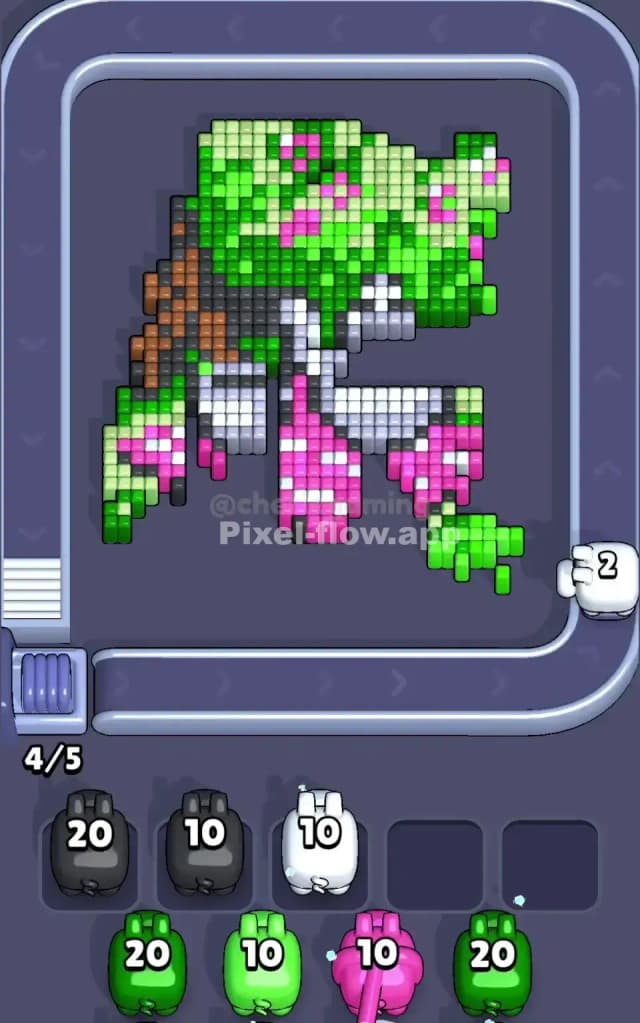
Once you’ve aggressively cleared the green, the board will look half-destroyed. The tree trunk (brown) will be standing tall on the left, and the pink blanket will be partially exposed. The white teapot is likely still buried or only half-visible.
At this mid-level stage, stop auto-piloting green. You need to switch focus to Pink and Brown.
- The Pink Trap: The pink pixels are scattered. They are on the blanket and in the tree leaves. If you grab a pink pig now, watch where the pink blocks are. If they are deep inside the tree (behind green blocks you haven't cleared), that pink pig will sit in your slot and do nothing. Only grab pink if you see clear, exposed pink squares on the blanket.
- The Brown Column: The tree trunk is a solid vertical wall. It’s easy to clear because the pixels are grouped tightly. Prioritize brown pigs to clear the left side of the board entirely.
If your slots start getting full (3 or 4 pigs waiting), stop immediately. Look at the pigs in your slots. What color do they need? Find that color on the belt. Do not grab a new color until you clear at least one waiter. If you ignore this in Pixel Flow Level 698, you will lose instantly because the grey teapot pixels are often buried until the very end.
Last Details You Clean Up in Pixel Flow Level 698
The final phase is almost always the White/Grey tea set. Because the teapot is the central subject, it is on the deepest layer. You will likely have the entire background gone—no tree, no grass—leaving just a floating teapot and cup.
Be careful here. The teapot has shading (grey pixels mixed with white). A White pig will not shoot Grey pixels, and vice versa. Watch your remaining ammo count. If you have a White pig with 10 ammo but only 4 White pixels visible, do not grab another White pig. Let the first one finish the job or sit in a slot until you uncover the rest. The last move is usually clearing the grey shading on the bottom of the teapot.