Pixel Flow Level 775 Solution | Pixel Flow 775 Walkthrough
How to beat Pixel Flow Level 775: Video solution & walkthrough. The fastest way to pass Pixel Flow 775.
Is this the wrong level layout?🤔
Pixel Flow randomizes levels for different players. Don't worry, just upload a screenshot of your board, and our AI will find the correct video instantly.
Pixel Flow Level 775 Walkthrough
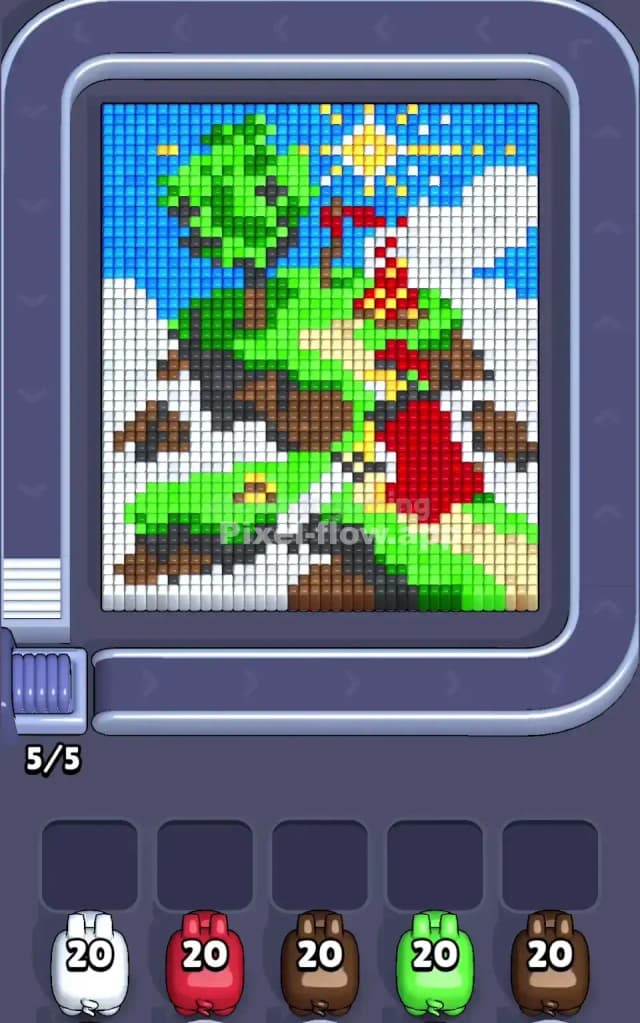
This level depicts a steep, hilly landscape scene under a bright sunny sky. You are looking at a grassy green hill climbing up the center, flanked by what look like white rocky cliffs or perhaps clouds on the left and right. A small tree sits on the upper left slope, and a red structure—maybe a tent or a small house—sits on the right.
To beat Pixel Flow Level 775, you must strip away the large background layers (sky and white cliffs) to access the detailed "foreground" elements like the brown earth, the green grass, and the red structure. The logic is standard: prioritize large blocks of color to clear space in your waiting slots. Is it difficult? I would judge this as a medium difficulty level, not very hard, but it does have a few traps where colors are buried deep under the white sections.
Pixel Flow Level 775 Overview
The artwork tells a simple outdoor story. We have a bright blue sky filling the upper left and top edges. A yellow sun shines in the top right corner. The main subject is a large, central green hill that curves upward.
Beneath the green grass, there are layers of dark brown earth and lighter beige paths or sandy patches. The most striking features are the large white sections on the far left and far right. These look like steep white cliffs or perhaps heavy cloud cover framing the hill.
Asymmetry is key here. The left side is dominated by a mix of blue sky and a massive white vertical block. The right side is cluttered with the red structure, the sun, and another white block. The center is your "safe zone"—big, easy-to-hit green patches.
Step by step solution walkthrough for Pixel Flow Level 775
First Color Zone to Erase in Pixel Flow Level 775
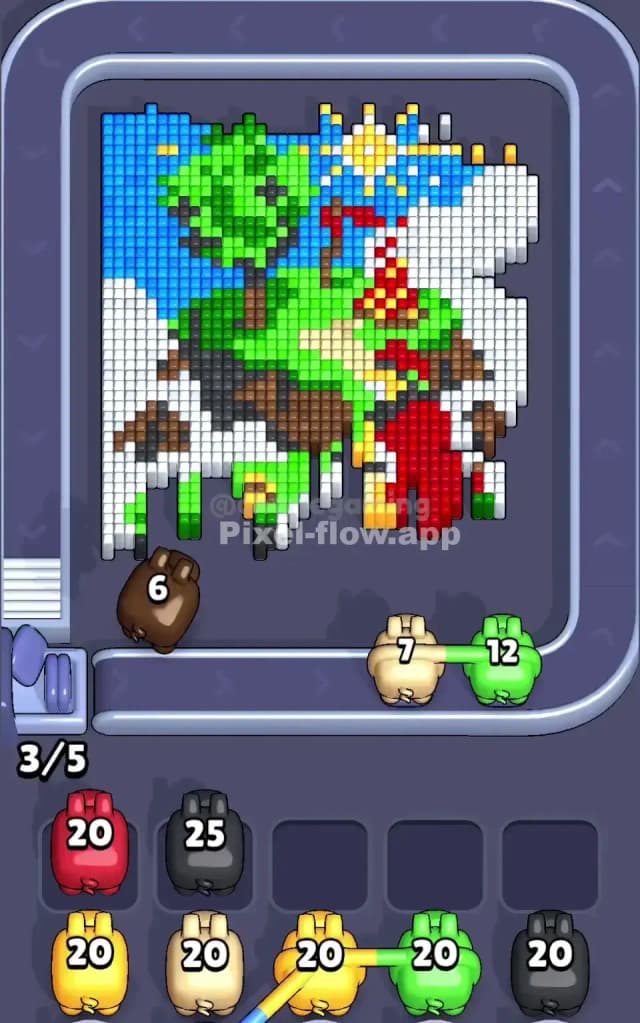
I start by targeting the White zones on the far left and right. Narratively, these "cliffs" are the outermost layer blocking everything else. Logically, they are massive, uninterrupted vertical columns.
If you grab a White pig early, you can almost instantly drain its ammo because the white targets are stacked high on both sides of the canvas. Clearing the white first is crucial because it exposes the edges of the brown earth and the green hill. If you ignore the white, you'll find your waiting slots clogged with pigs that have nowhere to shoot because the white blocks physically obscure the layers underneath.
How to pass Pixel Flow Level 775 without power ups or boosters
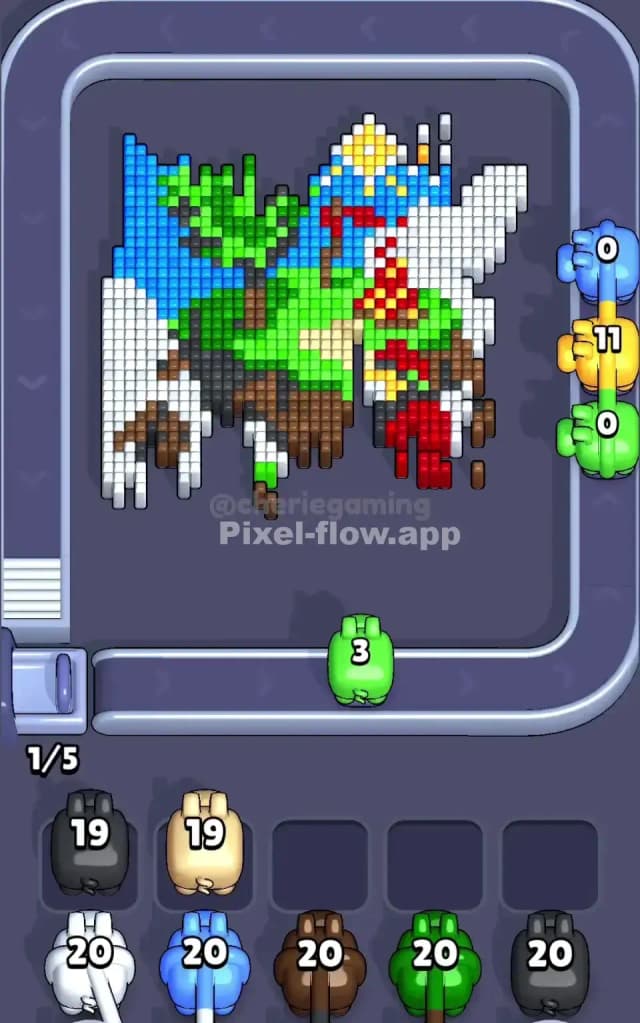
Once the white "cliffs" are gone, the picture looks half-destroyed. You will see the central green hill floating against the blue sky, with the brown earth underneath now exposed at the edges.
At this mid-level point, switch your focus to Green. The green hill is the largest remaining mass. It spans the center and connects the top tree to the bottom grassy slopes. Using Green pigs here is safe and efficient.
Avoid the Red and Yellow pigs for now. The red structure is small and fragmented, and the yellow sun is isolated in the top right. If you pull a Red or Yellow pig too early, it will sit in your slot with 15+ ammo left, blocking you from grabbing the useful Blue or Brown pigs you actually need. Stick to the big masses: finish the White, then the Green, then the Blue sky.
Last Details You Clean Up in Pixel Flow Level 775
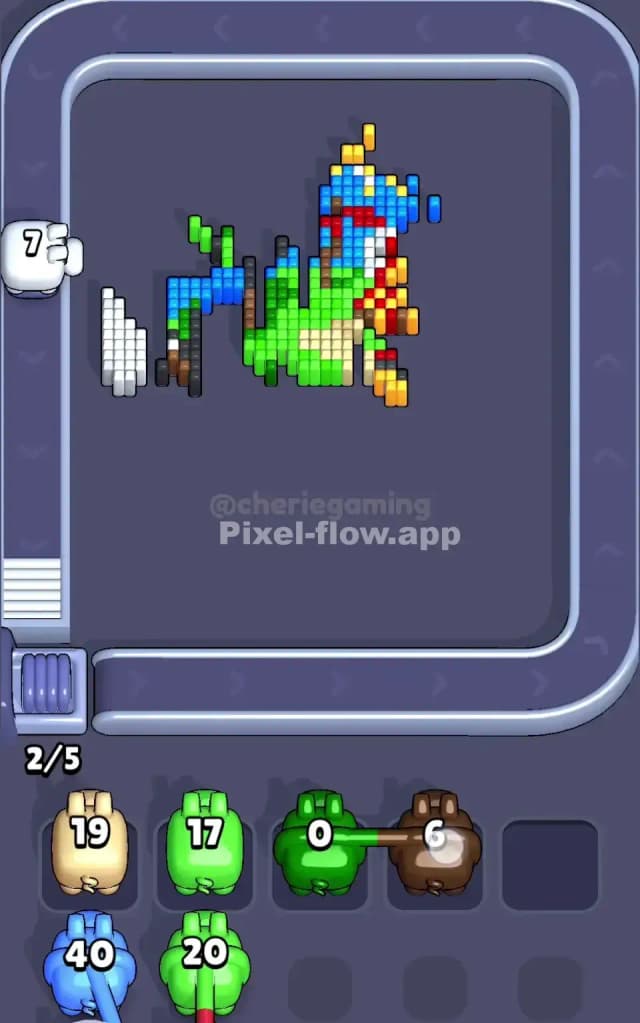
The end game is always the tricky detailed bits. In Pixel Flow Level 775, the last things you will likely clear are the Red structure and the Yellow sun/path details.
These colors are often buried. For example, the yellow sun rays might be hidden behind the top layer of blue sky. The red blocks are often tucked behind green foliage. Once the big blue sky and green grass are gone, these small clusters are all that remain. You will likely finish with a Brown pig cleaning up the bottom dirt, followed by a quick Red or Yellow pig to snipe the final few pixels. Keep one slot open for these "finisher" pigs so you don't get stuck at 95%.