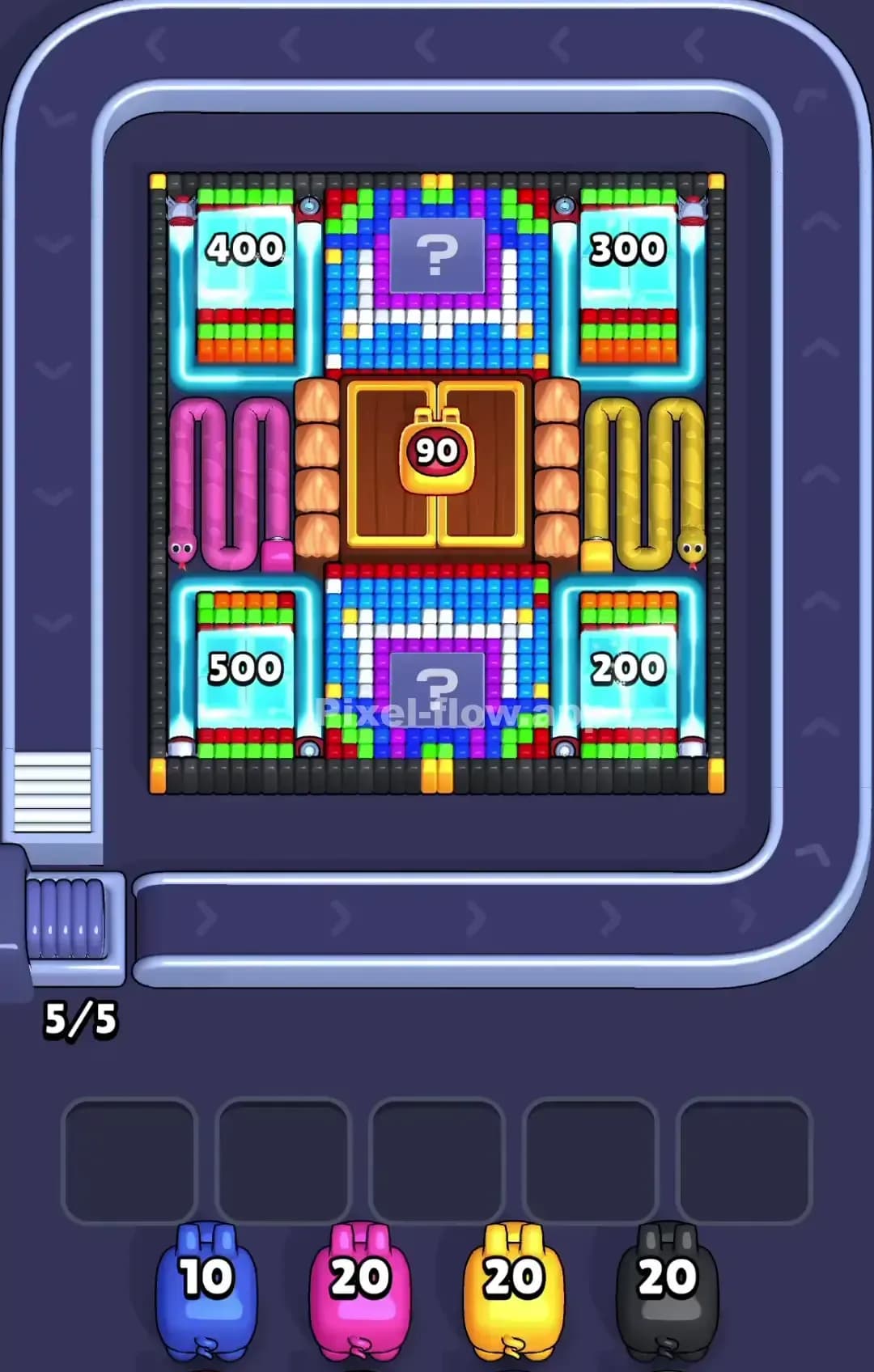
Pixel Flow Level 824 Solution | Pixel Flow 824 Walkthrough
How to beat Pixel Flow Level 824: Video solution & walkthrough. The fastest way to pass Pixel Flow 824.
Is this the wrong level layout?🤔
Pixel Flow randomizes levels for different players. Don't worry, just upload a screenshot of your board, and our AI will find the correct video instantly.




Pixel Flow Level 824 Walkthrough
This level features a cute, winter-themed voxel art piece: a white cat bundled up in a bright pink hat and scarf, standing against a snowy, light-blue background. The primary challenge here isn't tricky hidden layers, but volume. There is a lot of white and a lot of blue background that needs clearing before you can hit the critical black outlines.
The rules are standard: Match the pig color to the block color. Clear the outer layers to reveal the inner structure. Don't let your waiting slots fill up with useless pigs. Is this level hard? No. It's actually quite relaxing compared to the chaos of the 700s, but it's tedious. I would rate this as medium difficulty, mostly because if you ignore the background early on, you will get stuck with blue pigs and nowhere to put them.
Pixel Flow Level 824 Overview
The artwork shows a white kitten sitting in the snow. The most prominent feature is the Hot Pink hat with ear flaps and the matching scarf wrapped around its neck. The cat's body is mostly White, with Black outlines defining the paws, ears, and whiskers. The background is a chilly Lavender/Light Blue with white specks representing falling snow.
The asymmetry is vertical here.
- Top Half: Dominated by the pink hat and the blue sky background.
- Bottom Half: Dominated by the white body of the cat and the snowy ground.
This distribution matters. Your blue pigs will mostly target the top left and top right corners, while your white pigs are needed heavily at the bottom center.
Step by step solution walkthrough for Pixel Flow Level 824
First Color Zone to Erase in Pixel Flow Level 824
I prioritize the Lavender/Light Blue Background immediately.
Here is the logic: The background in Pixel Flow Level 824 surrounds the main figure completely. It acts as a shield for the black outline blocks. If you look closely at the edges, the blue blocks are often the "highest" layer on the z-axis (closest to the screen) on the periphery. If you try to focus on the pink hat first, you will inevitably draw blue pigs that have zero valid targets because the white/pink blocks are blocking the inner blue, but the outer blue is blocking everything else.
Clearing that Lavender sky opens up the edges of the Pink hat and the White body, giving you multiple attack angles for the rest of the level.
How to pass Pixel Flow Level 824 without power ups or boosters
Once the sky is gone, the picture looks a bit like a floating sticker. You have the cat, the hat, and the scarf isolated.
- Attack the Pink Scarf & Hat: Now that the edges are clean, focus on the Hot Pink pigs. The hat is a massive, solid block of color. It consumes ammo very efficiently. Use this to your advantage to clear out your waiting slots quickly.
- The "White" Trap: Be careful with White pigs. You might see a white pig and think, "Great, I'll hit the cat's face." But check the Z-axis. Often, the Black outline blocks are actually above or on the same level as the white face blocks. If you haven't cleared the black outlines, your white pigs might just bounce into the waiting slots.
- Mid-Game Shift: Around the halfway mark, the hat will be gone. You are left with a weird, faceless white blob outlined in black. This is the danger zone. You will start drawing Black pigs. Prioritize Black pigs over White pigs now. The black blocks form the "cage" of the drawing. You must break the cage (the outlines of the ears and paws) to reach the final layer of white blocks inside the cat's body.
Last Details You Clean Up in Pixel Flow Level 824
In the final moments of Pixel Flow Level 824, you are usually left with the "guts" of the image.
- The Face Details: The eyes (black) and the little pink nose/cheeks are often the very last things to render because they are buried deep in the white face layer.
- Hidden Snow: Sometimes a stray white block from the "snowy ground" hides behind the cat's paws. Watch the bottom row of the grid. If a white pig refuses to fire at the face, it's likely targeting a single voxel on the floor behind the paws.
Clear the face, check the bottom corners for hidden snow, and you're done.