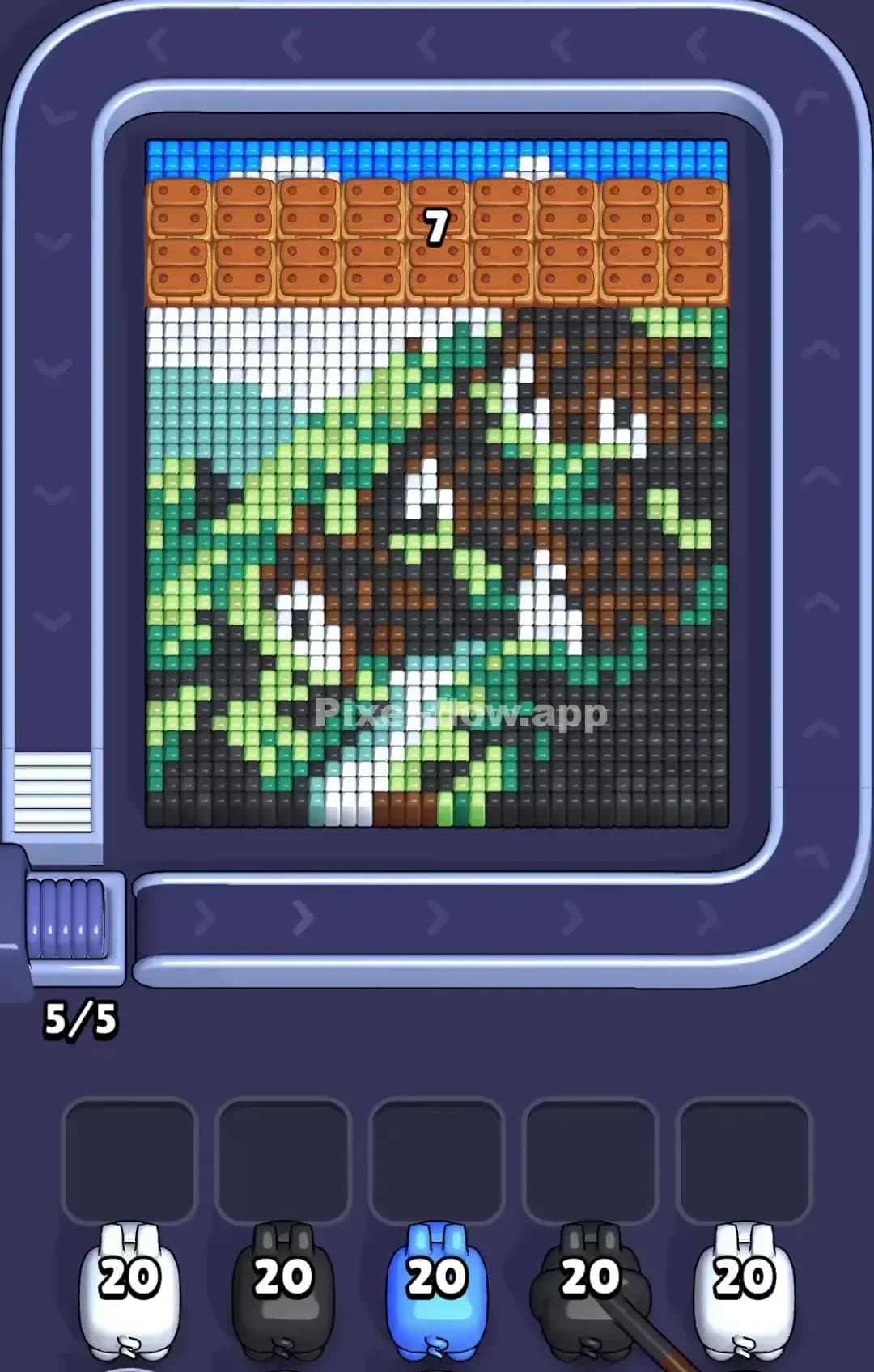
Pixel Flow Level 826 Solution | Pixel Flow 826 Walkthrough
How to beat Pixel Flow Level 826: Video solution & walkthrough. The fastest way to pass Pixel Flow 826.
Is this the wrong level layout?🤔
Pixel Flow randomizes levels for different players. Don't worry, just upload a screenshot of your board, and our AI will find the correct video instantly.
Pixel Flow Level 826 Walkthrough
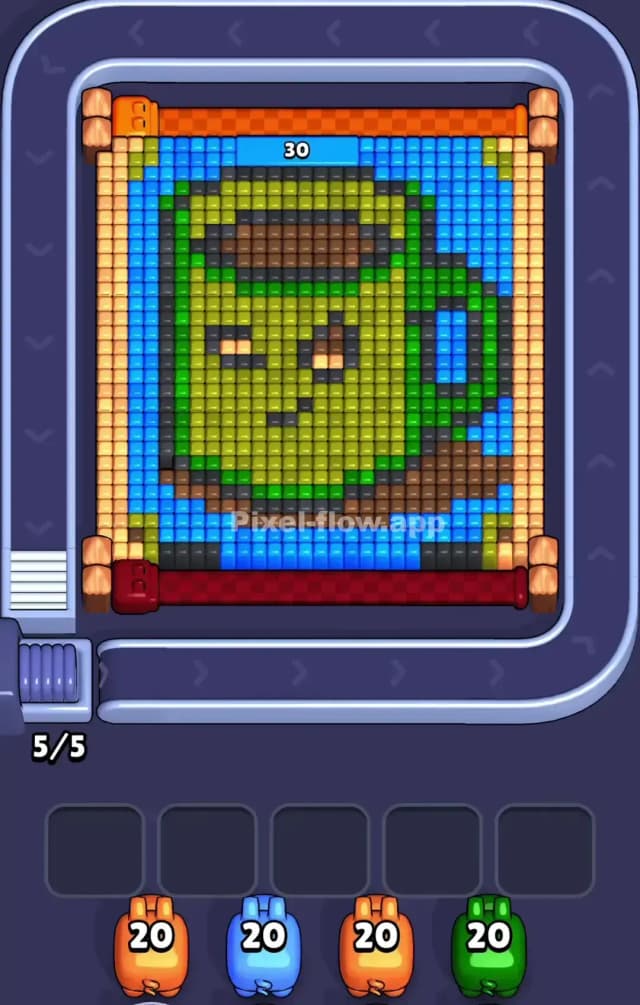
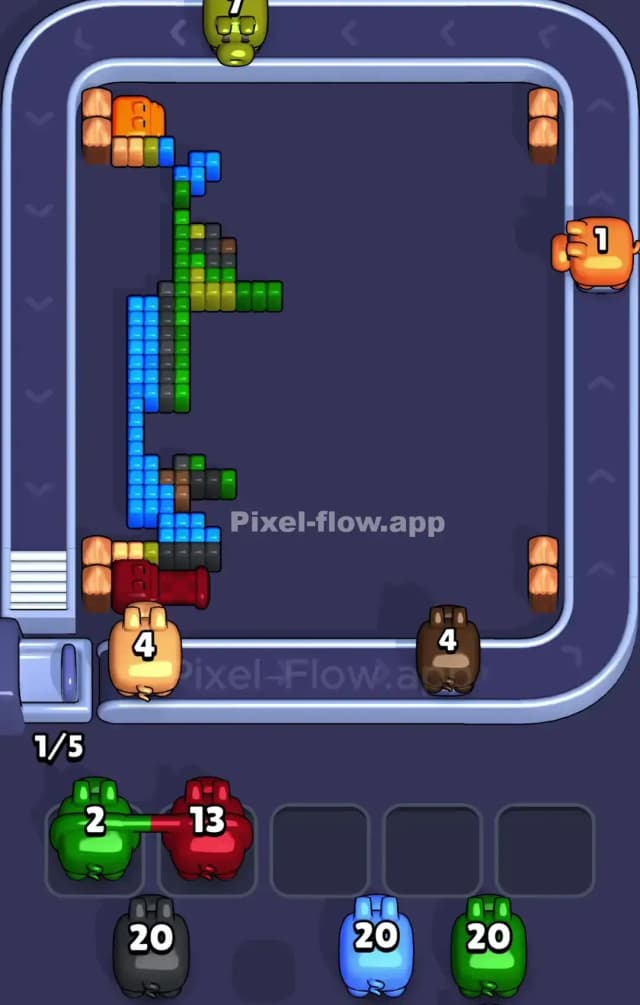
This level features a cheeky green coffee mug with a winking face, set against a bright blue background. The entire image is framed by beige and orange log-like borders. Your goal is simple: clear the outer layers of pixels to reveal and destroy the blocks underneath. You do this by matching the color of the pigs on the conveyor belt to the exposed pixel blocks.
However, Pixel Flow 826 is tricky because of the sheer density of the central green mug and the restrictive blue frame. One wrong move with a high-ammo pig can clog your waiting slots. Is it impossible? No. But it is definitely a very hard level if you don't manage the beige borders correctly first.
Pixel Flow Level 826 Overview
Imagine a pixelated morning coffee that knows a secret. The artwork depicts a large, lime-green mug with a darker green handle on the right side. The mug has a face: two eyes (one winking with an orange pupil) and a small smirk. It sits on a dark brown saucer or shadow.
The background is a solid, vibrant blue. The entire scene is boxed in by a frame of beige blocks, with orange accents at the corners and a red bar at the very bottom.
The asymmetry here is subtle but important. The right side has the handle, which protrudes into the blue background, breaking up the vertical lines. The left side is a straight vertical line of blue and beige. This means the left side is easier to clear in long strips, while the right side requires more precision around the handle shape.
Step by step solution walkthrough for Pixel Flow Level 826
First Color Zone to Erase in Pixel Flow Level 826
Ignore the green mug for a moment. Attack the beige border first.
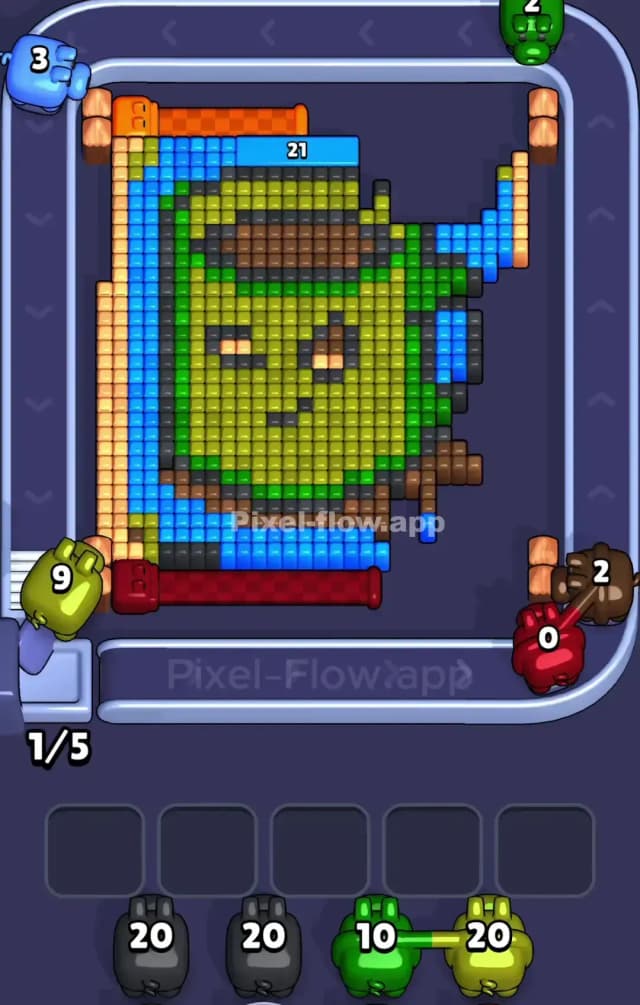
Narratively, you need to "uncrate" the mug before you can drink from it. Logically, the beige blocks form the outermost layer on the left and right sides. They are thin, vertical columns. If you grab a beige pig, it will likely have enough ammo to clear an entire side column in one go.
Why start here? Because the blue background is trapped behind or adjacent to these beige walls. Clearing the beige opens up the blue layer. If you try to attack the blue first, your pigs will waste time traveling around the border, or worse, you might not have a valid target for blue until the beige corners are chipped away. Prioritize beige, then orange (the corners), then move inward to blue.
How to pass Pixel Flow Level 826 without power ups or boosters
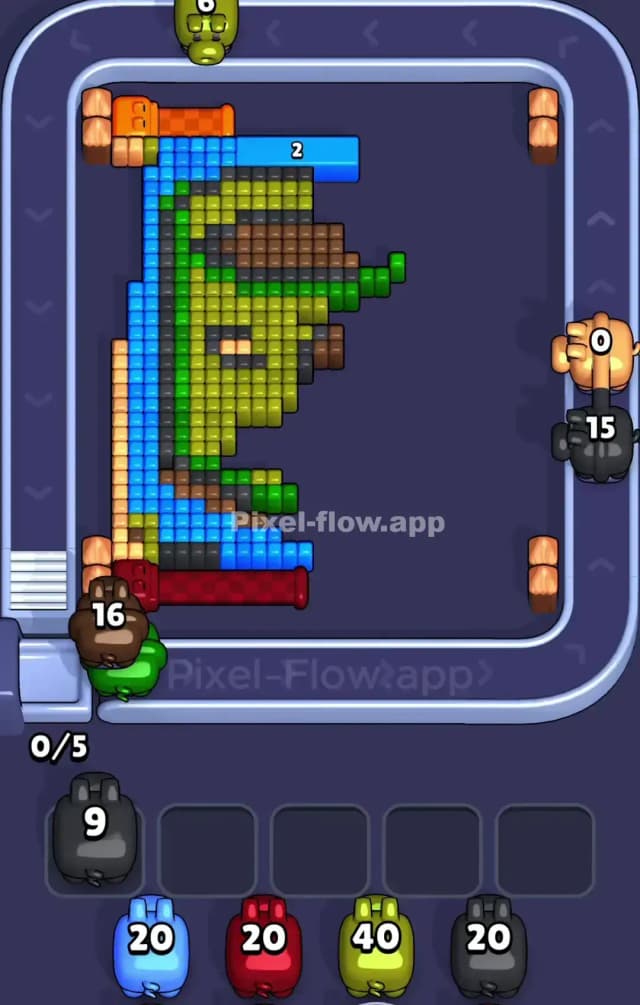
Once the frame is gone, the picture will look like a floating green mug on a blue field. This is the danger zone.
- The Blue Trap: You will see a lot of blue. It surrounds the mug entirely. It is tempting to spam blue pigs. Don't. The blue layer is often deep. If you drop a blue pig with 20 ammo, make sure there are actually 20 blue blocks exposed. If there are only 5 blue blocks visible and the rest are hidden under green, that pig will sit in your slot waiting for forever.
- Focus on the "Face": As you peel back the blue, the green mug becomes the primary target. The mug is huge. Use high-ammo green pigs here aggressively. The main body of the mug is a massive block of green pixels. This is the safest place to dump ammo.
- The Handle Complication: The handle on the right mixes green and dark green/black outline pixels. Be careful with black pigs. The outlines are thin. A black pig with 20 ammo will likely get stuck because there are rarely 20 black outline pixels accessible at once. Only pick a black pig if you see a long, connected line of dark pixels exposed.
If your slots are filling up, look for the "Saucer" at the bottom. It's brown/dark grey. Clearing the bottom row often destabilizes the columns above it, causing blocks to shift and revealing new colors for your stuck pigs.
Last Details You Clean Up in Pixel Flow Level 826
The end game usually revolves around the "winking eye" and the mouth. These features use orange and dark grey/black pixels buried deep inside the green mug.
- The Orange Eye: This is often the very last thing to go. It’s a tiny cluster of orange pixels. Save a small orange pig for this if you can, or be prepared to let a larger orange pig sit in a slot until you drill down to this layer.
- The Dark Outlines: You might be left with a few stray black pixels that formed the smile or the edge of the handle. These are annoying because they are often single blocks. Keep one slot open specifically for a "cleanup pig" (usually black or dark brown) to snipe these final specks.
Once the green bulk is gone, the level ends quickly. The key is surviving the "Blue Phase" without clogging your slots.