
Pixel Flow Floppy Disk Level Solution | Pixel Flow Floppy Disk Walkthrough
How to beat Pixel Flow Floppy Disk Level: Video solution & walkthrough. The fastest way to pass Pixel Flow Floppy Disk .
Is this the wrong level layout?🤔
Pixel Flow randomizes levels for different players. Don't worry, just upload a screenshot of your board, and our AI will find the correct video instantly.
Pixel Flow Floppy Disk Level Walkthrough
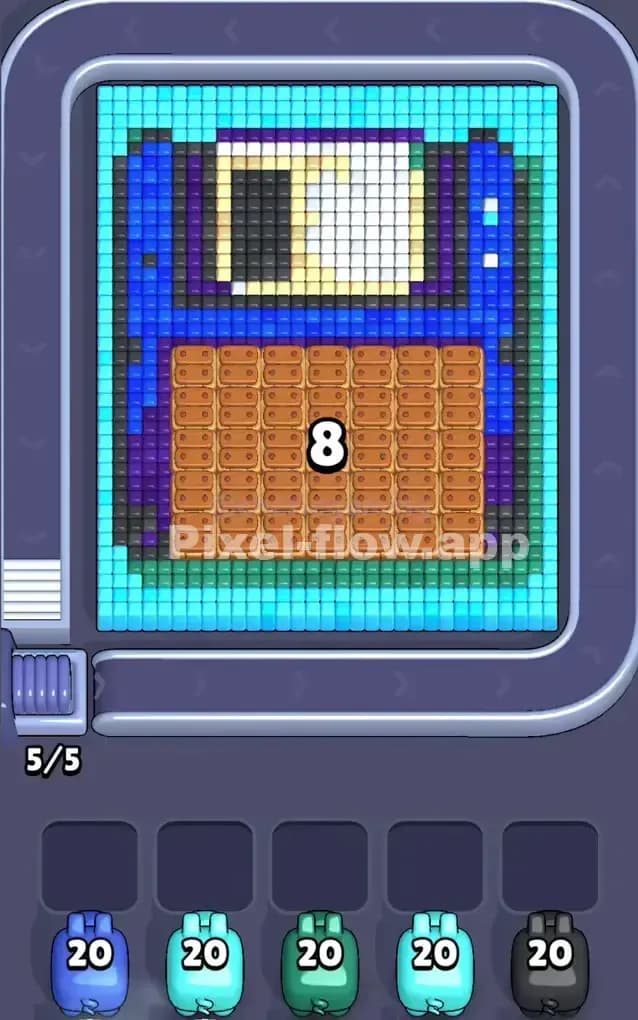
This level brings back some serious nostalgia. You are looking at a giant, voxel-art floppy disk. It's built with a thick blue casing, a metal shutter near the top, and—most importantly—a massive, annoying block of brown wood crate textures right in the bottom center. The entire artwork is framed by a light cyan border.
The rule to beat Pixel Flow Floppy Disk Level is discipline. You have a huge variety of colors here (Blue, Cyan, White, Purple, Black, Brown), but they are layered. If you grab the wrong pig too early, you clog your five waiting slots instantly. Is this a very hard level? Not exactly, but it is a very crowded level. One mistake in the beginning can ruin your run.
Pixel Flow Floppy Disk Level Overview
Imagine finding an old 90s save icon buried in a box. That’s this level. The main body of the disk is a deep royal blue. The top section features the classic white shutter mechanism where the data lives. But weirdly, the bottom half of the label isn't paper; it's a solid, rectangular obstruction made of brown wooden crates.
The most dangerous part of this board is that brown wooden block. It sits directly in the middle, blocking almost everything behind it. It acts as a shield for the deeper layers.
The asymmetry is vertical. The top half is open and easy to pick at with various colors. The bottom half is a fortress of brown crates. You cannot get to the blue or purple pixels underneath until that wood is chipped away.
Step by step solution walkthrough for Pixel Flow Floppy Disk Level
First Color Zone to Erase in Pixel Flow Floppy Disk Level
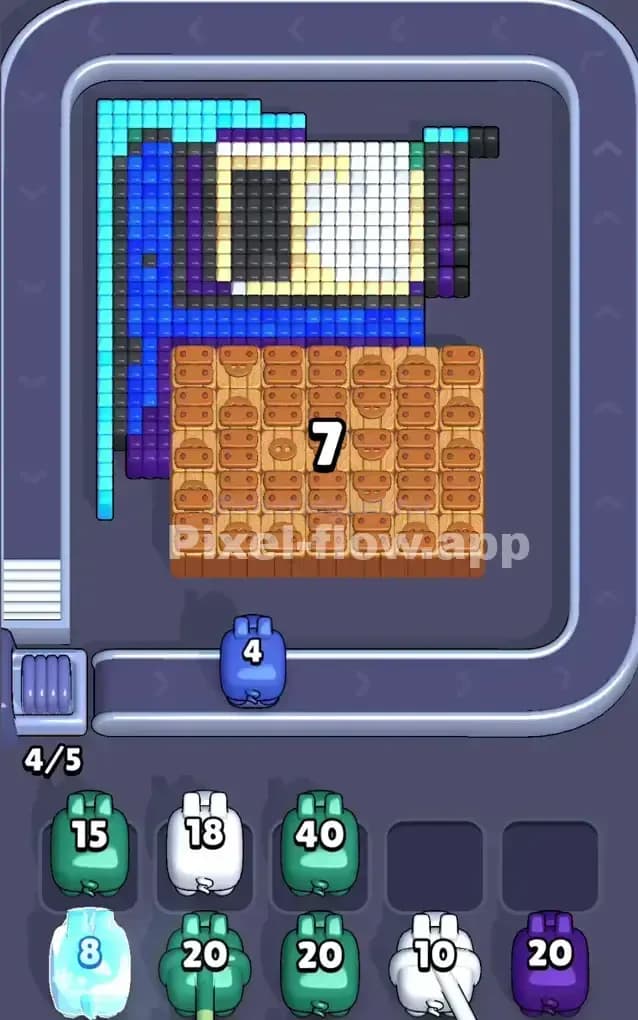
The absolute best move is to target the Outer Cyan Border first.
Here is why: The cyan border wraps around the entire floppy disk. It is the topmost layer on the outer edges. By clearing this frame first, you expose the sides of the dark blue casing and the purple accents. More importantly, the cyan pigs usually have high ammo counts. Letting them clear the perimeter keeps your waiting slots empty and safe.
If you don't have a Cyan pig immediately available, go for the Brown pigs. That massive wooden block in the center is the "tank" of this level. It has high health (lots of blocks). Shaving it down early is never a bad idea because it takes up so much physical space.
How to pass Pixel Flow Floppy Disk Level without power ups or boosters
Once the cyan border is gone, the board looks messy. You’ll see the dark blue casing exposed, but that stubborn brown block in the middle is likely still lingering.
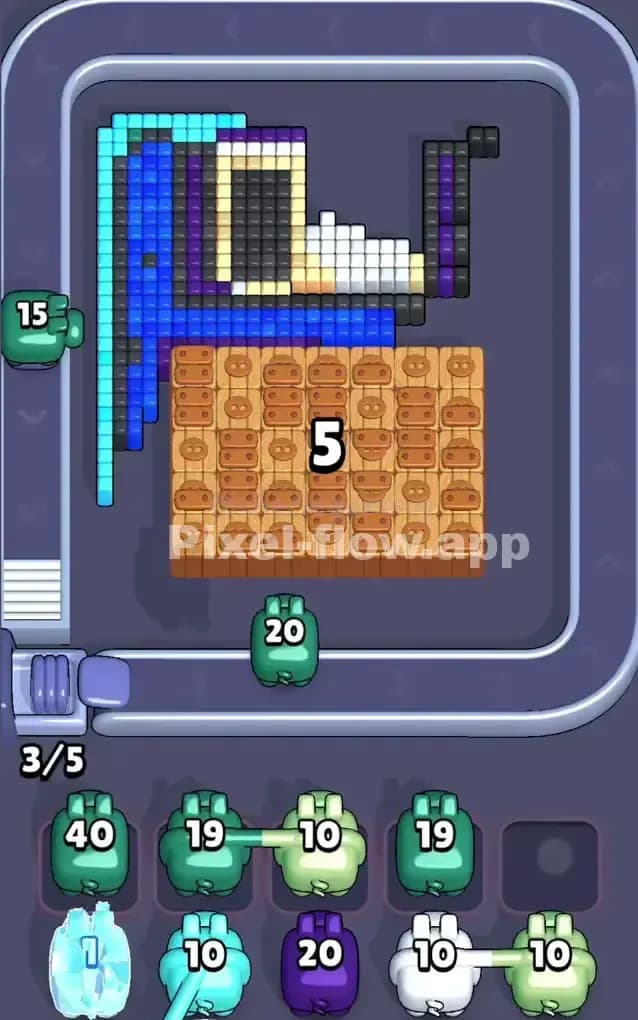
At this mid-stage, you must prioritize Dark Blue and Brown.
- The Trap: Do not grab White or Black pigs yet unless you are 100% sure you have exposed the shutter area. The white shutter is often buried slightly deeper than the blue casing. If you grab a white pig now, it might only shoot 2 blocks and then sit in your slot, uselessly taking up space.
- The Fix: Focus entirely on the blue casing and the rest of the brown wood. You need to "peel" the disk like an onion. Clear the blue sides to reach the purple pixels hiding near the edges. Clear the brown wood to reveal the bottom half of the blue casing.
Refuse to use power-ups here. Instead, just watch the layers. If a pig's color isn't clearly visible on the surface of the structure, let it pass. Patience prevents slot clogging.
Last Details You Clean Up in Pixel Flow Floppy Disk Level
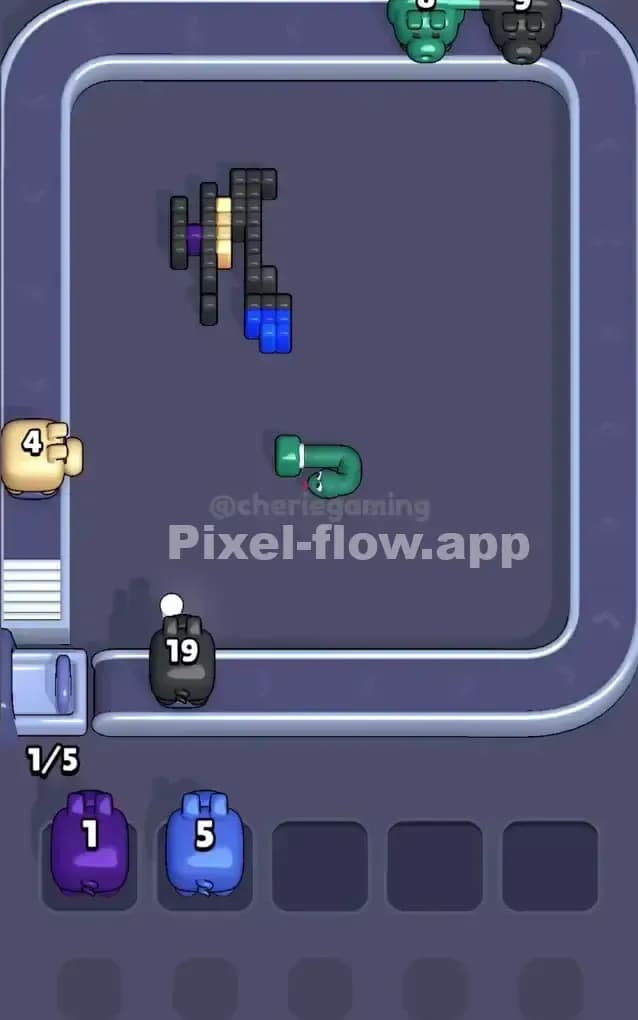
When you are down to the final few moves, the board usually looks like a skeleton. The blue casing is gone, the brown wood is sawdust. All that remains is usually the White Shutter mechanism and the Black/Purple accents that define the disk's shadow.
These last cubes are tricky because they are scattered. You might have one black pixel in the top left corner and three in the bottom right.
- Wait for the specific color you need.
- Do not grab a "Blue" pig just because you see one blue pixel left if your slots are full.
- The final cleanup is usually the Purple accents on the sides or the White center. Once those pop, the level is yours.