
Pixel Flow Joker Level Solution | Pixel Flow Joker Walkthrough
How to beat Pixel Flow Joker Level: Video solution & walkthrough. The fastest way to pass Pixel Flow Joker .
Is this the wrong level layout?🤔
Pixel Flow randomizes levels for different players. Don't worry, just upload a screenshot of your board, and our AI will find the correct video instantly.
Pixel Flow Joker Level Walkthrough
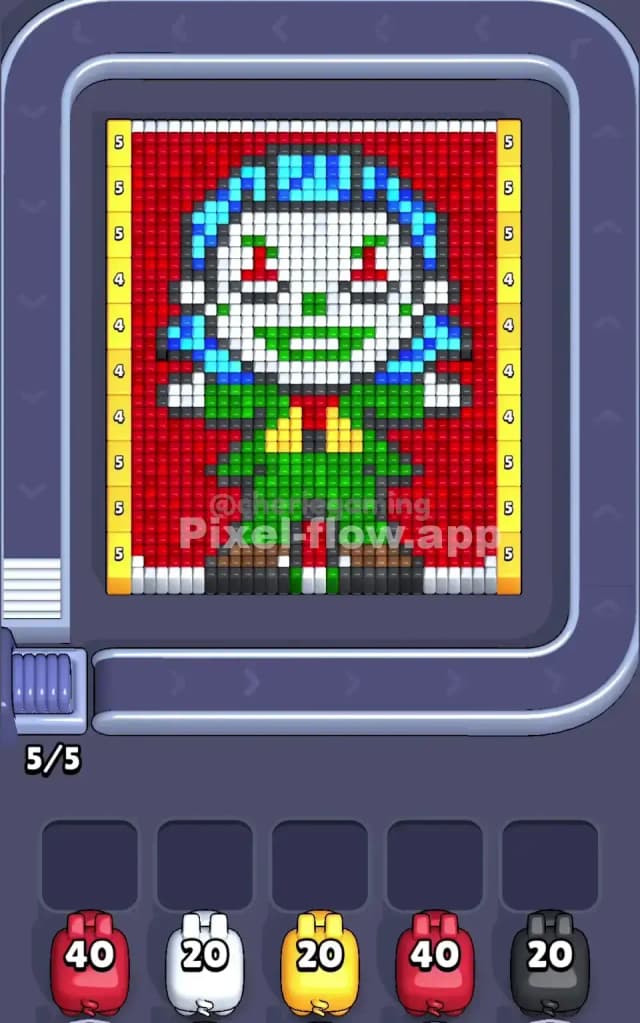
Joker Level is a tricky portrait of a classic comic book villain: The Joker. You’ll recognize the white face paint, messy blue hair, and signature green suit immediately. The background is a dense, solid wall of red, while the edges of the board are lined with yellow bumpers marked with ammo counts like 5 and 4.
The main rule to beat Pixel Flow Joker Level is patience with the red background. The red area is huge and wraps around the central figure. If you spam red pigs too early without a plan, they will run out of targets on one side while the other side remains blocked, clogging your waiting slots.
Is this level hard? Yes, it is a very hard level because the central figure (the Joker) is tightly packed with many colors (white, green, blue, black) that are hard to reach until you clear specific chunks of the red background.
Pixel Flow Joker Level Overview
The artwork depicts the Joker standing with a sinister grin. He is wearing a green suit with a yellow vest or tie area. His face is stark white with red eyes and green lips. His hair is a wild mess of cyan and dark blue.
The background is a deep, solid red that frames him completely. This red frame is the most dangerous part of the board.
The board is symmetrical in shape but not in difficulty. The top half (the head) has complex layers of blue hair and white face paint that require precise hits. The bottom half (the suit) is largely big blocks of green and black, which are easier to clear in bulk.
Critically, look at the yellow side strips. These aren't just decoration; they are valid targets. They have numbers like "5" and "4" on them, meaning they soak up ammo. This is actually helpful—it gives your Yellow pigs something to do early on so they don't get stuck in your inventory.
Step by step solution walkthrough for Pixel Flow Joker Level
First Color Zone to Erase in Pixel Flow Joker Level
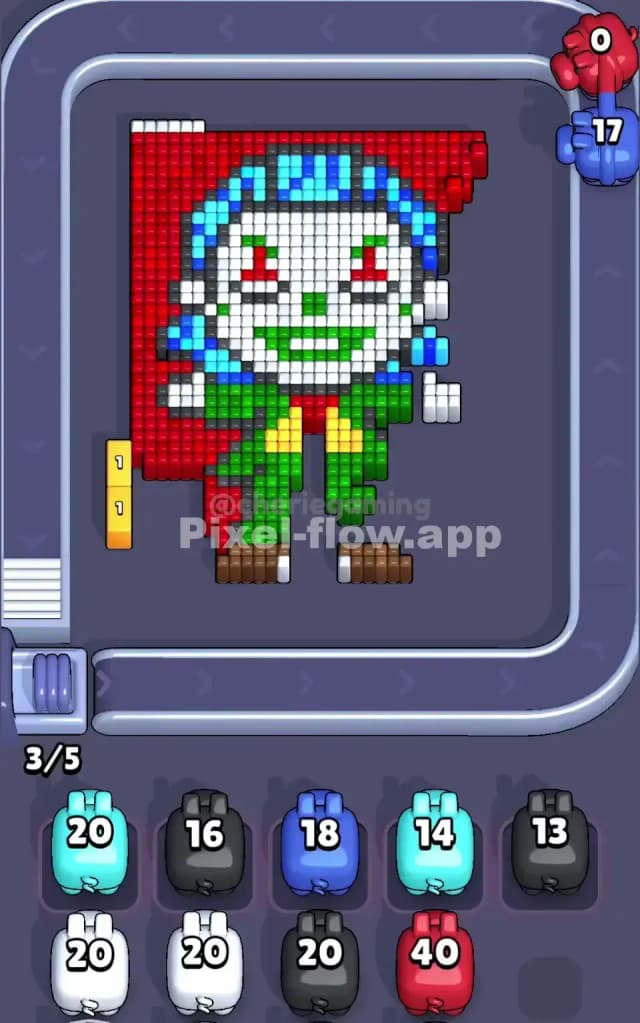
I start by attacking the Red background, but specifically on the bottom half first.
Here is the logic: The red background is massive. You will get a lot of Red pigs. If you try to clear the top red area (around the hair) first, you might hit the complex blue/black hair pixels and stop prematurely. The bottom red area flanks the green suit. The suit is a solid shape. By clearing the bottom red, you expose the black shoes and the main green body.
Once the bottom red is thinned out, I immediately switch focus to Yellow. Why? The yellow strips on the far left and right are "free" ammo dumps. If a Yellow pig appears, you can almost always clear it because those side strips are exposed from the very start. Clearing them early prevents Yellow pigs from clogging your slots later when you need space for White or Blue pigs.
How to pass Pixel Flow Joker Level without power ups or boosters
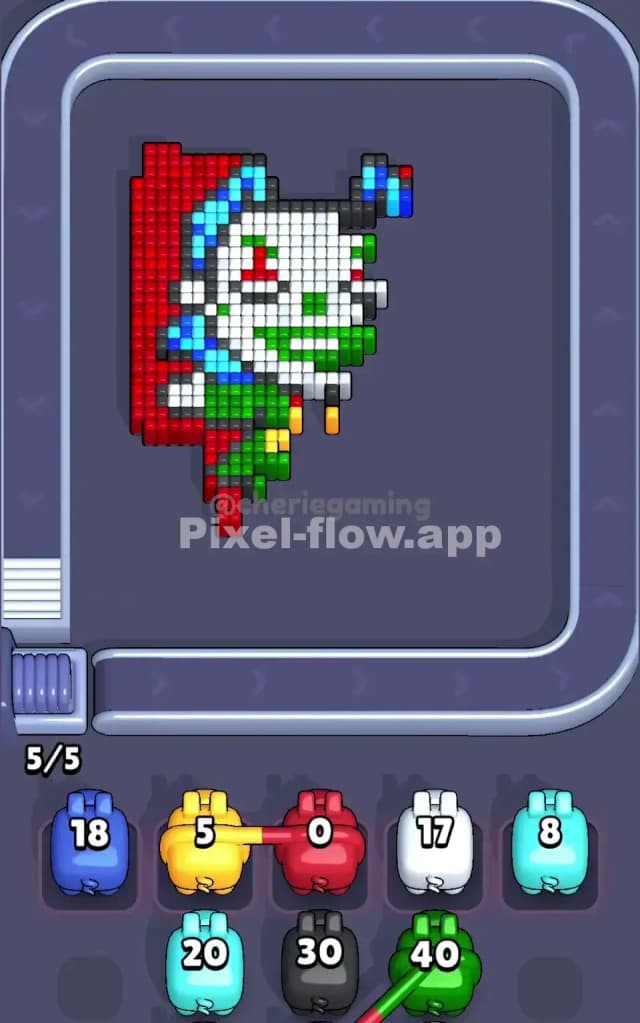
At the mid-level point, you will likely have a messy board. The red background should be mostly gone, leaving a floating "Joker" figure. This is the danger zone.
The board will shift from "easy background clearing" to "surgical removal." You will have a lot of White (face) and Cyan/Blue (hair) pixels remaining.
- Prioritize Green: Once the red is gone, the green suit is the biggest remaining block. If you see a Green pig, use it immediately. The suit is thick, so Green pigs rarely get stuck with leftover ammo here.
- Watch the Hair: The hair is a mix of Cyan and Blue. Do not confuse them. You might get a Dark Blue pig but only have Cyan pixels exposed. Check carefully. If you can't hit Dark Blue, let that pig pass on the belt. Do not put it in a slot unless you are sure you can clear a path to the hair soon.
- The Black Outline Trap: The figure has a black outline (shoes, shoulders). You must clear these black pixels to reach the inner white face or green shirt. If a Black pig comes by, grab it. It acts as a "key" to unlock the inner layers.
Last Details You Clean Up in Pixel Flow Joker Level
The final moves usually involve the White face and the Red eyes/mouth details.
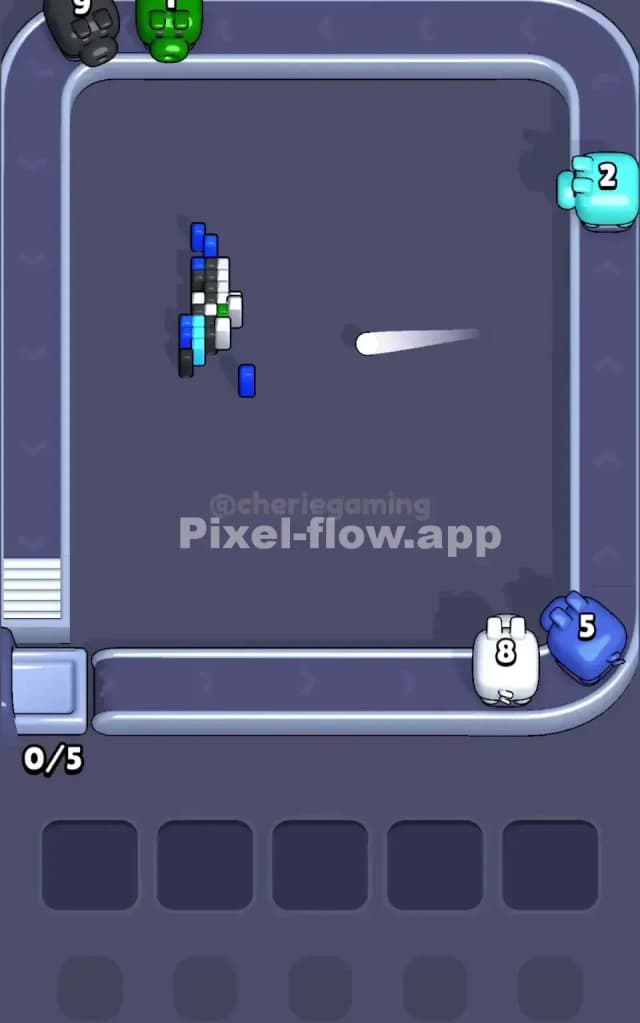
Often, you will be left with just the white face paint and a few stray pixels of red (the eyes) or green (the mouth). This is scary because you might get a Red pig with 40 ammo, but only 2 Red eye pixels are left.
Do not pick up a high-ammo pig for just 2 pixels. If you have a Red pig with 40 ammo and only the two red eyes remain, let it go. Wait for a smaller pig or clear the surrounding White face pixels first to see if other colors are hiding underneath. The level ends when the last pixel vanishes, usually the white cheeks or the cyan hair tips.