The Pumpkin looks cute until it eats the exact piggies you needed for the rest of the board.
In Pixel Flow, Pumpkin is a color-based obstacle feature that forces you to clear colors in a fixed order. You cannot brute-force it with random piggies. You cannot skip to the color you want. You have to break the active Big Pumpkin first, then move through the smaller pumpkins underneath it one by one.
That is where the trap starts.

A normal board already asks you to match piggy colors with exposed pixels. A Pumpkin level adds another rule on top: some of your best shots must go into the Pumpkin stack before the hidden board opens up. If you waste those piggies early, your waiting slots fill. Then you stare at the next piggy in line, the board has no matching pixels, and the level is basically over.
Pumpkin is a board obstacle made from a large pumpkin on top and several smaller pumpkins below it.
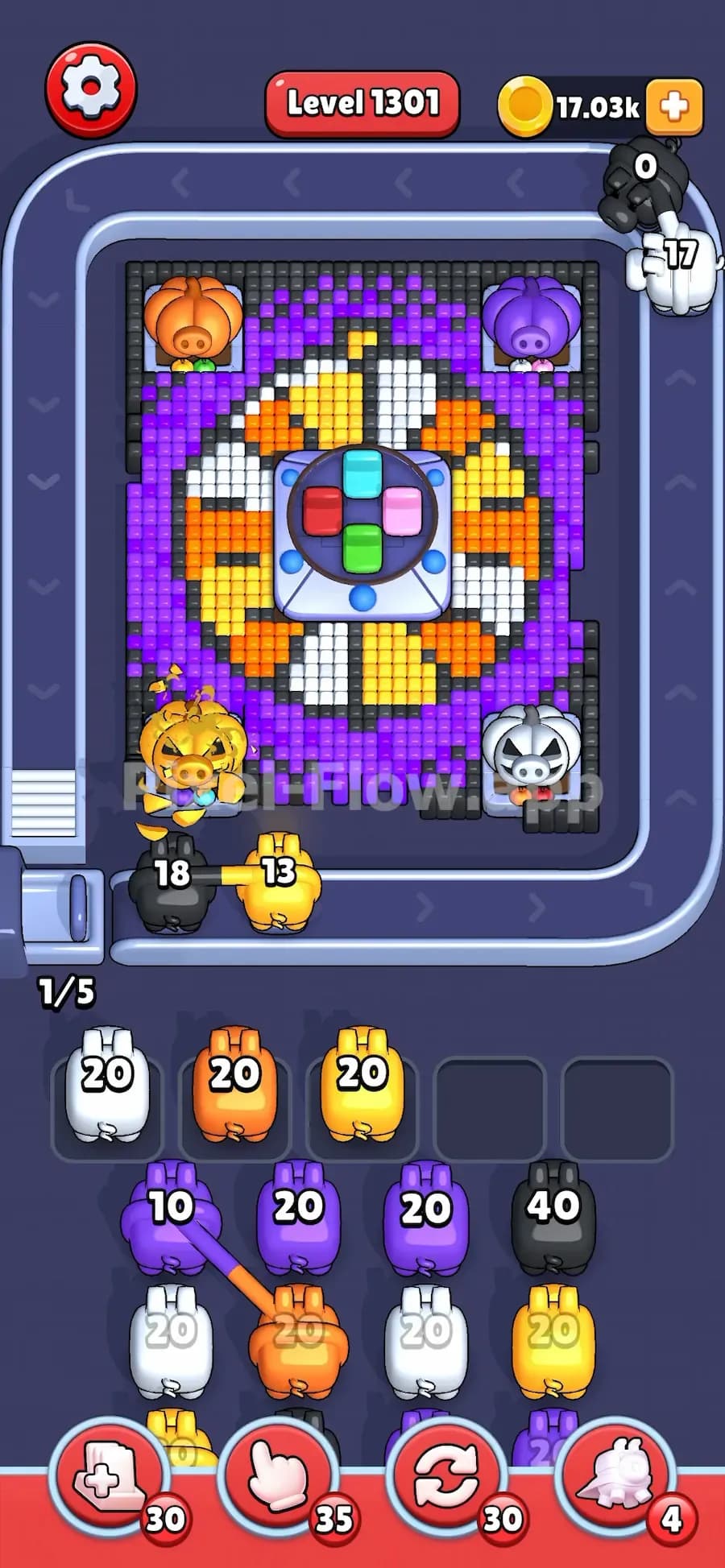
The Big Pumpkin shows the color that can be damaged right now. If the big pumpkin is green, you need green piggy shots. If it is orange, you need orange shots. Other colors do not break it.
The smaller pumpkins underneath show the future order. Once the big pumpkin breaks, the next small pumpkin moves up and becomes the new big pumpkin.
So the Pumpkin is not only a blocker. It is a color queue.
A Pumpkin can protect important pixels, block shooting routes, or delay the colors you need to finish the level. In very hard levels, it often sits in front of the last useful area of the board. You need to break it before your piggies run out of clean targets.
Most Pumpkin layers need around 40 hits to break. Some may need 20 hits, depending on the level.
That number matters a lot.
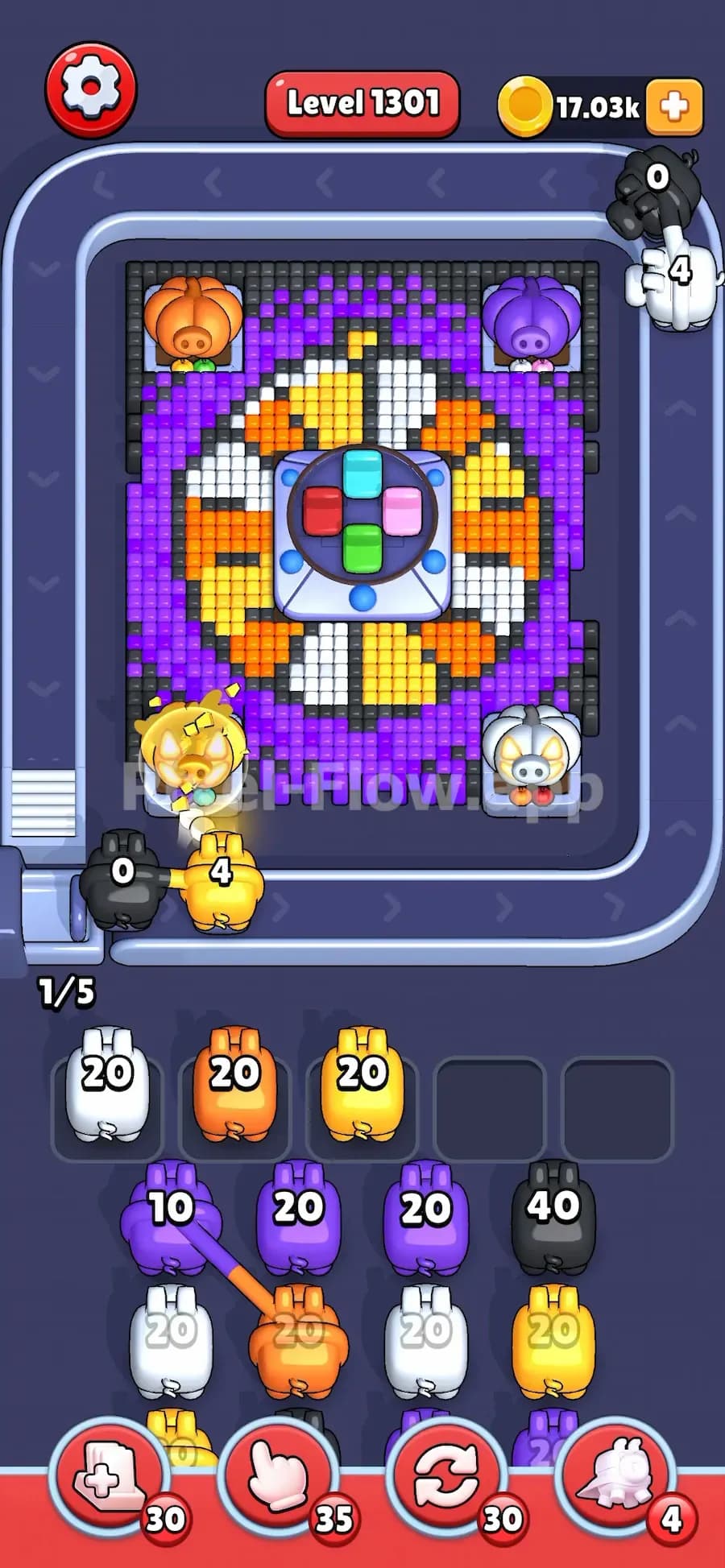
If you send a 20 ammo piggy into a 40-hit Pumpkin, it will only do half the job. You still need another matching piggy to finish that layer. If you do not have one ready, the Pumpkin stays alive, the hidden area stays blocked, and your next piggies may have nowhere useful to shoot.
The small pumpkins are the key.
Read them from left to right. That is the order they will become active after the current big pumpkin breaks.
Example:
The real clear order is:
You cannot shoot the White Pumpkin early just because a white piggy is available. The game only cares about the active big pumpkin.
This is why Pumpkin levels punish lazy tapping. You must treat the small pumpkins like a warning label. They tell you what colors you will need soon, so do not waste those colors unless you have to.
Pumpkin becomes rough when it is paired with tight waiting slots.
You only have limited space for piggies that cannot finish their ammo. If a piggy finds enough matching targets, great. It clears its ammo and leaves. If it cannot, it takes a waiting slot.
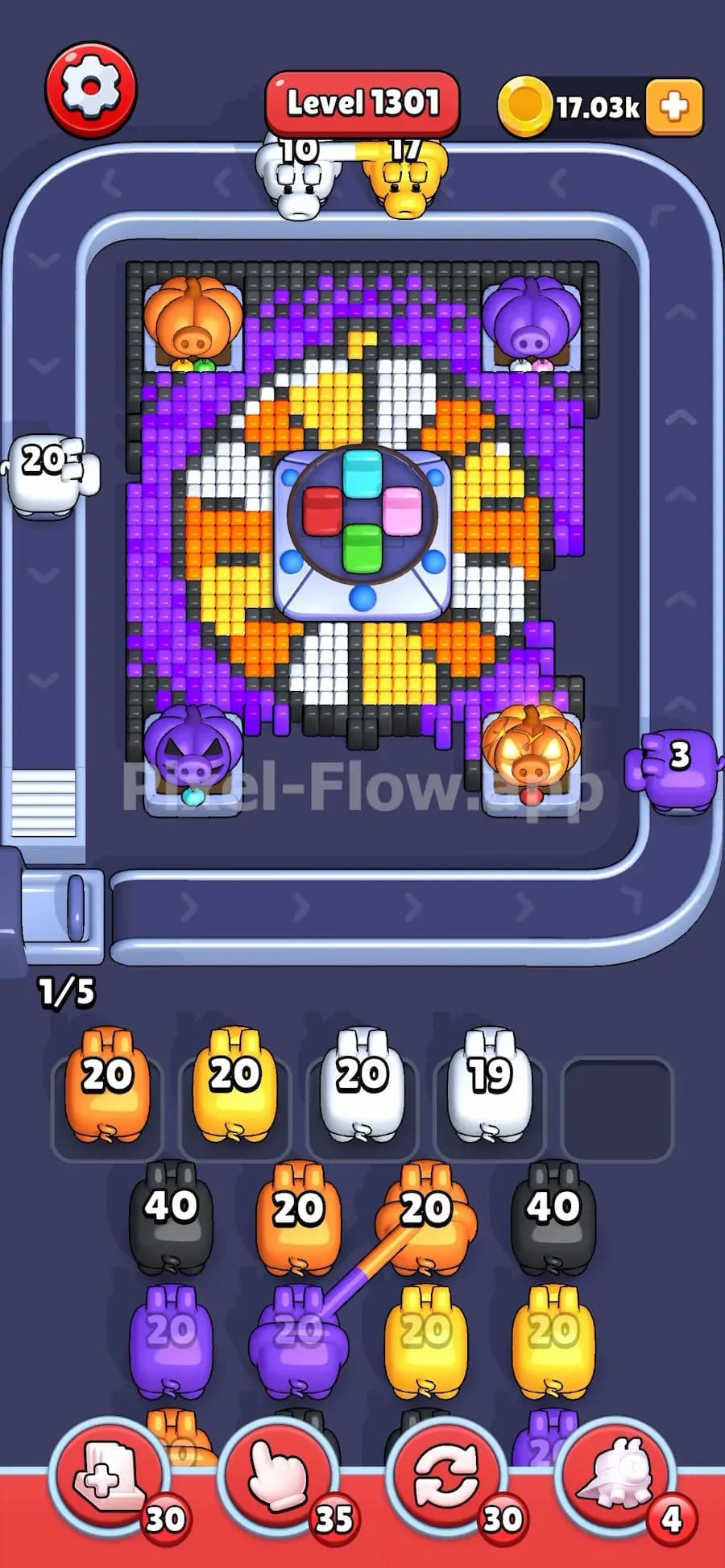
Pumpkin makes this worse because it demands specific colors. You may have a red piggy ready, but the active Pumpkin needs green. If there are no red pixels available on the board, that red piggy becomes dead weight. One slot gone.
Do that a few times and the run collapses.
Very hard Pumpkin levels often create this pattern:
That is the whole challenge. Pumpkin is not only about damage. It is about timing.
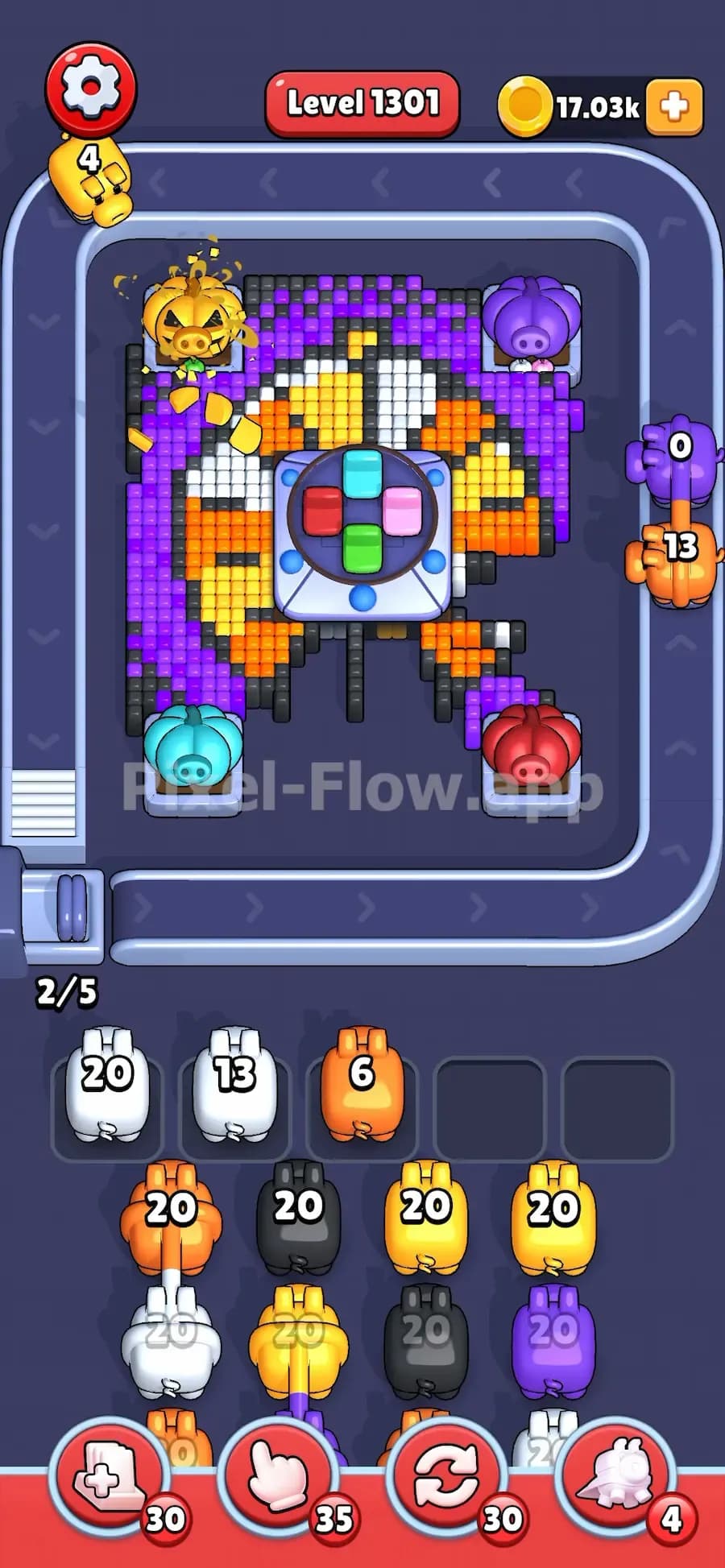
Do not wait too long.
If the active Big Pumpkin needs green, and a green piggy appears, use it unless the board clearly gives you a better green target first. The longer the Pumpkin sits there, the more it blocks your options.
A full Pumpkin stack takes several piggies to clear. Starting late is usually fatal.
If the Pumpkin needs 40 hits, one 20 ammo piggy will not finish it.
That means you should already be looking for the second matching piggy. If the next matching piggy is far away in the queue, make sure you have enough waiting slot space to reach it.
Do not blindly spend the first 20 hits and then panic.
The small pumpkins are future costs.
If the next small pumpkin is red, do not burn all your red piggies on random red pixels unless those pixels are blocking the board. You will need red soon.
This is the main difference between clean Pumpkin play and messy Pumpkin play. Strong players save the next color. Weak players clear whatever is visible, then get stuck when the Pumpkin changes.
Sometimes the right piggy color exists, but the Pumpkin does not get enough shots because other pixels are in the way.
Clear the colors that open shooting access first. If a green Pumpkin is partly shielded by black or orange pixels, you may need to remove those pixels before your green piggy can land enough hits.
The Pumpkin only breaks if shots actually reach it.
It is tempting to park every wrong-color piggy just to reach the needed Pumpkin color.
Bad move.
If you fill four or five slots before the Pumpkin breaks, you leave no room for mistakes. One awkward piggy after that can end the level.
Use waiting slots carefully. Park a piggy only when it has a future use and you can actually free it soon.
The first mistake is ignoring the small pumpkins. Many players only look at the big pumpkin color, break it, then get surprised by the next color. That is too slow. You should know the next two colors before you fire.
The second mistake is using high-ammo piggies with poor targets. A 40 ammo piggy can be great if the Pumpkin or board has enough matching pixels. It is terrible if only a few pixels are exposed. That piggy will sit in a waiting slot with leftover ammo and block your line.
The third mistake is saving the Pumpkin for last. In easy levels, that can work. In very hard levels, Pumpkin usually guards the pixels you need to keep the piggy queue moving. Break it early enough that the board has room to breathe.
Level 709, Level 1300, Pixel Flow Pumpkin Monster Level, Pixel Flow Rooster Level