Pixel Flow Level 709 Solution | Pixel Flow 709 Walkthrough
How to beat Pixel Flow Level 709: Video solution & walkthrough. The fastest way to pass Pixel Flow 709.
Is this the wrong level layout?🤔
Pixel Flow randomizes levels for different players. Don't worry, just upload a screenshot of your board, and our AI will find the correct video instantly.
Pixel Flow Level 709 Walkthrough
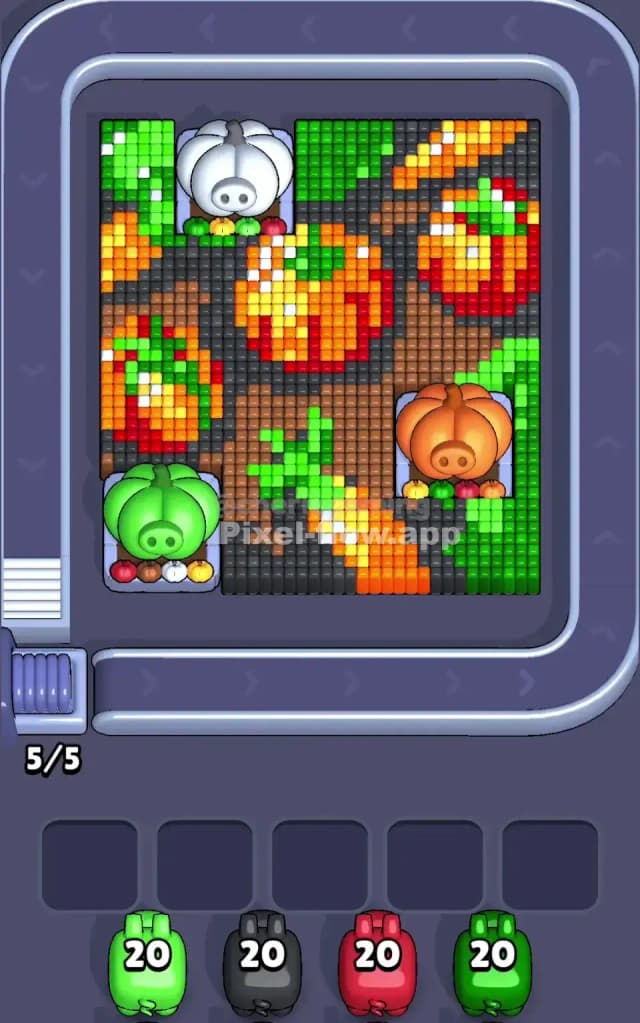
This level is a harvest-themed puzzle that looks festive but hides a few annoying layering tricks. You are looking at a pumpkin patch scene built on top of three large, non-destructible pumpkin pedestals: a white one in the top-left, a green one in the bottom-left, and an orange one in the bottom-right. Your job is to strip away the voxel art covering these bases.
The rules remain standard. You have a queue of colored pigs (Green, Black, Red, etc.). You must match them to the pixel blocks on the board. If a pig runs out of targets but still has ammo, it clogs your waiting slots. Clog all five slots, and it’s game over.
Is this a nightmare stage? No. Pixel Flow Level 709 is not a very hard level. It is visually busy, but the color separation is clean enough that you won't make too many mistakes if you pay attention to the dark soil blocks.
Pixel Flow Level 709 Overview
Imagine looking down at a muddy garden patch during Halloween. That’s the vibe here. The voxel art depicts several pumpkins growing out of dark, rich earth.
The center of the board is dominated by a large, bright orange pumpkin with yellow highlights. To its left, there's a reddish-orange pumpkin that blends into the shadows. Snaking between them are bright green vines and leaves, particularly heavy in the corners.
The background isn't empty space; it’s filled with dark brown and black voxels representing the soil. This is the most dangerous part of the board. The dark soil connects everything. It touches the green leaves, the orange skins, and the red shadows. Because the soil creates a single massive layer across the middle, it acts as a barrier. You cannot reach the bottom of the pumpkins until you shovel away this dirt.
The layout is asymmetric. The left side is heavier, stacked with the red pumpkin and dense green foliage over the white and green pedestals. The right side is more open, with just the orange pumpkin sitting on its base. This means you’ll likely clear the right side faster, leaving you with a tricky knot of colors to untangle on the left.
Step by step solution walkthrough for Pixel Flow Level 709
First Color Zone to Erase in Pixel Flow Level 709
I recommend starting with Green.
Look at the perimeter. The top-left corner (above the white pedestal) and the bottom-right area (around the orange pedestal) are thick with green leaves. These blocks are sitting on the very top layer. They aren't hiding behind anything.
If you grab a Green pig immediately, you can shred these outer edges. It’s a safe play. The green patches are large and connected, meaning your pig will dump its ammo efficiently without getting stranded in a waiting slot. Removing the green frame early also isolates the pumpkins, making the central orange mass and the dark soil easier to distinguish from each other.
How to pass Pixel Flow Level 709 without power ups or boosters
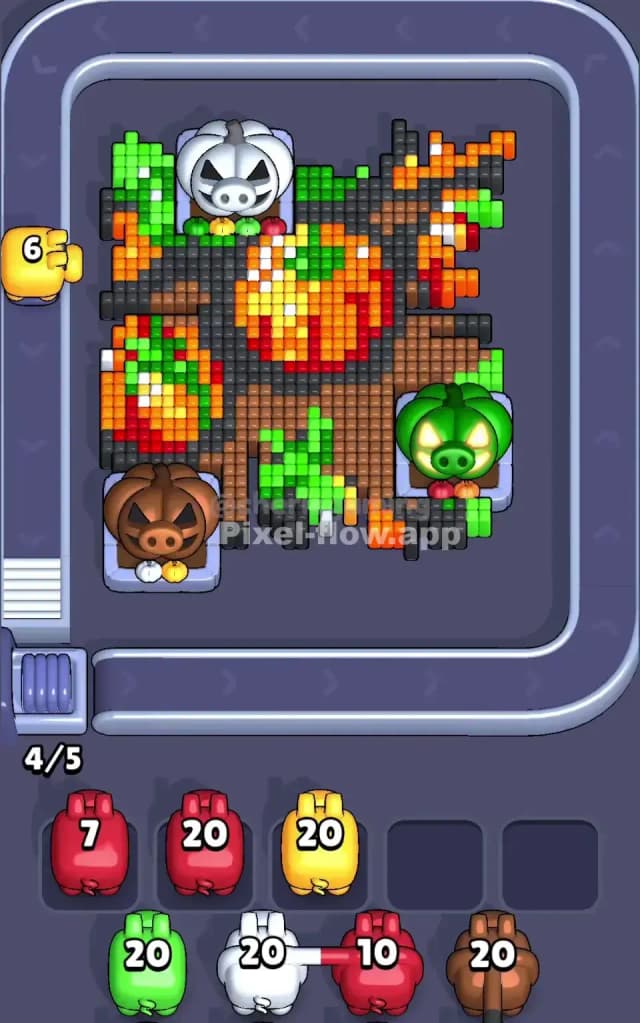
Once the greenery is trimmed, the board usually looks like a mess of orange blobs floating in black dirt. This is the mid-game trap. You might be tempted to just hammer away at the bright Orange blocks because they are huge and satisfying to pop. Don't do that yet.
Focus on the Black and Brown (Soil) blocks next.
In Pixel Flow Level 709, the soil acts as the "glue" holding the pumpkins together. If you leave the black blocks for last, they will form weird, disconnected bridges that are hard to hit with a single pig. You want to use your Black pigs to clear the channels between the pumpkins.
By prioritizing the dark soil now, you effectively slice the puzzle into three separate islands: the top pumpkin, the left red pumpkin, and the right orange pumpkin. Islands are easier to conquer. You can tackle them one by one without worrying about layer overlap.
If you see a Red pig, target the left side. The pumpkin there has deep red shading that often mixes with the soil. Clearing the Red helps define the edge of that shape. If you refuse to use boosters, your survival depends on keeping your waiting slots empty. Do not deploy a color unless you see a "fat" cluster of that color exposed. If you only see three speckles of Yellow, keep the Yellow pig in the queue. Wait until you’ve peeled off the Orange layer covering the Yellow core.
Last Details You Clean Up in Pixel Flow Level 709
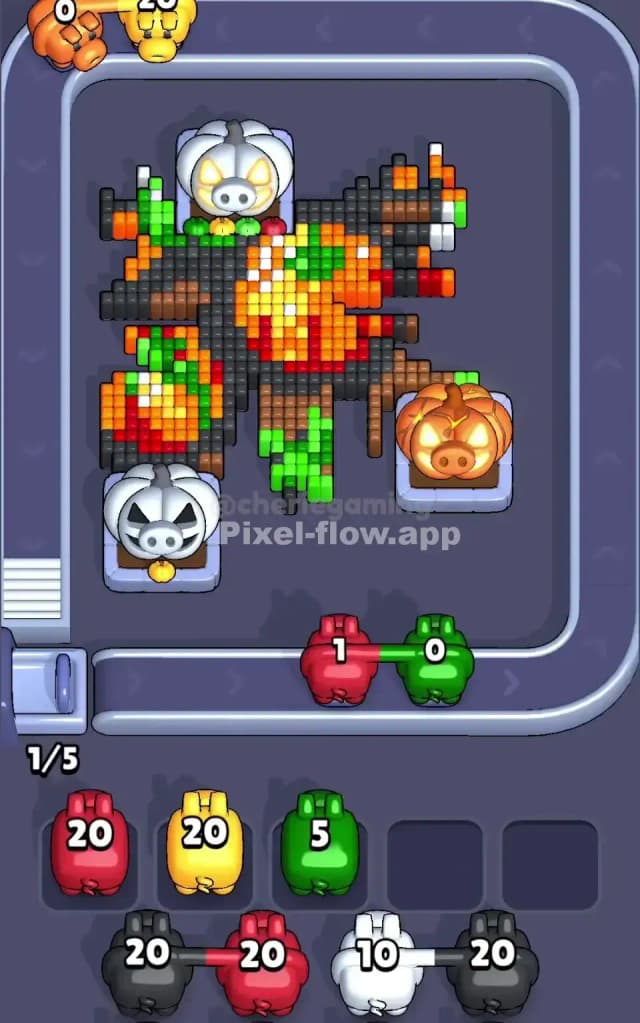
The final phase of Pixel Flow 709 is usually a cleanup of the highlights.
After you strip the orange skin and the black dirt, you will likely be left with the "guts" of the pumpkins. This manifests as:
- Bright Yellow blocks: These represent the shine on the pumpkin ridges. They are often buried deep in the center of the orange clusters.
- White/Grey blocks: Sometimes there are stems or parts of the white pumpkin base that have stubborn voxels attached to them.
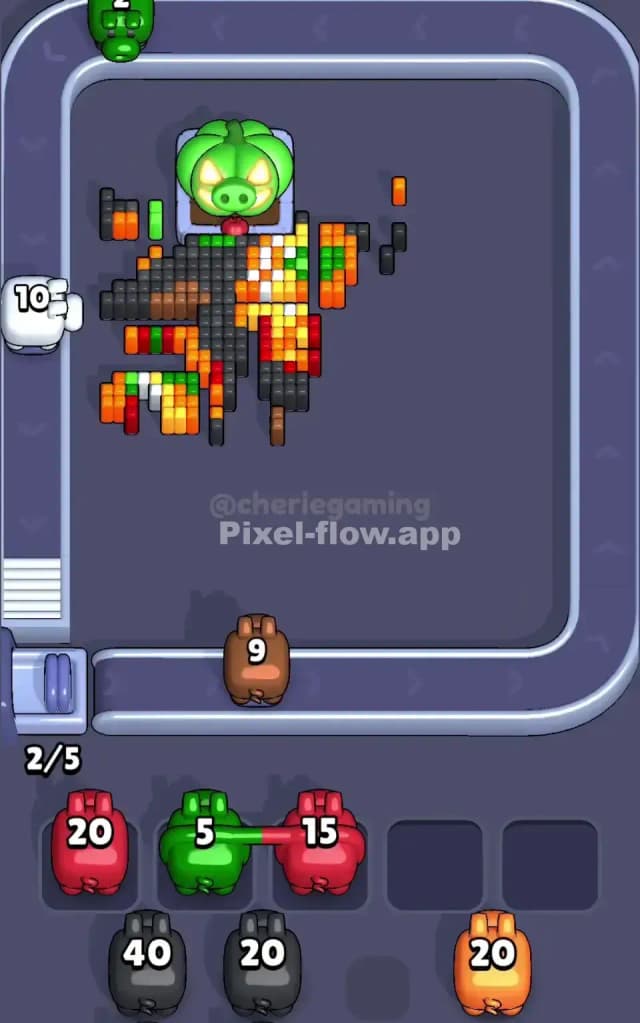
Be careful with the Yellows. They are often single vertical columns. Make sure you have fully exposed them before committing a pig, or you’ll end up with a Yellow pig sitting in a slot with 18 ammo left and nothing to shoot. Clear the heavy Orange layers fully to expose these inner cores, then finish the level with a clean sweep.