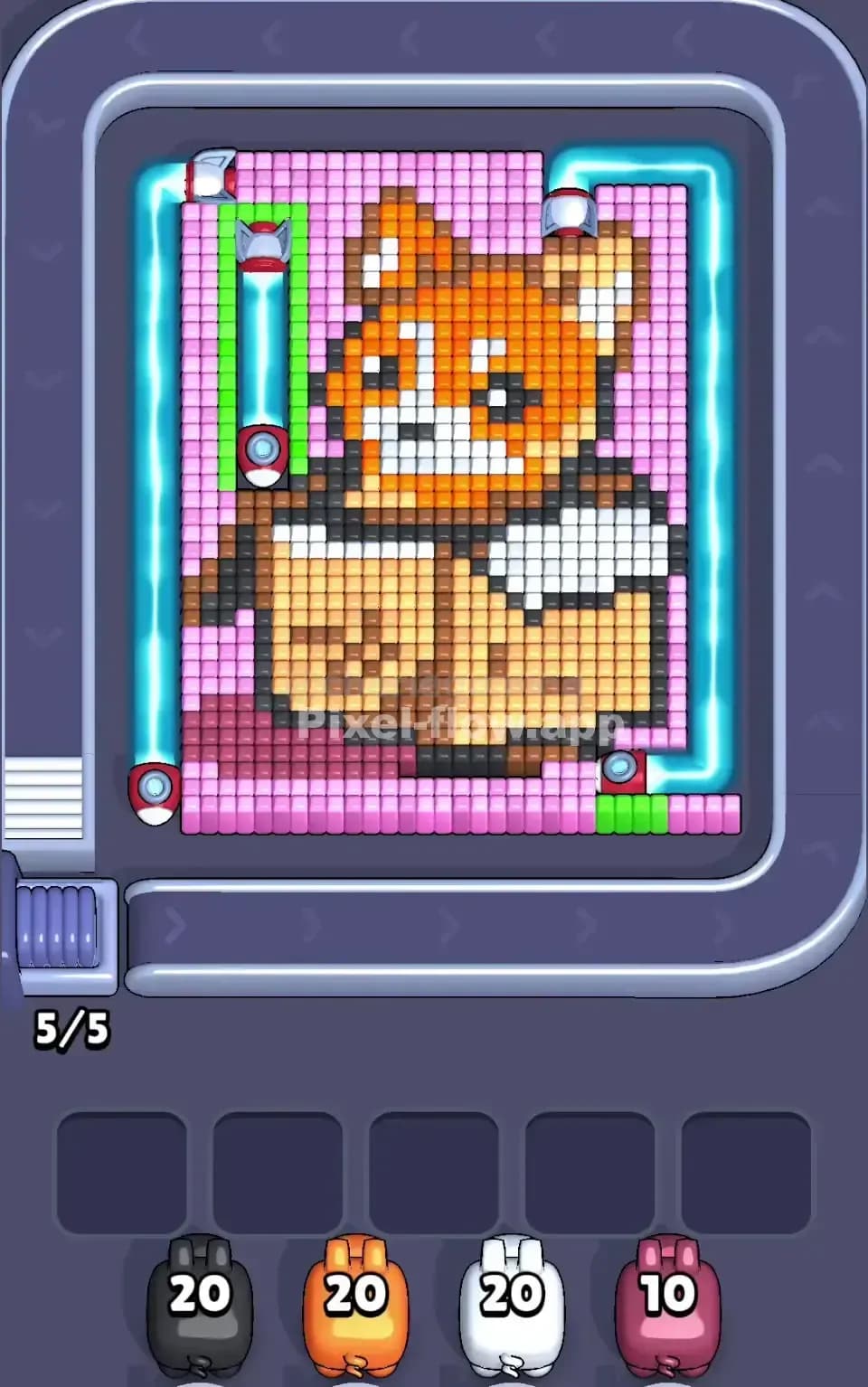
Pixel Flow Level 504 Solution | Pixel Flow 504 Walkthrough
How to beat Pixel Flow Level 504: Video solution & walkthrough. The fastest way to pass Pixel Flow 504.
Is this the wrong level layout?🤔
Pixel Flow randomizes levels for different players. Don't worry, just upload a screenshot of your board, and our AI will find the correct video instantly.



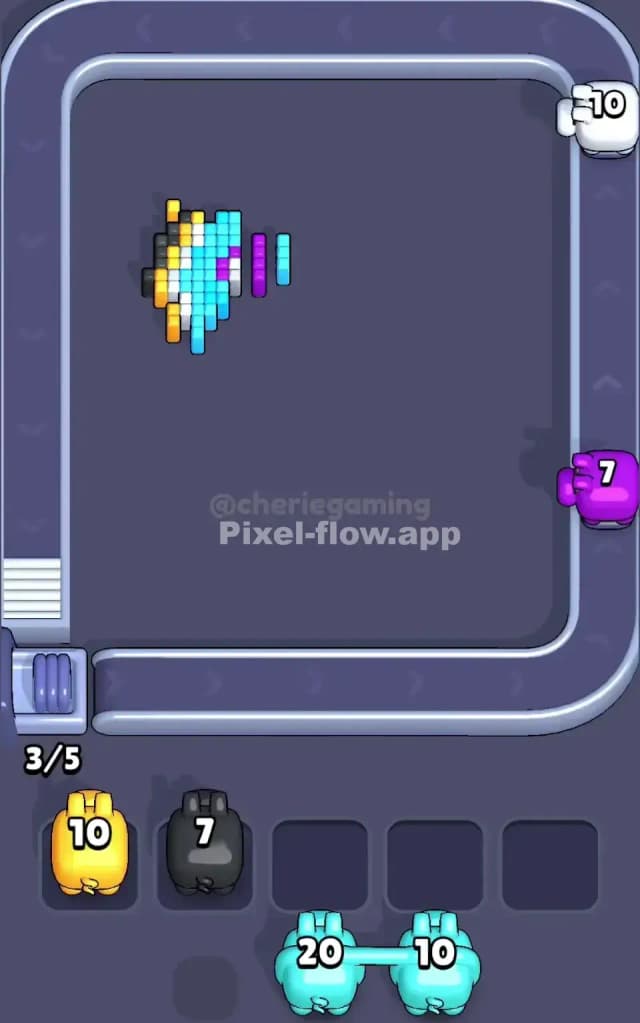
Pixel Flow Level 504 Walkthrough
This level features a massive, bright blue bunny head set against a dark, starry background. The bunny dominates the center, with purple inner ears and pink cheeks. The background is a dense field of dark grey/black blocks, speckled with yellow "stars" on the left and purple "stars" on the right.
To beat Pixel Flow Level 504, you need to strip away the outer layers of the dark background to reach the bunny's bright core. Pigs will cycle through; you need to match their colors to the exposed blocks. If your waiting slots fill up with pigs that can't shoot anything, you lose. Is this a hard level? Yes, it is very hard because of the sheer volume of background blocks that shield the actual subject.
Pixel Flow Level 504 Overview
Imagine a neon sign floating in space. That's the vibe here. The central character is a cyan-blue rabbit with large, upright ears. The artwork feels heavy because it's framed by a thick, dark border.
- The Bunny: The core is almost entirely cyan blue. It has white highlights on the left side of the face and ears, suggesting a light source from the left. The inner ears are a deep purple/magenta, and the cheeks are pink.
- The Background: This is the killer. It's not just empty space; it's filled with dark grey blocks.
- Asymmetry:
- Left Side: The dark background here is peppered with bright yellow pixels. These are crucial early targets.
- Right Side: The dark background here has purple pixels mixed in.
- Top Center: There is a golden Key icon right between the bunny's ears. This key locks a section of the puzzle (likely hidden layers or a specific color group). You need to clear the blocks around it to grab it.
The layout forces you to chew through the "night sky" (the black/grey blocks) before you can do any real damage to the bunny itself.
Step by step solution walkthrough for Pixel Flow Level 504
First Color Zone to Erase in Pixel Flow Level 504
Focus immediately on the Dark Grey/Black background.
Narratively, you are "turning on the lights" by removing the darkness. Logically, this is the only move that makes sense. The bunny is buried. The cyan, pink, and white blocks are mostly interior layers. If you select a Cyan pig first, it will likely have zero targets and clog up your waiting slots.
Wait for a Black Pig (like the one with 40 ammo shown in the queue). This pig is your MVP. It can shred the massive outer border. As it clears the black blocks, it exposes the yellow stars on the left and the purple stars on the right. Clearing the black layer also opens up the edges of the bunny's face, making the white and cyan pixels valid targets for the next wave of pigs. Do not waste a slot on a pink or white pig until you have made a significant dent in that black border.
How to pass Pixel Flow Level 504 without power ups or boosters
Once the black border is roughly 50% gone, the board looks messy. You'll have a half-eaten bunny. The top left corner usually clears faster because the yellow pixels are easier to access than the dense purple clusters on the right.
At this mid-stage, the danger is the White and Pink pigs. These colors represent small, specific details (cheeks, highlights).
- Watch the queue: If a White pig comes up, look closely at the bunny's left cheek and ear. Are the white pixels actually exposed? Or are they still covered by a layer of Cyan or Black? If they are covered, let the pig pass or tactical-drop it only if you have a guaranteed clear coming up in seconds.
- The Key: Don't obsess over the key between the ears. It will naturally unlock as you clear the cyan blocks on the forehead. Rushing for it often leads to bad pig placement.
- Color Priority: Stick to this order: Black -> Cyan -> Purple -> Yellow/White. The Cyan layer is thick. Once the black is gone, the Cyan pigs become your new heavy hitters. They will clear the bulk of the face, revealing the final deep layers.
Last Details You Clean Up in Pixel Flow Level 504
In the final few moves of Pixel Flow Level 504, you will likely be staring at a skeleton of the bunny.
- The Inner Ears: The purple/magenta blocks inside the ears are often the last to go because they are surrounded by so much cyan. You need to strip the ears naked before you can hit those purple centers.
- The Cheeks: The pink pixels on the cheeks are also deep-layer blocks.
- Hidden Voxels: Be careful of single stray pixels hiding near the bottom "chin" of the bunny. Sometimes a black or cyan block hides there, blocked by the conveyor belt curve.
The level ends when you snipe those last few deep purple blocks inside the ears. Keep your waiting slots open for a final purple pig to finish the job.