Pixel Flow Level 505 Solution | Pixel Flow 505 Walkthrough
How to beat Pixel Flow Level 505: Video solution & walkthrough. The fastest way to pass Pixel Flow 505.
Is this the wrong level layout?🤔
Pixel Flow randomizes levels for different players. Don't worry, just upload a screenshot of your board, and our AI will find the correct video instantly.




Pixel Flow Level 505 Walkthrough
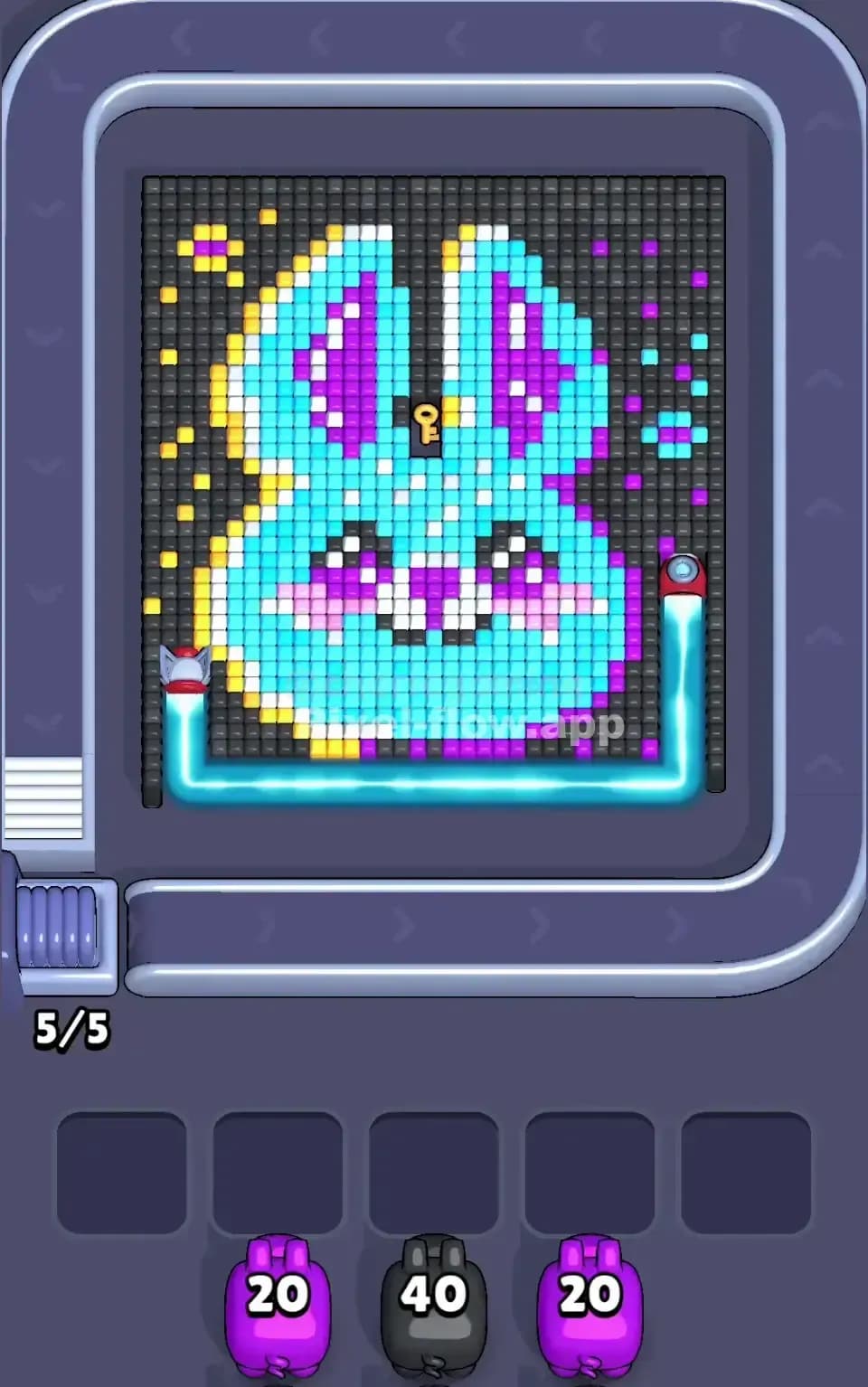
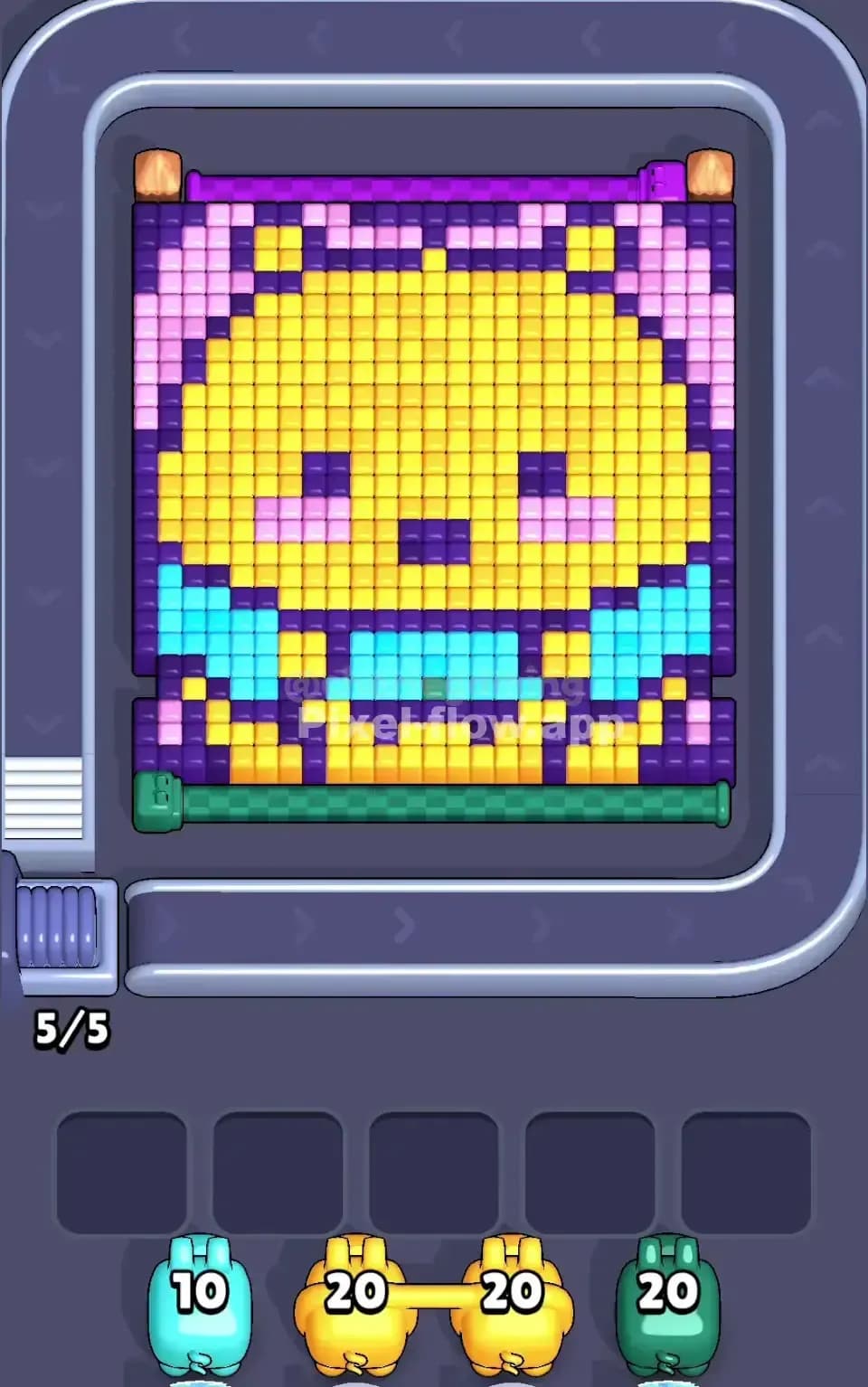
This level features a large, cheery pixel art character that looks like a white ghost or spirit creature floating above a bed of pink clouds or flowers. The board is dense. The primary challenge in Pixel Flow Level 505 is managing the massive blocks of White (the body) and Cyan (the background) without letting the smaller detail colors clog your holding slots.
You beat this by stripping away the massive background layers first to expose the detailed core. If you fail to clear the outer layers quickly enough, your pigs with small ammo counts (like Yellow or Dark Purple) will drop into your slots with no targets available, ending your run. Despite the cute visual, the sheer number of pixels makes this a very hard level if you play carelessly.
Pixel Flow Level 505 Overview
The image depicts a happy ghost-like figure with blushing cheeks, possibly wearing a flower accessory on its head. The composition is heavily weighted toward two colors: Cyan and White.
- The Background: A solid wall of Cyan covers almost the entire top and sides. It wraps around the character completely.
- The Core: The character is a giant block of White pixels. This is the "meat" of the level.
- The Base: The bottom third of the screen is a mix of Magenta, Pink, and Dark Purple, acting as a patterned floor or cloud.
- The Traps: The eyes, mouth, and hair accessories use tiny amounts of Yellow, Black, and Purple. These are buried deep inside the White and Cyan layers.
Because the character is centered, you have to work from the outside in. The left side is mostly pure background, while the right side has more complex interactions between the pink "tail" and the blue background.
Step by step solution walkthrough for Pixel Flow Level 505
First Color Zone to Erase in Pixel Flow Level 505
Focus immediately on the Cyan Background.
Narratively, you are clearing the sky to reveal the ghost. Logically, the Cyan layer is the outermost shell. If you look at your queue, you will likely see high-ammo Cyan pigs (carrying 20+ shots). If you do not prioritize clearing the Cyan blocks, these pigs will have nowhere to shoot. They will fall into your waiting slots. Since they have high ammo, they will sit there forever, blocking your ability to bring in new pigs.
Once the Cyan starts to thin out, switch your focus to the White Body. The White area is a massive, contiguous block. Burning through this layer is essential because it hides the "critical path" colors (the eyes and mouth) that often appear in the pig queue before you are ready for them.
How to pass Pixel Flow Level 505 without power ups or boosters
The mid-game of Pixel Flow Level 505 is dangerous. At this point, the Cyan background is patchy, and the White body looks like Swiss cheese. This is where you lose if you aren't careful.
You will start seeing pigs with very specific colors: Yellow (for the hair clip), Dark Purple (for the eyes/outline), and Pink (for the cheeks).
To win without boosters:
- Watch the "Next Pig" indicator. If a Yellow pig is coming up, scan the board. Is the yellow pixel exposed? Or is it covered by a white block?
- If the target is covered, you must use a White pig to clear the obstruction before the Yellow pig arrives.
- Do not let the bottom "Pink Cloud" area distract you. Those pixels are generally on the surface layer. The real danger is the Yellow and Black pixels buried in the ghost's head.
- If a high-ammo pig (White or Cyan) falls into a slot, do not panic. Just ensure you prioritize clearing that color on the board to empty that slot as fast as possible.
Last Details You Clean Up in Pixel Flow Level 505
The final phase of Pixel Flow 505 usually involves the messy bottom section. You will likely have cleared the ghost's face, leaving the Magenta and Dark Purple patterns at the bottom of the screen.
These blocks are often checkerboarded or scattered. This means a single pig might not clear a whole row. You have to be precise. The very last pixels to go are usually the Light Lavender shading pixels on the ghost's body, which blend in with the white and are easy to miss until the very end. Keep an eye on the bottom corners; stray Cyan blocks often hide there behind the pink foreground.