Pixel Flow Level 809 Solution | Pixel Flow 809 Walkthrough
How to beat Pixel Flow Level 809: Video solution & walkthrough. The fastest way to pass Pixel Flow 809.
Is this the wrong level layout?🤔
Pixel Flow randomizes levels for different players. Don't worry, just upload a screenshot of your board, and our AI will find the correct video instantly.




Pixel Flow Level 809 Walkthrough
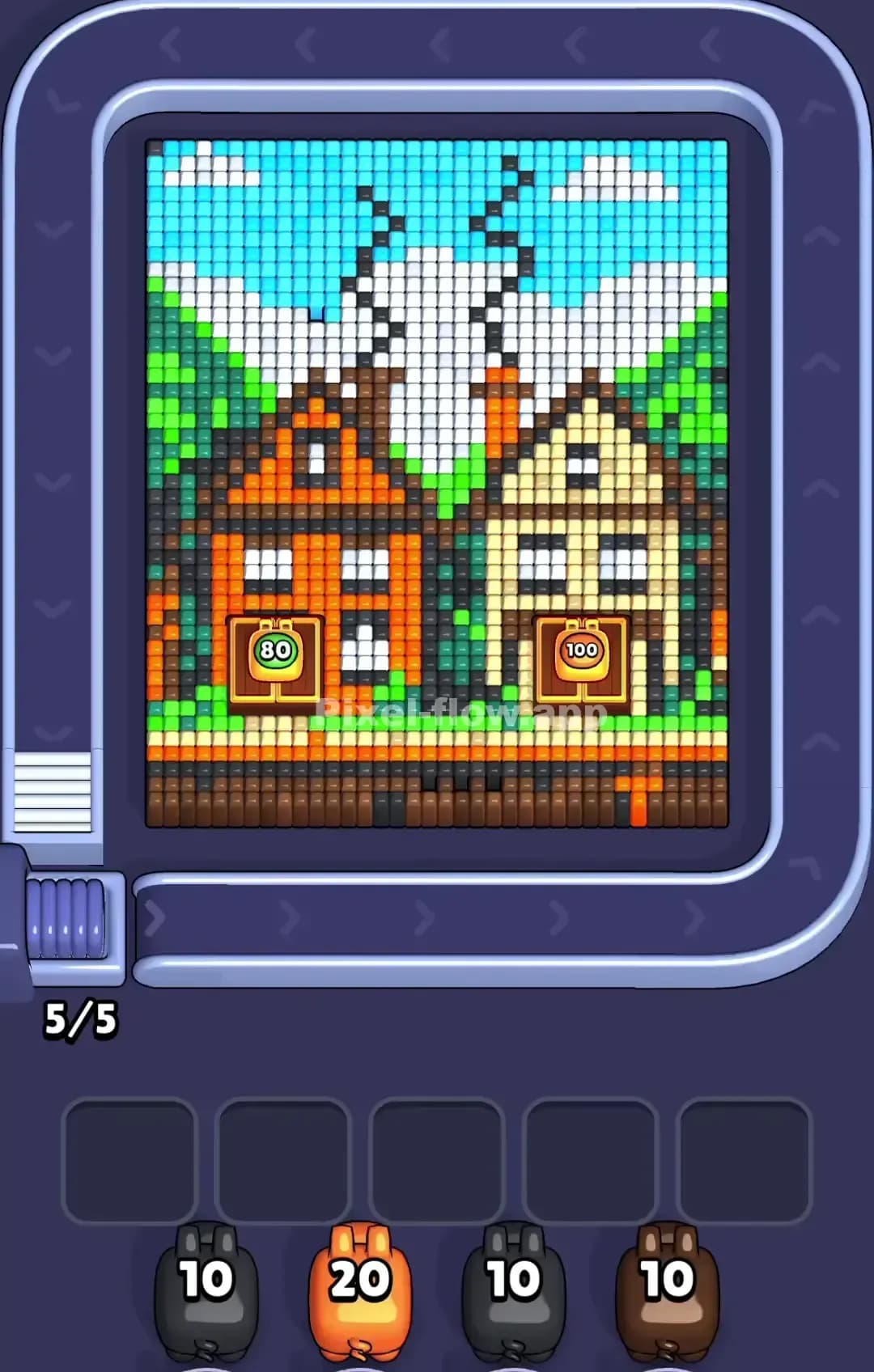
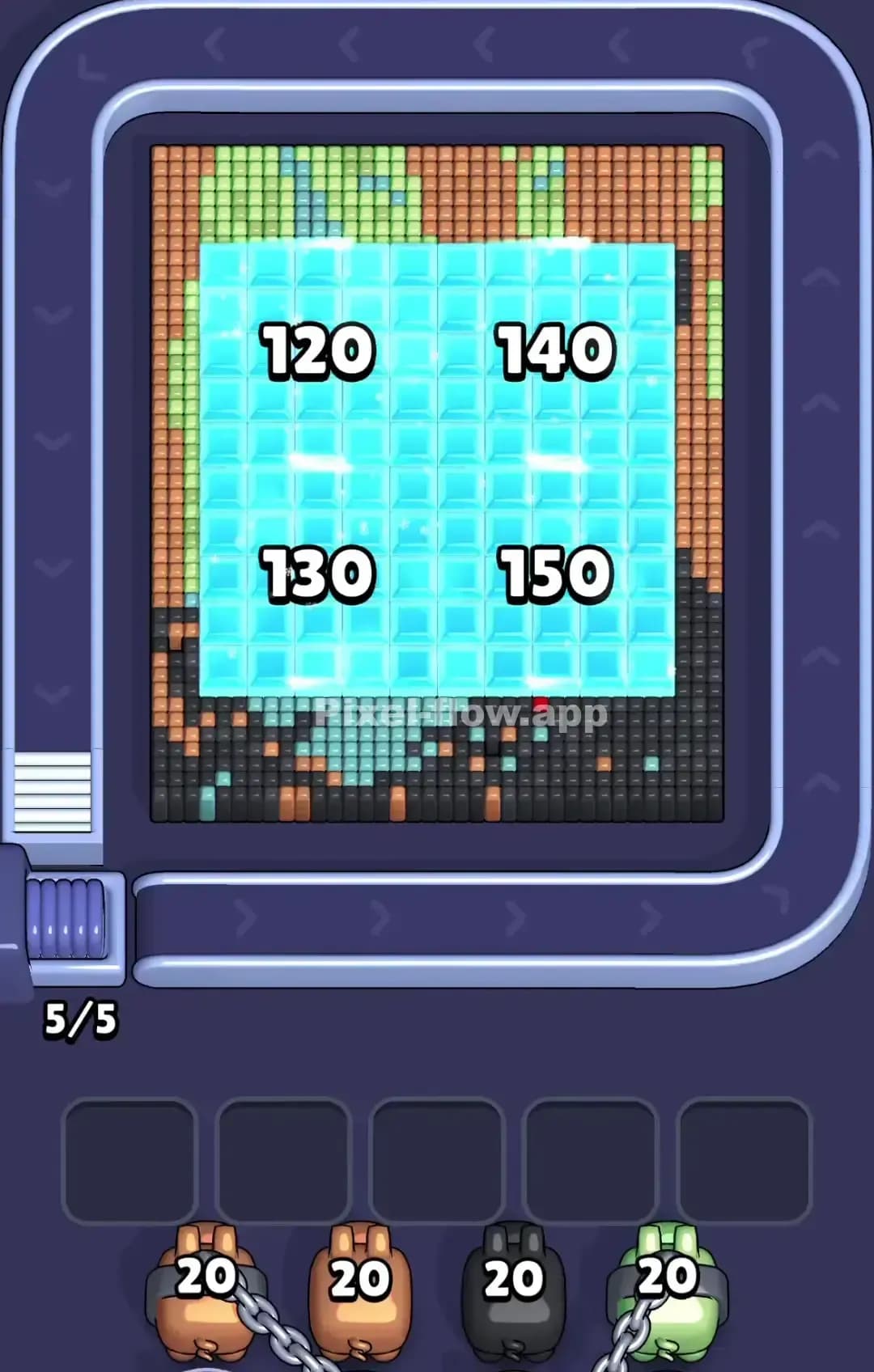
This level is a classic winter mess. You are looking at a dense, snowy scene—likely a snowman’s face or a winter creature—buried under layers of atmospheric noise. The board is heavy on White (snow) and Cyan (sky/frost), which act as the primary blockers for the detailed artwork underneath.
Your job is simple: strip the weather effects to reveal the character. The core of the image relies on Dark Blue, Red, and Black pixels, but you can’t touch them until you shovel the snow. Because the color separation is distinct and the blocks are large, I judge that this is not a very hard level. It is grindy, but fair.
Pixel Flow Level 809 Overview
Imagine a snowman wearing a red scarf and earmuffs, caught in a blizzard. That’s the vibe here. The background dominates the board. The top third is a mix of Cyan sky and Dark Blue hat or headband elements. The bottom two-thirds are almost entirely White snow, interrupted only by jagged Dark Brown branches sticking up on the left and right sides.
The asymmetry here is vertical. The top is colorful and messy with blues and reds. The bottom is a solid, heavy block of white. This weight distribution matters. If you ignore the bottom white section, your board will feel claustrophobic. The "face" in the center—those big red circles with black dots—is the densest part of the map. It's the last thing that will fully clear.
Step by step solution walkthrough for Pixel Flow Level 809
First Color Zone to Erase in Pixel Flow Level 809
Attack the White snow at the bottom immediately.
Narratively, you are clearing the ground to see where the tree branches stand. Logically, look at your pig ammo. The White pig holds a massive 40 ammo count. This is a huge clue. The bottom of the board is a giant, connected slab of white pixels. By sending the white pig out first, you are guaranteed to deplete its ammo without it getting stuck in your waiting slots.
Clearing the white first removes about 40% of the total voxel volume. It exposes the roots of the brown branches and isolates the central red/blue figure. If you try to start with the Cyan (sky), you risk hitting scattered pixels and clogging a slot. Stick to the solid white base.
How to pass Pixel Flow Level 809 without power ups or boosters
Mid-game, once the white snow is gone, the picture looks like a floating, jagged mask. You’ll see the Dark Brown branches hanging in empty space and the central face looking half-finished. This is the danger zone.
You will be tempted to clear the Red details (the scarf/cheeks). Don't. The Red pixels are often buried behind the Cyan and Dark Blue.
Focus entirely on the Cyan pigs (Sky) and Dark Blue pigs next. The cyan acts as a secondary layer of "snow" covering the upper details. You must strip this away to reveal the full shape of the black branches and the red face features.
If you refuse to use power ups, your ammo management is critical for the Pink and Black pigs. These have lower ammo counts (10 and 20 respectively). Never deploy the Pink pig unless you can see a cluster of at least 5-6 pink targets. If you deploy it for just one pixel, it will sit in your slot, blocking you from cycling back to the blue pigs you actually need.
Last Details You Clean Up in Pixel Flow Level 809
The end game of Pixel Flow 809 is almost always the Black pixels and the final Red accents.
The black pixels form the "eyes" and the tips of the branches. They are thin, single-voxel columns that hide deep inside the structure. You might think you are done, but the level won't end. Look closely at the center of the red circles. There is usually a single black voxel hiding there. Also, check the very tips of the brown branches on the far left and right edges. A single pixel often hides behind a brown block. Clear the heavy colors, and these final specks will be the only targets left for your last pig.