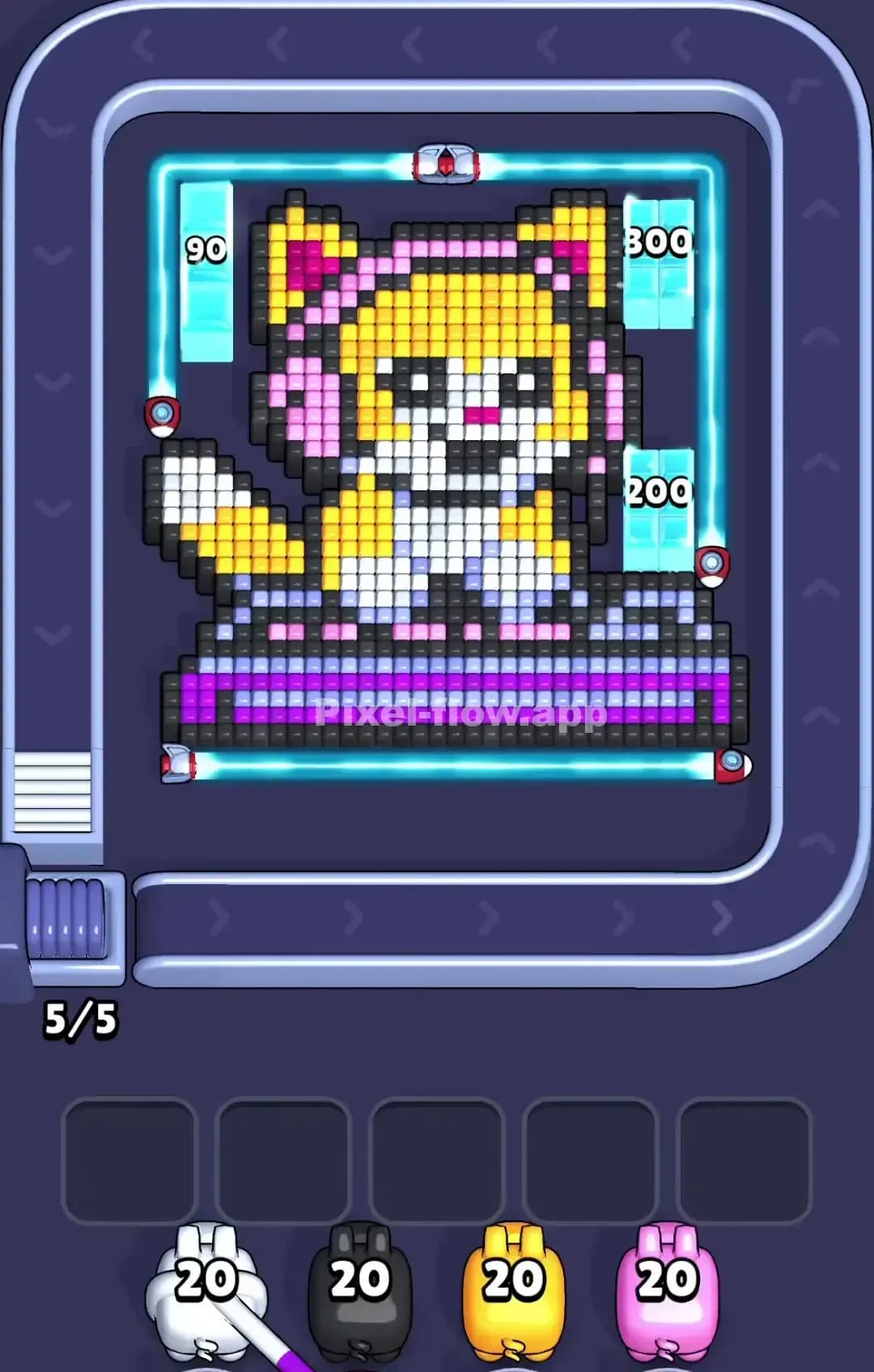
Pixel Flow Level 813 Solution | Pixel Flow 813 Walkthrough
How to beat Pixel Flow Level 813: Video solution & walkthrough. The fastest way to pass Pixel Flow 813.
Is this the wrong level layout?🤔
Pixel Flow randomizes levels for different players. Don't worry, just upload a screenshot of your board, and our AI will find the correct video instantly.
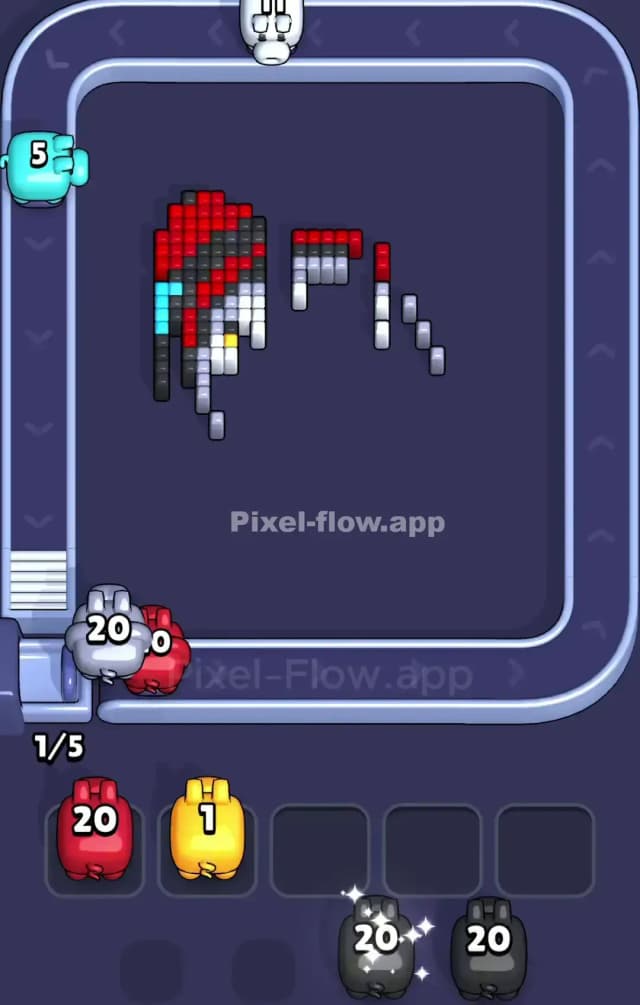
Pixel Flow Level 813 Walkthrough
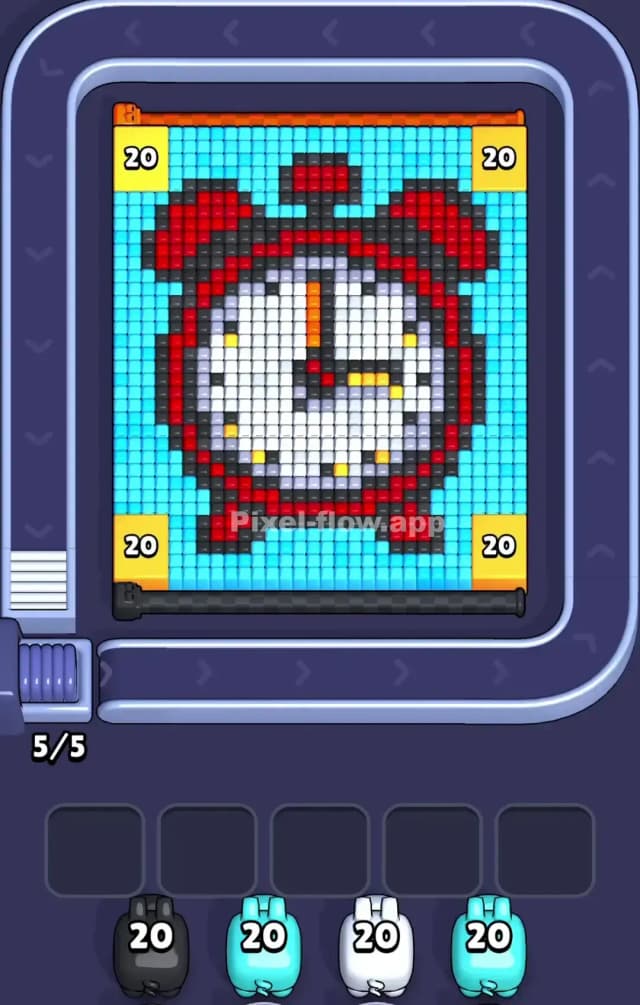
This level features a classic, chunky red alarm clock centered on a bright cyan background. The main colors are Red (the clock body), White (the clock face), Black (outlines and numbers), and Cyan (background). However, the real stars of the show—and your biggest headache—are the four massive Yellow 20 Blocks pinned in the extreme corners.
To beat Pixel Flow Level 813, you have to prioritize clearing the light blue background to access the red and white clock layers underneath, while carefully chipping away at those corner blockers. If you ignore the yellow corners, your pigs will waste ammo or get stuck in your slots waiting for a path to open.
Is it tough? Yes. I would classify this as a very hard level because the ammo management is tight, and those corner blocks require specific focus.
Pixel Flow Level 813 Overview
Imagine a cartoon alarm clock, the old-school kind with the two bells on top. That's your target. It sits dead center. The background is a flat, uniform Cyan.
What makes Pixel Flow Level 813 tricky isn't the clock itself, but the perimeter. Four huge Yellow blocks sit like sentries in the top-left, top-right, bottom-left, and bottom-right. Each requires 20 hits.
Asymmetry isn't really an issue here; the board is perfectly mirrored. The danger lies in the Cyan background. It acts as a shield. Until you strip away enough Cyan, you can't reach the Black outline of the clock or the Red body. And until you clear the Yellow corners, your pigs often can't reach the side edges of the Cyan field. It's a claustrophobic setup.
Step by step solution walkthrough for Pixel Flow Level 813
First Color Zone to Erase in Pixel Flow Level 813
The instinct is to go for Red because it's bright, but that's a trap. Start with Cyan.
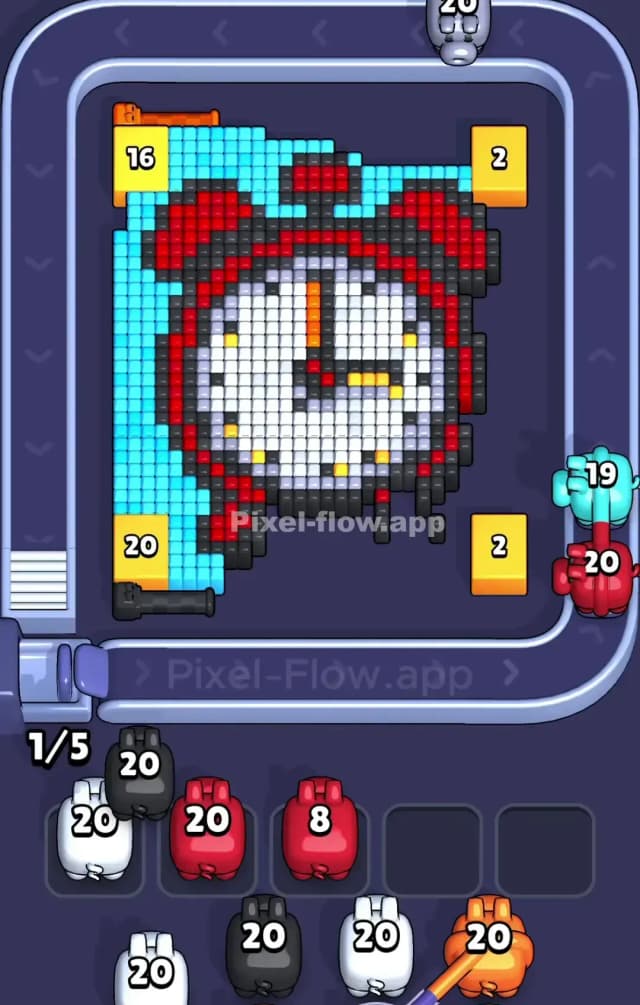
Here is why: The Cyan pixels form a "crust" around the entire clock. Your Cyan pigs have plenty of targets immediately available on the left and right sides. If you try to force Red or White early, those pigs will have nowhere to shoot because the Cyan layer is physically blocking the inner layers.
However, keep a sharp eye out for Yellow pigs. You absolutely must deploy them the second they appear. Since the Yellow blocks are in the corners, they are hard to hit. If a Yellow pig passes by, grab it. Even if you only chip away 5 or 10 health from a corner block, it’s worth it. You cannot afford to have a Yellow pig clogging up your waiting slots later in the game.
How to pass Pixel Flow Level 813 without power ups or boosters
By the mid-game, you should have peeled away most of the Cyan background. The board will look messy. You'll likely have the top and bottom of the clock exposed, but the sides might still be covered if those Yellow corner blocks are still standing.
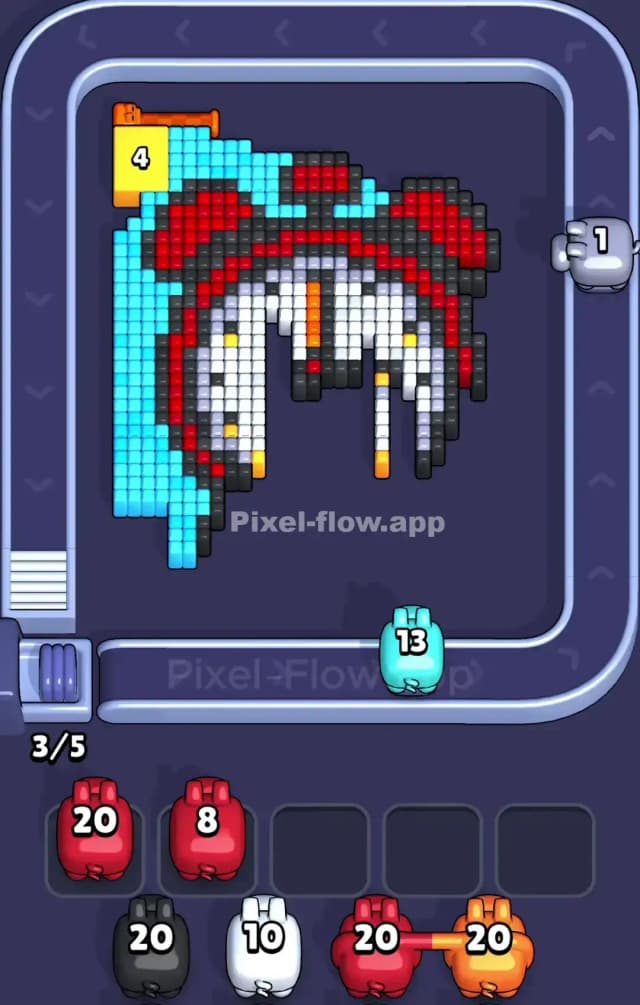
At this stage, you face a specific danger: The Black Outline. The clock has a thick black border. Once the Cyan is gone, Black becomes a valid target. But be careful. If you clear the Black outline too fast without clearing the White face or Red body, you might create "islands" of color that are hard to reach.
Stick to this priority list to survive without boosters:
- Yellow: Always prioritize Yellow pigs to smash those 20-health corners. They open up the board geometry.
- Cyan: Finish the background completely. Do not leave stray blue pixels.
- Red: Once the background is gone, the big red bells and feet act as the next easiest layer to remove.
- White/Black: Save the clock face for last. The White area is dense and easy to clear in one go once the outer layers are gone.
If your slots fill up, look at the bottom row of the clock feet. Often, a stray black or red pixel hides there, preventing you from playing a pig.
Last Details You Clean Up in Pixel Flow Level 813
The end game usually comes down to the clock hands. You will have a mostly empty board with just the White face remaining, and maybe the orange/black hands in the center.
Watch out for the Orange pixels on the minute hand. They are tiny targets. Do not let an Orange pig sit in your slot for ten turns waiting for a shot. If you see an opening to hit the orange hand, take it immediately. The final moves are usually just mopping up the white face, which is satisfying because the blocks are grouped tightly together, allowing your White pigs to unload their full ammo clips instantly.