Pixel Flow Level 814 Solution | Pixel Flow 814 Walkthrough
How to beat Pixel Flow Level 814: Video solution & walkthrough. The fastest way to pass Pixel Flow 814.
Is this the wrong level layout?🤔
Pixel Flow randomizes levels for different players. Don't worry, just upload a screenshot of your board, and our AI will find the correct video instantly.




Pixel Flow Level 814 Walkthrough
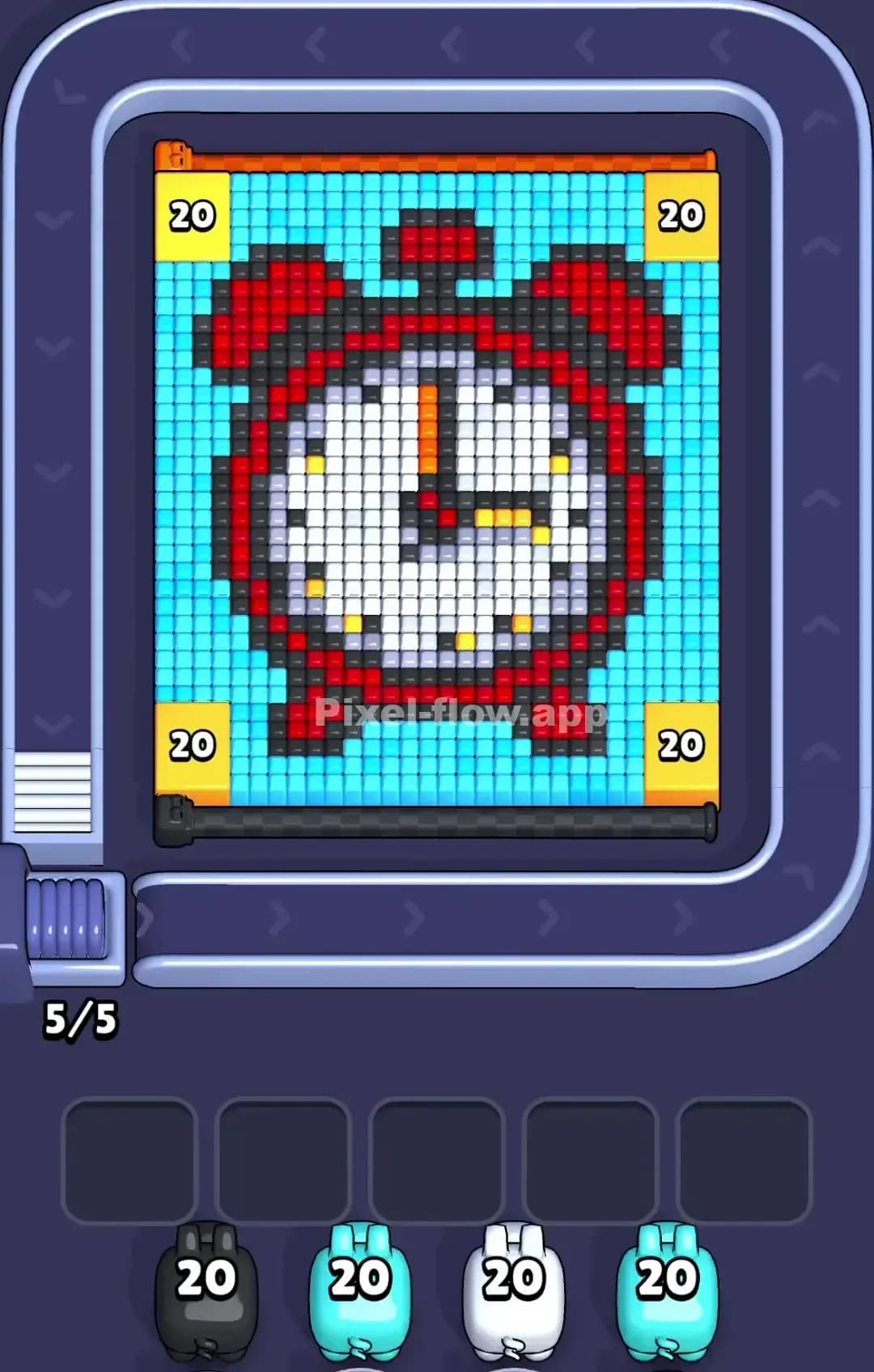
This level features a bright, cheerful sun icon set against a blue sky, but there is a catch: a large mechanical blocker plate covers the entire central face of the sun. The outer edges are filled with cyan sky and white cloud patches.
To beat Pixel Flow Level 814, you must strip away the background sky to get access to the sun's rays, then carefully peel the rays to dislodge the central blocker. If you try to attack the center too early, your pigs will have no targets and will clog your waiting slots. Because of the central obstruction, this can be a frustrating puzzle, but technically it is not a very hard level if you respect the layer order.
Pixel Flow Level 814 Overview
The image depicts a jagged, pixelated sun with yellow rays and orange shadowing. It floats in a generic day-time scene. The background is divided asymmetrically: huge chunks of Cyan (sky) dominate the left and right sides, while White (clouds) clusters heavily in the top-left corner and a strip along the bottom.
The most dangerous visual element is the 4x4 mechanical bumper sitting dead center. It hides the bulk of the Yellow pixels. This creates a trap. You might see a Yellow pig and think, "The sun is yellow, let's go." That is a mistake. The visible yellow surface area is tiny compared to what is hidden. You will run out of valid targets long before the pig runs out of ammo.
Step by step solution walkthrough for Pixel Flow Level 814
First Color Zone to Erase in Pixel Flow Level 814
Start immediately with the Cyan pigs. Look at your starting queue; you likely have two Cyan pigs loaded with 40 ammo each. This is intentional design. The blue sky on the left and right flanks is the "top" layer of this voxel stack.
Sending the Cyan pigs first does two things. First, it clears the board's clutter rapidly because there are massive, connected blocks of blue. Second, it exposes the brown and orange tips of the sun’s rays. Do not touch the White clouds yet if a Cyan pig is available. The sky wraps around everything; removing it defines the shape you actually need to solve.
How to pass Pixel Flow Level 814 without power ups or boosters
The mid-game is where players lose. Once the blue sky is gone, you are left with the sun's outer ring and the central blocker. The trap here is the Yellow pigs.
Even though you see yellow on the tips of the sun rays, avoid placing Yellow pigs until you have cleared the darker colors. Focus on the Brown (outlines) and Orange (shadows) first. These colors sit on the edges of the rays and are valid targets right now.
If you drop a Yellow pig too early, it will shoot the few visible yellow tips and then sit in your waiting slot with 15 ammo left, doing nothing. The blocker prevents it from hitting the main yellow face. You need that slot open.
Prioritize Brown and White. Use the White pigs to clean up the clouds at the bottom and top-left. This "outer shell" strategy forces the game logic to register that the outer layers are gone, which is usually the trigger that removes the central mechanical cover.
Last Details You Clean Up in Pixel Flow Level 814
Once the mechanical plate vanishes, the sun’s face is exposed. Now is the time to unleash the Yellow pigs. You likely have a queue full of them (mostly 20 ammo).
At this stage, the puzzle becomes simple. The face is a solid block of yellow with minor details for the eyes and cheeks. Spam the Yellow pigs freely. The only remaining friction might be a few stray Orange pixels hiding near the "chin" of the sun or small White pixels that were tucked behind the blocker's corners. Watch the corners of the central square zone specifically; sometimes a single voxel hides there and blocks the final layer.