Pixel Flow Level 273 Solution | Pixel Flow 273 Walkthrough
How to beat Pixel Flow Level 273: Video solution & walkthrough. The fastest way to pass Pixel Flow 273.
Is this the wrong level layout?🤔
Pixel Flow randomizes levels for different players. Don't worry, just upload a screenshot of your board, and our AI will find the correct video instantly.

Pixel Flow Level 273 Walkthrough
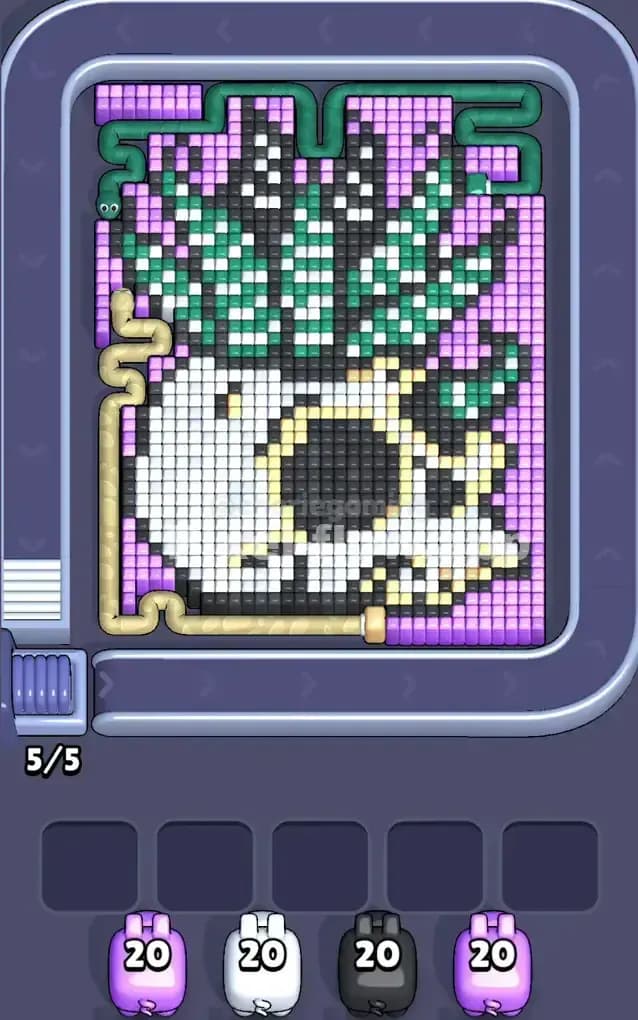
This level features a striking piece of pixel art: a white skull rocking a chaotic, spiky green mohawk (or perhaps a pineapple top). It sits against a heavy, solid background of light purple. The visual noise here is high. You have twisting pipes—a beige one winding down the left and a green snake-like tube curling around the top right—that obscure the grid and make depth perception tricky.
Because of the extreme layering in the "hair" section where green, white, and black pixels checkerboard aggressively, this is a very hard level. One bad move with a high-ammo pig can clog your slots instantly.
Pixel Flow Level 273 Overview
The board is dominated by the "Punk Skull." The bottom half is the face: a large, rounded mass of White pixels with deep Black sockets for eyes and a nose. This part is relatively stable and solid.
The top half is where the chaos lives. It’s a jagged explosion of Green spikes, heavily outlined in Black and flecked with White highlights. This area is dangerous because the colors don't sit in big blocks; they are scattered.
The background is a thick, uniform wall of Light Purple (Pink). This is your canvas. Note the asymmetry: the left side of the skull is hugged by a beige pipe graphic, while the top right corner is cramped by a green snake. These aren't just decorations; they visually break up the grid, making it harder to spot where one layer ends and the next begins.
Step by step solution walkthrough for Pixel Flow Level 273
First Color Zone to Erase in Pixel Flow Level 273
You must start with the Light Purple background. Look at your starting lineup. You have two Pink pigs (20 ammo each) ready to go. The background is the outermost layer, surrounding the skull like a picture frame.
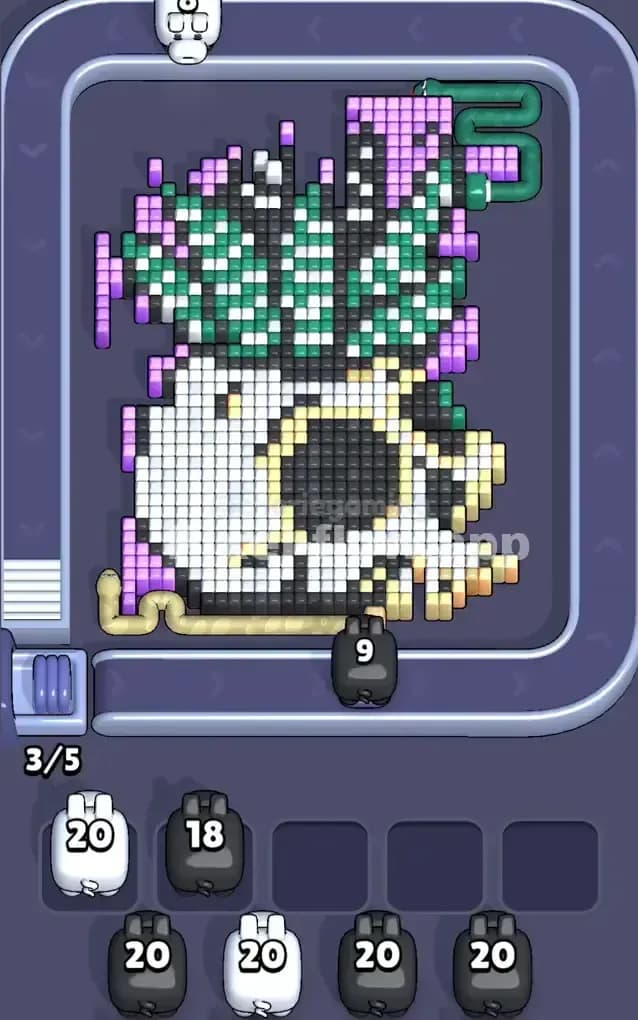
Strategically, this is the only safe play. If you try to fire a White or Black pig at the center now, they will likely hit the purple blocks obstructing the view, wasting ammo on the wrong color. Clear the purple frame completely. This exposes the jagged edges of the green hair and the smooth curve of the white jawbone, giving you valid targets for the rest of your queue.
How to pass Pixel Flow Level 273 without power ups or boosters
Once the purple wall is down, the board looks messy. You are left with the floating skull. The trap here is the "mohawk." Do not try to clear the Green spikes yet. They are too intermixed with Black outlines.
Instead, focus your White pigs on the lower jaw and face. This is the largest contiguous block of color remaining. A White pig with 20 or 40 ammo can easily unload its entire clip into the face without getting stuck.
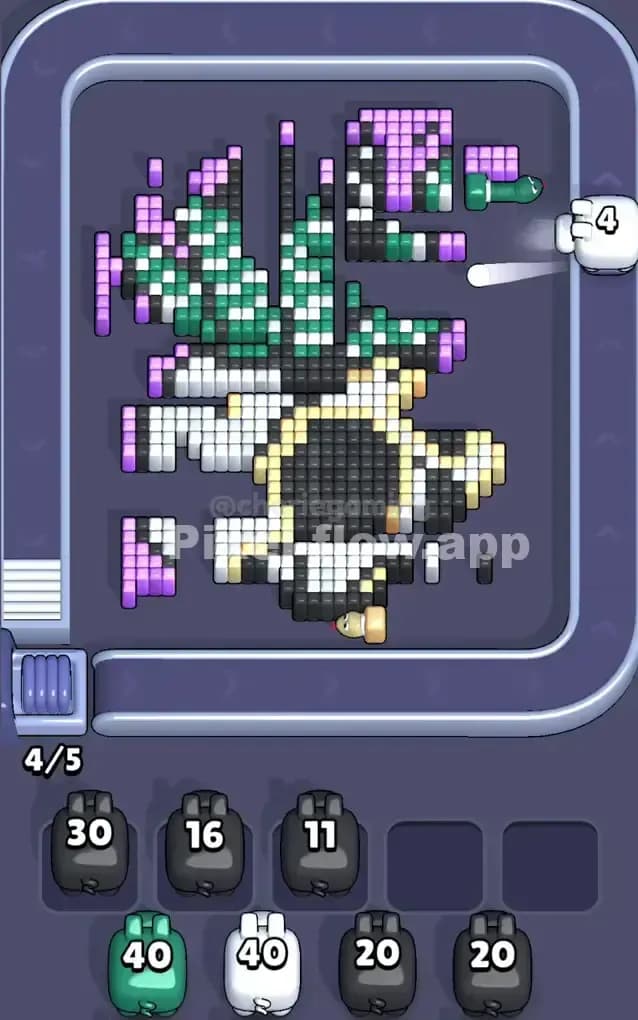
Critical Tactic: Watch the Black pigs carefully. The eyes and nose are deep layers. You cannot hit them until the white face is shaved down. If you send a Black pig too early, it will only hit the thin outline pixels on the edge of the skull. It will likely destroy 5-6 blocks and then drop into your waiting slot with 14 ammo left. That is how you lose. Only send a Black pig when you see a clear, wide path to the black outlines or the eye sockets.
Last Details You Clean Up in Pixel Flow Level 273
As you enter the final phase, the skull face will be gone, leaving behind the floating eyes and the stubborn green hair. The Green pigs are your closers here.
The top section is a mix of Green and Black. You will likely have to alternate them. Fire a Green pig to strip the outer layer of the spikes. This usually reveals the Black core of the hair. Then fire a Black pig to clean that up.
Be hyper-aware of the Beige Pipe area on the left. Pixels love to hide behind that curve. Double-check that no single white or black pixels are tucked away in that blind spot before you commit your final pigs. The level usually ends when you finally drill out the deep black voxels in the center of the eye sockets.