Pixel Flow Level 381 Solution Walkthrough | Pixel Flow 381

How to solve Pixel Flow level 381? Get instant solution for Pixel Flow 381 with our step by step solution & video walkthrough.

Share Pixel Flow Level 381 Guide:
Pixel Flow Level 381 Gameplay
Pixel Flow Level 381 Solution 1
Pixel Flow Level 381 Solution 2
Pixel Flow Level 381 Solution 3

Pixel Flow Level 381 Overview

The Board Layout and Visual Challenge

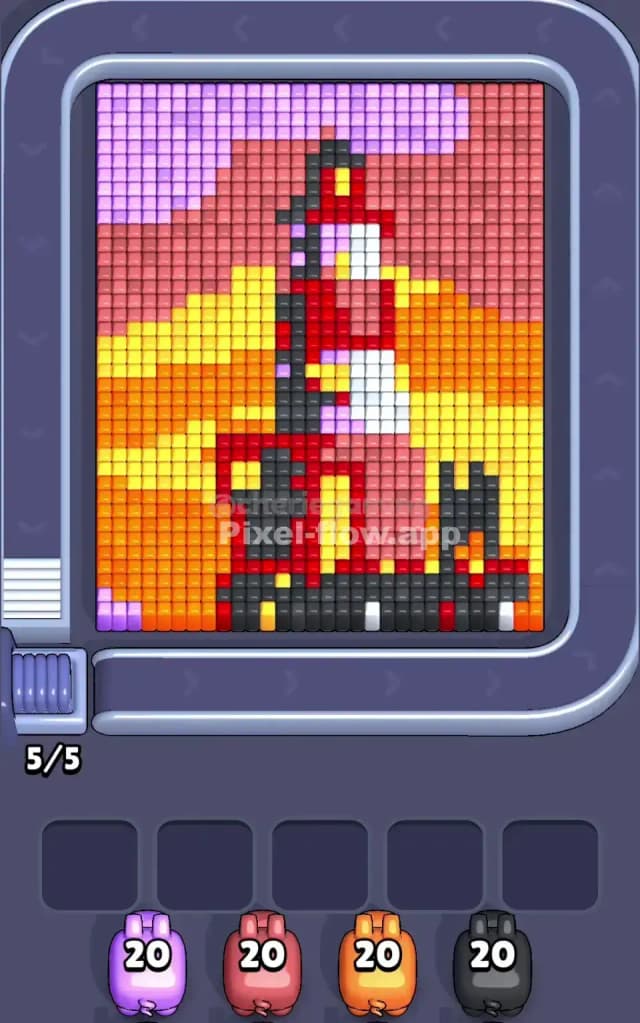
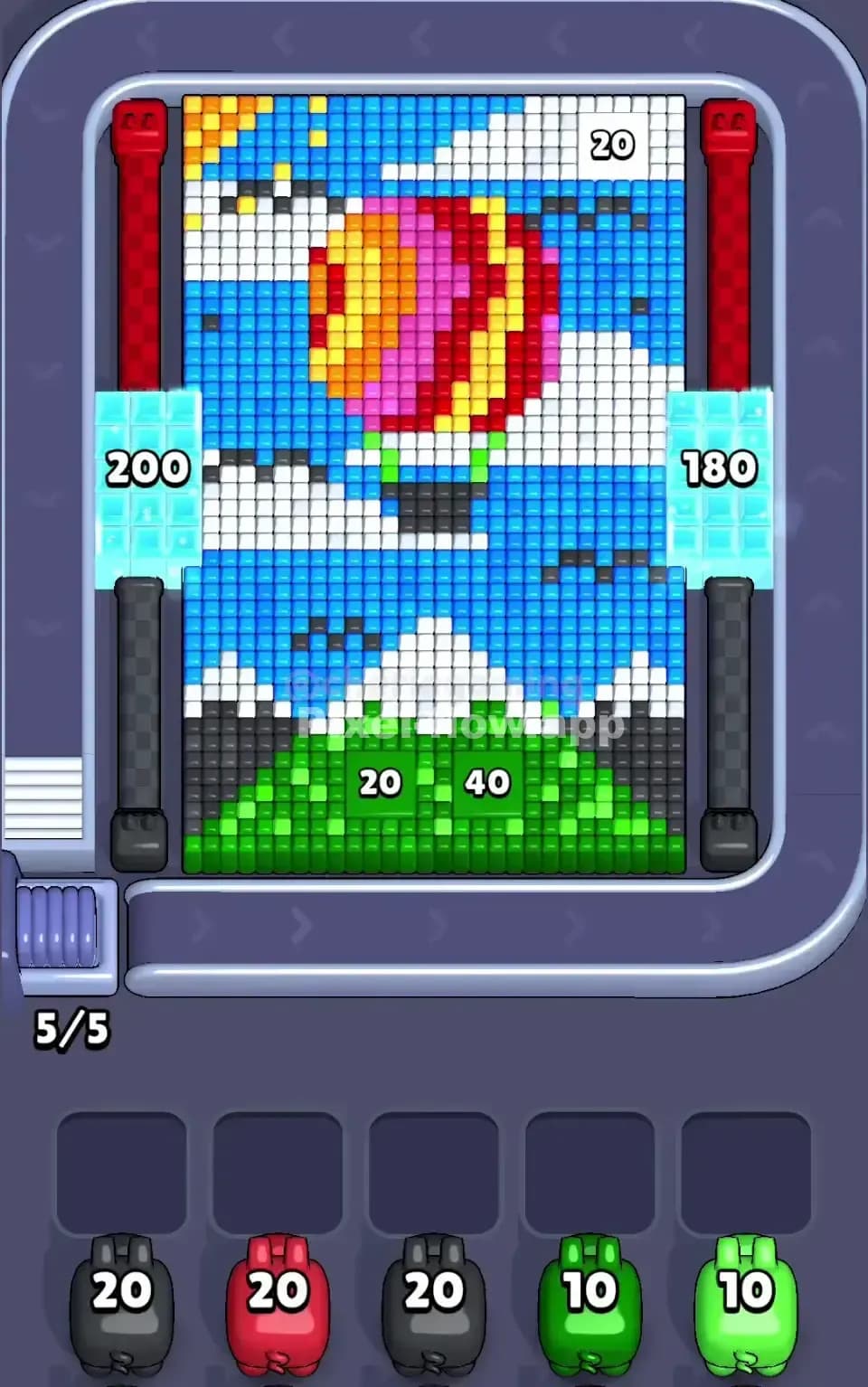
Pixel Flow Level 381 presents a beautiful but deceptively complex scene: a vibrant landscape dominated by a layered voxel picture. The centerpiece is a hot air balloon rendered in warm reds, yellows, and magentas, floating against a sky filled with extensive blue cubes. Below the balloon, you'll see white clouds and patches of gray, with rich green grass forming the foundation at the bottom of the board. The entire composition is built in layers, meaning you're not looking at a flat puzzle—you're peering into a three-dimensional stack of colored voxels that must be carefully dismantled from the outside in. The dominant color by volume is clearly blue, which covers the sky backdrop, but you'll also notice significant clusters of red, yellow, magenta, white, gray, and green distributed throughout. This color diversity is both beautiful and intimidating, because it means you'll need precision with each pig deployment.

Win Condition and Deterministic Flow

Your goal in Pixel Flow Level 381 is straightforward: clear every single voxel cube from the board. Unlike many puzzle games, there's no randomness here—the pig queue order and each pig's ammo count are fixed and known. You start with five pigs waiting: two black pigs with 20 ammo each, one red pig with 20 ammo, one green pig with 10 ammo, and another green pig with 10 ammo. That's a total of 80 ammo units to spend across a board that contains exactly 80 cubes (you can see the count "5/5" at the bottom, indicating all five pig slots are filled). This means there's zero margin for wasted shots or accidental overkill—you must spend every ammo point on a matching cube, or you'll jam your waiting slots and lose. Pixel Flow Level 381 demands that you think several moves ahead and respect the deterministic nature of the game.


Why Pixel Flow Level 381 Feels So Tricky

The Bottleneck: Blue Dominance and Hidden Colors

The biggest threat in Pixel Flow Level 381 is the sheer volume of blue cubes. Blue covers the entire sky layer and much of the mid-ground, making it incredibly easy to deploy black pigs carelessly and waste their ammo on blue targets that don't exist (since black pigs shoot black cubes, not blue). However, the real bottleneck emerges when you realize that the balloon and clouds are on top of the blue layer. If you don't expose and clear the foreground colors (red, yellow, magenta, white, gray, green) in the right sequence, you'll eventually run out of matching targets for your green pigs, leaving them stranded in the waiting slots with ammo they can't spend. This forces a cascade failure: stuck pigs jam the buffer, no new pigs can enter, and the level becomes unwinnable. I found myself staring at a half-cleared board with three pigs waiting and nowhere for them to go—a frustrating reminder that color exposure is everything in Pixel Flow Level 381.

Subtle Problem Spots

One nasty surprise in Pixel Flow Level 381 is the distribution of gray and black cubes. Gray appears in thin bands and patches around the clouds and lower portion of the board, while black is sparse and tucked into the deepest layers near the bottom. Your two black pigs have 20 ammo each, but if you can't find 40 black targets, you're in serious trouble. The level seems to hide most of the black cubes behind the green grass layer, which means you must clear green first to expose them—but you only have 20 green ammo total, so miscounting green targets could leave you stranded. Additionally, the red and yellow portions of the balloon are interlocked in a way that makes it hard to know which to prioritize. Attack red first, and you risk isolating yellow cubes. Attack yellow, and you might starve red. It's a mind-bending puzzle within the puzzle, and I spent several attempts restarting because I'd cleared one color asymmetrically and painted myself into a corner.

The Moment It Clicked

Honestly, Pixel Flow Level 381 felt oppressive until I stopped rushing and started counting. I printed out a mental grid and traced through the board section by section, marking off every cube by color. Once I realized that the balloon layer had to come down before the sky layer could be touched, and that the grass-and-clouds foundation had to be mostly clear before I could justify using the black pigs, the strategy crystallized. It wasn't a sudden eureka moment—it was a gradual shift from panic to precision. The level stopped feeling impossible and started feeling like a logic puzzle I could solve methodically.


Step-by-Step Strategy to Clear Pixel Flow Level 381

Opening: Expose the Foreground and Protect Your Buffer

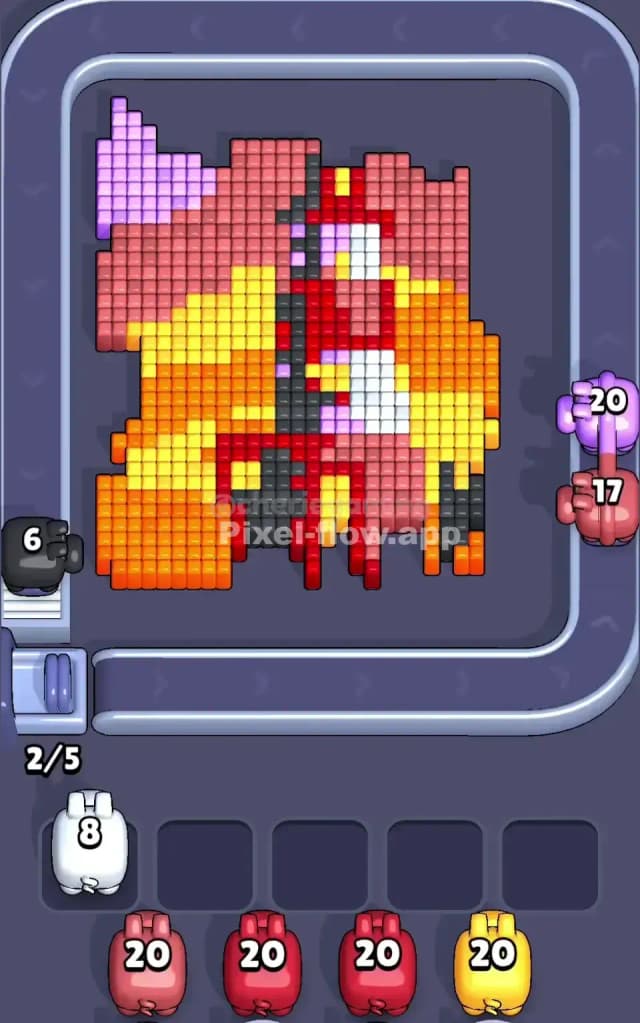
Start by deploying your first black pig (20 ammo). Don't aim randomly—instead, focus on the white and light-colored cubes in the clouds and the bottom-left corner of the board. White appears scattered and is one of the smallest color clusters, so burn through these early. Your black pig will destroy white cubes if they're adjacent or in direct lines. By clearing white early, you accomplish two things: you remove a small, scattered color that could otherwise jam your workflow later, and you expose the darker layers beneath. Aim to spend about 12–15 ammo on white, then start chipping away at gray. Keep at least two waiting slots empty as a safety margin.

After your first black pig, send your red pig (20 ammo) directly at the balloon's red sections. These are large, contiguous blocks in the center of the board, so the red pig will demolish them quickly. You might spend 15–18 ammo here and park the pig with 2–5 ammo remaining. Don't force it to empty—sometimes leaving a pig with a little reserve is strategic because it preserves waiting slots and keeps your queue flexible.

Mid-Game: Layer Exposure and Ammo Precision

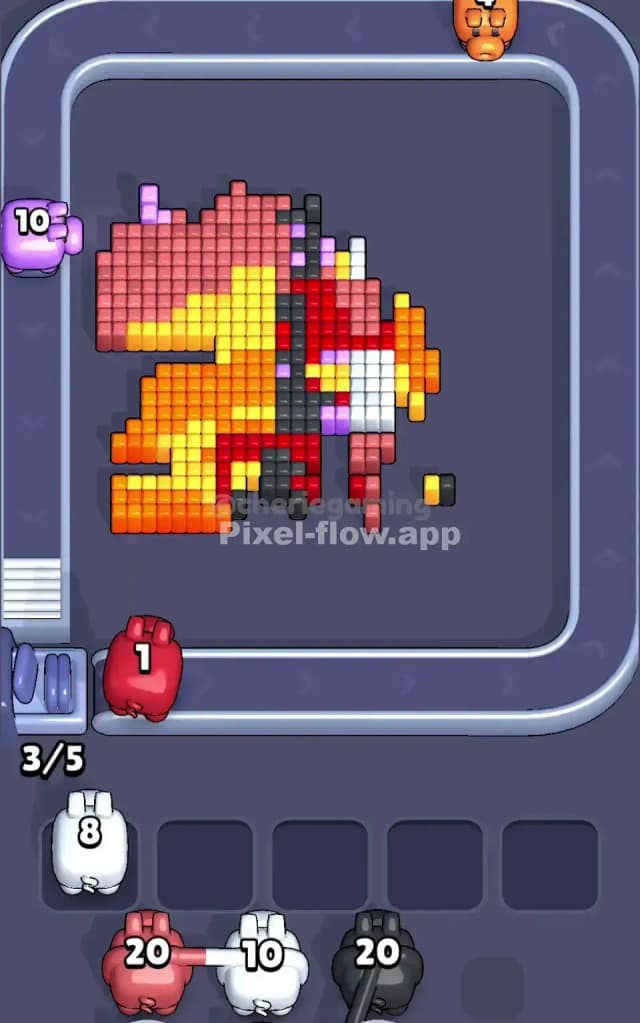
Once the balloon's outer shell is cracking, send your second black pig (20 ammo) to finish white and gray, then start working on black cubes as they become visible near the grass line. This is where Pixel Flow Level 381 demands patience: watch the board after each pig deploys. You might see new black cubes appear as deeper layers clear. If your second black pig finishes before you've uncovered all the black targets, park it in a waiting slot rather than overkilling white or gray. You'll regret spending 20 ammo on colors you could target with the green pigs instead.

Next, bring in your first green pig (10 ammo). Green forms the bottom grass layer and is relatively easy to spot. Spend 8–10 ammo clearing the grass and exposing the very bottom layer of black cubes. This pig should almost empty its magazine, because green is abundant and you want to unlock the deepest cubes as quickly as possible. After the green pig, you should have a much clearer picture of how many black cubes are actually hidden beneath. If you've miscalculated and the board still has 15+ black cubes but your second black pig is parked and empty, you're in trouble. This is why Pixel Flow Level 381 demands mental rehearsal: count the black cubes before you deploy the second green pig.

End-Game: Finishing Clean and Avoiding the Jam

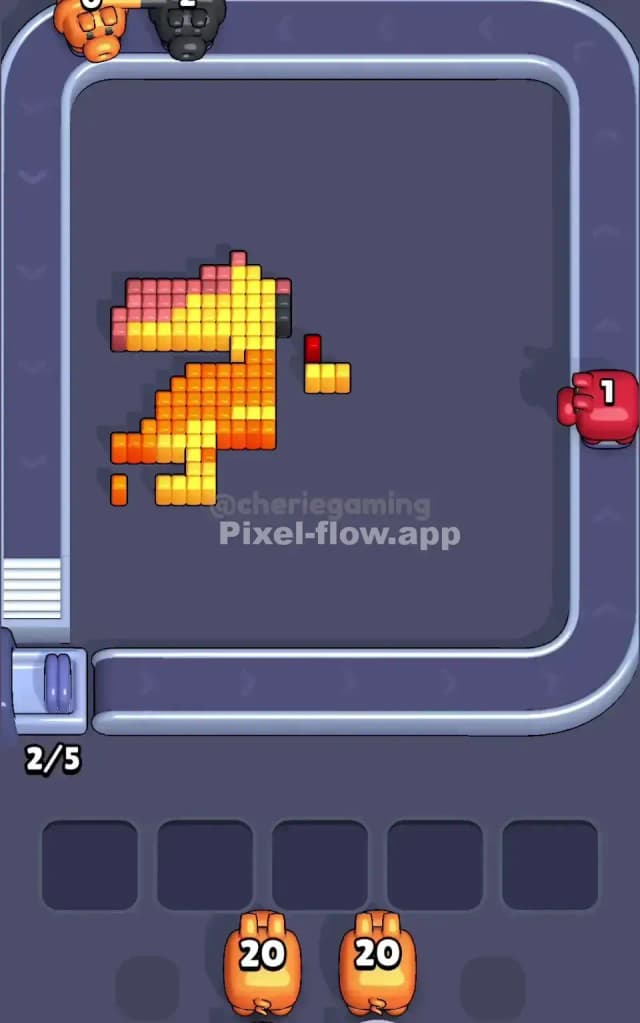
Your second green pig (10 ammo) should arrive when the board is nearly naked, with mostly black cubes and a few straggler grays or whites scattered about. Spend 5–8 ammo finishing green and any remaining light colors, then let the pig park if there's any ammo left. By now, you should have a clear picture of every remaining black cube. At this point, you might have one or two pigs in the waiting slots, each with a handful of ammo. The key is ensuring that the cumulative remaining ammo across all parked pigs equals the number of exposed cubes. If you're holding 25 ammo across three parked pigs and only 20 black cubes remain, you've failed Pixel Flow Level 381—you can't spend that extra ammo and you'll jam.

To avoid this, deploy the parked pigs one final time in a preplanned order, starting with the one closest to empty. Each deployment should demolish the remaining cubes of its color and leave the board cleaner. By the end, you should have one or two pigs that fire their last ammo and clear the board entirely. The satisfaction of Pixel Flow Level 381 comes from that final pig landing the killing blow with zero ammo wasted.


The Logic Behind This Pixel Flow Level 381 Plan

Pig Order as a Strategic Tool

The strategy here isn't about reflexes or wild guessing—it's about understanding that the pig order in Pixel Flow Level 381 is a tool you must respect. Your pigs arrive in a fixed sequence, and each one has a specific ammo count that must align with actual cubes on the board. By deploying black first to clear the debris and expose layers, then using color pigs to work through the balloon and grass, you're essentially using pig order as a natural progression from rough clearing to fine detail. The black pigs act like rough sandpaper, and the color pigs are the finish. This isn't arbitrary—it's the only way to guarantee that later pigs find viable targets.

Counting Ammo and Predicting Jams

The heart of Pixel Flow Level 381 strategy is ammo counting. Every pig has a finite magazine, and every cube on the board is a target that consumes exactly one ammo. If you can mentally (or physically, on a piece of paper) track every cube by color before you start, you'll never find yourself with a pig that has nowhere to shoot. The waiting slots are your pressure valve: if a pig runs out of targets, it drops into a slot, and it stays there until either more cubes of its color appear or a new pig arrives. Fill all five slots, and you're stuck. The strategy prevents this by ensuring that when a pig parks, it's deliberate, and that the remaining queue of pigs will eventually spend all their ammo on the exposed board.

Staying Calm and Planning Two Pigs Ahead

Pixel Flow Level 381 will test your patience because the board is visually busy and the stakes feel high (one miscalculation ruins everything). The antidote is to pause after each pig and ask yourself: "What color will the next pig need? Can I expose more of it before deploying the next pig, or should I park this one and wait?" By planning two pigs ahead, you avoid reactive panic. You're steering the puzzle instead of reacting to it. This mindset transforms Pixel Flow Level 381 from a stressful gauntlet into a satisfying logic problem that yields to careful thought.