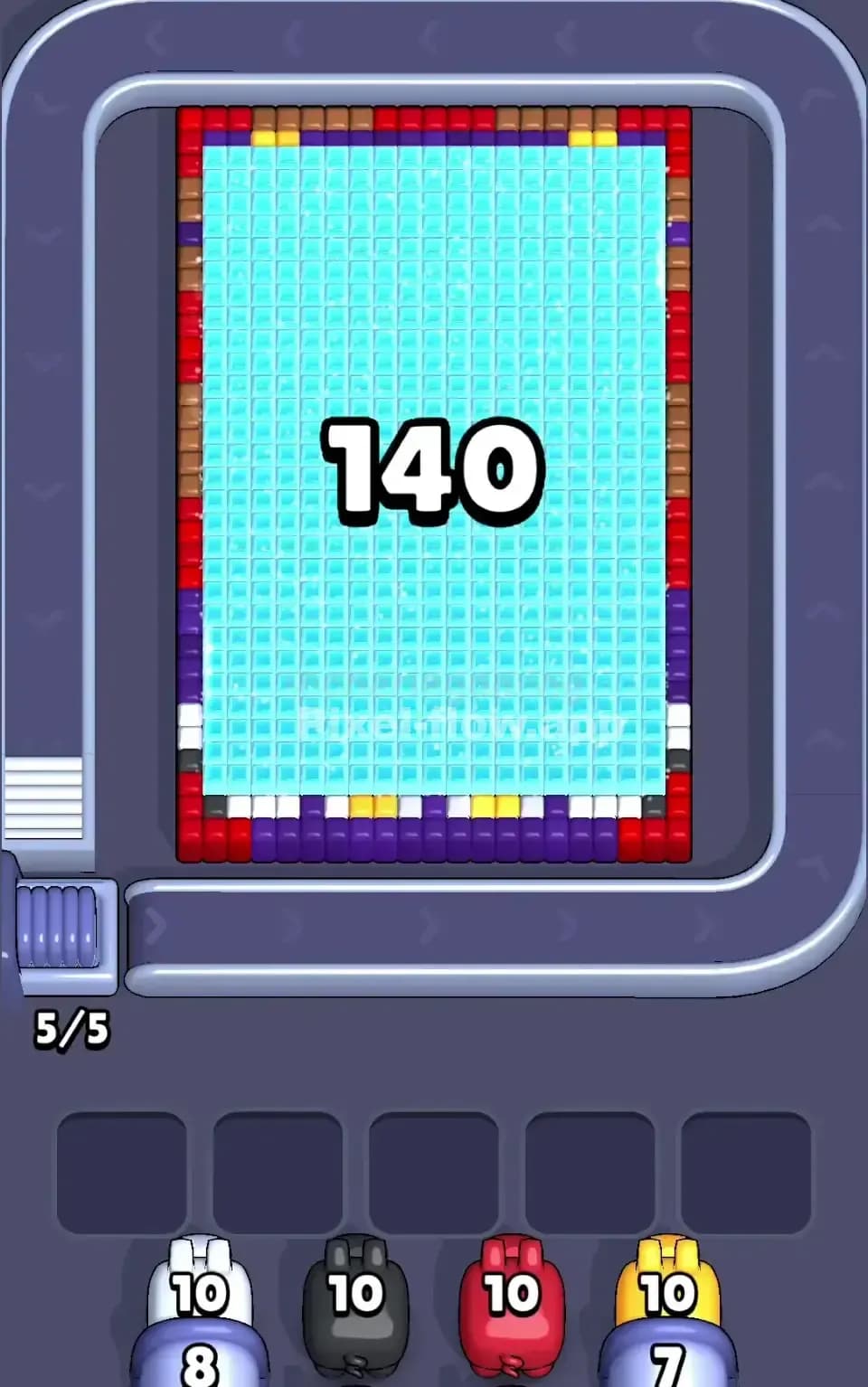
Pixel Flow Level 443 Solution | Pixel Flow 443 Walkthrough
How to beat Pixel Flow Level 443: Video solution & walkthrough. The fastest way to pass Pixel Flow 443.
Is this the wrong level layout?🤔
Pixel Flow randomizes levels for different players. Don't worry, just upload a screenshot of your board, and our AI will find the correct video instantly.
Pixel Flow Level 443 Walkthrough
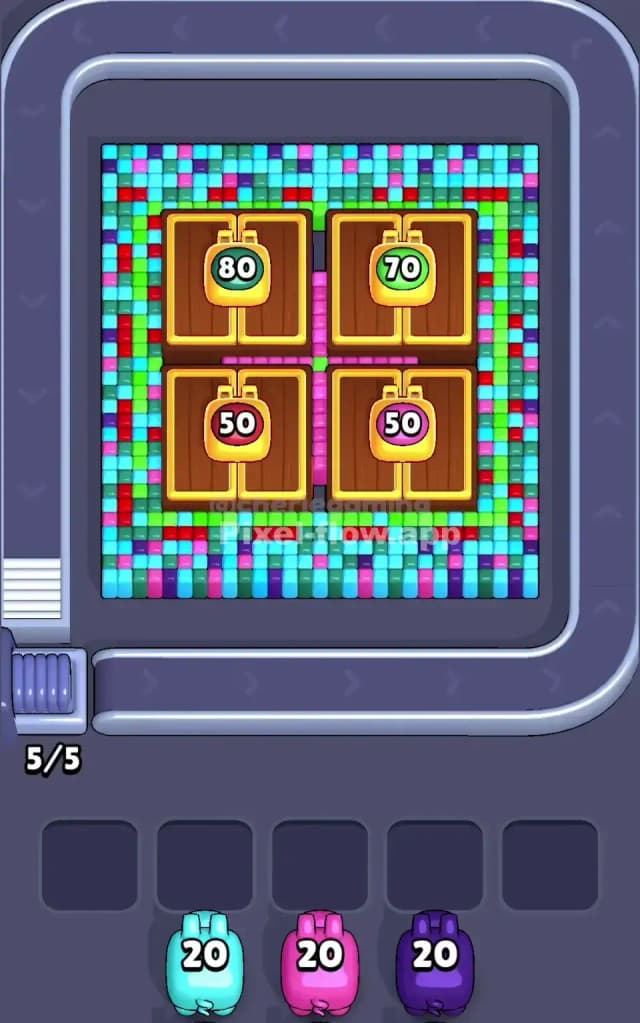
This level hits you with a massive, chaotic wall of noise right away. You are looking at four distinct "backpack" shapes sitting on a wooden background, but the initial view is just a scramble of confetti-colored pixels. The board is split into four main quadrants, each hiding a large yellow backpack with a different colored patch. The noise surrounding these backpacks is dense: layers of cyan, dark blue, purple, and red are scattered everywhere.
The rule for Pixel Flow 443 is strict: you must clear the outer "static" noise to reveal the yellow backpacks underneath. If you pick the wrong color pig early, you’ll clog your five waiting slots instantly because the colors are so mixed. Is this a hard level? Yes. It is a very hard level because of the visual confusion and the risk of jamming your slots in the first 30 seconds.
Pixel Flow Level 443 Overview
Think of this board as four separate lockers, each containing a backpack.
- Top Left: A yellow backpack with a teal patch (marked "80").
- Top Right: A yellow backpack with a green patch (marked "70").
- Bottom Left: A yellow backpack with a red patch (marked "50").
- Bottom Right: A yellow backpack with a pink patch (marked "50").
The "backpacks" themselves are clean, large blocks of yellow and brown. However, they are buried under a "confetti" layer. This outer layer is the danger zone. It's a mix of cyan, purple, dark blue, and red pixels arranged in a scattered, almost random pattern. There is a very distinct frame of bright green pixels that separates the outer noise from the inner backpacks.
The symmetry is tricky. While the four quadrants look similar, the noise pattern isn't perfectly uniform. You might have a cluster of five cyan blocks on the left, but only two on the right. This asymmetry means a Cyan Pig might clear a huge chunk on one side but barely scratch the other, leaving it stranded in your waiting slots with leftover ammo.
Step by step solution walkthrough for Pixel Flow Level 443
First Color Zone to Erase in Pixel Flow Level 443
Focus immediately on Cyan. Look at the board. Cyan is the dominant "background" color in that messy outer layer. It's everywhere. It frames the top, fills the gaps between the backpacks, and litters the bottom edge.
Because the Cyan pixels are so spread out, a Cyan Pig will almost certainly find targets and empty its ammo. This clears the board significantly, removing the "static" and letting you see the actual structure underneath. If you don't see a Cyan pig, Dark Blue or Purple are decent backups, but they are riskier. Avoid Red or Yellow pigs early on. Red is too sparse in the outer layer, and Yellow is completely blocked by the outer layers. Picking a Yellow pig first is suicide for your slot management.
How to pass Pixel Flow Level 443 without power ups or boosters
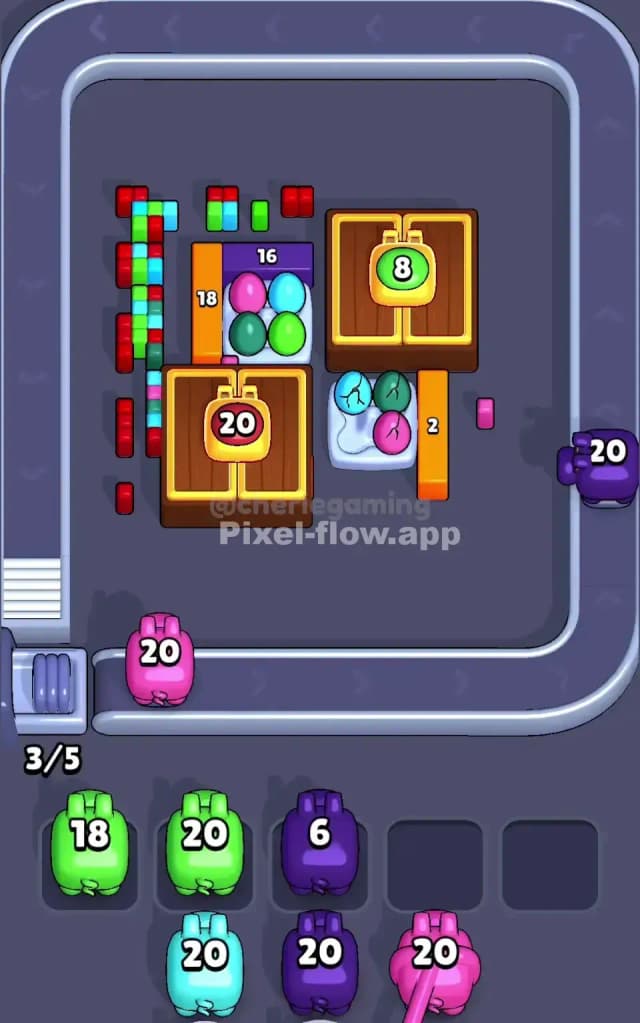
Once you’ve shaved off that initial layer of Cyan and Purple noise, the board looks very different. You will see the clear outline of the four wooden/yellow squares. This is the "mid-level" danger point.
At this stage, you often have a few stray pixels of the outer colors (Dark Blue, Red, Pink) clinging to the edges of the backpacks. The temptation is to grab a Yellow pig because you see so much yellow now. Don't.
Wait until the "Green Frame" is gone. There is a distinct rectangular border of green pixels surrounding the inner backpacks. Until you clear that Green barrier, your Yellow pigs might not be able to hit the main backpack bodies efficiently. Prioritize Green Pigs in this middle phase. They serve as the key to unlocking the massive yellow zones.
If your slots are filling up with pigs that have 10-20 ammo left, stop looking at the center. Look at the corners. Often, a single pixel in the far top-right corner is blocking a pig from finishing. If you can't clear it, you might need to purposefully pick a different color just to cycle the conveyor belt and find the one specific color you need to unclog the jam.
Last Details You Clean Up in Pixel Flow Level 443
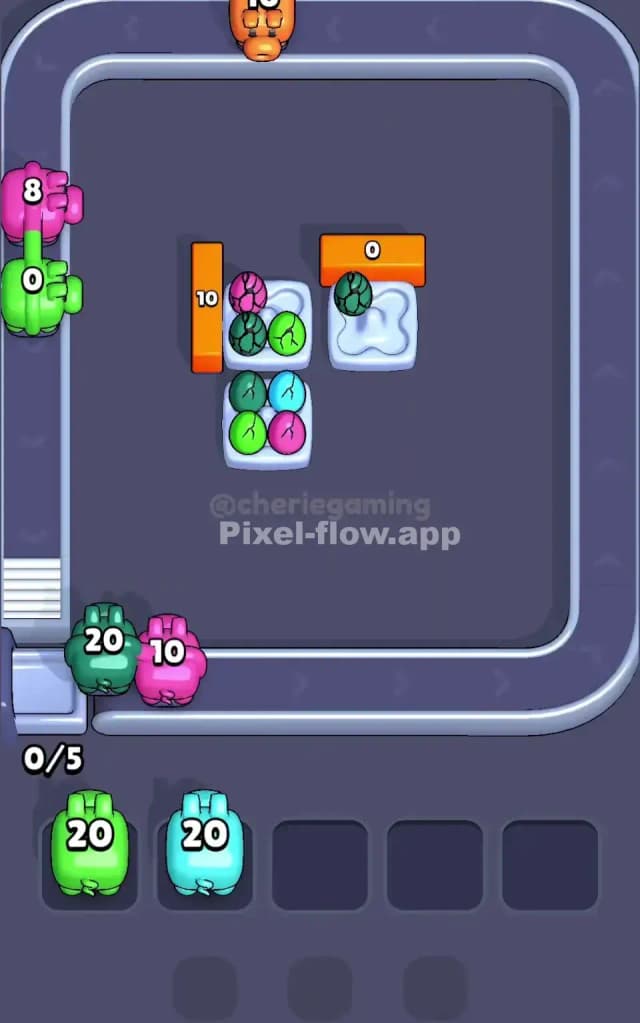
The end game is satisfying but requires patience. Once the Green frame and the messy confetti are gone, you are left with four massive blocks of Yellow (the bags) and Brown (the wood).
The specific colored patches on the bags (Teal, Green, Red, Pink) are deep layers. You won't touch those until the very end. The final few moves usually involve:
- Yellow Pigs: These will drain rapidly because the targets are huge.
- Brown Pigs: These clear the "wood" backing behind the bags.
- The Patches: Finally, you'll need one specific pig for each backpack patch (e.g., one Red pig for the bottom left, one Teal for the top left).
Watch out for the numbers on the patches. The "80" on the top left means there are 80 layers or pixels there. Don't be surprised if a single pig doesn't finish the job. You might need two or three of the same color back-to-back to finish off those deep central patches.