Pixel Flow Level 578 Solution | Pixel Flow 578 Walkthrough
How to beat Pixel Flow Level 578: Video solution & walkthrough. The fastest way to pass Pixel Flow 578.
Is this the wrong level layout?🤔
Pixel Flow randomizes levels for different players. Don't worry, just upload a screenshot of your board, and our AI will find the correct video instantly.




Pixel Flow Level 578 Walkthrough
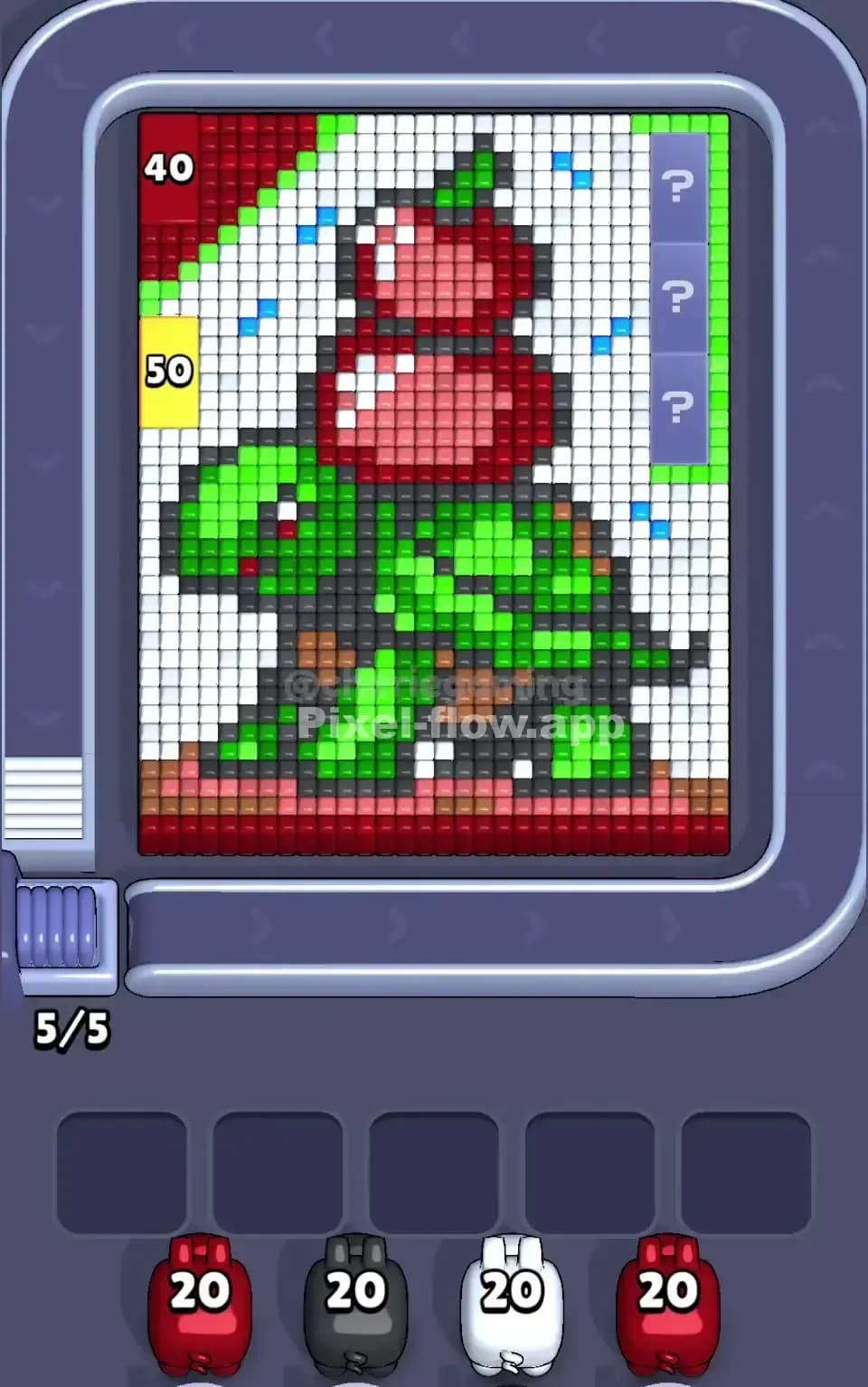
Level 578 hits you with a massive wall of Ice. This is a deceptive puzzle. Initially, you see nothing but a sheer cliff of light blue ice cubes, flanked by huge vertical lasers (Sensors) and some yellow/red detailing on the extreme edges. The true challenge is hidden: you must break through this frozen facade to reveal a hidden character underneath—a pink and white rabbit-like figure wearing a top hat.
To beat Pixel Flow Level 578, you have to prioritize clearing the massive "ice sheet" layer first. Any pig that isn't Cyan (Light Blue) is a liability in the early game. If you let too many non-cyan pigs clog your waiting slots before the ice is broken, you will lose. Is this a hard level? Yes, it is very hard, primarily because the initial layer is so thick that it creates a bottleneck for your waiting slots.
Pixel Flow Level 578 Overview
Think of this level as an excavation. The scene starts cold and abstract. You are staring at a solid block of Cyan cubes (120 health points worth in the center zone alone). This isn't just background; it's a vault door.
Once you crack the ice, the vibe shifts completely. The hidden artwork is a stylized Magician Bunny. It has a white face, pink ears, and is wearing a dark grey top hat with a pink stripe. It looks like it's performing a trick, perhaps jumping out of a hat or standing behind a curtain.
Key Structural Details:
- The Ice Wall: The entire center 60% of the screen is covered in Light Blue. This is the only color that matters for the first minute of play.
- The Flanks: On the far left and right, sitting outside the blue laser beams, are vertical strips of Yellow and Red. These are tricky because they are narrow.
- The Hidden Core: Under the ice, the Rabbit is mostly White and Pink, with critical Black/Dark Grey outlines and hat details.
- Symmetry: The level is mostly symmetrical, but the Rabbit's pose has slight variations in the feet and ears. This helps you predict shots: if you clear the left ear, the right ear is likely in the same spot on the other side.
Step by step solution walkthrough for Pixel Flow Level 578
First Color Zone to Erase in Pixel Flow Level 578
Focus entirely on Cyan (Light Blue).
This is not a choice; it's a survival requirement. The giant block of ice covering the center screen is the only valid target for a huge portion of the early game. Narratively, you are chipping away the ice to free the magician. Logically, if you pick up a White or Pink pig early, it has nowhere to shoot. It will sit in your slot and rot.
The Strategy:
- Watch the conveyor belt like a hawk.
- Grab every Cyan pig immediately.
- Do not touch White, Pink, or Black pigs yet unless your slots are empty and you need to cycle the belt to find more Cyan.
- If you see Yellow or Red pigs, you can grab them only if you see the matching strips on the far left or right edges. If those edges are blocked by sensors or other cubes, let those pigs pass.
How to pass Pixel Flow Level 578 without power ups or boosters
Once the ice wall shatters, the board looks chaotic. You’ll have the top hat (Dark Grey/Pink) visible at the top, and the bunny’s face (White) in the middle. The "danger zone" is now your waiting slots. Because the hidden picture uses many colors (White, Pink, Dark Pink, Grey, Yellow, Red), the game will start throwing a rainbow of pigs at you.
Mid-Level Priority List:
- Clear the Sensors (Lasers): The vertical laser beams on the sides often block the Yellow/Red columns. You need to clear the cubes adjacent to the sensors (usually part of the ice or the edge of the bunny) to deactivate them. Once the lasers are down, prioritize Yellow and Red pigs to clean the messy edges.
- Target the "Top Hat" (Dark Grey): The hat at the top center is a dense block. Dark Grey pigs usually have high ammo usage here. Clearing the hat opens up the top rows for other colors to reach their targets.
- The "Pink" Trap: Be careful with Pink pigs. There are two shades of pink here (light pink for the body, dark pink for the curtains/wings). Make sure you have the correct shade before grabbing the pig, or it will just sit in your slot. The game loves to trick you with similar shades here.
Refusing Power Ups: Since you aren't using a bomb to clear the ice, you must be patient. If you have 4 slots full of "useless" colors (like White pigs when the White face is still covered by Pink), you must wait. Let the belt run. Do not panic-click a 5th pig just to do something. Wait for the exact color you need to unclog a specific line.
Last Details You Clean Up in Pixel Flow Level 578
The end game is usually the Rabbit's face and the scattered dark pixels.
- The Eyes and Outline: The Rabbit has black/grey pixels defining its eyes and whiskers. These are often single-block targets. You might end up with a Black pig that has 20 ammo but only 2 targets left. This is annoying but safe—as long as it clears the blocks.
- The Bottom Footer: There is often a row of mixed pixels (Yellow/White/Red) at the very bottom, acting as a "stage floor." These are easily forgotten. If you can't find a target for a Yellow pig, check the very bottom row.
- Residual Ice: Sometimes a single block of Cyan ice hides in a corner. Double-check the top corners. If a Cyan pig comes by late in the game, verify you actually need it before picking it up.