Pixel Flow Level 589 Solution | Pixel Flow 589 Walkthrough
How to beat Pixel Flow Level 589: Video solution & walkthrough. The fastest way to pass Pixel Flow 589.
Is this the wrong level layout?🤔
Pixel Flow randomizes levels for different players. Don't worry, just upload a screenshot of your board, and our AI will find the correct video instantly.

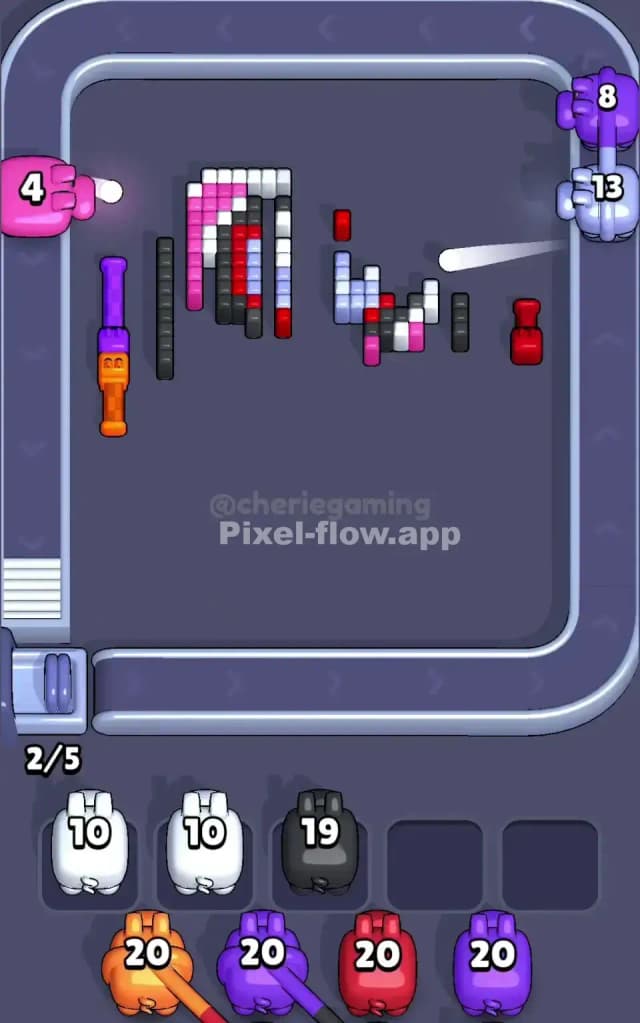
Pixel Flow Level 589 Walkthrough
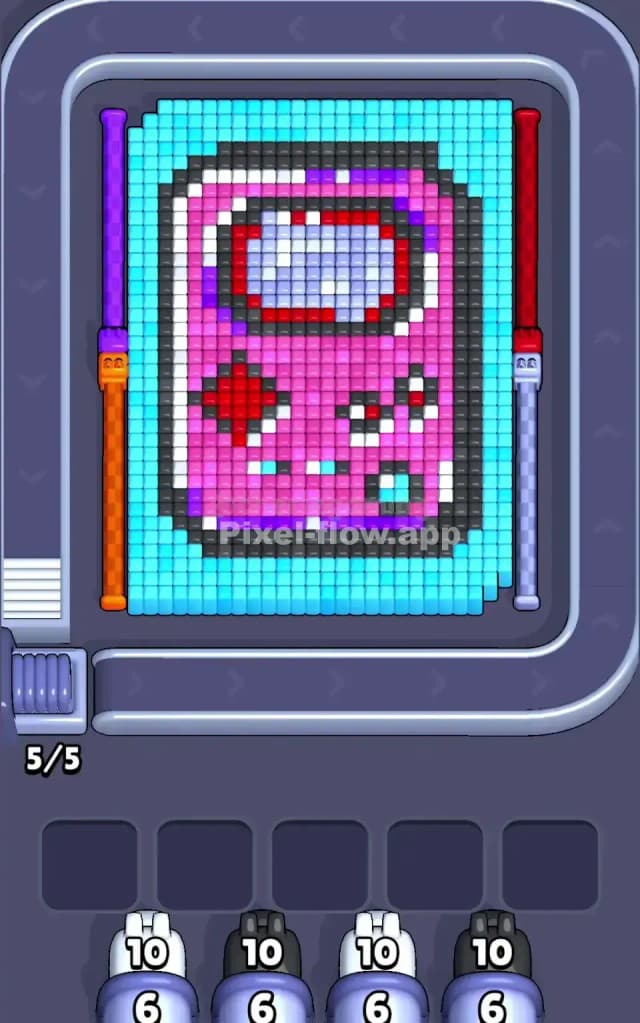
This level is a nostalgic punch to the gut for anyone who grew up in the 90s. The artwork is a vibrant pink retro handheld console (clearly a Game Boy style device) displaying a scene on its gray screen. The main console sits in the center, flanked by two tall, weirdly specific vertical pillars on the far left and right. The biggest hurdle here is the massive, uniform field of Cyan that buries the entire image. Because you have to chew through so much background color before touching the "real" art, mistakes early on will punish you ten moves later. The ammo counts are high, and the layers are deep.
Is it difficult? Yes. I would rate this level as very hard.
Pixel Flow Level 589 Overview
Imagine a chunky, pink portable game console floating in a pool of blue water. That’s the board. The central figure is a large rectangle mostly comprised of Pink pixels. Inside that pink body, you have a Black outline that defines the shape, a gray screen with a white/red reflection (which actually looks a bit like a spaceman visor), and the classic red control buttons near the bottom.
There is a distinct asymmetry to worry about. The console itself is centered, but the control buttons are not. You have a D-pad on the left and action buttons on the right, meaning the "Red" layer is unevenly distributed.
The most dangerous visual element, however, isn't the console—it's the borders. On the far left, there is a tall column split between Purple and Orange. On the far right, a similar column split between Red and White. These columns stand apart from the main block, acting as separate vertical stacks that can easily trap your pigs if you ignore them while focusing too hard on the pink center.
Step by step solution walkthrough for Pixel Flow Level 589
First Color Zone to Erase in Pixel Flow Level 589
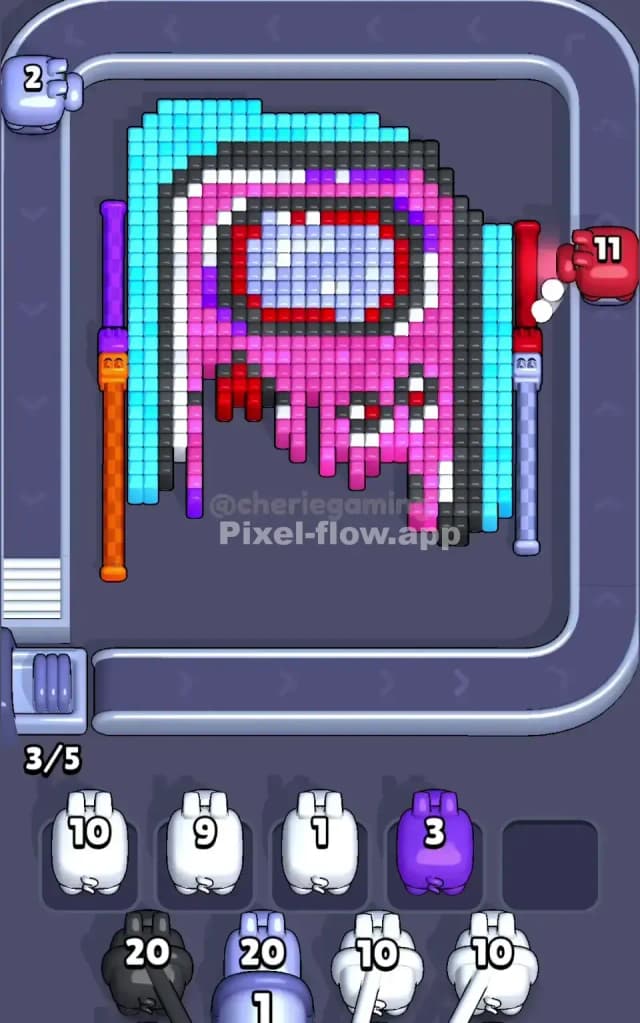
You have no choice but to start with the Cyan background. However, don't just spam cyan pigs blindly. The cyan layer acts as a "wrapper" around the console and the side pillars.
You need to prioritize the Cyan pixels that are touching the Black outline of the console first. Why? Because the Black layer is the "gatekeeper" to the Pink interior. If you clear the edges of the screen but leave a chunk of Cyan sitting directly on top of the console's face, you block your access to 80% of the puzzle. Look for the Cyan pigs with high ammo counts (like the 12-ammo pig seen in the queue) and direct them to the center mass. Peel the wrapper off the candy bar.
How to pass Pixel Flow Level 589 without power ups or boosters
Once the Cyan tide recedes, the board looks messy. You will have the dark Black outline exposed, and likely the tops of those weird side columns (Purple/Red).
This is the danger zone. You will likely see Pink pigs and Red pigs with massive ammo counts (sometimes up to 20) appearing in your queue.
- Do NOT deploy the 20-ammo pigs yet. If you send a Red pig with 20 ammo to hit the tiny D-pad buttons now, it will destroy 4 pixels and then sit in your waiting slot with 16 ammo, clogging the lane. You effectively lose that slot for the rest of the game.
- Wait until the Pink body is fully exposed. You need a target-rich environment for those heavy hitters.
- Focus on the Black outline next. The outline connects the whole image. clearing the black border usually opens up valid shots for the interior Gray screen and the Pink casing simultaneously.
- Keep an eye on the side columns. The Orange and White sections are at the bottom of those stacks. You cannot hit them until the Purple (top left) and Red (top right) are gone. If you have a Purple pig, prioritize that left column immediately to get it out of the way.
Last Details You Clean Up in Pixel Flow Level 589
In the final phase, the big Pink blocks are gone, and you are left with the "guts" of the machine. This usually means the Gray screen background, the white "glint" on the screen, and the red buttons.
The trickiest remaining pixels will be the White pixels. There are some in the right-side column and some in the screen reflection. Ensure you don't waste a White pig on the side column if you still need it for the screen, or vice versa. The last moves usually involve cleaning up the scattered Red pixels of the A/B buttons. Since these are deep in the layer stack (under the pink), they are often the last thing to become valid targets. Save a low-ammo Red pig for this final cleanup.