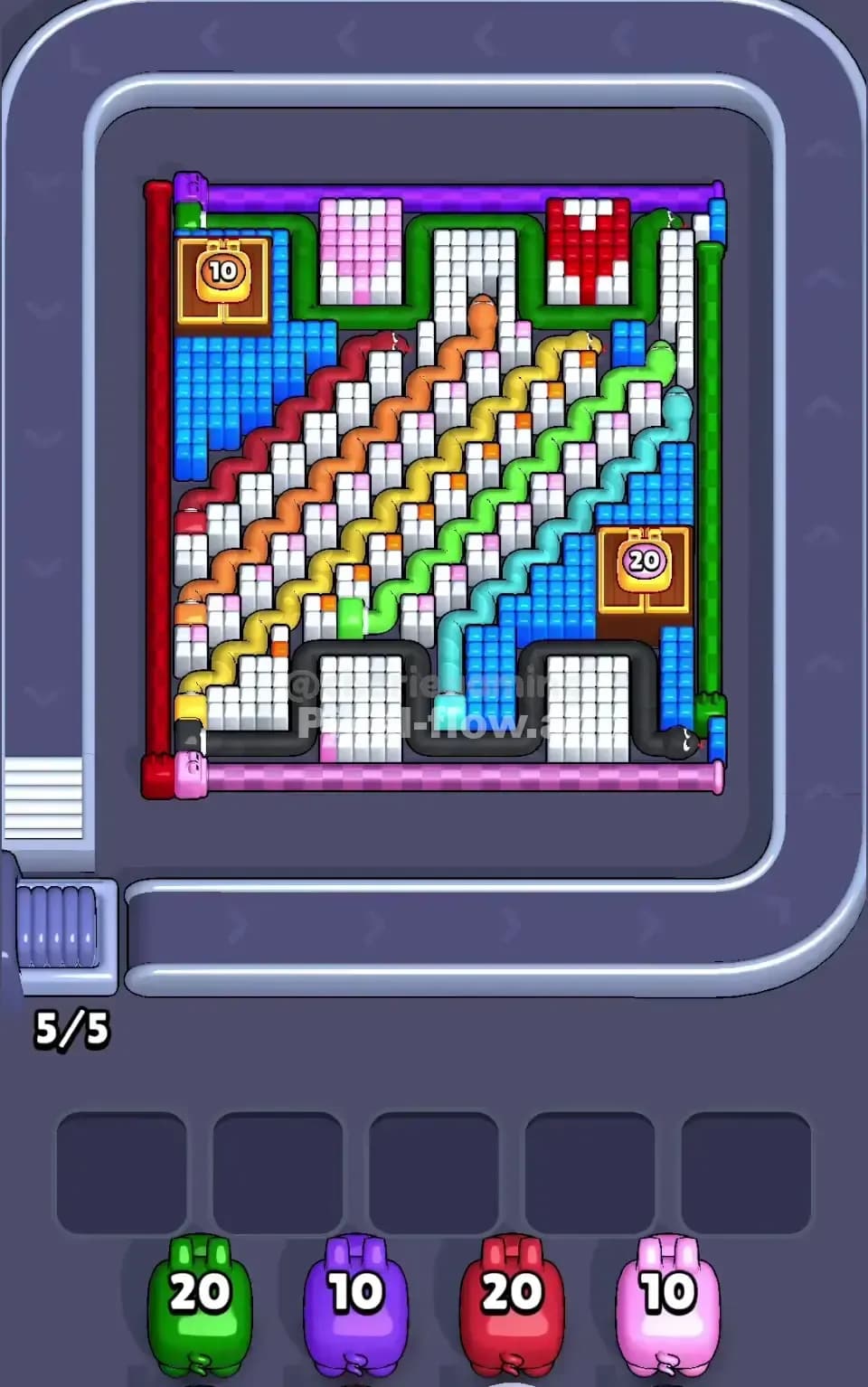
Pixel Flow Level 722 Solution | Pixel Flow 722 Walkthrough
How to beat Pixel Flow Level 722: Video solution & walkthrough. The fastest way to pass Pixel Flow 722.
Is this the wrong level layout?🤔
Pixel Flow randomizes levels for different players. Don't worry, just upload a screenshot of your board, and our AI will find the correct video instantly.
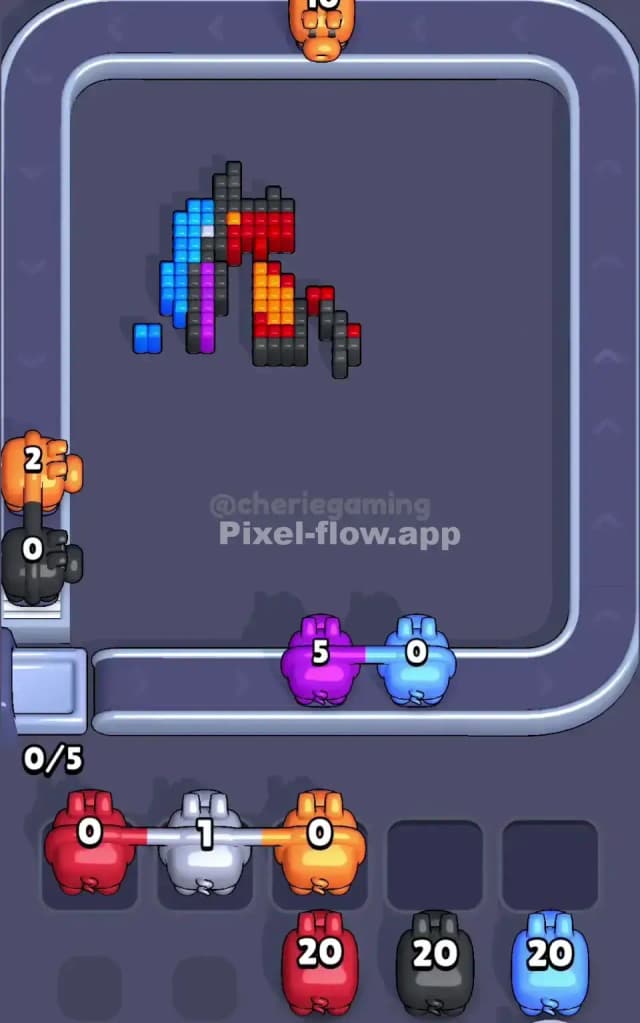
Pixel Flow Level 722 Walkthrough
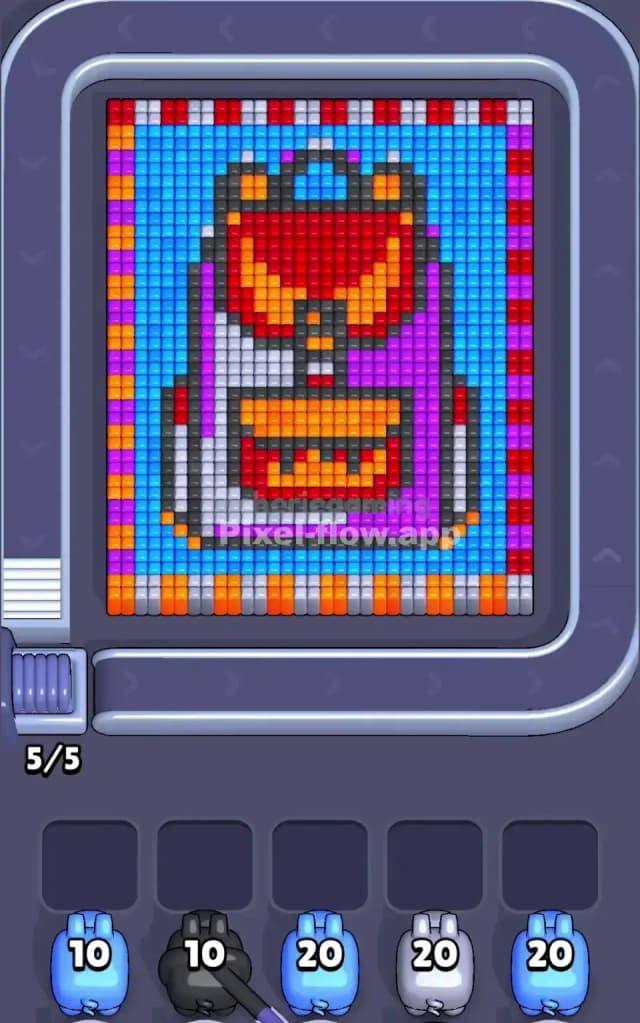
This level features a retro-styled, pixel-art backpack set against a solid light blue background, framed by a chaotic, multi-colored checkered border. The main challenge here isn't the central image—which is made of large, easy-to-hit blocks—but that tricky border that can clog your slots instantly. Because of the high risk of jamming your waiting slots with the alternating border colors, I judge this to be a very hard level.
Pixel Flow Level 722 Overview
Imagine a classic student backpack from the 90s. The artwork is split distinctly down the middle: the left side of the bag is a stark white/grey, while the right side is a deep purple. Sitting prominently on top is a large red flap with orange accents, and there’s a matching orange pocket at the bottom.
The entire scene sits on a field of Light Blue. However, the real personality—and the danger—of Pixel Flow Level 722 comes from the frame. It’s a "candy cane" style border with alternating stripes of Orange, Purple, Red, Grey, and Blue. This isn't just decoration; it's a logic trap. The asymmetry of the bag means you need different colors for the left (White) vs. the right (Purple), while that messy border demands you constantly switch colors.
Step by step solution walkthrough for Pixel Flow Level 722
First Color Zone to Erase in Pixel Flow Level 722
I start by attacking the Light Blue background.
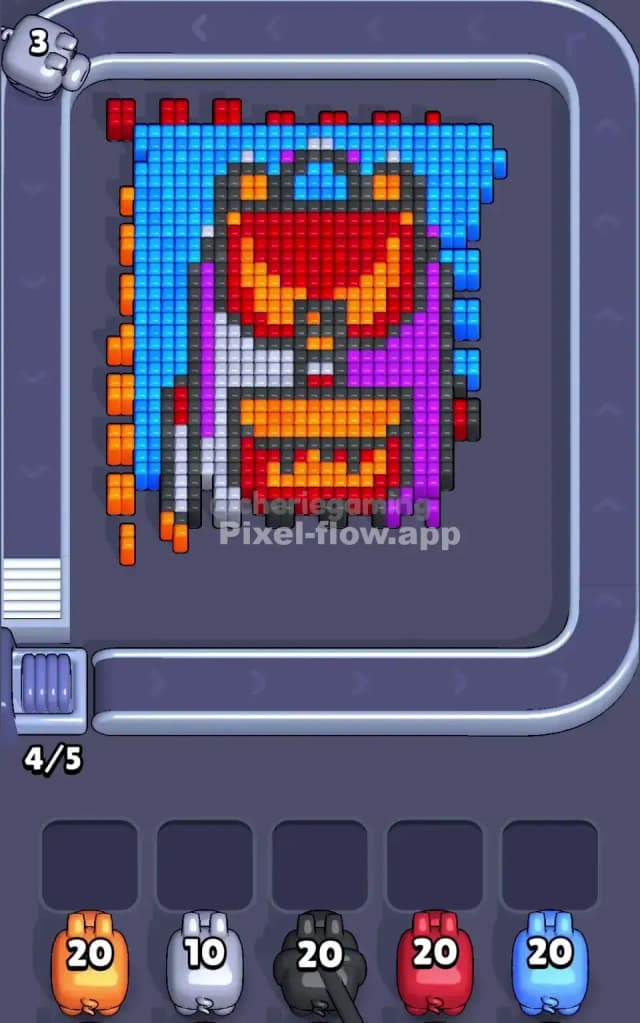
Narratively, this clears the "air" around the backpack. Logically, it is the safest play you can make. Looking at your starting pigs, you likely have several Light Blue pigs with 20 ammo. The background is a massive, uninterrupted field of blue pixels. If you drop a Light Blue pig here, it will easily empty its entire clip without getting stuck in a waiting slot. Clearing this blue zone first isolates the backpack and, more importantly, exposes the edges of that dangerous checkered border so you can chip away at it later.
How to pass Pixel Flow Level 722 without power ups or boosters
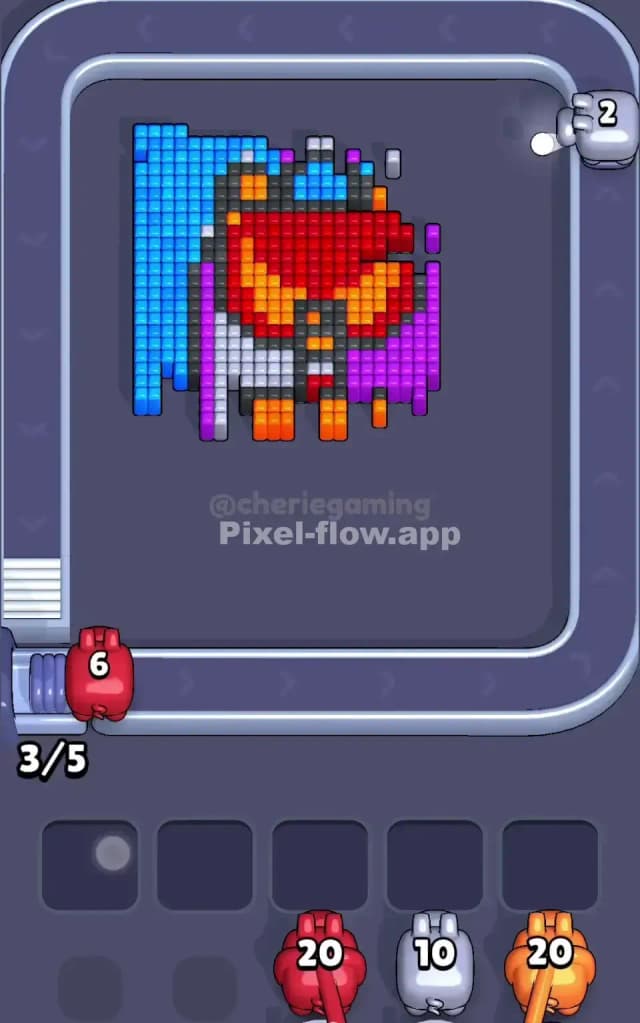
Once the blue background is gone, the level gets dangerous. You will see a half-destroyed picture where the solid Red flap and the Purple/White body panels are exposed, but that annoying striped border remains.
To survive without items, you must ignore the border initially. Do not send high-ammo pigs to attack the border stripes yet. The border alternates colors every few pixels. If you send a Red pig to hit one Red border pixel, it will return to your slot with 19 ammo and nowhere to go. You will lose.
Instead, target the large solid blocks inside the backpack.
- Red: The top flap is a huge chunk of solid red. This is a safe dump for Red pigs.
- Purple: The right side of the bag is solid purple. Clear it.
- Orange: The bottom pocket is a dense block of orange.
Only after you have cleared these "safe" inner zones should you turn your attention to the border. By then, you should try to use pigs with lower ammo counts (like the 10-ammo pigs) to snipe the alternating colors of the frame.
Last Details You Clean Up in Pixel Flow Level 722
The final phase of Pixel Flow 722 is usually a cleanup of the Black/Dark Grey outlines and the stubborn remnants of the checkered border.
The backpack has a thin black skeleton holding the shape together. These lines are narrow. Be extremely careful not to drop a 20-ammo Black pig if only 3 black pixels remain on the screen. Count the pixels. If you have 5 black pixels left and a pig with 10 ammo, that pig will get stuck. Wait for a new pig or clear other colors to force the conveyor belt to refresh. The very last move will likely be picking off the scattered single pixels of the border that were hiding behind the main blue layer.