Pixel Flow Level 726 Solution | Pixel Flow 726 Walkthrough
How to beat Pixel Flow Level 726: Video solution & walkthrough. The fastest way to pass Pixel Flow 726.
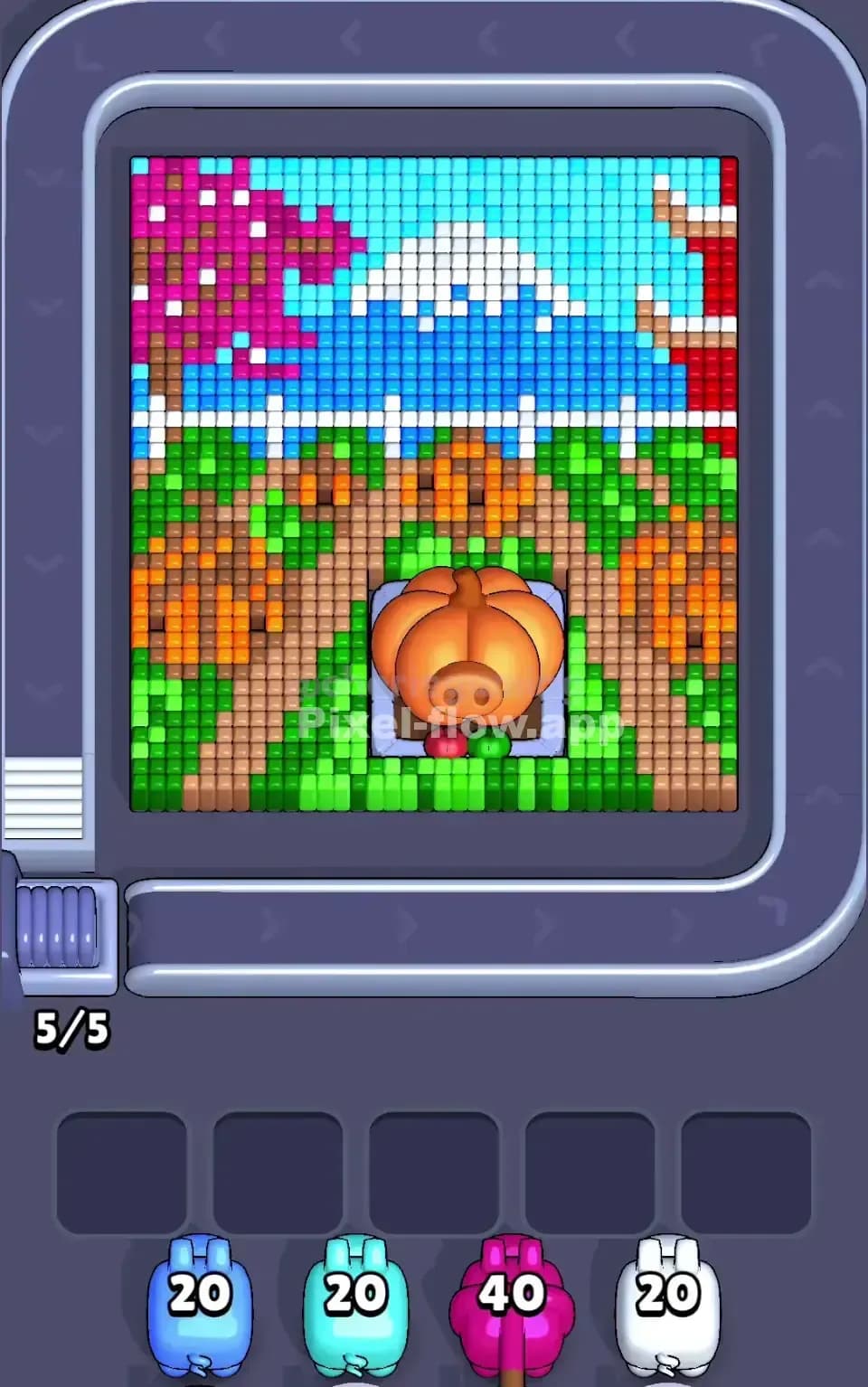
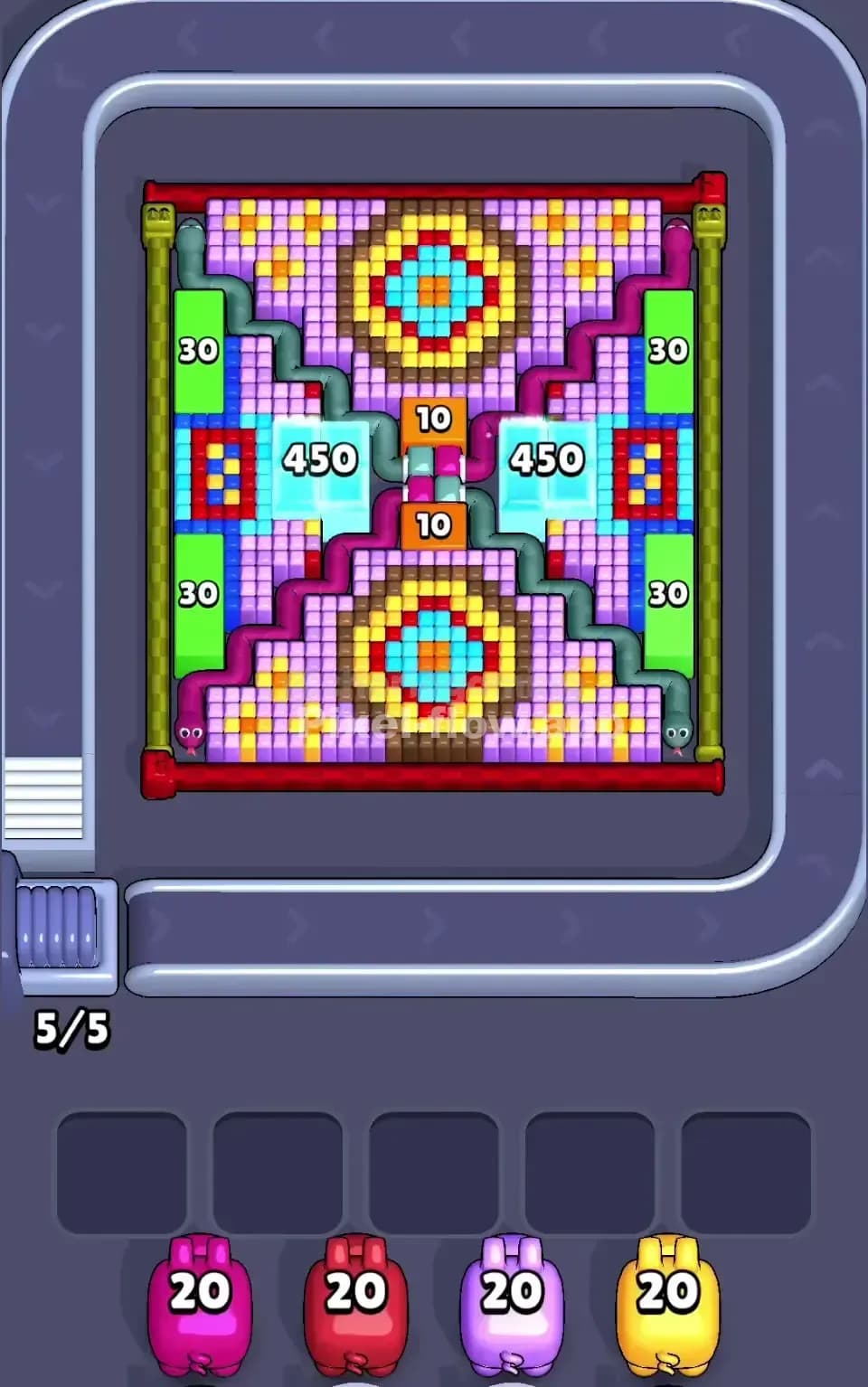
Is this the wrong level layout?🤔
Pixel Flow randomizes levels for different players. Don't worry, just upload a screenshot of your board, and our AI will find the correct video instantly.
Pixel Flow Level 726 Walkthrough
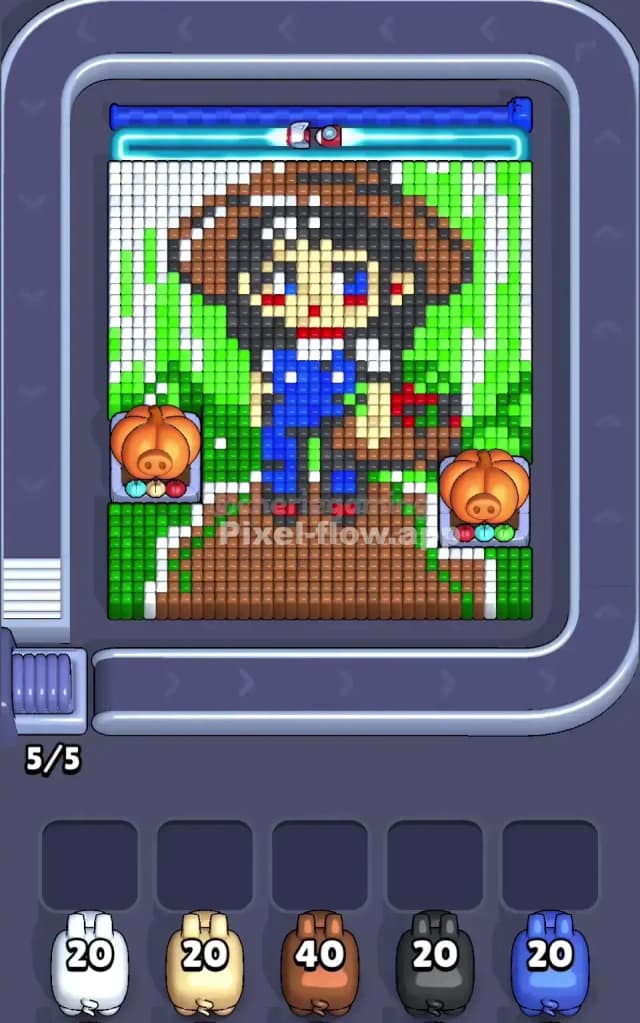
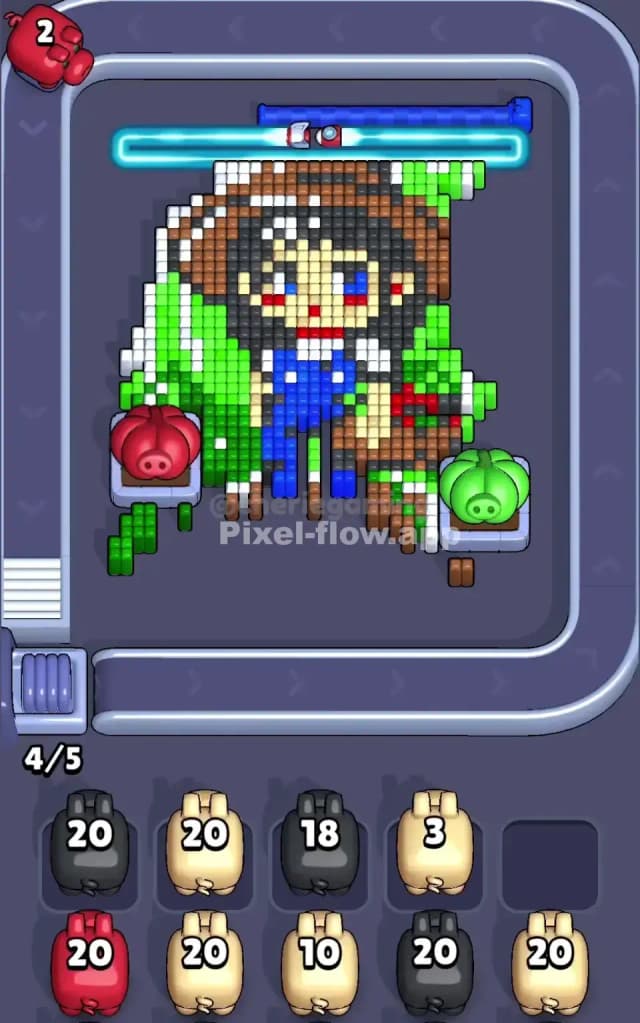
This level features a cheerful, voxel-style portrait of a farm girl or adventurer wearing a straw hat and blue overalls. The board is dense. The central figure stands on a thick brown path, flanked by vertical stripes of green and white that suggest a forest or tall grass background. The most distinct feature of Pixel Flow Level 726 is the pair of large "Pumpkin Head" statues sitting on the left and right edges of the artwork, acting as chunky obstacles that block your shots from hitting the side columns.
The rules here are standard but the layout is cramped. You need to strip away the outer layers—specifically the background stripes and the bottom path—to reveal the character’s core. Despite the visual noise, this is not a very hard level. It looks intimidating because of the Pumpkins, but the color separation is actually quite clean. The brown path at the bottom is a massive "freebie" zone that lets you dump ammo quickly, reducing the risk of a clogged board early on.
Pixel Flow Level 726 Overview
Imagine a character from a classic 16-bit farming simulator. That’s what we have here. A girl with messy black hair, a wide-brimmed brown straw hat, and bright blue overalls stands center stage. She has a red shirt peeking out and rosy red cheeks on a beige face. The scene feels sunny and rural.
The composition is heavily weighted towards the bottom and the center. The bottom third of the image is dominated by a solid block of brown pixels representing a dirt road or garden bed. This is your foundation. Rising from this brown base are vertical columns of white and green. These stripes act as a curtain behind the girl.
The tricky part of the layout involves the two Pumpkin statues. They sit on grey stone pedestals on the far left and right, roughly halfway up the board. These aren't just decoration. They physically obstruct the voxel columns behind them. You can't shoot through them. You have to clear the pixels around them or wait for the layers to shift. Because of this, the board feels narrower than usual. You don't have free rein to shoot at the edges. You are forced to focus on the center and the bottom first, which actually simplifies your decision-making process.
Step by step solution walkthrough for Pixel Flow Level 726
First Color Zone to Erase in Pixel Flow Level 726
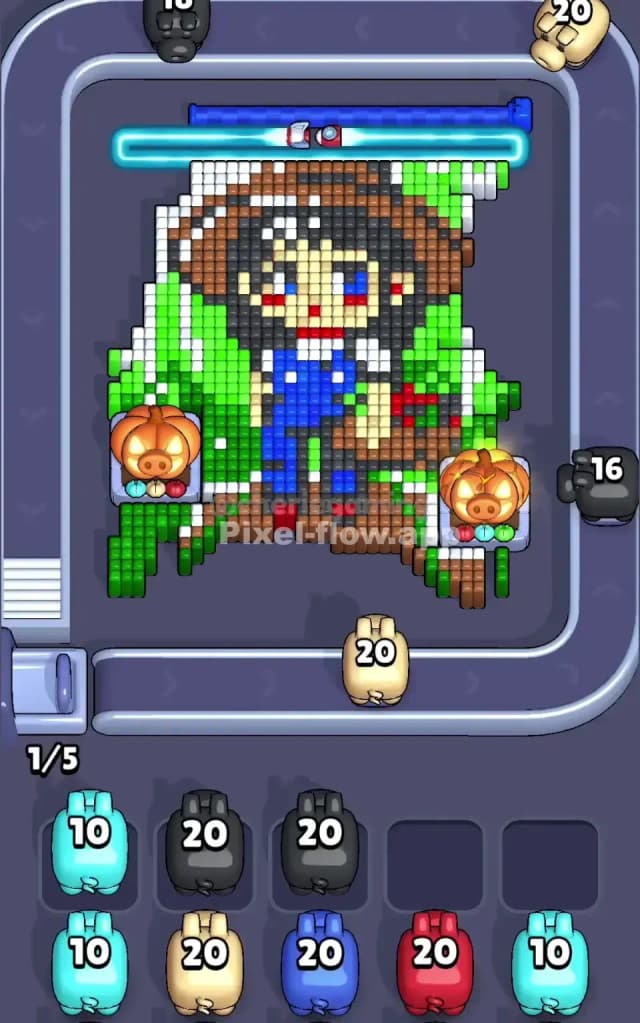
You must attack the Brown zone first.
Look at the bottom of the board. It is a solid, uninterrupted slab of brown pixels. Narrative-wise, you are clearing the mud off the road so the character isn't stuck. Logically, this is the safest play. The Brown pig in your queue typically comes with a massive ammo clip (often 40 shots or more). If you try to save this pig for the hat (which is also brown but higher up), you will clog your waiting slots.
The bottom brown section is exposed. There are no obstacles blocking it. By clearing this foundation immediately, you drop the entire image down significantly. This shifts the Pumpkin obstacles and the background stripes into better firing positions. Do not get distracted by the green or white stripes yet. Clear the floor. If you let that high-ammo Brown pig sit in a waiting slot, you are wasting a crucial resource and blocking a slot that you might need for a tricky single-shot color later.
How to pass Pixel Flow Level 726 without power ups or boosters
Once the brown path is gone, the picture looks strange. The girl is floating. The focus shifts to the vertical Green and White stripes on the left and right. This is the mid-game danger zone.
Without power ups, you need to be very careful with the Black and Beige pigs.
Why? The girl’s face and hair are a mix of Black and Beige, but they are buried deep in the center layer. However, the game will likely send you Black and Beige pigs while the outer Green/White shell is still intact.
- Prioritize the Stripes: When a Green or White pig appears, use them immediately on the side columns. These stripes are tall. They consume a lot of ammo. Clearing them exposes the inner "body" of the character.
- The Pumpkin Problem: As you shave off the Green/White sides, the Pumpkin statues will eventually lose their supporting blocks and fall or become irrelevant. Don't waste shots trying to "snipe" around them. Just clear the massive vertical columns next to them.
- The Queue Trap: If you get a Beige (Skin) or Blue (Overalls) pig but the target is blocked by a Green stripe, check your waiting slots. If you have open slots, let the pig pass. Do not fire at a single pixel just to use ammo if it means ignoring a huge block of Green that is covering everything. You need to peel this onion from the outside in.
- Blue Overalls: The Blue pixels are concentrated in the center chest area. This is a "safe" color. It’s usually a solid block, much like the brown path was. Once the Green/White curtains are parted, the Blue pig can do serious work clearing the torso, which separates the head from the legs.
Last Details You Clean Up in Pixel Flow Level 726
The end game is all about the face.
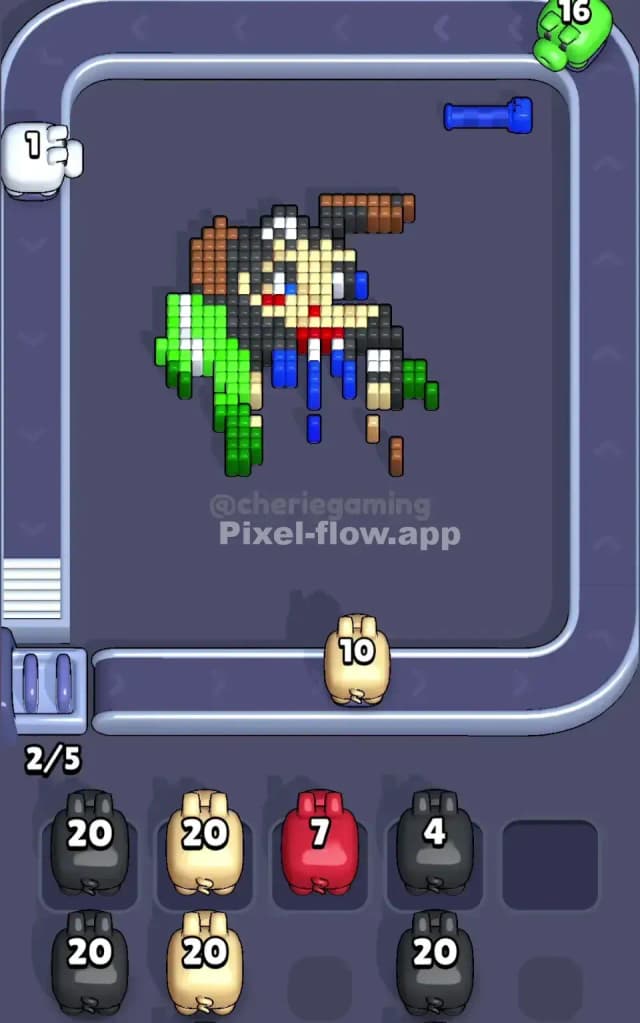
By now, the path is gone, the background stripes are erased, and the blue overalls are likely destroyed. What remains is a messy, floating head.
You will be left with scattered pixels of Black (hair), Beige (face), and a few distinct Red spots (cheeks and collar). This is where players lose Pixel Flow Level 726. The logic here is precision.
- The Hair: The Black pixels form a jagged halo around the face. They often block the Beige face pixels. If you have a Black pig, clear the hair first.
- The Hat Top: There might be a remnant of Brown at the very top of the hat. Don't forget it. If a Brown pig appears late in the game, it's for the hat brim.
- The Eyes and Cheeks: The Red and Blue eye/cheek pixels are tiny, single-voxel targets. Save your specialized pigs for these. Don't waste a 20-ammo pig on a single red dot if you can help it, but at this stage, you might have no choice.
The final move usually involves popping the last few beige blocks of the face or a stray black pixel from the hair that was hiding behind the hat. Watch your ammo count on the final pigs; you don't want to be left with a Red pig that has 1 shot when you have 2 red cheeks left to clear. Precision is key in the final ten seconds.