
Pixel Flow Knight Level Solution | Pixel Flow Knight Walkthrough
How to beat Pixel Flow Knight Level: Video solution & walkthrough. The fastest way to pass Pixel Flow Knight .
Is this the wrong level layout?🤔
Pixel Flow randomizes levels for different players. Don't worry, just upload a screenshot of your board, and our AI will find the correct video instantly.
Pixel Flow Knight Level Walkthrough
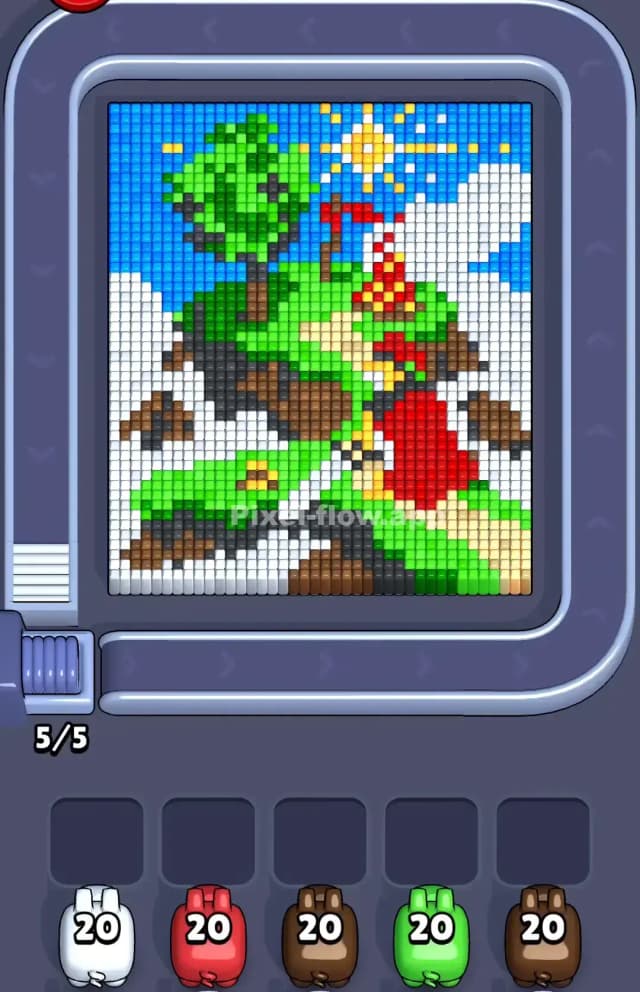
This level features a bright, cartoonish landscape that looks like a golf course or a castle on a hill. You’ve got a massive blue sky on the left, fluffy white clouds scattered around the edges, and a central green hill topped with a tree and a red flag. To beat Pixel Flow Knight Level, you need to strip away the massive chunks of sky and clouds first to reach the detailed castle and hill structure underneath.
Is it hard? No. I wouldn't call this one very hard. It’s actually quite forgiving because the color blocks are huge. You rarely get stuck with tiny, isolated pixels that clog your waiting slots.
Pixel Flow Knight Level Overview
Imagine a classic 8-bit RPG map. That’s what you’re looking at. The scene is dominated by a diagonal sweep of green grass running from the bottom left to the top right. On top of this green hill, there’s a small fortress or tower made of beige and brown blocks, with a bright red flag waving near the center.
The sky takes up a huge portion of the top-left corner—a solid block of blue. The sun is a distinct yellow cluster near the top center.
Here is the key asymmetry:
- The Left Side: Heavily dominated by Blue (sky) and White (clouds).
- The Right Side: Messier. You have Red roof tiles, Green tree leaves, and mixed Brown earth blocks.
- The Bottom: A solid strip of White cloud cover on the far left, transitioning into Dark Brown earth and bright Green grass on the right.
This layout screams "clear the edges first." The middle is complex and layered. The edges are simple, solid colors. If you try to attack the detailed red flag or the yellow sun too early, you'll clog your slots.
Step by step solution walkthrough for Pixel Flow Knight Level
First Color Zone to Erase in Pixel Flow Knight Level
Attack the White Clouds first.
Here is why logically and narratively: The white sections are massive and sit on the "top" layer of the voxel stack. Look at the bottom left corner and the middle right edge. Those white cloud blocks are huge, uninterrupted chunks.
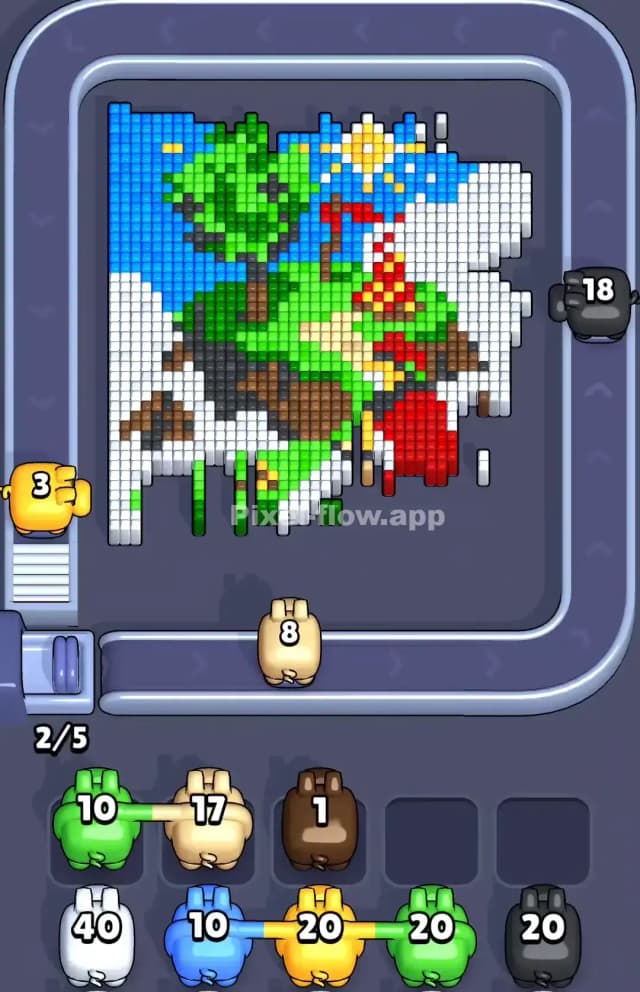
- Grab a White Pig. It will instantly shred through the bottom-left cloud bank and the large cloud on the right side. This clears nearly 30% of the board immediately.
- Once the white is gone, you expose the Dark Brown earth underneath the hill.
- Your second priority should be the Blue Sky. The entire top-left quadrant is just blue pixels. A single Blue Pig will empty its clip without stopping, which prevents it from dropping into your waiting slot and causing a traffic jam.
By clearing White and Blue first, you isolate the "island" in the middle. The board goes from a full rectangle to a floating shape, making it much easier to see where the tricky hidden pixels are.
How to pass Pixel Flow Knight Level without power ups or boosters
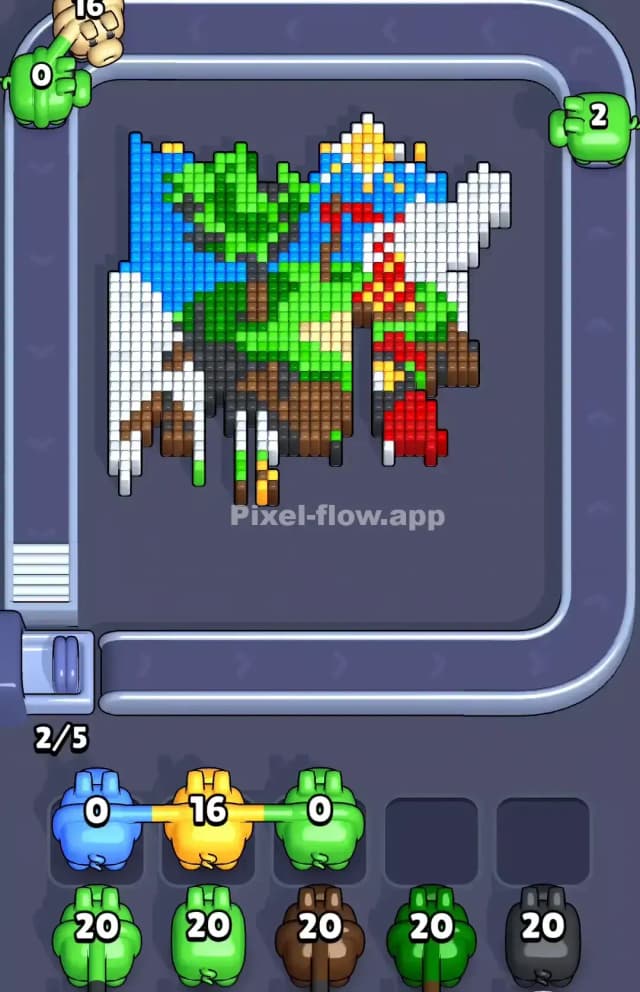
At the mid-level point, the sky and clouds are gone. You are left with a floating green island. This is where it gets dangerous if you aren't careful.
You will see a lot of Green (grass/tree), Red (flag/roof), and Beige/Yellow (path/sun).
The trap here is the Red. The red pixels are scattered. There is a flag pole, a roof section, and maybe a small detail near the bottom. If you send a Red Pig now, it might hit three pixels and then sit in your slot with 17 ammo left. That is bad.
Instead, switch to Green. The green grass connects the bottom of the island to the tree at the top. It is the "glue" holding the picture together. Because the green section is so connected, a Green Pig can travel from the bottom right all the way to the top left tree without getting stuck.
After Green, target Brown. The earth blocks under the grass are usually exposed by this point. Clear the foundation to make the castle crumble. Save the Red and Yellow pigs for absolute last. These colors are "details" (the sun, the flag, the path) and usually sit on the very bottom layer of the voxel stack.
Last Details You Clean Up in Pixel Flow Knight Level
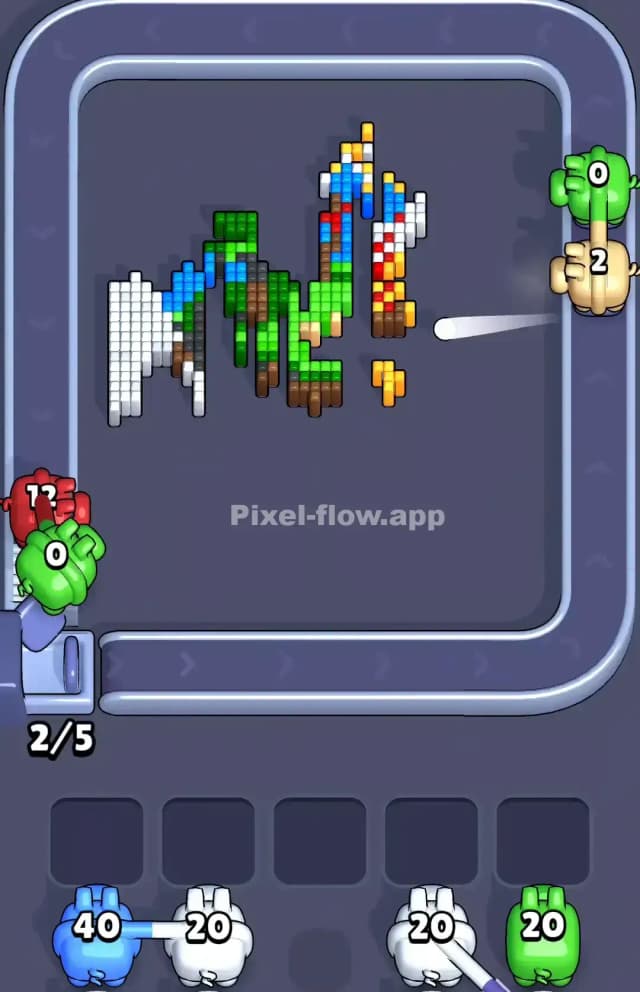
You are in the endgame now. The island is gone. You are likely staring at a few floating debris pixels.
In Pixel Flow Knight Level, the final cubes are almost always:
- The Sun: That yellow block at the top often hides a few extra yellow pixels behind it.
- The Flag Pole: The brown stick holding the red flag is thin. Sometimes it hides behind the red flag itself.
- The Path: There is a beige/sand-colored path winding through the hill. These pixels are often buried under the green grass.
Scan the empty black space. If you see a single floating pixel, check its color. Usually, you’ll need one final Yellow or Beige pig to snipe these last survivors. Do not panic if a pig drops into a slot here; you should have plenty of empty slots open since you cleared the big Blue and White sections so efficiently at the start.