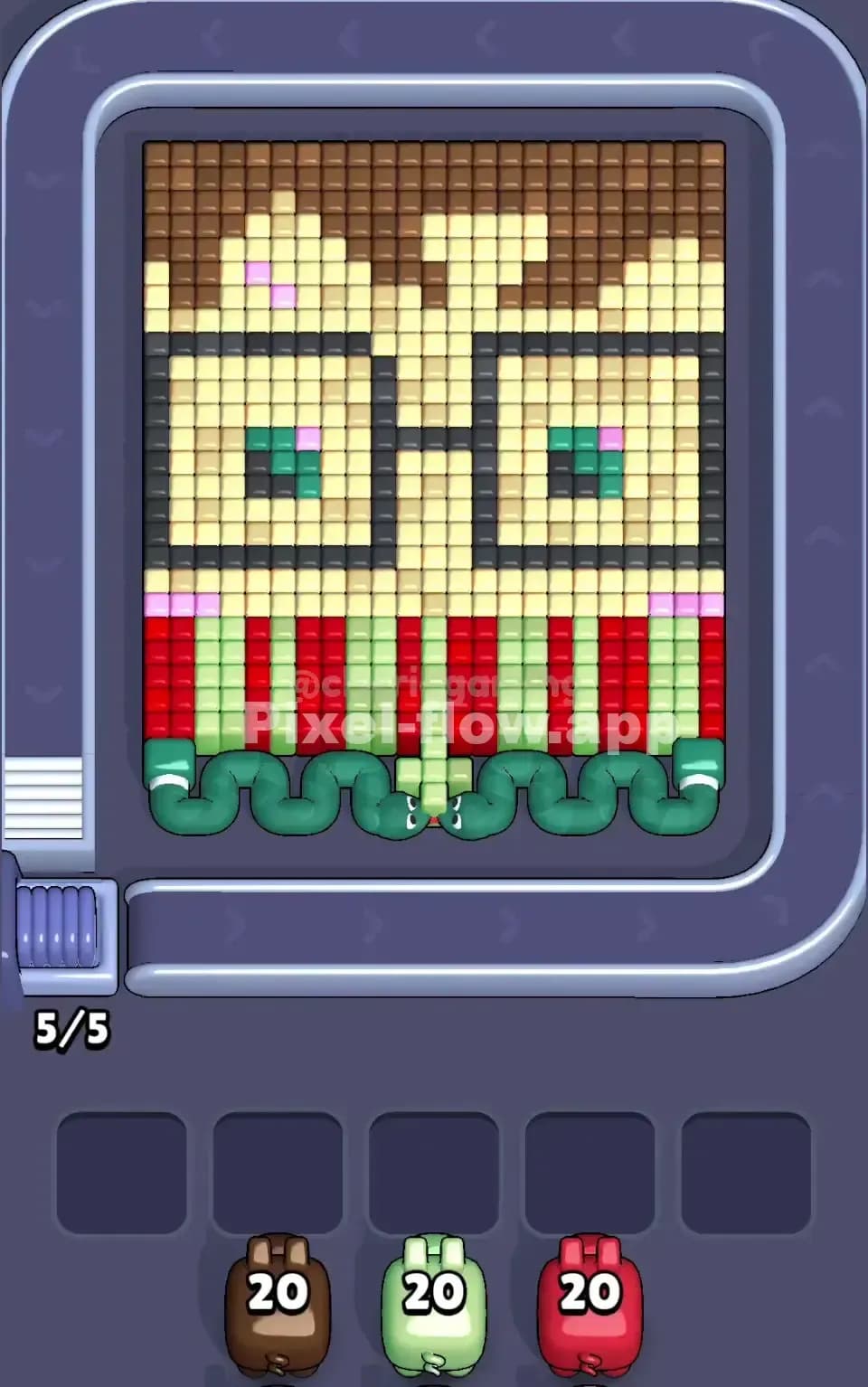
Pixel Flow Level 154 Solution | Pixel Flow 154 Walkthrough
How to beat Pixel Flow Level 154: Video solution & walkthrough. The fastest way to pass Pixel Flow 154.
Is this the wrong level layout?🤔
Pixel Flow randomizes levels for different players. Don't worry, just upload a screenshot of your board, and our AI will find the correct video instantly.

Pixel Flow Level 154 Walkthrough
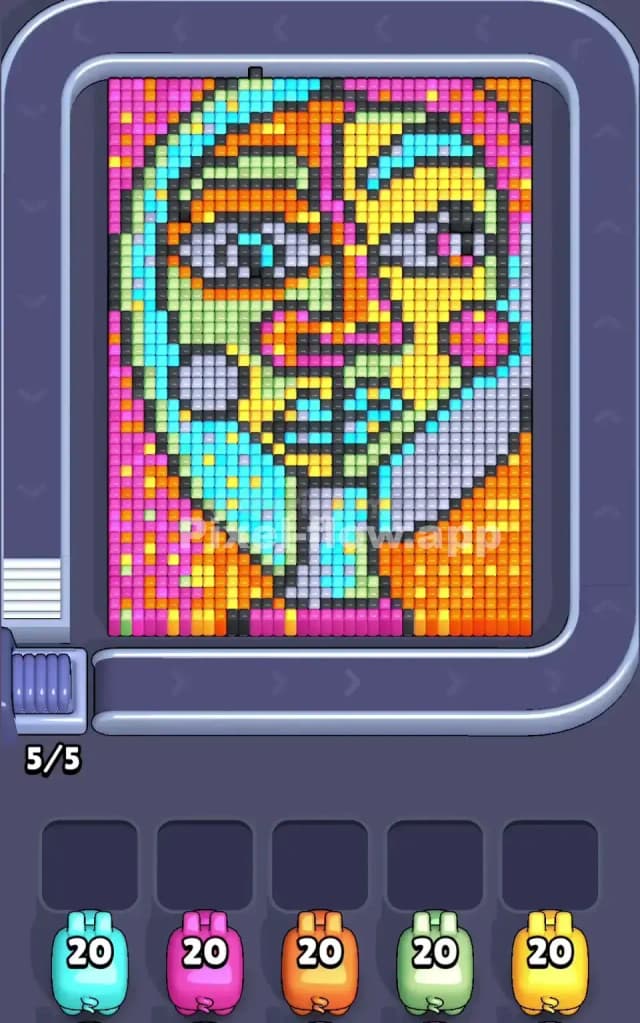
Pixel Flow Level 154 presents a striking, abstract mosaic that resembles a Cubist portrait. You are looking at a face composed of geometric shards, split down the middle with distinct color palettes on either side. To beat this level, you need to manage your Waiting Slots aggressively. You cannot simply spam pigs onto the board. You must identify large, solid clusters of color to drain high-ammo pigs (like the 20-ammo units visible in your tray) in a single run. If you drop a pig that only clears three pixels and then sits in your tray with 17 ammo remaining, you are setting yourself up for a gridlock. Because of the fragmented nature of the face features compared to the solid backgrounds, I judge this to be a very hard level.
Pixel Flow Level 154 Overview
This isn't just a random assortment of voxels; it is a structured piece of art. The subject is a stylized human face, but it’s broken up like stained glass. The background is sharply divided. On the far left, you have a massive vertical wall of deep pink. On the far right and bottom right corner, the background shifts to a heavy orange block.
The face itself is the danger zone. It creates a chaotic mix of colors in the center. The left half of the face is dominated by cool tones—mint greens, cyans, and pale blues. The right half of the face flips to warm tones—bright yellows and patches of orange. There is also a distinct, large grey triangular section in the bottom right, which looks like the figure's collar or shoulder.
Visually, the board is asymmetric. The left side (Pink background + Green face) is vertically oriented. The right side (Orange background + Yellow face + Grey collar) feels heavier and blockier. This asymmetry dictates your strategy. The left side offers long, vertical clears. The right side offers chunky, square clears. Understanding this difference is key to preventing your Waiting Slots from filling up with useless pigs.
Step by step solution walkthrough for Pixel Flow Level 154
First Color Zone to Erase in Pixel Flow Level 154
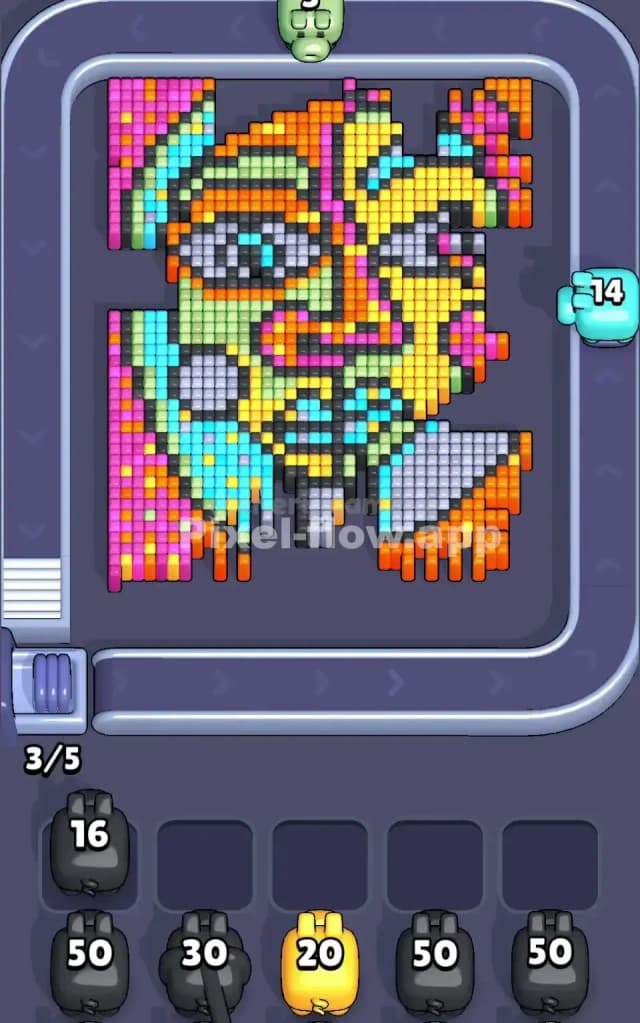
I always start Pixel Flow 154 by attacking the Right Background (Orange) or the Left Background (Pink). Ignore the face for now.
Narratively, you want to clear the "frame" before you touch the "picture." Logically, look at the bottom right corner. That area is a solid slab of Orange. If you have an Orange pig in your queue, it is the safest opening move. Dropping an Orange pig here guarantees it will fire continuously until empty, immediately clearing a huge section of the board without clogging a slot.
If you don't have an Orange pig ready, look at the far left column. It is almost entirely Pink. A Pink pig dropped here will strip away that entire left wall. By clearing these outer edges first, you expose the black outlines of the face and, more importantly, you ensure your first few pigs die quickly. You need empty slots for the messy middle section later. Do not start with Blue or Yellow. Those colors are scattered in small islands inside the face. Starting there is suicide.
How to pass Pixel Flow Level 154 without power ups or boosters
Once the Pink and Orange backgrounds are shaved off, the board looks drastic. You will see a floating head with a jagged edge. This is the mid-game slump where players lose.
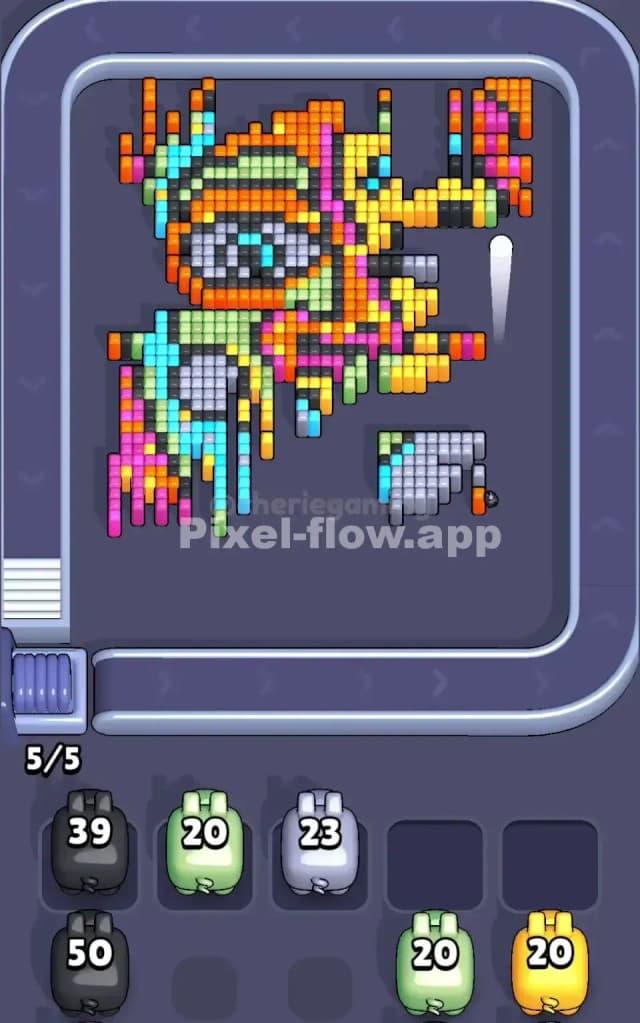
At this stage, you are left with the intricate face details: the Cyan/Green left cheek, the Yellow right forehead, and that stubborn Grey block in the bottom right. The temptation is to mix and match. Don't. Focus on the Grey Collar next.
The Grey section is a dense, isolated island. It doesn't spread out like the face colors. If you see a Grey pig, use it immediately to wipe this corner out. Why? Because it sits on top of deeper layers of orange and black. Removing the Grey block often reveals hidden voxels that connect the right side of the face to the bottom, creating new paths for your Yellow pigs.
After the Grey is gone, pivot to the Black Outlines. This art style uses thick black lines to separate the colors. In the mid-game, these black lines often stand tall, acting as walls preventing you from hitting the colors behind them. If you have a high-ammo Black pig (like the 39 or 50 ammo pigs seen in some trays), drop it now. The black lines connect the entire drawing. One Black pig can travel from the chin, up the nose, and around the eyes, clearing a massive amount of blockage. This "de-bones" the structure, leaving the colorful face patches exposed and vulnerable.
Last Details You Clean Up in Pixel Flow Level 154
You are in the final stretch. The background is gone. The black skeleton is crushed. Now you are just cleaning up the "stained glass" shards.
The last elements to go are usually the specific facial features: the Eyes and the Lips. In Pixel Flow 154, the lips are often a mix of dark blue or purple, and the eyes have white/grey centers. These are small targets. You might find a Blue pig with 20 ammo, but only 4 Blue pixels remain on the board (the lips).
This is where you must be careful. If you have 3 slots open, you can afford to drop that Blue pig to clear the lips, even if it gets stuck in a waiting slot afterward. However, if you only have 1 slot open, wait. Look for a different color that has more pixels remaining—likely the remnants of the Yellow forehead or Green cheek. Clear those larger remnants first to free up space. Only attack the tiny eye/lip details when you have slot insurance. The final move is almost always a single pig cleaning up a stray pixel hidden behind where the nose used to be.