Pixel Flow Level 174 Solution | Pixel Flow 174 Walkthrough
How to beat Pixel Flow Level 174: Video solution & walkthrough. The fastest way to pass Pixel Flow 174.
Is this the wrong level layout?🤔
Pixel Flow randomizes levels for different players. Don't worry, just upload a screenshot of your board, and our AI will find the correct video instantly.



Pixel Flow Level 174 Walkthrough
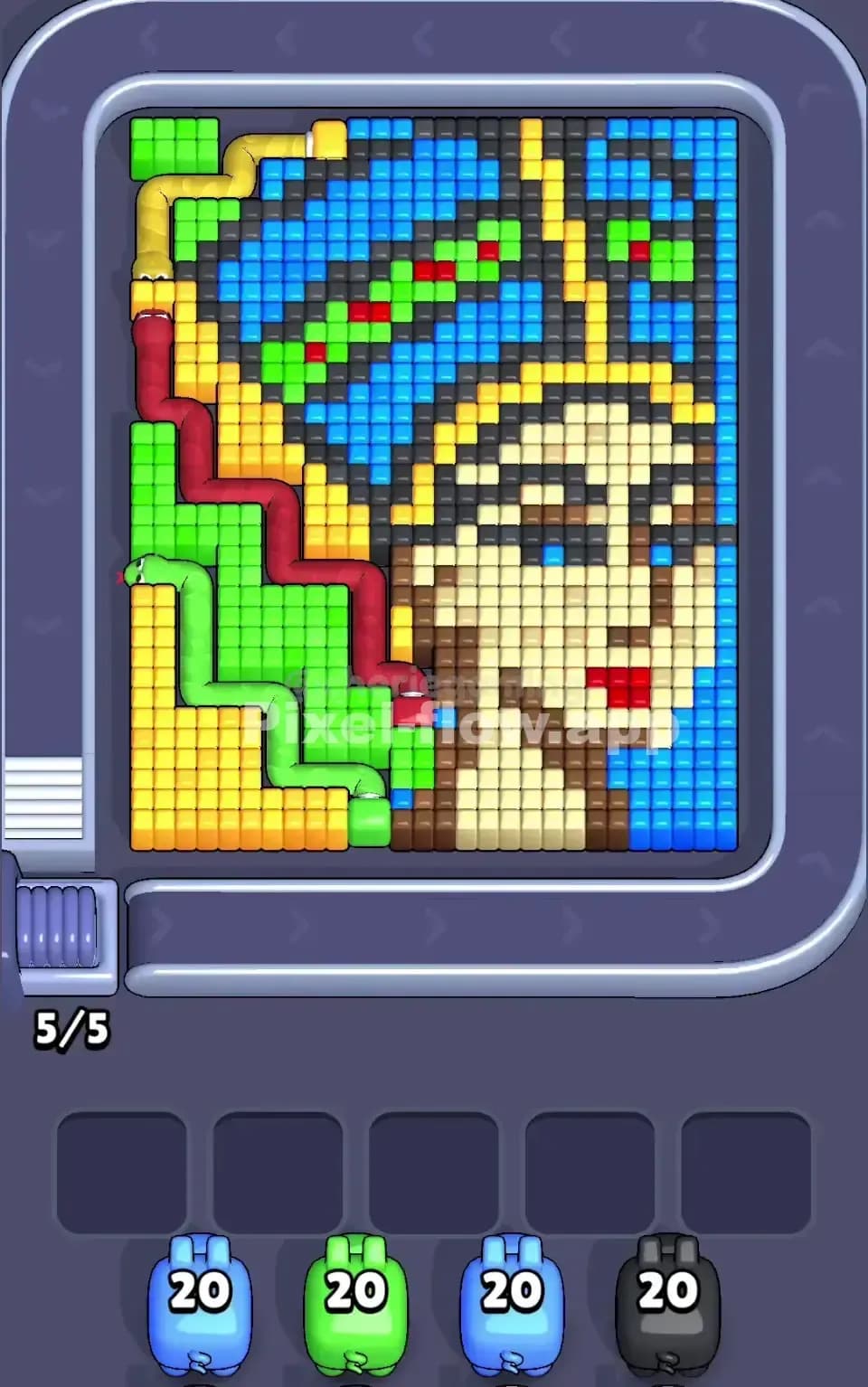
This level looks like a cheerful bunch of helium balloons lifting a cloud, but don’t let the cute voxel art fool you. This is a density puzzle. You are staring at a massive, multi-colored clump where the layers are deceptive. The board features a large Pink center balloon, flanked by Green and Yellow on the left, and Green and Cyan on the right. Below them, thin Purple strings tether the whole mess to a thick White and Grey cloud base.
The rule to beat Pixel Flow Level 174 is strict target management. Because the colors are so tightly packed, "garbage" pixels—blocks you can't hit yet—will constantly block your shots. You need to strip the outer layers of the balloons before you worry about the core. If you jam your waiting slots with colors that only have one or two visible blocks, you will fail. Is this a hard level? Yes. I would classify it as very hard due to the specific way the Green and Yellow pixels overlap.
Pixel Flow Level 174 Overview
Think of this structure as a floating island. The top heavy section is the "Balloon Bundle." It dominates the upper 70% of the screen. The Pink balloon is your heavyweight champion here; it sits right in the middle, bulging out towards the screen.
The tricky part is the asymmetry on the flanks. The left side is a sandwich of Green and Yellow. The right side is a sandwich of Green and Cyan. Notice a pattern? Green is the dangerous connector color. It exists on both sides of the board.
The bottom section, the "Cloud Base," is mostly White with a strip of Grey shadow. Connecting the top and bottom are vertical Purple strings. These strings are thin, fragile columns. They look accessible, but they are often traps. If you focus on them too early, you might clear one string but leave your pig with 15 ammo and nothing to shoot, clogging your slot.
Step by step solution walkthrough for Pixel Flow Level 174
First Color Zone to Erase in Pixel Flow Level 174
I start by shaving off the White cloud base at the bottom.
Here is the logic: The balloon section is a chaotic mix of colors. If you grab a Green pig, it might hit the left side but get blocked on the right by a Cyan voxel. It’s risky. The White zone, however, is distinct. It sits at the bottom of the screen, largely separated from the upper mess.
By clearing the White pixels first, you do two things. First, you remove a massive chunk of easy voxels that lets your White pigs empty their ammo clips (usually 20 shots) in one go. You rarely get stuck with a half-full White pig. Second, clearing the bottom visually isolates the "strings," making the geometry easier to read. Once the White is gone, you can see exactly where the Purple strings begin and end.
If no White pigs are available on the belt, your backup plan is the big central Pink balloon. It’s the "fat" part of the level. It has the most surface area exposed, making it a safe dump for ammo.
How to pass Pixel Flow Level 174 without power ups or boosters
The mid-game is where Pixel Flow Level 174 kills runs. At this point, you’ve likely stripped the front face of the Pink balloon and the White base. Now you have a jagged, ugly mess.
You have to watch out for the Green Split. Since Green appears on the far left and far right, your eyes will play tricks on you. You might see a huge wall of Green on the left and grab a Green pig. But if that wall is actually blocked by a single floating Yellow pixel, your pig will drop into the slot and sit there.
To survive without power ups, you must clear the "blocking" colors first.
- On the left side, prioritize Yellow. It usually sits on top of the Green. Get rid of it to expose the Green meat underneath.
- On the right side, prioritize Cyan. Just like the yellow, it acts as a shield covering the Green.
Do not touch the Purple pigs unless you are absolutely sure you have a clear line of fire to those vertical strings. The strings are narrow targets. A pig shoots in a straight line. If the string is one voxel wide, and the pig is slightly off-center on the belt, it might miss or only clip the edge. Only draft a Purple pig when the strings are totally exposed and you have no other choice.
Last Details You Clean Up in Pixel Flow Level 174
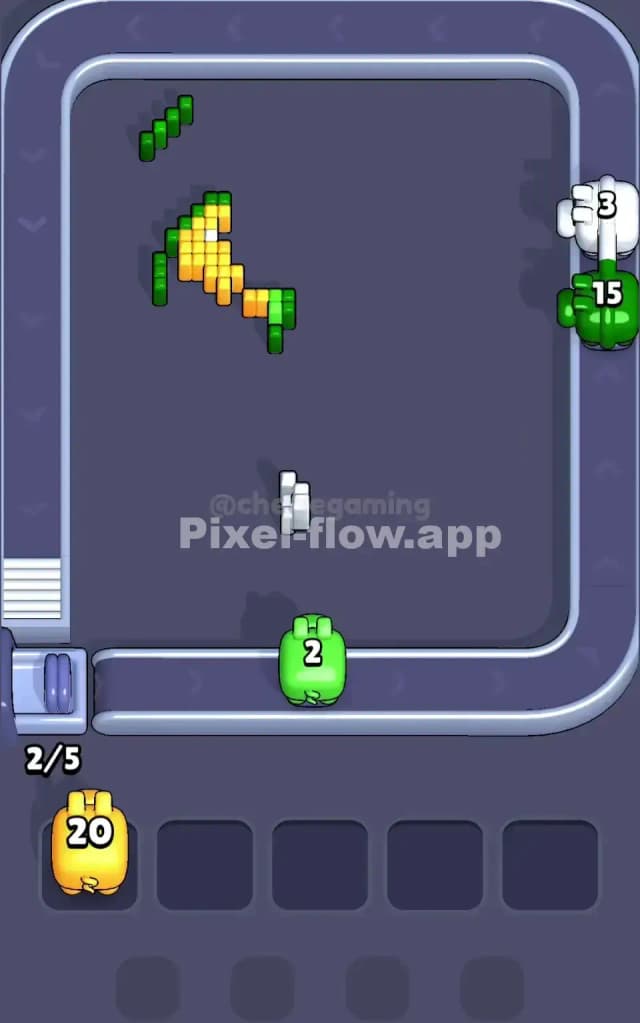
As you reach the end of Pixel Flow 174, the board usually looks like a floating skeleton. The big balloons are gone, leaving weird, floating artifacts.
The final cleanup usually involves the Grey shadings that were hidden inside the White cloud base, or the deep Purple voxels that were behind the main balloon cluster. Be hyper-aware of your ammo counts here. You might see three grey pixels left. Do not grab a pig with 20 ammo if you have a pig with 5 ammo coming up soon. Using a high-ammo pig on tiny leftovers is the fastest way to lose the level in the final seconds.
Also, check the very top corners. Sometimes a single Cyan or Yellow block hides behind the curve of the main balloon shape. Rotate the camera slightly (if your mind allows you to visualize it 3D) or just watch the firing lines closely. If a pig refuses to shoot, there's a blocker you missed. Clear the blocker, and the level is yours.