Pixel Flow Level 176 Solution Walkthrough | Pixel Flow 176
How to solve Pixel Flow level 176? Get instant solution for Pixel Flow 176 with our step by step solution & video walkthrough.


Pixel Flow Level 176 Overview
The Board Layout and Colors
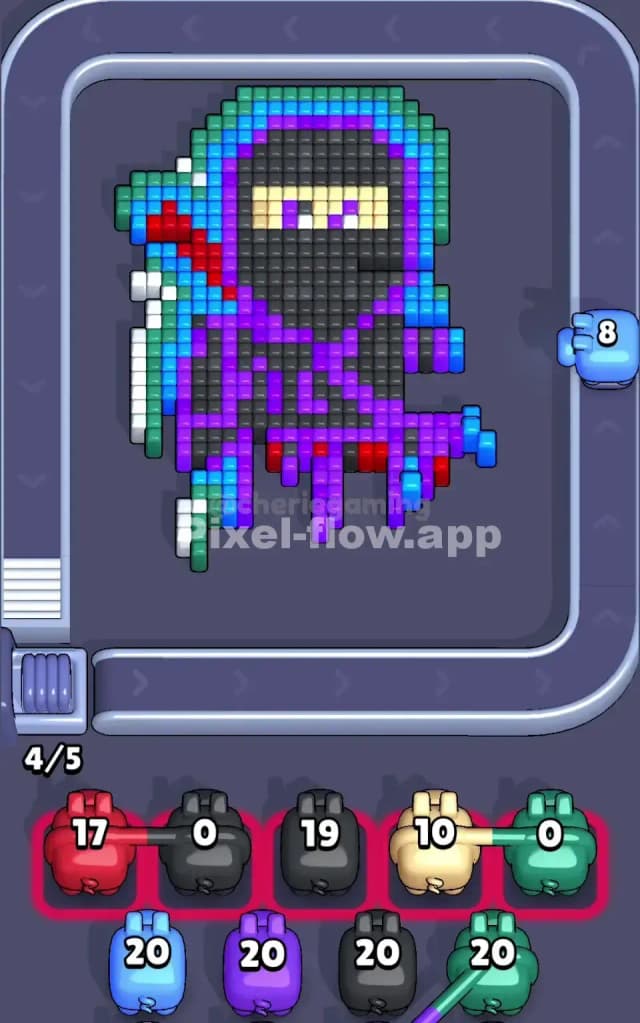
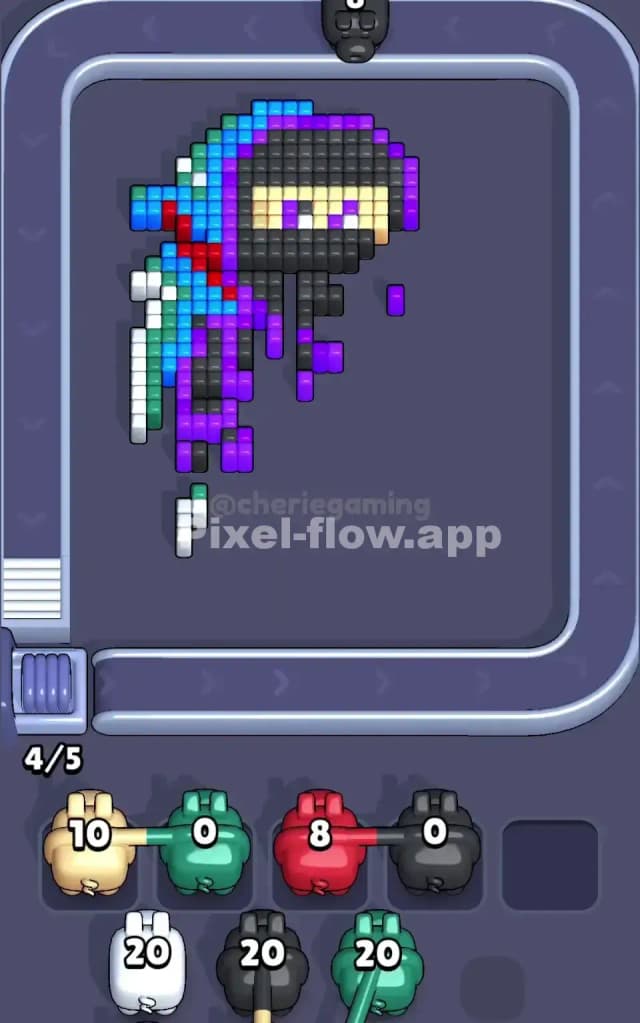
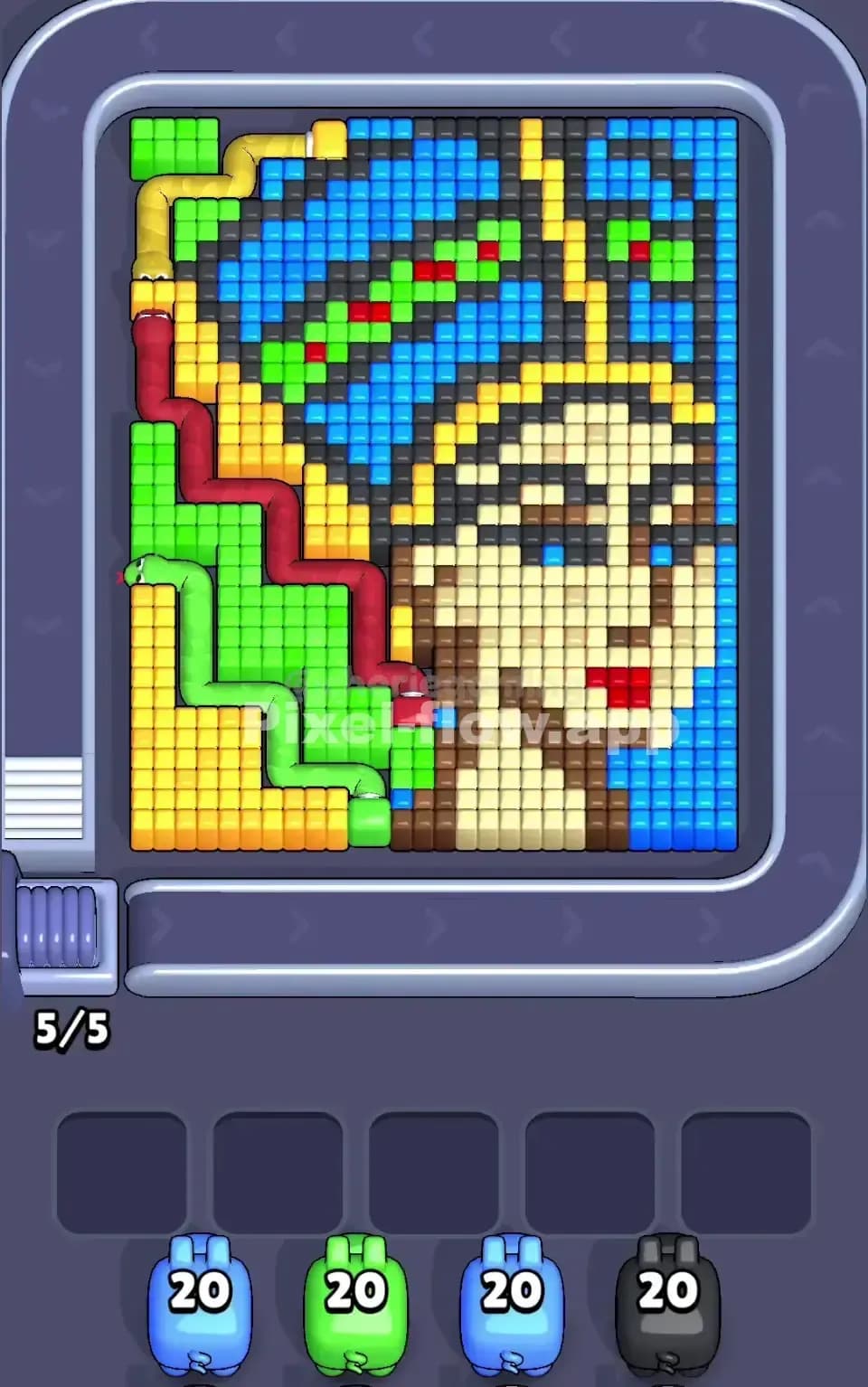
Pixel Flow Level 176 presents a complex, multi-layered voxel image that demands careful color management. The board features a detailed composition with a striking white border frame, a vibrant interior filled with distinct color zones, and multiple depth layers that reveal themselves as you clear cubes. You'll notice that the dominant colors on the surface include bright magenta, deep charcoal gray, cyan blue, emerald green, and white, with accent touches of red and yellow buried deeper in the composition. The pixel art itself suggests an intricate character or object with distinct facial or detail features, meaning certain color clusters are tightly concentrated while others are more dispersed across the board. This layering is key: what you see on the surface isn't the whole story, and rushing through outer colors without understanding what lies beneath will absolutely cost you.
The Win Condition and Deterministic Nature
Your goal in Pixel Flow Level 176 is straightforward on the surface—clear every single voxel cube from the board—but the path to victory is anything but simple. You're working with four incoming pigs, each with exactly 20 ammo cubes of their designated color. These ammo counts are fixed, and the pig sequence is predetermined, meaning every run of Pixel Flow Level 176 follows the same deterministic rules. White pigs fire white cubes, green pigs fire green cubes, and so on. This determinism is your greatest asset: once you understand the pattern, you can plan moves several pigs ahead with confidence, knowing that randomness isn't sabotaging your strategy.
Why Pixel Flow Level 176 Feels So Tricky
The Gray and Magenta Standoff
The biggest bottleneck in Pixel Flow Level 176 is the dense central region where gray and magenta cubes dominate. These two colors form a tightly interlocked puzzle that doesn't simply dissolve when you fire at them. The gray cubes are stubborn—they create large connected blocks that require multiple passes to clear, and if you're not careful about when you deploy your gray pig, you'll burn through its 20 ammo on surface cubes while deeper colors remain hidden. Meanwhile, magenta is equally aggressive; it's scattered throughout the composition, creating both surface clusters and internal pockets that demand precise sequencing. If you send out a magenta pig too early, it'll exhaust its ammo on easily accessible cubes, leaving you with a half-empty waiting slot and no ability to finish the hidden magenta patches deeper in the board. This gray-magenta tension is where Pixel Flow Level 176 separates casual players from those who can think three moves ahead.
Scattered Red and Yellow Depth Traps
Buried within the board are accent colors—red and yellow—that appear in small, isolated pockets. These cubes aren't immediately visible from the starting position, which means you might send a pig out expecting a clean run only to discover that its color target is hidden behind other layers. The red cubes, for instance, seem to form two or three separate clusters across different depth levels. If you've already used your best sequencing opportunities, you'll find a red pig standing in the waiting slots unable to find valid targets, effectively locking up one of your five precious slots. Yellow presents a similar trap: it's sparse, making it easy to underestimate how much clearing work you'll need. A yellow pig might burn 15 ammo on surface yellows and then sit idle with 5 remaining, blocking your queue while you desperately need that slot for incoming pigs.
The Personal Moment Pixel Flow Level 176 Clicked
I'll be honest—my first dozen attempts at Pixel Flow Level 176 felt chaotic and frustrating. I'd clear colors reactively, watching pigs fire and hoping something would break loose. Around attempt thirteen or fourteen, I realized I was playing checkers when the level demanded chess. I started tracking which colors had visible targets versus hidden targets, and I began parking pigs strategically in the waiting slots instead of just pushing them through. That's when Pixel Flow Level 176 transformed from a seemingly random puzzle into a solvable logic problem. The moment I drew a mental map of the board's layers and predicted where each pig's ammo would land, the level suddenly felt achievable.
Step-by-Step Strategy to Clear Pixel Flow Level 176
Opening: Establishing Board Control
Start Pixel Flow Level 176 by deploying your first white pig immediately, but don't panic-fire it into every white cube you see. Instead, focus on clearing the white border frame and the most accessible white patches, but deliberately save ammo for white pockets that might be revealed once gray and magenta chunks fall away. White cubes act as scaffolding in this level; clearing them selectively exposes other colors and creates visual pathways for your incoming pigs. After your first white pig exhausts itself or gets parked, send out a green pig to target the emerald edges and mid-tier green cubes. Green appears frequently enough on the surface that your first green pig should find plenty of targets without risk of jamming. The key to the opening phase of Pixel Flow Level 176 is keeping at least three waiting slots empty after your first two pigs dock. Never allow yourself to get stuck with more than two pigs in the buffer after your opening moves, because you'll regret it when hidden colors emerge and demand immediate attention.
Mid-Game: Layering and Exposure
This is where Pixel Flow Level 176 separates successful runs from failures. Once white and green have done their job, you'll have partially exposed the gray and magenta core. Now send out your second white pig to methodically crack through gray clusters that are now more accessible. Gray needs dedicated attention because of its density; don't be shy about letting your second white pig spend most of its ammo on gray cubes if it means exposing the internal architecture. After white has thinned the gray, deploy a magenta pig and watch carefully—magenta should find targets scattered across multiple depth layers now, which means it won't jam despite having many valid destinations. As you progress through the mid-game of Pixel Flow Level 176, keep your eye on the five waiting slots. If you see a pig sitting idle with ammo remaining, it's a warning sign that you've miscalculated. Don't just park it and hope; instead, pause and reassess. Maybe you need to trigger a different color sequence, or maybe you need to let the idle pig waste ammo on cubes you'd normally save for later.
End-Game: Clean Closure Without Jamming
By the end-game of Pixel Flow Level 176, you're hunting the last scattered cubes, and this is where execution matters most. Your final pigs should have clear, unambiguous targets—no guessing, no hoping. Red and yellow should come out when their respective colors are fully exposed and easy to track. Deploy your final white pig only when you're certain white cubes remain visible; a white pig firing into empty space is a death knell for Pixel Flow Level 176 completion. The last green pig should similarly have a clean set of targets. The secret to ending Pixel Flow Level 176 successfully is finishing with zero pigs in the waiting buffer; every pig should have spent or be in the process of spending all its ammo. If you reach a state where you have one full waiting slot with an idle pig and still have cubes on the board, you've already lost Pixel Flow Level 176, because that pig blocks any new arrivals and you can't spawn a pig that can hit the remaining cubes.
The Logic Behind This Pixel Flow Level 176 Plan
Exploiting Pig Order and Ammo Precision
The strategy for Pixel Flow Level 176 works because you're leveraging the deterministic nature of the game. You know exactly which colors are coming in which order, and you know each pig has exactly 20 ammo. This means you can do reverse-engineering: count how many visible cubes of each color exist, predict where hidden cubes might live, and determine whether your incoming pigs' ammo will align with demand. If you count 15 visible white cubes and expect 5 to be hidden, you know a single white pig with 20 ammo will be tight but feasible. If you count 25 visible magenta cubes, you know magenta needs two separate deployment phases or a carefully staged approach. Pixel Flow Level 176 rewards players who treat the game like a logic puzzle rather than an action game.
Staying Calm and Planning Ahead
The final piece of wisdom for Pixel Flow Level 176 is psychological: stay calm and plan two or three pigs ahead. Watch the queue, mentally count remaining ammo for each color, and visualize which cubes will disappear as each pig fires. Don't react emotionally when a pig gets parked; instead, ask yourself why it happened and whether your next pig choice will remedy the situation. Pixel Flow Level 176 is entirely solvable with patience and forethought, so take a breath, trust your analysis, and execute your strategy with confidence.