Pixel Flow Level 196 Solution Walkthrough | Pixel Flow 196
How to solve Pixel Flow level 196? Get instant solution for Pixel Flow 196 with our step by step solution & video walkthrough.


Pixel Flow Level 196 Overview
The Cute Rabbit Face and Its Layered Complexity
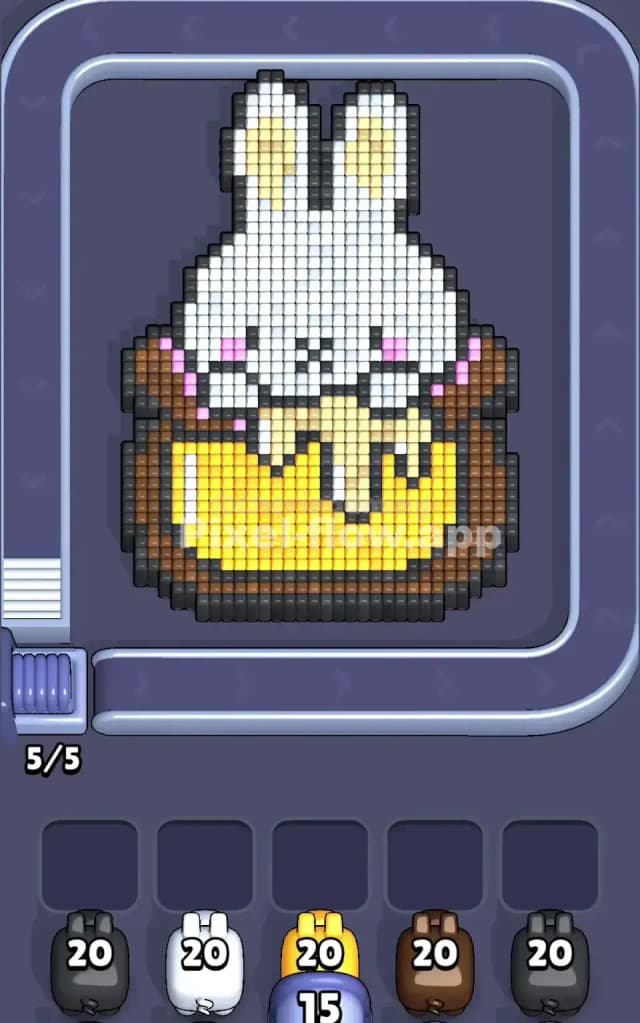
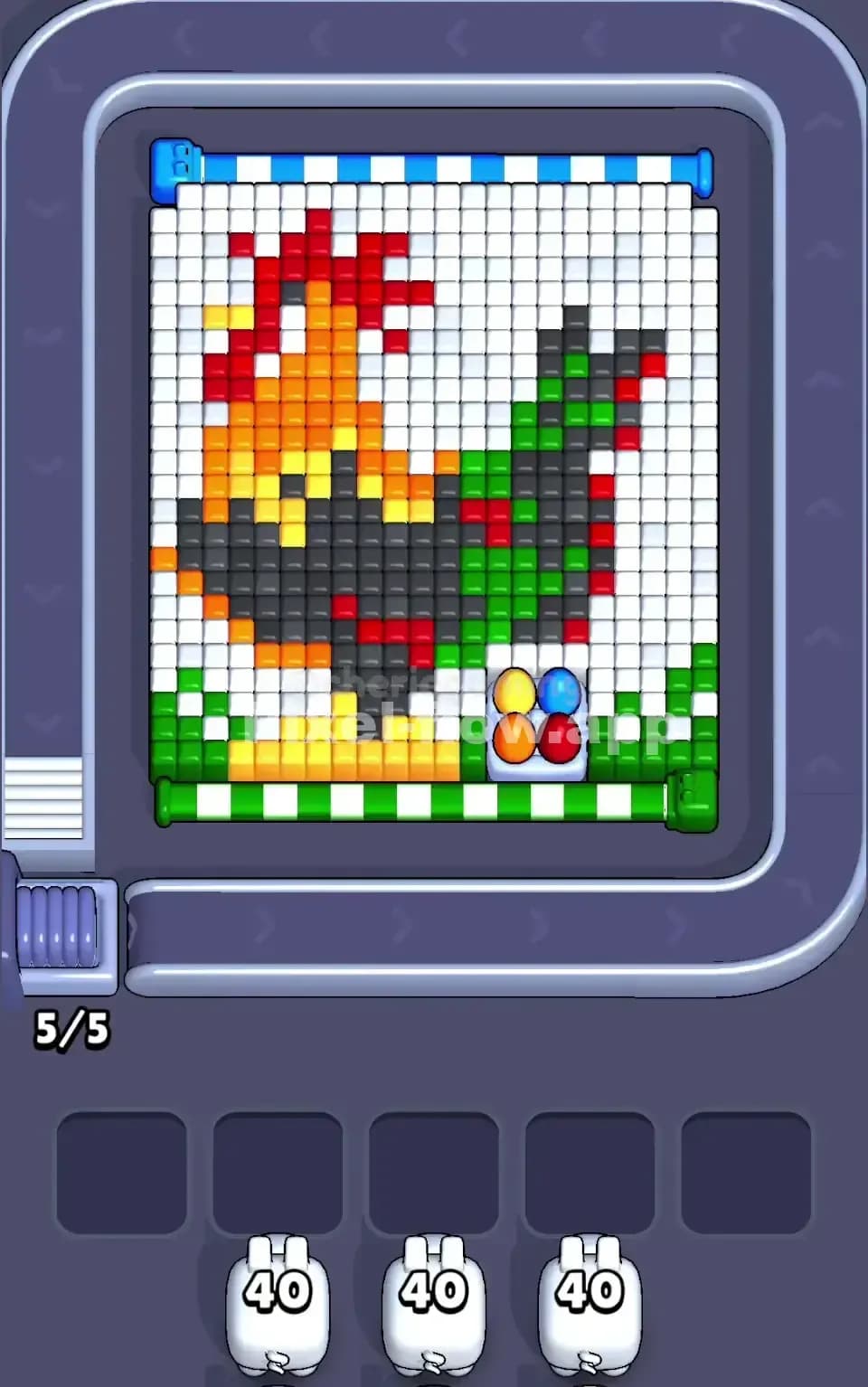
Pixel Flow Level 196 presents a charming pixel art rabbit face as its centerpiece, complete with expressive yellow eyes, pink cheeks, a gentle smile, and floppy ears rendered in white and cream tones. The board's structure reveals multiple color layers: white and cream form the dominant upper sections (face and ears), yellow creates the bright eyes and mouth area, pink adds character to the cheeks, brown and dark gray establish the outer frame and depth, and black pixels provide crucial outlines and shadows that tie the whole image together. What makes Pixel Flow 196 particularly interesting is how these colors aren't evenly distributed—the white and cream cubes dominate the early visibility, while brown and darker tones lurk in the background, and certain colors (especially the detailed pink cheeks) appear in isolated pockets that can easily become problematic if you're not careful with your pig sequencing.
The Win Condition and Deterministic Nature
To beat Pixel Flow Level 196, you must clear every single voxel cube from the board. Your five pigs arrive in a fixed order, each with a set ammo count (20 for most, 15 for the yellow pig), and they'll automatically shoot cubes of their matching color until they run dry or run out of targets. The entire game is deterministic—meaning if you know the pig order and cube positions, you can theoretically plan the perfect sequence. However, Pixel Flow 196 demands that you stay two or three pigs ahead mentally, constantly monitoring your waiting slot buffer to ensure you don't jam all five slots with stuck pigs who can't fire anymore. Your goal isn't just to clear cubes; it's to orchestrate the pigs' arrivals so their ammo depletes cleanly and the deeper layers reveal themselves at exactly the right moment.
Why Pixel Flow Level 196 Feels So Tricky
The Brown and Dark Gray Bottleneck
The biggest obstacle in Pixel Flow Level 196 is the heavy brown and dark gray coloring in the outer frame and lower sections. These colors have substantial cube counts, and if you're not methodical, you'll find yourself in a situation where your brown or dark gray pig arrives without enough white or cream already cleared to expose their targets. Here's the trap: if brown shows up and most of the outer frame is still covered by white cubes, the pig will shoot a few cubes, realize there aren't enough valid targets, and drop into a waiting slot half-spent. Then when the next brown pig arrives, you've already got one stuck brown taking up space, and suddenly you're one waiting slot closer to a complete jam. This bottleneck is especially painful because the frame cubes are plentiful but scattered across the edges—you can't just focus fire on one region; you have to methodically strip away layers everywhere.
The Pink Cheek Isolation Problem
Pink is another subtle pain point in Pixel Flow Level 196. The pink cubes cluster tightly in the cheek regions and don't form a contiguous mass that your pink pig can simply blast away. If you fire at pink too early, when they're still surrounded by white or cream, the pink cubes are shielded from your pig's shots. If you leave pink too long, you risk reaching late-game where you've got limited moves and a full waiting buffer. The trick is timing your white and cream attacks so that the pink becomes fully exposed and targetable right when a pink pig arrives—but that requires looking ahead and planning which colors should be partially cleared versus fully cleared at each stage of the level.
The Yellow Eye Contradiction
Here's a frustrating detail about Pixel Flow Level 196: the yellow pig arrives with only 15 ammo, not 20 like the others. The yellow cubes form the bright, cheerful eyes and smile region—maybe 18 to 20 cubes total depending on how many are visible at any given time. This means the yellow pig can easily run out of ammo before all yellow is gone, especially if some yellow cubes are buried under white or cream in the early game. You'll need to ensure that by the time your yellow pig shows up, almost all yellow cubes are either already cleared (by an earlier pig of a different color accidentally hitting them—which doesn't happen in Pixel Flow) or fully exposed and waiting. It's a mismatch that creates genuine tension.
When the Level Clicked for Me
Honestly, Pixel Flow Level 196 frustrated me for a solid dozen attempts. I kept treating it like a reactive game where you just fire pigs and hope for the best. The turning point came when I started mapping out, on paper, which colors were in which layers and how many of each I could count. Once I realized that white and cream were essentially blocking access to everything deeper, I committed to clearing those aggressively first, even if it meant letting a white pig sit in the queue slightly longer. The moment I locked in that "expose, then execute" strategy, the level fell into place. It's a good reminder that Pixel Flow 196 rewards planning over reflexes.
Step-by-Step Strategy to Clear Pixel Flow Level 196
Opening: Establish Your Buffer and Go White-Heavy
Start Pixel Flow Level 196 by firing your first pig without hesitation—if it's one of the 20-ammo pigs (likely a dark gray, white, or brown), let it rip. Your opening move should be to get your first pig down the conveyor and actively clearing cubes, which immediately opens up the second waiting slot. Don't overthink the opening; just fire and watch where the bullets land. However, once you see which color arrived first, make your next decision strategically: if you got white or cream, excellent—keep that buffer flowing. Don't accept a second pig into waiting if it's going to struggle for targets. You want to maintain at least two open waiting slots throughout the opening phase of Pixel Flow Level 196 so you have room to maneuver if a pig arrives and can't find a valid target.
Your first real strategic choice comes around pig three or four. By then, you should have a sense of how much white and cream is left. If there's still a lot, be aggressive about clearing it with your high-ammo pigs. Accept that a non-white pig might drop into waiting while you finish exposing the deeper layers. This feels counterintuitive—why wait and give up buffer space?—but in Pixel Flow Level 196, getting the board structure right early prevents catastrophic jams later. Spend 5 to 8 ammo from a 20-ammo pig just to clear a stubborn patch of white; the exposed brown or pink underneath is worth the cost.
Mid-Game: Sequence Pigs to Match Exposed Layers, and Park Strategically
Once you're three or four pigs deep in Pixel Flow Level 196, you should see a clearer picture of what's left. The white and cream should be substantially reduced, and you're starting to see brown, pink, yellow, and black regions. This is where the mid-game strategy kicks in: watch the queue preview (the small pig icons at the bottom of your screen) and count how many ammo-matches you'll have for the next pig that's coming up.
If your next queued pig is dark gray and you can count at least 15 or 16 visible dark gray cubes on the board, fire it confidently—it'll clear most or all of its targets and drop off the board naturally. But if your next pig is brown and you've only got a handful of brown cubes showing (the rest are still buried under white or cream), make a decision: either spend ammo from your current pig to expose more brown, or accept that the brown pig will partially fire and drop into waiting. In Pixel Flow Level 196, it's often better to have a half-spent brown pig sitting in slot one than to try forcing a full clear with bad positioning.
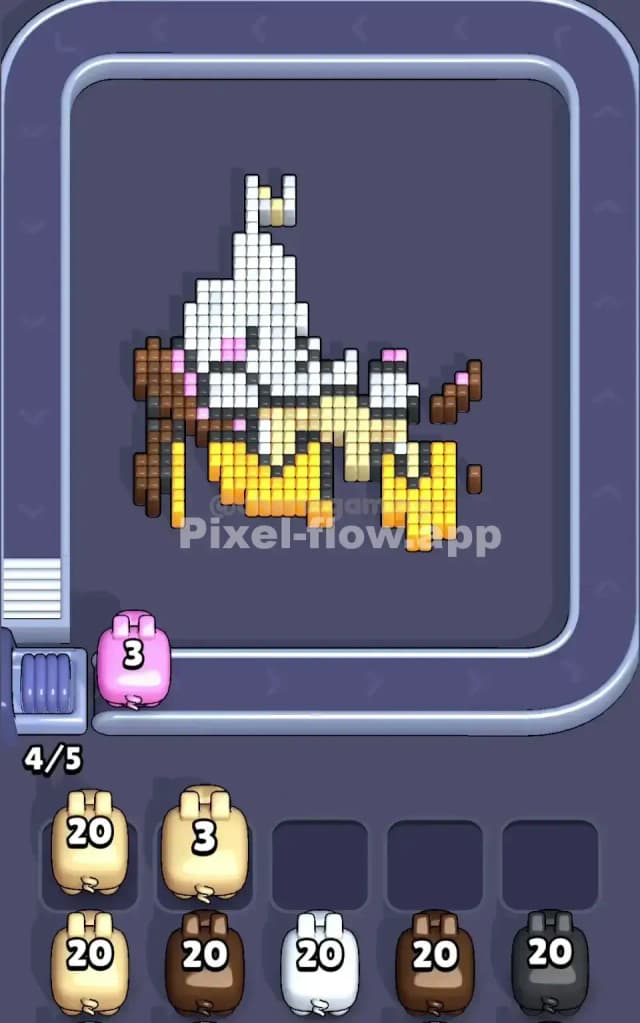
Here's a concrete mid-game scenario: let's say you're on pig three or four of Pixel Flow Level 196, and white is mostly gone, but brown still masks a lot of real estate. You fire your current pig (say, cream-colored) and spend all 20 ammo opening up brown regions instead of chasing down the last few cream cubes. The next pig (brown) arrives and immediately finds 12 or 13 targets it can hit—it fires those, still has 7 or 8 ammo left, realizes there's nothing else, and drops into waiting with 7–8 ammo remaining. That's fine. You've made progress, and you've still got four open waiting slots. Now your next pig (maybe white or gray) comes along and you use it to either finish off remaining brown or expose a new color. This is the "sacrifice ammo for structure" philosophy that makes Pixel Flow Level 196 work.
End-Game: Empty the Waiting Buffer and Finish Clean
By the time you're on pigs four and five in Pixel Flow Level 196, you should have a clear view of what's left and how many cubes each remaining color has. The final pigs need to do two things: clear any outstanding targets (so no pig arrives to an empty board), and drain the waiting buffer if there are stuck pigs sitting there.
If you've got a half-spent pig in waiting—say, a brown pig with 8 ammo left—your next arriving pig should be positioned so the brown one stays in the buffer and your new pig either clears quickly or pushes the brown pig out of slot one into a deeper slot. Think of the waiting slots as a queue: when pig five arrives, if slot one is occupied, pig five slides into slot two, pushing everyone down. If slot one is open, pig five lands cleanly in slot one. You want slot one clear so that your final pig lands fresh.
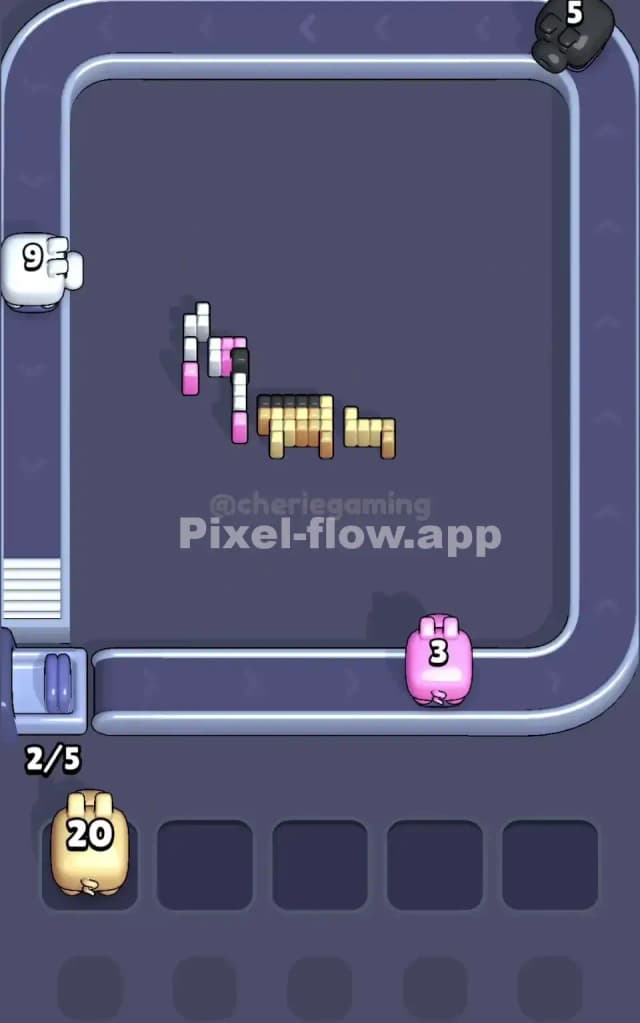
The very last move of Pixel Flow Level 196 should see you firing one final pig that clears the last handful of cubes (probably black outlines mixed with whatever color is left) and empties the entire board. If you've done the mid-game sequencing right, by pig five you'll have only 2 or 3 colors remaining with maybe 15 to 25 cubes total, and a 20-ammo pig will sail through and finish it.
The Logic Behind This Pixel Flow Level 196 Plan
How Pig Order and Ammo Determinism Creates Opportunity
Pixel Flow Level 196's core genius is that nothing is random. You know pig five's ammo and color from the start. You can count every cube on the board. Given those fixed inputs, you can calculate whether a naive "just fire everything" approach will work. Spoiler: it won't, because the brown frame cubes and scattered colors will cause jams. But a deterministic game also means a deterministic solution exists. The strategy outlined above—prioritize exposing layers early, strategically park half-spent pigs rather than forcing full clears, and reserve the final pigs for cleanup—works because you're working with the game's logic instead of against it. You're not praying that the right pig shows up; you're planning so that when each pig does show up, it finds exactly what it needs.
Staying Calm and Counting Ahead
The mental discipline required for Pixel Flow Level 196 is to keep a running tally. As each pig fires, do a quick mental count of what colors remain. Glance at the pig queue every time a pig is about to arrive and ask yourself: "How many targets will this pig have?" If the answer is zero, you know it's going into waiting—and that's okay, as long as your buffer isn't already full. If the answer is fewer than half its ammo, consider whether exposing that color more is worth it, or whether you should sacrifice a turn and let the pig partially fire. This isn't stressful once you frame it as "I'm planning the perfect sequence" rather than "Oh no, this pig is going to jam me." Pixel Flow Level 196 rewards deliberate, calm decision-making over panic clicking.