Pixel Flow Level 240 Solution Walkthrough | Pixel Flow 240
How to solve Pixel Flow level 240? Get instant solution for Pixel Flow 240 with our step by step solution & video walkthrough.


Pixel Flow Level 240 Overview
The Board: A Layered Skull Surrounded by Vibrant Colors
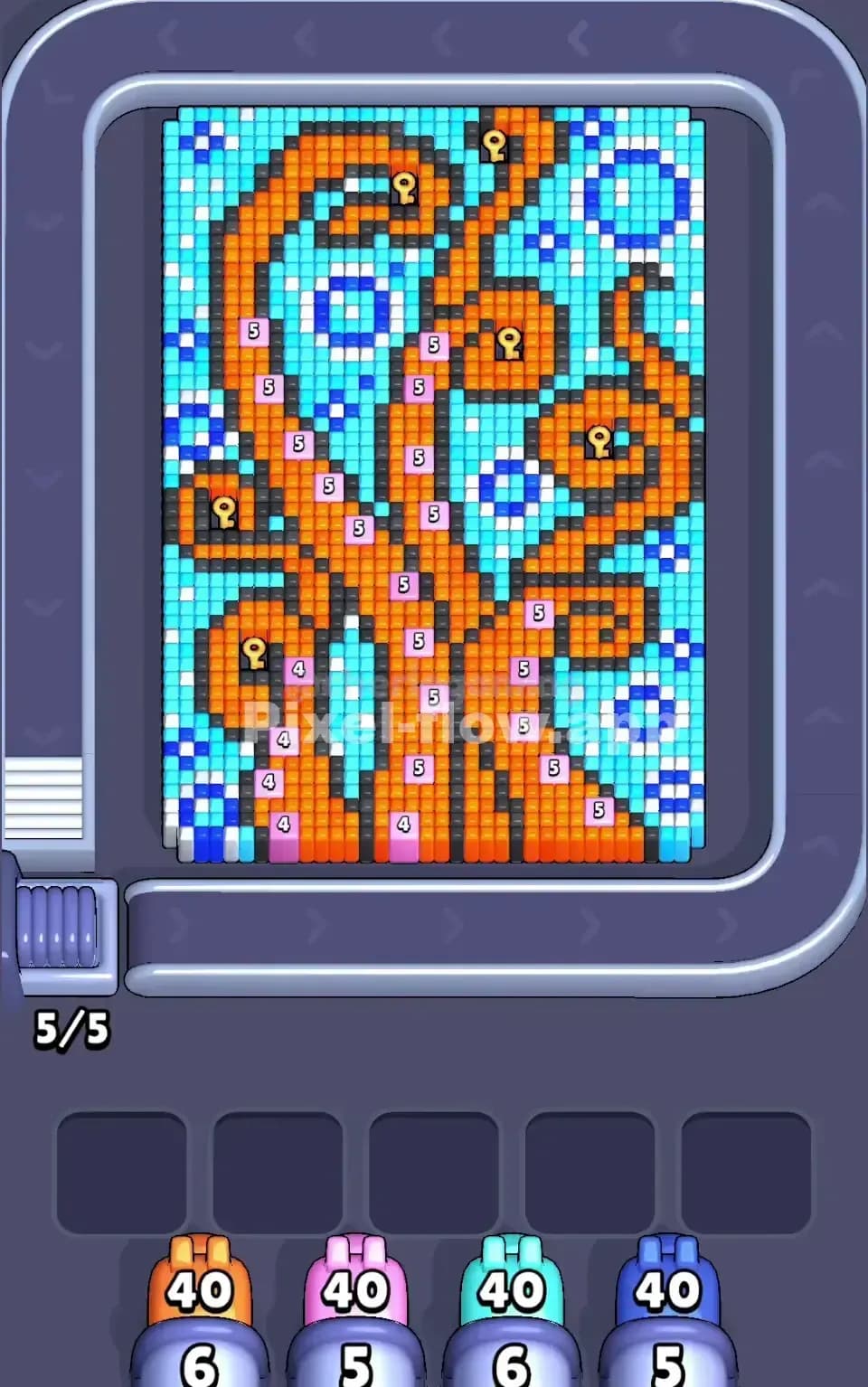
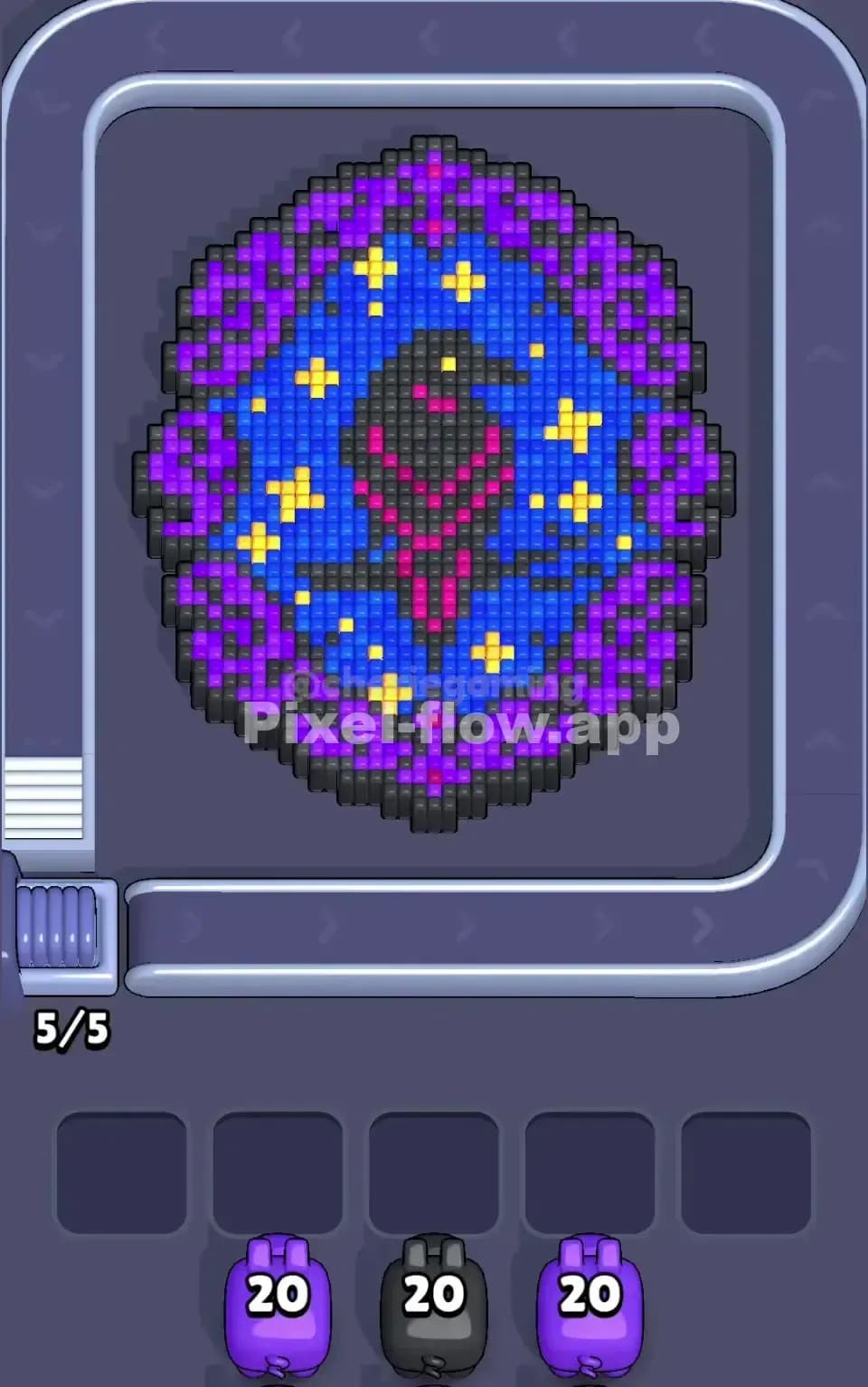
Pixel Flow Level 240 presents a striking skull design at the center of the board, rendered in white and purple voxels with bold, dark eye sockets and a defined jaw structure. This central skull is framed by a thick outer ring of green, cyan, and lime-colored cubes that create a striking contrast. The asymmetrical distribution of colors—with white and purple forming the skull's core, surrounded by rings of greens and cyans—means you're dealing with a deeply layered puzzle where multiple colors compete for visibility and removal priority. Understanding this visual structure is critical because it directly influences which pigs you'll need to deploy first and how the puzzle's logical order unfolds.
Win Condition and Deterministic Mechanics
Your goal in Pixel Flow Level 240 is straightforward: clear every single voxel cube from the board. What makes this level challenging isn't randomness—it's pure logic. Every pig arrives in a fixed sequence, carries a predetermined ammo count, and shoots exclusively at cubes matching its color. You'll see four pigs in the queue, each carrying 20 ammo, and five waiting slots below where stuck pigs can park themselves. The deterministic nature of Pixel Flow 240 means there's no luck involved; success comes entirely from planning the correct sequence and understanding how to expose inner layers while keeping your waiting slots from filling up completely.
Why Pixel Flow Level 240 Feels So Tricky
The Green and Cyan Bottleneck
The biggest threat in Pixel Flow Level 240 is the sheer volume of green and cyan cubes forming the outer shell. When you glance at the board, you'll immediately notice that greens dominate the left and right edges, while cyans cluster along the top and sides. Here's the trap: if you fire your green and cyan pigs too early without a clear strategy, you'll spend their entire ammo counts on outer cubes, only to reveal even more green and cyan layers hiding beneath. This leaves you with spent pigs clogging your waiting slots while other color pigs (white, purple, black) still need space to maneuver. The risk of jamming all five waiting slots before you've even touched the skull's core makes this bottleneck the puzzle's primary threat.
White and Purple Exposure Problems
Once you've chipped away at the green and cyan perimeter, you'll encounter a sneaky secondary problem: the white and purple cubes making up the skull don't sit neatly in easy-to-clear patches. Purple forms the eye sockets and scattered facial features, while white comprises most of the skull's face. The challenge is that these colors are fragmented across multiple layers—you can't simply fire one purple pig and clear the entire feature. Instead, you might clear a few purple cubes, only to have more white revealed behind them, forcing you to context-switch between pigs and waste precious ammo on isolated cubes. Additionally, black cubes outline and shade the skull's details, creating another color that fragments the board and complicates targeting.
The Personal "Click" Moment
Honestly, my first attempt at Pixel Flow Level 240 felt overwhelming. I fired my pigs reactively, clearing whatever was most visible, and by move seven I'd jammed four pigs into the waiting slots with barely any visible targets left. That's when it hit me: I needed to reverse-engineer the puzzle. Instead of asking "What can I shoot right now?" I should have asked, "What colors do I need to reveal to eventually clear everything?" That shift in perspective—treating Pixel Flow Level 240 like a layer-peeling exercise rather than a quick-fire challenge—transformed the level from frustrating to genuinely solvable. Once I understood that patience and planning were more valuable than speed, the solution became clear.
Step-by-Step Strategy to Clear Pixel Flow Level 240
Opening: Target Cyan First to Create Breathing Room
Your opening move in Pixel Flow Level 240 should focus on the cyan pig. Even though cyan seems less dominant than green at first glance, targeting cyan first serves a strategic purpose: it breaks up the top and upper-side portions of the outer ring, exposing the purple features you'll eventually need to clear. Deploy your cyan pig immediately and let it fire all 20 ammo into the visible cyan cubes. Don't worry about over-clearing; there's no such thing early in Pixel Flow Level 240. As cyan falls away, you'll expose more purple and white beneath, which is exactly what you want. Keep two waiting slots empty after this move, so you have flexibility if the next pig needs to park temporarily.
Opening: Green Second, but Watch the Layers
Follow cyan with your green pig. The left and right edges of Pixel Flow Level 240 are dominated by green, and clearing these outer edges helps you visualize the skull's full structure. Green's 20 ammo should handle a substantial portion of the visible green cubes, but here's the catch: green wraps around the board, meaning you might not clear all greens in a single pass. Don't panic if green still has ammo left over—this is normal in Pixel Flow Level 240, and that half-spent green pig can safely park in a waiting slot. The key is to recognize that you're not trying to complete green; you're trying to expose the inner layers and maintain flexibility for the colors that follow.
Mid-Game: Alternate Between White and Purple Exposure
Now comes the critical mid-game phase of Pixel Flow Level 240. You'll notice that white and purple are tightly interwoven in the skull's core. Rather than committing both remaining white pigs immediately, use your first white pig to clear the most visible white cubes—typically the upper and lower jaw portions. Fire deliberately, watching for exposed purple features that you'll want to address next. Then deploy a purple pig to tackle the eye sockets and facial details. This alternation matters enormously in Pixel Flow Level 240 because it forces you to expose new targets with each pig, preventing the frustrating scenario where a pig has ammo but no valid cubes to shoot. The waiting slots are your friends here; if a pig still has 5–8 ammo left, let it park rather than forcing it to waste shots on isolated cubes.
Mid-Game: Black Shading and Outlines
Don't underestimate black in Pixel Flow Level 240. The black cubes framing the skull's outline and creating shadow effects might seem minor, but they're strategically placed. As you clear white and purple from the center, black becomes increasingly visible around the skull's perimeter. If you have a black pig in your queue, timing is everything—deploy it once you've cleared enough of the surrounding colors to see all the black clearly. Black won't consume massive ammo counts, but its careful placement means every shot needs to count. In Pixel Flow Level 240, black cubes act as a final cleanup tool rather than an opening priority.
End-Game: Sequence Your Finishing Pigs Perfectly
As you approach the final stretches of Pixel Flow Level 240, you'll likely have one or two pigs left, possibly with partial ammo counts from earlier moves. The endgame hinges on precise sequencing. If you have a white pig with 8 ammo remaining, calculate whether it's enough to clear the remaining white cubes. If not, deploy it anyway to get as close as possible, then use your final pig to sweep up any stragglers. The danger in Pixel Flow Level 240's endgame is leaving yourself with one pig, several ammo points, and cubes of a different color—this is a jam scenario. Avoid it by working backward: identify the last 3–4 colors remaining, count their approximate cube populations, and ensure your remaining pigs' ammo aligns logically with those counts.
End-Game: Avoid the Final-Move Jam
The ultimate threat in Pixel Flow Level 240 isn't failure midway through; it's success turning to defeat in the final moments. Picture this: you've cleared 90% of the board, three waiting slots are full, and your last pig is a green with 15 ammo—but only 3 green cubes remain visible. That pig will fire three times, park itself with 12 unused ammo, and you'll hit a hard wall because all waiting slots are full and you've got no way to spend that ammo. This is why planning ahead matters so much in Pixel Flow Level 240. Before deploying your second-to-last pig, mentally walk through what the last pig will face. Adjust the sequencing slightly if needed; sometimes holding a pig in a waiting slot longer is smarter than firing it immediately.
The Logic Behind This Pixel Flow Level 240 Plan
Exploiting Determinism Over Reactivity
The fundamental insight that makes Pixel Flow Level 240 solvable is recognizing that you control the outcome entirely through pig sequencing. There's no random element, no surprise cube shuffles—only pure cause and effect. When you deploy a pig in a specific order, you're making a choice that cascades forward, affecting which colors become visible next and what your subsequent pigs will face. The strategy I've outlined treats each pig deployment as a deliberate choice, not a reflex. By targeting cyan and green early, you're intentionally creating a cleared perimeter that exposes the skull's details. By alternating white and purple, you're ensuring continuous valid targets. This logical chain is what separates success from failure in Pixel Flow Level 240. You're not hoping for the best; you're architecting the solution.
Watching the Queue and Counting Ammo Two Moves Ahead
Mastery of Pixel Flow Level 240 comes from disciplined observation. Before you fire each pig, glance at the queue below the board and identify the next two pigs waiting. Know their colors and ammo counts beforehand. When you fire your cyan pig, you're already thinking, "I have a green and white coming next—will there be enough visible green and white cubes for them to make progress?" This forward-thinking approach prevents the panic that sets in when you suddenly realize you've boxed yourself into a corner. Similarly, count ammo obsessively. If a pig has 20 shots and you see 25 cubes of that color, you know it won't clear everything—and that's information you can use to plan where that pig should park. Staying mentally engaged with these numbers turns Pixel Flow Level 240 from a frustrating grind into a satisfying logic puzzle where each decision matters.
Staying Calm Under Pressure
Finally, the psychological dimension of Pixel Flow Level 240 shouldn't be ignored. This level feels hard because the board looks complex and the colors are interwoven. But once you accept that there's a solution waiting to be found, and that solution relies entirely on logic you can discover through careful planning, the pressure evaporates. Take your time. Watch what each pig's shots reveal. Adjust your strategy if you see something unexpected. Pixel Flow Level 240 rewards patience and punishes rushing, so embrace the slower, more deliberate playstyle. You've got this—the puzzle is deterministic, the answer is findable, and with the strategy outlined above, you're equipped to clear every last voxel on the board.