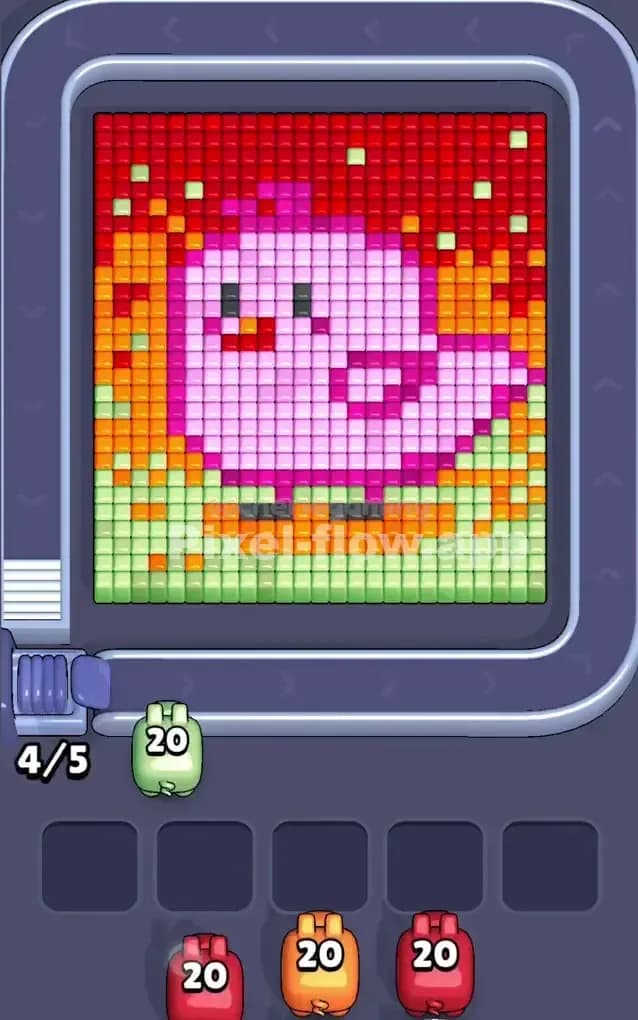
Pixel Flow Level 290 Solution | Pixel Flow 290 Walkthrough
How to beat Pixel Flow Level 290: Video solution & walkthrough. The fastest way to pass Pixel Flow 290.
Is this the wrong level layout?🤔
Pixel Flow randomizes levels for different players. Don't worry, just upload a screenshot of your board, and our AI will find the correct video instantly.


Pixel Flow Level 290 Walkthrough
This level features a menacing, cartoonish dragon head staring right at you. The artwork is centered, framed by two distinct blue horizontal bars—one at the very top and one at the bottom. The dragon itself is primarily bright green, with yellow accents on its horns, red eyes, a red tongue, and a thick white outline that acts as a border for the entire face.
Your mission is standard: clear the outer layers to get to the core colors. Because of the distinct layering—white outline protecting the green face, blue bars blocking vertical shots—you have to be tactical about which pigs you accept. Is it a very hard level? No. It’s a medium-difficulty puzzle that tests patience more than speed. If you panic and fill your slots with green pigs too early, you will lose.
Pixel Flow Level 290 Overview
The dragon face in Pixel Flow Level 290 feels like a classic RPG monster icon. The centerpiece is that massive block of lime green scales making up the face. However, you can't touch that green immediately. It's heavily guarded.
First, you have a thick White outline that wraps around the entire head, particularly the cheeks and the top of the head. Second, you have Yellow accents on the horns that are often mixed in with the white layer or sit just below it. Third, and most annoying, are the two Blue bars at the top and bottom. These act like shields. Until those blue bars are gone, your pigs can't shoot "through" them to hit the bottom of the dragon's chin or the top of its head from certain angles.
The layout is symmetrical. The left horn matches the right horn. The blue bar on top matches the blue bar on bottom. This symmetry makes it easier to predict shots, but the danger lies in the "middle layers." The red eyes and tongue are buried deep. You won't see them as targetable until you've done significant demolition work on the green face.
Step by step solution walkthrough for Pixel Flow Level 290
First Color Zone to Erase in Pixel Flow Level 290
Your absolute first priority should be the Blue bars or the White outline.
Here is the logic: The Blue bars at the top and bottom are completely exposed. They are the outermost layer on the vertical axis. If you get a Blue pig, take it immediately. Clearing that bottom blue bar is crucial because it opens up the "chin" area of the dragon for future shots.
If no blue pigs appear, focus on White. The white pixels form the outer shell of the dragon's head. You cannot legally hit the green face pixels until you peel off this white rind. A White pig is almost always a safe bet in the early game because there are so many valid white targets along the edges.
Do not take Green pigs yet. Even though green is the biggest color, it is trapped inside the white/black outline. A green pig in your slot now is just wasted space.
How to pass Pixel Flow Level 290 without power ups or boosters
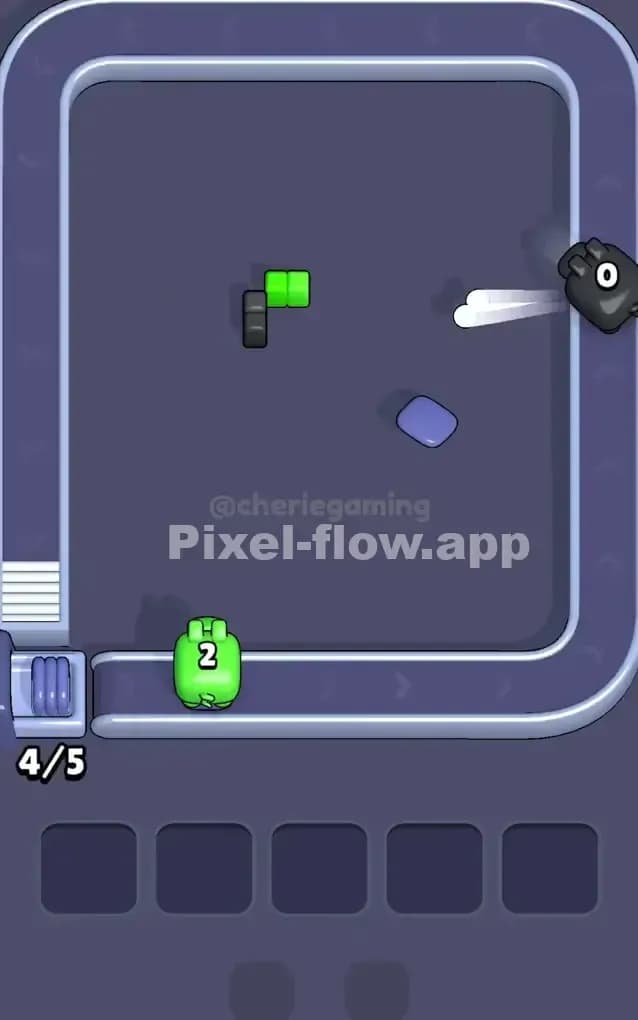
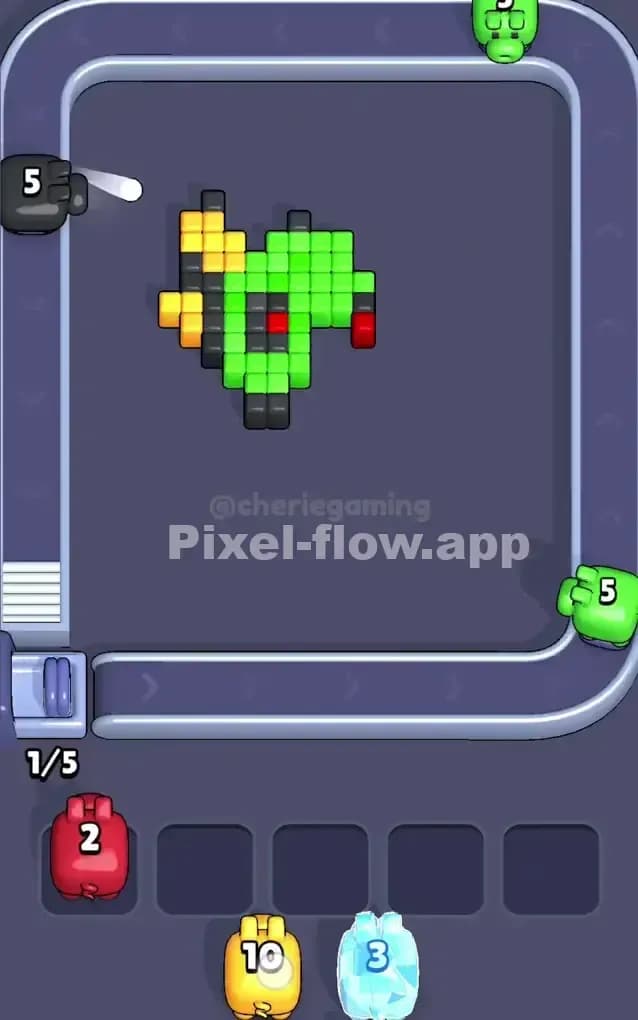
Once the blue bars and the white outline are mostly gone, the level looks messy. You'll see a floating green blob with some black outline pixels remaining. This is the danger zone.
- Watch the Black Pixels: Between the white outline and the green face, there is a thin layer of Black pixels providing contrast. These often block the green. If you see a Black pig, grab it to strip away this final defense.
- The Yellow Trap: The yellow horns are tricky. They are small targets. If a Yellow pig comes down the belt, check if the horns are actually exposed. Often, a single white pixel might still be blocking the yellow. Only take the yellow pig if you see a clear line of sight to the horns.
- Unleash the Green: Once you've stripped the white and black outlines, the massive green face is vulnerable. This is the satisfying part. Now you can accept every Green pig you see. They will drain their ammo rapidly because the target area is huge.
- Red Eyes & Tongue: Don't forget the Red pixels. The eyes and the tongue are usually on the same layer as the green or slightly below. You might need to clear a few specific green blocks to "uncover" the red cubes. Keep one slot open for a Red pig, but prioritize clearing the green bulk first so the red shots don't get blocked.
Last Details You Clean Up in Pixel Flow Level 290
As you near the end, you'll likely have a scattered few pixels left. Typically, the last survivors are:
- The Red tongue pixels at the very bottom, which might have been shielded by the chin.
- Random Black or Dark Grey pixels that were part of the internal shading of the nose or eyes.
The dragon will look like a skeleton of its former self. At this stage, pig rotation is fast. If you see a color you don't need, let it pass. Don't clog your slots. You need specific precision now. If only two red pixels remain, wait for that Red pig, let it do its job, and watch the level crumble.