Pixel Flow Level 472 Solution | Pixel Flow 472 Walkthrough
How to beat Pixel Flow Level 472: Video solution & walkthrough. The fastest way to pass Pixel Flow 472.
Is this the wrong level layout?🤔
Pixel Flow randomizes levels for different players. Don't worry, just upload a screenshot of your board, and our AI will find the correct video instantly.
Pixel Flow Level 472 Walkthrough
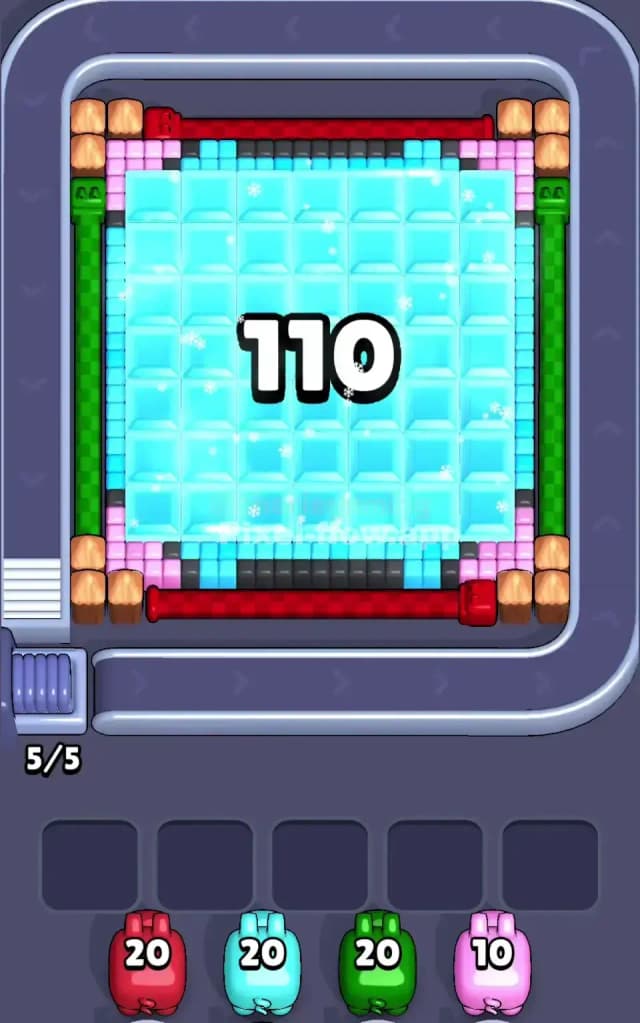
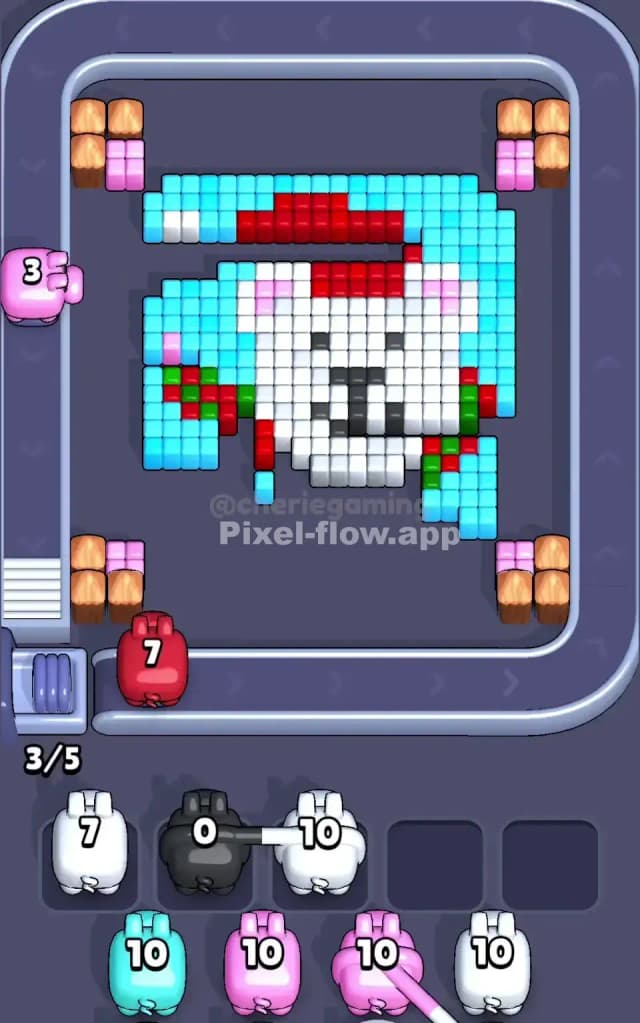
This level is a deceptive winter trap. At first glance, you are staring at a massive, frozen block of cyan ice locked inside a rigid frame of red and green pipes. Wooden crates and pink filler blocks protect the corners. The real challenge, however, isn't the ice itself—it’s managing your queue while you try to crack it open. You must peel away this frozen outer layer to expose the hidden picture underneath. Because of the density of the top layer and the specific order required to clear it without clogging your slots, I judge this as a very hard level.
Pixel Flow Level 472 Overview
Imagine a Christmas present encased in a block of ice. That’s the board. The center is dominated by a gigantic 8x8 (roughly) square of cyan ice blocks. This ice sits on top of the main subject, completely obscuring it.
Surrounding this ice is a structural frame:
- Top and Bottom: Solid rows of red pipes.
- Left and Right: Vertical columns of green pipes.
- Corners: Wooden crates (brown) with small pink accents tucked on the inside.
Once you shatter that cyan ice and break the frame, you find a pixel art Polar Bear hiding underneath. He’s wearing a red Santa hat and a scarf striped with red and green. The background behind him remains a lighter cyan sky. The asymmetry here is low initially, but once the bear appears, the red hat on top and the scarf hanging to the left create uneven zones that can trap specific colors if you aren't careful.
Step by step solution walkthrough for Pixel Flow Level 472
First Color Zone to Erase in Pixel Flow Level 472
Your absolute priority is the Red and Green frame. Ignore the massive ice block in the center for the first few seconds.
Why? Look at the geometry. The red rows at the top and bottom extend across the entire width. A single Red pig can unload almost its entire clip into those pipes without obstruction. Similarly, the green columns on the left and right are tall, unbroken targets for your Green pigs.
By clearing the Red and Green frame first, you remove the "hard border" of the level. This exposes the edges of the central cyan ice block and, more importantly, clears your waiting slots of Red and Green pigs so you can hunt for the Cyan pigs you actually need. If you try to chip away at the ice first, you’ll likely get stuck with Red and Green pigs clogging your slots with nowhere to shoot because the inner layers (the bear’s hat and scarf) aren't visible yet.
How to pass Pixel Flow Level 472 without power ups or boosters
The mid-game is where most players fail Level 472. Once the outer frame is gone, you are left with the "Ice Cube"—that huge patch of Cyan.
The Golden Rule: Do not deploy White or Black pigs until the Cyan ice is gone.
As you churn through the queue, you will inevitably draw White pigs (for the bear's fur) and Black pigs (for the eyes/nose). Do not put them on the board yet. If you drop a White pig while the Cyan ice layer is still intact, that pig will have zero valid targets. It will sit in a waiting slot, useless. If you do this three or four times, your board is jammed, and it's Game Over.
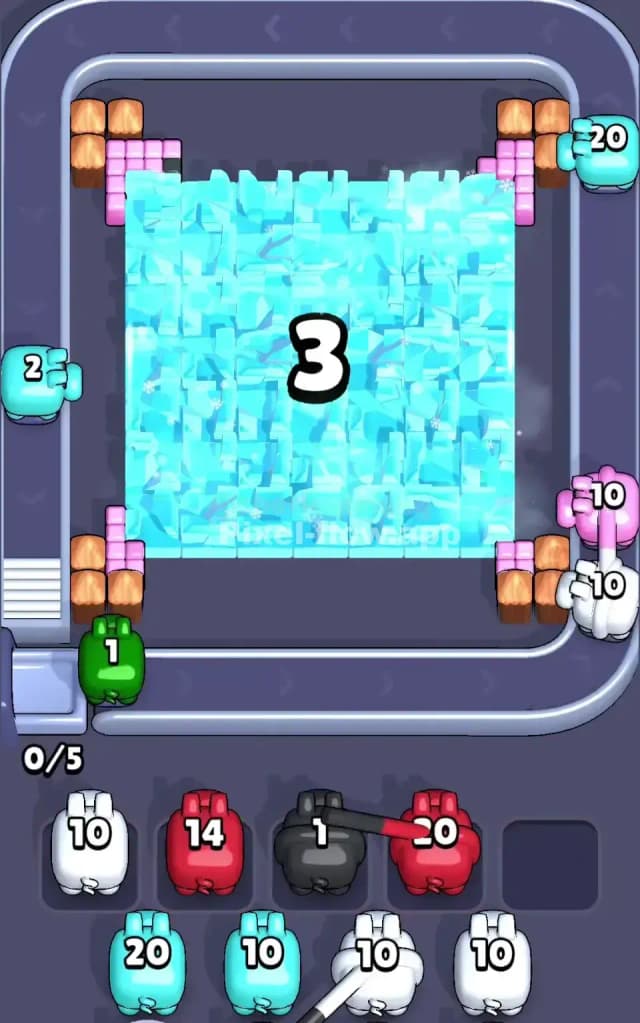
Focus entirely on cycling for Cyan pigs. Burn their ammo on the central ice block. Only when you have carved huge holes in the ice—revealing the white fur underneath—should you allow a White pig to take a spot.
You will also see the Polar Bear's scarf (Green/Red) and hat (Red). Since you cleared the outer frame earlier, your Red and Green pigs might have leftover ammo. Use that now on the scarf and hat. This is efficient recycling.
Last Details You Clean Up in Pixel Flow Level 472
The end of the level is a cleanup operation on the edges and the face.
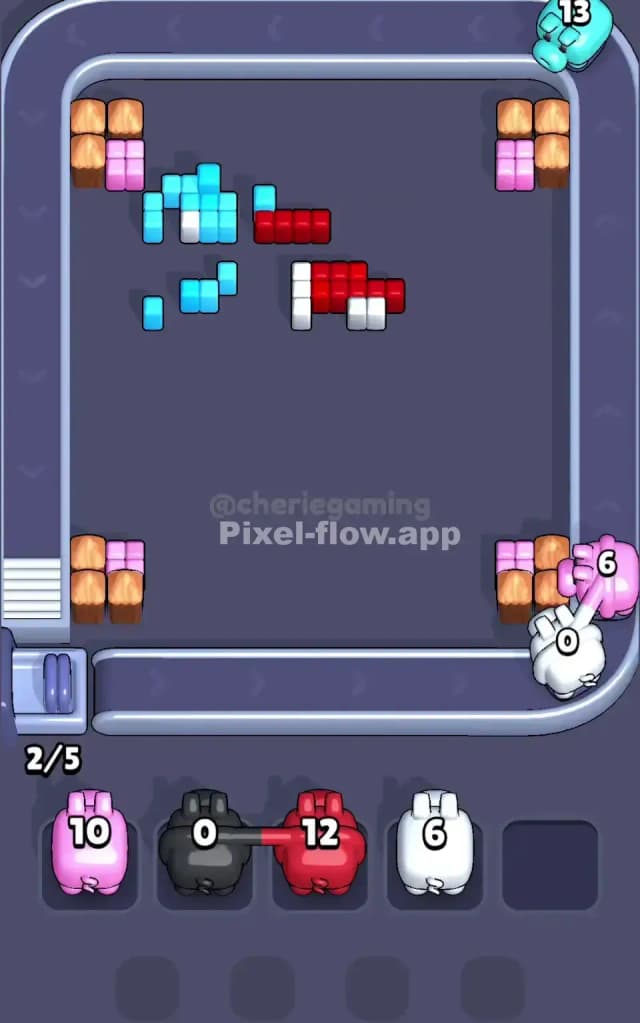
- The Corners: The wooden crates (Brown) and pink blocks often survive until the end because they are isolated in the four corners. You usually need a dedicated Pink pig just for those few pixels.
- The Bear’s Face: The last few shots are usually Black (for the nose and eyes) or White (for the last patches of fur).
- Scattered Sky: Sometimes a few stray Cyan blocks remain in the background behind the bear's ears. Double-check the top corners of the bear's head; pixels often hide there behind the curve of the Santa hat.
Keep your eyes on the scarf tails on the left side. They are jagged and easy to miss, often leaving a single green or red pixel that prevents the level from finishing. Clear them, and the bear is free.