Pixel Flow Level 561 Solution | Pixel Flow 561 Walkthrough
How to beat Pixel Flow Level 561: Video solution & walkthrough. The fastest way to pass Pixel Flow 561.
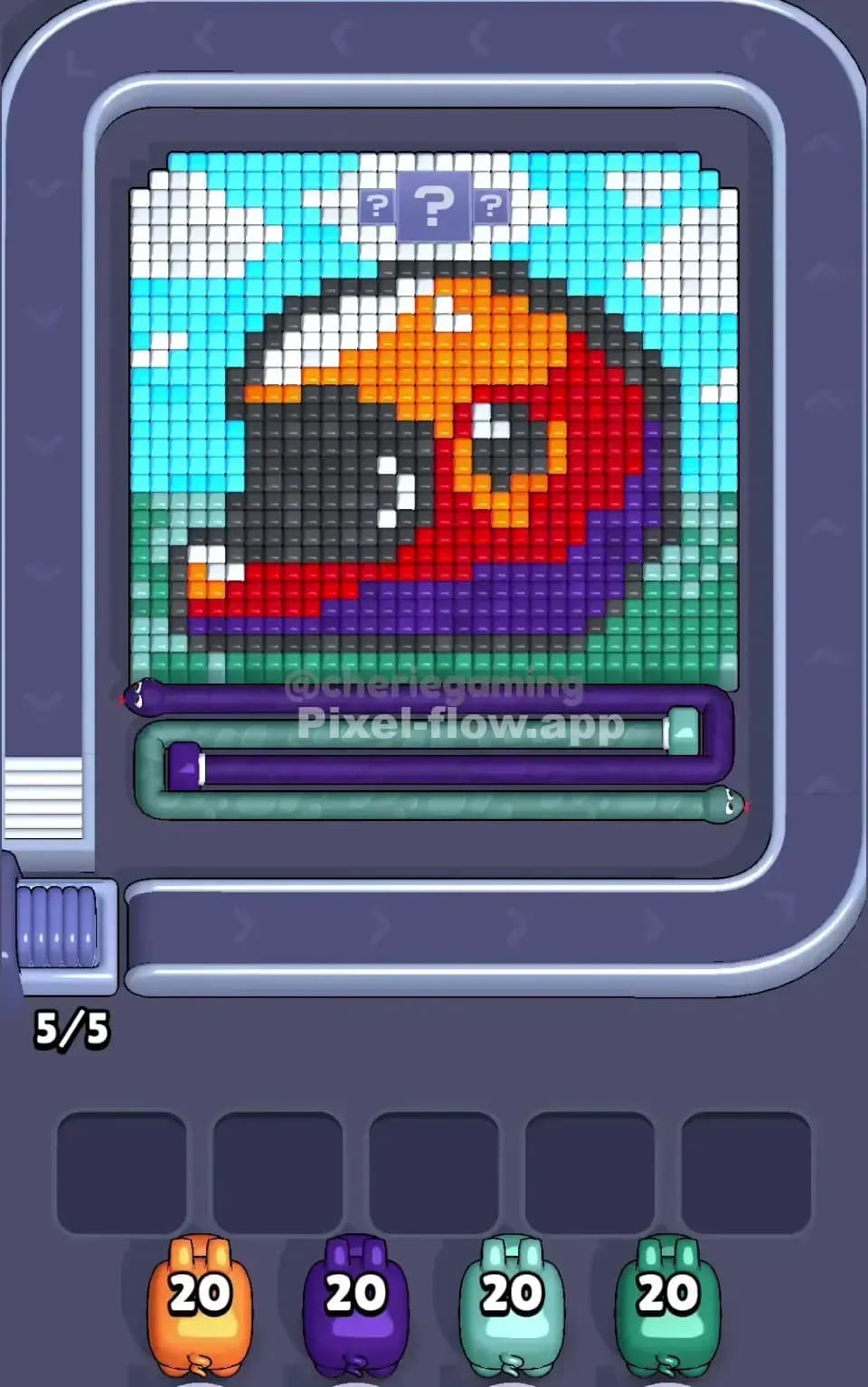
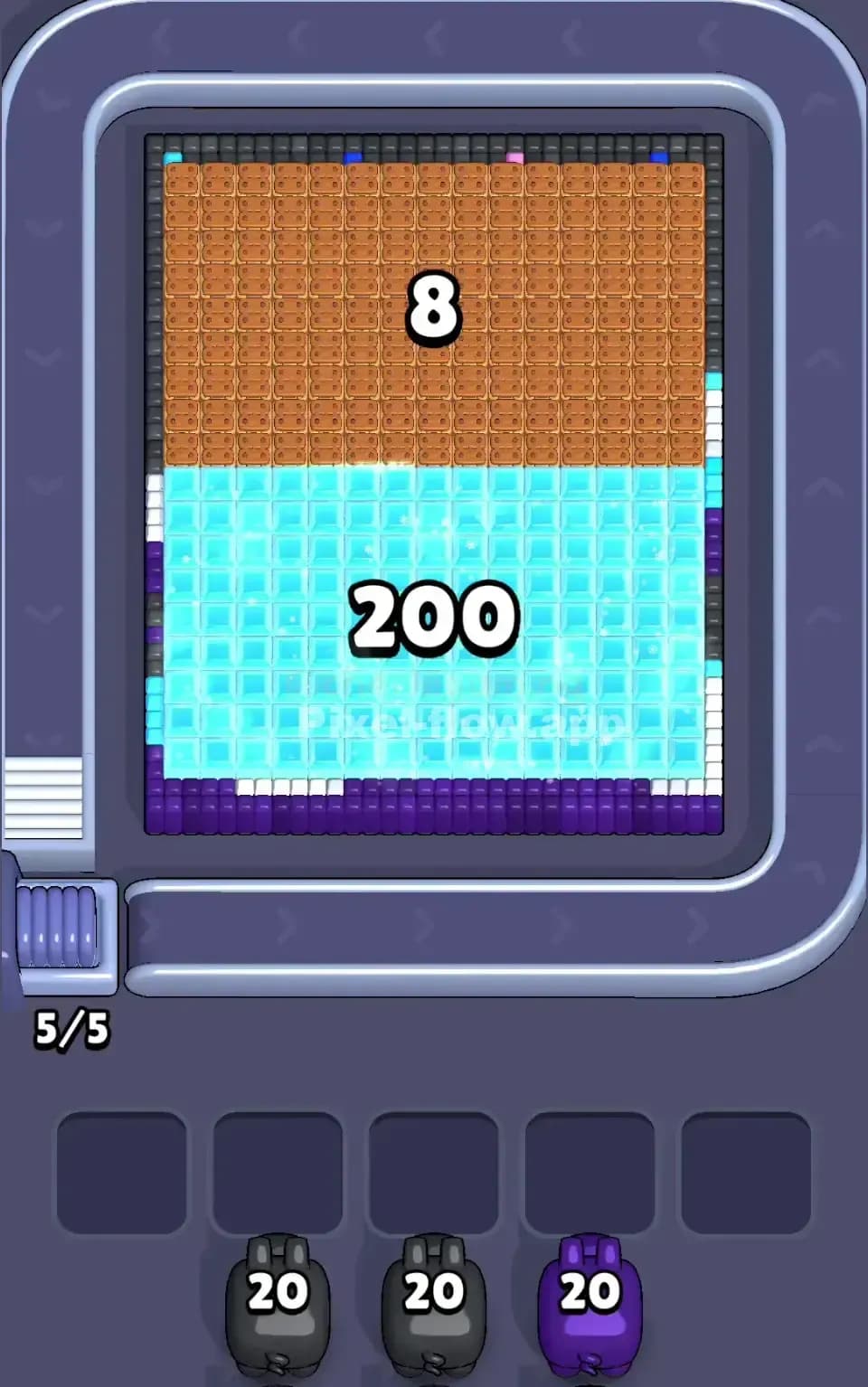
Is this the wrong level layout?🤔
Pixel Flow randomizes levels for different players. Don't worry, just upload a screenshot of your board, and our AI will find the correct video instantly.

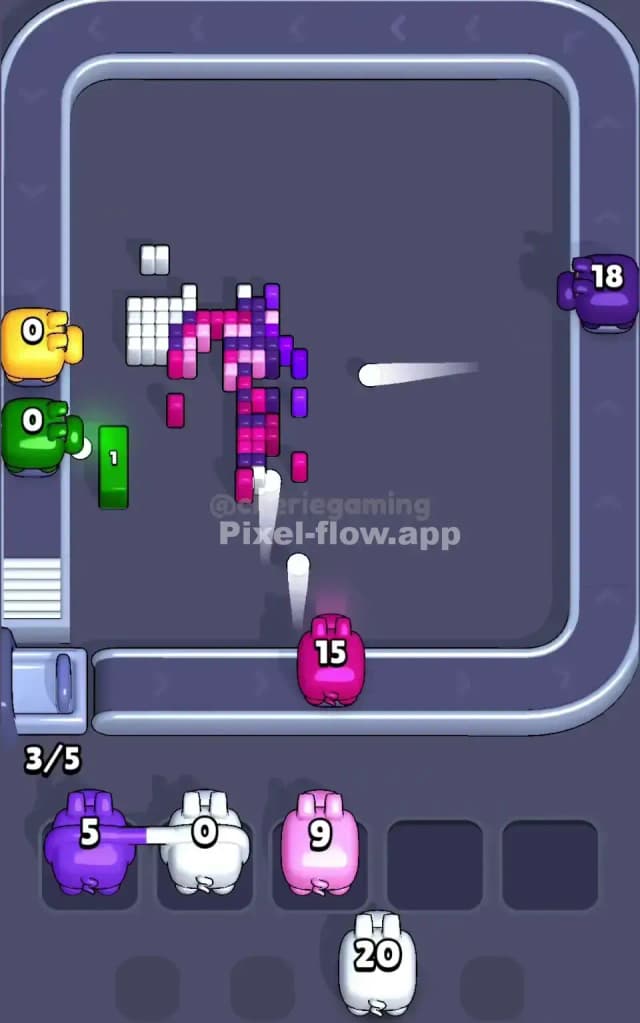
Pixel Flow Level 561 Walkthrough
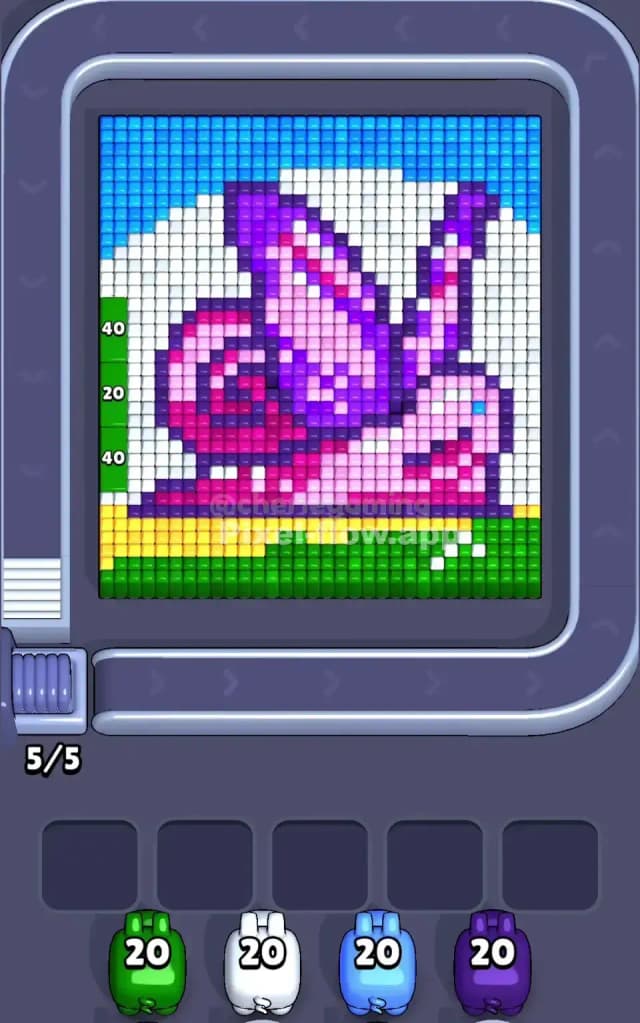
This level features a massive, colorful garden snail slowly creeping across a grassy field. It looks simple at a glance, but don't let the cute pixel art fool you. The density of the snail’s shell makes this a very hard level if you aren’t paying attention to your slot management.
You are dealing with a classic layered puzzle. The blue sky and white clouds form the background, a thick strip of green grass anchors the bottom, and the snail sits front and center. The snail isn't solid; it's a messy mix of pink, magenta, and purple voxels that require precise pig usage. To beat Pixel Flow Level 561, you need to strip away the "easy" outer colors (Green and Blue) to expose the complicated spiral of the shell.
Pixel Flow Level 561 Overview
Let’s break down the board for Pixel Flow 561. The centerpiece is a large snail facing the right side of the screen. Its body is a soft pink, but the shell is the dangerous part. The shell is a swirl of dark purple and bright magenta, and the pixels are interwoven. You won’t find big, solid blocks of color here. You’ll find a checkerboard pattern that eats ammo inefficiently.
The environment around the snail is highly structured.
- The Left Wall: Notice the vertical green bar running down the entire left edge. It has numbers on it—40, 20, 40—looking like a ruler or a measuring tape. This is a solid object that blocks shots from hitting the left side of the snail.
- The Sky: The top third is a grid of cyan blue, interrupted by patches of white cloud.
- The Ground: The bottom is a thick carpet of green grass. There is also a sneaky patch of yellow pixels on the bottom left, right where the "ruler" meets the grass.
The asymmetry here is key. The left side is heavily armored with that green "ruler." The right side is open sky. This means your shots from the right will connect deeper into the picture sooner than shots from the left.
Step by step solution walkthrough for Pixel Flow Level 561
First Color Zone to Erase in Pixel Flow Level 561
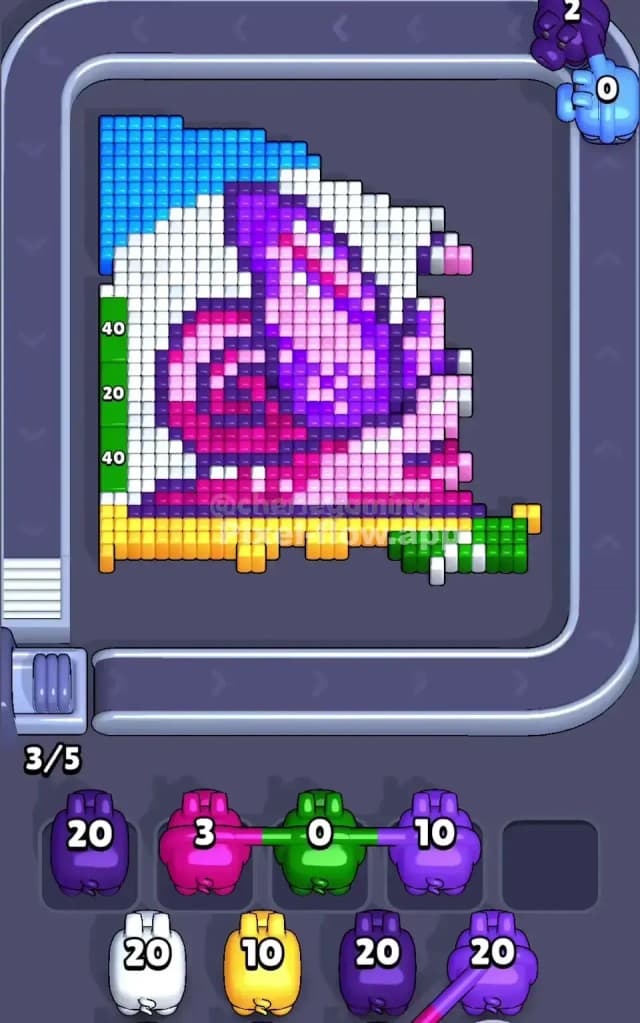
Your priority target is Green.
Narratively, you are "mowing the lawn." Logically, the green pixels represent the biggest, safest ammo dump on the board. You have two massive green zones: the horizontal grass at the bottom and the vertical ruler on the left.
Grab every Green pig you see. The vertical ruler on the left is the most critical structure to remove. As long as it stands, it acts as a shield. It prevents your other colored pigs from hitting the white background or the pink tail of the snail. By clearing the green first, you open up the entire bottom and left flank of the board. This creates "lanes" for your other pigs to miss the snail if they need to hit the background, or hit the snail if the background is gone.
If no Green pigs are available, take Blue. The sky is the second-largest contiguous block. Clearing the blue top layer exposes the white clouds and the purple tips of the snail's antennae.
How to pass Pixel Flow Level 561 without power ups or boosters
The mid-game of Pixel Flow Level 561 is where runs usually die. Once the grass (Green) and sky (Blue) are gone, you are left with the White background clouds and the Snail itself.
The danger is the Snail’s shell. It is a mix of Purple and Pink. If you spam Purple pigs while the shell is still covered in Pink pixels, the Purple pigs will have nothing to hit and will clog your slots.
Follow this rule: Target the White first.
Before you try to unravel the complex spiral of the shell, clear the White clouds. The white pixels surround the snail's irregular shape. By removing the White layer, you isolate the snail. This is crucial because it reduces the board to just the snail's colors (Pink, Purple, touches of Blue/Yellow).
If you ignore the White pigs and try to force the Pink/Purple pigs, you will get stuck. The shell's pattern is too broken. You might think you have a shot at a purple pixel, but a single white cloud voxel could be blocking the angle. Clear the air. Remove the White. Then, you can alternate between Pink and Purple pigs to peel the shell layer by layer.
Last Details You Clean Up in Pixel Flow Level 561
In the final moments of Pixel Flow Level 561, the board looks like a skeleton of the original image.
You will likely be left with the Yellow patch. It sits at the bottom left, originally hidden under the green ruler and the snail’s tail. It’s easy to forget about it until a Yellow pig shows up and you panic because you don't see the target. It's there. Bottom left.
The other final detail is the Snail’s Eye. It is a single Blue pixel on the right side of the head. If you cleared the Blue sky early in the level, this single blue pixel might remain stranded, surrounded by pink face pixels. Keep a mental note of it. You might need to hold one Blue pig in reserve for the very end, or wait until the face is cleared to snipe it.
Finally, the core of the spiral shell usually hides a few stubborn Dark Purple blocks. They are often buried deep behind the lighter pinks. Don't rush these shots. Wait for the rotation to give you a clear line of sight.