Pixel Flow Level 106 Solution Walkthrough | Pixel Flow 106

How to solve Pixel Flow level 106? Get instant solution for Pixel Flow 106 with our step by step solution & video walkthrough.

Share Pixel Flow Level 106 Guide:
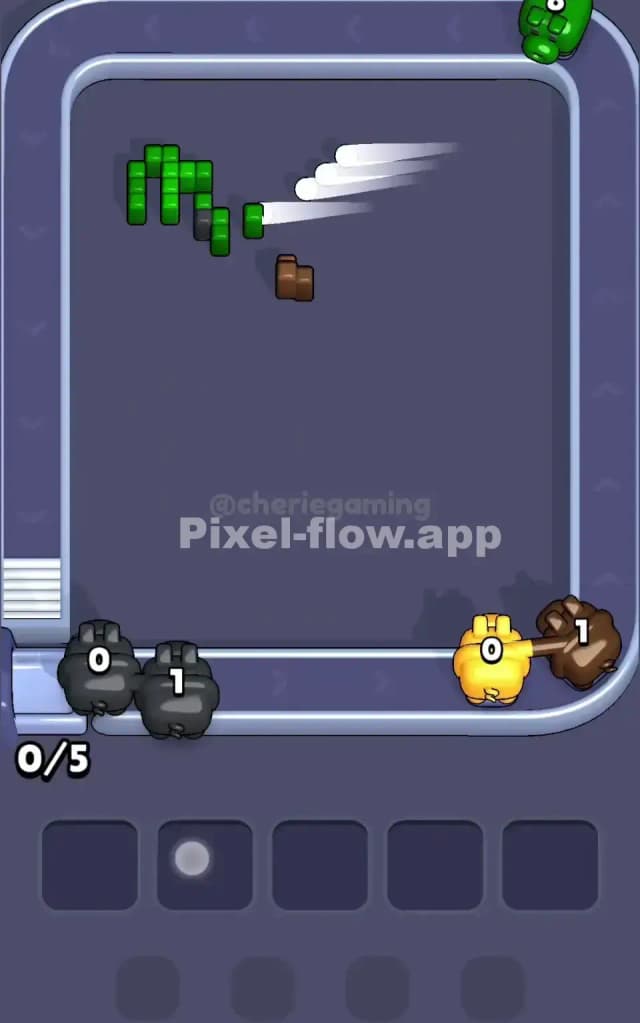
Pixel Flow Level 106 Gameplay
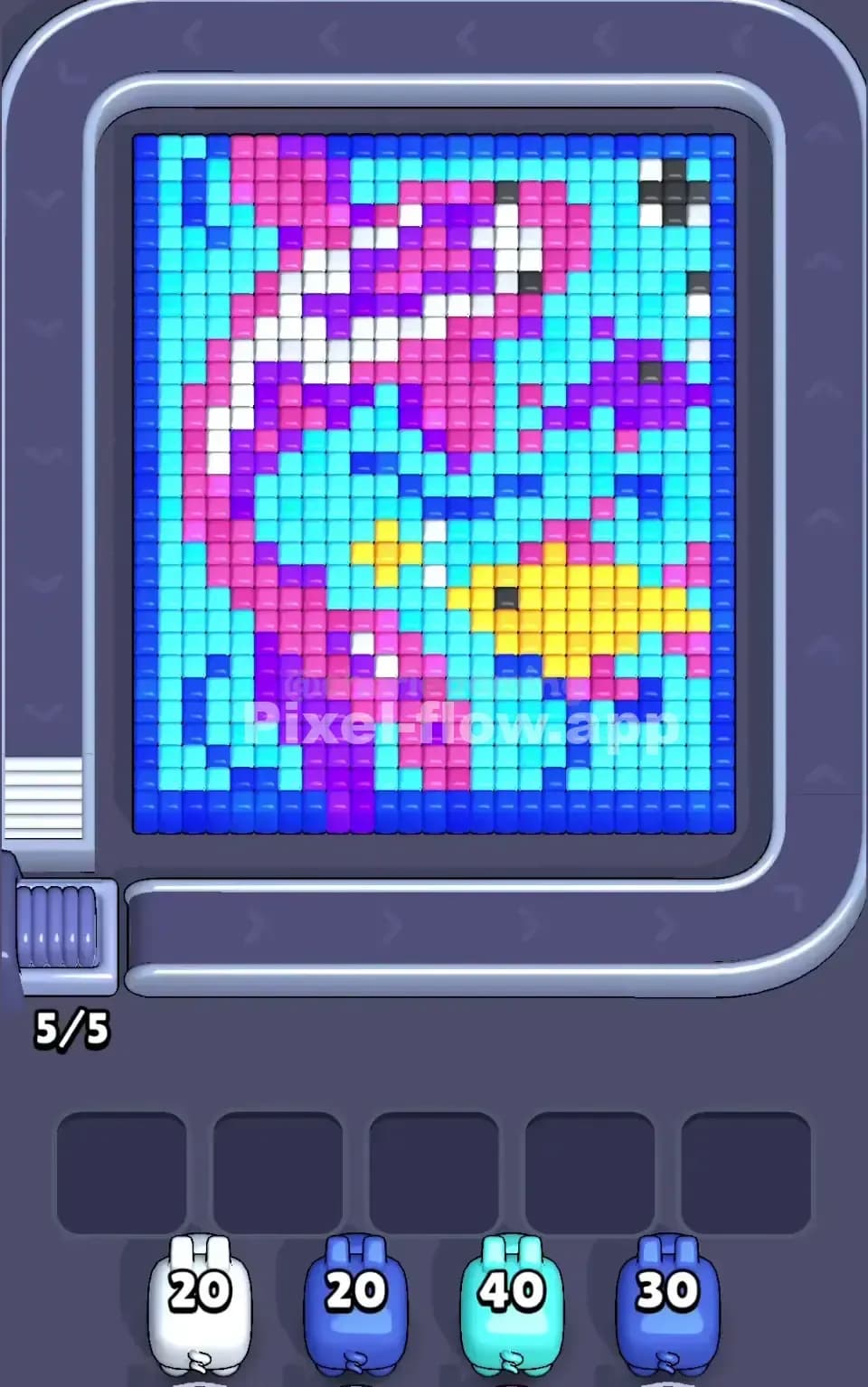
Pixel Flow Level 106 Solution 1
Pixel Flow Level 106 Solution 2
Pixel Flow Level 106 Solution 3

Pixel Flow Level 106 Overview

What You're Looking At

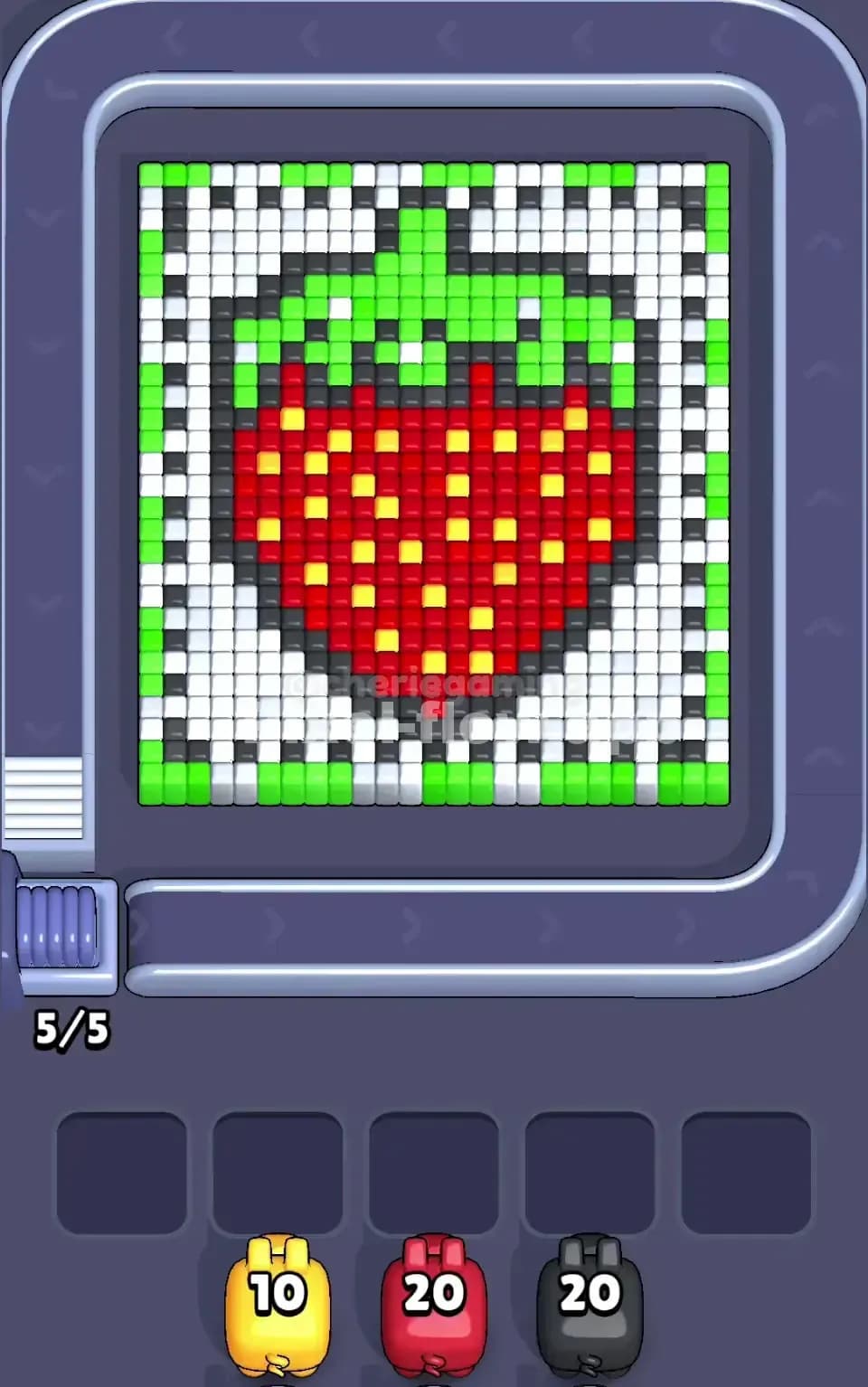
Pixel Flow Level 106 presents a charming pixel art lantern as your main subject, with a rich layering of colors that demands careful sequencing. The board is dominated by a bright yellow and orange base forming the lantern's body, wrapped in dark gray and black outlines that provide structural definition. Above that sits a green leafy canopy or handle structure, with lighter green accents suggesting depth and dimension. White cubes scatter throughout as negative space and detail work, creating pockets that'll affect how you clear the board. The orange, yellow, and green color zones are substantial enough that they'll require precise pig management to tackle without jamming your waiting slots.

The win condition for Pixel Flow Level 106 is straightforward: you must destroy every single cube on the board by carefully sequencing your color-coded pigs and spending their ammo. Each pig carries a fixed ammo count that's fully deterministic—meaning the same pig always arrives with the same number of shots. That's your golden rule here. You'll notice at the bottom of the screen four waiting slots with pigs carrying 20 ammo each, and your job is to deploy them in an order that clears cubes layer by layer without getting stuck.

The Core Challenge

Pixel Flow Level 106 will punish you if you don't think ahead. Once all five waiting slots fill with pigs that have no valid targets left, you're locked into a failure state—their remaining ammo becomes useless, and the game ends. This means every pig you send onto the board must have a clear job to do, and you can't afford to be reactive or casual about your choices.


Why Pixel Flow Level 106 Feels So Tricky

The Orange and Yellow Bottleneck

Here's where Pixel Flow Level 106 will first test your patience. The orange and yellow cubes form a massive contiguous zone spanning the lower half of the board, and they're partially obscured by the gray outlines and other color layers sitting on top. If you send an orange pig too early before you've cleared the green foliage above, you'll waste ammo shooting at cubes you can't actually reach. Worse, you might partially clear orange, leaving a small scattered cluster that won't be enough to exhaust the next orange pig's ammo. That pig then parks in a waiting slot, still loaded and angry, with nothing left to shoot.

The yellow section compounds this problem because it sits even deeper and requires the orange layer to thin out first. You're essentially locked into a color sequence, and if you break that sequence, Pixel Flow Level 106 becomes a waiting-slot graveyard.

The Green Canopy and Its Hidden Complexity

The green cubes at the top look cohesive from the surface, but they're deceptive. There are darker green cubes mixed with lighter sage-green variants, and they're split across what feels like two separate zones with white gaps between them. A green pig might clear its ammo on the visible bright green cluster, leaving the sage-green section untouched on the far side. Another green pig arrives, finds no targets, and drops into a waiting slot. Now you've got two green pigs stuck, and you haven't even touched yellow yet. This is a classic Pixel Flow Level 106 trap that catches players who don't zoom out mentally and see the full distribution.

The Gray and Dark Outline Layer

Those dark gray and black cubes framing the entire image are deceptively numerous. They're not as visually loud as the orange or green, but they occupy real estate and require their own pig or pigs to clear. You might assume they're just visual detail, but they're actual targets that'll sit there and mock you if you ignore them. It's easy to get tunnel vision on the big colors and forget that these outline cubes are quietly jamming your progress.

When It Clicked for Me

Honestly, Pixel Flow Level 106 frustrated me on my first three attempts because I kept throwing green pigs at the board hoping they'd solve the top layer, only to watch two pigs park themselves uselessly while I still had a ton of orange left to clear. The breakthrough came when I realized I had to clear the outline cubes first to expose the full orange zone, and then sequence the rest around that reality. It's not rocket science, but it requires you to stop trusting your eyes and start trusting the ammo counts.


Step-by-Step Strategy to Clear Pixel Flow Level 106

Opening Moves: Establish Your Foundation

Start Pixel Flow Level 106 by sending your first pig to target the dark gray and black outline cubes. Yes, before green, before anything else—this seems counterintuitive, but those outline cubes are blocking your view of the full picture and preventing you from knowing exactly how many orange and yellow targets exist beneath them. A pig with 20 ammo can carve a serious dent into that outline zone. Watch as the frame becomes clearer and the orange and yellow beneath start to breathe.

After the outlines begin to crumble, send your second pig to attack the lighter green cubes at the top—but only the obviously bright green cluster on the upper-middle section. This pig will likely have ammo left over; that's fine. Park it safely by not triggering it again until you've made more board progress. The key here is keeping at least three waiting slots free at all times during these early moves.

Mid-Game Sequencing: Expose and Control

Now that you've softened the outline and started the green zone, send a third pig to finish off the remaining light green cubes, including the scattered sage-green patches on the flanks. This is your moment to commit to color—don't half-ass the green. If you're uncertain whether you have enough ammo, count the visible cubes and trust the system. Pixel Flow Level 106's pig queues are predictable; what you see in ammo is what you get.

Once green is largely clear, move to orange. Here's the critical part: the orange layer is thick, and you'll need two, possibly three pigs to finish it. Send your first orange pig and let it chew through a clean 20-cube section. As it destroys cubes, new layers beneath may expose yellow cubes, but your orange pig won't target those—it's color-coded to ignore yellow. After the first orange pig parks or finishes, assess. If there's still a compact orange zone, send another orange pig immediately. If you're seeing fragmented orange scattered across white space, hold and send a white pig instead to clear negative space and consolidate the remaining orange into a shootable cluster.

This is where patience and counting matter. Watch your waiting slots. If you ever hit 4 occupied slots with pigs that have viable targets, you're about to hit critical—one more pig with no targets and you've failed Pixel Flow Level 106.

End-Game: The Final Stretch

By now, you're likely down to yellow, white, and possibly some straggler orange. Yellow is your heavy hitter because there's so much of it. Send a yellow pig and watch it tear through that lantern belly. You'll probably need two yellow pigs to clear the entire zone, so pace them accordingly. Between yellow pigs, slot in a white pig to clear any white cubes that have become exposed. White is your cleanup color—it's not load-bearing like orange or yellow, but it prevents small clusters from becoming jam points.

For the final move or two, you're just mopping up. Count remaining targets carefully. If you have 8 yellow cubes left and a yellow pig with 20 ammo rolling in, that's perfect—it'll clear those 8 and still have 12 left, but since there's nothing else, it parks. That's acceptable because you're done. Pixel Flow Level 106 clears when the last cube falls, regardless of leftover ammo.


The Logic Behind This Pixel Flow Level 106 Plan

Why This Sequence Works

The strategy prioritizes visibility and consolidation over raw damage. By clearing outlines first, you're not wasting ammo—you're investing in information. Once you see the full board, you can calculate whether you have enough pigs and ammo to finish. This prevents the panic of sending random pigs and hoping they work out.

The mid-game focus on completing one color at a time (green first, then orange, then yellow) means you're not leaving scattered cubes that'll strand pigs. Each pig ideally finds a contiguous or semi-contiguous zone to clear, spending ammo efficiently. You're also maintaining buffer slots so you have room to adapt if something unexpected happens—a color distribution that's slightly different from expectation, or a pig that needs to be parked mid-sequence.

Staying Calm and Counting Ahead

The real secret to conquering Pixel Flow Level 106 is treating it like a logic puzzle, not a reflex game. Before you send each pig, mentally count the cubes of its color. Does the pig have enough ammo? Is there anything in the way? Watch your waiting-slot indicator like a hawk—never let it climb above three pigs at once. As you send a pig, glance at the queue and ask yourself: what will the next pig need to do? Can I afford to send it immediately, or do I need to clear more board space first?

This deliberate, calm approach might feel slow, but it's exactly what Pixel Flow Level 106 demands. Rushing leads to jams; patience leads to victory.