Pixel Flow Level 143 Solution Walkthrough | Pixel Flow 143

How to solve Pixel Flow level 143? Get instant solution for Pixel Flow 143 with our step by step solution & video walkthrough.

Share Pixel Flow Level 143 Guide:
Pixel Flow Level 143 Gameplay
Pixel Flow Level 143 Solution 1
Pixel Flow Level 143 Solution 2
Pixel Flow Level 143 Solution 3

Pixel Flow Level 143 Overview

The Board Layout and Key Colors

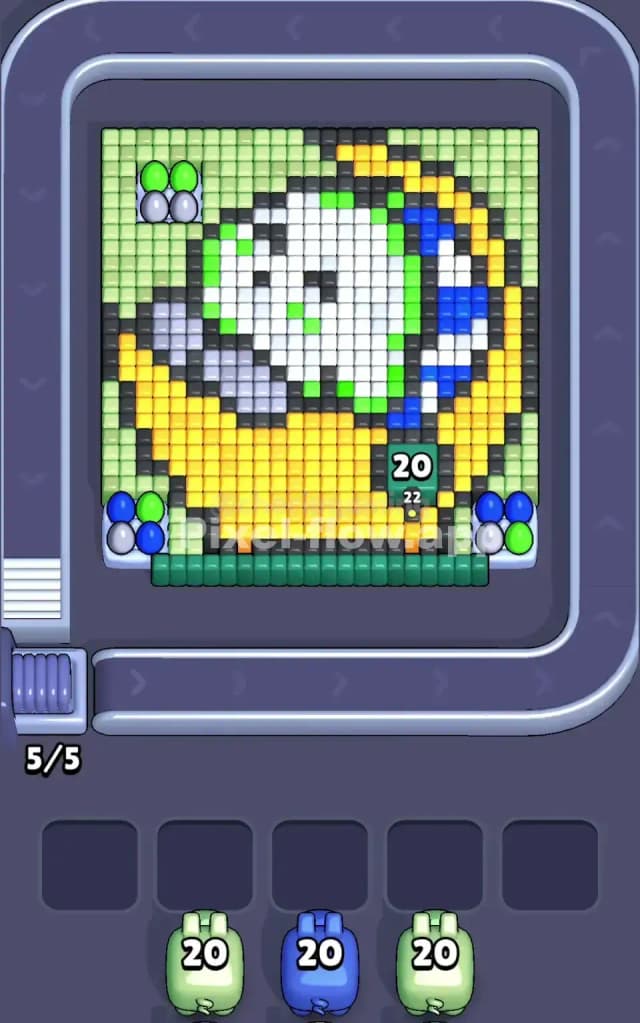
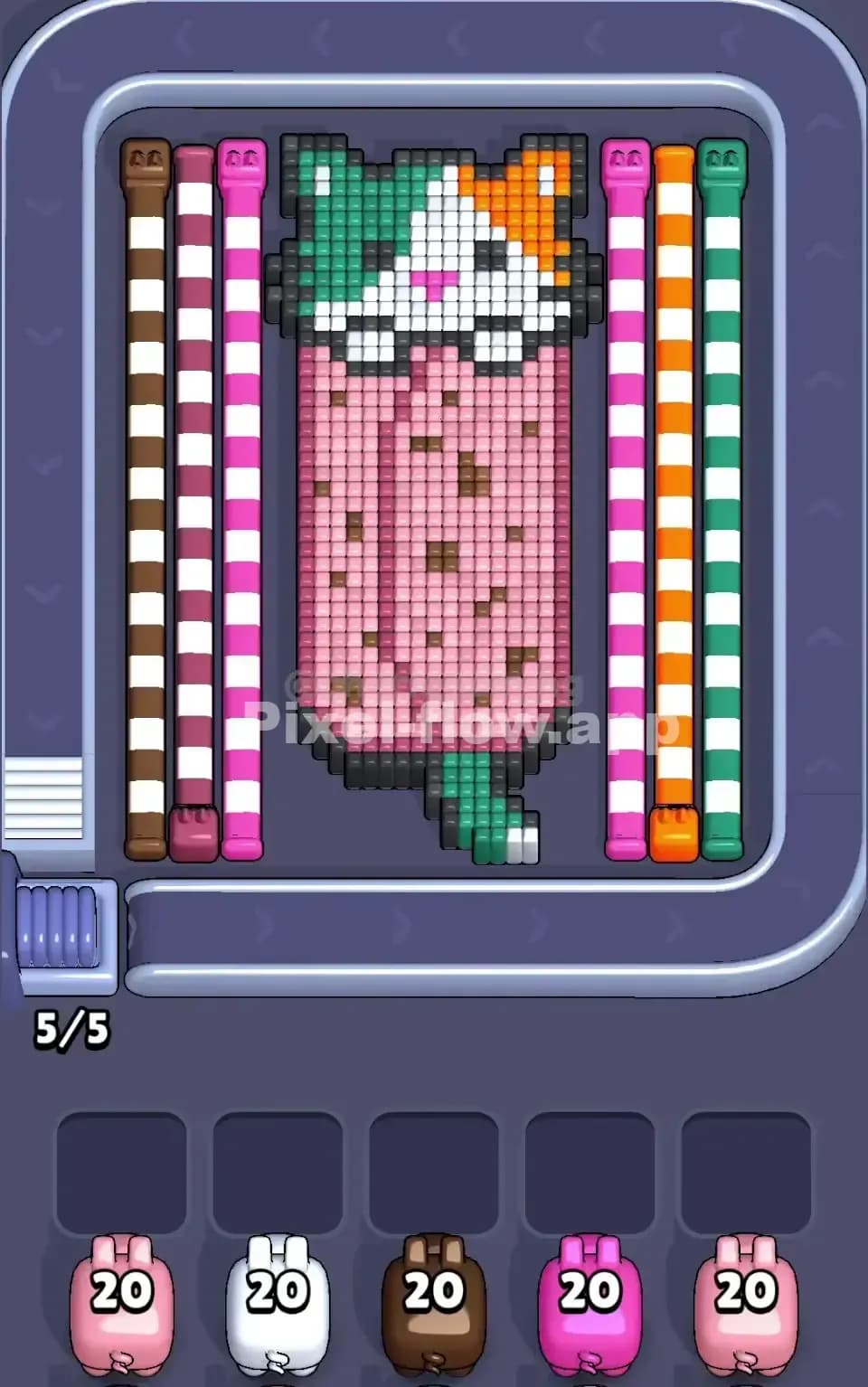
Pixel Flow Level 143 presents you with a vibrant pixel-art portrait that's absolutely packed with detail. You're looking at a character's face rendered in a warm palette dominated by yellow, white, green, and black, with strategic pockets of blue scattered across the design. The most visually striking element is the large yellow section that spans the lower half and sides of the board—this is your biggest color mass and the primary target you'll need to dismantle. Black voxels form outlines and shadows that define the portrait's contours, while white creates the bright highlights of the face itself. Green appears in the background and certain accent areas, and blue is tucked into smaller but noticeable regions. The waiting slots at the bottom show you'll be cycling through lime-green pigs (20 ammo each), a blue pig (20 ammo), and another pair of lime-green pigs, all perfectly visible in the queue.

Win Condition and Deterministic Gameplay

To beat Pixel Flow Level 143, you need to clear every single voxel cube from the board without jamming your five waiting slots. The pig order is completely fixed—you can't shuffle the queue—and each pig's ammo count never changes. This means success depends entirely on your sequencing decisions and how you manage the buffer. Every cube you destroy costs exactly one ammo from the attacking pig, so if you're holding a pig with 20 ammo but only 15 matching cubes remain on the board, that pig will drop into a waiting slot with 5 ammo spent and 15 unspent. If all five waiting slots fill up with "stuck" pigs like this and you still have no valid targets, you've lost. Your job is to orchestrate the pig order so that ammo and cube counts align perfectly throughout the puzzle.


Why Pixel Flow Level 143 Feels So Tricky

The Yellow Bottleneck

The single biggest threat in Pixel Flow Level 143 is the overwhelming mass of yellow voxels. There are roughly 60+ yellow cubes spread across the lower and side regions of the board, and you only have three pigs that can destroy them (the two lime-green pigs and potentially some overlap from other colors). Here's where it gets dangerous: if you send a green pig too early when yellow is still buried under black and white layers, that green pig won't find its targets and will waste a waiting slot. Conversely, if you wait too long to expose yellow, you might find yourself with a blue pig in the queue and a board full of yellow—the blue pig can't help, and now you're forced to drop it into the buffer while yellow still dominates the screen. The yellow section is so dense that it's the make-or-break moment of Pixel Flow Level 143.

Tricky Color Interactions and Hidden Layers

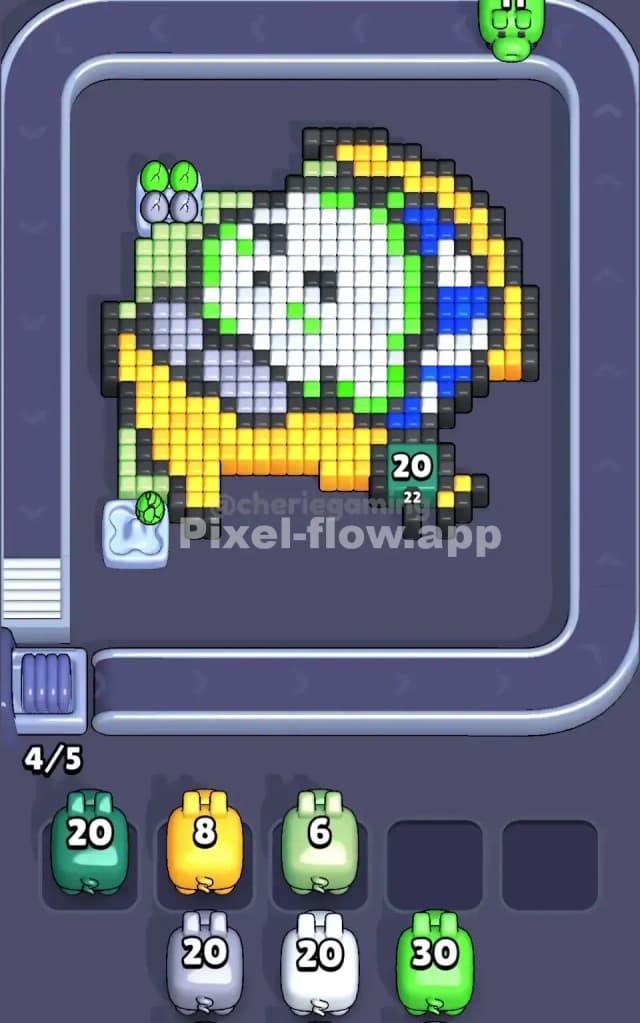
Another devilish aspect of Pixel Flow Level 143 is how the colors layer on top of one another. White and black form a protective shell around the yellow base, which means you can't immediately attack the yellow mass even though it's visually obvious. You'll need to burn through white and black first to expose yellow, but doing so in the wrong order can leave you with partial progress and no valid targets. Additionally, the blue sections are split into two small clusters on opposite sides of the face, making it tempting to waste a blue pig's ammo on just one cluster while the other remains hidden. If black or white cubes block the second blue cluster, your blue pig might finish its job before you've exposed everything, forcing it into a waiting slot prematurely.

The Psychological Wall

I'll be honest—the first time I tackled Pixel Flow Level 143, I felt overwhelmed by the sheer color density and the fear of miscounting ammo. The board looks chaotic, and it's genuinely easy to miscount how many yellow cubes are actually visible versus hidden. You stare at that massive yellow foundation and think, "There's no way I can hit all of that with only three green pigs," even though mathematically it's usually tight but doable. The level clicked for me only when I stopped panicking about the overall picture and instead focused on one or two pigs at a time, constantly checking the queue and mentally noting which colors were next. Once I adopted that slower, more methodical mindset, Pixel Flow Level 143 transformed from frustrating to satisfying.


Step-by-Step Strategy to Clear Pixel Flow Level 143

Opening Moves: Expose the Base Layer

Your opening priority in Pixel Flow Level 143 should be to destroy black voxels. Black appears as thin outlines and shadow details throughout the board, and it's the quickest way to unlock deeper layers without committing a lot of ammo. I recommend letting the first few pigs fire naturally if they're targeting black, or deliberately holding them if they'd waste shots on colors you don't need yet. Start by watching which color appears at the very front of your queue and count exactly how many matching cubes are exposed on the board. If your first pig is lime-green and there are 15+ visible green cubes (including some black outlines that might be green underneath), fire away. If there are fewer than 10, hold that pig and let the next one go. Your immediate goal is to maintain at least three empty waiting slots as a safety buffer.

During Pixel Flow Level 143's opening, pay special attention to the black voxels that form the outline of the character's mouth and eyes. These are often the first targets to expose, and clearing them reveals white cubes underneath, which then exposes yellow. Think of it like peeling an onion—you're not trying to finish any single color; you're trying to methodically strip away the outer layer so the next pig in line has fresh targets.

Mid-Game: Sequence and Layer Management

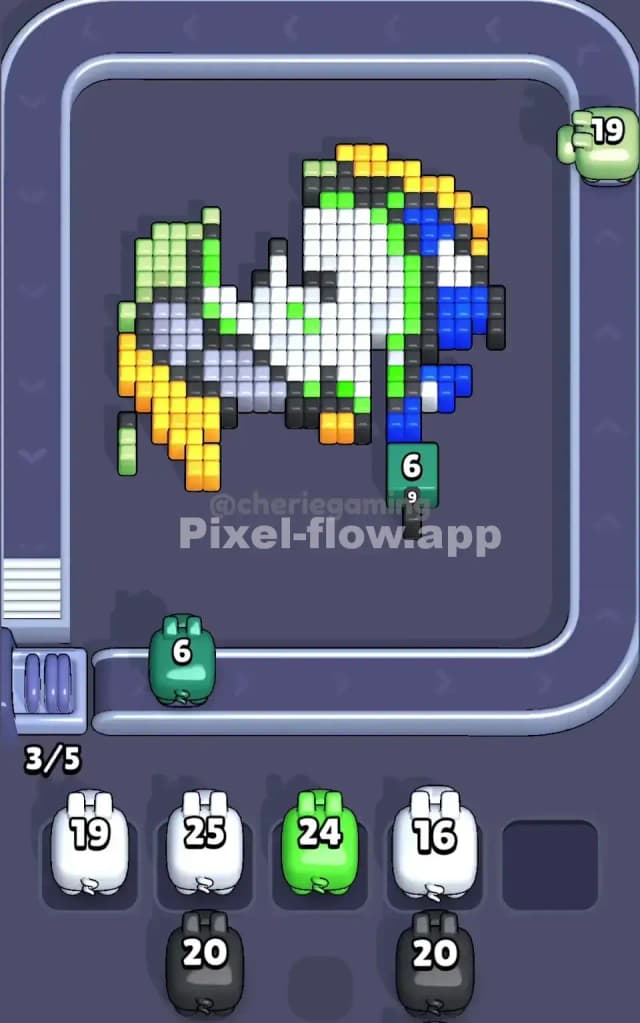
The heart of Pixel Flow Level 143 happens in the middle phase when you've exposed most of the portrait's detail and you're juggling multiple half-spent pigs. This is where careful planning separates success from disaster. As soon as you see your blue pig queued up two or three positions away, count every visible blue cube on the board and make sure you're not going to overshoot. Blue in Pixel Flow Level 143 appears in two distinct clusters, and if one is still buried under white or black, you need to clear those blocking colors first. Don't fire your blue pig just because it's your turn—hold it if necessary, letting other pigs fill in the gaps and expose new blue cubes.

Similarly, once yellow starts becoming visible, begin your unofficial "yellow countdown." Count the exposed yellow cubes and estimate how many green pigs you have left in the queue. In Pixel Flow Level 143, you typically have two lime-green pigs with 20 ammo each, which gives you 40 total shots. If there are 35–40 visible yellow cubes by the time your first green pig arrives, you're in perfect shape. If there are only 20, hold that green pig and let other colors fire so more yellow becomes exposed. The key principle is: always fire a pig only when its ammo count roughly matches the number of exposed matching cubes on the board.

End-Game: The Final Push

As you enter the home stretch of Pixel Flow Level 143, you should ideally have very few waiting slots occupied and only one or two colors remaining. This is where the deterministic nature of the game pays off—you know exactly how much ammo is left in the queue, so you can calculate whether you'll win or lose before the final pig even fires. Count the remaining white cubes and the remaining yellow cubes, then add up the ammo of all pigs still in the queue. If the math doesn't work, you've made an error earlier; if it does, you're guaranteed to finish Pixel Flow Level 143.

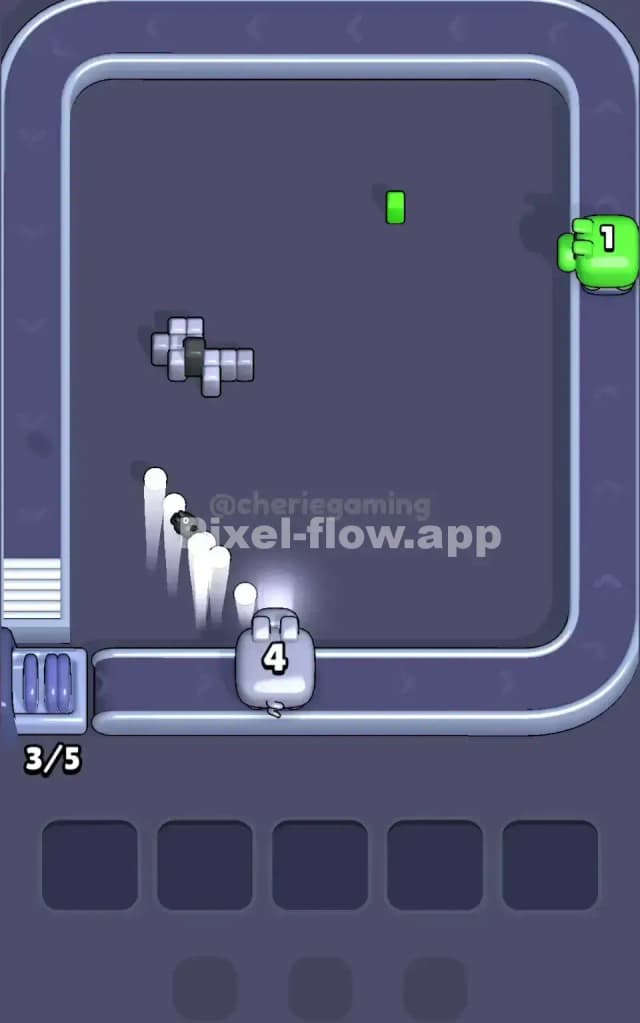
The absolute final step is cleaning up any scattered single cubes or isolated pockets of color. These often require precision—you might need to let a pig with 5 ammo remaining fire just to clear those last stray cubes so the next pig can attack fresh targets. In Pixel Flow Level 143, don't rush the ending; take your time, verify that each pig you release will hit only valid targets, and enjoy the satisfaction of clearing the board cleanly.


The Logic Behind This Pixel Flow Level 143 Plan

Exploit Predictability, Not Luck

The entire strategy for Pixel Flow Level 143 rests on one core truth: there is no luck in this game, only information and planning. You know the pig order forever. You know each pig's ammo count before it fires. You can see the board at any moment. Given these three pieces of information, you can always calculate whether a move is safe or risky. The strategy I've outlined for Pixel Flow Level 143 is really just a framework for staying calm and extracting that information efficiently. Every decision point—"Should I fire this pig now or hold?"—has a mathematically correct answer. Pixel Flow Level 143 rewards players who slow down, count carefully, and think two or three pigs ahead.

Staying Composed Under Move Constraints

The waiting slots are your scoreboard for stress level. As long as you have two or more empty slots, you're safe in Pixel Flow Level 143. As soon as you drop below two, you're gambling. The psychological shift toward composure happens when you internalize this metric. Instead of fixating on "Will I beat Pixel Flow Level 143?", you focus on "Do I have buffer?" This is a much more manageable question to answer, and it keeps you from panicking when the board looks overwhelming. Watch the queue, count the matching cubes, and ask yourself: "If I fire this pig, how many waiting slots will I still have?" If the answer is two or more, you have the freedom to recover from minor miscounts. Pixel Flow Level 143 becomes far less intimidating once you shift your mental model from a race against the clock to a steady, deliberate management puzzle.