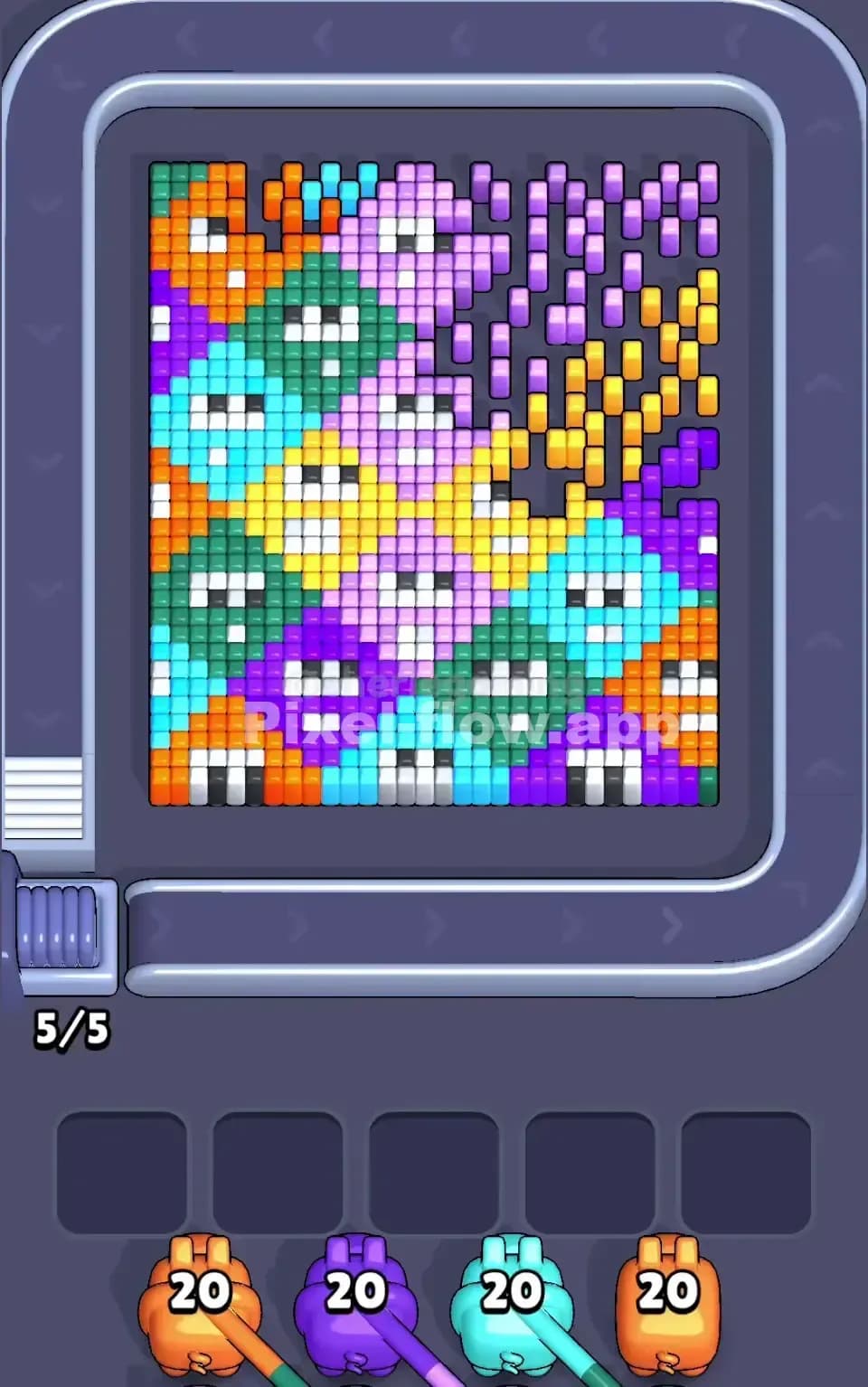
Pixel Flow Level 19 Solution | Pixel Flow 19 Walkthrough
How to beat Pixel Flow Level 19: Video solution & walkthrough. The fastest way to pass Pixel Flow 19.
Is this the wrong level layout?🤔
Pixel Flow randomizes levels for different players. Don't worry, just upload a screenshot of your board, and our AI will find the correct video instantly.
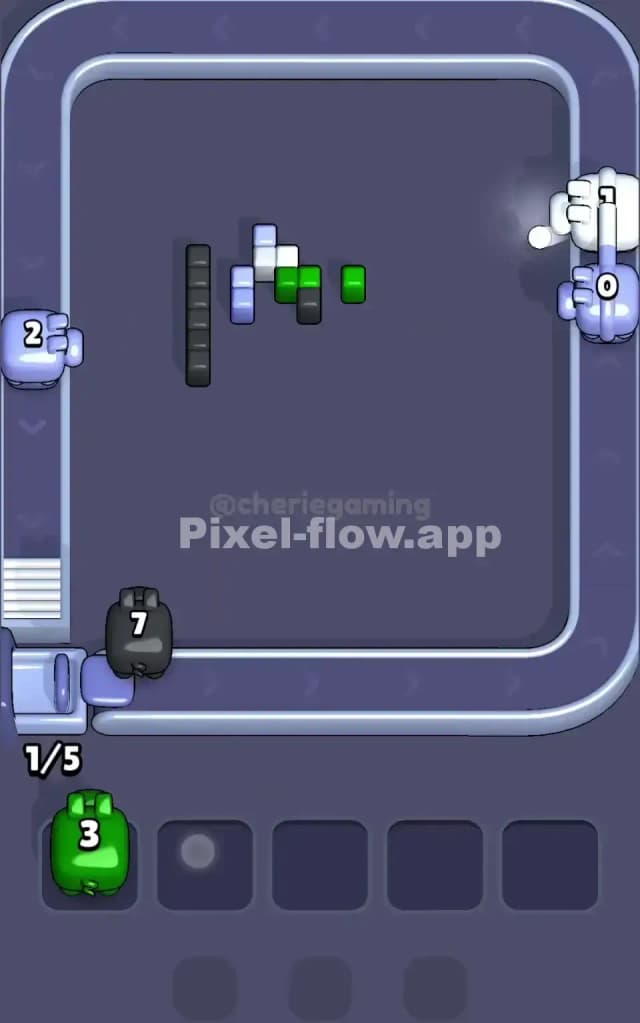
Pixel Flow Level 19 Walkthrough
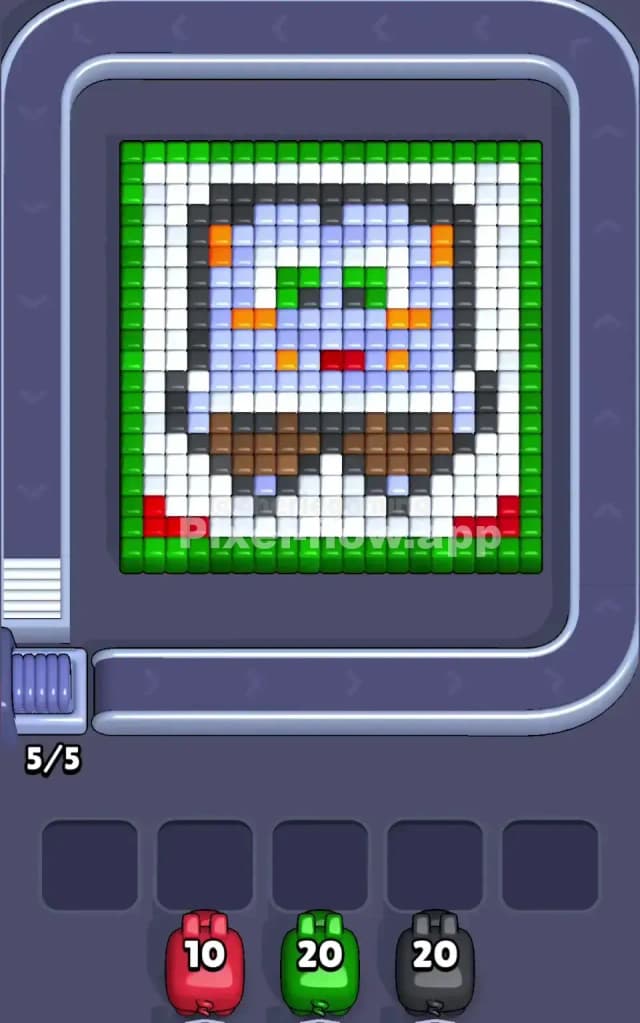
This stage presents a quirky pixel art portrait of a square-headed character, framed heavily in green. The image features a light blue face, brown clothing at the bottom, and distinct facial features like orange cheeks and green eyes. The board is dense. Layers stack directly on top of each other, meaning you cannot snipe the inner face details until you peel away the heavy outer frame.
The rules remain standard here: match the pig color to the block color. However, Pixel Flow Level 19 tests your patience with "layered wrapping." The outer colors (Green and White) completely encase the inner colors (Black, Blue, Brown). If you try to shoot at the inner character before clearing the frame, your pigs will have no valid targets and will clog your waiting slots.
Is this a very hard level? Not mechanically, no. It is structurally simple but punishes impatience. If you grab the wrong colors early, you will lose because the inner blocks are physically shielded by the outer frame.
Pixel Flow Level 19 Overview
Imagine a framed photograph of a cartoon character hanging on a wall. That is exactly what Pixel Flow Level 19 represents. The "frame" is a thick, solid border of vibrant green blocks. Inside this frame sits a white background—think of it as the photo paper or canvas.
Resting on that white background is the subject: a blocky, light-blue creature or person. It has a stark black outline that separates it from the white background. The character has a brown section at the bottom, likely a shirt or pants, and a face detailed with orange cheeks, a tiny red mouth, and two green eyes.
The layout is symmetrical. The green border is uniform on the left and right. The white background fills the gaps evenly. The danger here isn't asymmetry; it is depth. The Green border is the "highest" layer physically. The White background is slightly lower, and the character itself is the deepest layer. You are essentially acting as an archaeologist, brushing away the dirt (Green and White) to reveal the fossil (the character) underneath.
Step by step solution walkthrough for Pixel Flow Level 19
First Color Zone to Erase in Pixel Flow Level 19
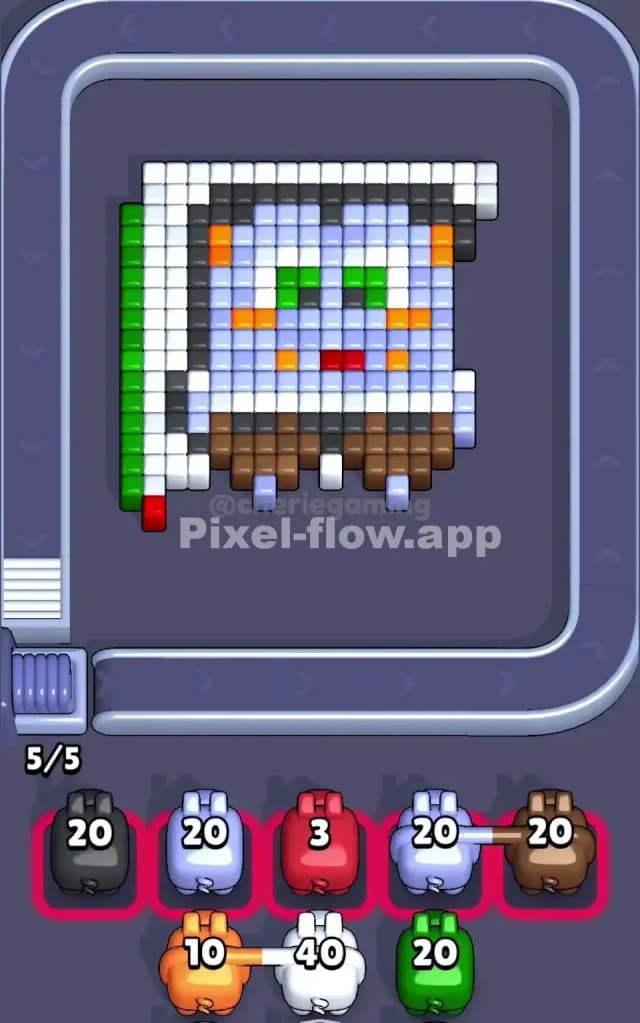
Your absolute first priority must be Green.
Look at the board. The Green blocks form a protective wall around the entire left, right, and top edges. Until this wall comes down, your pigs cannot hit the white blocks effectively from the side, and they certainly cannot touch the black outline of the character.
You will see Green pigs with high ammo counts (around 20) appear early. Grab them immediately. Do not hesitate. Place them on the belt and let them shred the outer border.
There is a minor logic trap here: the character's eyes are also green. However, those eyes are buried deep in the center of the board, protected by layers of White, Black, and Light Blue. Do not worry about saving Green ammo for the eyes yet. Use your early Green pigs exclusively to destroy the outer frame. Once the green frame is gone, the board opens up significantly, giving you clear lines of sight to the white background and the red corner tabs.
How to pass Pixel Flow Level 19 without power ups or boosters
Once the Green frame is dissolved, the level enters a messy middle phase. You will be left with a massive amount of White blocks (the background) and a solid Black outline protecting the character.
This is where you might get stuck. You will likely see Black pigs and White pigs appear in the queue.
- Prioritize White: The White blocks act as a "moat" around the character. You must clear them to expose the Black outline. If you pick a Black pig too early, it might only find one or two exposed black blocks at the top or bottom, wasting its potential. Clear the White "canvas" first.
- The Red Corners: As you clear the bottom rows of White/Green, two small Red triangles will appear in the bottom left and right corners. A Red pig with low ammo (around 10) will handle these perfectly. Do not let this Red pig sit in your slot for too long; if the corners are exposed, use the Red pig to clear them and free up the slot.
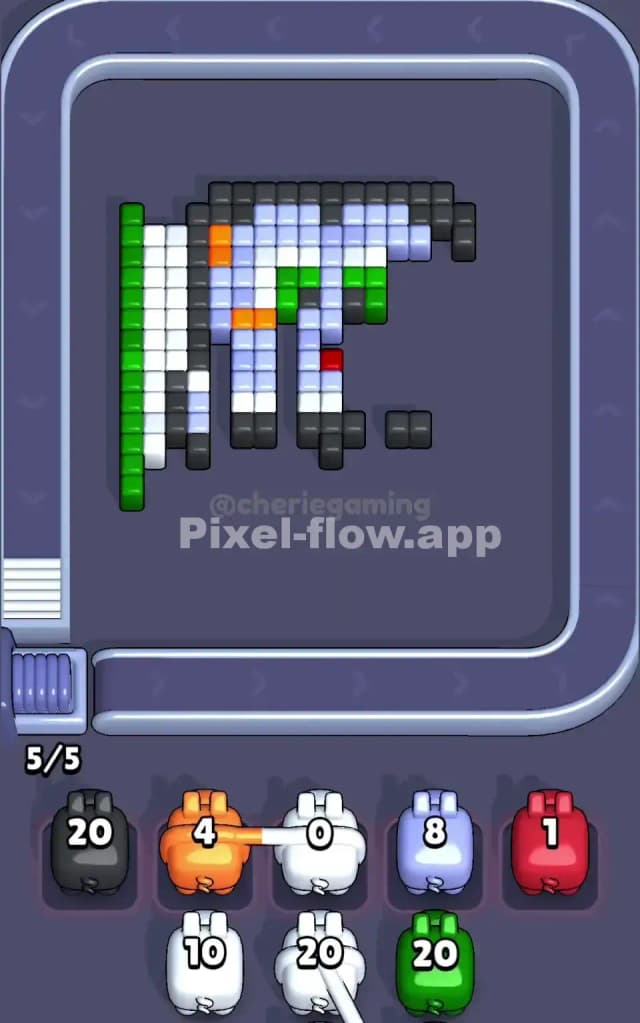
- The Black Barrier: Once the White background is largely gone, the character’s Black outline becomes the primary target. This outline is the gatekeeper to the inner face. A Black pig with 20 ammo is usually sufficient to strip away this outline. Watch the belt speed. Ensure the Black pig has a clear line of sight to the outline before deploying it, or it will just ride the belt without shooting, wasting time.
If you refuse to use power-ups, your slot management is key here. You might get a Light Blue pig or an Orange pig before the Black outline is broken. You must hold these pigs in your waiting slots. Do not discard them, but do not deploy them. They are useless until the Black outline is destroyed. If your slots get full of Blue/Orange pigs while the Black wall is still up, you will lose. Keep one slot open for the active clearing color (White or Black).
Last Details You Clean Up in Pixel Flow Level 19
The final phase of Pixel Flow Level 19 is satisfying but requires precision. Once the Black outline falls, the character's "guts" are exposed.
You are left with three main clusters:
- Light Blue: The skin of the face.
- Brown: The clothing at the bottom.
- Details: Orange cheeks, Red mouth, Green eyes.
The Light Blue area is the largest remaining chunk. A single high-ammo Blue pig usually clears most of it.
Be careful with the Brown section. It is often wider than it looks. Ensure you have a clear shot at the bottom rows.
Finally, the specific facial features—the Orange cheeks and those Green eyes—are often the last blocks standing. Remember the Green eyes? You used Green ammo at the very start for the border. Now, at the very end, you need a small amount of Green ammo again. The game usually provides a fresh Green pig late in the sequence. Do not panic if you don't see it immediately; focus on clearing the Light Blue face to expose those eyes fully. The last move is often a single shot to pop the tiny Red mouth or the final Orange pixel.