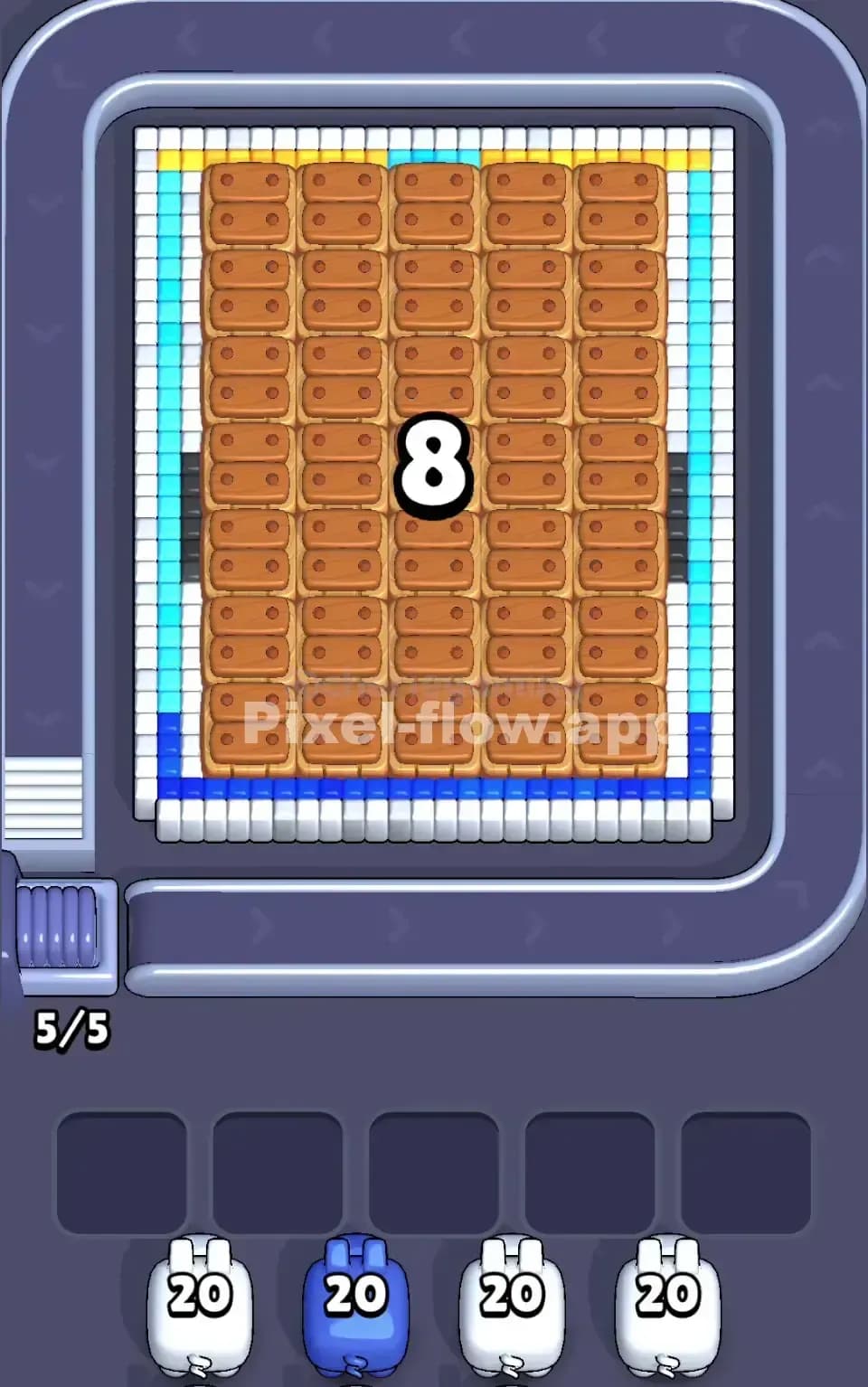
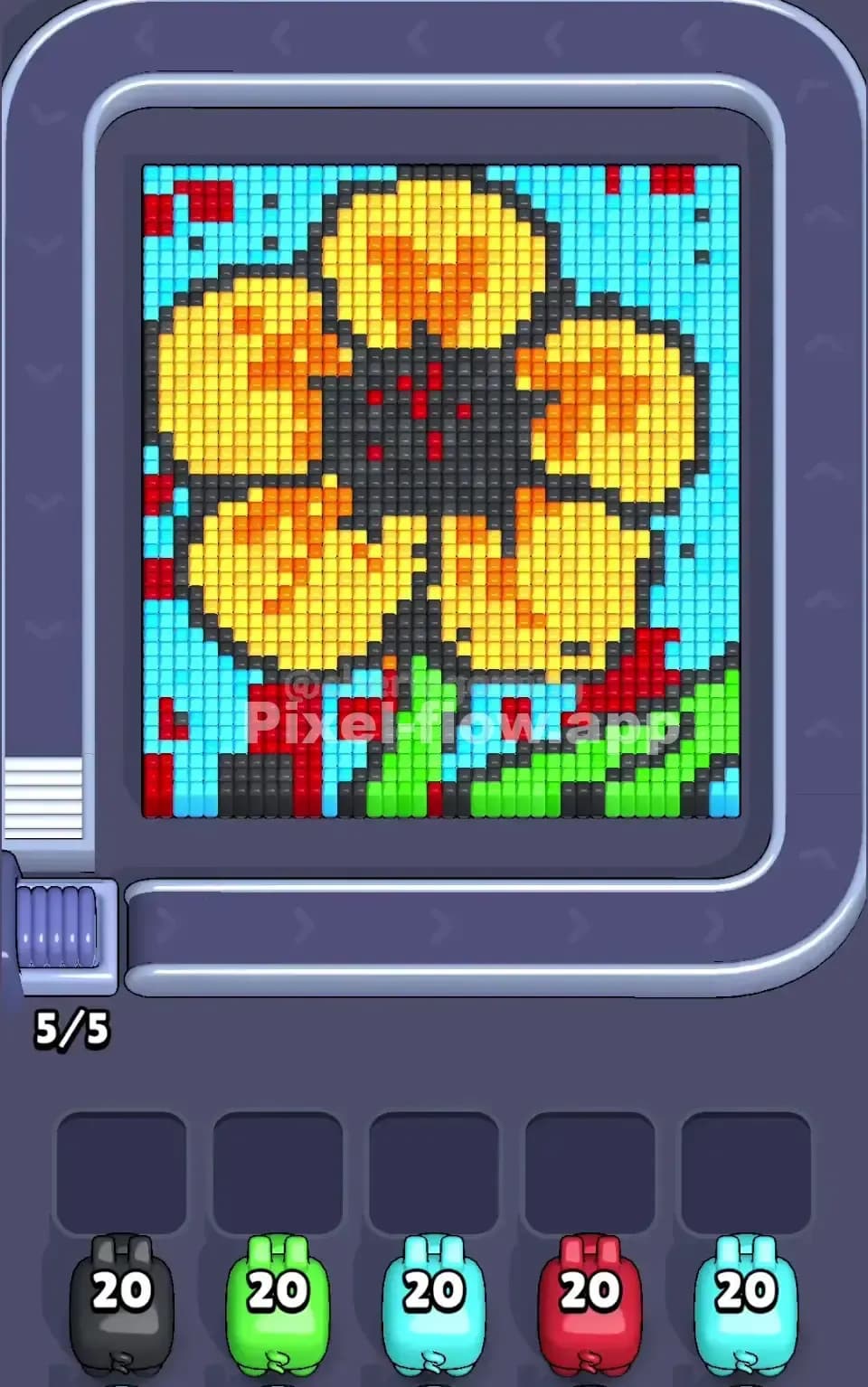
Pixel Flow Level 243 Solution | Pixel Flow 243 Walkthrough
How to beat Pixel Flow Level 243: Video solution & walkthrough. The fastest way to pass Pixel Flow 243.
Is this the wrong level layout?🤔
Pixel Flow randomizes levels for different players. Don't worry, just upload a screenshot of your board, and our AI will find the correct video instantly.



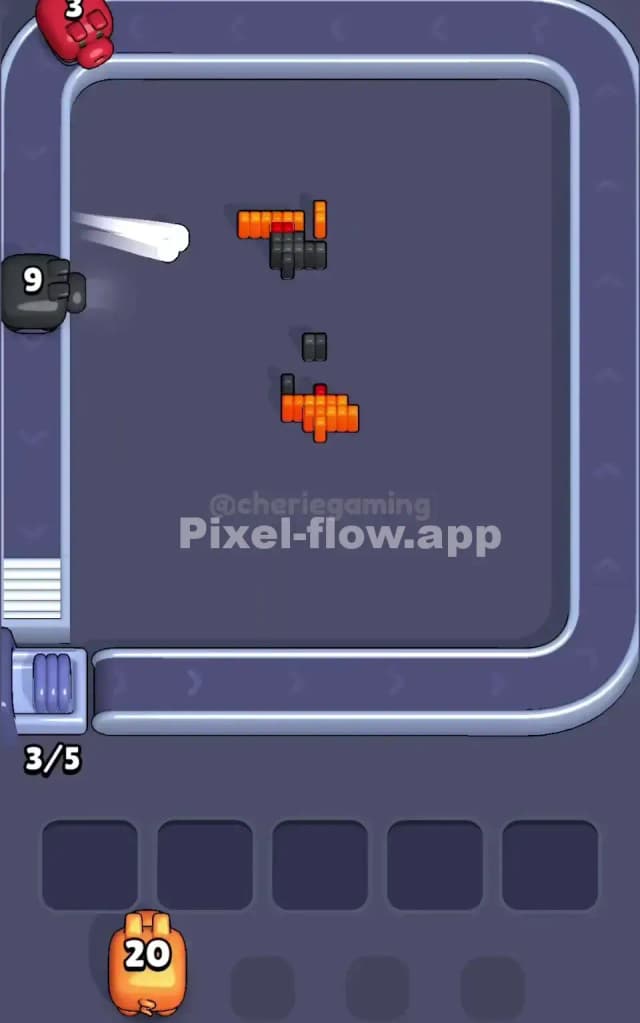
Pixel Flow Level 243 Walkthrough
This level features a Halloween-themed character: a yellow puppy (reminiscent of Pompompurin) wearing a black witch's hat, perched atop a large orange jack-o'-lantern. The main colors here are Black (for the hat and outlines), Yellow (for the dog), and Orange (for the pumpkin). There are also accents of Red on the hat band and pumpkin face.
To beat Pixel Flow Level 243, you need to peel away the outer layers—mostly the hat and the pumpkin's surface—to reveal the structure underneath. The challenge is managing your Black ammo pigs, as the black pixels are scattered everywhere: the hat, the dog's eyes, and the outline of the pumpkin. Is it tough? Yes. I would rate this as a very hard level because the black outlines trap the inner colors, forcing you to use specific pigs in a precise order or risk clogging your slots.
Pixel Flow Level 243 Overview
The artwork is cute but deceptive. You have a central yellow figure—the puppy—sandwiched between two large dark zones. Above is a massive black witch's hat with a red ribbon. Below is a sprawling orange pumpkin with a carved jack-o'-lantern face.
The visual weight is top and bottom heavy. The middle (the puppy) is relatively clean yellow, but it's blocked. The top hat is a dense block of black pixels. The bottom pumpkin is a mix of orange surface and black outlines/mouth details.
Crucially, the black pixels act as a cage. They form the border of the hat, the dog's ears, and the bottom edge of the pumpkin. Until you break these black borders, your yellow and orange pigs will often sit in the waiting slots, useless. This asymmetry means you can't just clear top-down; you have to surgically remove the "cage" first.
Step by step solution walkthrough for Pixel Flow Level 243
First Color Zone to Erase in Pixel Flow Level 243
Prioritize the Black Hat and Outlines.
I start by attacking the black pixels, specifically targeting the witch's hat at the top. Why? Look at the structure. The yellow dog is trapped underneath the hat's brim. The orange pumpkin is outlined in black. If you try to send Orange or Yellow pigs first, they will hit a few surface pixels and then stop because the black outline blocks deeper layers.
Use your high-ammo Black pigs (like the '40' or '20' ones shown in the queue) immediately. Clearing the hat reduces the overall height of the puzzle and exposes the top of the yellow puppy's head. It also frees up space in the waiting slots, which is critical because you will likely get a bottleneck of Orange pigs soon.
How to pass Pixel Flow Level 243 without power ups or boosters
Once the black hat is mostly gone, the picture looks half-destroyed. You'll see the yellow puppy clearly, but the pumpkin below will still be a mess of orange and black.
At this mid-stage, here is the trap: The Red Accents. You will see small patches of red on the hat band and the pumpkin's eyes/mouth. Do not let Red pigs clog your slots early. If a Red pig appears and you only have 3-4 visible red pixels, verify if more red is buried directly behind them. If not, let that Red pig wait in the queue if possible, or clear it quickly if it drops.
Focus on Alternating Yellow and Orange. With the black outline of the hat gone, the yellow head is exposed. Clear the yellow to "drill down" into the center. This often exposes the inner layers of the pumpkin. Do not focus solely on the bottom orange section yet; the pumpkin is wide and requires a lot of ammo. Thin out the yellow middle first to create a vertical gap, which sometimes helps the game logic target the pumpkin's interior better.
If your slots are full (e.g., you have 3 pigs waiting), prioritize the color that has the most immediate targets. Usually, this is Orange for the pumpkin body. Don't hoard the Orange pigs; use them to strip the pumpkin's face layers.
Last Details You Clean Up in Pixel Flow Level 243
The end game usually leaves you with the "dregs" of the structure.
- The Pumpkin Base: The very bottom row of the pumpkin often has a jagged black outline. You might have a Black pig with 2-3 ammo left sitting in a slot for ages just to clear this footer. That’s fine.
- Red Eyes/Mouth: The deep red pixels inside the jack-o'-lantern's eyes and mouth are often the last to be exposed. You might need a specific Red pig at the very end. Ensure you haven't wasted Red ammo earlier on surface pixels if those deep pixels were still covered.
- Hidden Black: Sometimes a single black pixel hides behind the pumpkin's cheek. Watch your counter. if you have 1 black pixel left and no visible targets, check the edges of the pumpkin.
Clear the orange bulk, pop the final red eyes, and the level is yours.