Pixel Flow Level 26 Solution Walkthrough | Pixel Flow 26
How to solve Pixel Flow level 26? Get instant solution for Pixel Flow 26 with our step by step solution & video walkthrough.


Pixel Flow Level 26 Overview
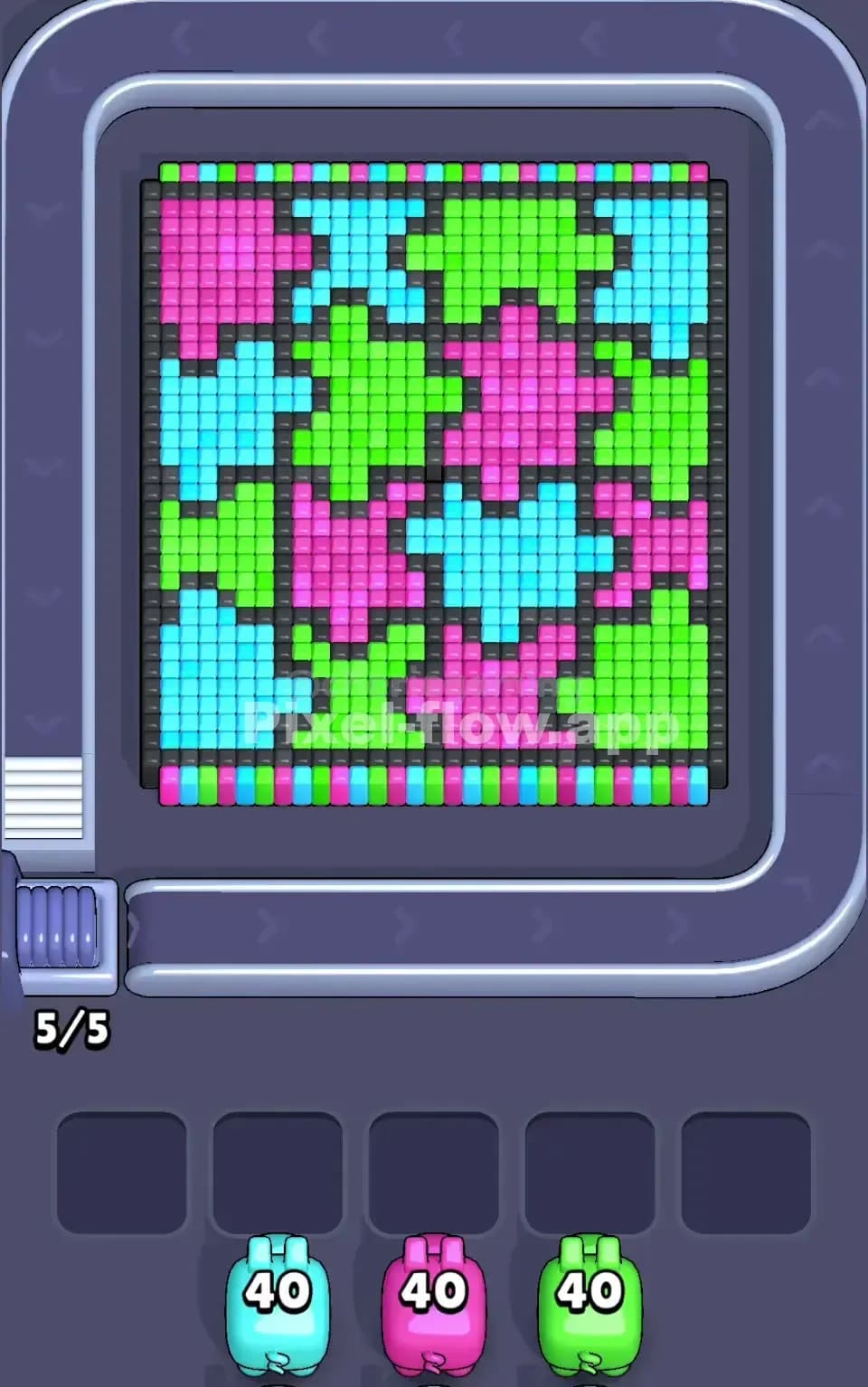
The Board Layout and Pixel Art Subject
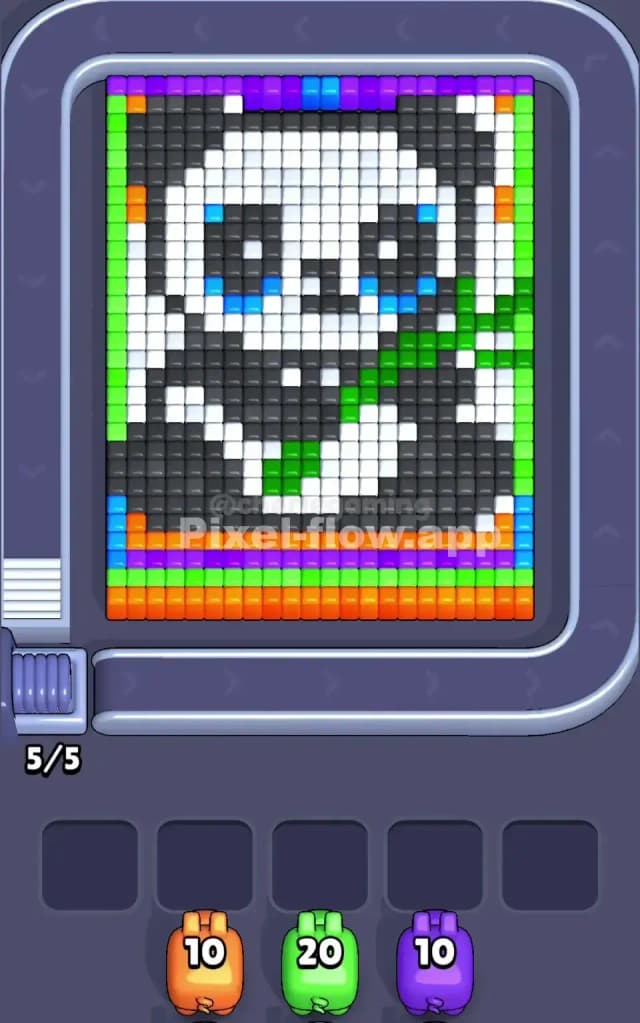
Pixel Flow Level 26 presents a charming pixel-art elephant as your main subject, rendered in white, black, and gray tones across the central board area. The elephant's face and body dominate the middle layers, with distinctive eyes rendered in cyan blue and a warm expression that makes you want to solve it perfectly. Surrounding this core image is a vibrant border: bright lime green frames the left and right edges, while the bottom third is packed with a dense foundation of orange and green cubes. Above the elephant, you'll spot a gradient strip of purple and magenta cubes that hint at background detail. This layered structure means you're not just clearing one flat picture—you're peeling back multiple color zones to expose and eliminate everything beneath.
The Win Condition and Deterministic Nature
Your goal in Pixel Flow Level 26 is straightforward: eliminate every single voxel cube on the board. You're given three pigs with fixed ammo counts (10 orange, 20 green, and 10 purple), and every cube you destroy costs exactly 1 ammo from the matching pig. The beauty of Pixel Flow Level 26 is that the pig queue order and ammo values never change—it's fully deterministic. This means there's no luck involved; instead, success depends entirely on sequencing your pig releases to expose the right colors at the right time so that each pig's ammo lands on valid targets and you never jam your five waiting slots.
Why Pixel Flow Level 26 Feels So Tricky
The Orange Foundation Bottleneck
Here's where Pixel Flow Level 26 punches above its weight: the bottom third of the board is dominated by a massive orange foundation layer—roughly 30+ cubes—and your orange pig carries only 10 ammo. You cannot, under any circumstances, clear all orange cubes in a single pig release. This forces you to make a critical choice: do you deploy orange early to expose what lies beneath, or save it for the end when you've cleared enough other colors to create a clean finish? Deploy too early, and you'll strand your orange pig in the waiting slots with ammo left over, clogging your buffer. Delay it, and you risk running out of space if other pigs get stuck first.
Cyan Eye Clusters and Hidden Depth
Pixel Flow Level 26 hides another nasty surprise in the elephant's eyes: those cyan cubes aren't a major color in your pig lineup. They're embedded within white and gray territories, which means you'll need white and gray pigs to clear away the surrounding cubes before cyan becomes a valid target. But wait—you don't have white or gray pigs at all. This means cyan cubes are trapped behind layers you can't directly destroy. If cyan cubes somehow become exposed before you've cleared the structural colors around them, you're stuck with no way to target them and nowhere to park a pig. It's a subtle trap that can catch you off guard if you're not thinking several moves ahead.
The Green Mid-Game Crisis
Your green pig packs 20 ammo, the largest reserve in Pixel Flow Level 26, but green cubes are scattered across the left edge, center regions, and lower portions in a fragmented pattern. Early on, you might see only a handful of green targets, which tempts you to release green early. But holding back reveals the trap: if you deploy green before exposing the full extent of green cubes hiding beneath other colors, you'll watch your pig waste ammo on visible targets, drop into the waiting slots still half-loaded, and leave you unable to finish the puzzle. The disconnect between visible green and total green can feel almost cruel.
Personal Reflection: When It Clicked
I'll be honest—Pixel Flow Level 26 frustrated me on my first three attempts. I kept deploying pigs impulsively, watching my waiting slots fill up with half-spent pigs, and then scrambling to find a winning path that didn't exist. The moment everything clicked was when I stopped thinking "What can I hit right now?" and started asking "What color am I exposing for the next pig in line?" That shift from reactive to proactive planning transformed the level from maddening to satisfying.
Step-by-Step Strategy to Clear Pixel Flow Level 26
Opening: The Purple Primer Move
Start Pixel Flow Level 26 by releasing your purple pig first. Purple cubes sit at the very top of the board in that gradient strip, and they're cleanly visible and isolated from other colors. Your purple pig carries 10 ammo, and you'll find roughly 10 purple targets in that upper band. This opening does two critical things: it clears a full horizontal slice of the board and guarantees your first pig will spend all its ammo without getting stuck. You'll keep all five waiting slots empty, giving yourself maximum flexibility for the pigs to come. Watch your purple pig fire methodically across that top band and feel the satisfaction of a clean, complete pig cycle.
Mid-Game: Expose White and Gray, Then Deploy Orange
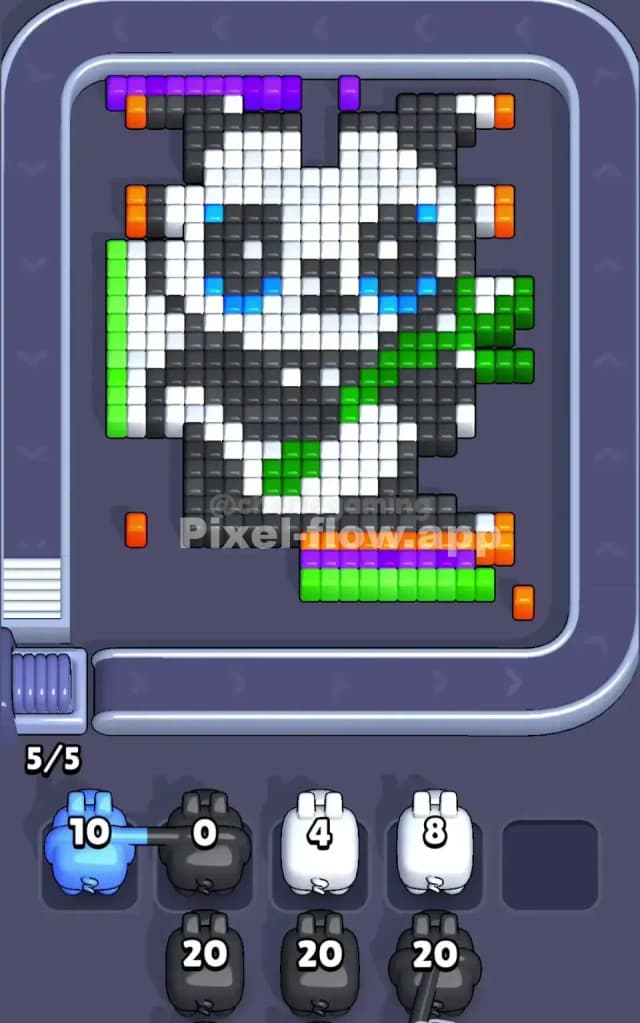
Once purple is clear, begin your orange pig's deployment. You won't eliminate all orange cubes in one go—remember, you only have 10 ammo—but you'll clear the topmost tier of orange cubes in that bottom foundation. This first orange pass strips away the orange cubes directly atop the lime green frame, exposing the secondary layer and revealing more of the puzzle's internal structure. Watch as orange pigs down and your waiting slots still remain relatively clear. Don't release orange again immediately. Instead, assess what's now visible in those newly exposed layers.
Next, deploy your green pig strategically. Green fragments scattered across the center and edges now become your focus. Your green pig carries 20 ammo, so it'll last a while, but don't go overboard in one release. Fire green until you see a moment when new colors become exposed or when releasing green would only waste ammo on invisible targets. The key in Pixel Flow Level 26 here is patience: green is your heaviest hitter, so you want to use it when the board rewards each shot with maximum new exposure.
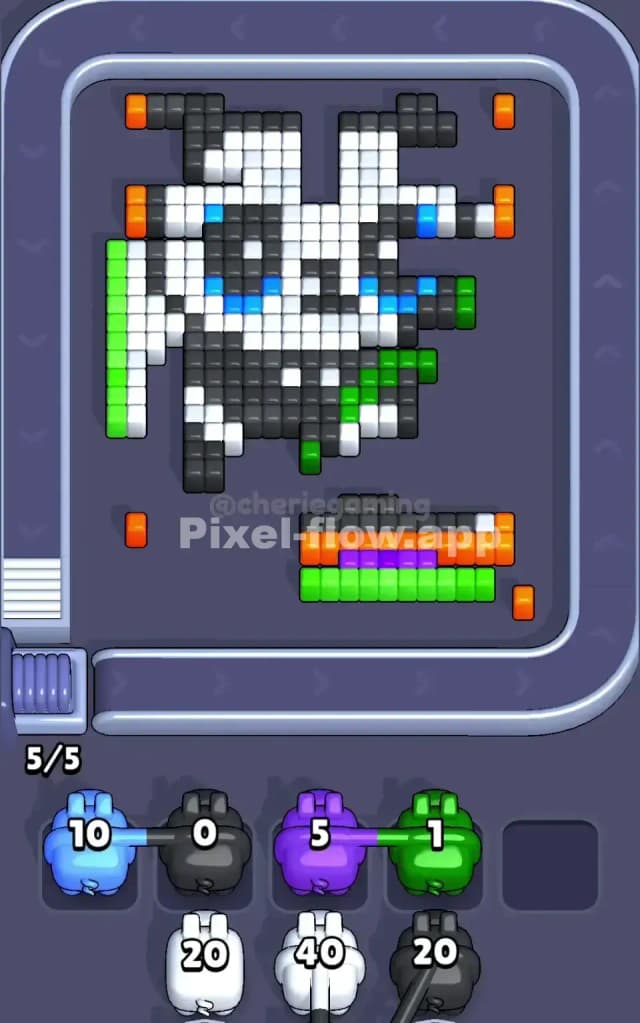
During this phase, you might need to alternate back to orange for a second or third pass. The white and gray interior of the elephant's body will start collapsing as you strip away surrounding layers. Each of these secondary cycles should accomplish a specific goal: expose the next hidden layer or eliminate a problematic color patch that's blocking progress.
End-Game: The Final Color Elimination and Buffer Management
As Pixel Flow Level 26 nears its conclusion, you'll have only white, black, and maybe lingering gray cubes remaining. Your waiting slots may have one or two parked pigs by now, but the crucial rule is this: never fill all five slots unless you're absolutely certain your last remaining pig can finish the board. In the final stages, calculate ruthlessly. Count remaining cubes by color, compare to remaining ammo in your queue, and ensure every last pig will have a valid target waiting.
Use your green pig's remaining ammo on white or gray chunks to further expose layers. Often, Pixel Flow Level 26's endgame rewards you by revealing that black forms a core structure beneath everything else, meaning your final moves involve clearing any remaining white around black, then finally erasing the black itself. The psychological reward of dismantling the elephant's final structural frame is immense—play it cool, resist panic, and trust your counting.
The Logic Behind This Pixel Flow Level 26 Plan
Exploiting Deterministic Pig Order and Ammo Values
The reason Pixel Flow Level 26 has a clean solution is that every single variable is locked in. Your pigs arrive in a predetermined order, each carries a fixed ammo count, and the board never changes. This determinism means you can plan your entire approach before releasing a single pig. The strategy above doesn't rely on luck or fast reflexes; it relies on understanding that pig order is your greatest asset. By deploying purple first, you guarantee a full clear on the easiest color, setting up psychological momentum and buying you a perfectly empty buffer to work with. Orange, green, and cleanup follow a logical sequence that respects ammo constraints and board structure.
Counting Ahead and Staying Calm Under Pressure
Master Pixel Flow Level 26 by adopting a simple habit: before you release each pig, count the number of visible matching cubes and compare it to the pig's ammo. If ammo exceeds visible cubes, you know that pig will drop into the waiting slots afterward. Use that knowledge to plan the next move. Keep a mental note of what the next two pigs in queue are and what colors they'll hunt. If you see a bottleneck building—say, your waiting slots filling faster than pigs are clearing cubes—take a breath, step back, and reconsider your sequence. Sometimes the right move is waiting for a color to fully expose before releasing its pig, rather than trying to force progress immediately.
The beauty of Pixel Flow Level 26 is that calm, methodical thinking always beats frantic clicking. Watch your pig queue at the bottom of the screen, trust that your ammo counts are exact, and remember that every cube you destroy is one fewer problem for later. You've got this—Pixel Flow Level 26 is hard, but it's fair, and with the right strategy, it's absolutely solvable.