Pixel Flow Level 264 Solution | Pixel Flow 264 Walkthrough
How to beat Pixel Flow Level 264: Video solution & walkthrough. The fastest way to pass Pixel Flow 264.
Is this the wrong level layout?🤔
Pixel Flow randomizes levels for different players. Don't worry, just upload a screenshot of your board, and our AI will find the correct video instantly.


Pixel Flow Level 264 Walkthrough
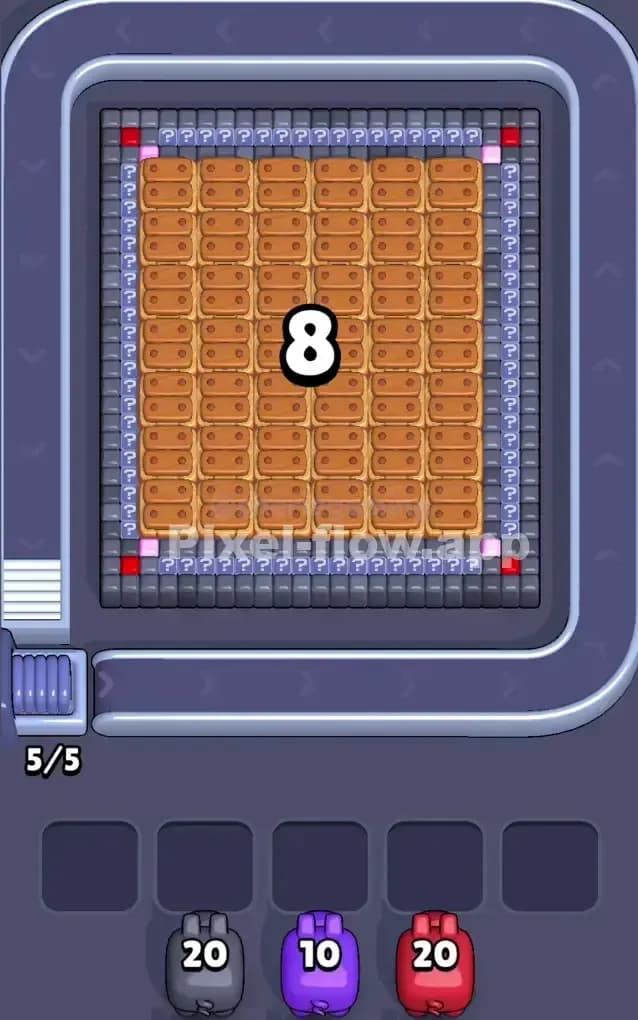
This level features a large, layered present box with a pink bow, wrapped in a field of purple and white. The core challenge here is dealing with the massive "Ice Block" covering the center of the image. This giant blue frozen square (labeled with a high HP number like 391) blocks you from seeing or shooting the middle of the picture until you clear enough surrounding blocks to "thaw" or break it.
The main colors live on the perimeter:
- Pink: The top border and the bow ribbon.
- Purple: The heavy left and right side borders, plus the bottom.
- White: The background "wrapping paper" behind the green leaves.
- Green: Bits of foliage peeking out from behind the ice.
Is this a hard level? Yes, it is very hard. The ice block forces you to work strictly on the edges for a long time. If you make a mistake with your pig queue while waiting for that ice to break, your slots will fill up instantly.
Pixel Flow Level 264 Overview
Think of this level as unwrapping a stubborn gift. You start with a big, bulky square gift box. The center is completely obscured by that massive 391 HP ice block. You cannot shoot through it. You cannot see what's under it. You have to peel away the wrapping paper on the edges first.
The artwork underneath is likely a plant or flower pot based on the green leaves sticking out, but initially, all you see is a "frame" of colors. The top is dominated by a thick Pink strip. The sides and bottom are a deep Purple. Inside those borders is White space, punctuated by Green leaves.
The board is symmetrical, which usually makes things easier, but here it’s a trap. Because the borders are so thick (especially the purple at the bottom), you might be tempted to spam purple pigs. Don't. You need to clear specific "key" areas to trigger the ice block destruction. Notice the Gold Keys hidden under the ice? You usually need to clear the blocks directly adjacent to locks or specific trigger points to get that ice to shatter.
Step by step solution walkthrough for Pixel Flow Level 264
First Color Zone to Erase in Pixel Flow Level 264
I start by shaving off the Purple bottom layer.
Here is the logic:
- Accessibility: The purple blocks at the bottom are the most exposed and easiest targets for your pigs to hit immediately without obstruction.
- Ammo Dump: The bottom row is thick. You can safely drop a high-ammo Purple pig (20 ammo) and know it will empty itself completely.
- Opening the White: Once the purple bottom is gone, you expose the white layer underneath. This is crucial because white pigs often clog your queue early on. If you don't clear the purple "floor," those white pigs have nowhere to shoot and will brick your waiting slots.
Don't start with Pink. The pink at the top is valid, but it's further away and thinner. If you miss a shot or the rotation is weird, the pig drops into a slot. Purple is the safer opening bet.
How to pass Pixel Flow Level 264 without power ups or boosters
Once you clear the outer Purple and Pink frame, the level looks weird. You have this floating blue ice cube in the middle and jagged edges of White and Green around it.
At this mid-stage, the danger is the Green blocks. They are small, scattered targets.
- The Trap: A Green pig might spawn with 20 ammo, but you only have 4 visible green blocks. If you play it, it shoots 4 times and then sits in your slot with 16 ammo, blocking you.
- The Fix: Only play Green pigs if you see a clear cluster or if you have no other choice. Prioritize clearing the White blocks on the sides. The white areas are vertical columns. They are easy to hit and help clear the path to the "Key" blocks that hold the ice in place.
Ignore the center until the ice cracks. Focus entirely on cleaning the perimeter. If a pig color doesn't match the perimeter (like a Brown or Black pig that might appear for the inner layer), let it sit in the waiting slot only if you have space. If your slots are full, you must burn a power-up or restart. The strict rule here: Outside -> In.
Last Details You Clean Up in Pixel Flow Level 264
The ice shatters. Suddenly, the middle is revealed. It’s usually a mess of Brown (the pot/soil), Grey, or more Green.
This is the "Panic Phase." The game floods you with new colors that weren't there 10 seconds ago.
- Target the Keys: If there are actual lock blocks (indicated by key icons), prioritize the color touching them. In the reference image, there are locks guarding the bottom. Clear the blocks directly touching these locks immediately.
- Brown/Grey Spam: The center image is usually dense. You can be more aggressive now. Drop those high-ammo pigs freely because the center target is a solid block of pixels.
- The Final Specks: Watch out for single floating pixels left over from the borders. Sometimes a single Purple dot hides in the corner. Kill it before you focus on the center art, or you'll be stuck with a Purple pig at the very end when there are no purple blocks left.