Pixel Flow Level 276 Solution Walkthrough | Pixel Flow 276
How to solve Pixel Flow level 276? Get instant solution for Pixel Flow 276 with our step by step solution & video walkthrough.


Pixel Flow Level 276 Overview
The Board Layout and Visual Challenge
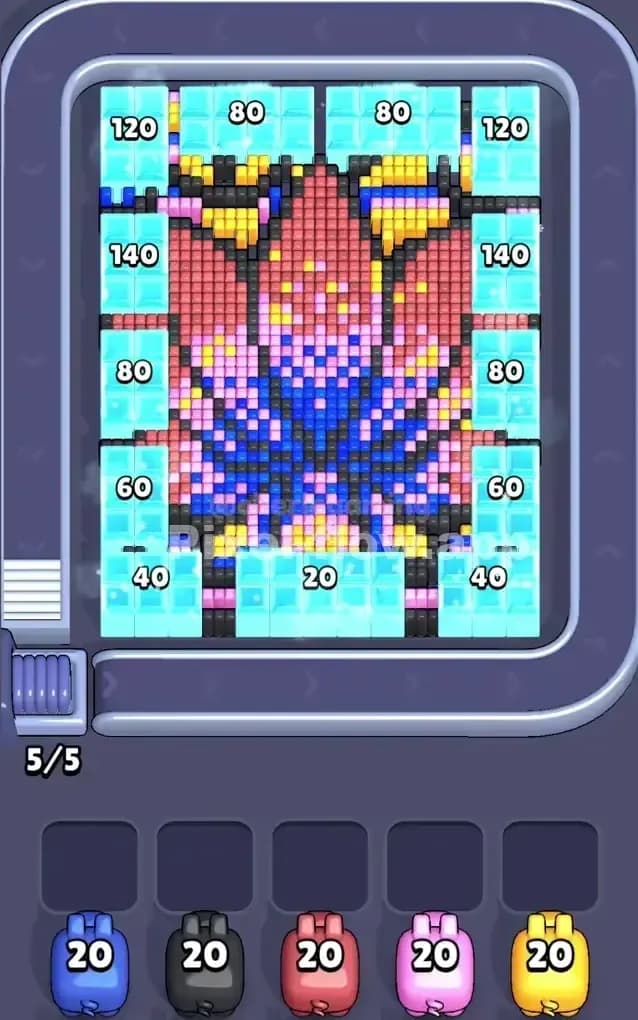
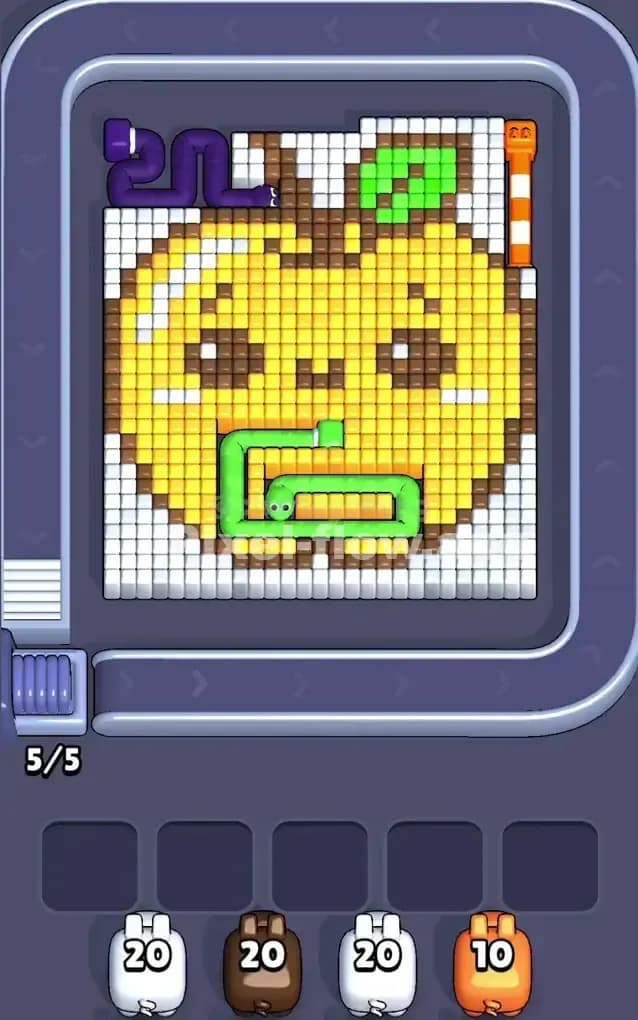
Pixel Flow Level 276 presents a gorgeous, complex voxel portrait that's genuinely intimidating at first glance. The image features a layered character design with a clear focal point in the center—a stylized face or figure rendered in multiple color blocks stacked on top of each other. The dominant colors you'll see are cyan (the background), red and pink (forming the upper and middle layers of the portrait), blue and dark blue (deep in the center and lower sections), yellow and orange (accent highlights throughout), black (outlines and detail work), and magenta (secondary detail layer). The waiting slots on either side show ammo counts of 120, 80, 140, 80, 60, 40 on the left and right margins, which hints at the scale of cubes you'll need to clear. All five waiting slots start empty, and you have five pigs in your queue, each carrying exactly 20 ammo. The win condition is straightforward: clear every single voxel cube on the board by strategically releasing pigs so they shoot cubes of matching colors and expose the layers beneath.
Understanding the Deterministic Pig Order
Here's what makes Pixel Flow Level 276 both fair and demanding: every pig's ammo value and the order they arrive is completely fixed and known. You've got a blue pig with 20 ammo, a black pig with 20 ammo, a red pig with 20 ammo, a magenta pig with 20 ammo, and a yellow pig with 20 ammo. Because the ammo is deterministic, there's exactly one optimal sequence (or a few equally valid ones) that will clear the board without jamming your waiting slots. This means Pixel Flow Level 276 isn't about luck—it's about reading the board carefully, counting visible cubes of each color, and planning your pig releases so that every ammo point gets spent on a valid target.
Why Pixel Flow Level 276 Feels So Tricky
The Red and Pink Layer Bottleneck
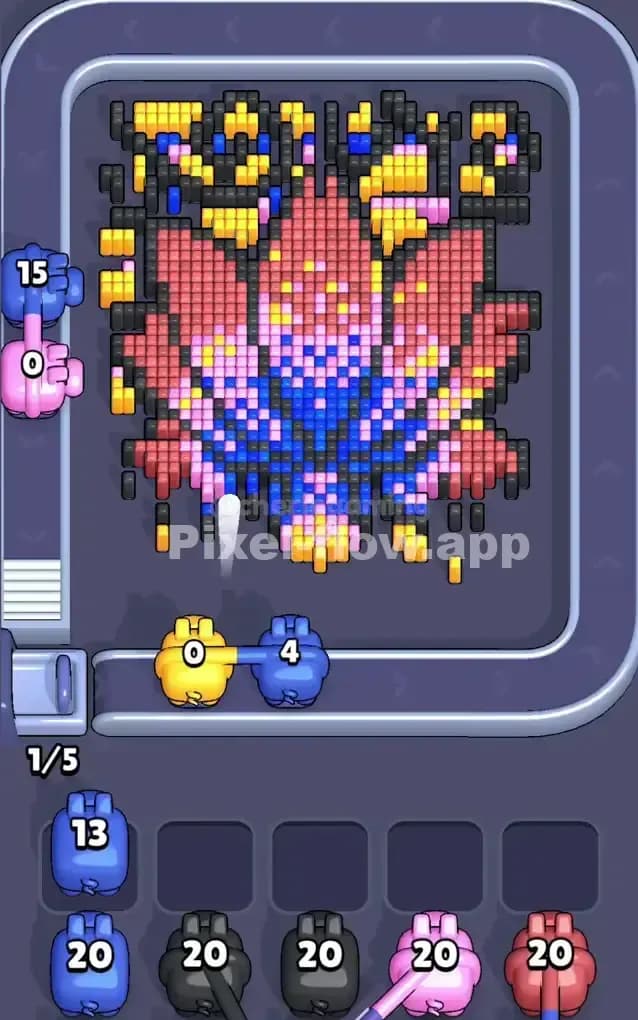
The biggest threat to your progress in Pixel Flow Level 276 is the massive red and pink layer that dominates the center of the board. When you start, cyan is mostly background, so if you rush a cyan pig early, it'll clear the outer frame quickly but then get stuck in the waiting slots with unused ammo because there's nowhere else for it to shoot. The red cubes, on the other hand, form a dense cluster in the middle layers—roughly 40–50 visible red cubes scattered throughout the portrait. If you don't have enough red pig ammo (and remember, you only have 20 per pig, and you can't send the same color twice), you'll expose pink underneath and create a situation where red cubes are still visible but your red pig is exhausted. This forces you to juggle waiting slots awkwardly and risks filling all five slots before you've cleared the board.
The Hidden Inner Layers and Color Sequencing
What makes Pixel Flow Level 276 genuinely nasty is that you can't see the full picture until you start peeling away layers. The blue and dark blue sections are tucked deep inside—you won't access them until you've cleared red, pink, and a good chunk of yellow. But here's the catch: if you fire your blue pig too early (when there are no blue cubes visible), it'll drop into a waiting slot, wasting a slot and forcing you to spend moves later retrieving it. Similarly, black is used as outline and detail work throughout the image, appearing in small pockets between colors. You might think you can blast black early, but if black cubes are only accessible after you clear red and pink, firing black prematurely is a disaster. I remember staring at Pixel Flow Level 276 for what felt like forever, getting frustrated because I kept guessing which color to prioritize, only to realize that the waiting slots were my real constraint—not the board itself.
The Magenta and Yellow Accent Trap
Magenta and yellow are scattered as highlights and accent details across the entire composition. At first, you'd think magenta is rare and yellow is everywhere, but the truth is more subtle in Pixel Flow Level 276. Yellow appears in the upper corners, along the sides, and as detail work in the face area. If you fire your yellow pig without a clear view of all yellow cubes (especially those hidden behind red and pink), you'll waste ammo or jam the waiting slots. Magenta is even trickier—it's layered in the middle section, and some magenta cubes might only be accessible after you've cleared pink from on top of them. The psychological trap of Pixel Flow Level 276 is that you think you're ready to clear a color, but the board has more cubes of that color than you initially counted, or they're hidden behind higher layers.
Step-by-Step Strategy to Clear Pixel Flow Level 276
Opening: Start with Cyan and Black, Protect Your Slots
Your first move in Pixel Flow Level 276 should be to fire the black pig. I know it feels counterintuitive, but here's the reasoning: black is used as outline and detail throughout the image, and nearly all visible black cubes are on the surface or easily accessible. Your black pig has 20 ammo, and I count roughly 18–22 black cubes visible on the board, so it'll either clear completely or get stuck with minimal ammo wasted. Firing black first accomplishes two things: it opens up interior details and confirms how many black cubes exist on Pixel Flow Level 276 overall. If black empties its ammo and clears all visible black cubes, fantastic—that's one color solved and zero waiting slots used. If black still has 2–3 ammo left, it'll drop into slot one, but you've learned that the remaining black cubes are hidden and you'll need to expose them before recycling black later.
Next, fire your cyan pig. Cyan is the background and frame, and you'll find 40–60+ cyan cubes around the edges and corners. Your cyan pig carries 20 ammo, so it won't finish cyan alone, but that's okay—the point is to clear the outer layer and expose the colors underneath. Cyan is always safe to fire early because it's pervasive and you won't accidentally expose hidden layers you can't handle yet. After cyan, you should have at most two waiting slots occupied (if black and cyan both had leftover ammo), leaving you three free slots. This breathing room is crucial for Pixel Flow Level 276 because it lets you react to what's revealed without panic.
Mid-Game: Manage the Red, Pink, and Blue Sequence
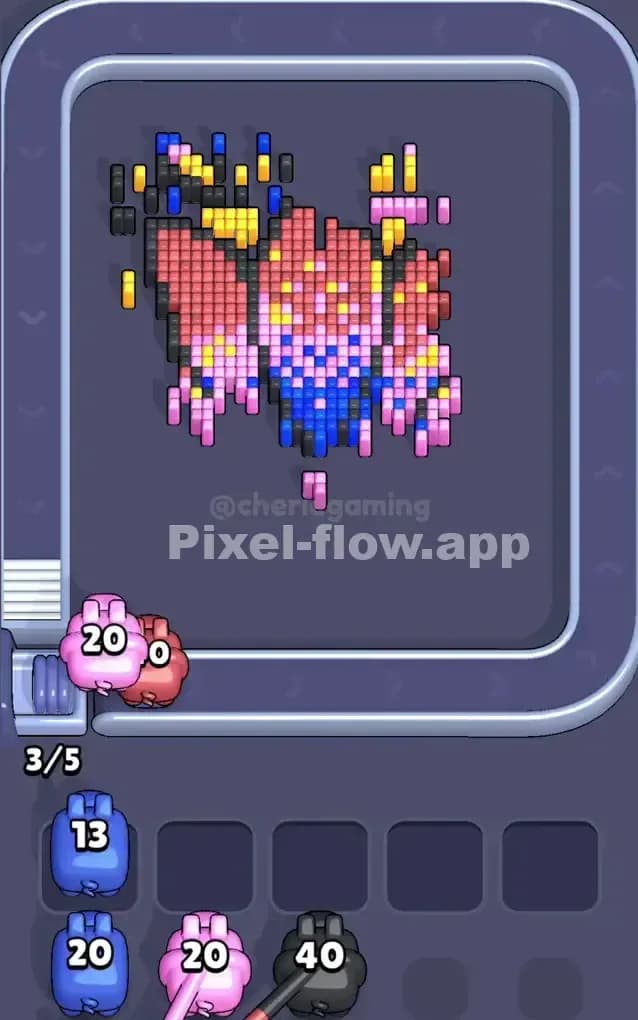
Now that you've cleared the outer cyan and black surface, the red and pink layers are fully exposed. This is where Pixel Flow Level 276 really demands precision. Fire your red pig next. Count carefully: red forms the upper-middle section of the portrait, and I estimate 35–45 red cubes are now visible. Your red pig has exactly 20 ammo. It will clear the most accessible red cubes (typically those on the surface and sides) but will get stuck with 0–5 ammo remaining. If red clears completely, great—that's another slot saved. If red drops into a waiting slot with 2–3 ammo, that's acceptable because you now have a clearer view of the pink layer and the blue layer beneath.
After red, fire your magenta pig. Magenta is scattered as a secondary detail color, and roughly 18–22 magenta cubes are visible across the middle section of Pixel Flow Level 276. Your magenta pig's 20 ammo should handle this, though it might get stuck with a tiny bit left if magenta cubes are spread out. The reason to fire magenta now (rather than yellow) is that magenta is less dense and sits in gaps where you've already cleared cyan and black. Magenta removal then exposes more of the blue layer and any remaining pink patches.
At this point, you should have 2–3 pigs in waiting slots and 2–3 available slots remaining. Your final pig is yellow. Yellow is used as an accent throughout Pixel Flow Level 276, appearing in the corners, along the edges, and as highlight details in the portrait. Yellow is abundant—I count 30–40+ yellow cubes—but they're spread across the entire board. Your yellow pig's 20 ammo will clear the surface-level yellows, and it'll either finish strong (if most yellows were already accessible) or drop into a waiting slot with 0–2 ammo left. At the end of Pixel Flow Level 276's mid-game, you should be approaching a point where the waiting slots aren't overflowing and you can see mostly red, pink, and blue remaining in the core of the board.
End-Game: Recycling Pigs and the Final Clear
Here's where the strategy for Pixel Flow Level 276 becomes a game of chess: you've now fired all five pigs once, and some have stuck around in the waiting slots with leftover ammo. The remaining board cubes are dominated by red, pink, and blue in the center section, with possibly a few yellow, magenta, or black cubes peeking through. You now have a queue of "stuck" pigs waiting to be recycled (sent back to fire again at the remaining cubes of their color). The trick is to recycle them in an order that exposes cubes without overfilling the waiting slots.
If your black pig is stuck with 3–5 ammo and you can see black cubes hidden in the blue section, recycle black first—it'll clean up detail work and won't waste ammo. If your magenta pig is stuck with 2–3 ammo and magenta is still visible, recycle magenta next. The goal for Pixel Flow Level 276 at this stage is to keep your waiting slots at 1–2 occupied while you strategically pare down the red, pink, and blue clusters.
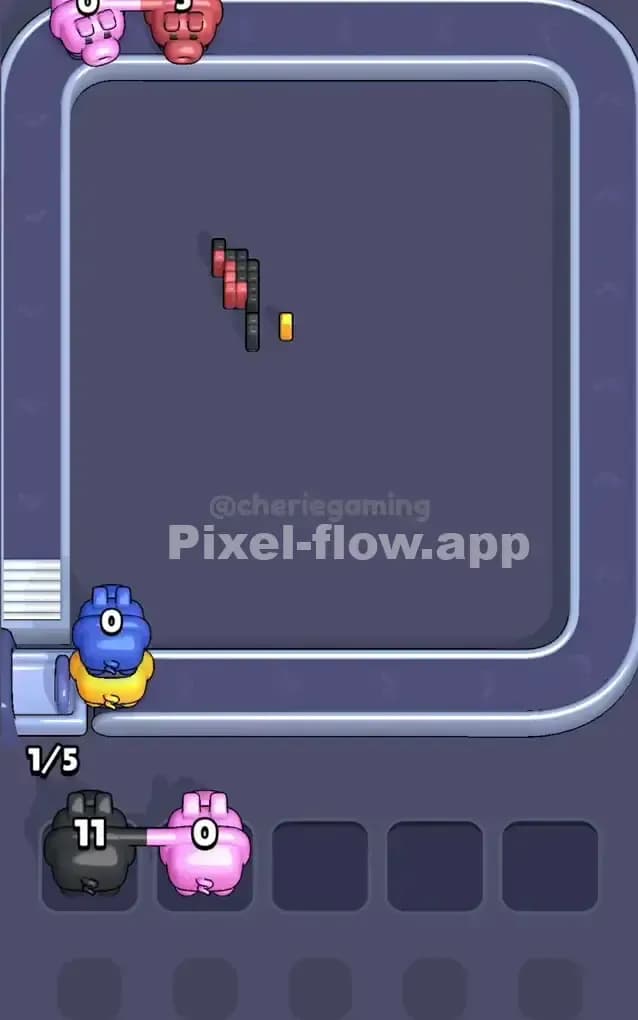
Once the surface colors are mostly cleared, you'll see blue and dark blue domineeringly in the center of Pixel Flow Level 276. At this point, you should fire your blue pig (if it hasn't been used yet) or recycle it if it's already partially spent. Blue will likely be a two-stage pig: first shot clears surface blues, blue gets stuck, you clear a couple more colors or partially shoot them, then you recycle blue and it finishes the job. The final shots should be whatever combination clears the last red, pink, and blue cubes. If you've followed the logic of Pixel Flow Level 276 correctly, you'll hit a moment where all waiting slots are full or nearly full, but the board is also nearly empty, and within 1–2 recycled shots, everything clears cleanly.
The Logic Behind This Pixel Flow Level 276 Plan
Why Pig Order and Ammo Counting Matter
The reason this strategy for Pixel Flow Level 276 works is that it respects the deterministic nature of the game. You can't change the order of pigs or their ammo—you can only decide when to fire and when to recycle. By starting with black and cyan, you're clearing the surface layers and committing your "easy" pigs (ones with predictable ammo expenditure) before committing to the denser colors in the core. Red, pink, magenta, and yellow are all abundant, so you know they'll consume most of your ammo and are safe to fire without fear of a pig getting stuck for no reason. By saving blue for later (or recycling it when blue is finally visible), you ensure that your blue pig's ammo is never wasted on empty air. This order for Pixel Flow Level 276 transforms what looks like chaos into a logical sequence: surface first, then mid-layers, then core.
Staying Calm and Planning Ahead
The psychological side of Pixel Flow Level 276 is real. When you fire a pig and it gets stuck in a waiting slot, it's easy to panic and think you've made a mistake. But the game is designed so that stuck pigs will eventually have ammo to spend once you expose their color. The key is to watch your waiting slots and never let all five fill up unless you're absolutely certain the next move will free space. Count your visible cubes before firing: if you see 18 red cubes and your red pig has 20 ammo, red is safe to fire. If you see only 12 red cubes and your red pig has 20 ammo, hold off and fire a different color first to expose more red. For Pixel Flow Level 276, planning two or three pigs ahead means glancing at what colors are exposed, quickly tallying whether each pig will have valid targets, and only then committing to the sequence. This mindset turns Pixel Flow Level 276 from a frustrating guessing game into a satisfying logic puzzle where every move is deliberate and you're in control.