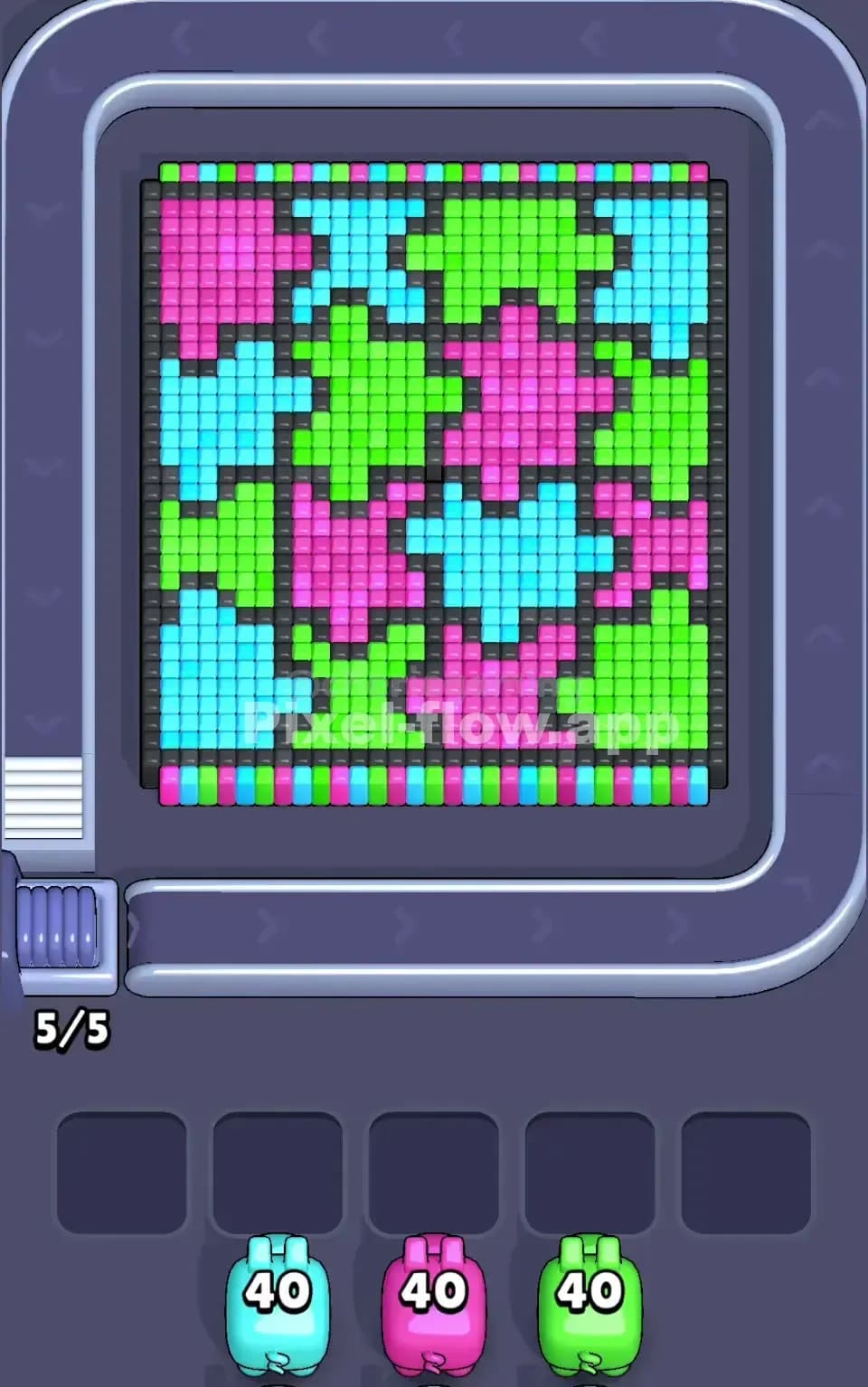
Pixel Flow Level 28 Solution | Pixel Flow 28 Walkthrough
How to beat Pixel Flow Level 28: Video solution & walkthrough. The fastest way to pass Pixel Flow 28.
Is this the wrong level layout?🤔
Pixel Flow randomizes levels for different players. Don't worry, just upload a screenshot of your board, and our AI will find the correct video instantly.



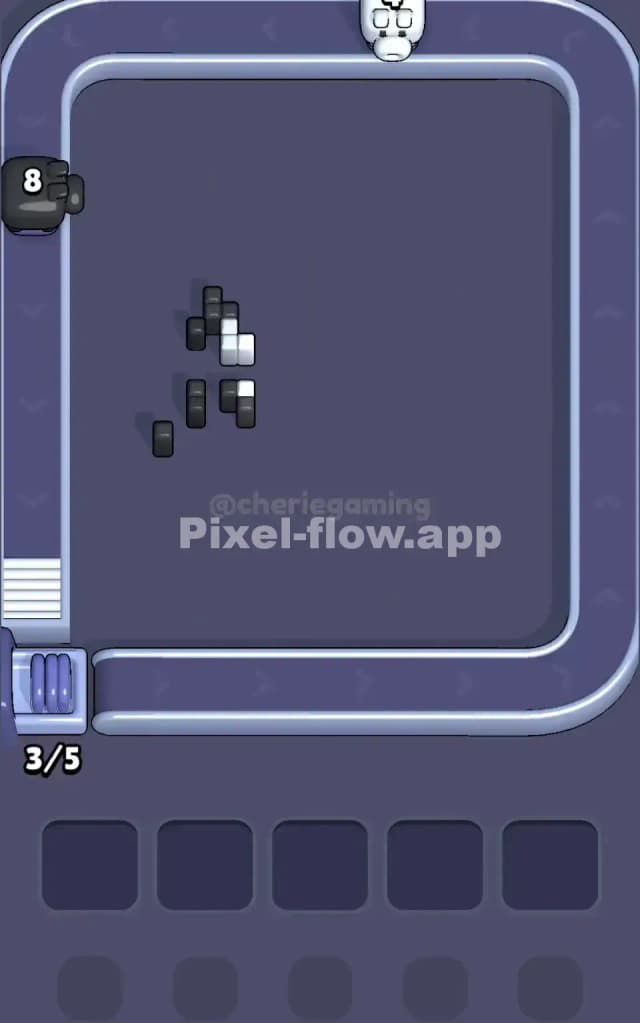
Pixel Flow Level 28 Walkthrough
This level features a pixel art portrait of a blue penguin character (closely resembling a famous Pokémon) with a large white face, purple markings, and a distinct red beak. The board is heavily dominated by a Cyan background that wraps around the entire figure.
The rules to beat Pixel Flow Level 28 remain consistent: match the color of the pig to the cubes on the board. However, the challenge here lies in the "wrapper" effect. The background color blocks access to the character's main features. If you pull the wrong color pig too early—specifically White or Black—it will sit in your waiting slot with no targets, clogging your flow.
Is it hard? Yes. I would judge this level as very hard purely because the ammo counts are high (20s) and the targets are deceptively layered. One mistake in layer priority will freeze your board.
Pixel Flow Level 28 Overview
The artwork centers on a cute, large-headed penguin standing on a solid Red floor. The character has a massive White face, dark Black eyes, and a Purple "scarf" or collar area. Surrounding this entire figure is a thick wall of Cyan (light blue) blocks.
The board is mostly symmetrical, but watch out for the top left corner. There are a few Pink pixels there acting as a "sparkle" effect. This is a trap. It looks insignificant, but it means you need to use a Pink pig up there eventually.
The most dangerous aspect of Pixel Flow Level 28 is the density of the White zone in the center. It looks like a single layer, but it is often two or three voxels deep. You cannot clear the white face until you strip away the surrounding Cyan and Purple layers that frame it. The bottom Red row is your safety valve; it is wide, accessible, and perfect for dumping ammo.
Step by step solution walkthrough for Pixel Flow Level 28
First Color Zone to Erase in Pixel Flow Level 28
You must attack the Cyan Background first.
This is a defensive move. The Cyan blocks form a "U" shape around the penguin, covering the sides and the top. You will likely see Cyan Pigs with 20 ammo early on. Grab them immediately.
There is almost no risk in taking Cyan pigs early because the background surface area is massive. By shaving off this outer layer, you expose the Black outline of the penguin's head and the Purple details on the sides. If you try to target the white face first, your pigs will hit the cyan "glass" covering it and waste shots, or worse, have zero valid targets and brick your slot.
How to pass Pixel Flow Level 28 without power ups or boosters
Once the blue background is gone, the picture looks half-destroyed, leaving a floating penguin shape. Now you face a critical decision. You likely have high-ammo Red and White pigs coming down the belt.
Here is the logic to survive without items:
- Prioritize the Red Floor: Use your Red pigs to clear the bottom row immediately. Do not save them for the beak. The beak is only about 4-6 pixels. The floor is 10+ pixels. If you get a Red pig with 20 ammo, clearing the floor is the only way to empty it. If you wait until only the beak is left, that 20-ammo pig will get stuck in your slot with 14 ammo remaining.
- Chip away the Purple: The Purple collar/head markings act as a barrier to the white face. Clear these as soon as they appear. They are usually on the outer edge of the character model.
- The White Face Gamble: Only pull a White Pig when you see a clear, unobstructed path to the center of the face. The white section is thick. You need the outer layers gone so your pig can "drill" deep into the pixel stack.
If your slots are filling up with colors you can't use yet (like Black or Pink), stop pulling from the belt. Let the belt cycle. Patience saves you here.
Last Details You Clean Up in Pixel Flow Level 28
In the final phase, you are left with the "skeleton" of the image.
The Black cubes forming the eyes and outline are usually the last to go. They are often buried behind the white face or the cyan background, making them inaccessible until the end. You will also likely have a tiny cluster of Pink pixels left on the arms or that top-left sparkle.
Watch your ammo count closely on the final Red pig. The beak is small. If you have a pig with 5 ammo and a beak with 4 pixels, you are safe. If you have a fresh 20-ammo pig for a tiny beak, you will fail unless you have an empty slot to sacrifice. Ideally, you cleared the red floor ages ago, so the beak is just a quick cleanup job.