Pixel Flow Level 448 Solution Walkthrough | Pixel Flow 448

How to solve Pixel Flow level 448? Get instant solution for Pixel Flow 448 with our step by step solution & video walkthrough.

Share Pixel Flow Level 448 Guide:
Pixel Flow Level 448 Gameplay
Pixel Flow Level 448 Solution 1
Pixel Flow Level 448 Solution 2
Pixel Flow Level 448 Solution 3

Pixel Flow Level 448 Overview

The Board Layout and Core Challenge

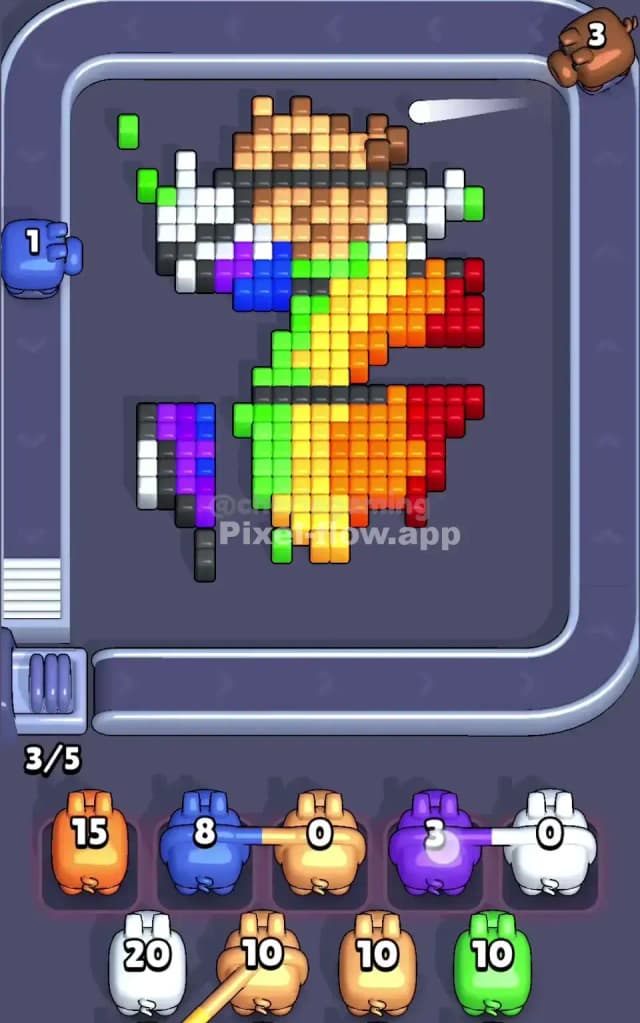
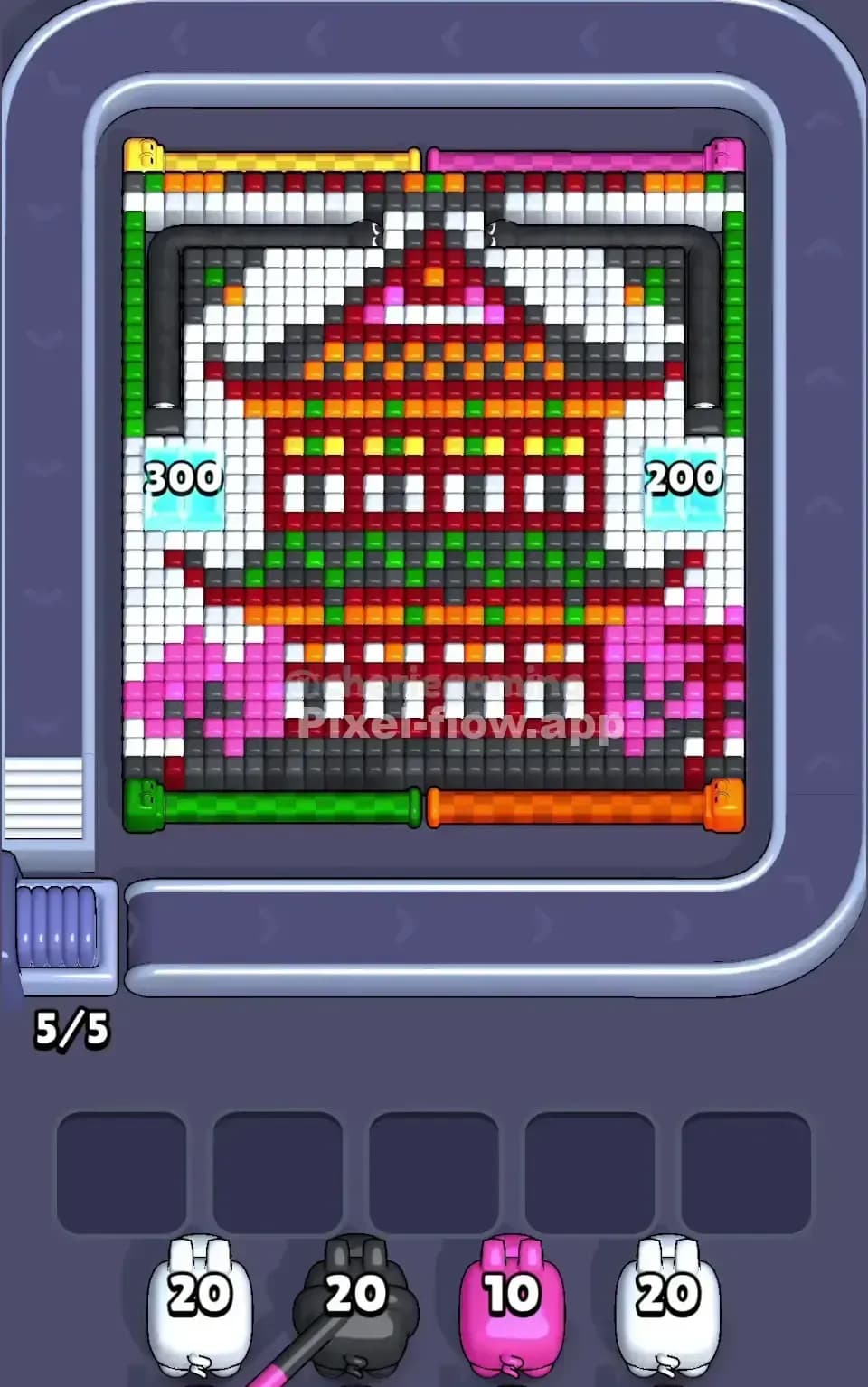
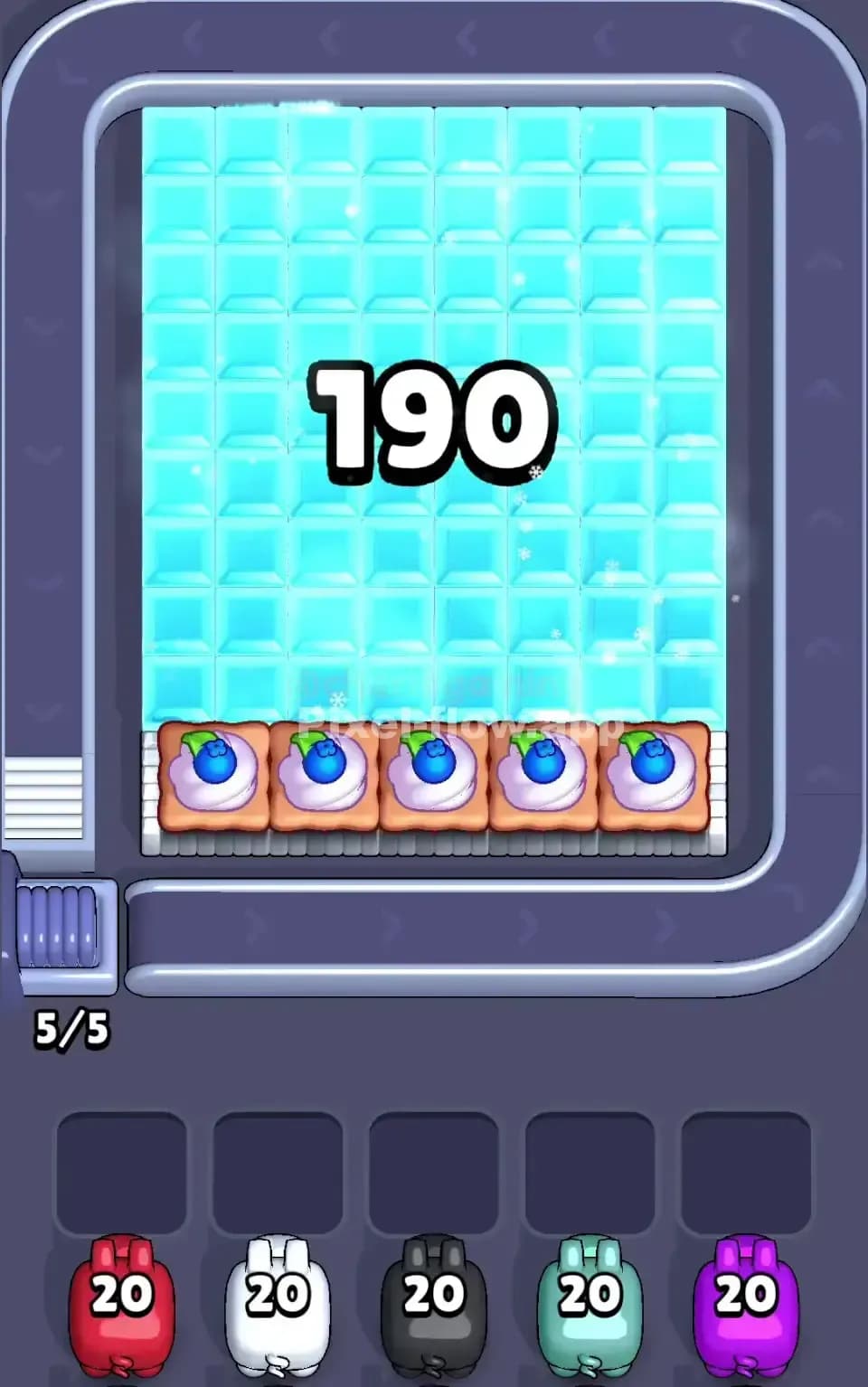
Pixel Flow Level 448 is dominated by a massive cyan-colored voxel landscape that fills most of your play area. The board presents a relatively uniform cyan layer as its primary visual, but don't let that fool you—there's serious depth hiding beneath. The pixel art appears to be a large, blocky terrain or structure rendered almost entirely in shades of cyan, with strategic pockets of other colors tucked around the edges. You'll notice white and gray accent blocks forming a border frame, plus splashes of orange and darker tones in the corners that hint at the complexity waiting in deeper layers. The "100" displayed prominently on the board is your ammo counter—a visual reminder of just how much cleanup work lies ahead.

Your waiting slots tell an important story about Pixel Flow Level 448's difficulty: you're starting with a queue of pigs that includes a white pig with 20 ammo, a gray pig with 10 ammo, a blue pig with 10 ammo, and another white pig with 20 ammo. That's a total of 60 ammo available to you, yet the board shows 100 cubes. This mismatch is your first hint that you'll need to expose hidden layers and unlock additional pigs from the queue—pigs whose colors will match the deeper voxels you uncover.

Win Condition and the Deterministic Nature

To conquer Pixel Flow Level 448, you need to clear every single voxel cube from the board. There's no partial victory here; the game won't let you advance until the board is completely empty. What makes this solvable is that pig order and ammo counts are 100% deterministic. You're not gambling on random outcomes. Every pig that rolls onto the conveyor will have a fixed ammo value, and knowing that value in advance is crucial for planning your moves. The key is sequencing pigs strategically so their ammo gets spent on cubes that actually exist—and doing so in an order that exposes new colors from deeper layers.


Why Pixel Flow Level 448 Feels So Tricky

The Cyan Bottleneck and Waiting Slot Pressure

Here's what makes Pixel Flow Level 448 genuinely frustrating at first: that enormous cyan expanse dominates the board, but your starting pigs include white, gray, and blue—none of which match cyan directly. You must fire up that cyan pig from deeper in the queue, but to pull it into play, you need to fill waiting slots strategically or get lucky with the order. If you burn through your white and gray pigs carelessly, you'll cram the waiting area with "stuck" pigs that have nowhere to shoot. The cyan layer is so vast that it locks you out of progress until you've properly sequenced your way into it. That's the bottleneck, and it's merciless if you're not methodical.

The Hidden Depth Problem

What really blindsides players on Pixel Flow Level 448 is that the 100-cube count doesn't match your initial 60 ammo. This gap screams that there are deeper layers you can't see yet, and those layers contain pigs (and cube colors) that'll only appear once you've cleared enough surface material. The cyan layer is so thick and uniform that it's hard to estimate where the breakthrough point is. You might think you're close to finishing, only to realize you've still got thirty cubes hidden beneath—and you're running out of ammo sources.

Additionally, those orange and darker cubes lurking in the corners feel almost incidental until you really need them. Early on, it's tempting to ignore corner details and focus on the massive cyan block. But Pixel Flow Level 448 doesn't reward that impatience. Those corner colors are often the key to unlocking the final pig in your queue or exposing the last stubborn layer.

When It Clicked for Me

I'll be honest—Pixel Flow Level 448 frustrated me for a few attempts. I kept thinking I could just plow through cyan with my available pigs and discover the next color naturally. Instead, I kept stalling with half-empty pigs sitting in my waiting slots, unable to fire at anything. The turning point came when I sat down and actually counted: I mapped out which colors were visible, which pigs I had, and which pigs were still hidden in the queue. Only then did I realize Pixel Flow Level 448 required me to be surgical, not aggressive.


Step-by-Step Strategy to Clear Pixel Flow Level 448

Opening: Establish Control and Preserve Buffer Space

Start Pixel Flow Level 448 by firing the white pig (20 ammo) immediately. Yes, white ammo doesn't match cyan cubes, so your white pig will scan the board, find no valid targets, and drop into a waiting slot. This feels wasteful, but it's not—it's deliberate. You're using that first slot strategically to flush out the next pig in the queue. Now fire the gray pig (10 ammo) next. Gray also won't find cyan cubes, so it drops into the second waiting slot. You've now filled two of five slots and brought the blue pig to the firing line.

Here's where your patience pays off: fire the blue pig. It also won't match cyan, but now you've got three waiting pigs and you're about to reveal the final white pig (20 ammo). Before that white pig fires, you should have the cyan pig ready to enter the queue. Now you can use that cyan pig's ammo to start actual clearing work. You've preserved 2 waiting slots as buffer space, and you've also set up the cyan pig for immediate deployment.

Mid-Game: Layer Exposure and Ammo Optimization

Once cyan pig fires, you'll start clearing the dominant cyan layer. Don't try to clear every cyan cube in one go—instead, focus on systematic rows or regions that are likely to expose the corners and edges where other colors hide. As cyan cubes vanish, watch carefully for any white, gray, blue, or orange cubes peeking through from below. The moment a new color becomes visible, you know you've got another pig waiting in the queue whose ammo will finally match something on the board.

Pixel Flow Level 448's mid-game is all about rhythm. Cyan pig fires, clears a batch of cubes, and hopefully drops once its ammo is spent. This pushes the first waiting pig (white) back onto the conveyor. That white pig will either find newly exposed white cubes and clear them, or it'll drop again. Either way, you're making progress through your queue and revealing deeper layers. The critical insight is that each pig's firing and dropping action is a chance to expose new colors and unlock the next pig's utility.

When you're roughly halfway through the cyan layer, you should start seeing splashes of the secondary colors—whites, grays, and oranges. At this point, Pixel Flow Level 448 becomes about managing exposure: strategically clearing cyan patches that free up deeper colors, then deploying those pigs when they can actually contribute ammo. You want to avoid situations where a gray pig fires and finds only one gray cube, wasting its remaining 9 ammo into the void.

End-Game: The Final Push and Clean Closure

As you near the end of Pixel Flow Level 448, your waiting slots should stay mostly clear. You're now juggling pigs whose ammo actually gets spent, so there's less "parking" and more continuous firing. The final layers typically reveal cyan's true depth—there might be another cyan section underneath the first, or hidden patches of white and blue in places you didn't expect.

For the absolute final cubes, order matters enormously. If you've got one cyan cube and one orange cube remaining, and an orange pig is queued right after your last cyan pig, you need to execute perfectly: cyan pig clears its last cube and drops, orange pig enters, and fires to finish the board. Miss that sequencing, and you might end up with a pig stuck in waiting with no valid targets and no way to pull the queue forward. Pixel Flow Level 448 punishes sloppy endgames.


The Logic Behind This Pixel Flow Level 448 Plan

Exploiting Determinism and Queue Mechanics

The reason this strategy works for Pixel Flow Level 448 is that it treats the pig queue as a tool, not a punishment. You're deliberately "wasting" your first pigs' ammo by letting them drop into waiting slots. That sounds counterintuitive, but it flushes the queue and brings high-ammo pigs (like the second white pig) closer to active deployment. By the time you need a pig to actually clear cubes, you've positioned the queue so that the right color is always approaching or already firing.

This strategy also respects the 100-cube board. You're not assuming you can clear everything with initial pigs—you're acknowledging that hidden pigs exist and planning to unlock them through methodical layer exposure. Pixel Flow Level 448 becomes solvable the moment you stop treating it as a raw ammo race and start treating it as a queue-choreography puzzle.

Staying Calm and Counting Ahead

The final key to mastering Pixel Flow Level 448 is mental discipline. Watch your waiting slots obsessively. Count remaining ammo on active pigs. Glance at the queue and anticipate which color is coming next. When you're two or three pigs ahead mentally, you can make moves that feel risky but are actually planned. You'll know that after this cyan pig fires, an orange pig is coming, and there will be orange cubes ready because you've been selectively exposing corners. That foresight transforms Pixel Flow Level 448 from a frustrating slog into a satisfying sequence of earned victories.