Pixel Flow Level 6 Solution Walkthrough | Pixel Flow 6

How to solve Pixel Flow level 6? Get instant solution for Pixel Flow 6 with our step by step solution & video walkthrough.

Share Pixel Flow Level 6 Guide:
Pixel Flow Level 6 Gameplay
Pixel Flow Level 6 Solution 1
Pixel Flow Level 6 Solution 2
Pixel Flow Level 6 Solution 3

Pixel Flow Level 6 Overview

The Board Layout and Color Distribution

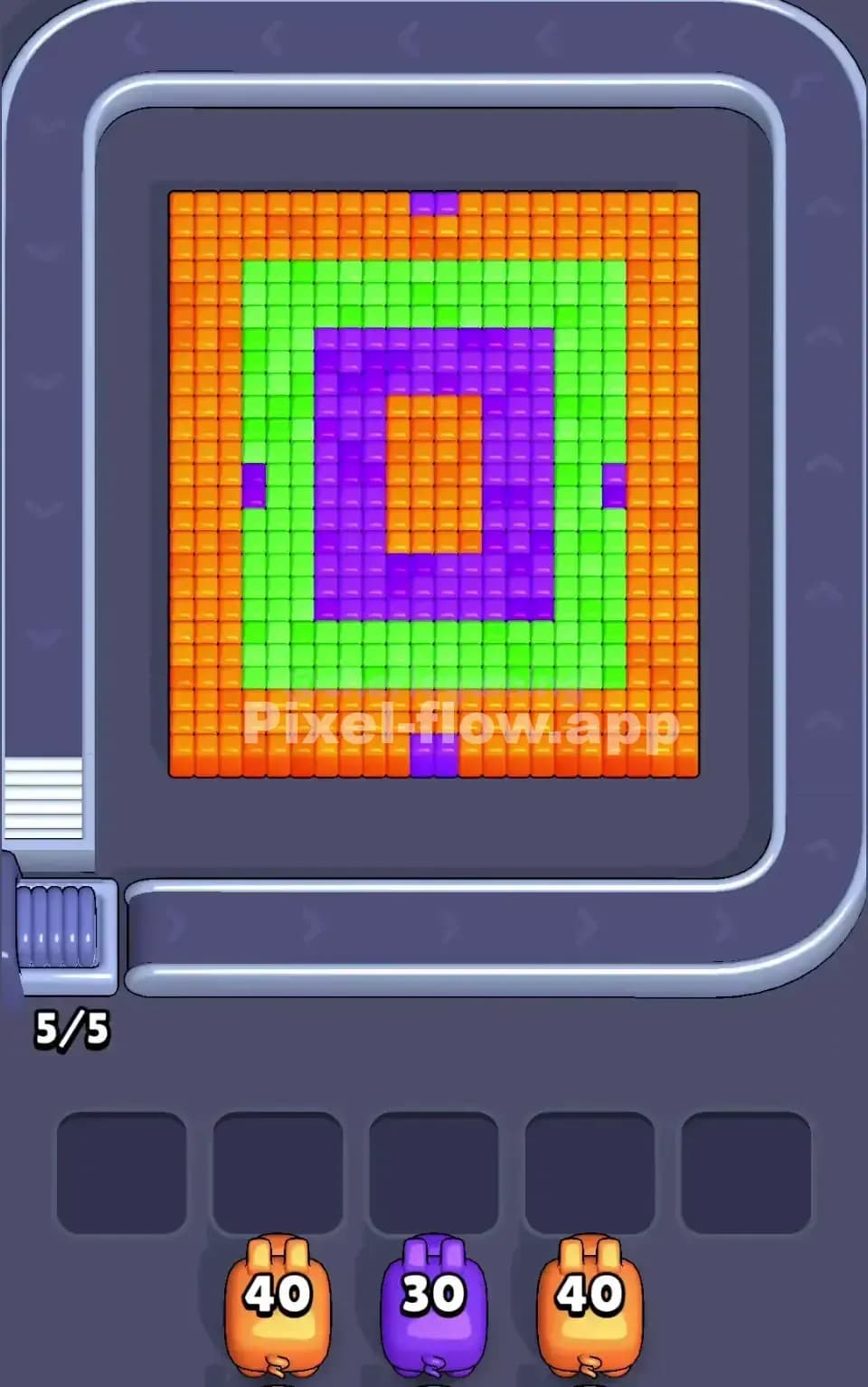
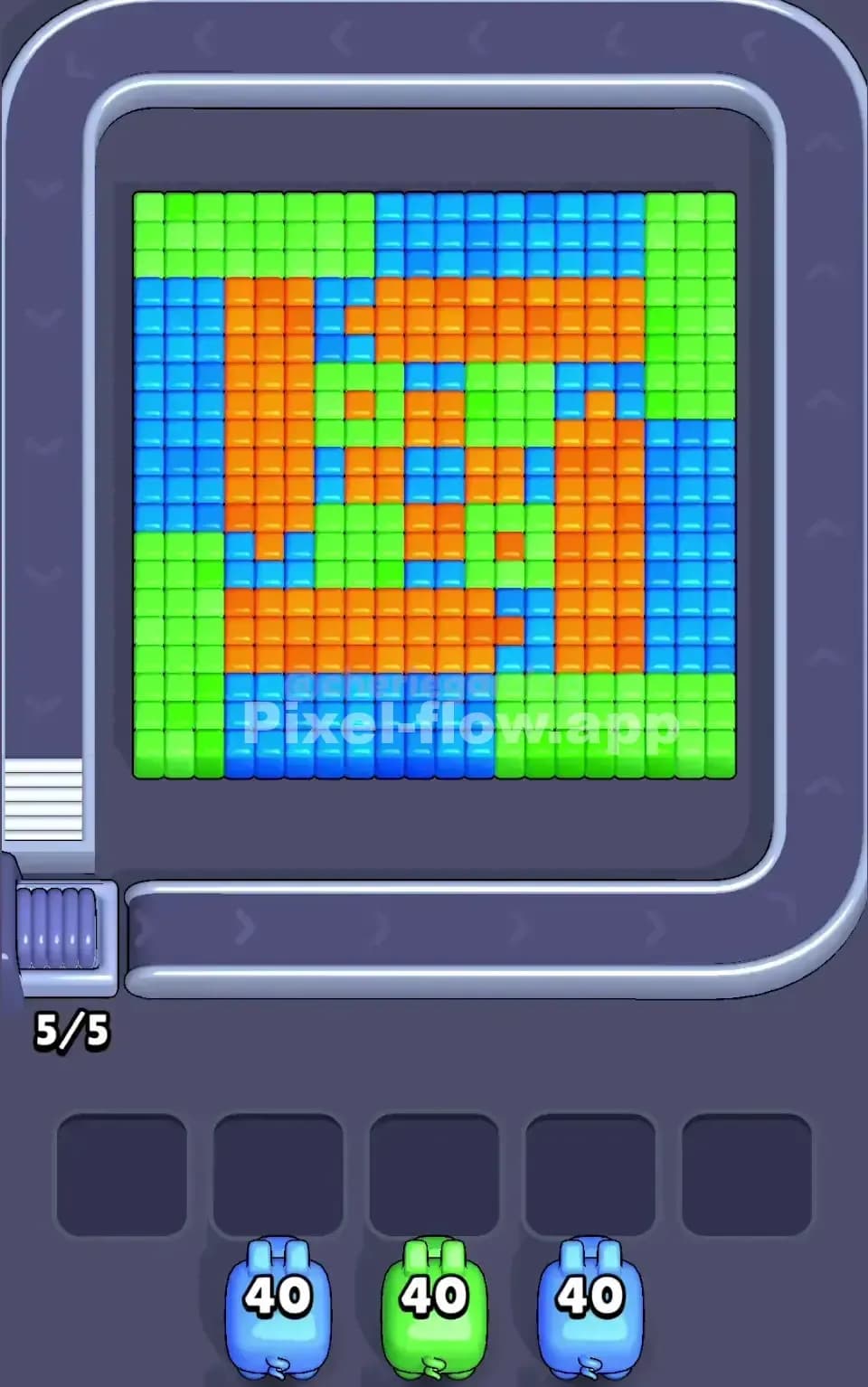
Pixel Flow Level 6 presents you with a stylized pixel art composition featuring a face-like figure constructed from three dominant colors: cyan, white, and black. The board is arranged in a roughly square grid, with cyan forming the outer border and large background fill, white dominating the central facial features, and black creating sharp outlines and shadows that give the image depth and definition. You're working with a layered voxel structure here—what you see on the surface isn't the whole story, and that's what makes Pixel Flow 6 so deceptively tricky. The pig queue starts with a cyan pig (40 ammo), followed by a black pig (30 ammo), and a white pig (40 ammo). Understanding how these three colors are distributed across the visible board is your first step toward victory.

The Win Condition and Deterministic Nature

To clear Pixel Flow Level 6, you must destroy every single cube on the board by strategically deploying pigs in the correct order. Since each pig automatically shoots cubes matching its color, and each cube destroyed costs exactly one ammo, every run of Pixel Flow 6 is completely deterministic—the pig order never changes, and their ammo counts are fixed. Your job isn't to hope for luck; it's to plan the sequence so that by the time you've cycled through all available pigs, there's nothing left. The trap, though, is that if you run out of valid targets for a pig before it's spent all its ammo, that pig drops into one of the five waiting slots. Fill all five slots with stuck pigs, and you've locked yourself into a losing position. Pixel Flow Level 6 demands that you think ahead.


Why Pixel Flow Level 6 Feels So Tricky

The Cyan and White Bottleneck

The biggest threat in Pixel Flow Level 6 is the imbalance between ammo and visible targets. The cyan pig arrives with 40 ammo, and at first glance, there's a ton of cyan on the board—the border and background appear endless. However, many of those cyan cubes are clustered together or only become accessible after you've removed the white and black layers. If you fire the cyan pig too early without exposing deeper cyan, you'll burn through ammo and the pig will get stuck in the waiting queue. Similarly, the white pig carries 40 ammo, but white cubes form the central features; some are hidden beneath black outlines, and others won't be reachable until you've cleared the border. Pixel Flow 6 forces you to resist the urge to just "clear what's visible" and instead demands patience and layered thinking.

Hidden Layers and Awkward Color Patches

As you progress through Pixel Flow Level 6, you'll notice that black acts as a kind of mask or outline. Some white cubes sit directly behind black ones, and you can't touch them until the black is gone. Conversely, there are small pockets of cyan tucked between white and black sections that seem insignificant until you need them to finish off a stuck pig. The asymmetry is real—one color might have a huge ammo pool relative to its visible cubes, while another color has just enough ammo to match what's exposed, with zero margin for error. This is what makes Pixel Flow Level 6 so punishing: a single mistimed pig deployment can leave you with a pig that has 5 ammo left but no valid targets anywhere on the board.

The "Click" Moment

Honestly, when I first tackled Pixel Flow Level 6, I felt frustrated. I'd clear the cyan border impulsively, watch the black outline disappear, and then realize the white pig had nowhere to go. The waiting slots would fill up, and I'd hit game over without understanding why. But after a few attempts, I realized the key: Pixel Flow Level 6 isn't about speed or clearing visible layers in order. It's about recognizing that the pig queue is your constraint, not the board layout. Once I started planning "cyan first, but only enough to unlock white paths, then black to clean up outlines, then white to finish the face," the level suddenly felt solvable. That mental shift—from reactive to proactive—is when Pixel Flow 6 clicked for me.


Step-by-Step Strategy to Clear Pixel Flow Level 6

Opening: Establishing Your First Free Slots

Start Pixel Flow Level 6 by carefully deploying your cyan pig, but don't go crazy. You're aiming to clear just enough cyan to expose some of the white cubes beneath and around the border, while leaving at least 3 empty waiting slots for safety. Target the cyan cubes on the perimeter and edges first—the ones that form the outer border and the spaces between the main features. Fire methodically until you've created visible gaps and exposed white. Don't try to finish the entire cyan layer; instead, stop when you've burned roughly 15–20 ammo and the white pig has clear sight lines to at least a dozen white targets. The goal in this opening phase of Pixel Flow Level 6 is to set up the next pig for success, not to greedily drain the cyan pool.

Mid-Game: Sequencing Pigs and Exposing Inner Layers

Once the cyan pig is parked in a waiting slot (it should still have 20–25 ammo left), bring in the black pig. Black cubes form the outlines and shadows, and they're blocking access to many white cubes underneath. Deploy the black pig and systematically remove the black border and internal outline details. You're not just cleaning up aesthetics here; you're opening pathways for the white pig. Fire roughly 20–25 ammo's worth of black cubes, focusing on the areas immediately adjacent to white sections. You'll notice that as black disappears, more white becomes accessible. Once the black pig is down to single-digit ammo and there's no valid targets left on the board for it, let it drop into a waiting slot. Now deploy the white pig. This is where Pixel Flow Level 6 becomes satisfying: the white pig should have a clear, unobstructed view of most of the central face. Fire away, but stay aware of how much ammo you're spending. White should gobble up 30–35 of its 40 ammo here, filling in the facial features and creating a nearly complete picture.

End-Game: Finishing Clean and Avoiding the Final Jam

You're in the end-game stretch of Pixel Flow Level 6 now. The white pig should have around 5–10 ammo remaining, but it's run out of valid white targets. Park it in a waiting slot. Now here's the critical moment: glance at the board. You should see the face mostly complete, but there are still gaps—leftover cyan cubes in the interior and possibly a few stray black ones. Cycle through your queue and bring back the cyan pig. Even though it was parked earlier, it's fresh in the queue, and now it can finish off those interior cyan pockets. Fire the remaining cyan ammo and clear everything you can see. If there are any black cubes left, cycle back to the black pig and spend its remaining ammo. Finally, return to white if needed. The key to avoiding a jam in Pixel Flow Level 6's endgame is to stay calm and count: after each pig fires, mentally tally how many valid targets remain for every other color still in the queue. If a pig is about to drop with ammo left but no targets, ask yourself, "Will a future pig in the queue eventually expose new targets for this color?" If the answer is no, you've made a sequencing mistake earlier, and you might need to restart.


The Logic Behind This Pixel Flow Level 6 Plan

Exploiting Pig Order and Ammo Architecture

The strategy for Pixel Flow Level 6 works because it respects the fundamental truth: your pig order is fixed, and their ammo totals are balanced for a reason. The developers of Pixel Flow 6 didn't hand you 120 ammo randomly; they gave you 40 cyan, 30 black, and 40 white because that's exactly what the puzzle needs—if you sequence correctly. By opening with measured cyan consumption, you expose white and create demand for the black pig. The black pig's 30 ammo is just enough to handle the outlines without overkill. And the white pig's 40 ammo mirrors the cyan count because cyan and white are visually balanced on the board. Pixel Flow Level 6 rewards you for thinking of the pigs not as independent units but as a choreographed sequence. Each pig's job is to set up the next one's success.

Strategic Waiting Slot Management and Forward Planning

The five waiting slots are your safety net and your pressure valve in Pixel Flow 6. By deliberately parking pigs early—when they still have ammo but have served their immediate purpose—you're buying yourself options. A parked pig with 20 ammo is infinitely more valuable than a stuck pig with 20 ammo, because you can cycle back and call it up when new targets appear. This is why Pixel Flow Level 6 feels less like a reflex game and more like a puzzle: you're constantly asking, "If I park this pig now, will I be able to use those remaining 15 ammo shots later?" Stay calm, watch the queue, and count before you fire. Plan two or three pigs ahead. When the white pig has only 3 valid targets left but 12 ammo remaining, don't panic and fire randomly. Recognize that the black pig, once cycled back, will expose more white cubes. Patience in Pixel Flow 6 is strategy. Every level of this game teaches you that the waiting slots and the queue are your true mechanics, not the board itself. Master that, and Pixel Flow Level 6 becomes a satisfying puzzle to solve rather than a frustrating obstacle.