
Free Pixel Flow Solver
Upload a screenshot to instantly find the video walkthrough of your level.
Click to upload or drag and drop
JPG, PNG or WEBP
🔒 Privacy: Your screenshot is used solely for matching. We do not store or share your personal photos.
How to get the best results?
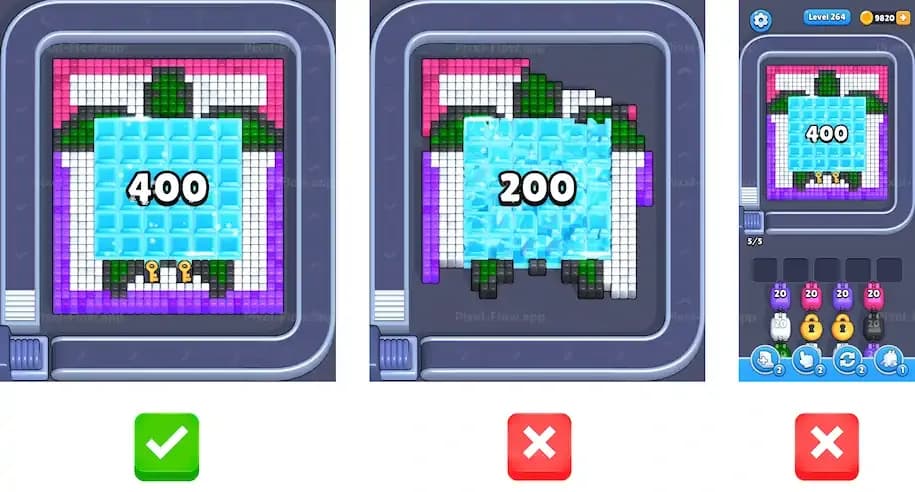
Crop to show ONLY the initial, unsolved pixel pattern.
Pixel Flow Level Solutions Walkthrough, Cheat & Guide, Free Pixel Flow Solver
Get instant solution & answer for any Pixel Flow levels. Your companion for Pixel Flow with cheat and guides.



Pixel Flow Level Solution Walkthrough
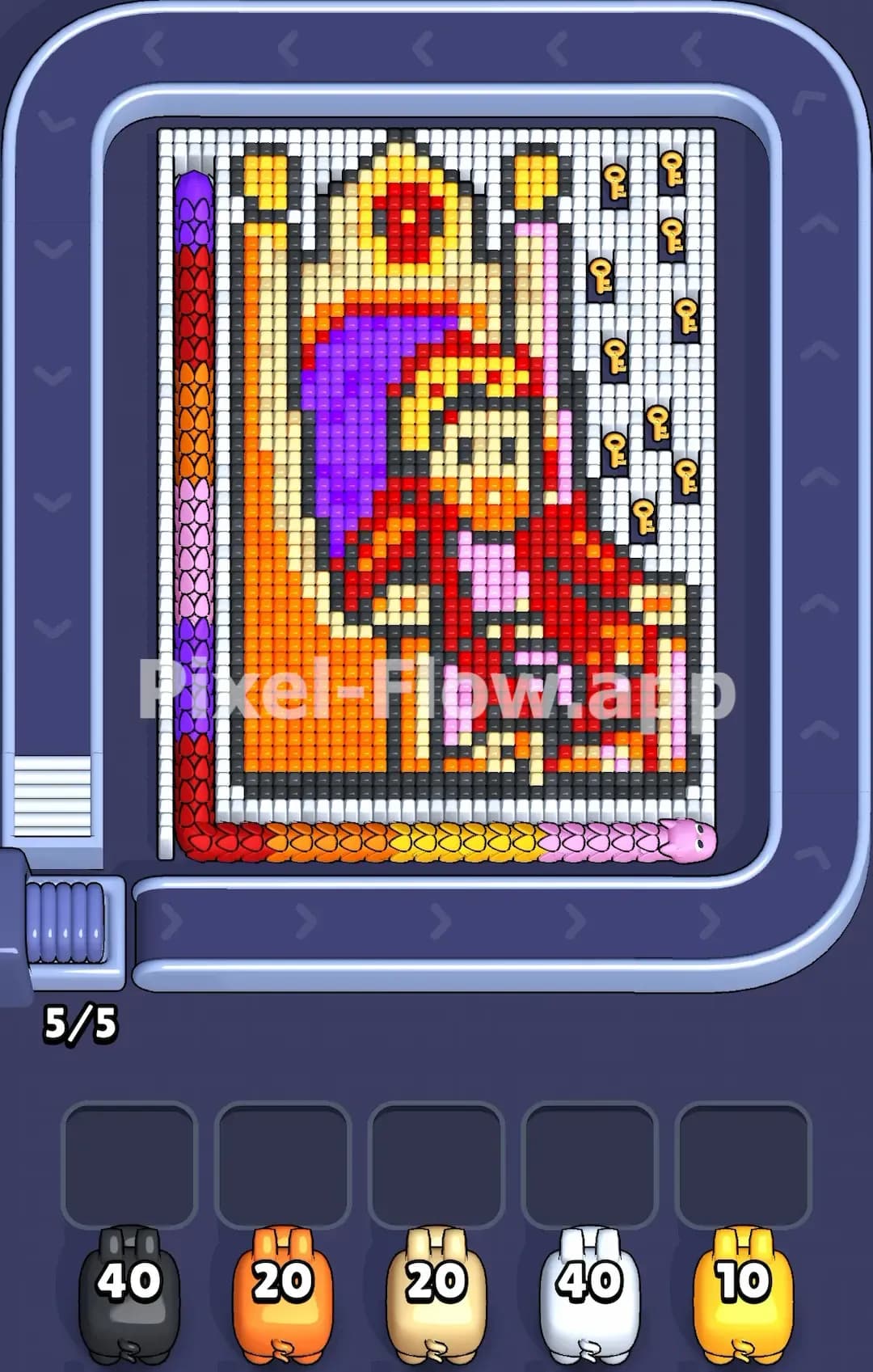
Pixel Flow King sits on the throne Level

Pixel Flow Hugging Couple Level
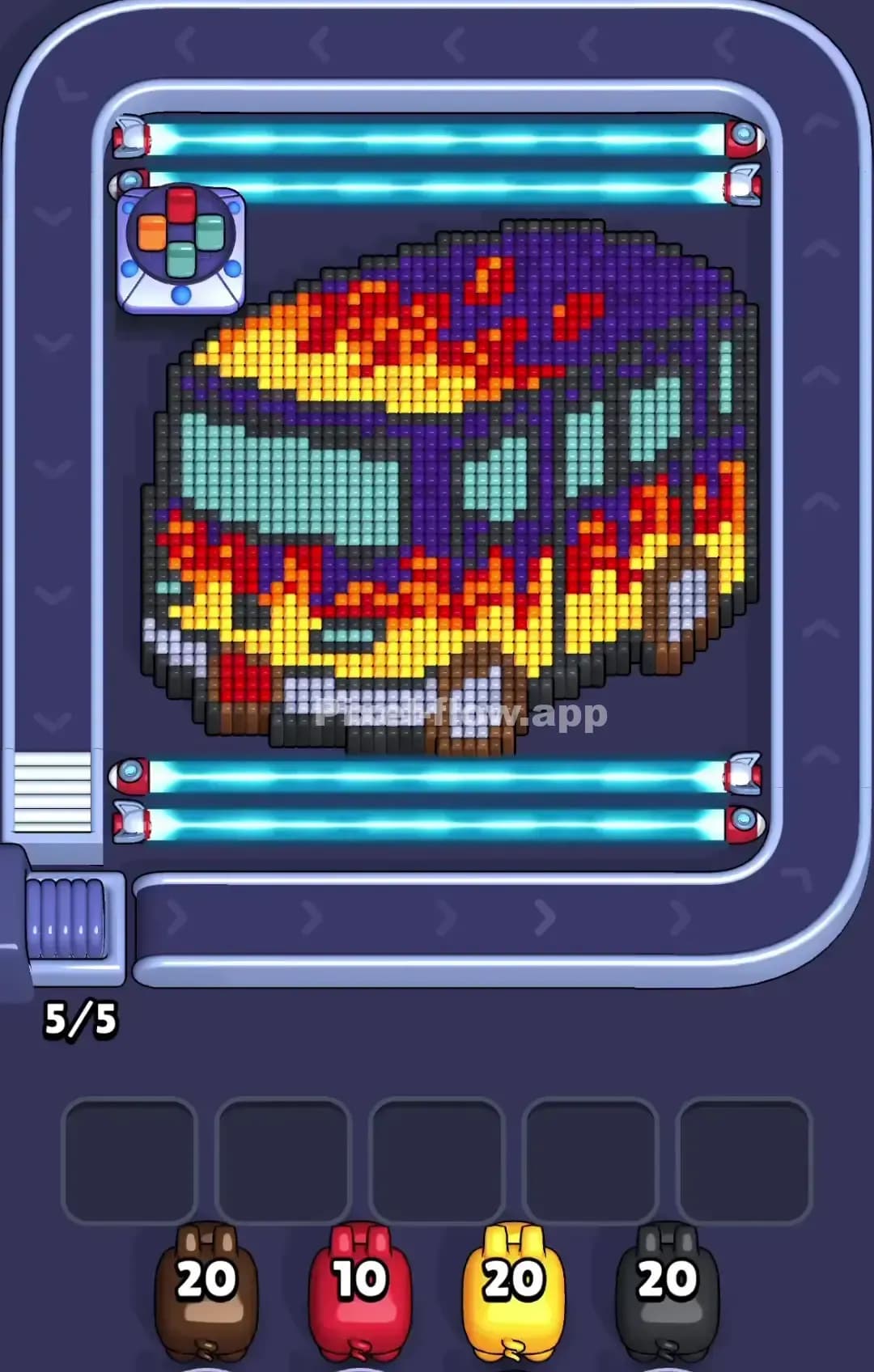
Pixel Flow Van with Flames Level

Pixel Flow Wood House Level
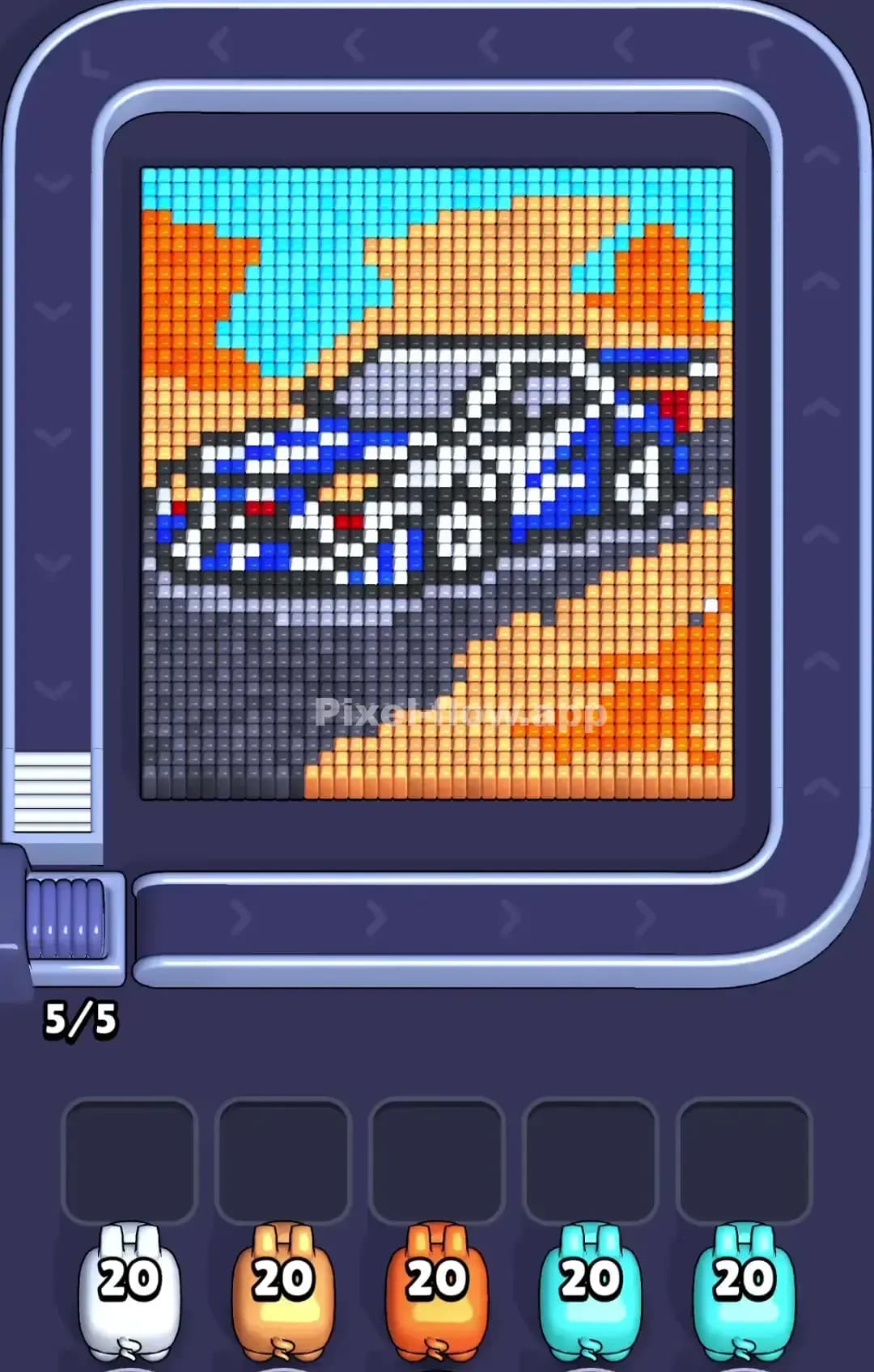
Pixel Flow Sports Car Level
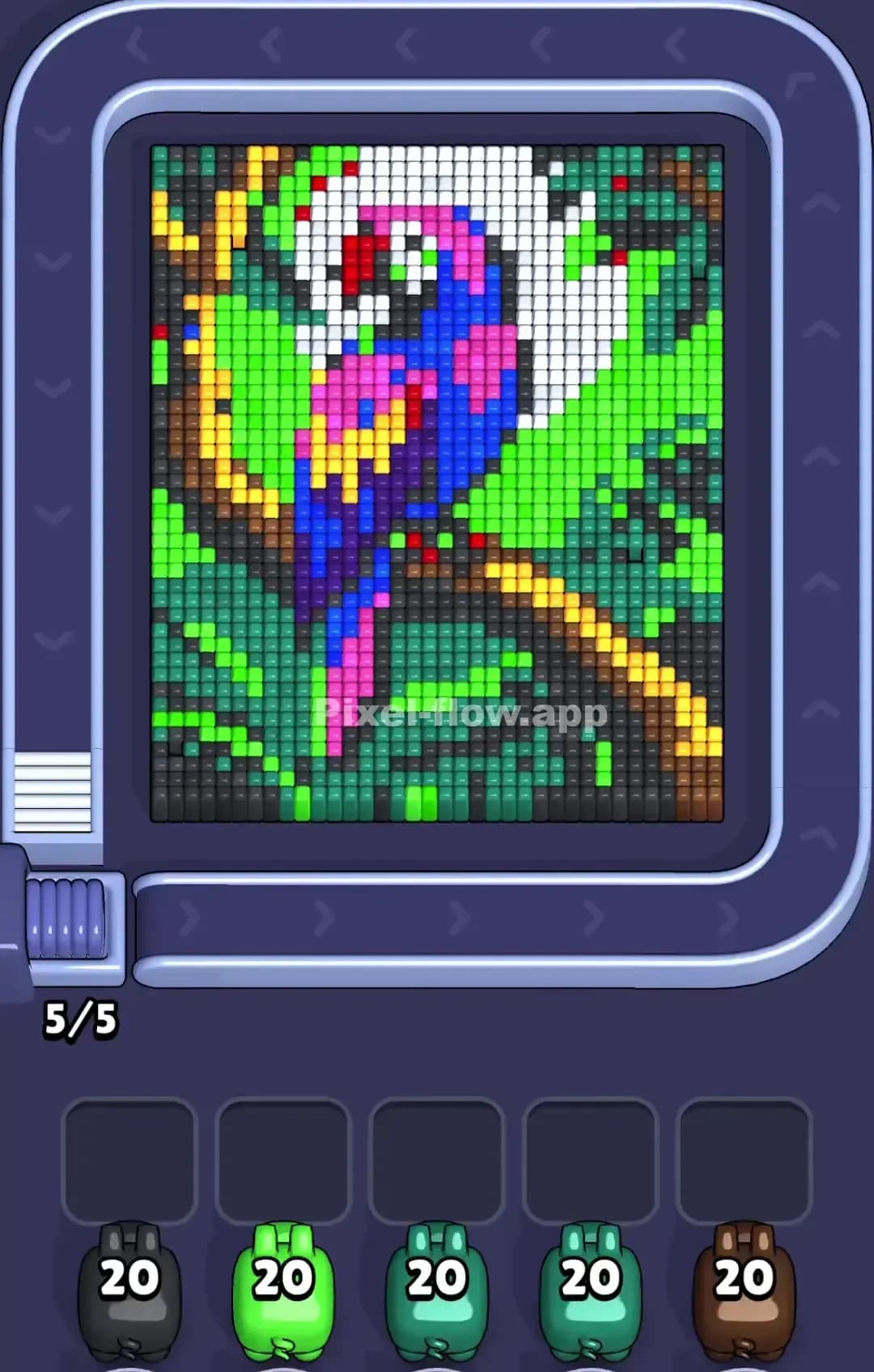
Pixel Flow Parrot Level

Pixel Flow Deer Level

Pixel Flow Peacock Level

Pixel Flow Formula 1 Level
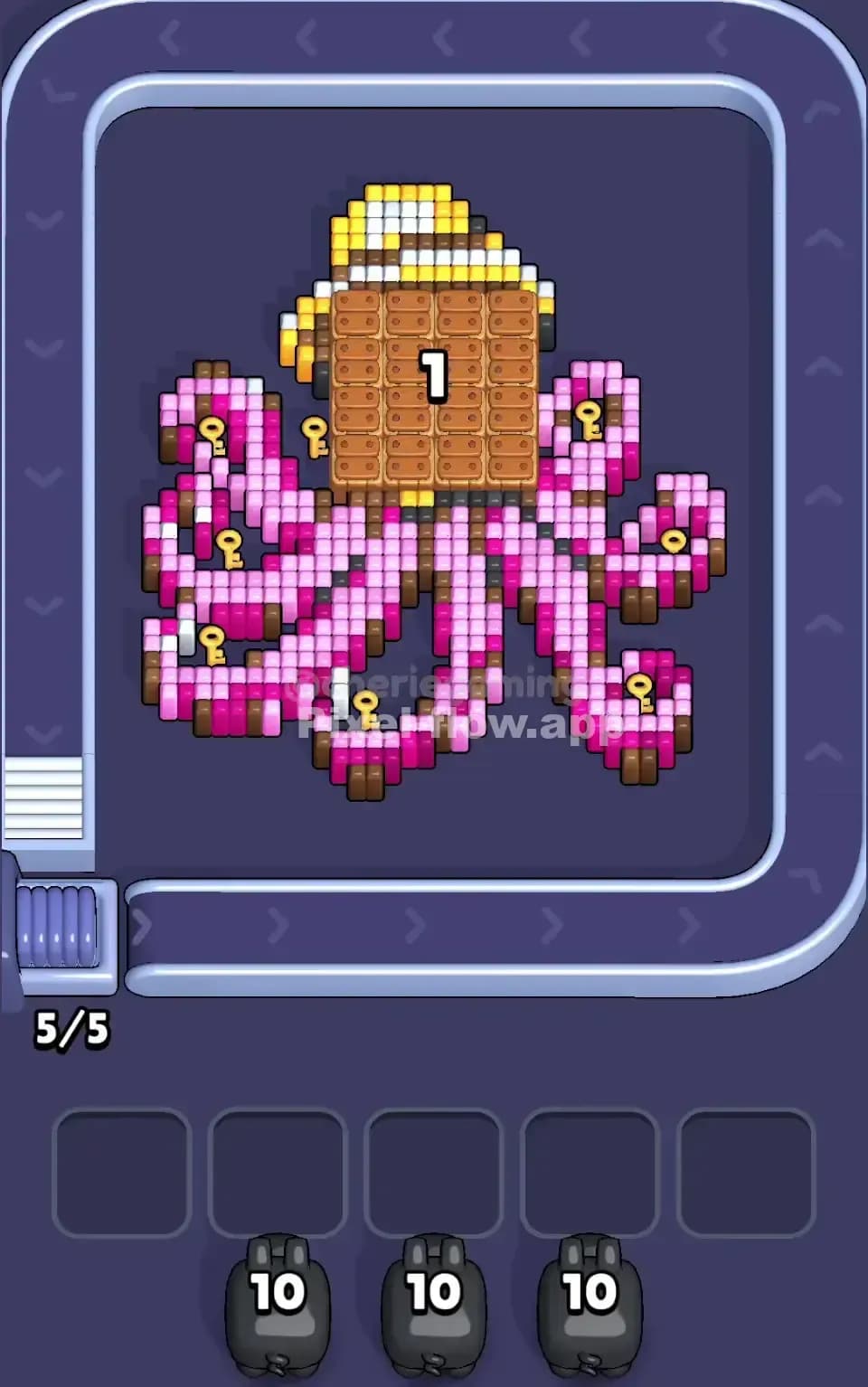
Pixel Flow Pink Octopus Level
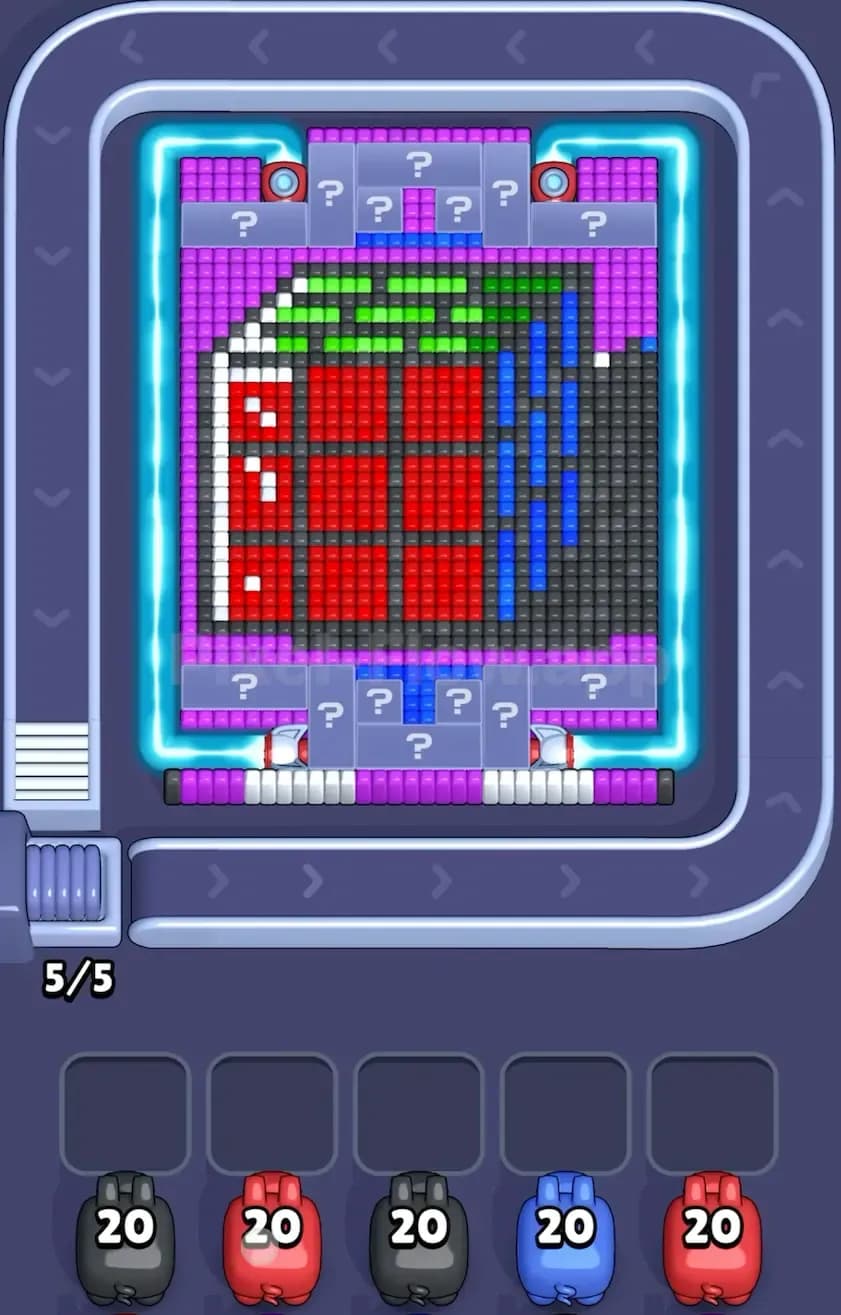
Pixel Flow Rubik Cube Level
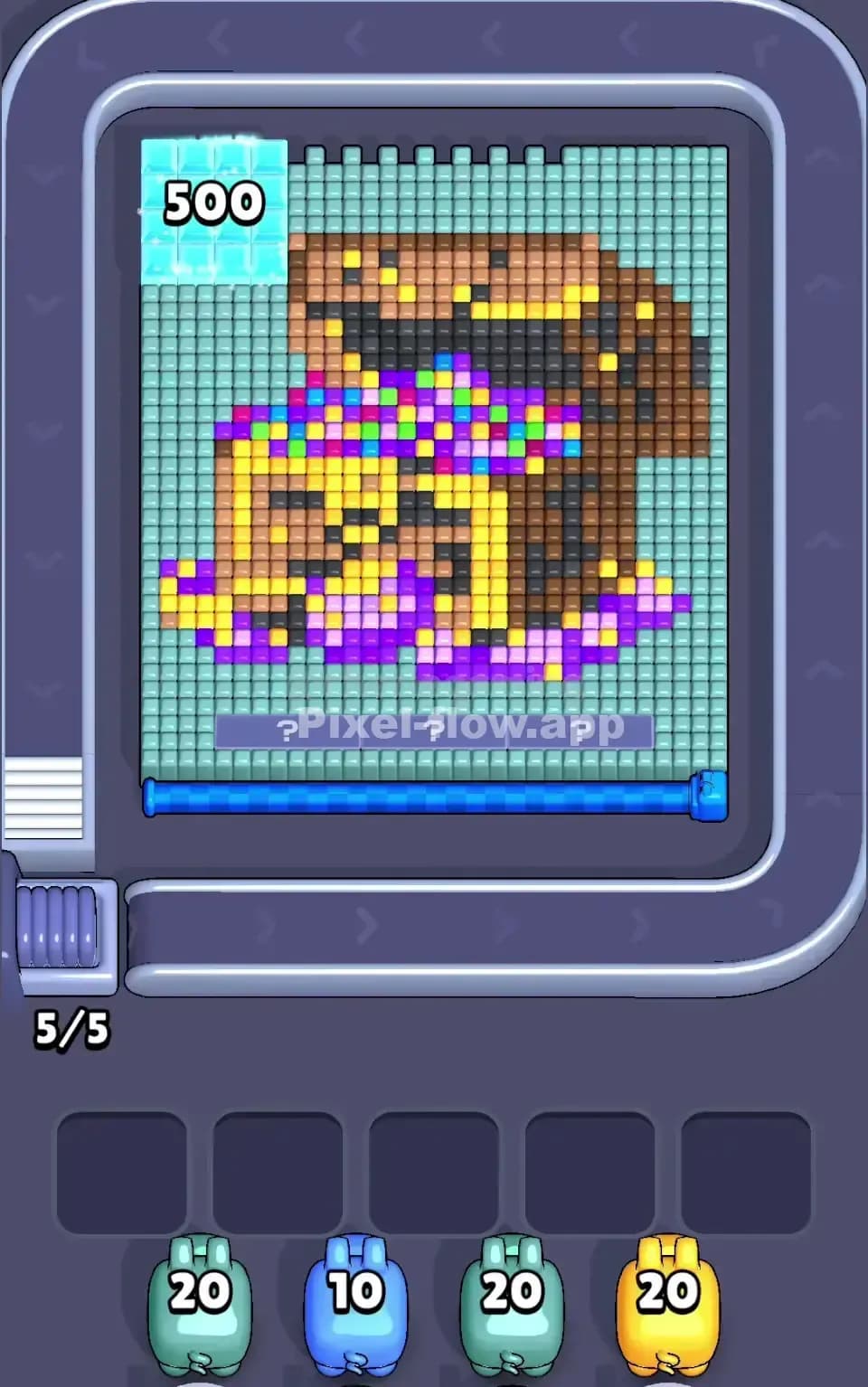
Pixel Flow Treasure Chest Level
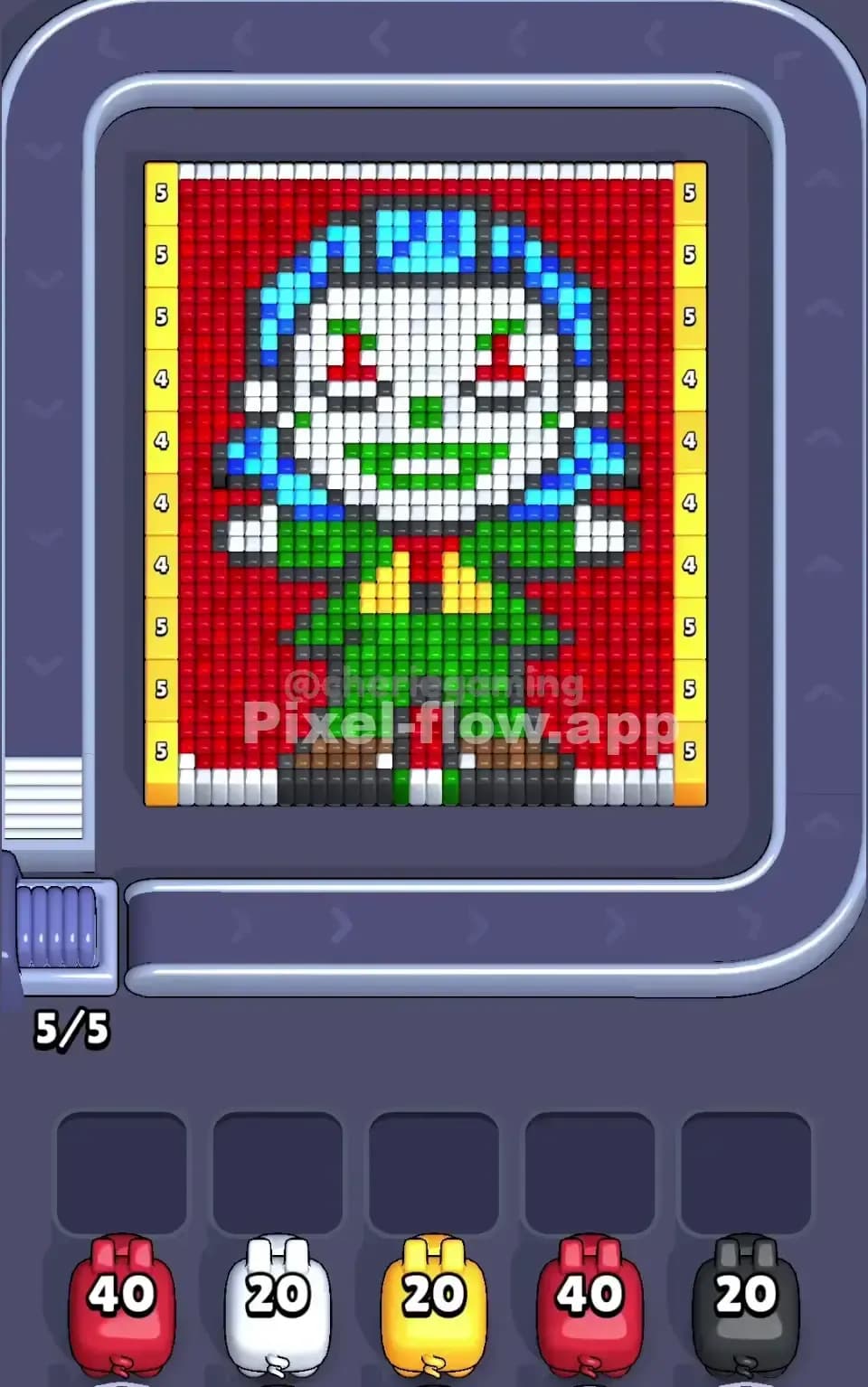
Pixel Flow Joker Level

Pixel Flow Mushroom Level
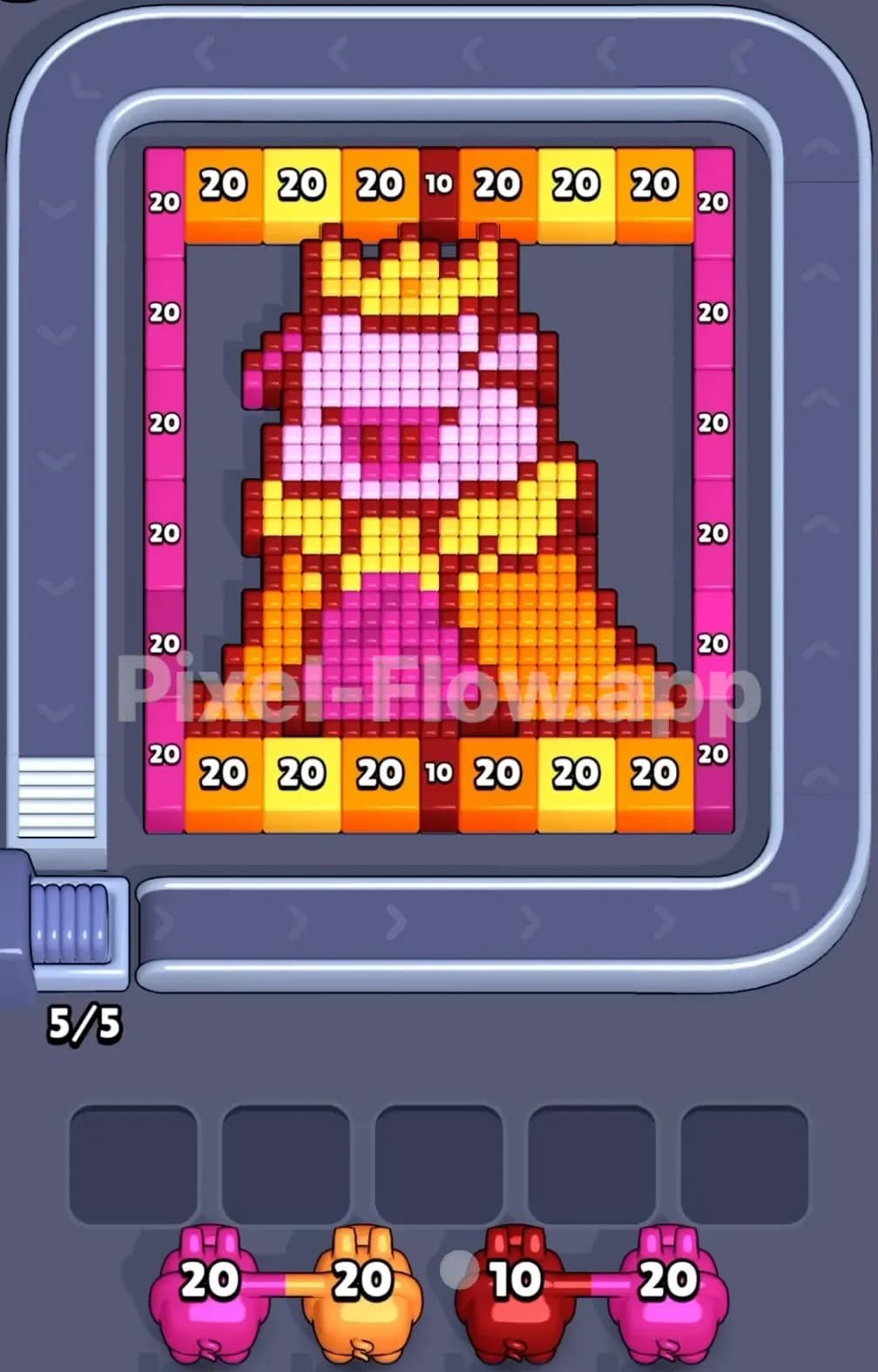
Pixel Flow Pig with Crown Level

Pixel Flow Donut Level

Pixel Flow Knight Level
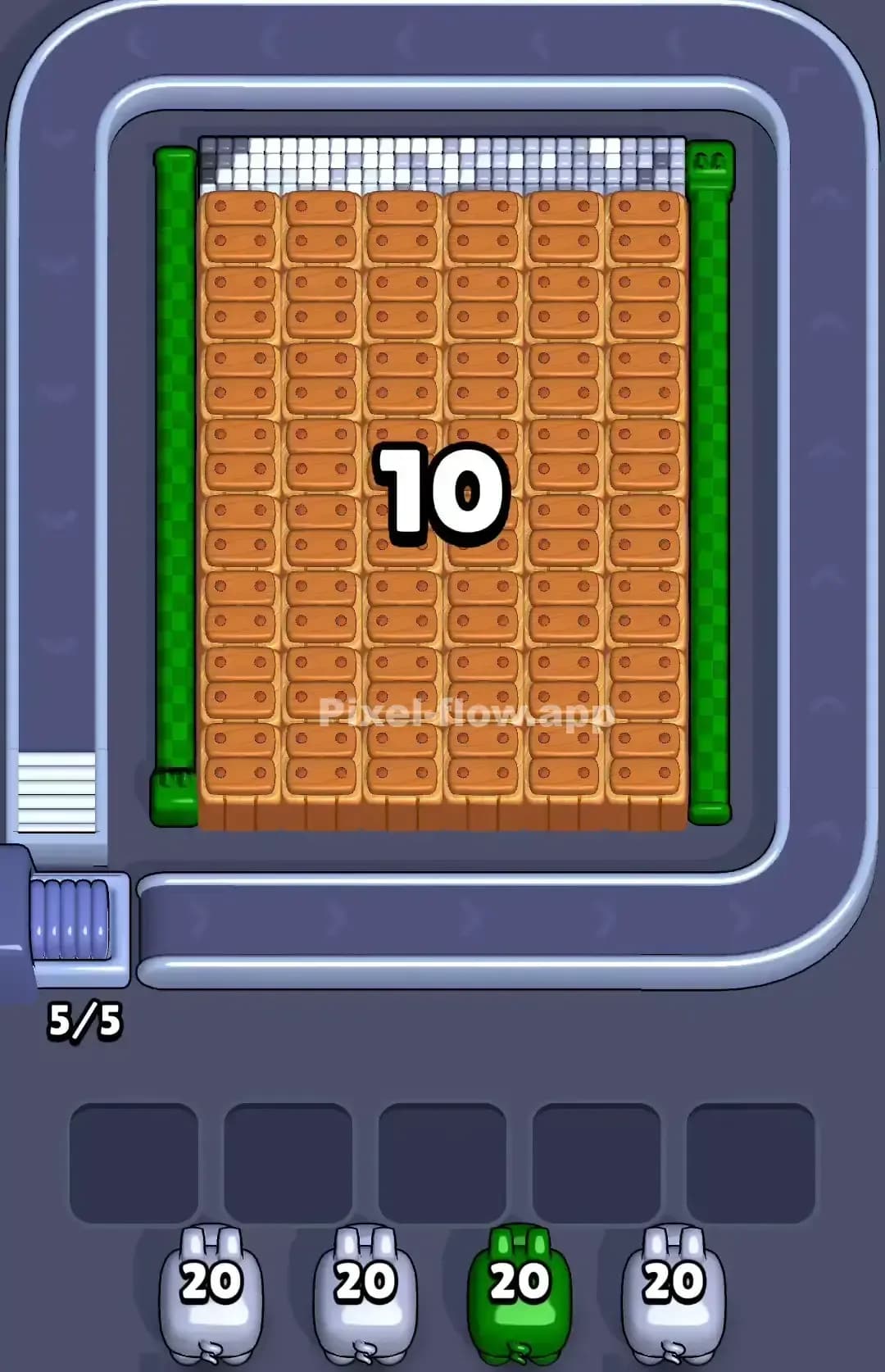
Pixel Flow Flower Level
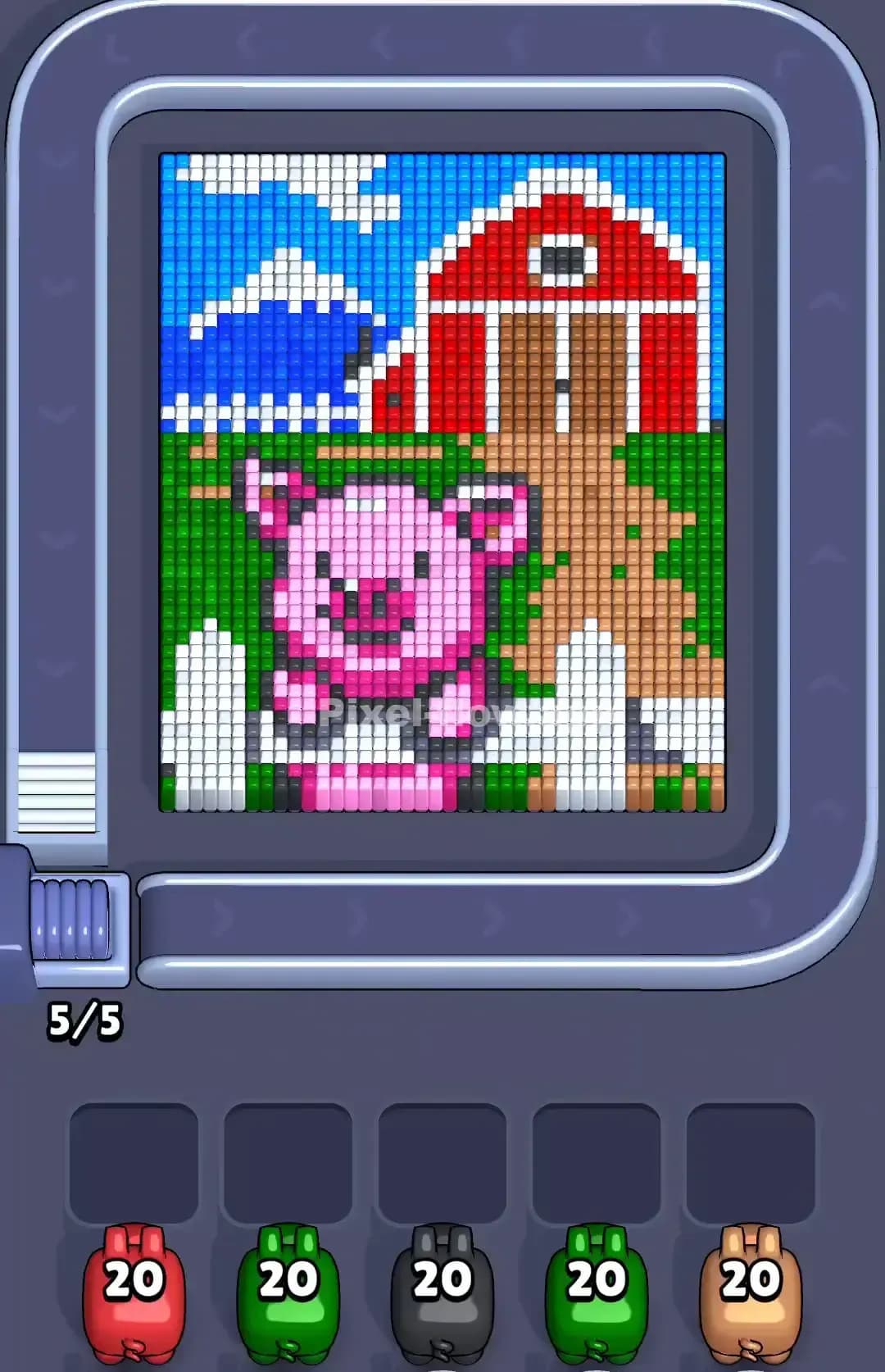
Pixel Flow Pig Level

Pixel Flow Candle Level

Pixel Flow Watermelon Level

Pixel Flow Rose Level

Pixel Flow Cherry Level

Pixel Flow Pumpkin Monster Level
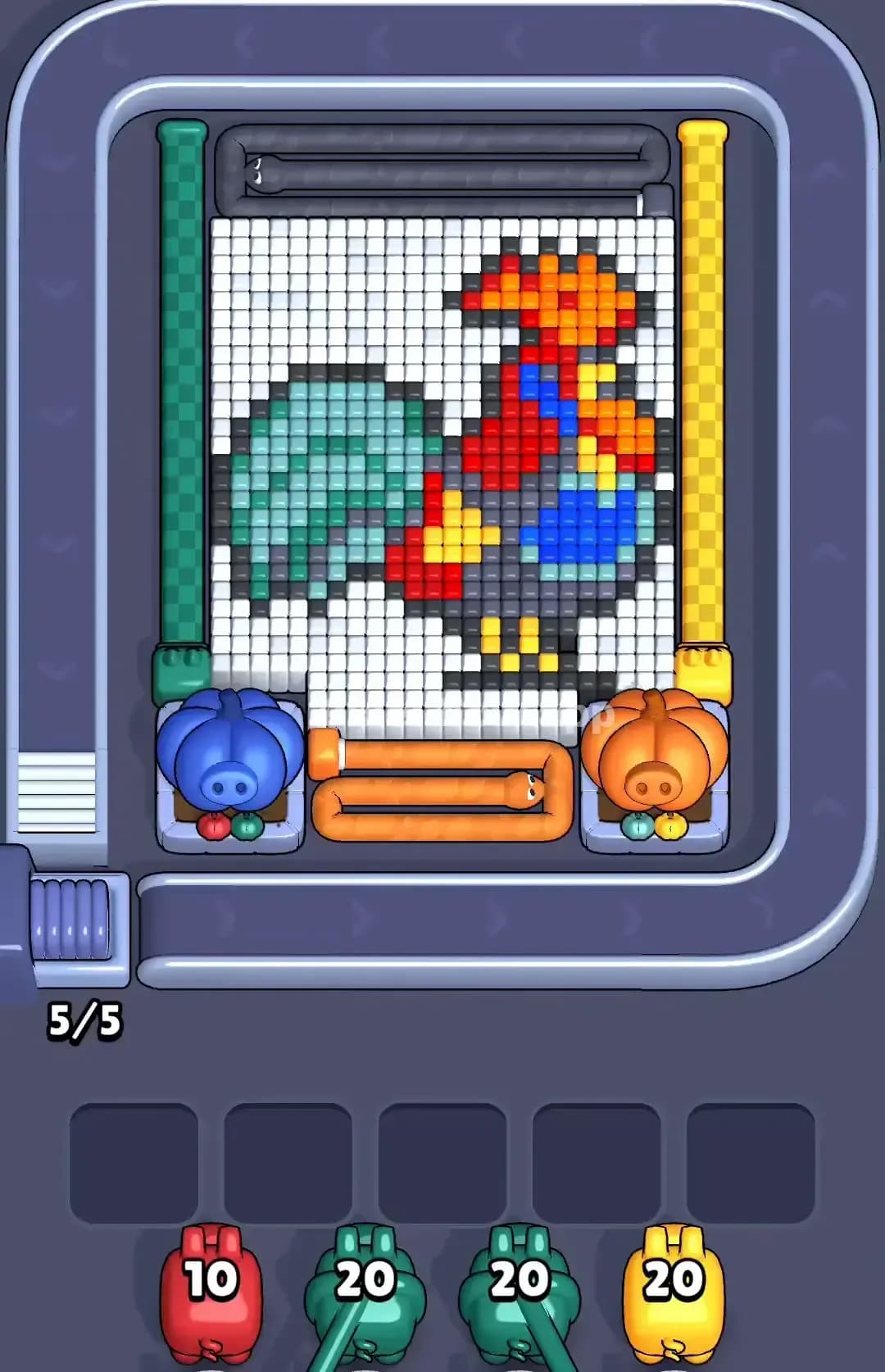
Pixel Flow Rooster Level

Pixel Flow Jellyfish Level
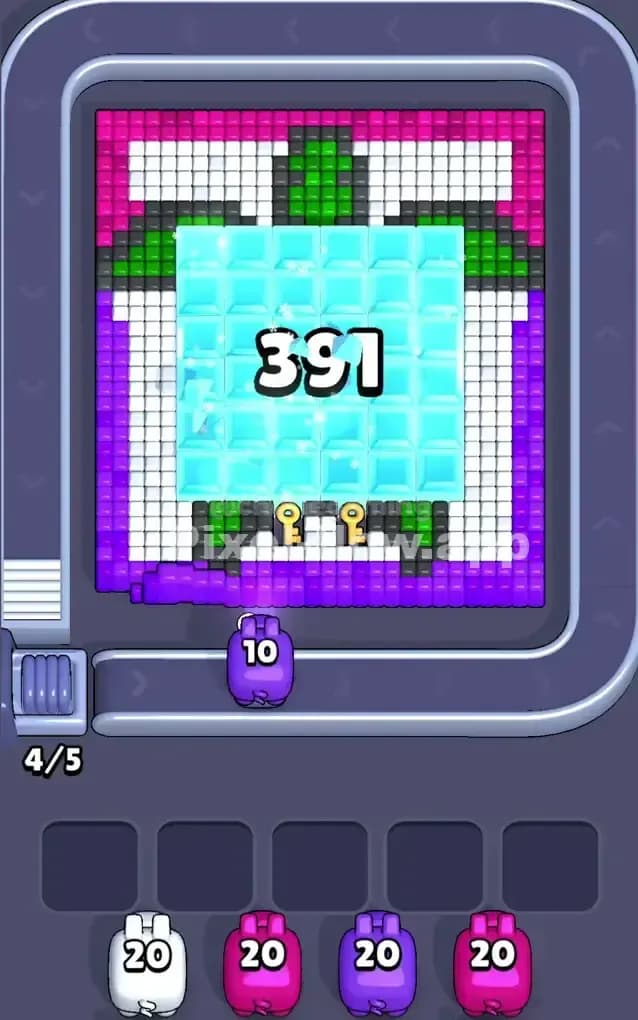
Pixel Flow Turtle Level
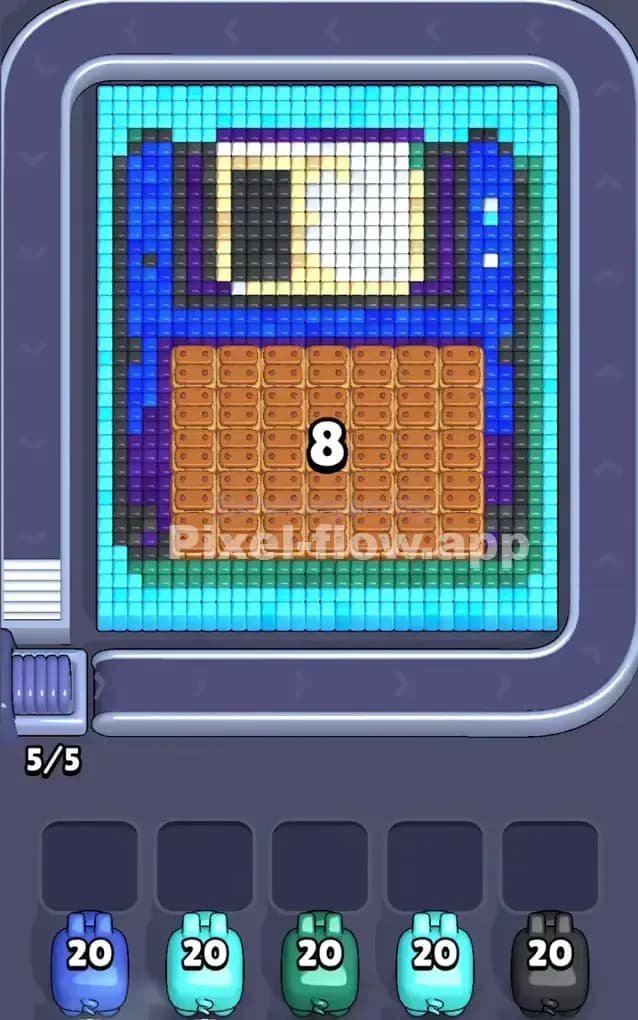
Pixel Flow Floppy Disk Level

Pixel Flow Bunny Level

Pixel Flow Biscuits Level

Pixel Flow Blue Dinosaur Level

Pixel Flow Moon Level

Pixel Flow Easter Island Level
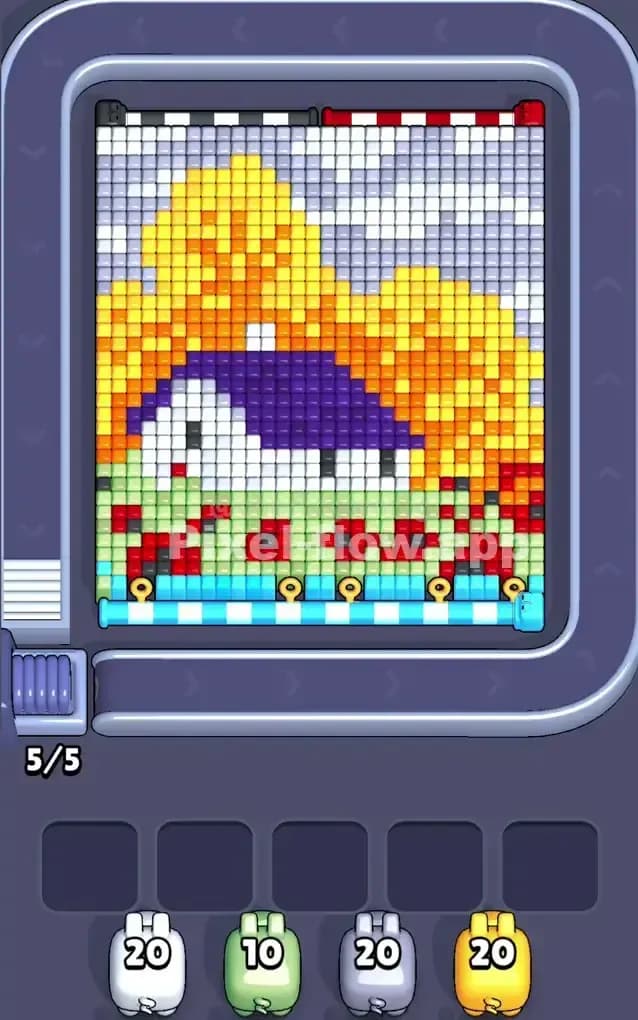
Pixel Flow House Level
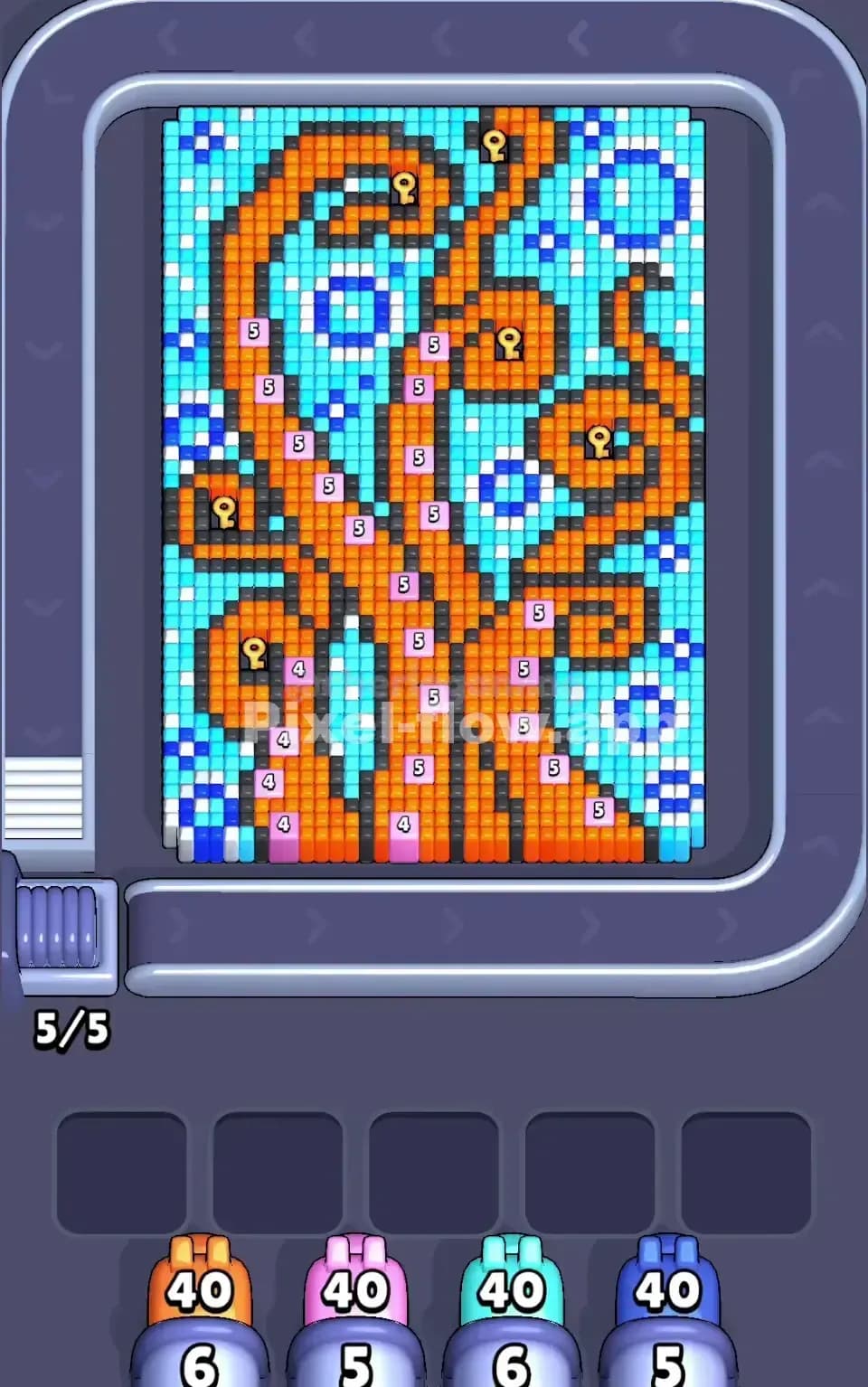
Pixel Flow Octopus Level
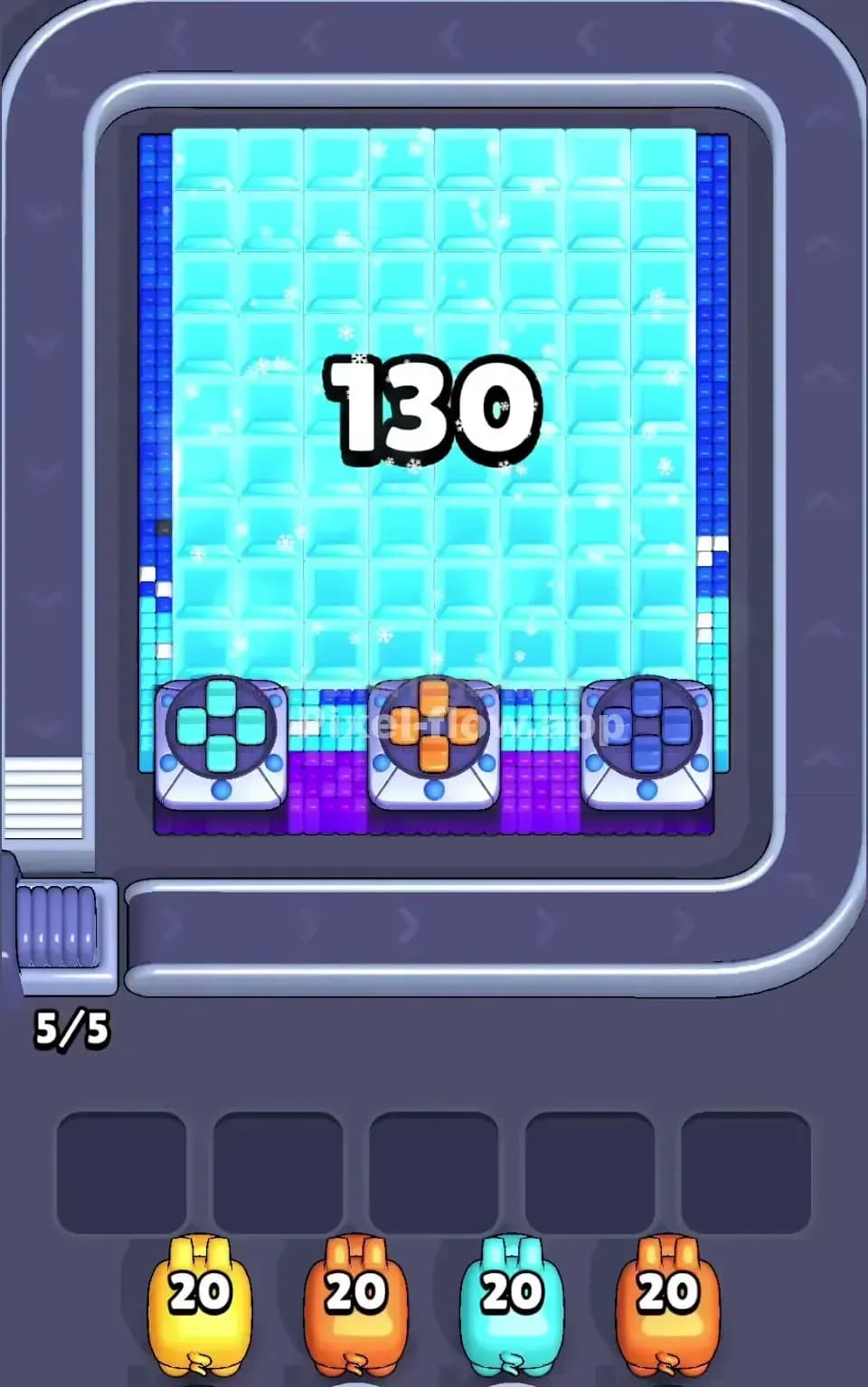
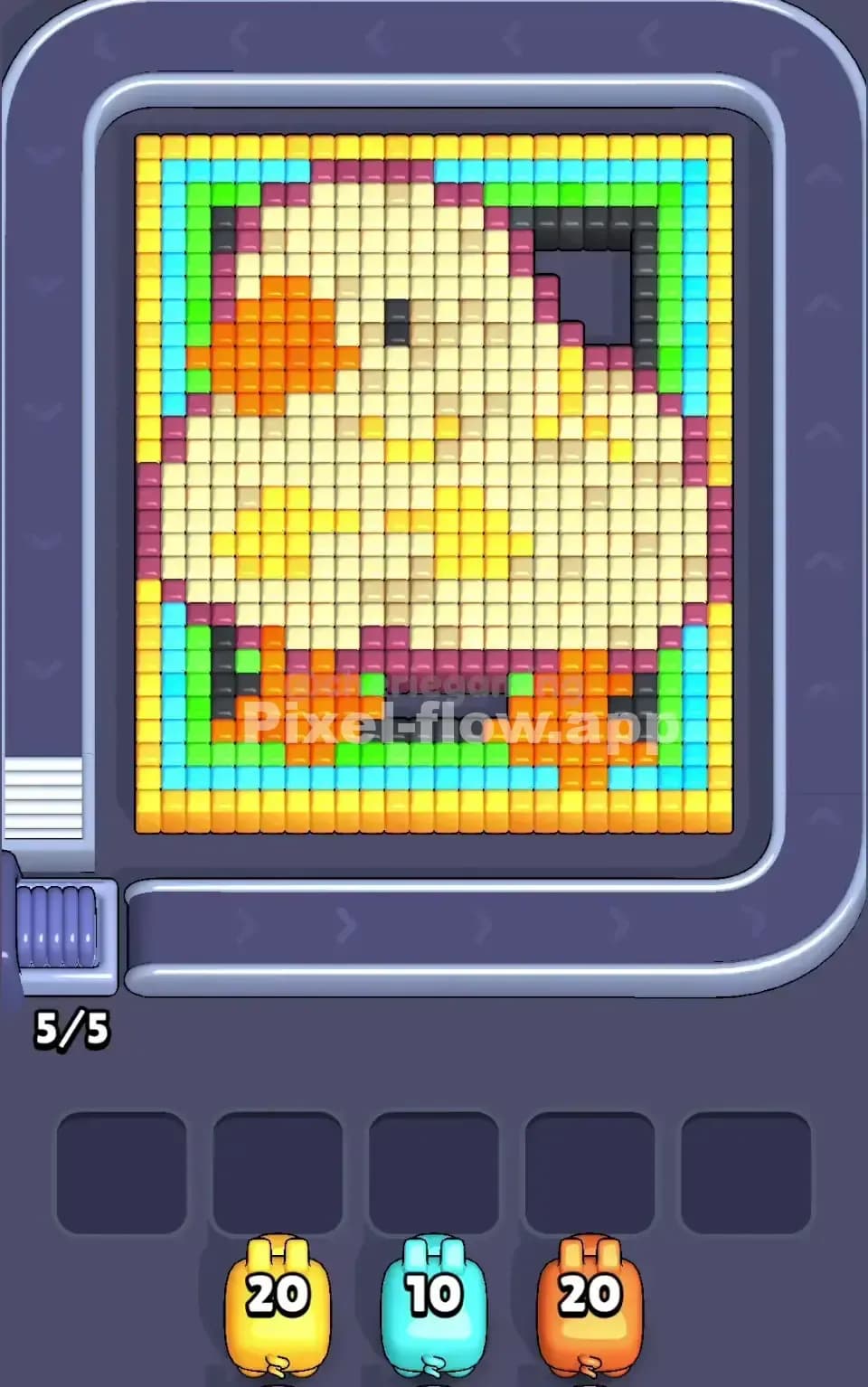
Pixel Flow Duck Level

Pixel Flow Astronaut Level
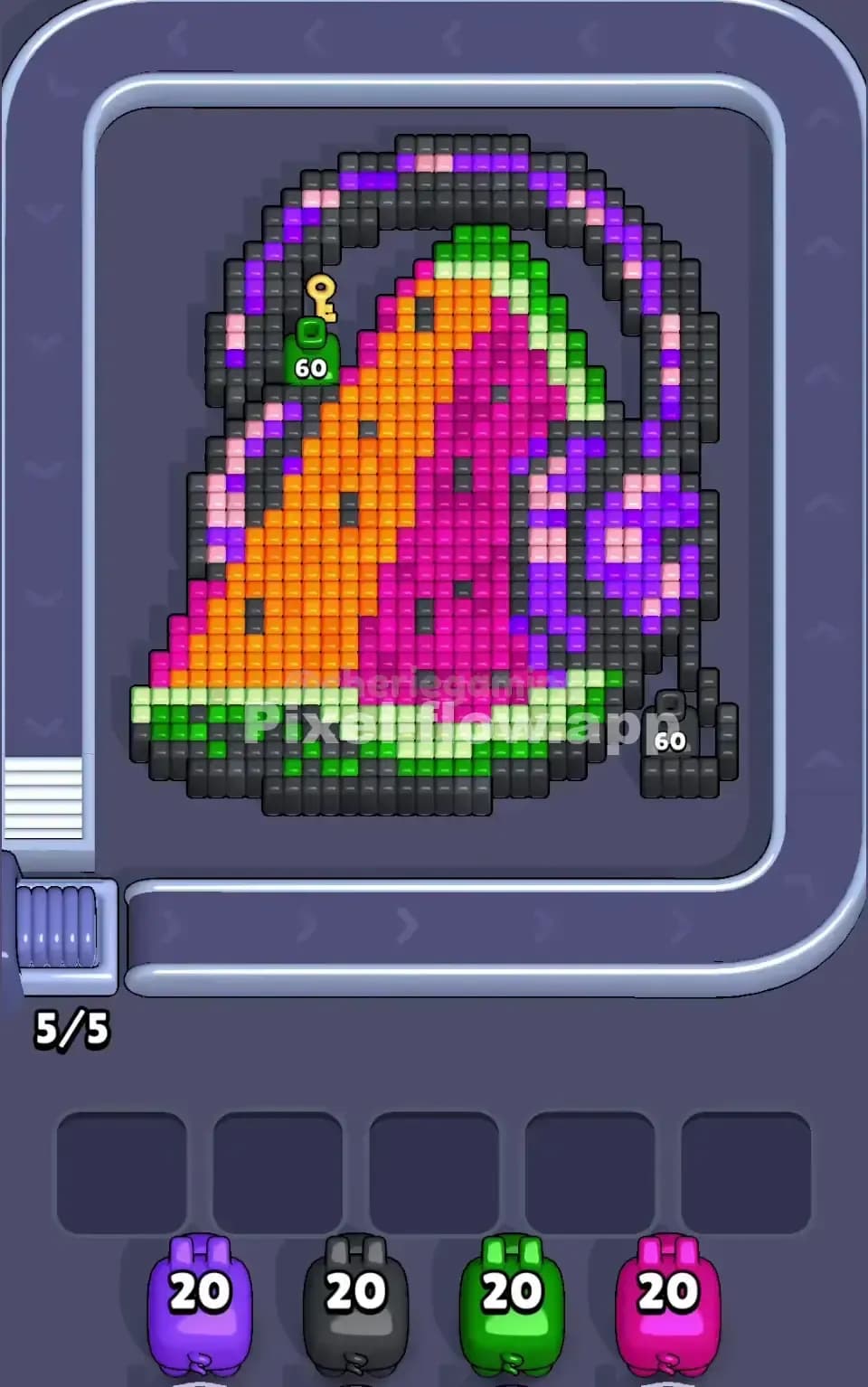
Pixel Flow Watermelon Headphones Level
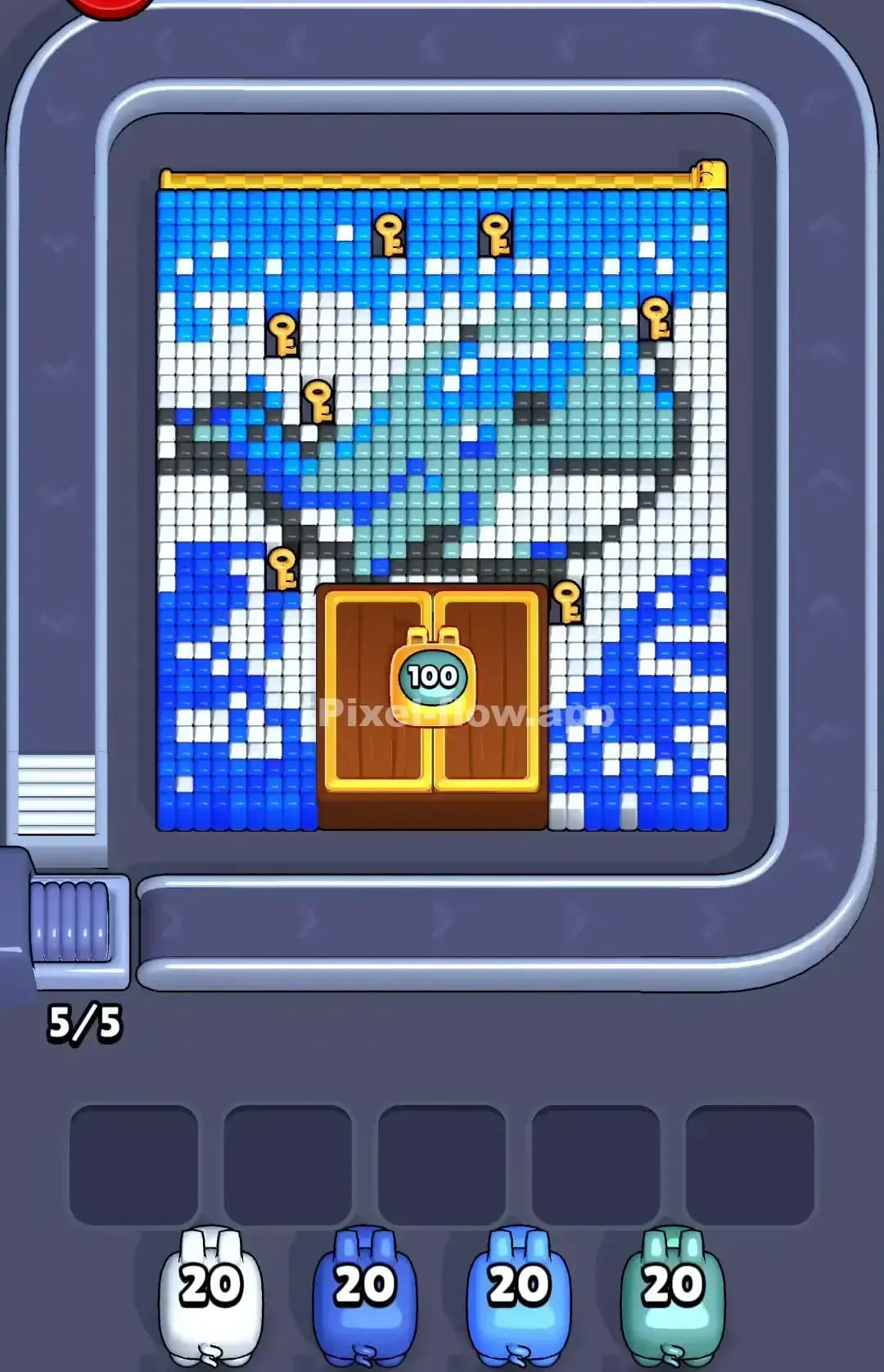
Pixel Flow Whale Level
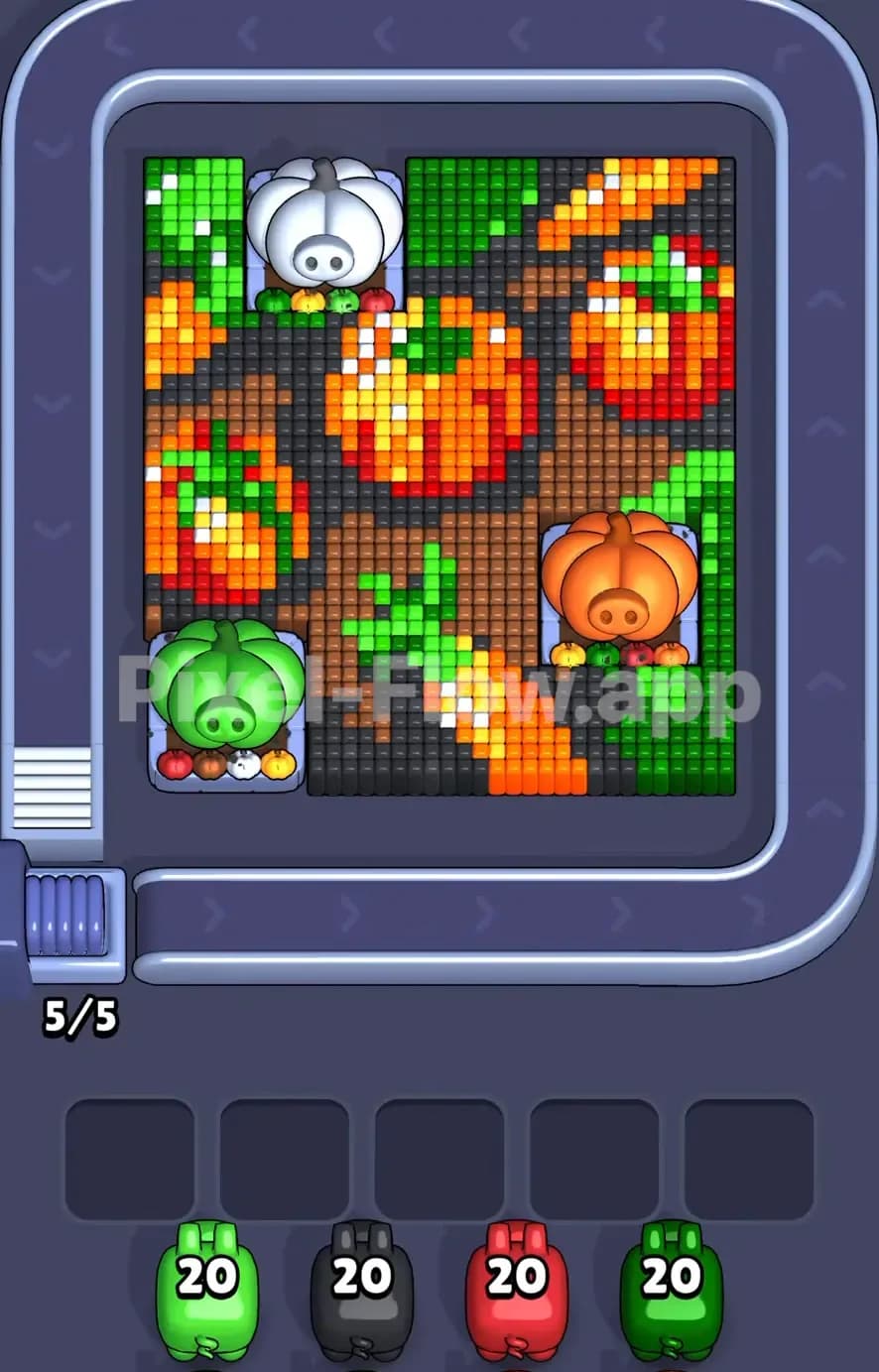
Pixel Flow Pumpkin Level
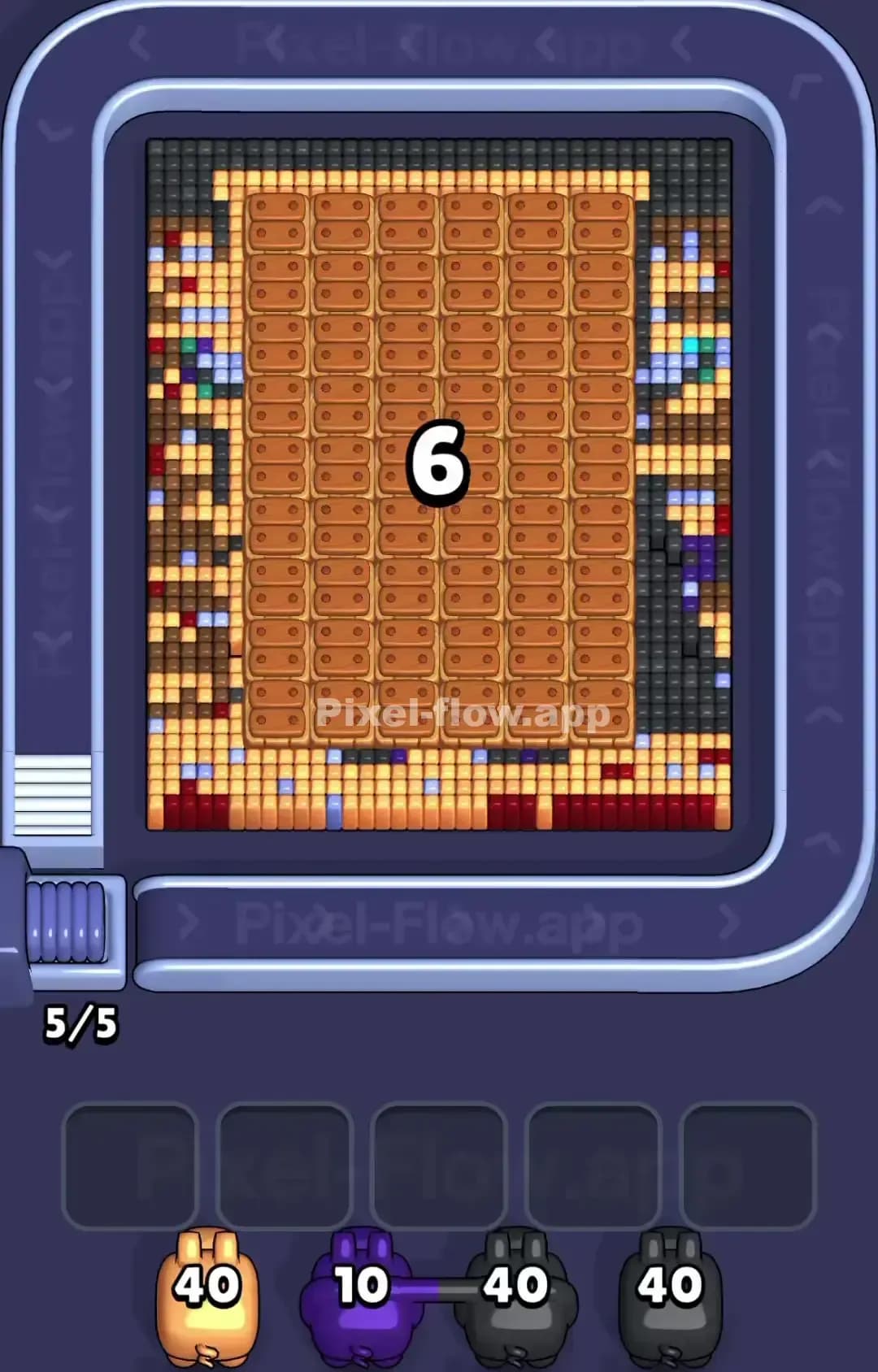
Pixel Flow Level 1600
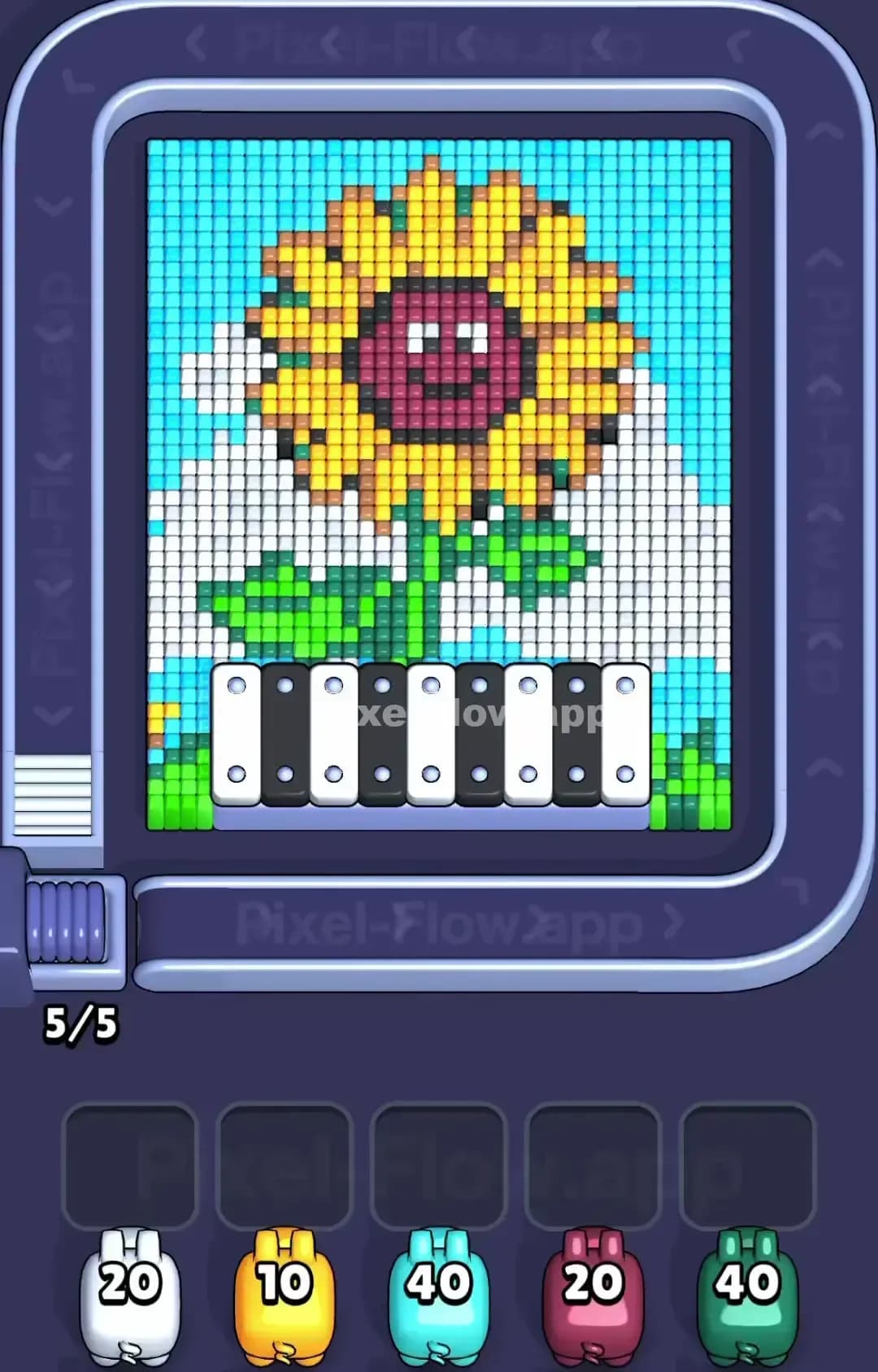
Pixel Flow Level 1599

Pixel Flow Level 1595
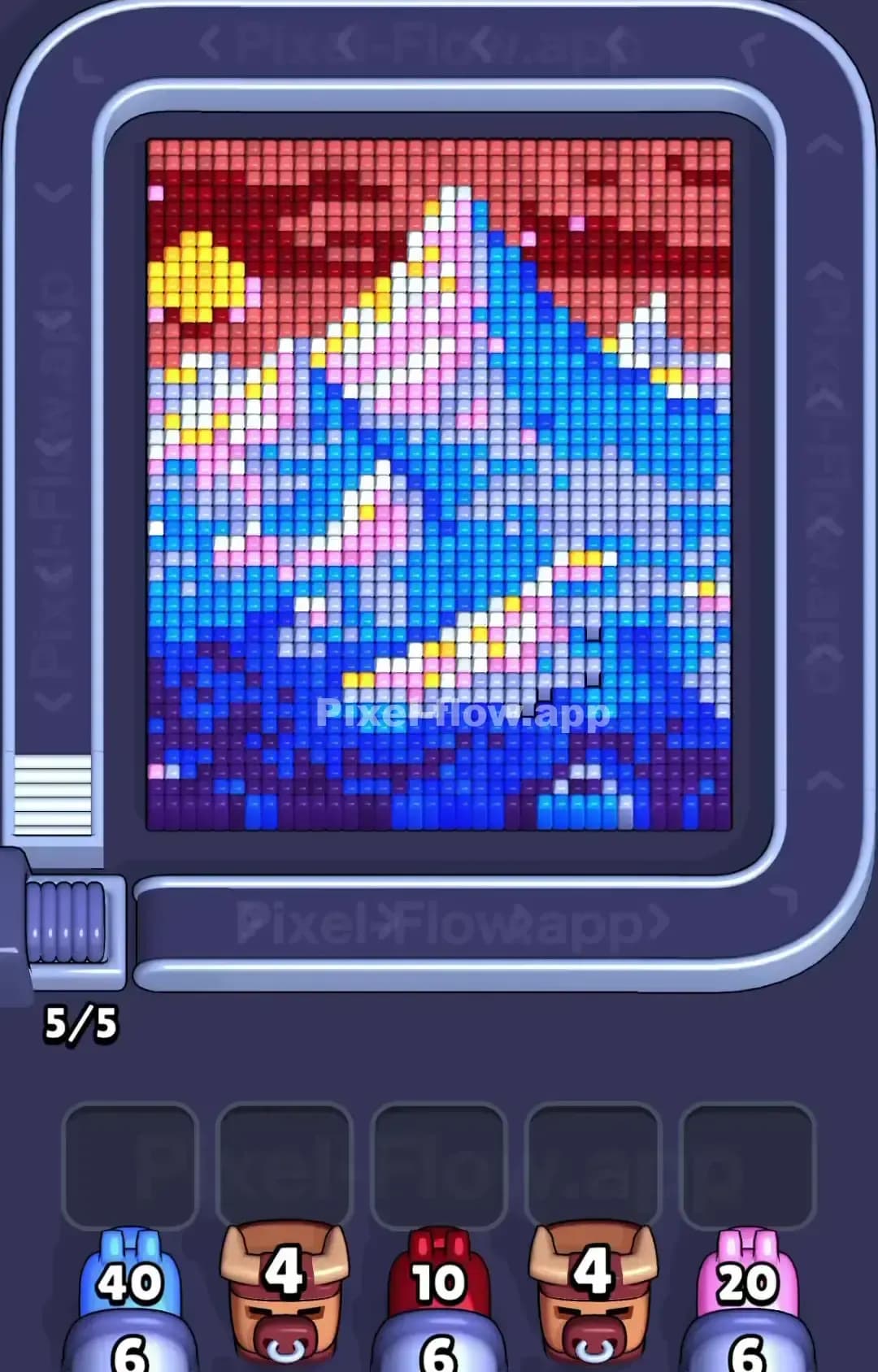
Pixel Flow Level 1590
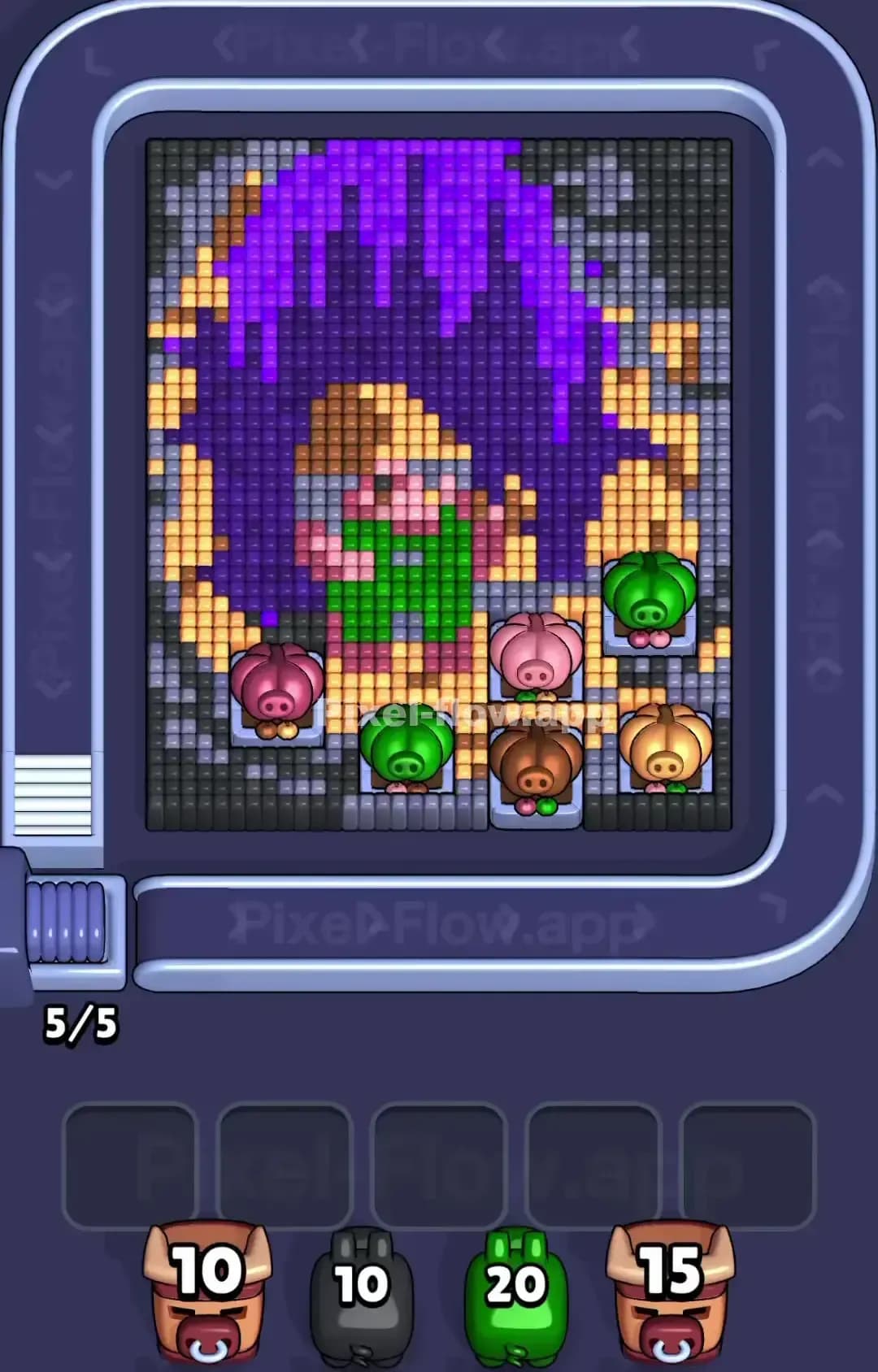
Pixel Flow Level 1589
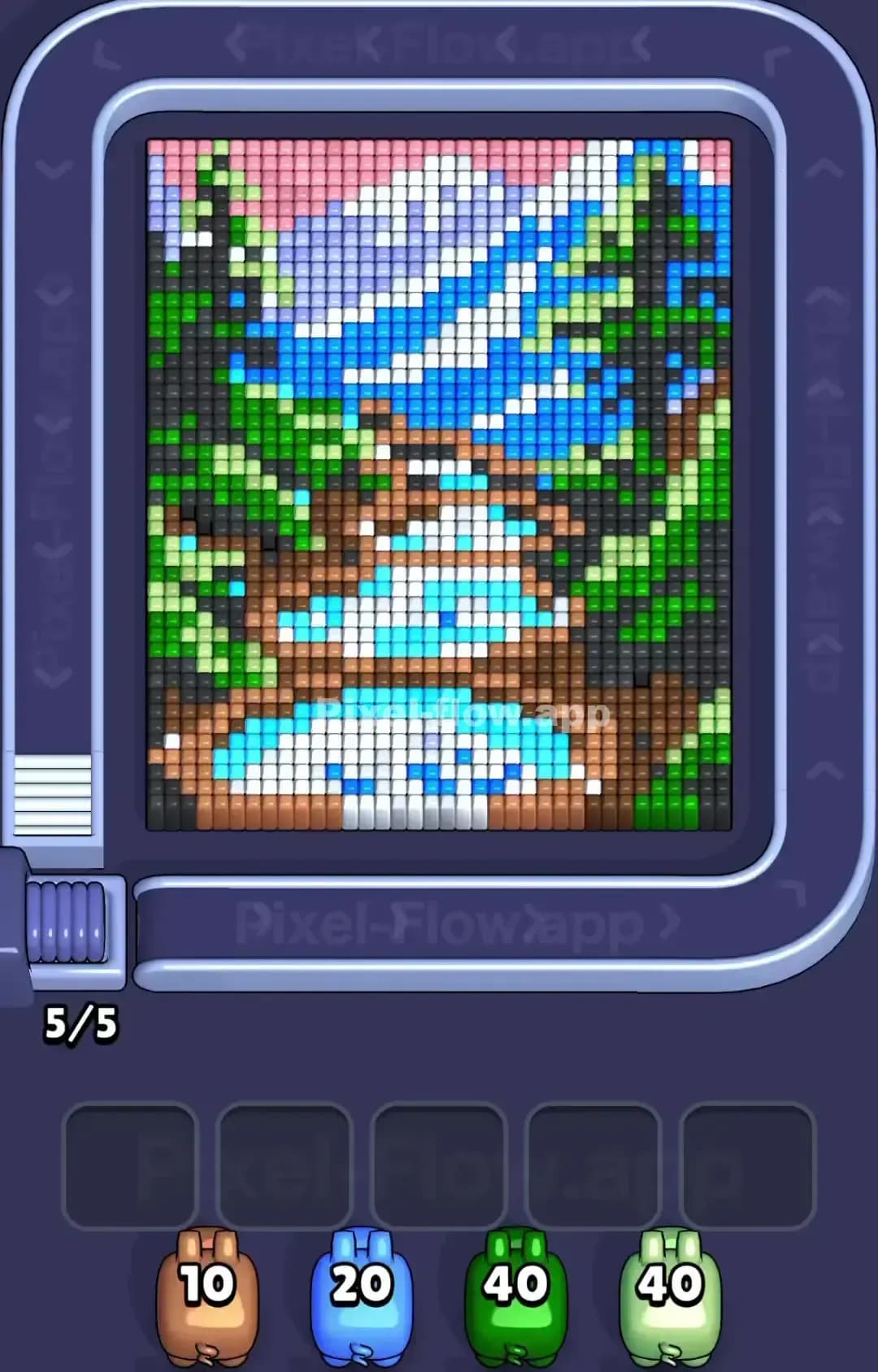
Pixel Flow Level 1585
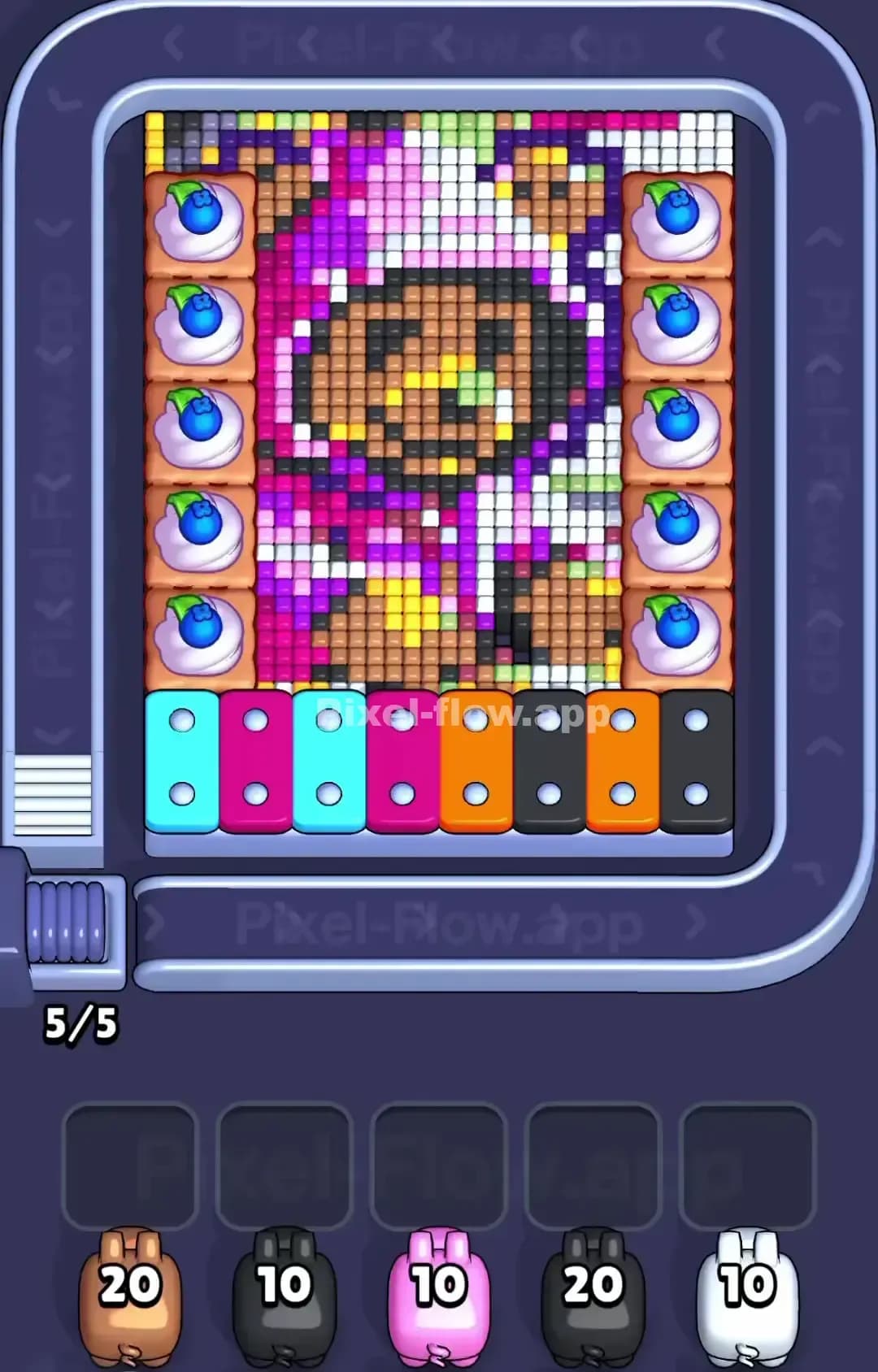
Pixel Flow Level 1580

Pixel Flow Level 1579
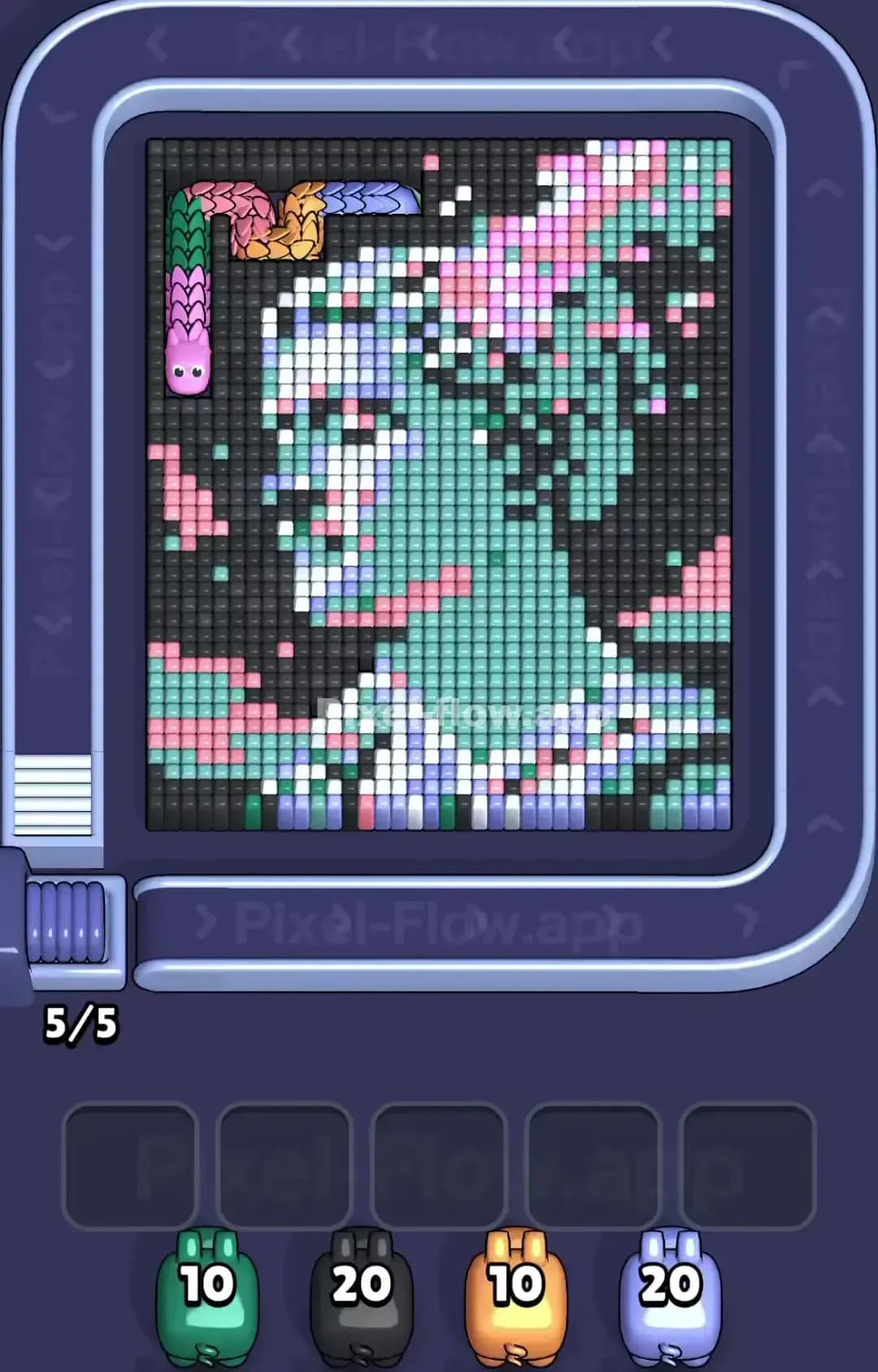
Pixel Flow Level 1575

Pixel Flow Level 1570

Pixel Flow Level 1569
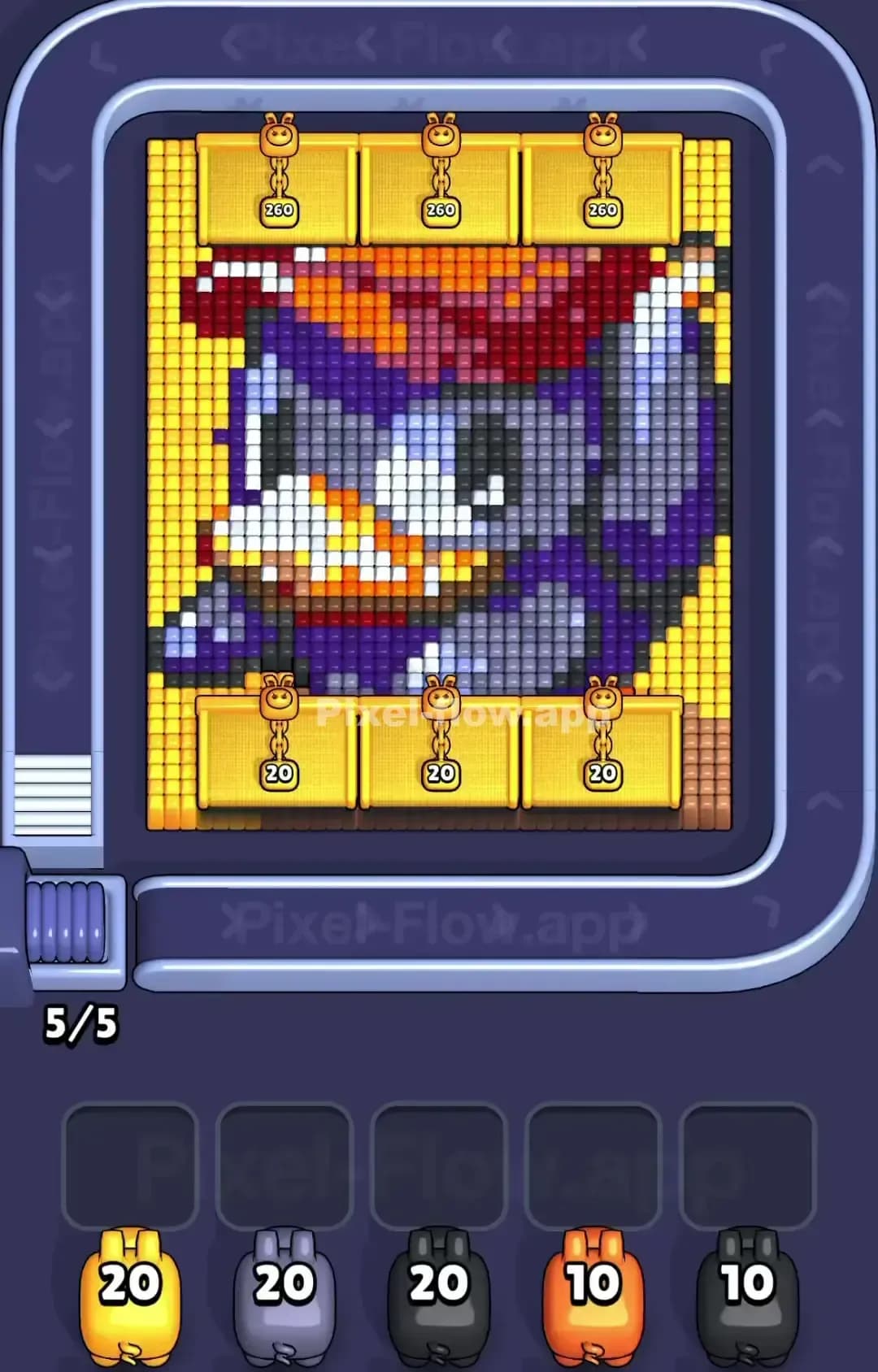
Pixel Flow Level 1565
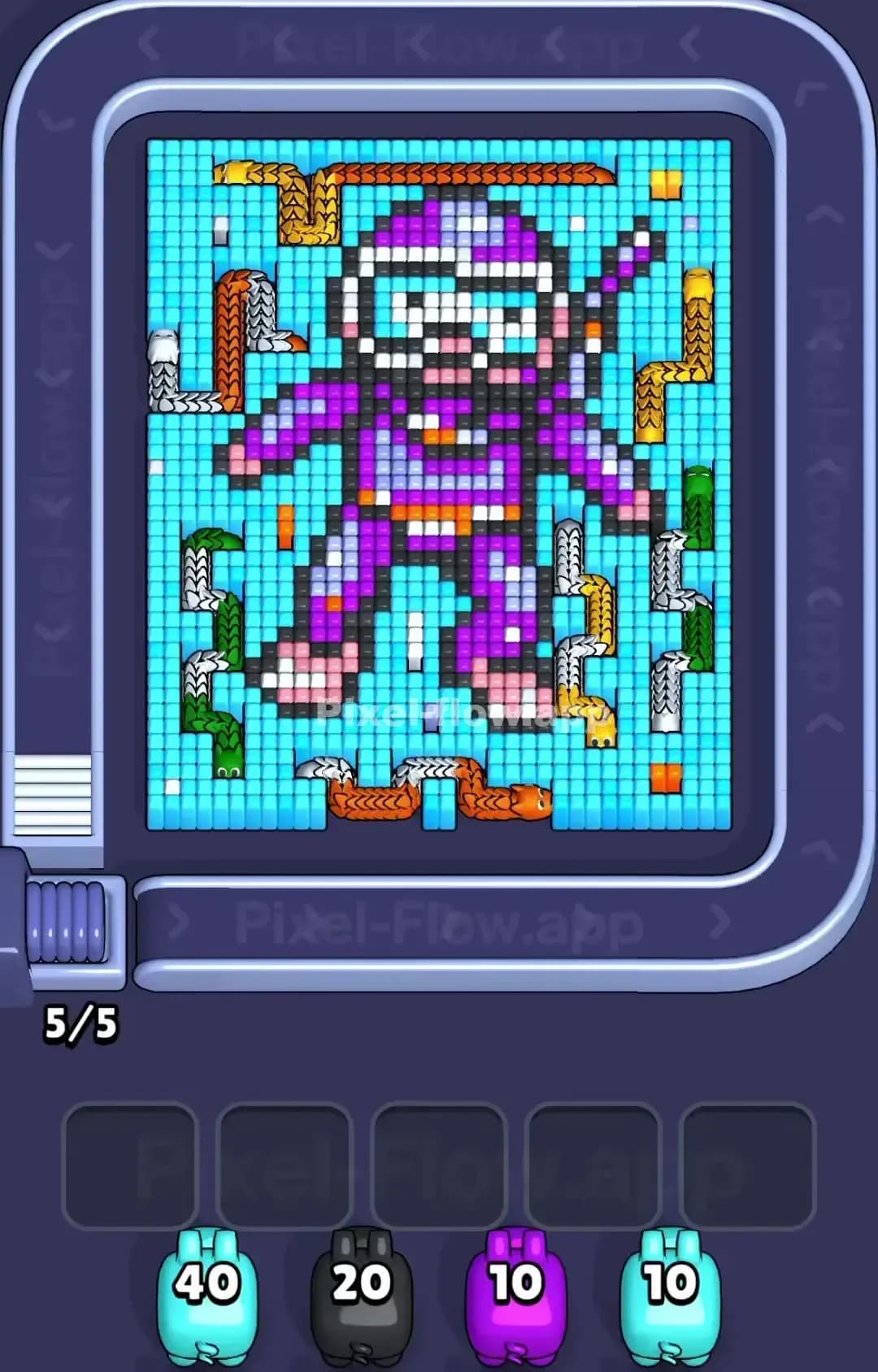
Pixel Flow Level 1560
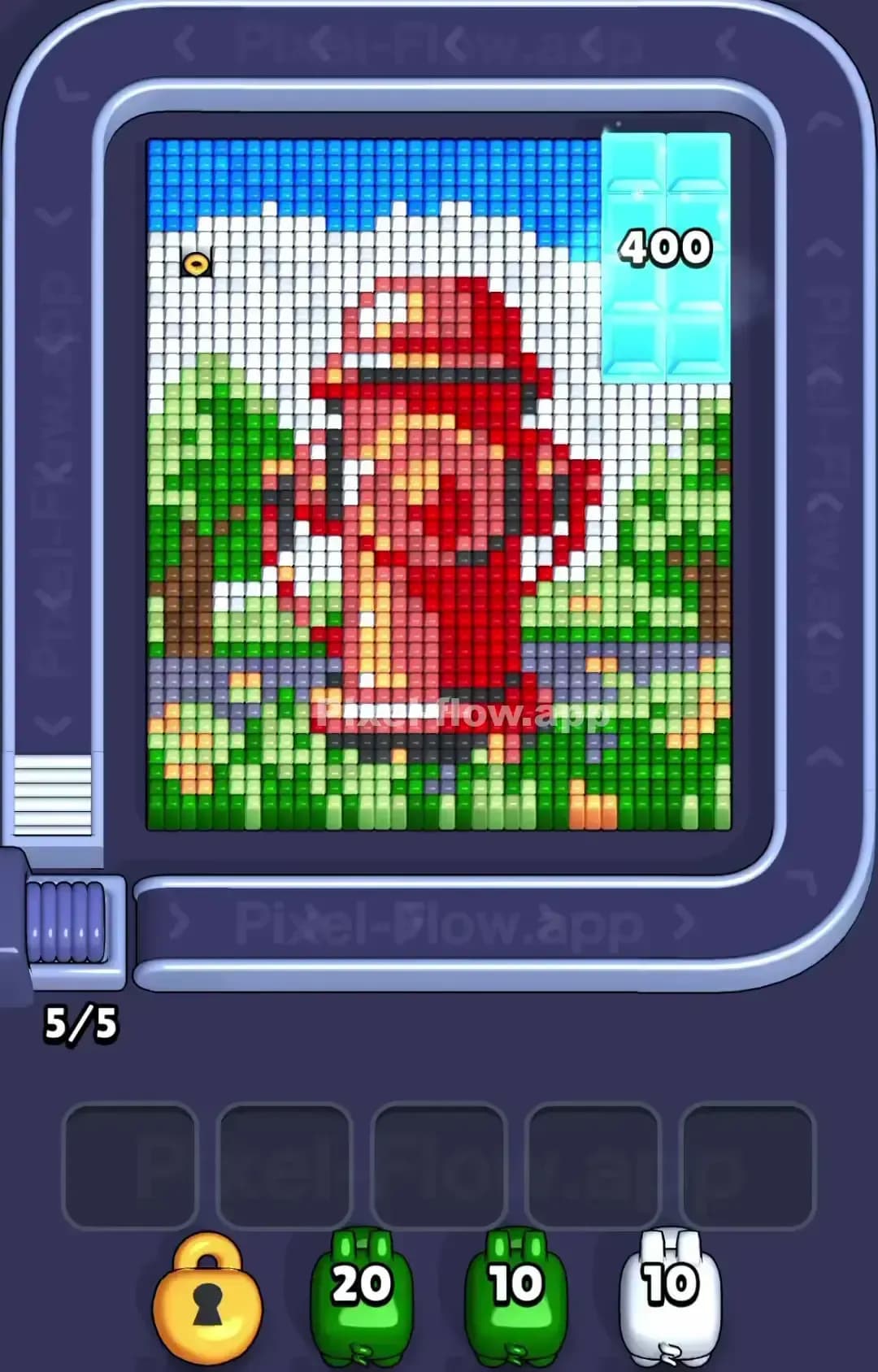
Pixel Flow Level 1559
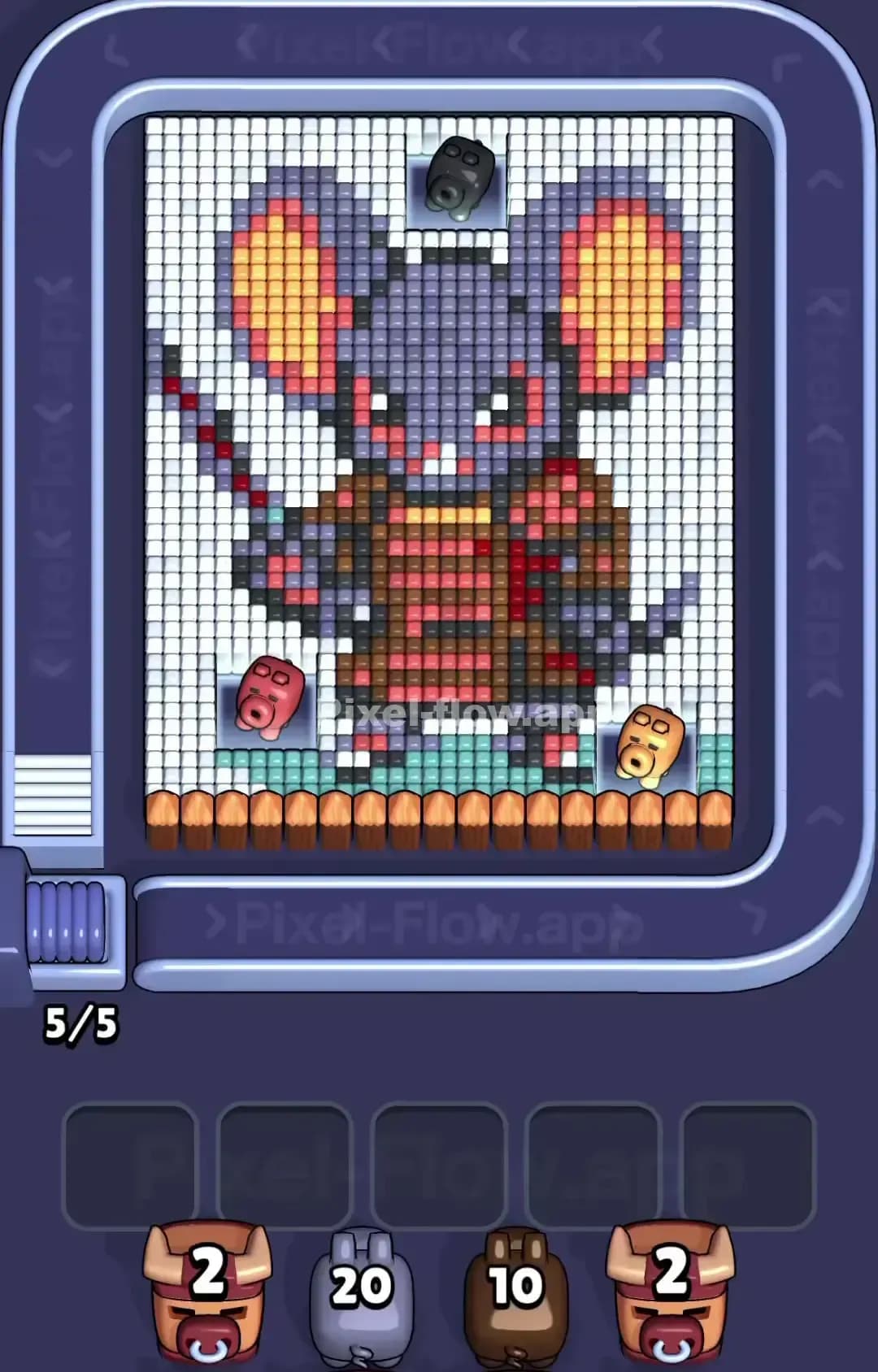
Pixel Flow Level 1555
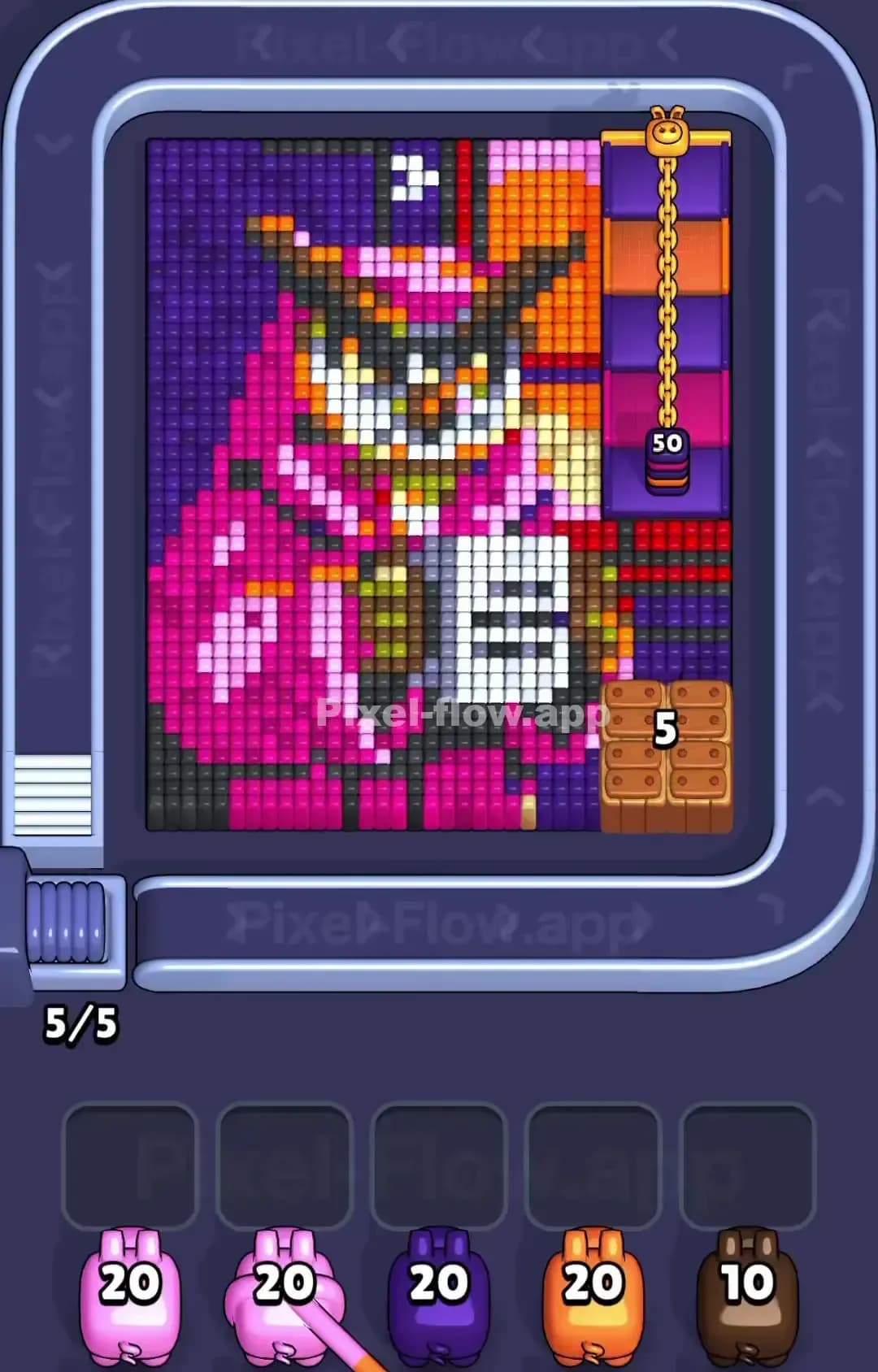
Pixel Flow Level 1550
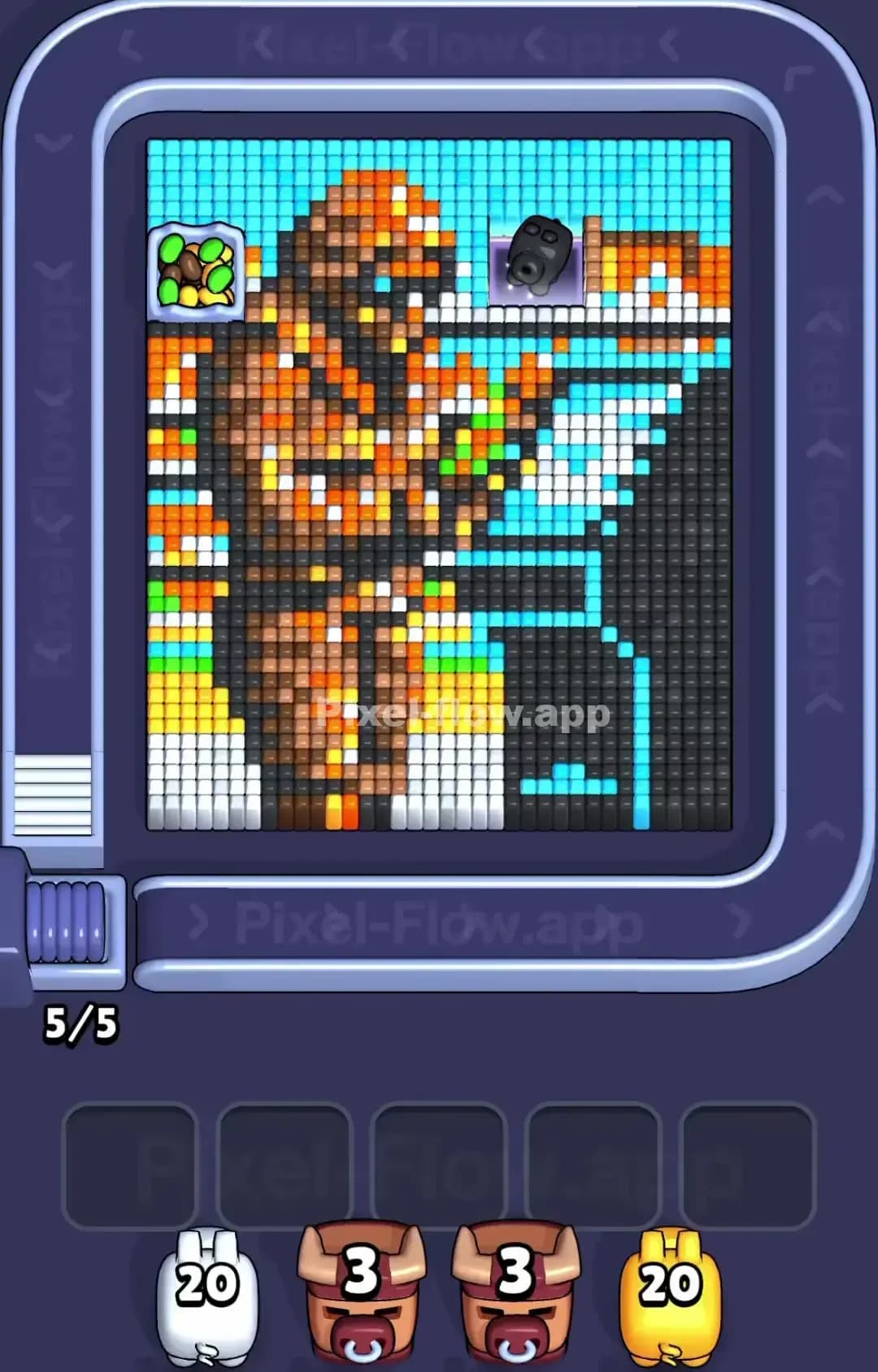
Pixel Flow Level 1549

Pixel Flow Level 1545
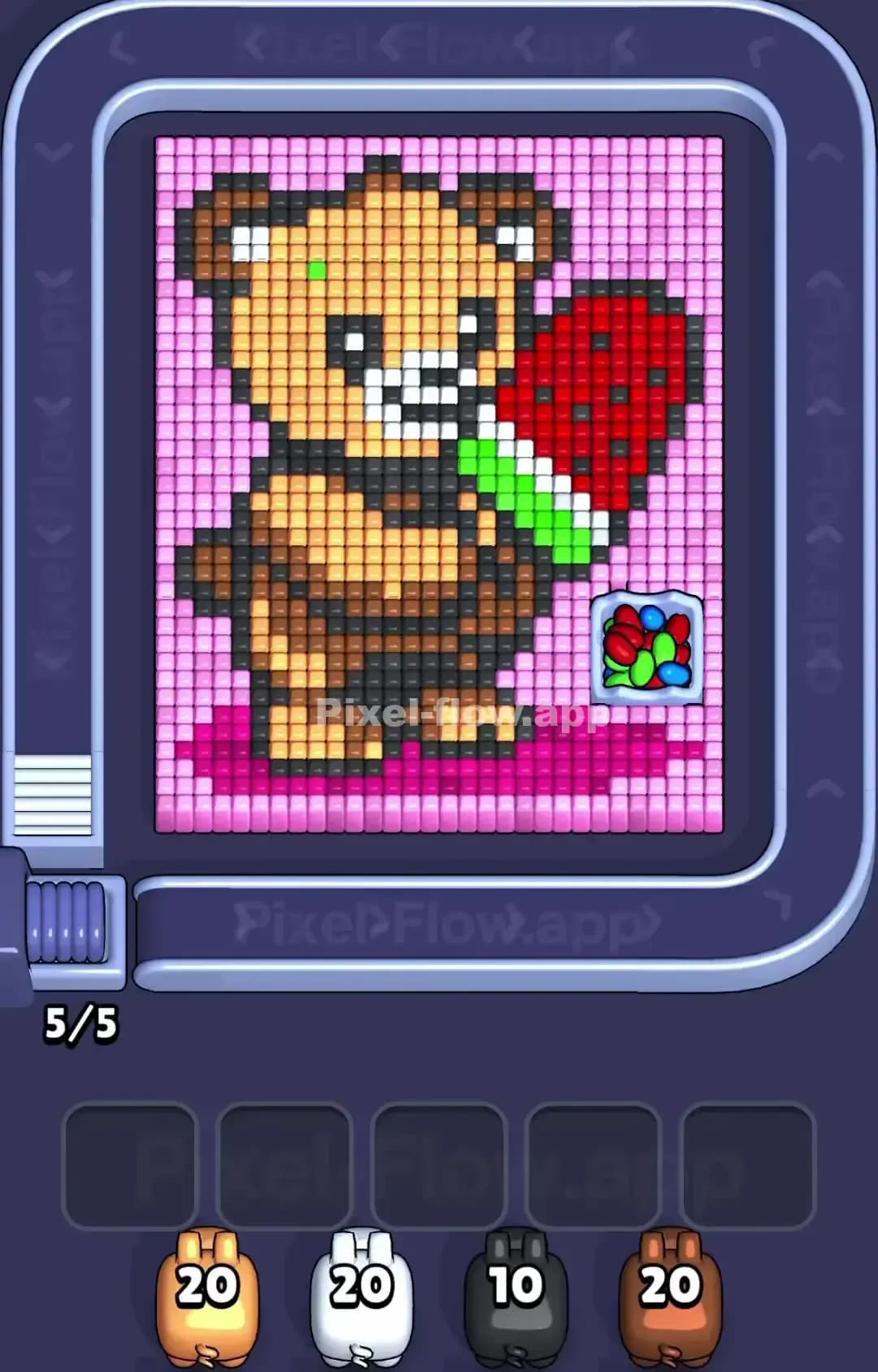
Pixel Flow Level 1540

Pixel Flow Level 1539
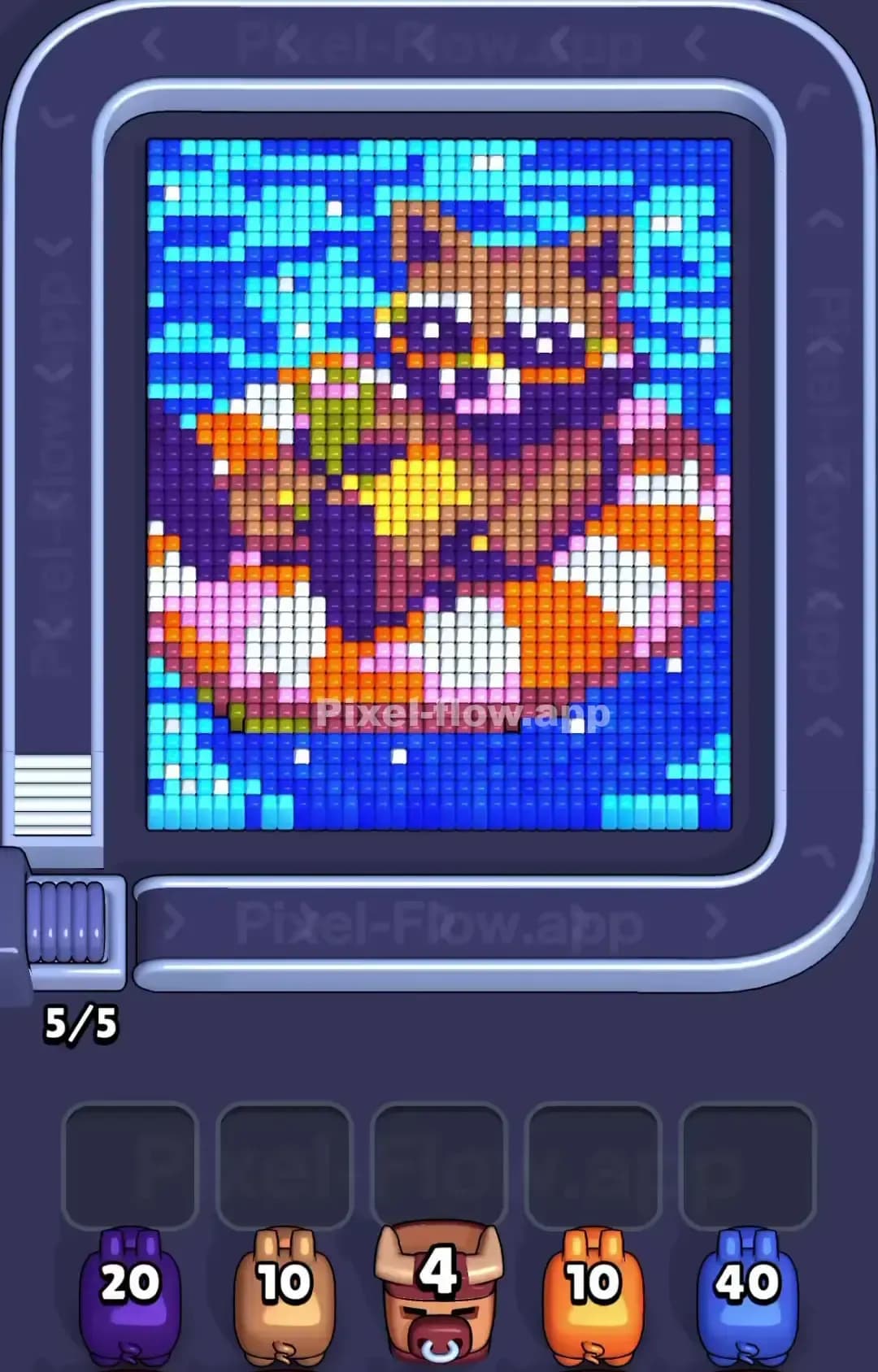
Pixel Flow Level 1535
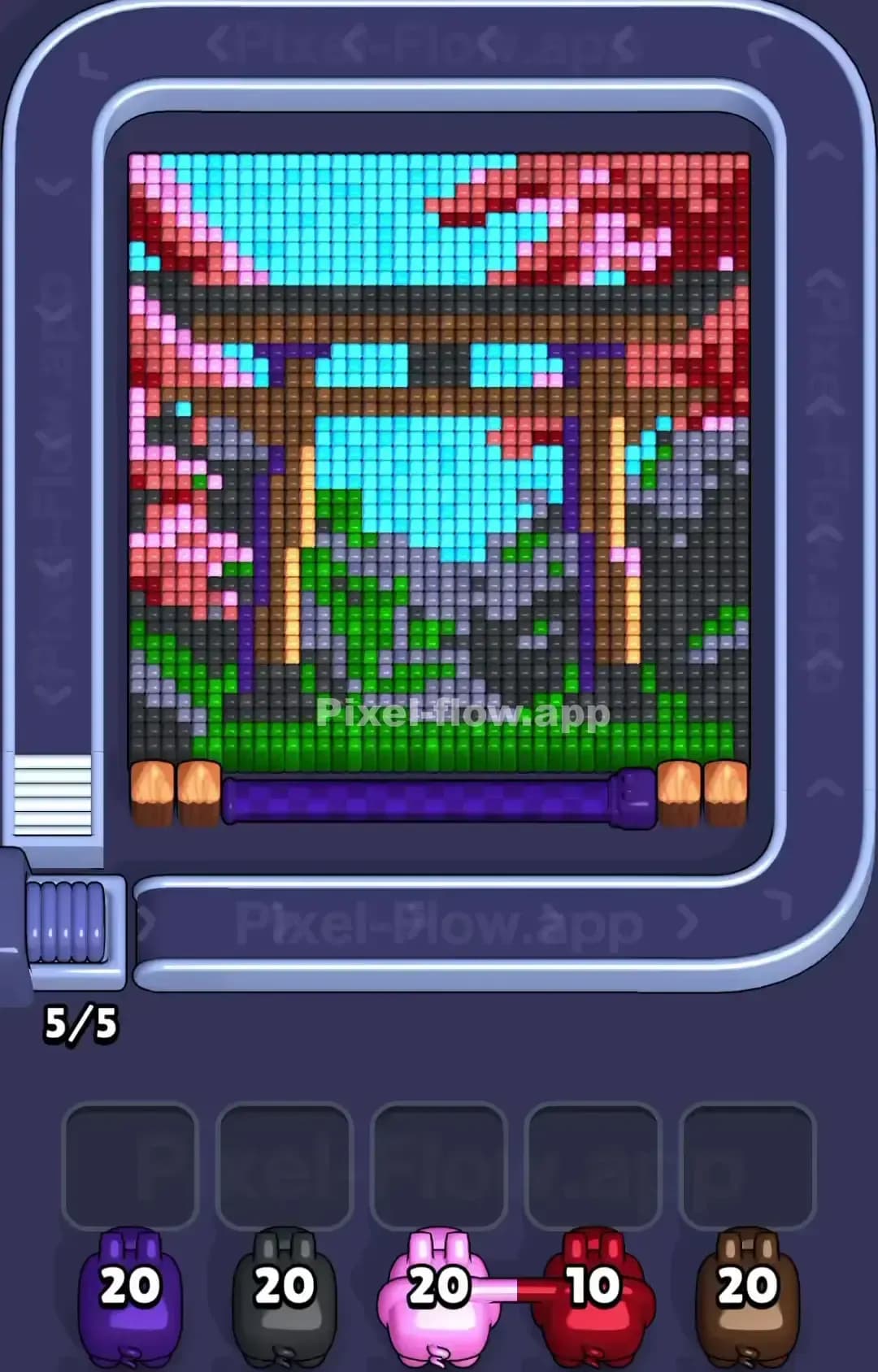
Pixel Flow Level 1530
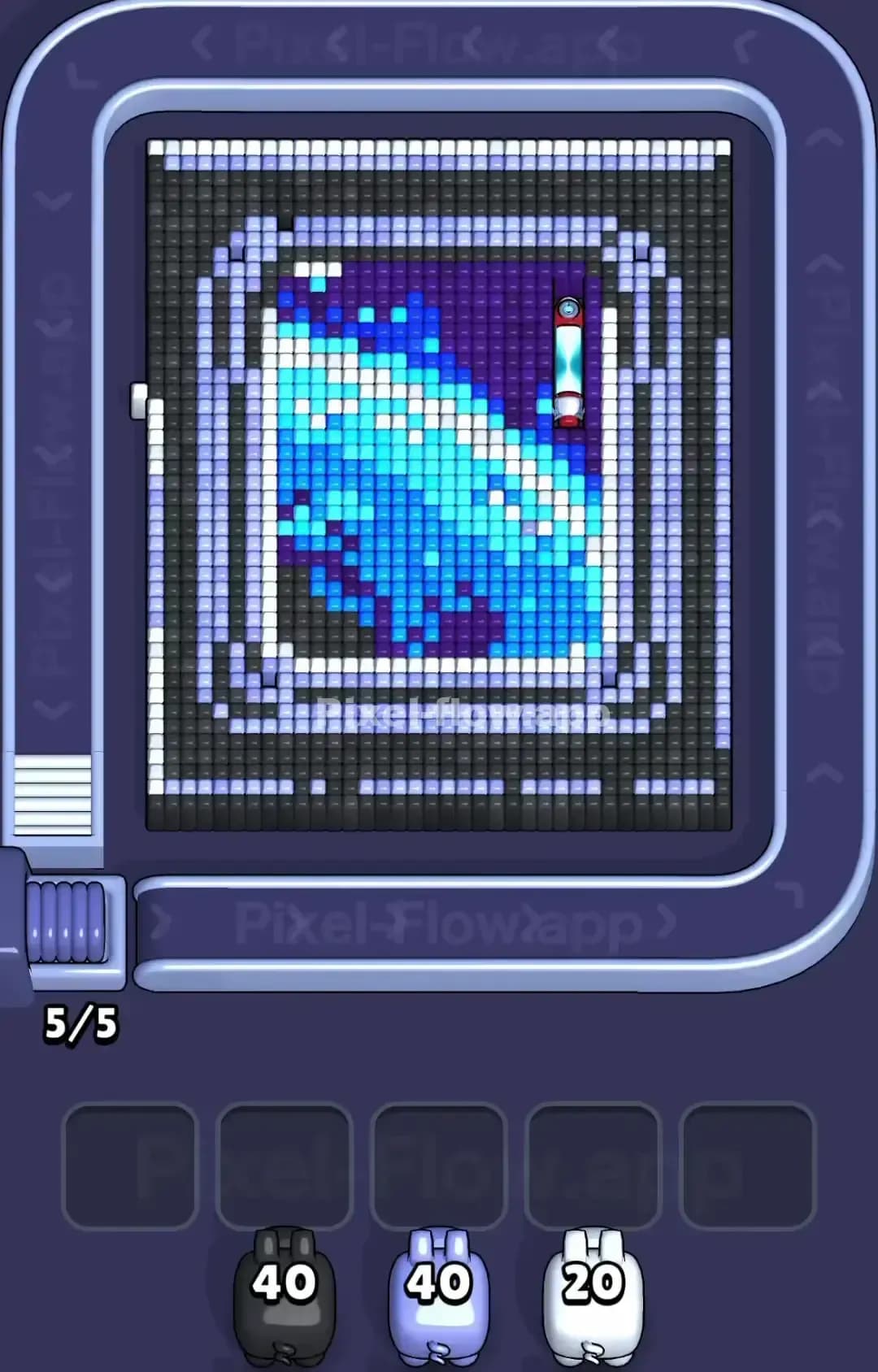
Pixel Flow Level 1529
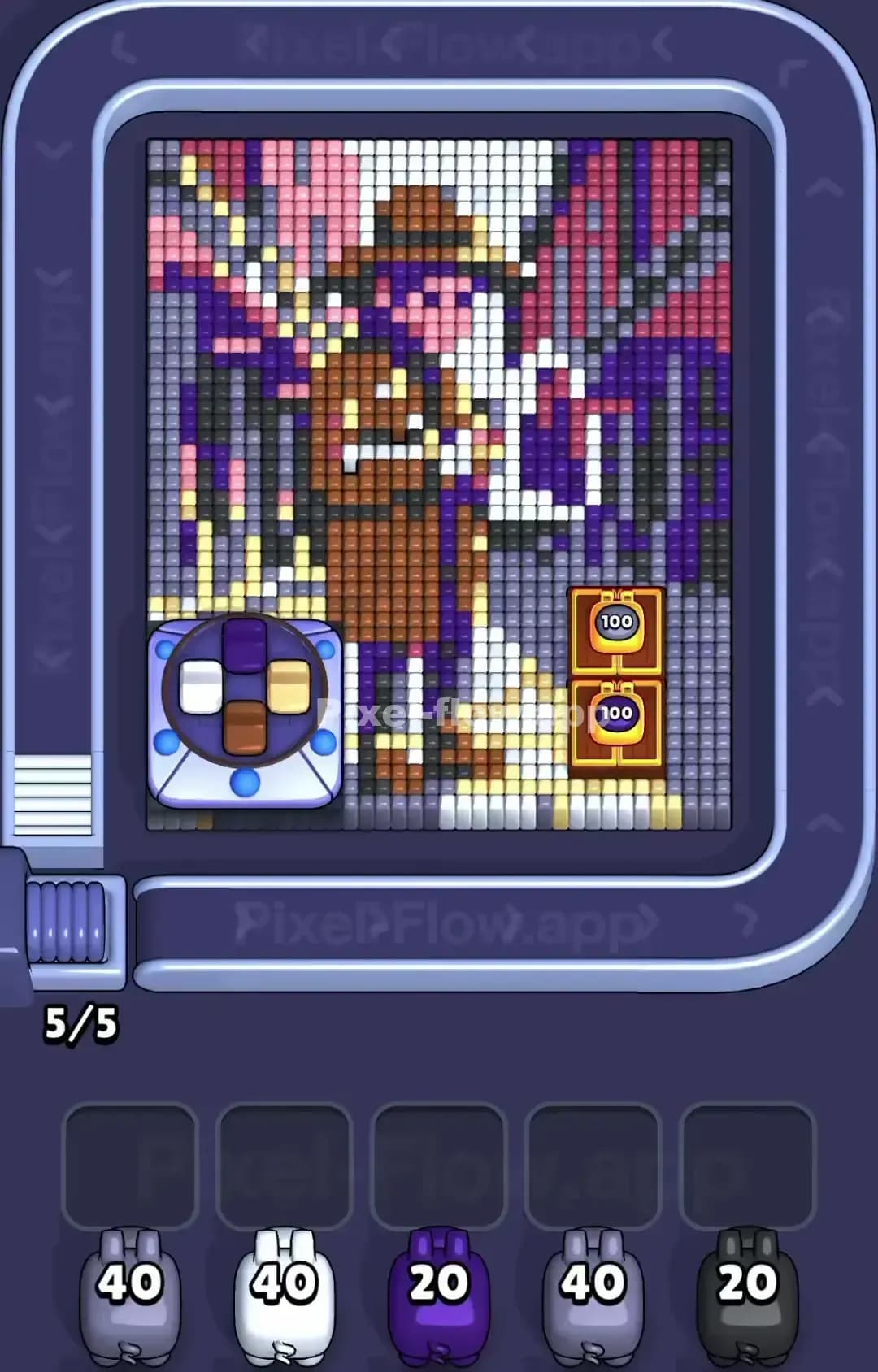
Pixel Flow Level 1525
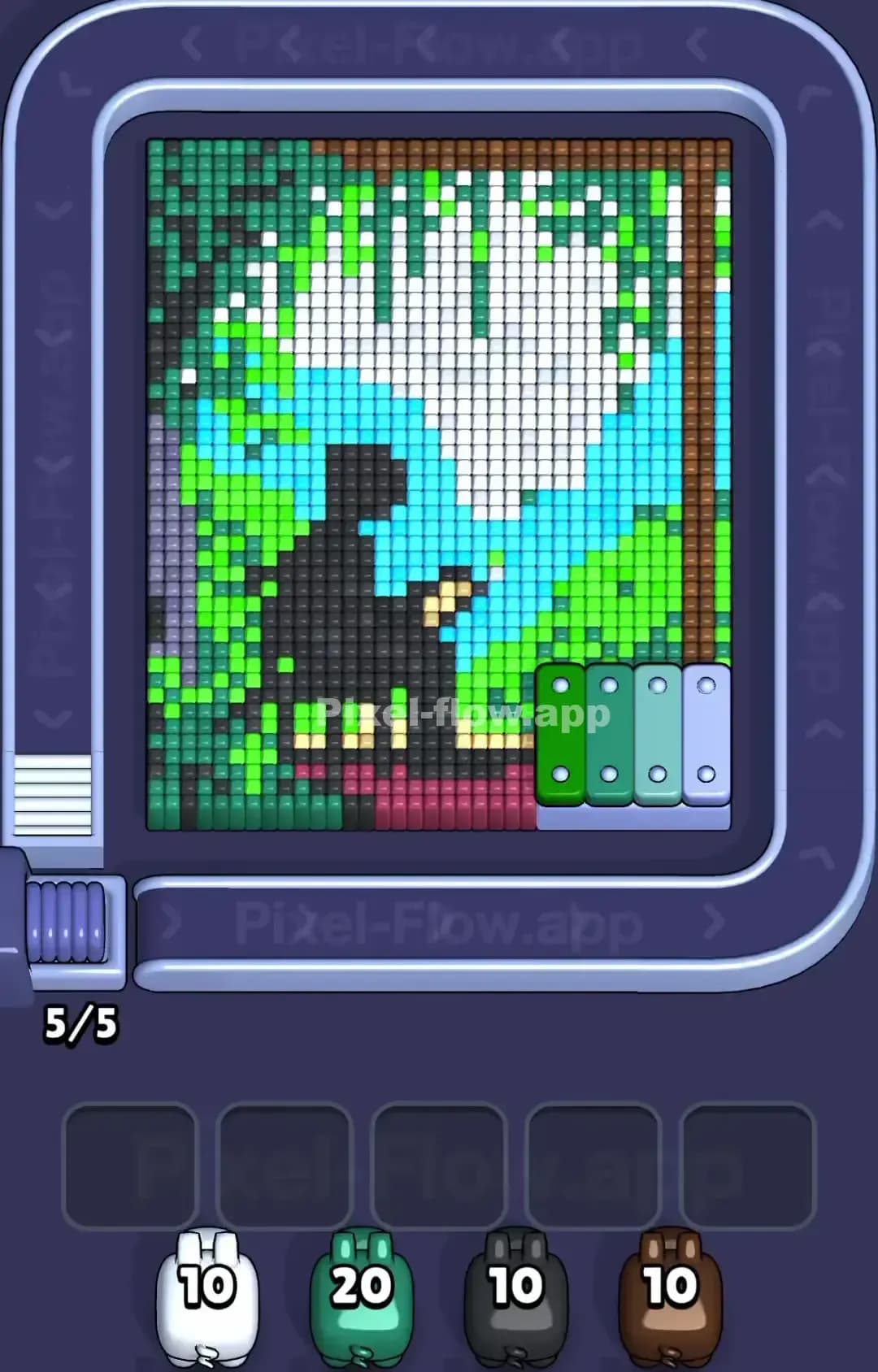
Pixel Flow Level 1520
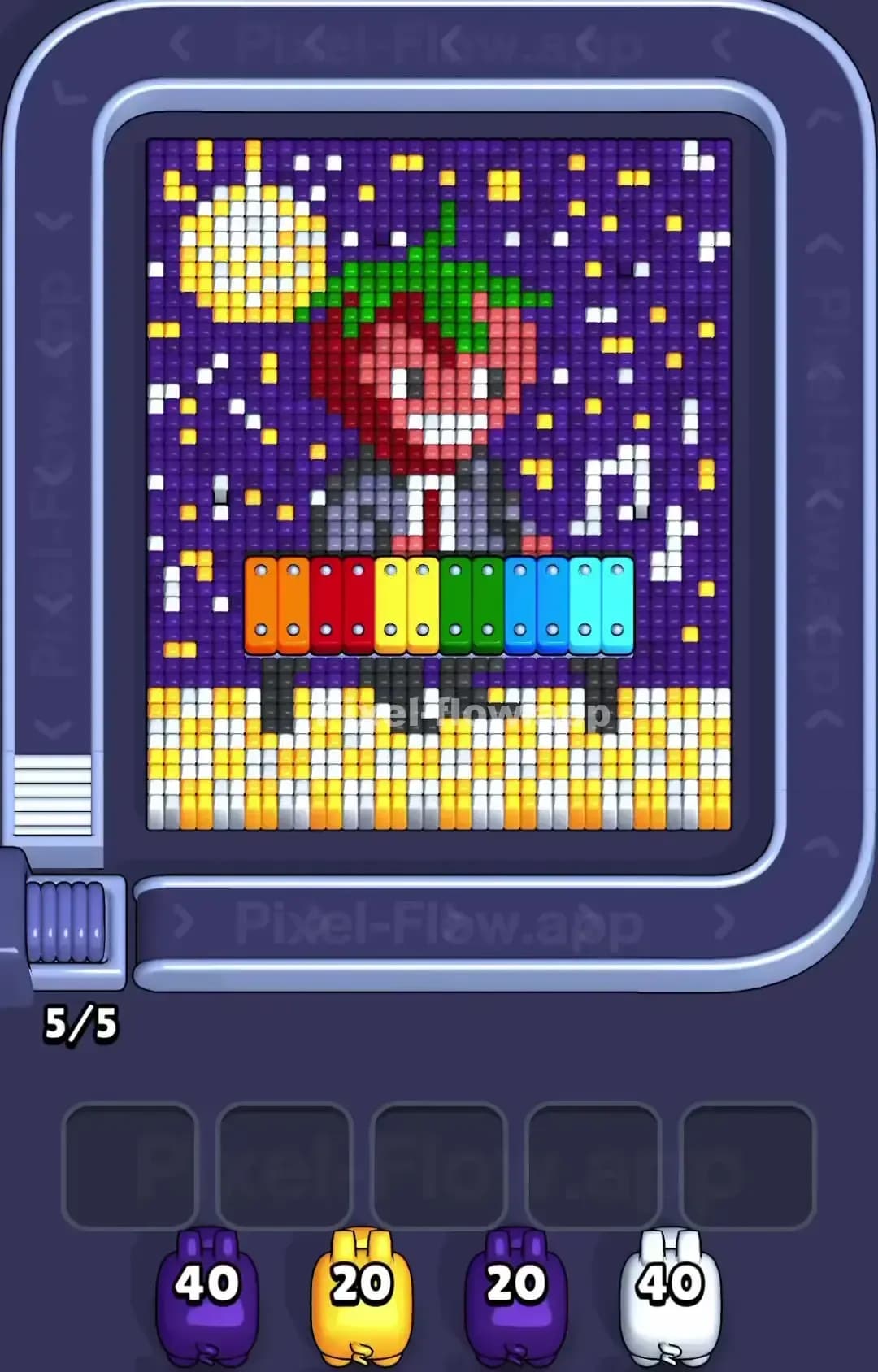
Pixel Flow Level 1519

Pixel Flow Level 1515

Pixel Flow Level 1510
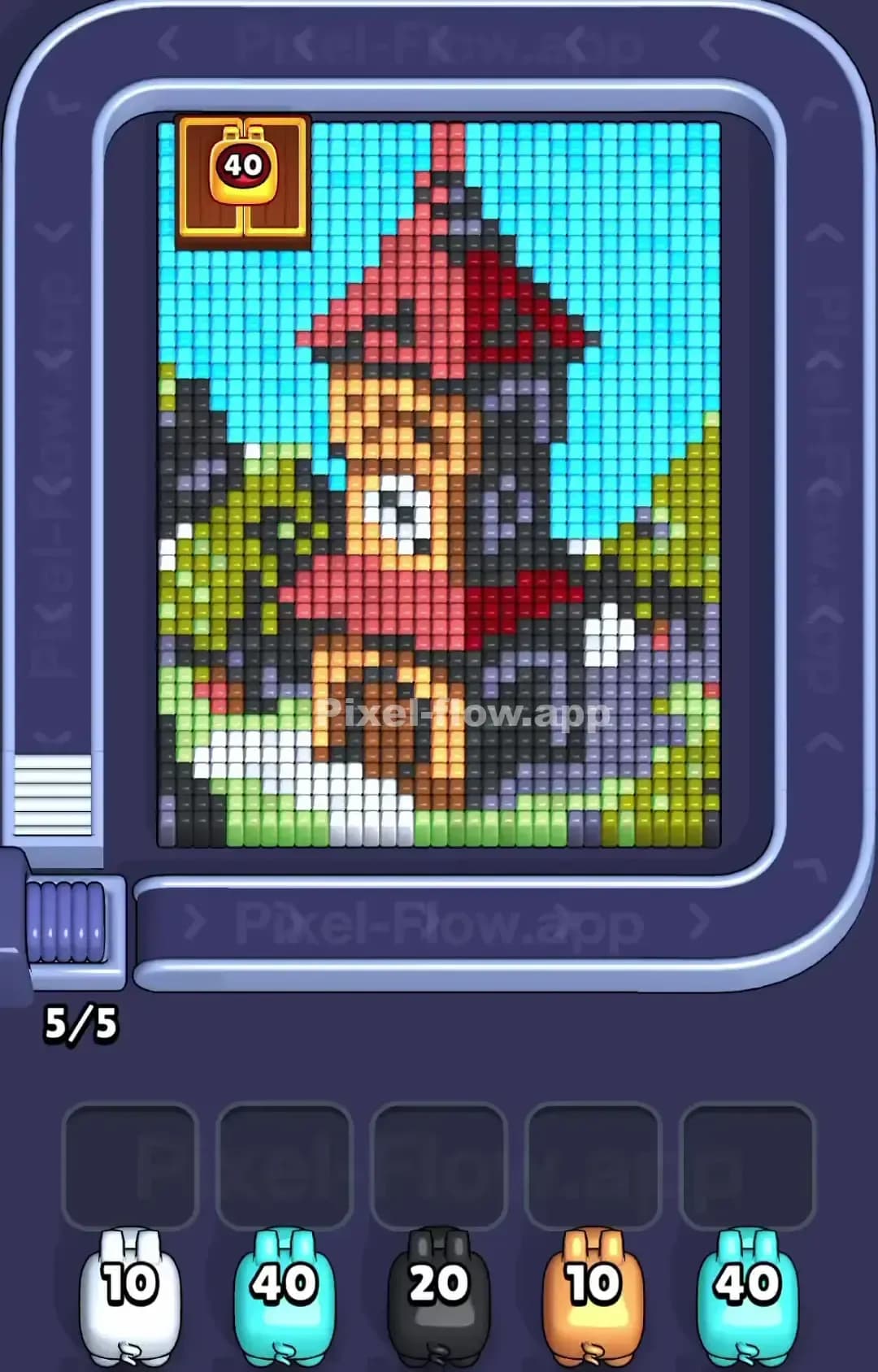
Pixel Flow Level 1509
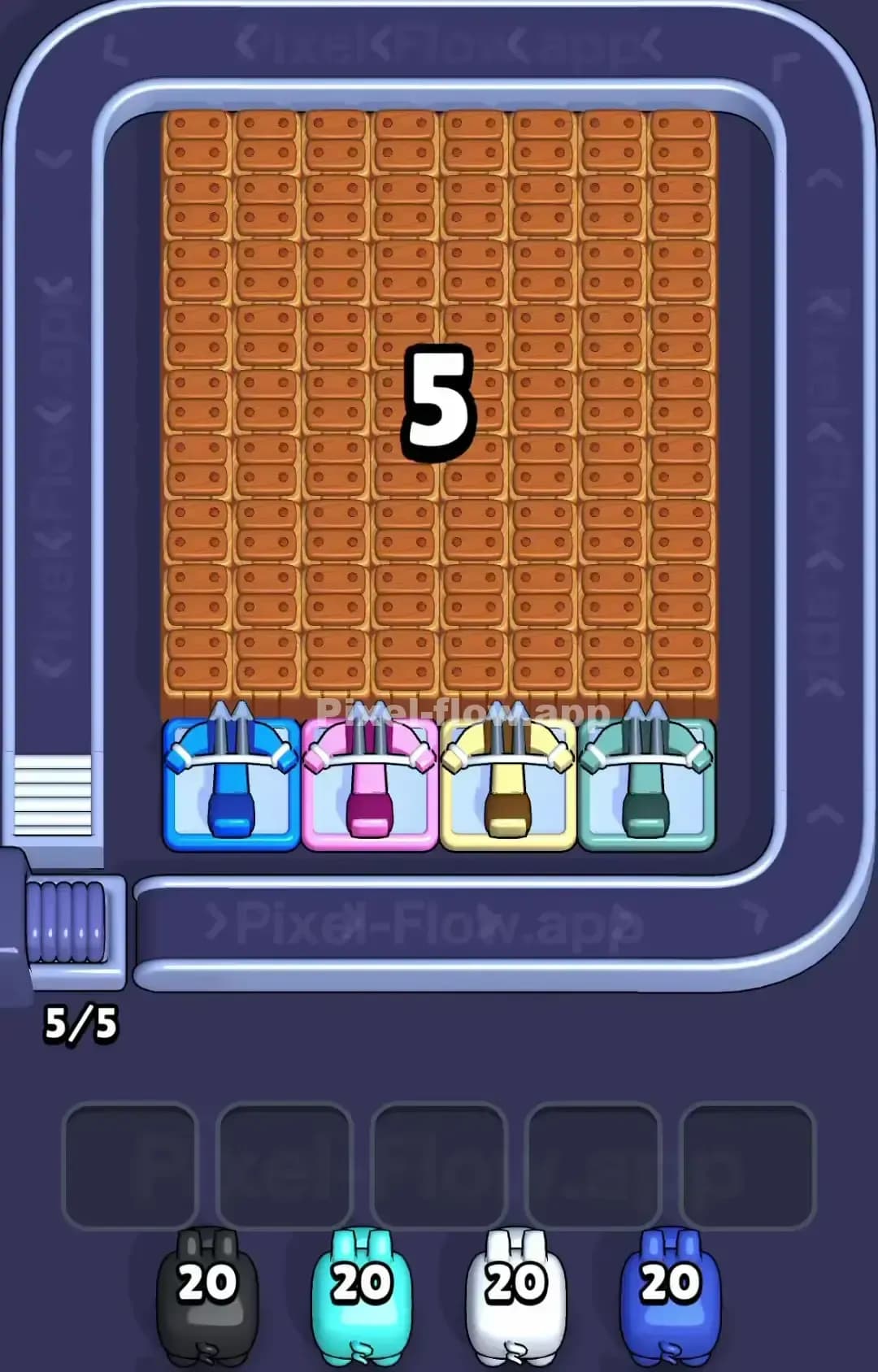
Pixel Flow Level 1505
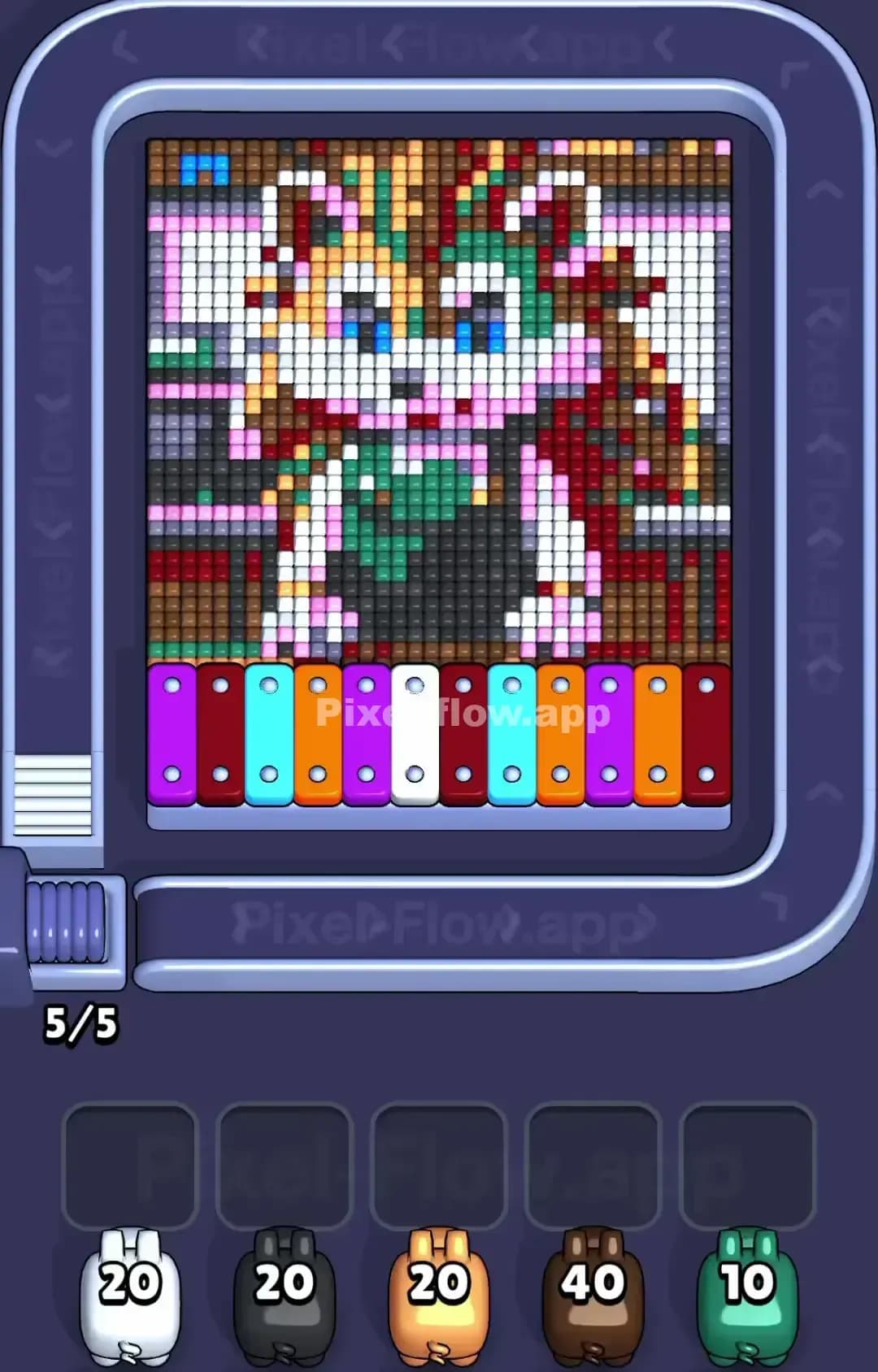
Pixel Flow Level 1500
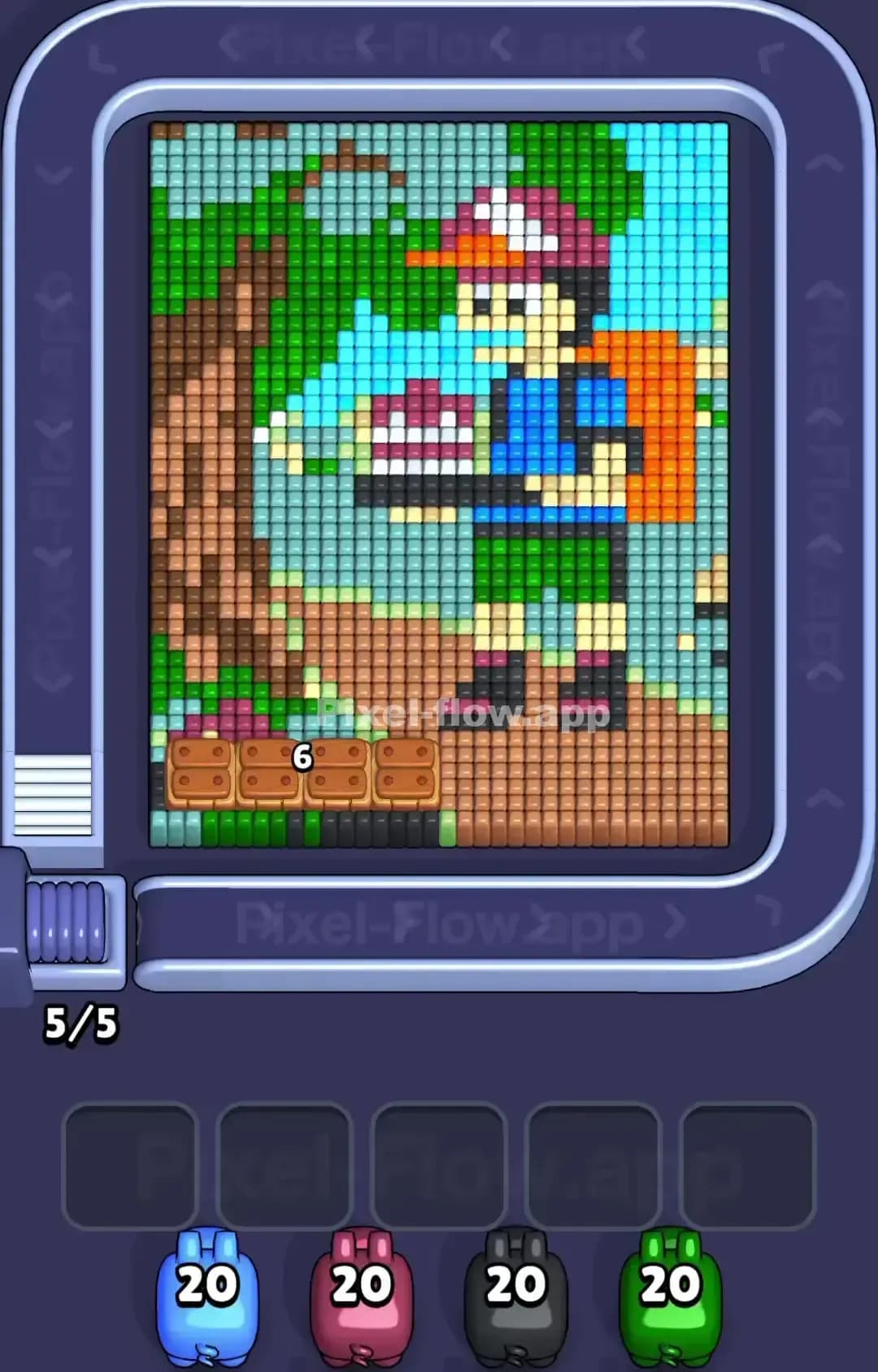
Pixel Flow Level 1499

Pixel Flow Level 1495
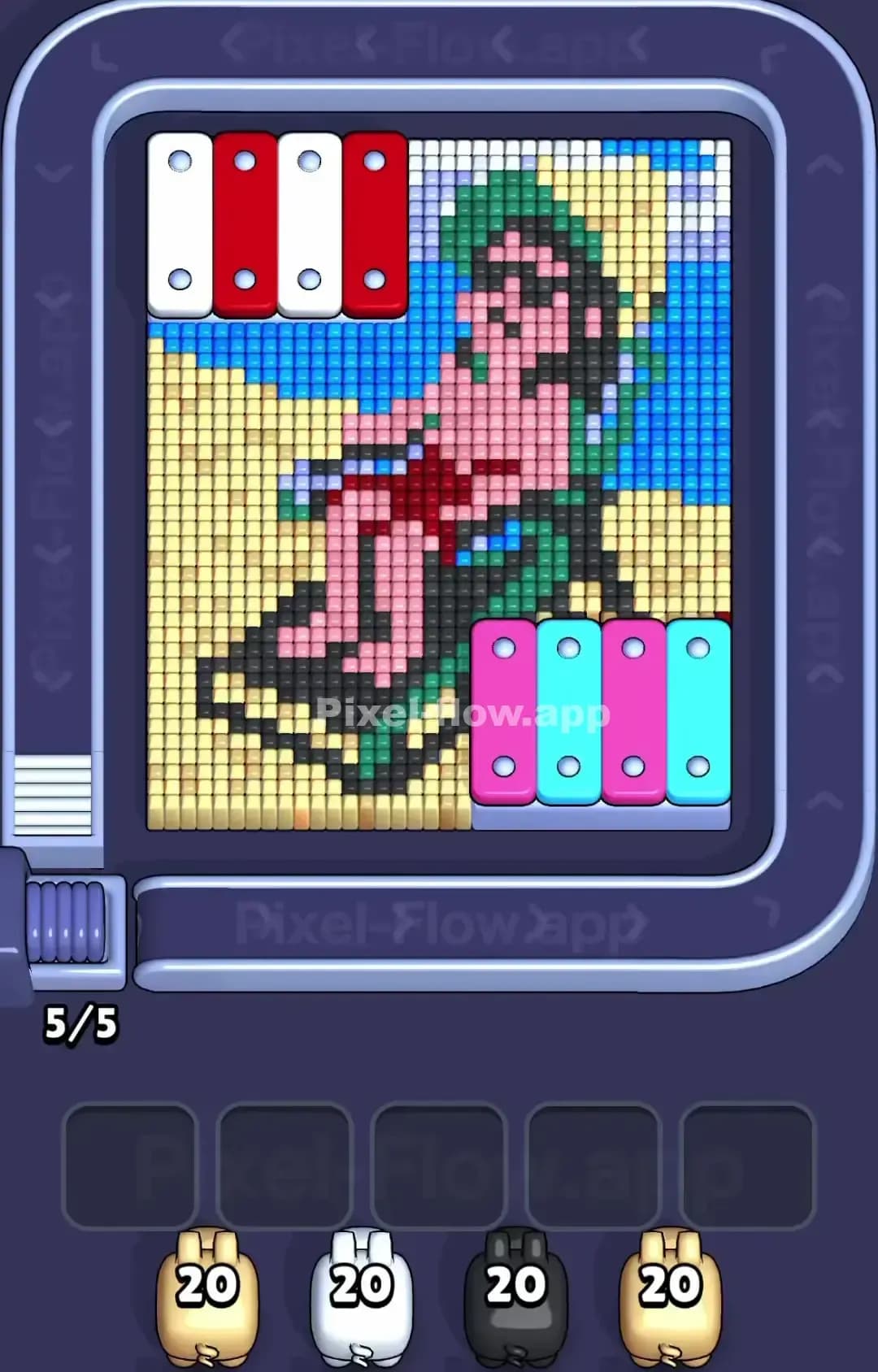
Pixel Flow Level 1490
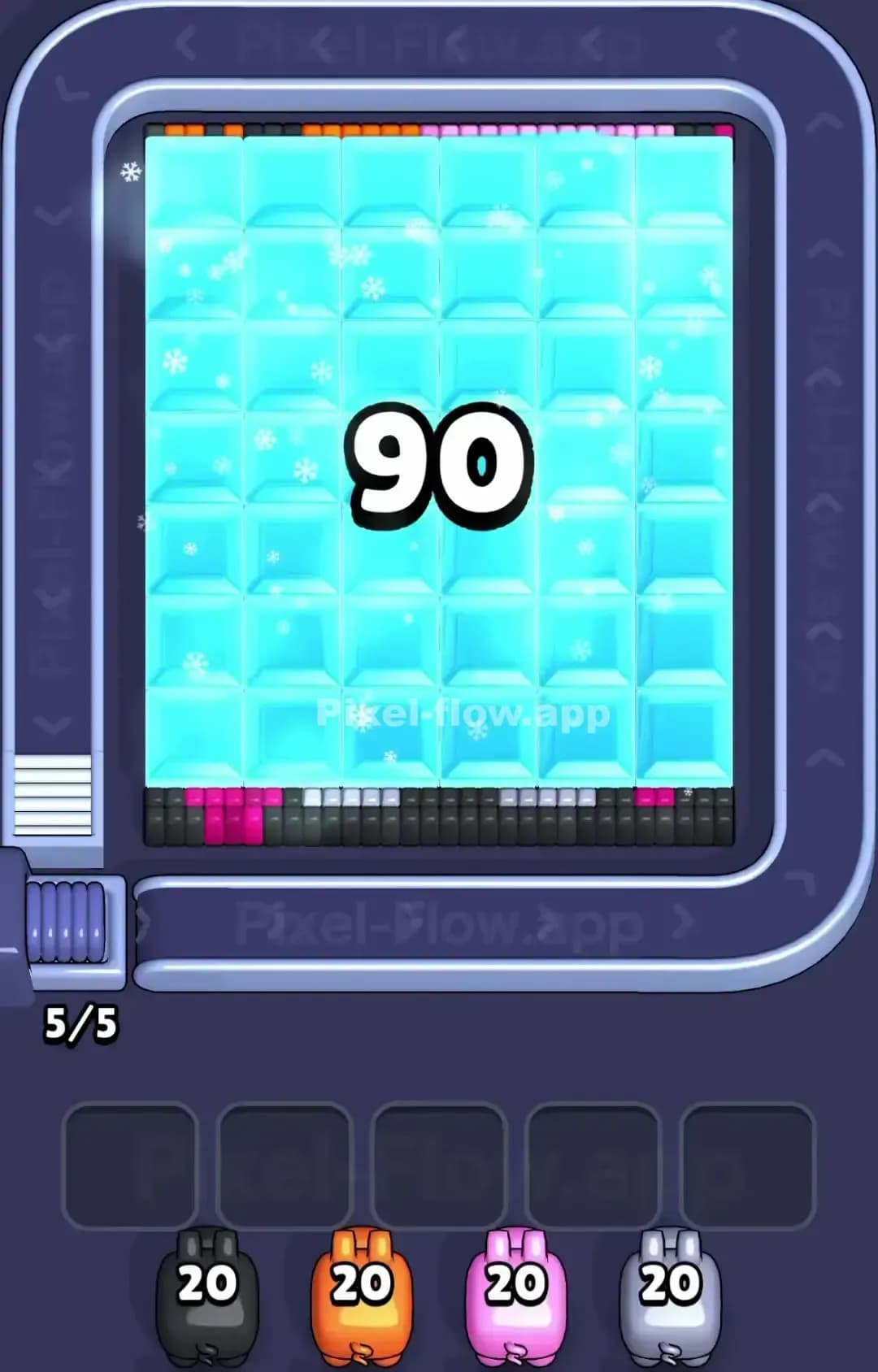
Pixel Flow Level 1489

Pixel Flow Level 1485
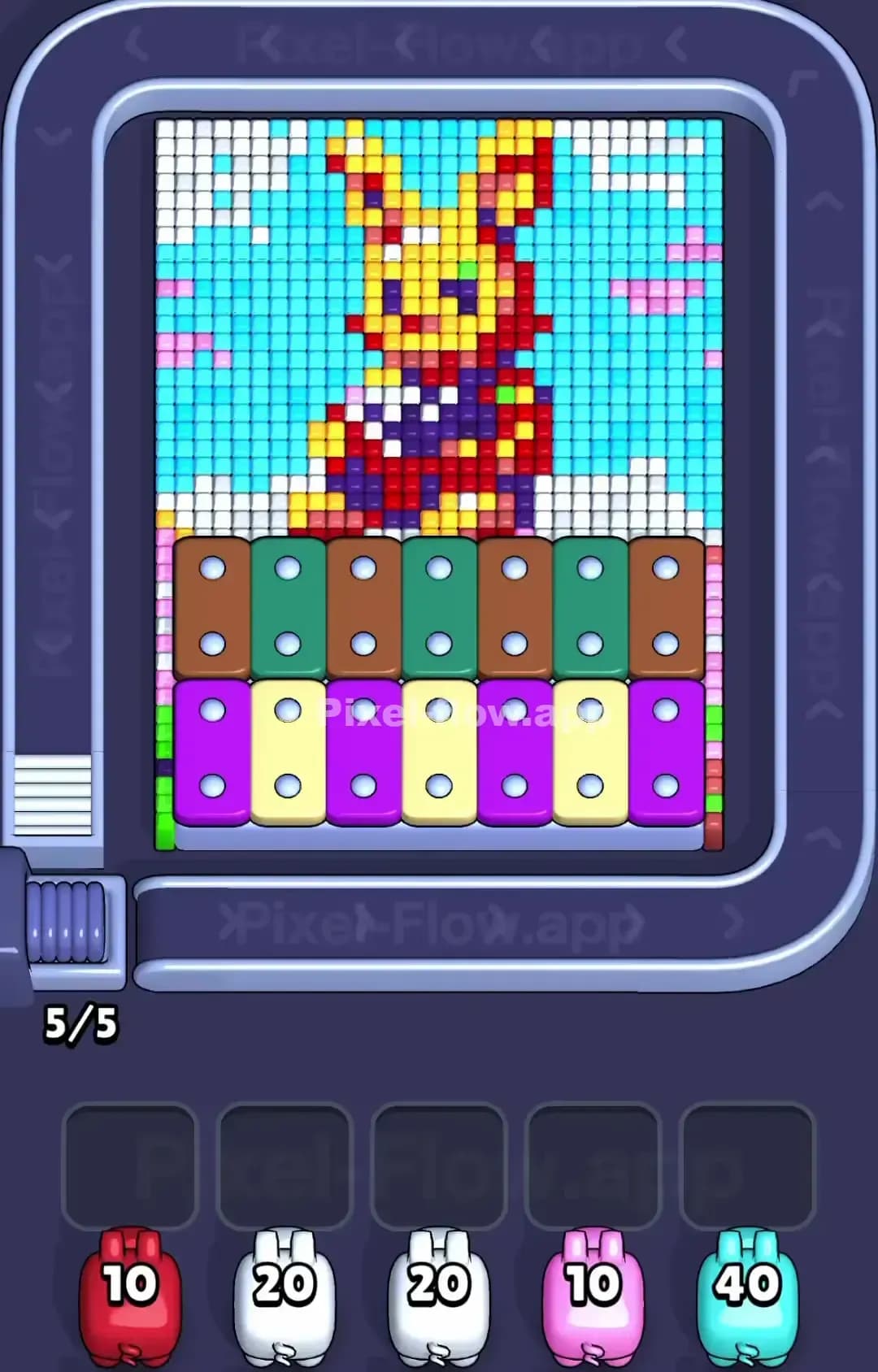
Pixel Flow Level 1480

Pixel Flow Level 1479
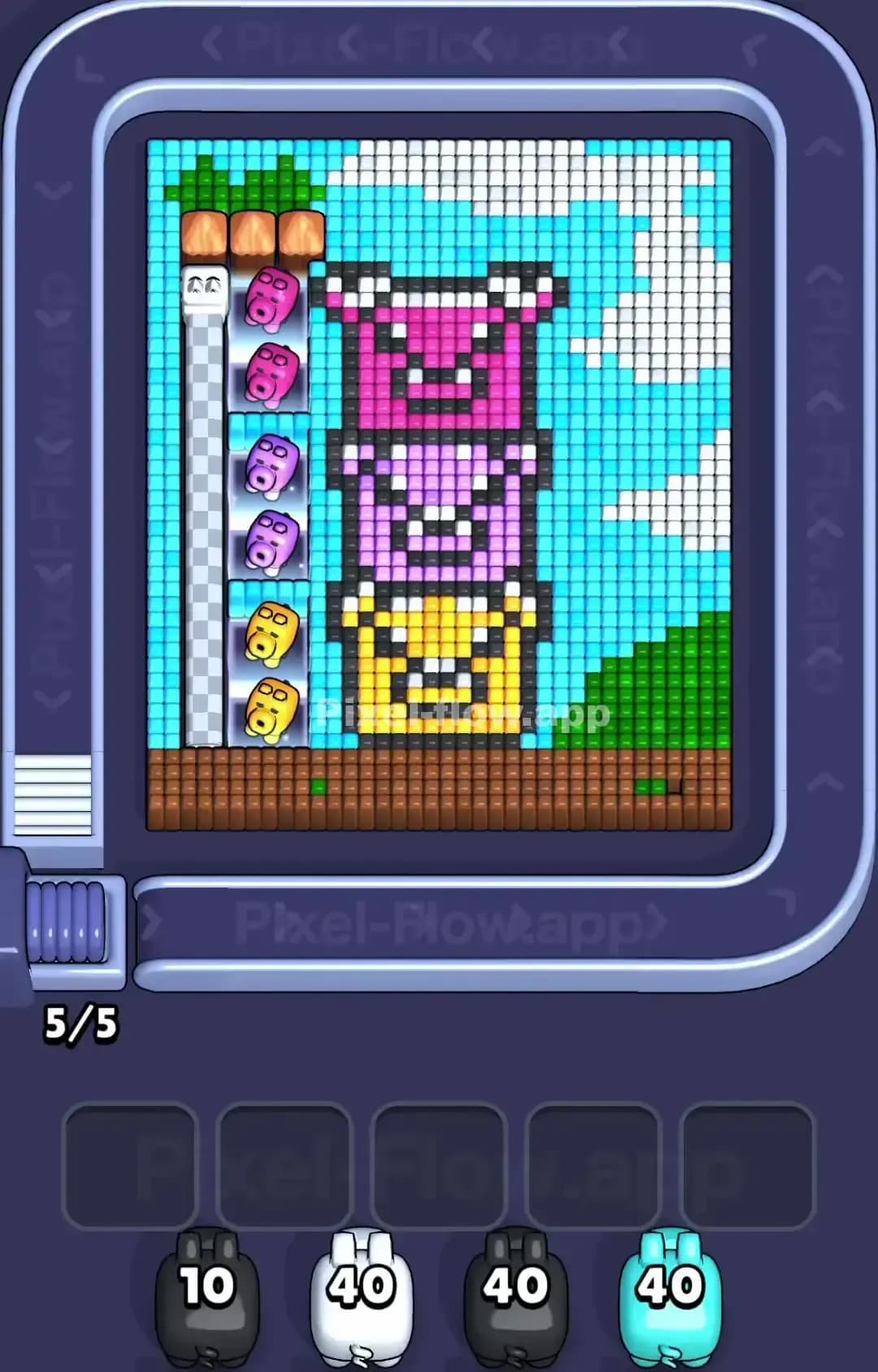
Pixel Flow Level 1475
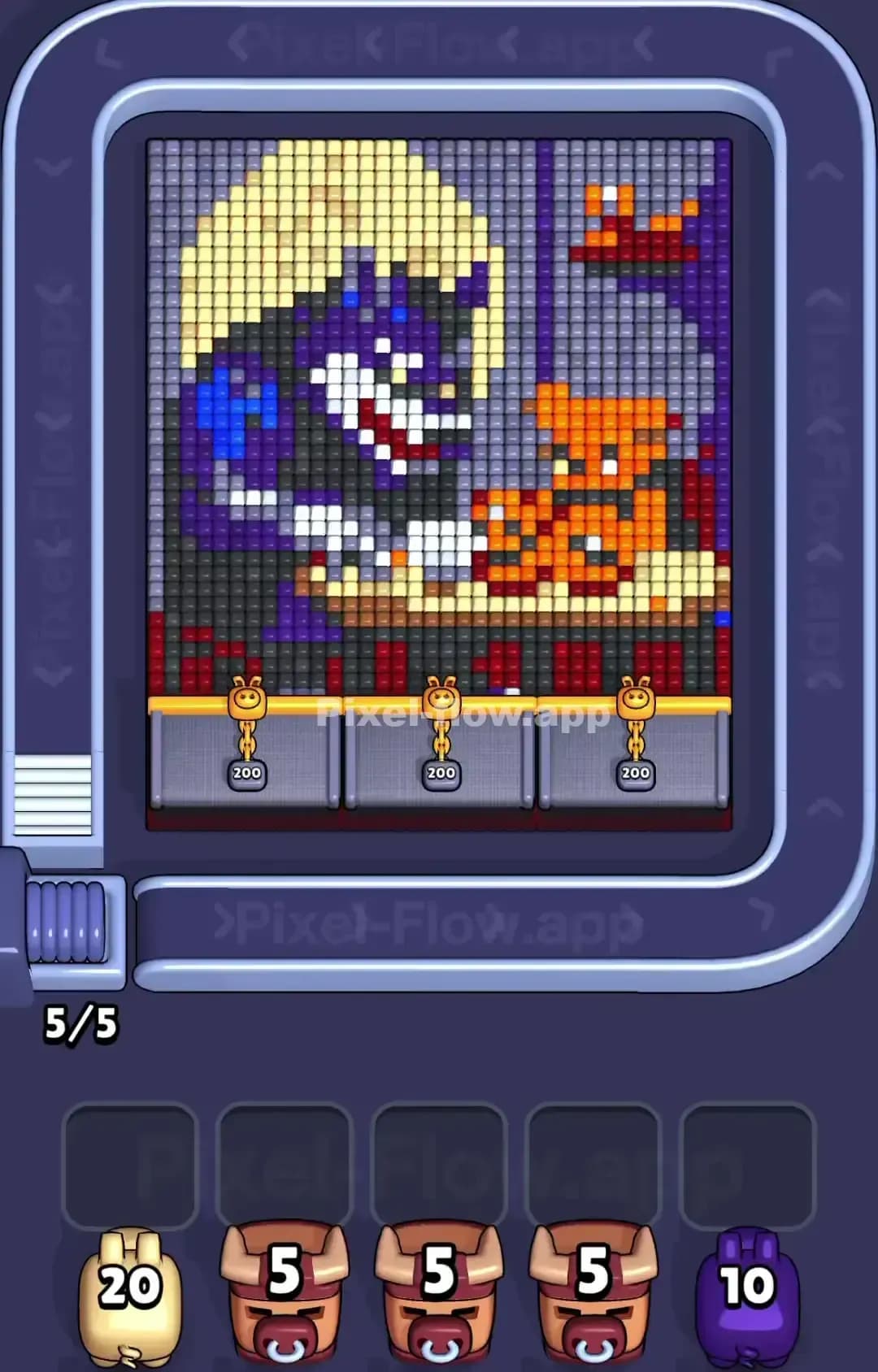
Pixel Flow Level 1470

Pixel Flow Level 1469

Pixel Flow Level 1465

Pixel Flow Level 1460
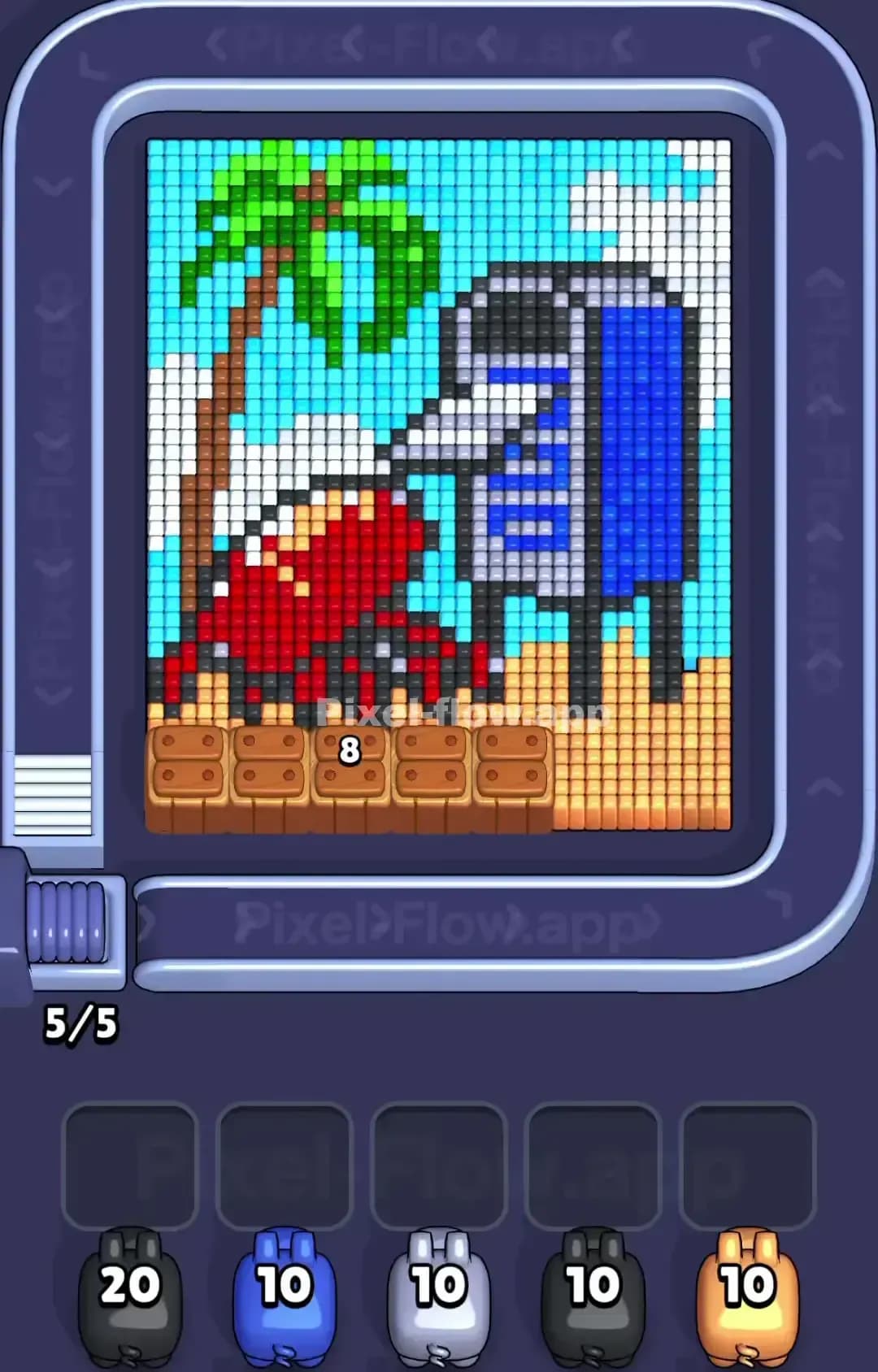
Pixel Flow Level 1459

Pixel Flow Level 1455
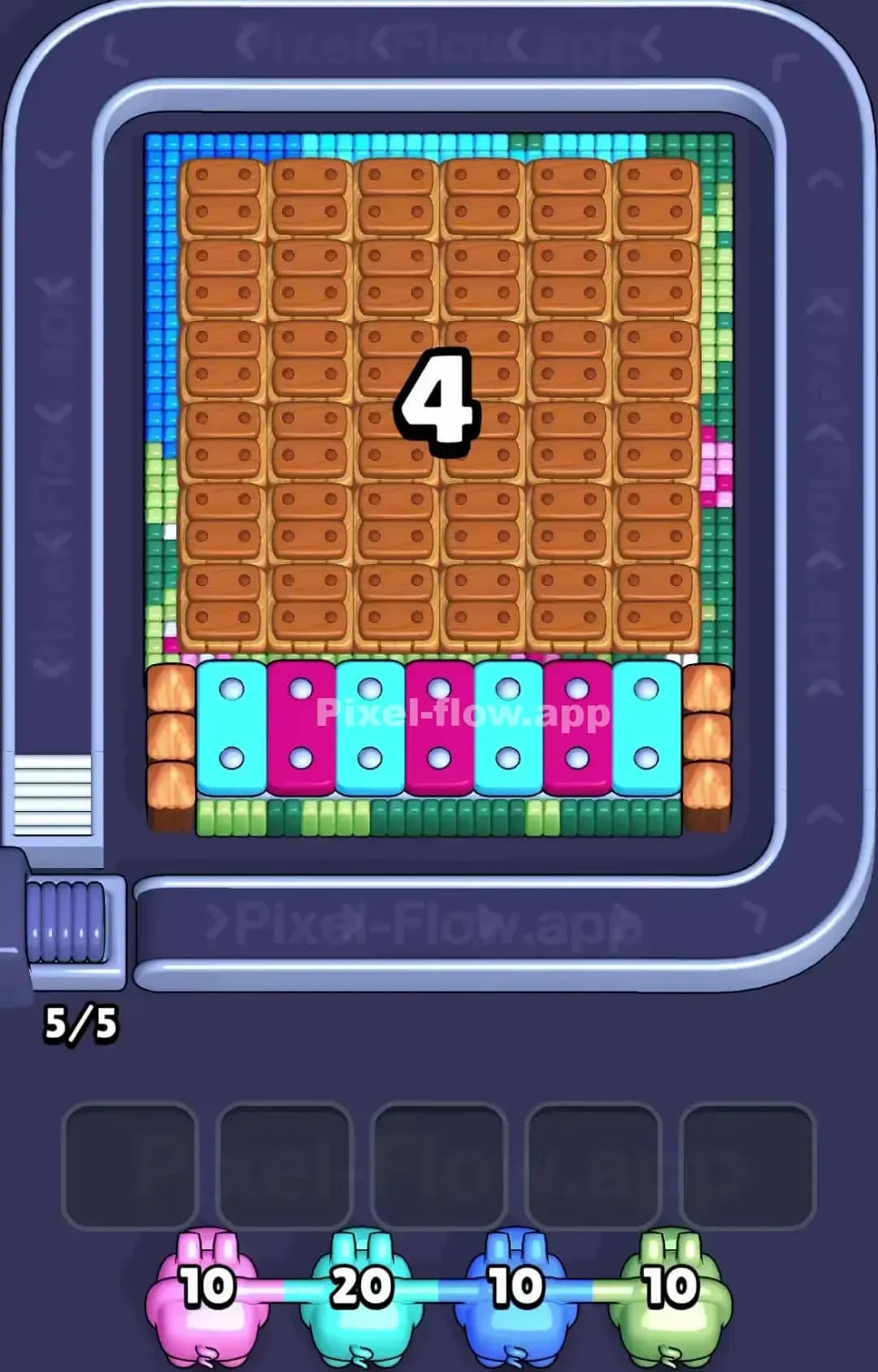
Pixel Flow Level 1450
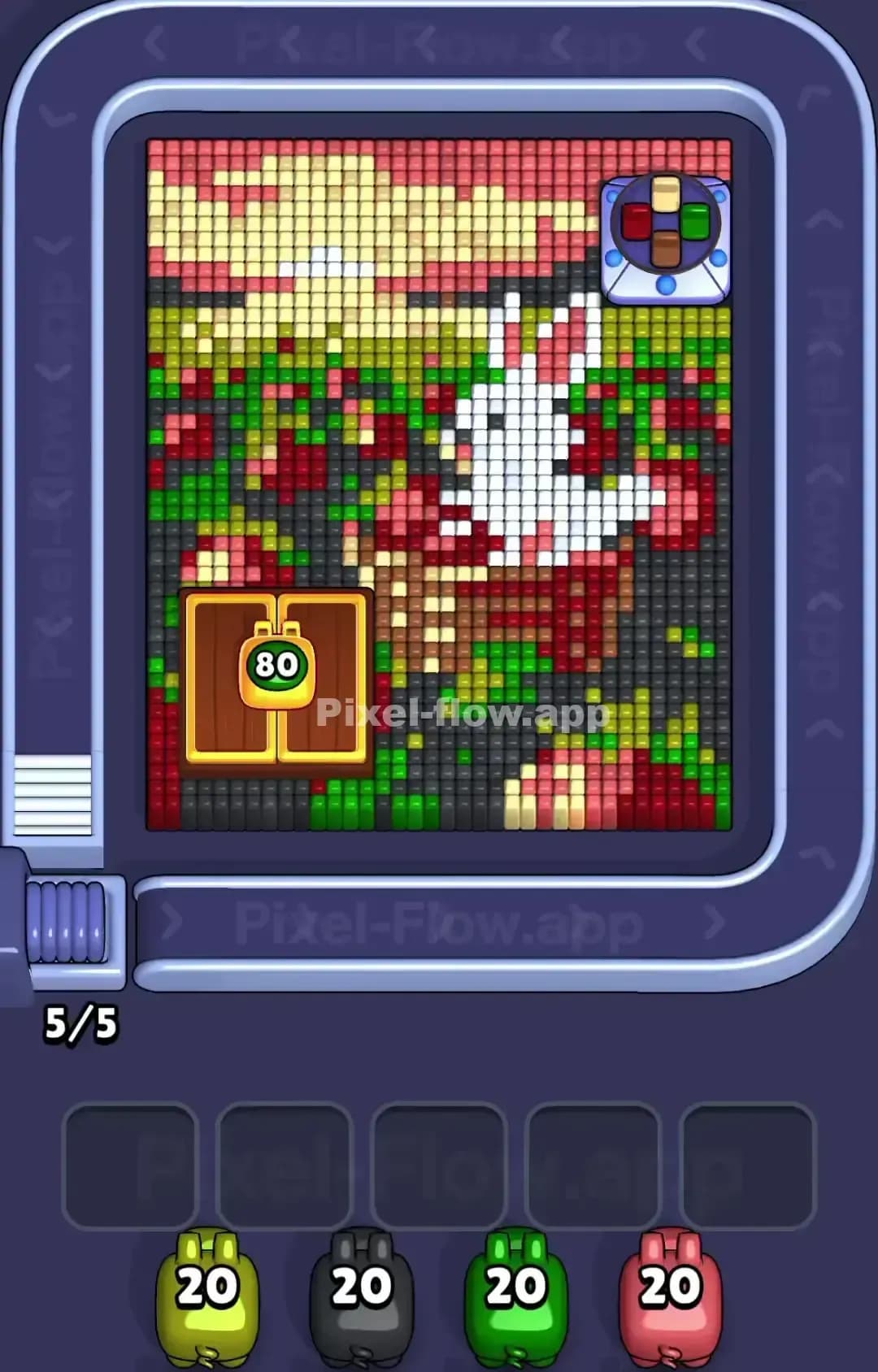
Pixel Flow Level 1449
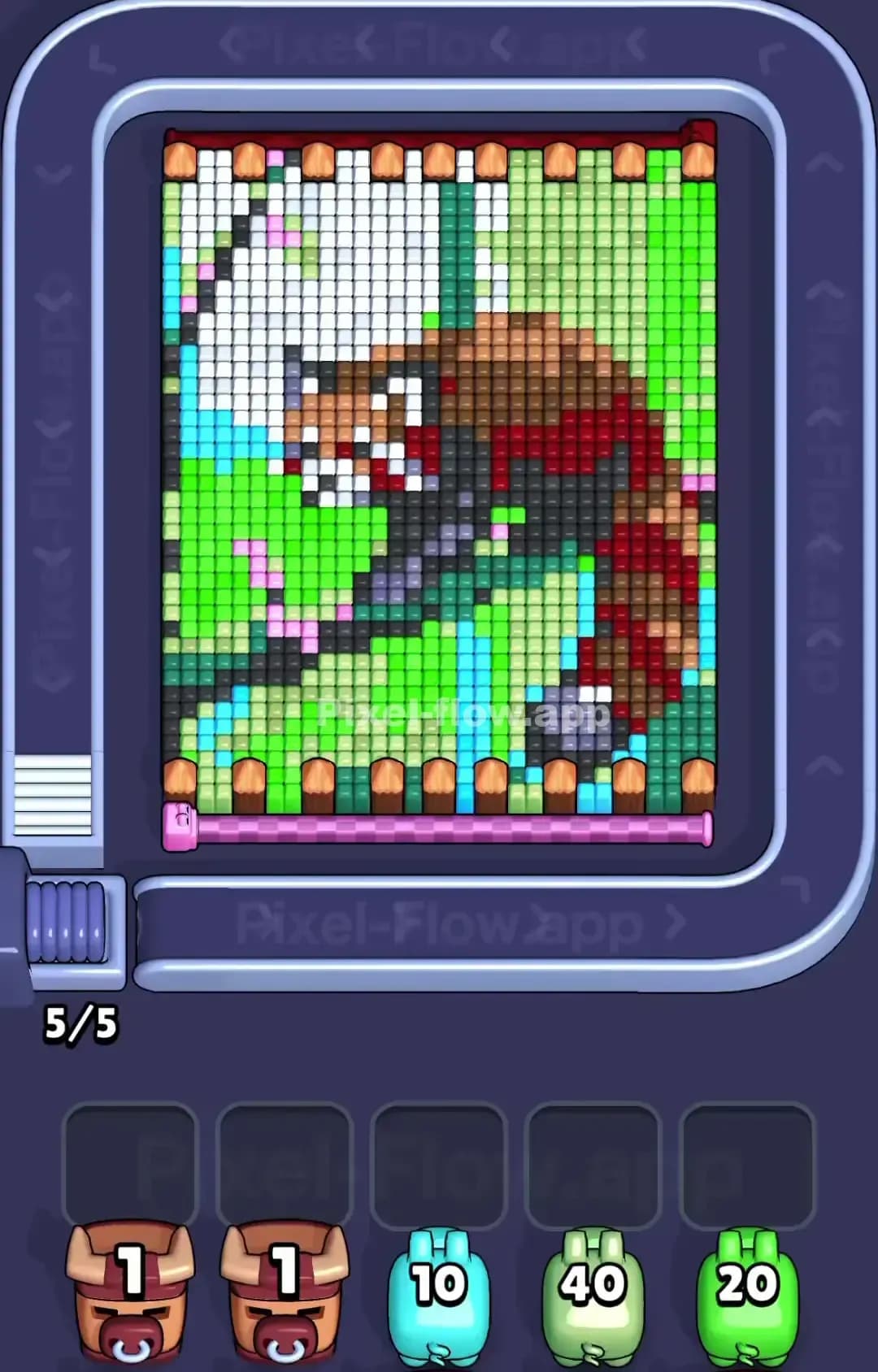
Pixel Flow Level 1445
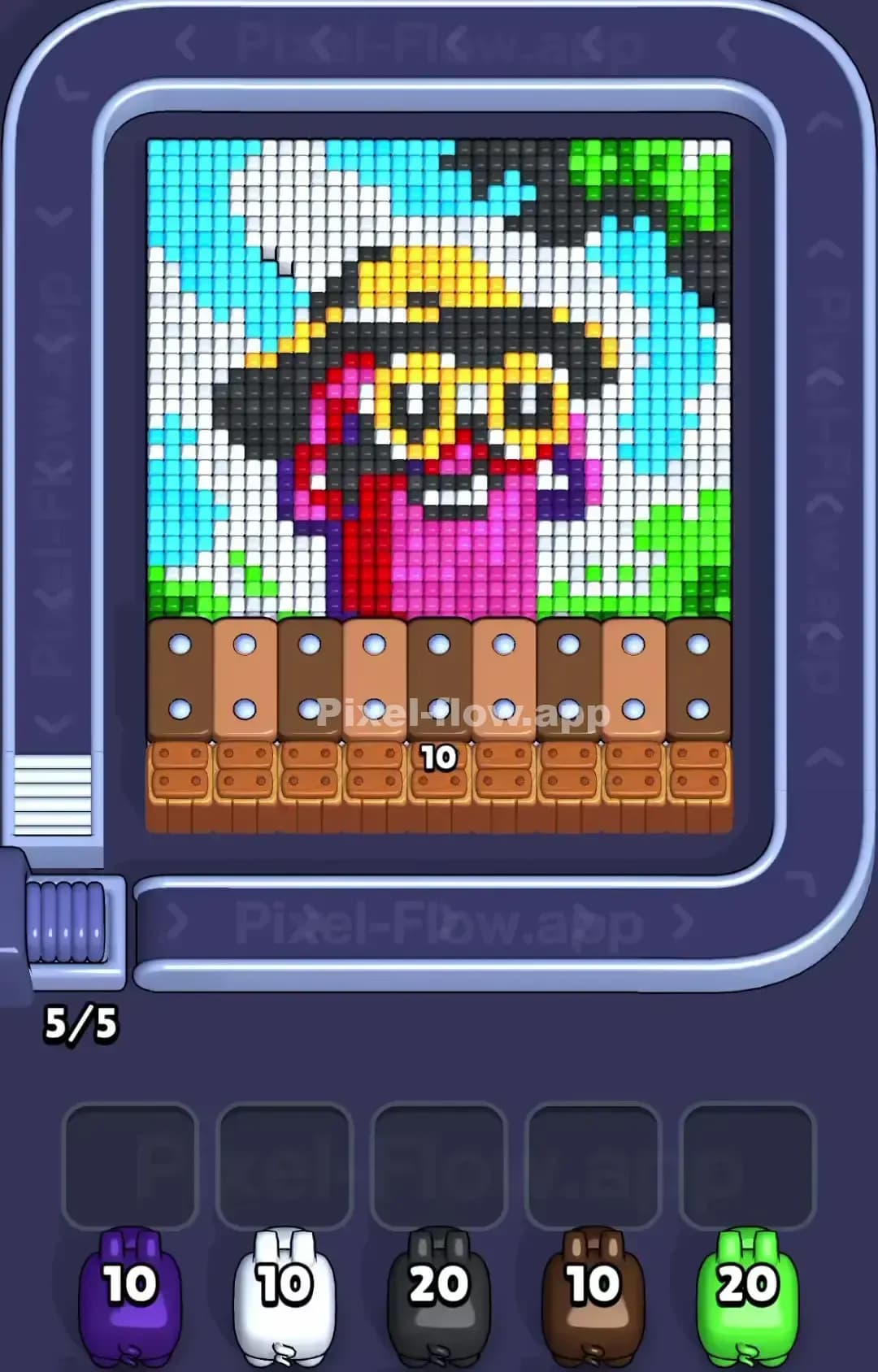
Pixel Flow Level 1440
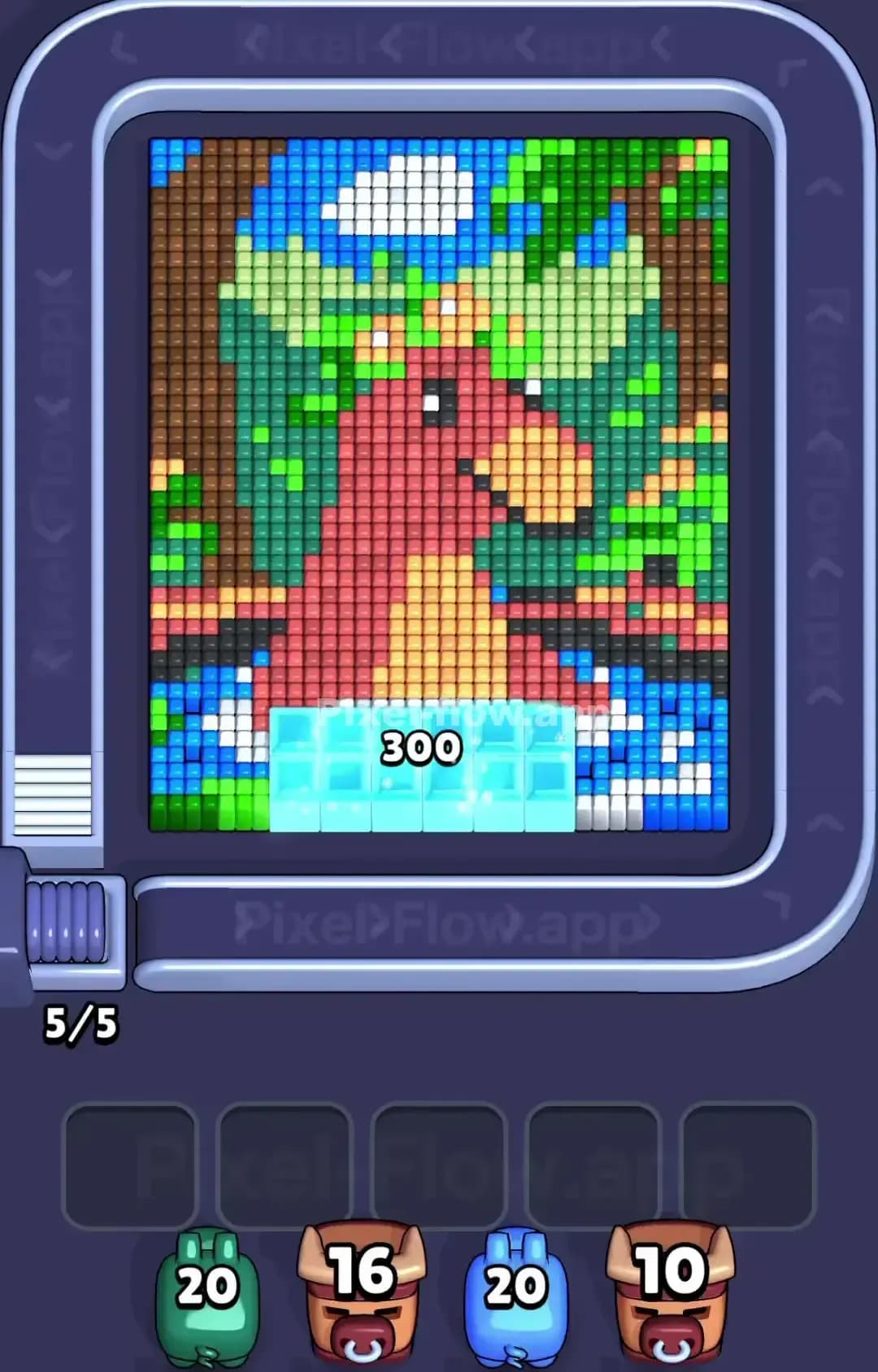
Pixel Flow Level 1439
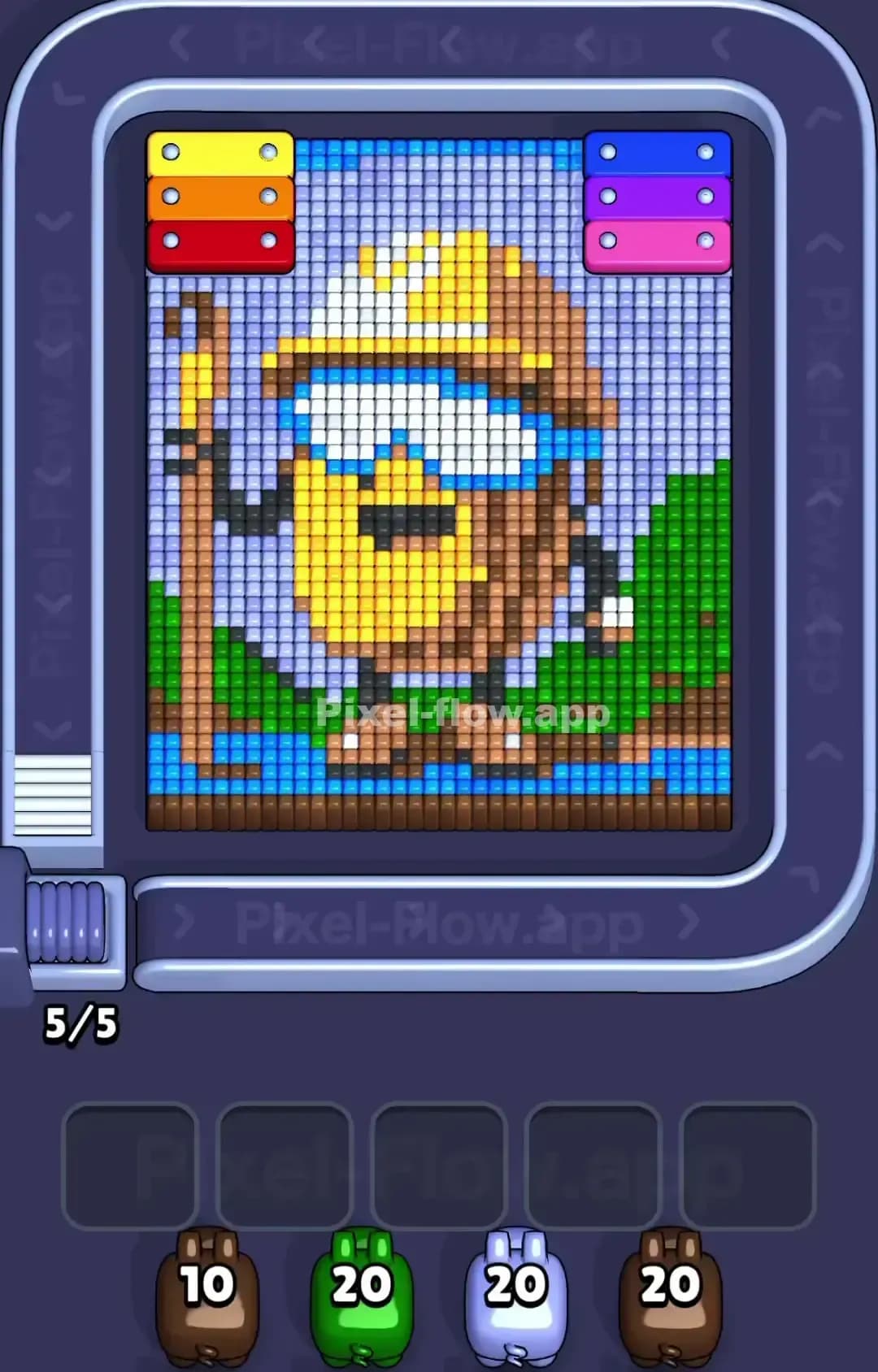
Pixel Flow Level 1435

Pixel Flow Level 1430

Pixel Flow Level 1429
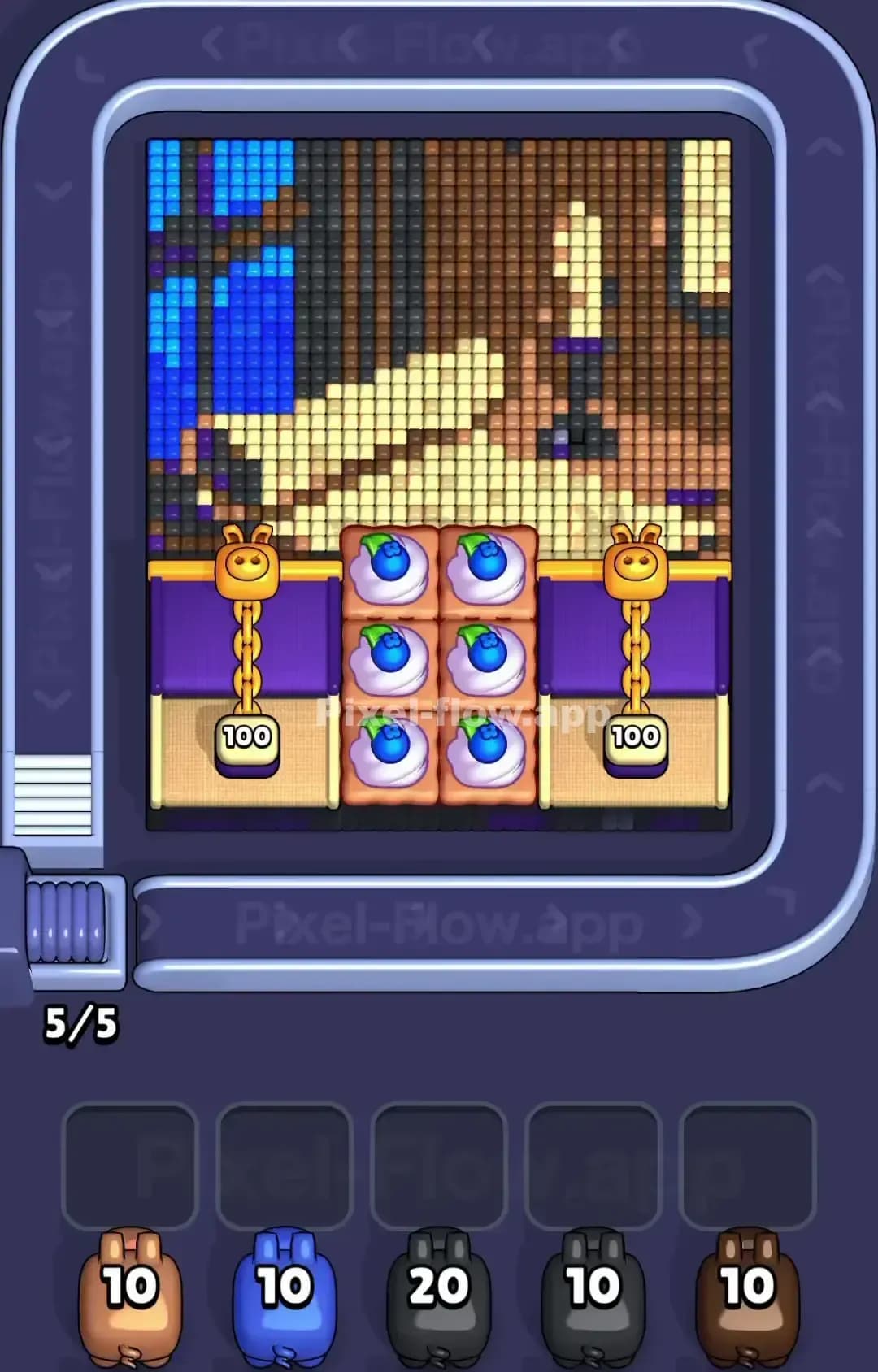
Pixel Flow Level 1425
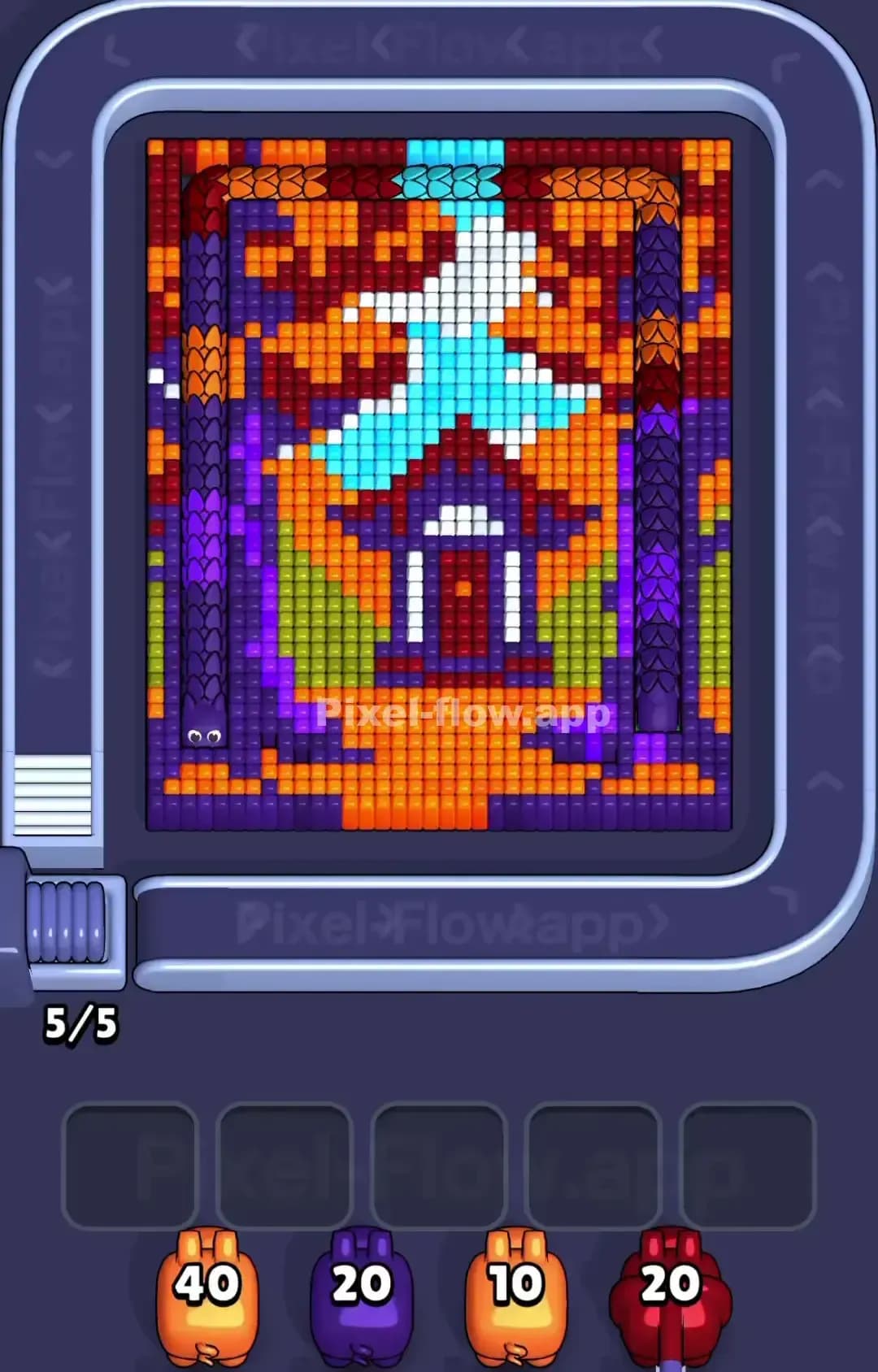
Pixel Flow Level 1420
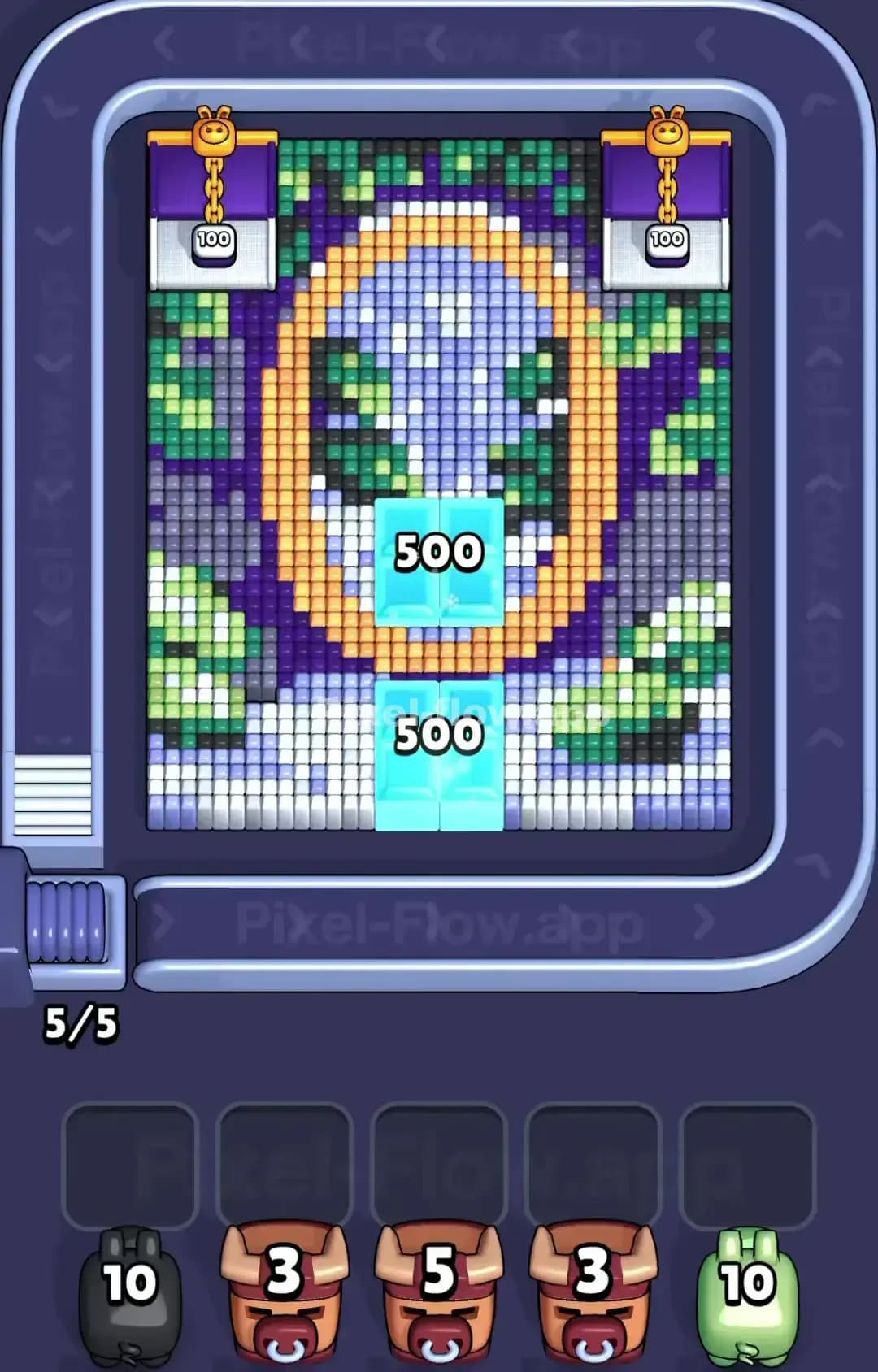
Pixel Flow Level 1419

Pixel Flow Level 1415
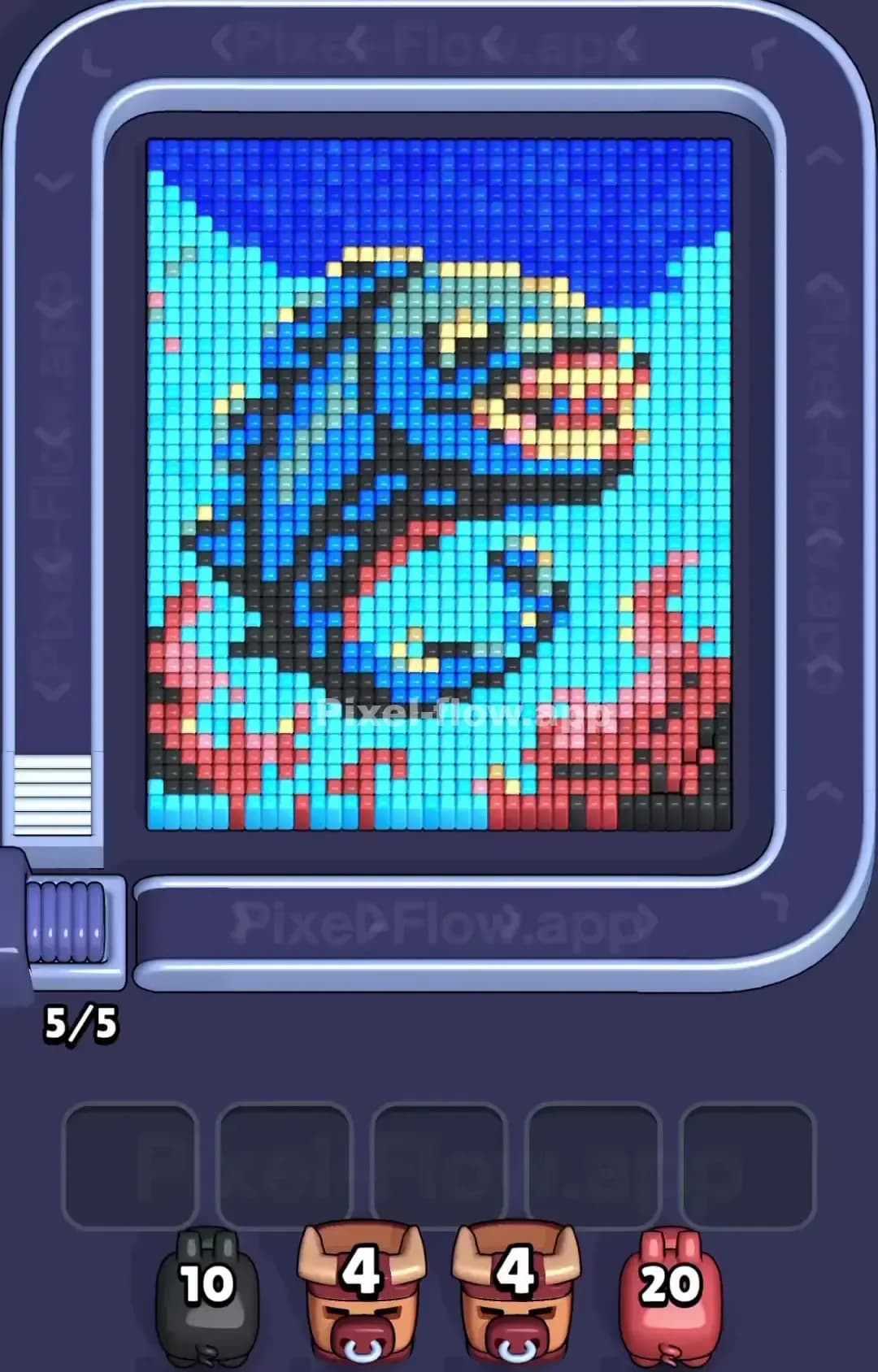
Pixel Flow Level 1410
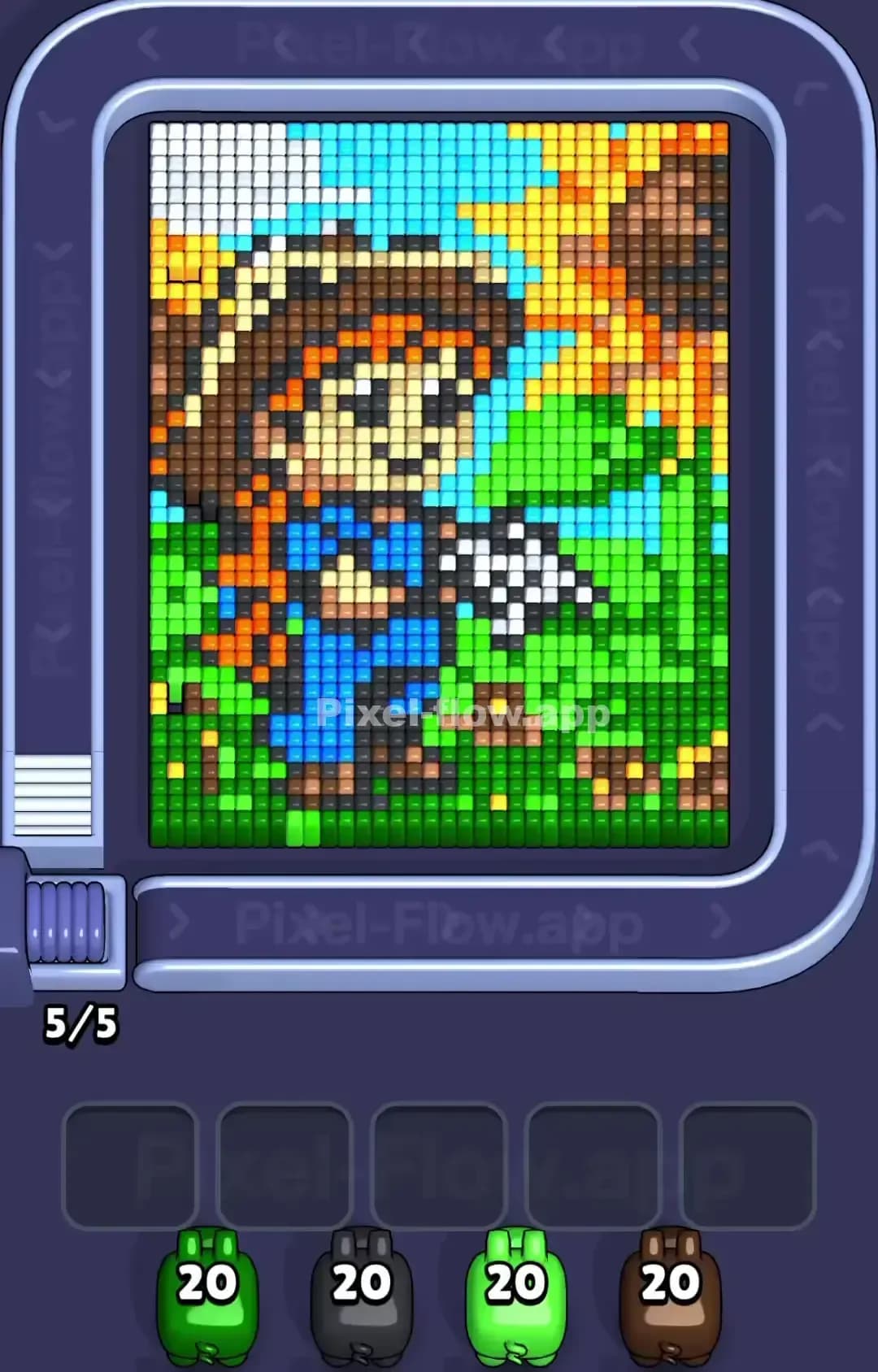
Pixel Flow Level 1409
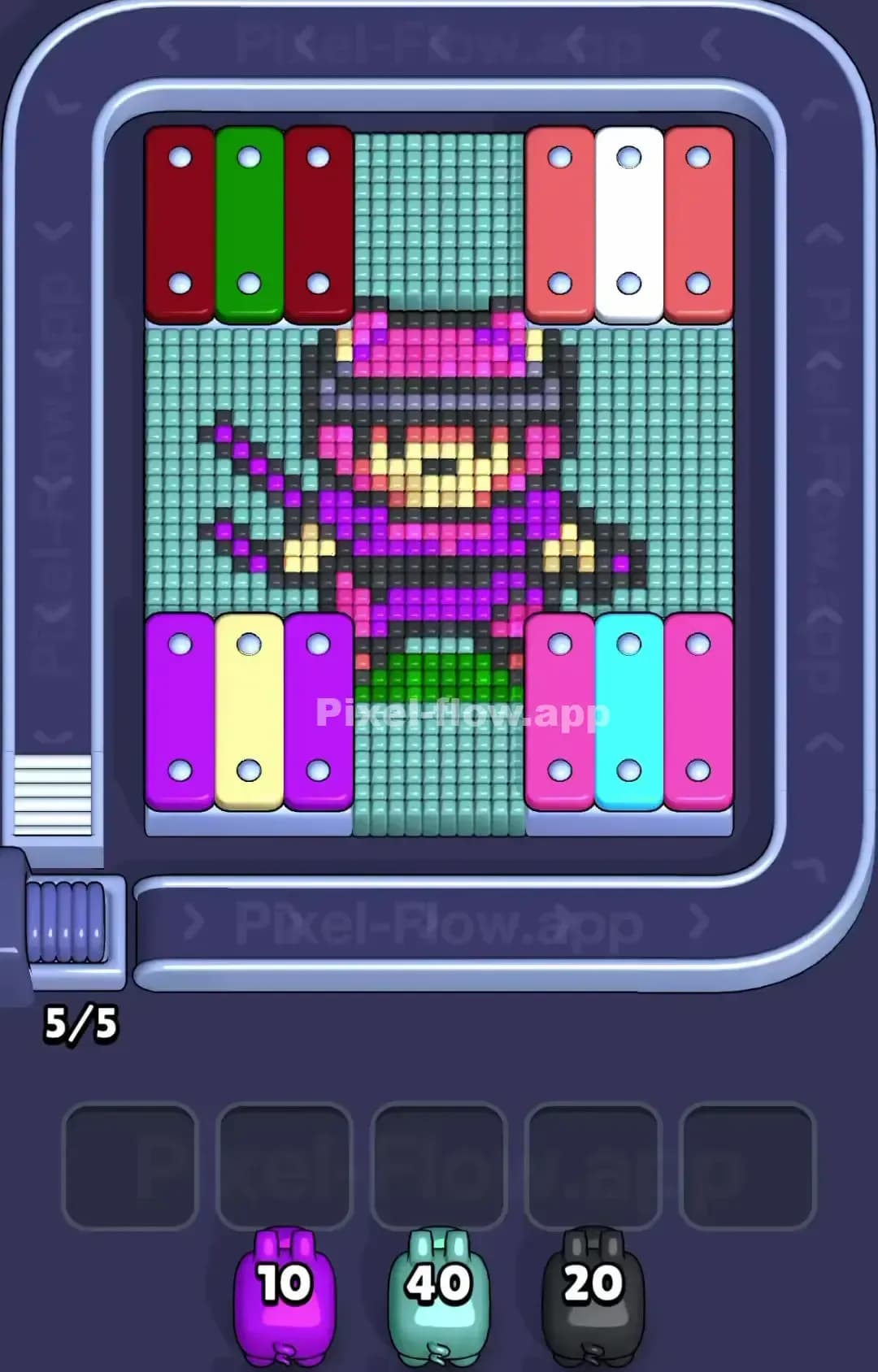
Pixel Flow Level 1405
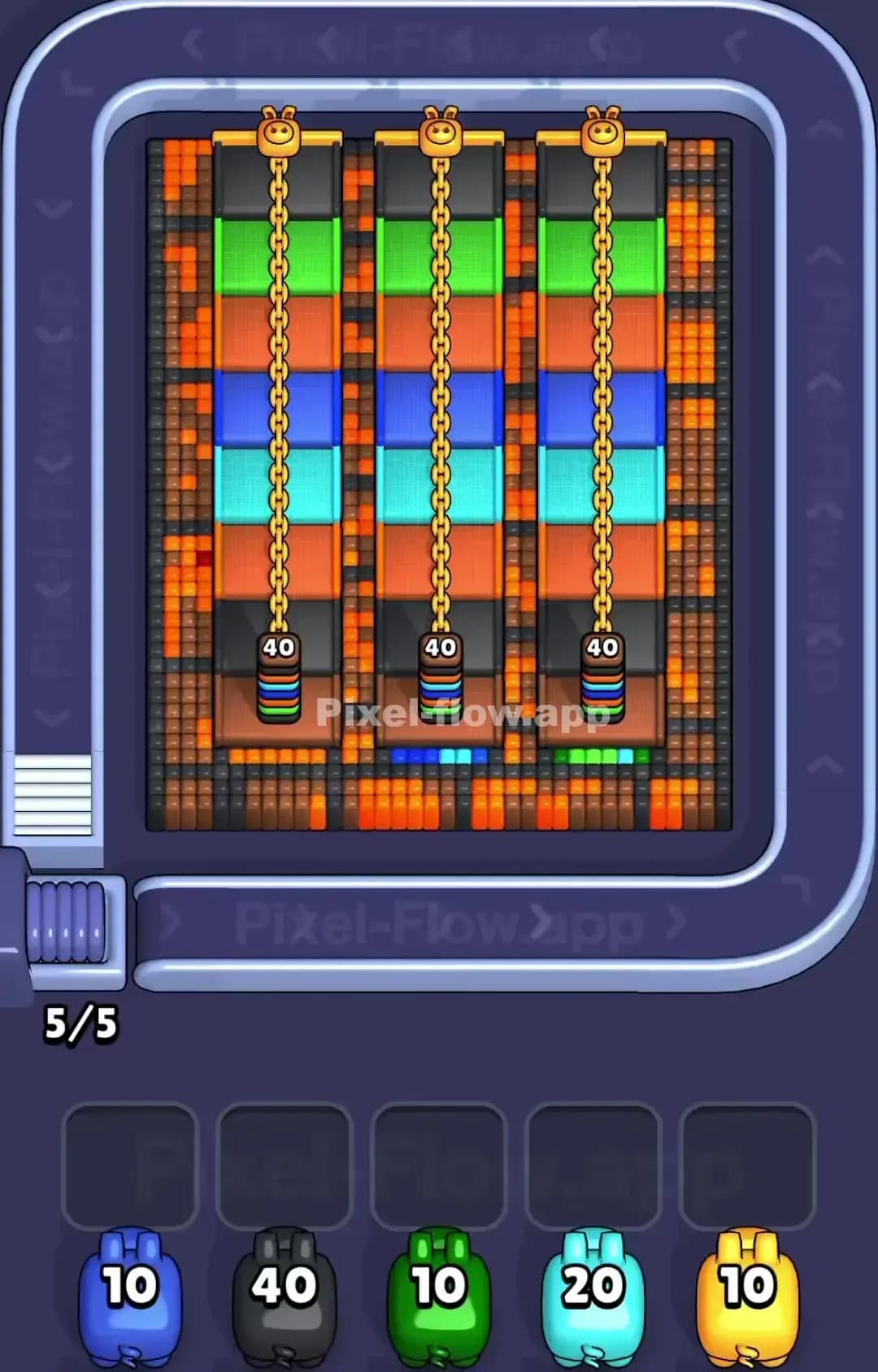
Pixel Flow Level 1400

Pixel Flow Level 1399

Pixel Flow Level 1395

Pixel Flow Level 1390

Pixel Flow Level 1389

Pixel Flow Level 1385
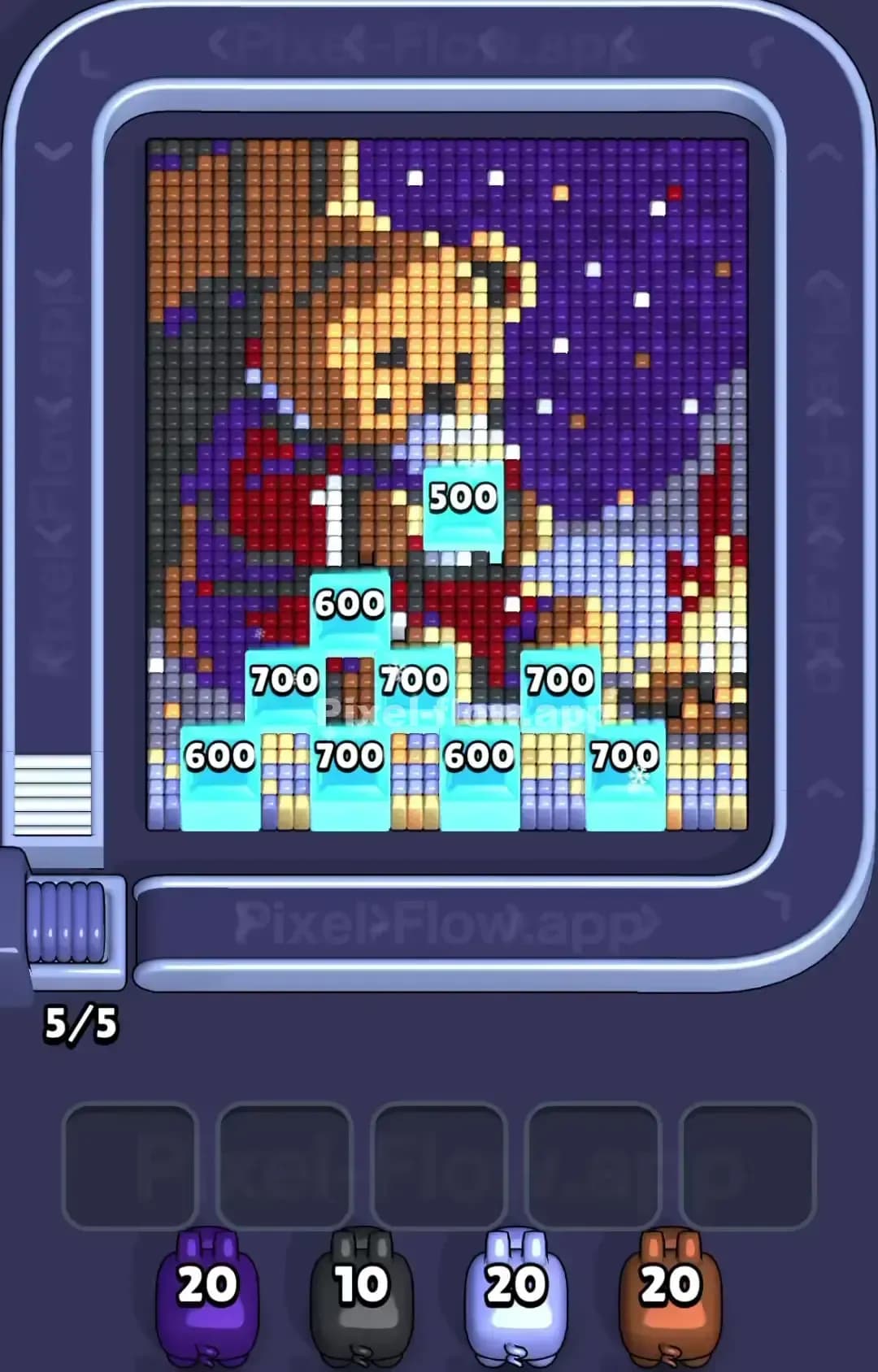
Pixel Flow Level 1380

Pixel Flow Level 1379

Pixel Flow Level 1375
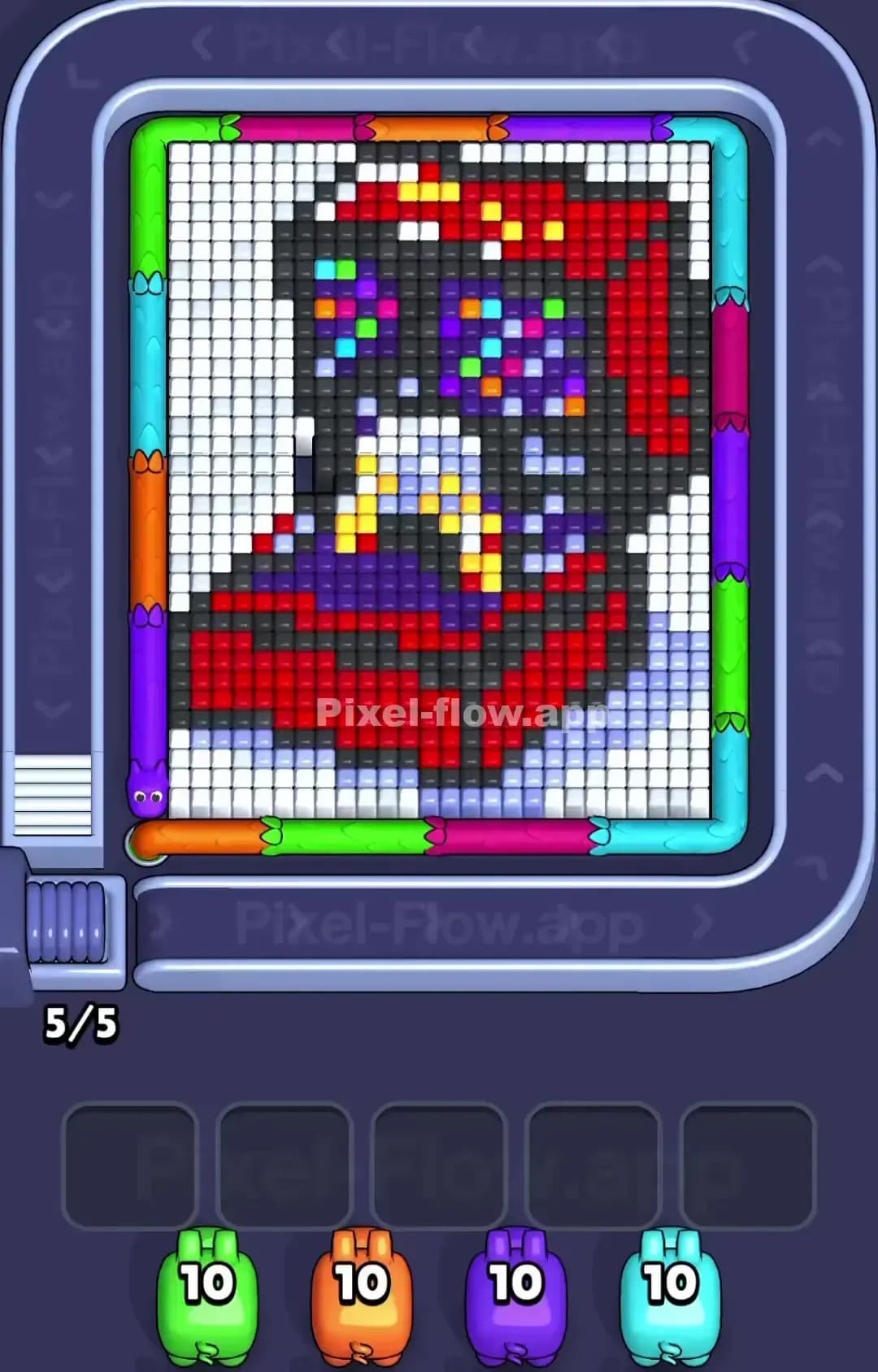
Pixel Flow Level 1374
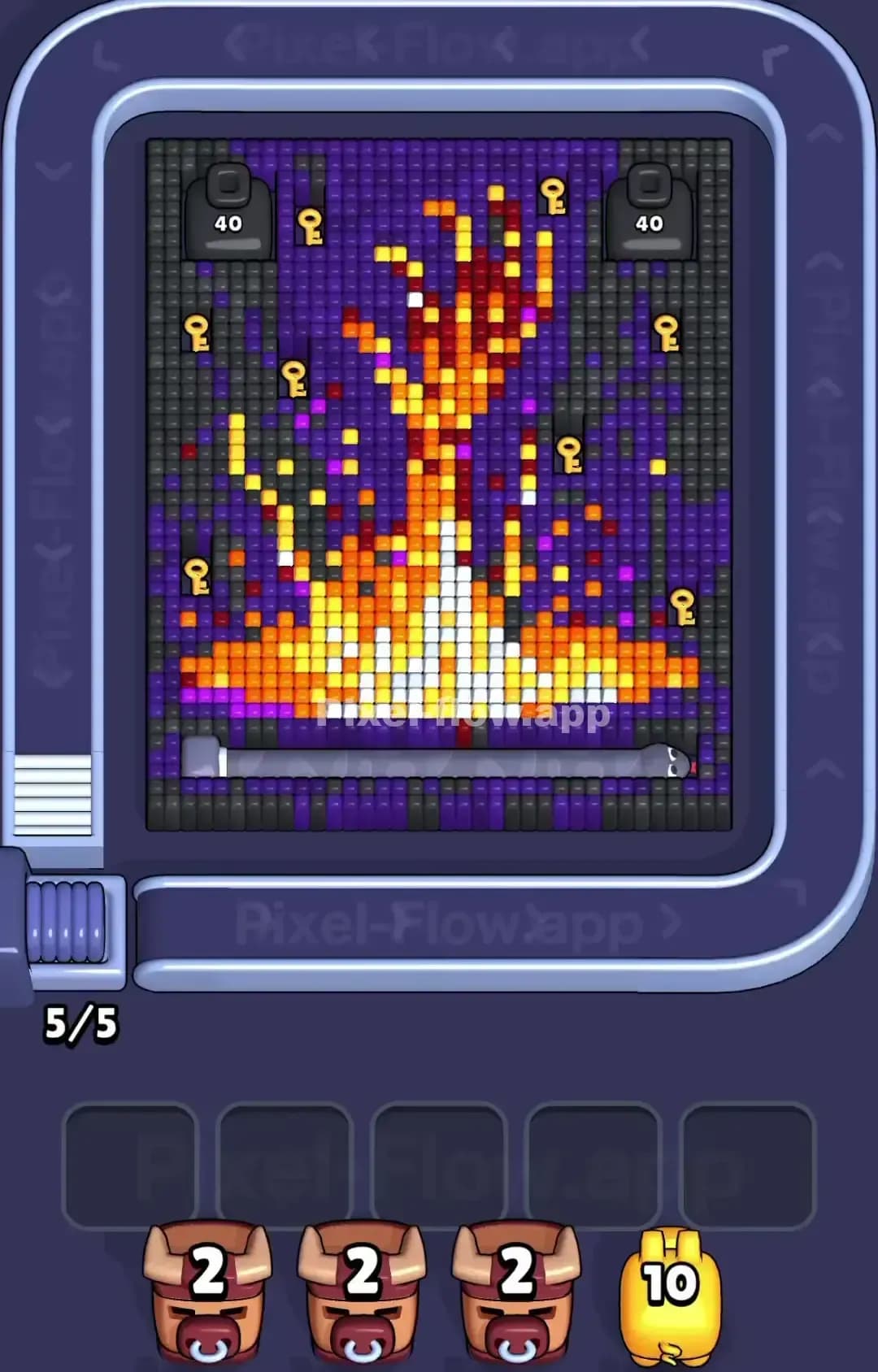
Pixel Flow Level 1370
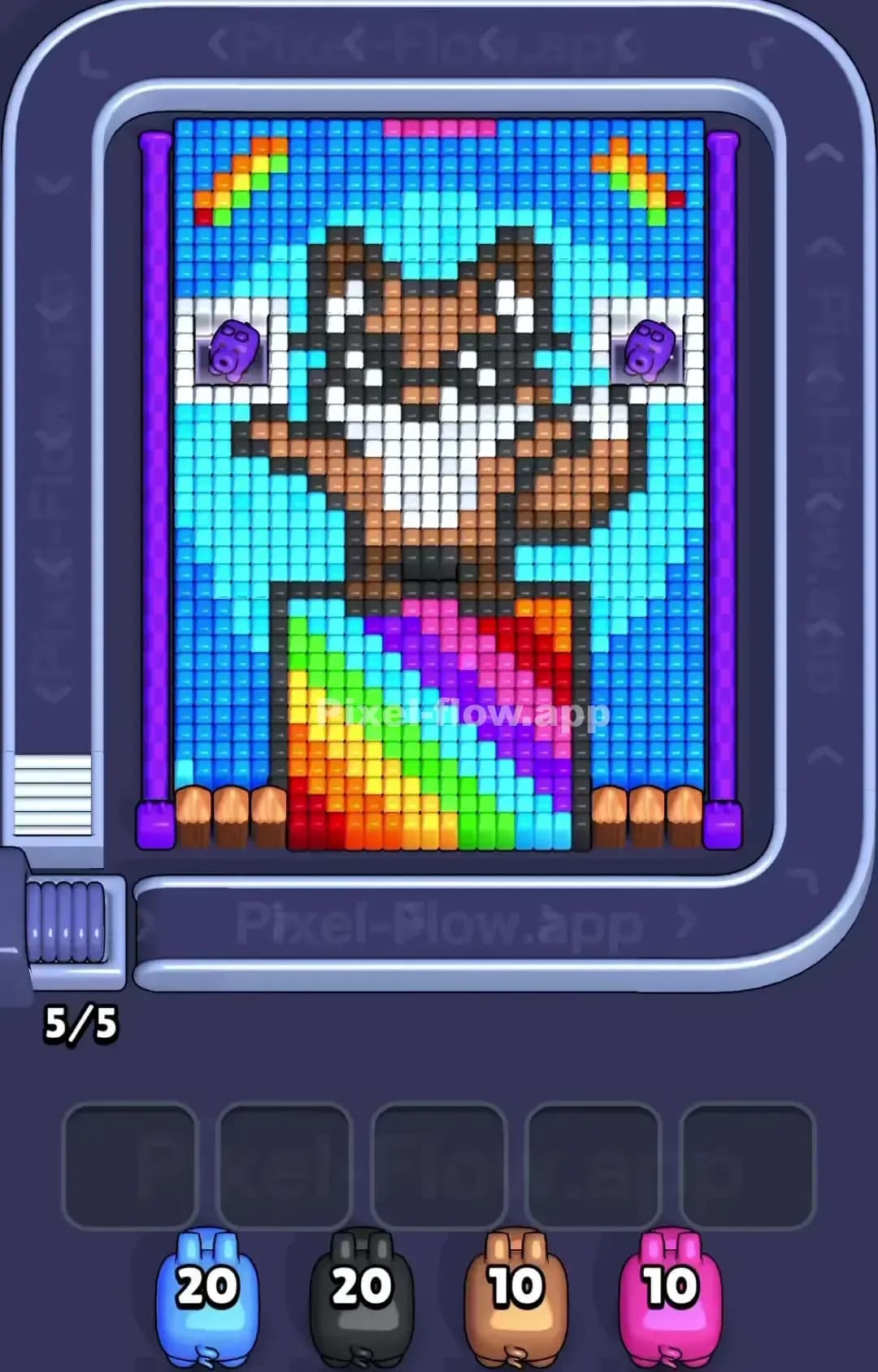
Pixel Flow Level 1369
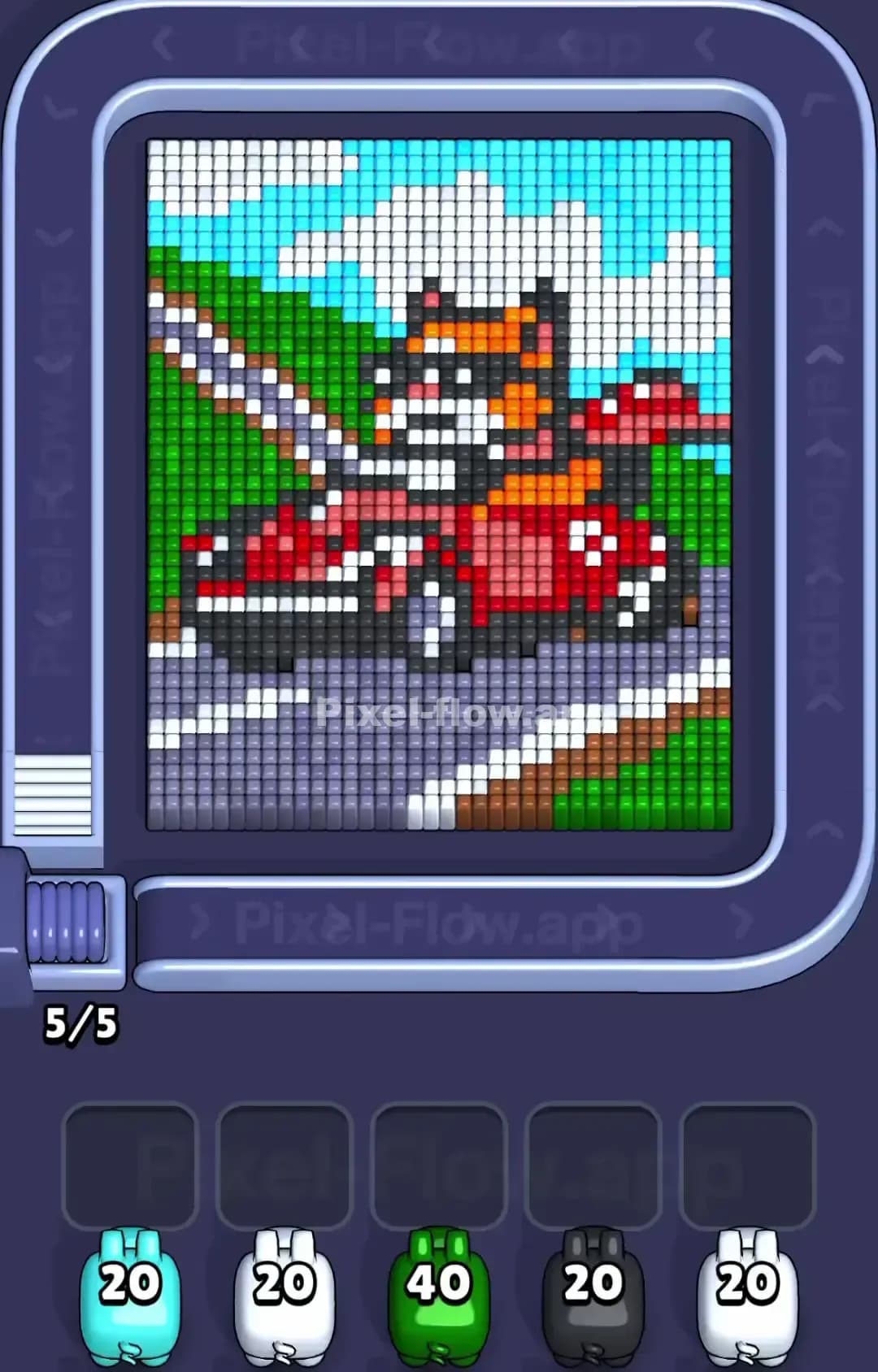
Pixel Flow Level 1365
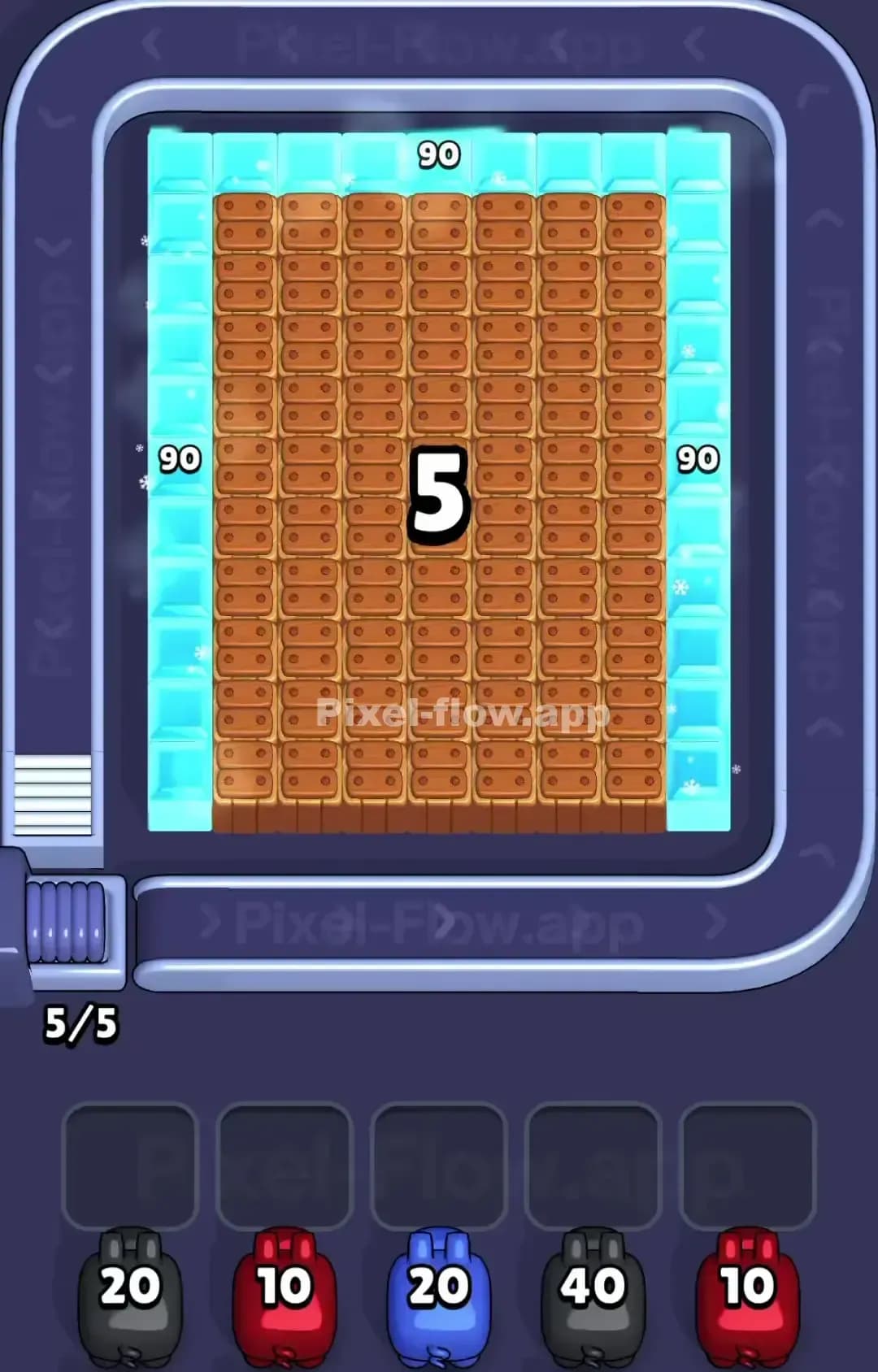
Pixel Flow Level 1360
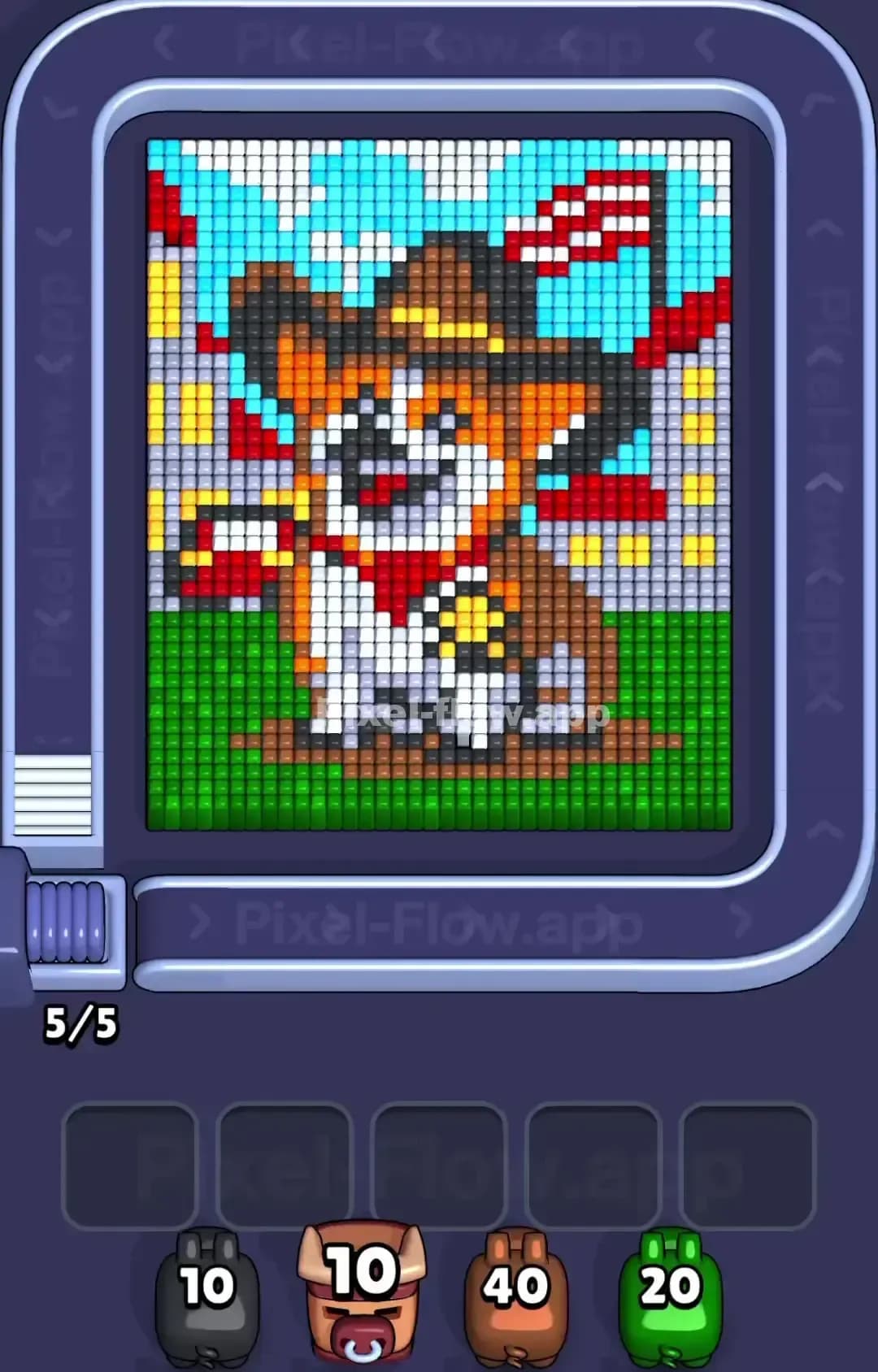
Pixel Flow Level 1359
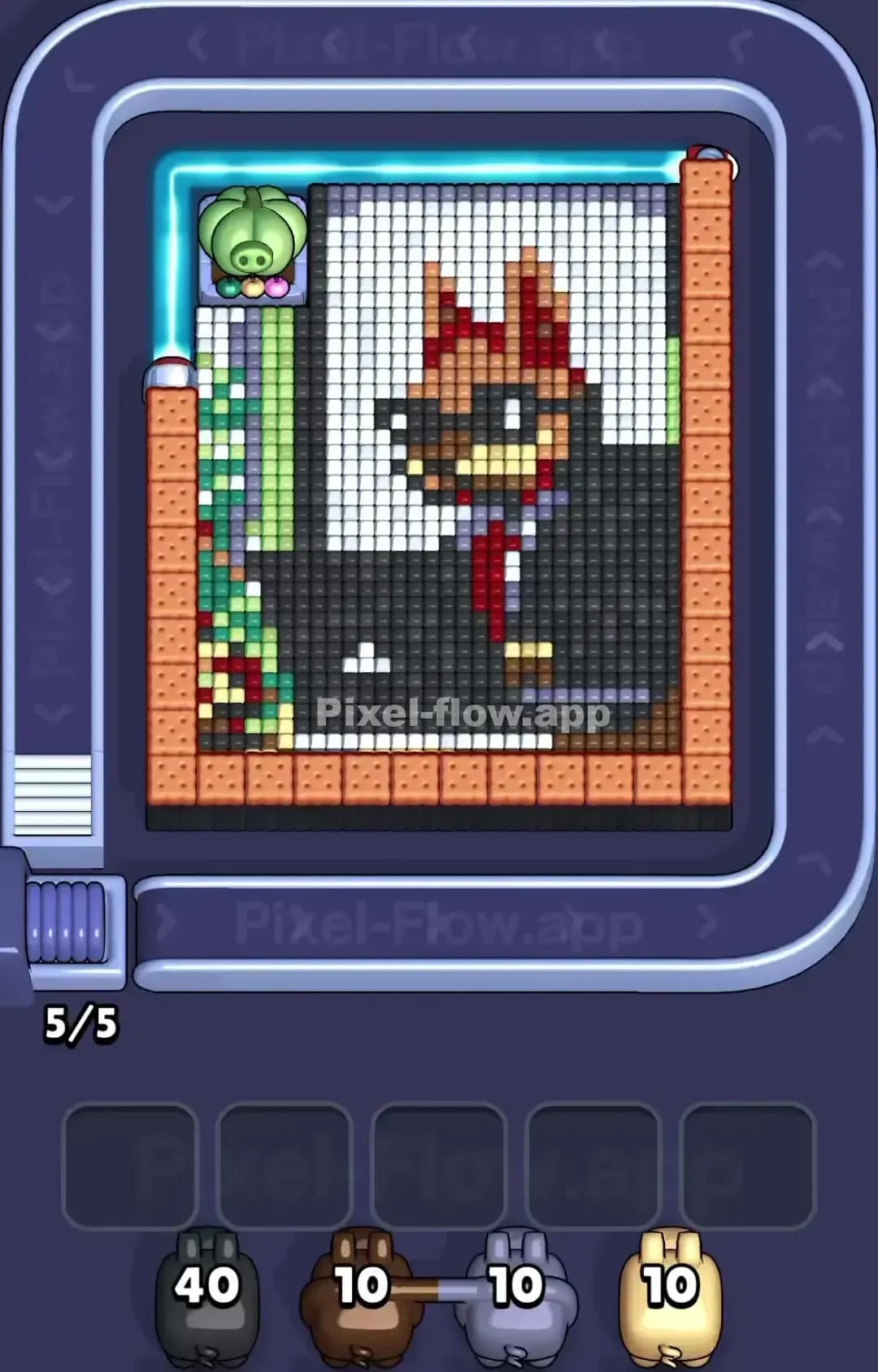
Pixel Flow Level 1355
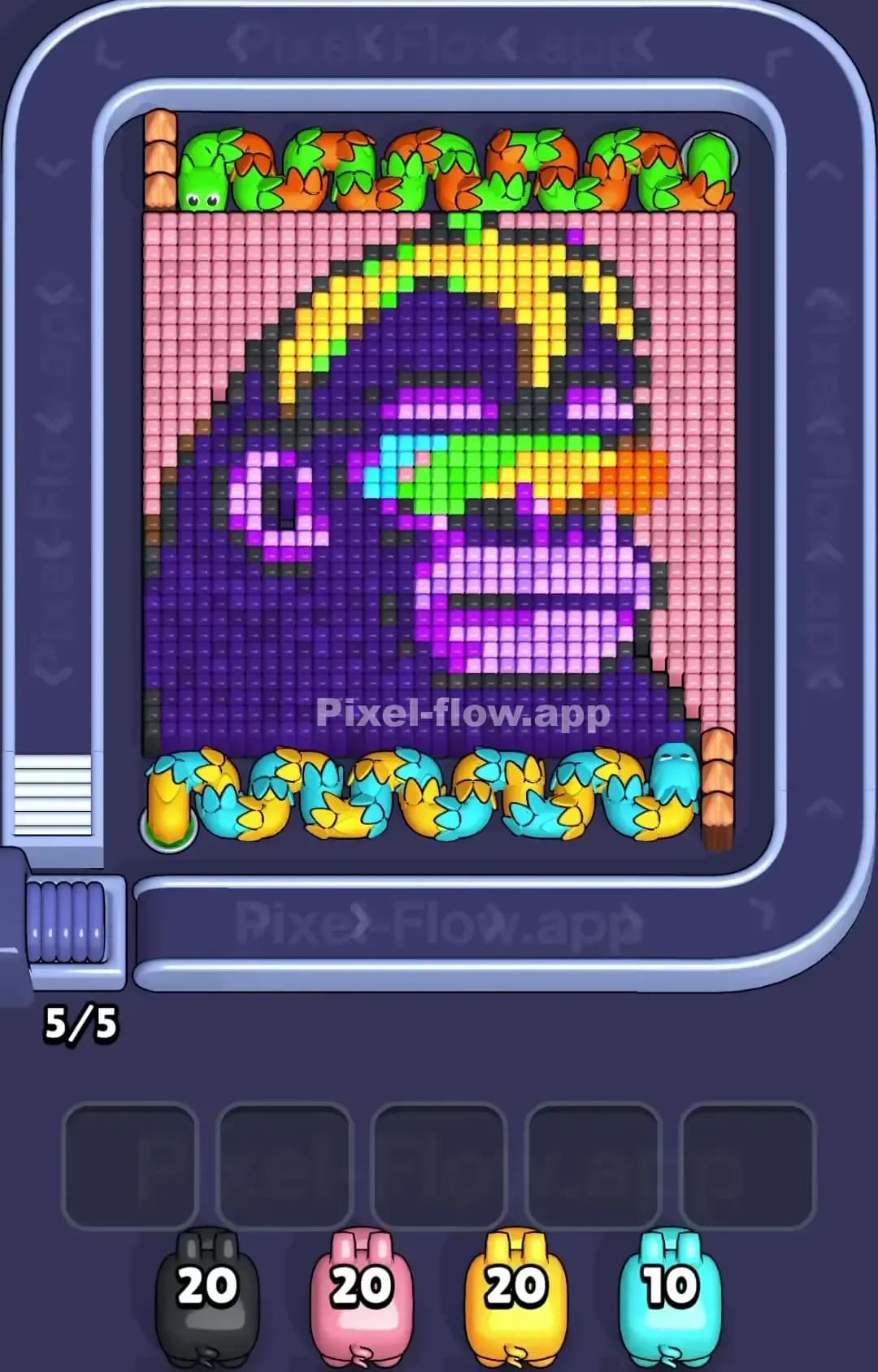
Pixel Flow Level 1350
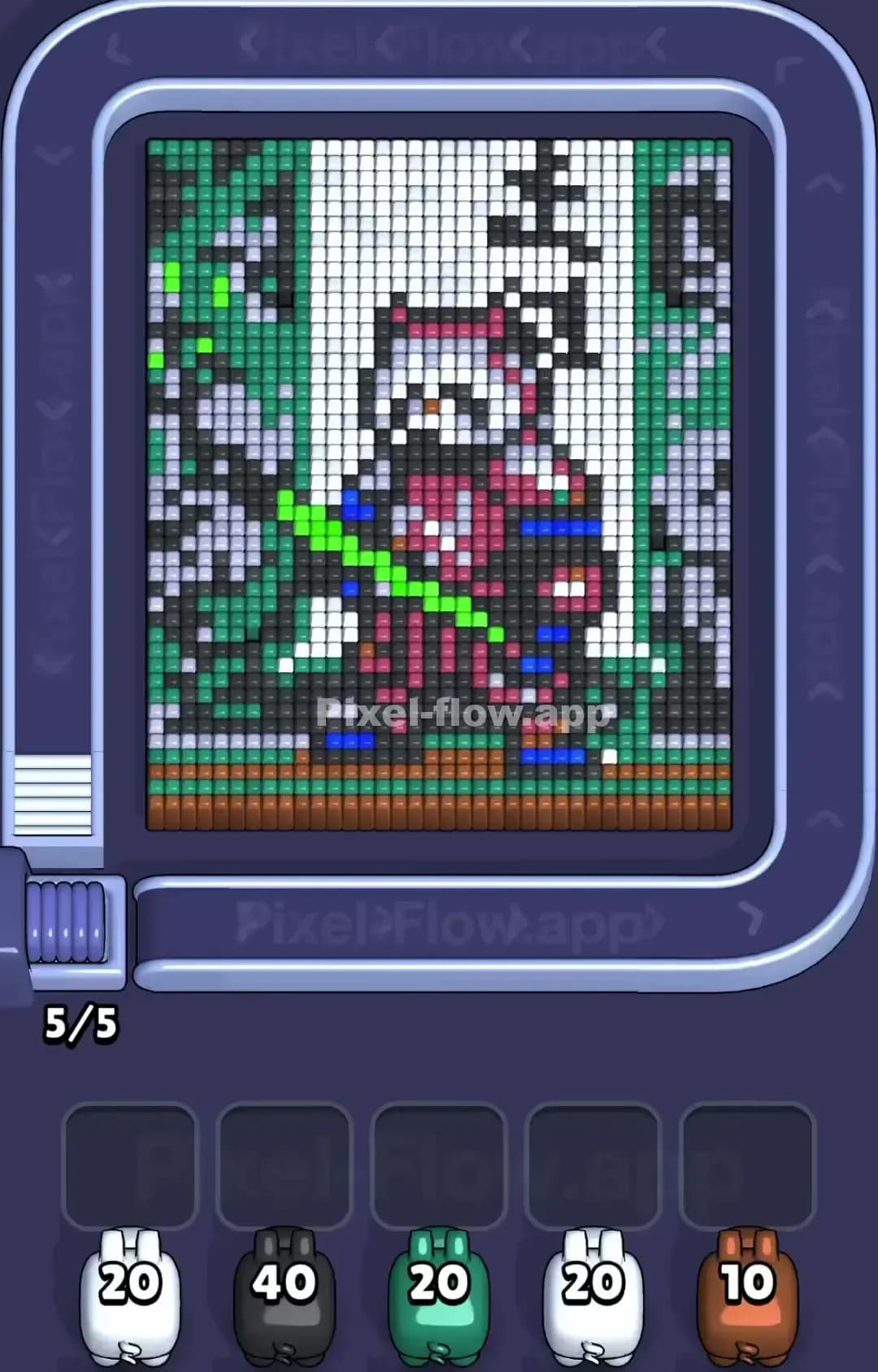
Pixel Flow Level 1349

Pixel Flow Level 1345
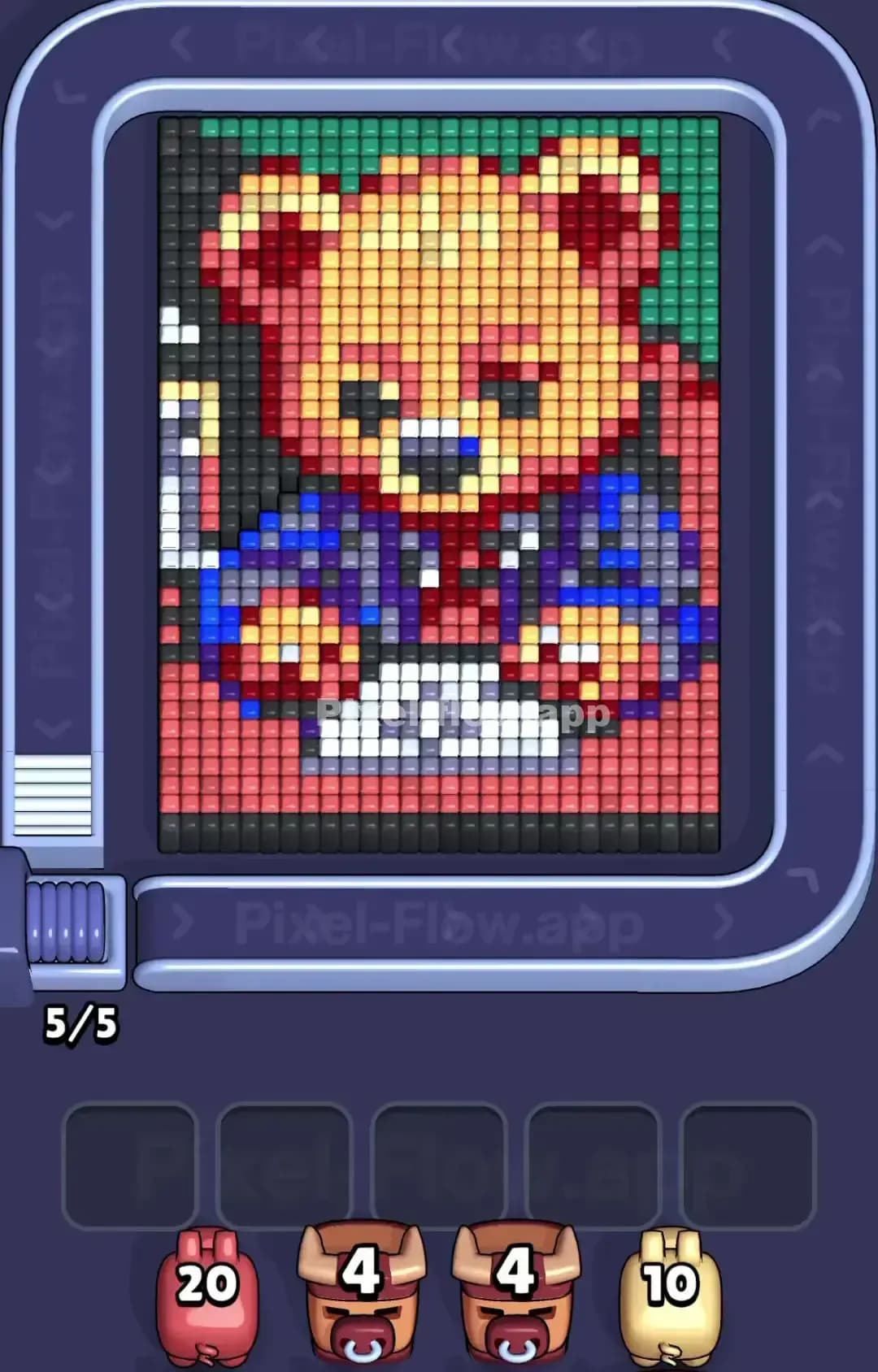
Pixel Flow Level 1340
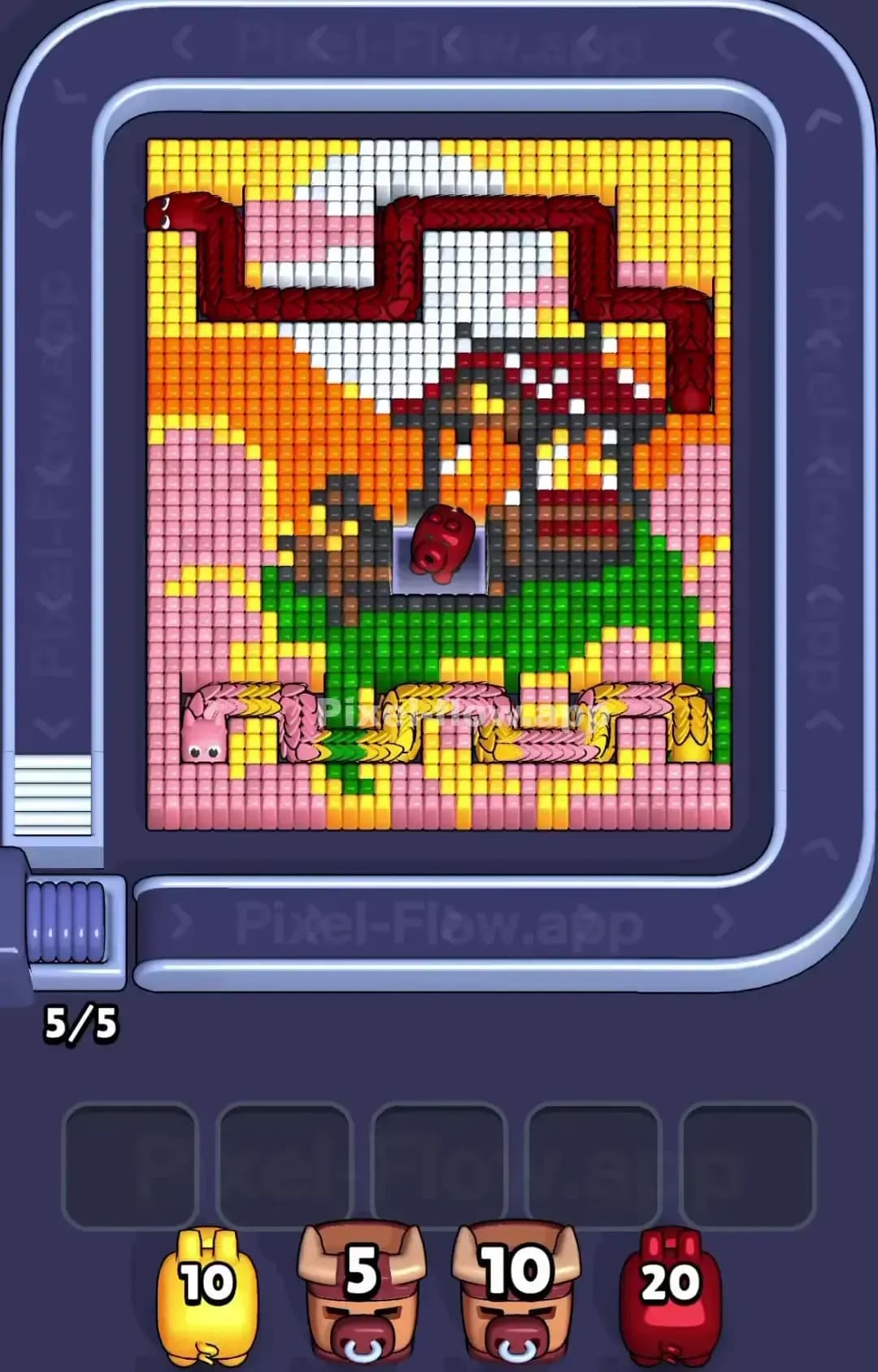
Pixel Flow Level 1339

Pixel Flow Level 1330
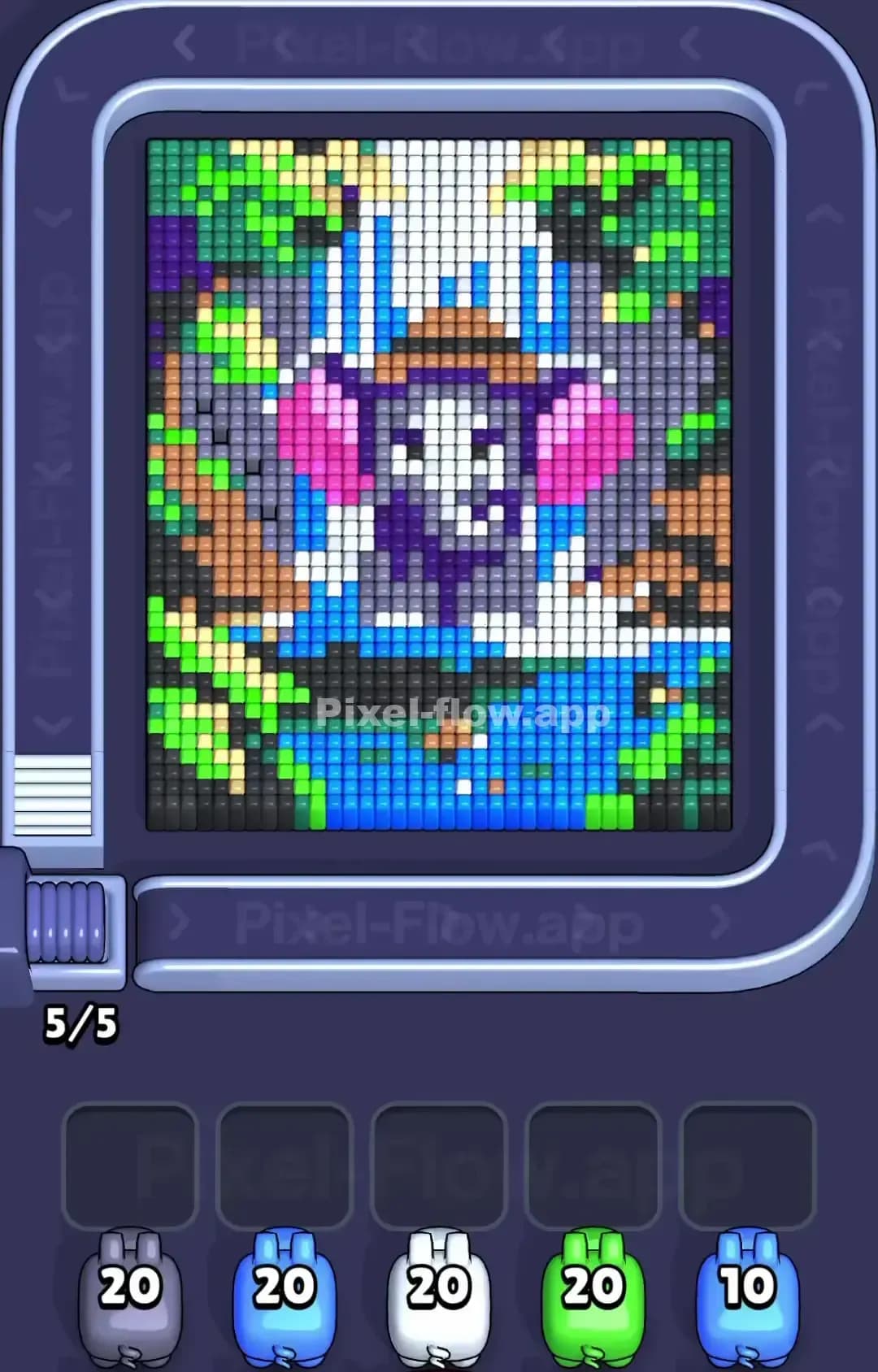
Pixel Flow Level 1329
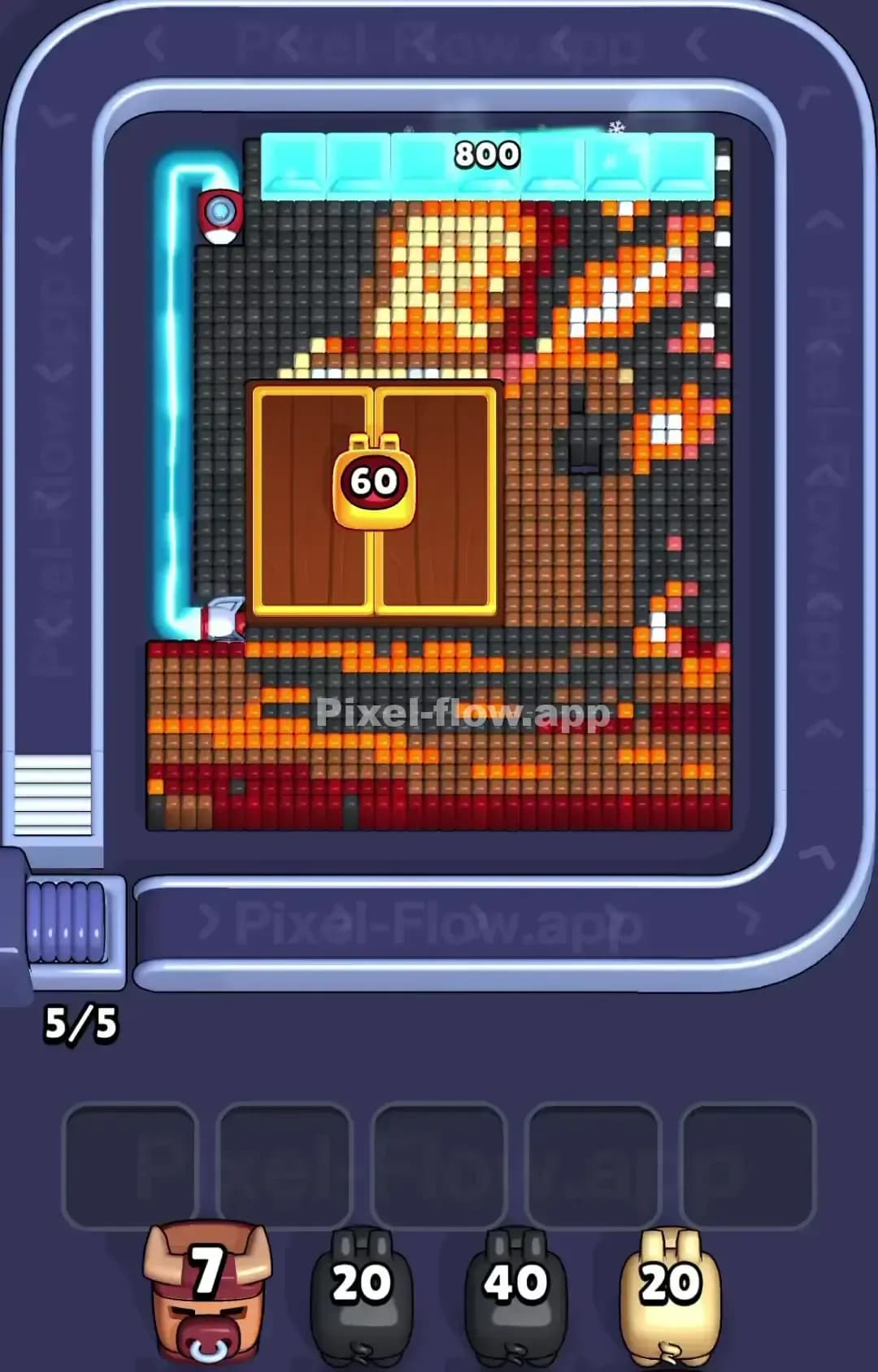
Pixel Flow Level 1325
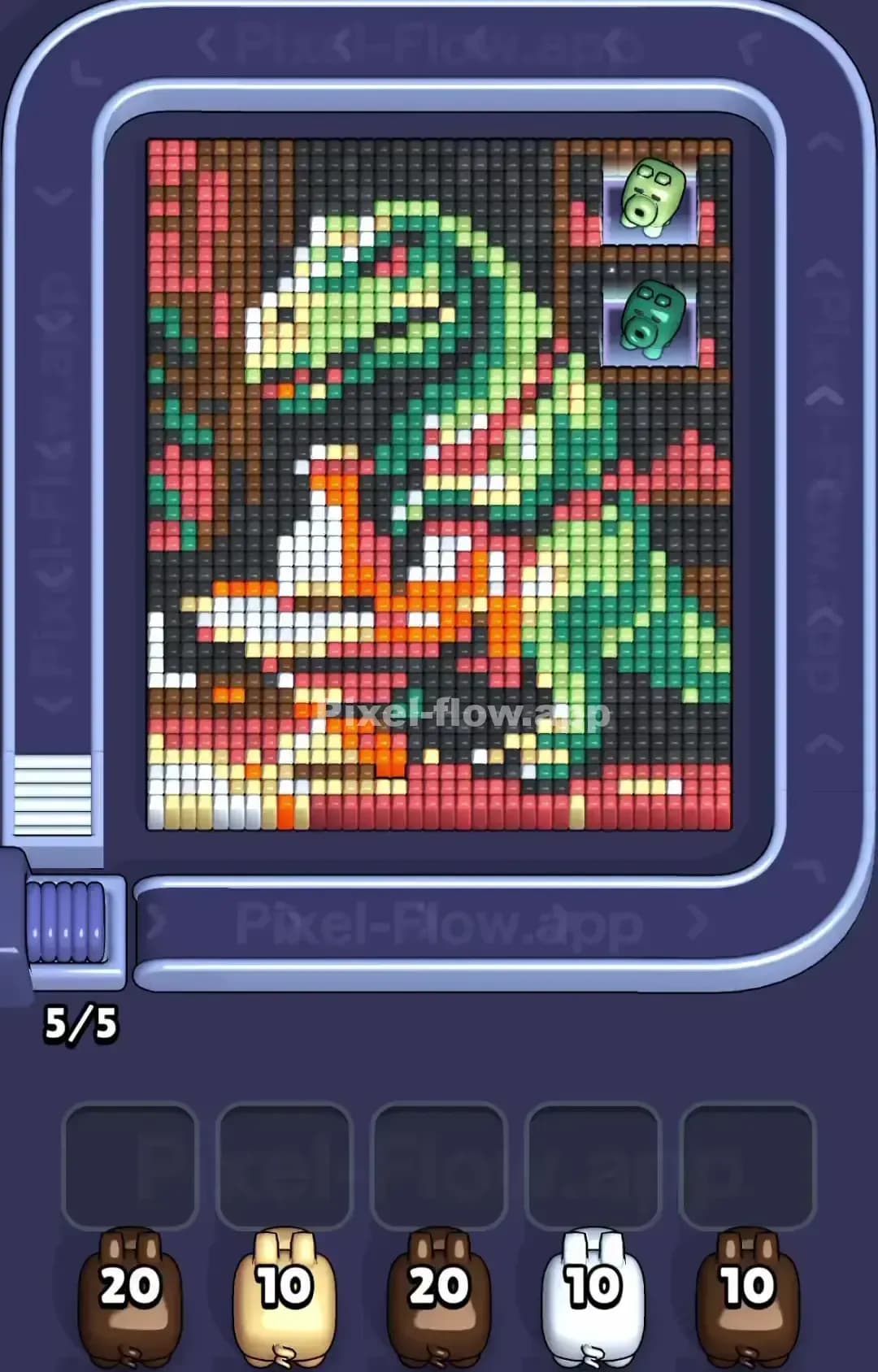
Pixel Flow Level 1320

Pixel Flow Level 1319
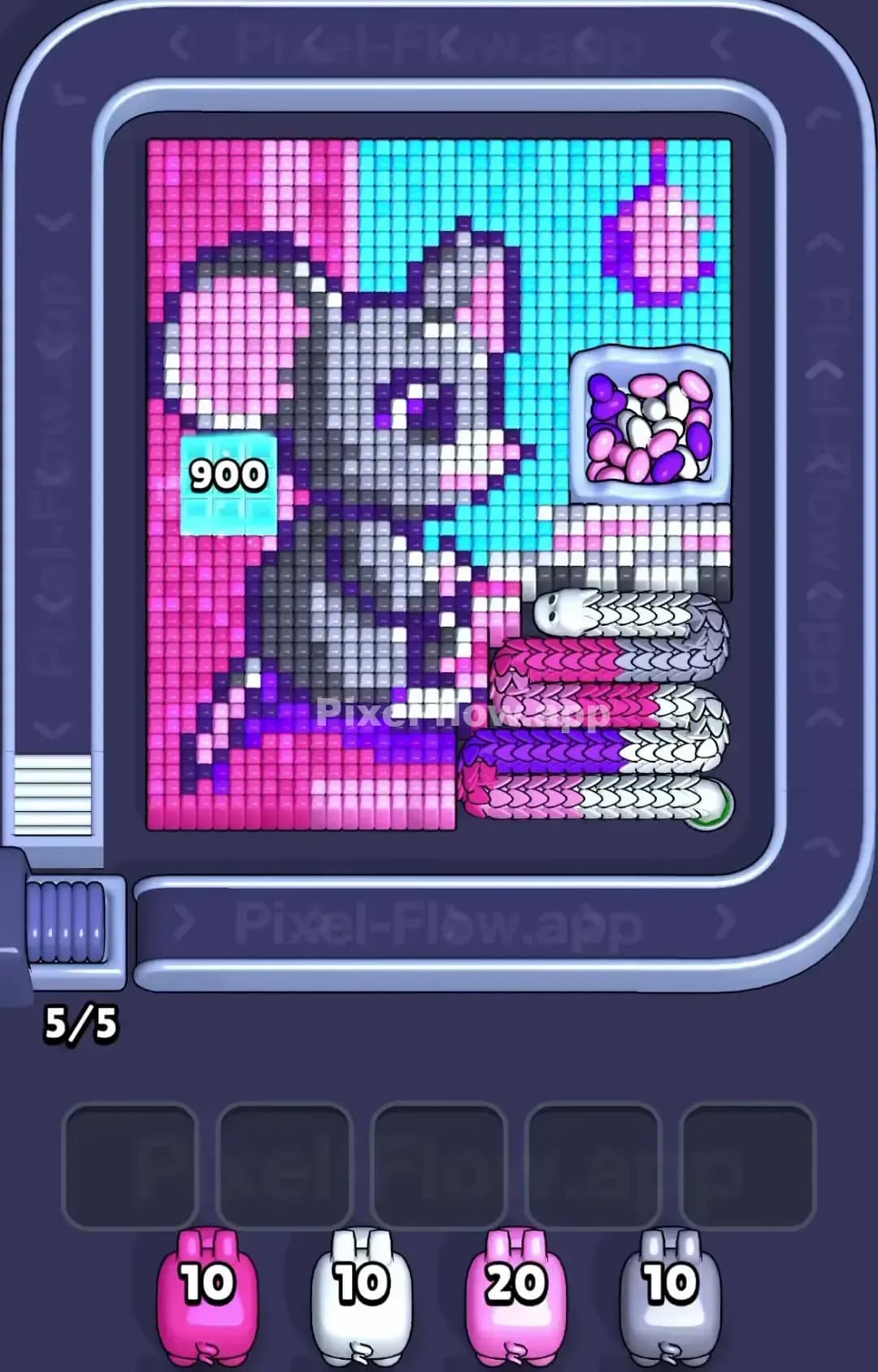
Pixel Flow Level 1315
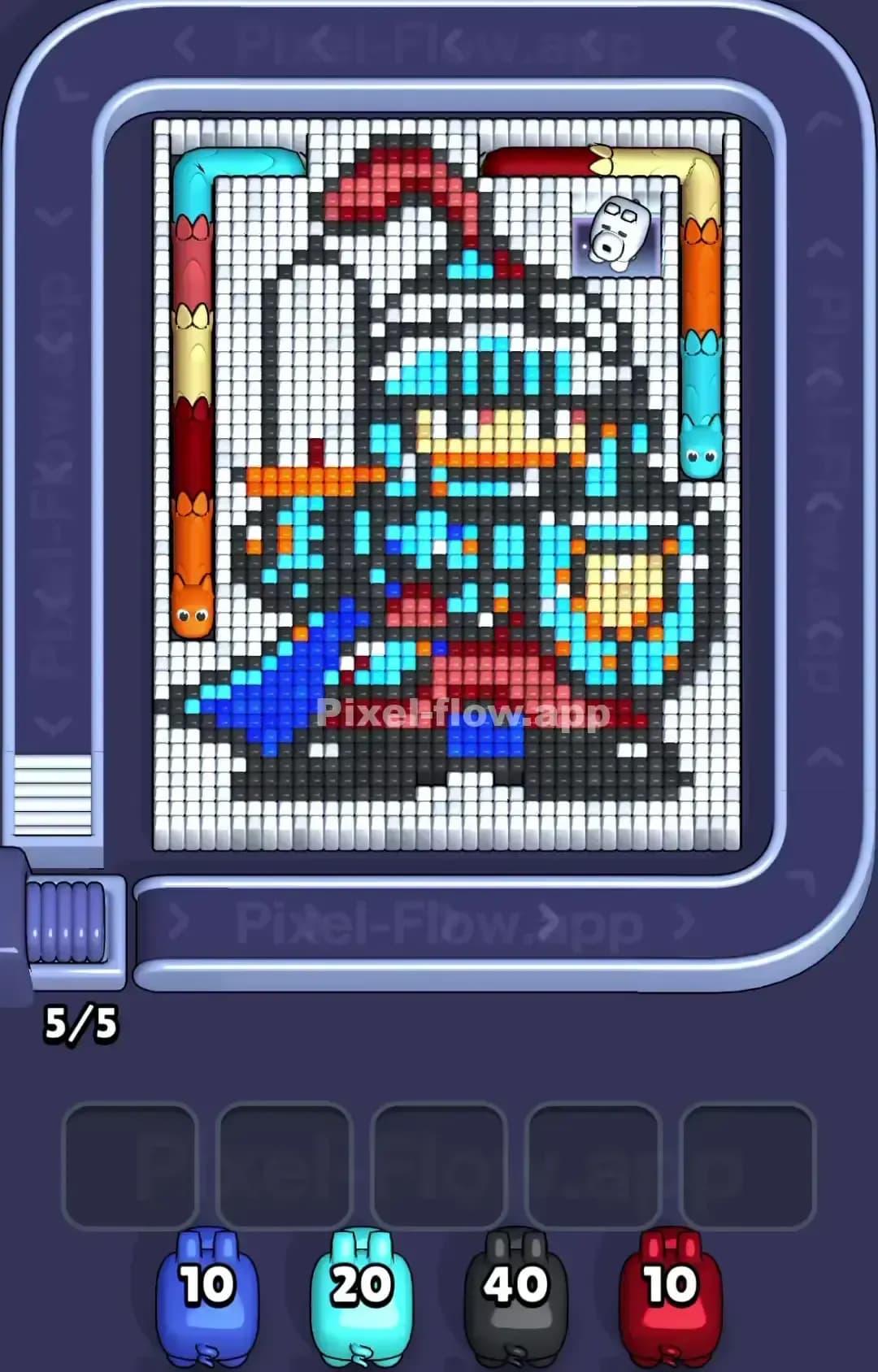
Pixel Flow Level 1310
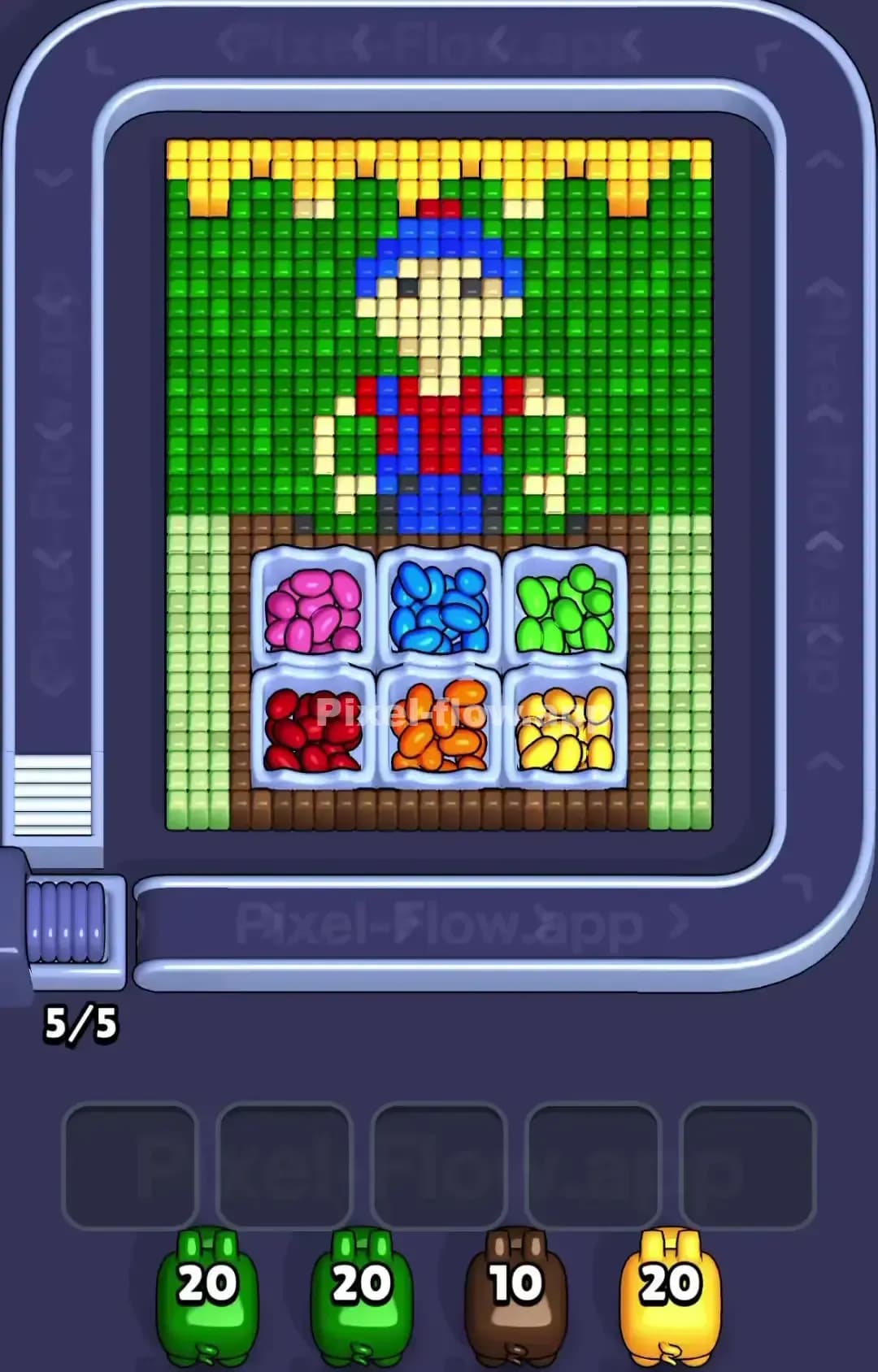
Pixel Flow Level 1309
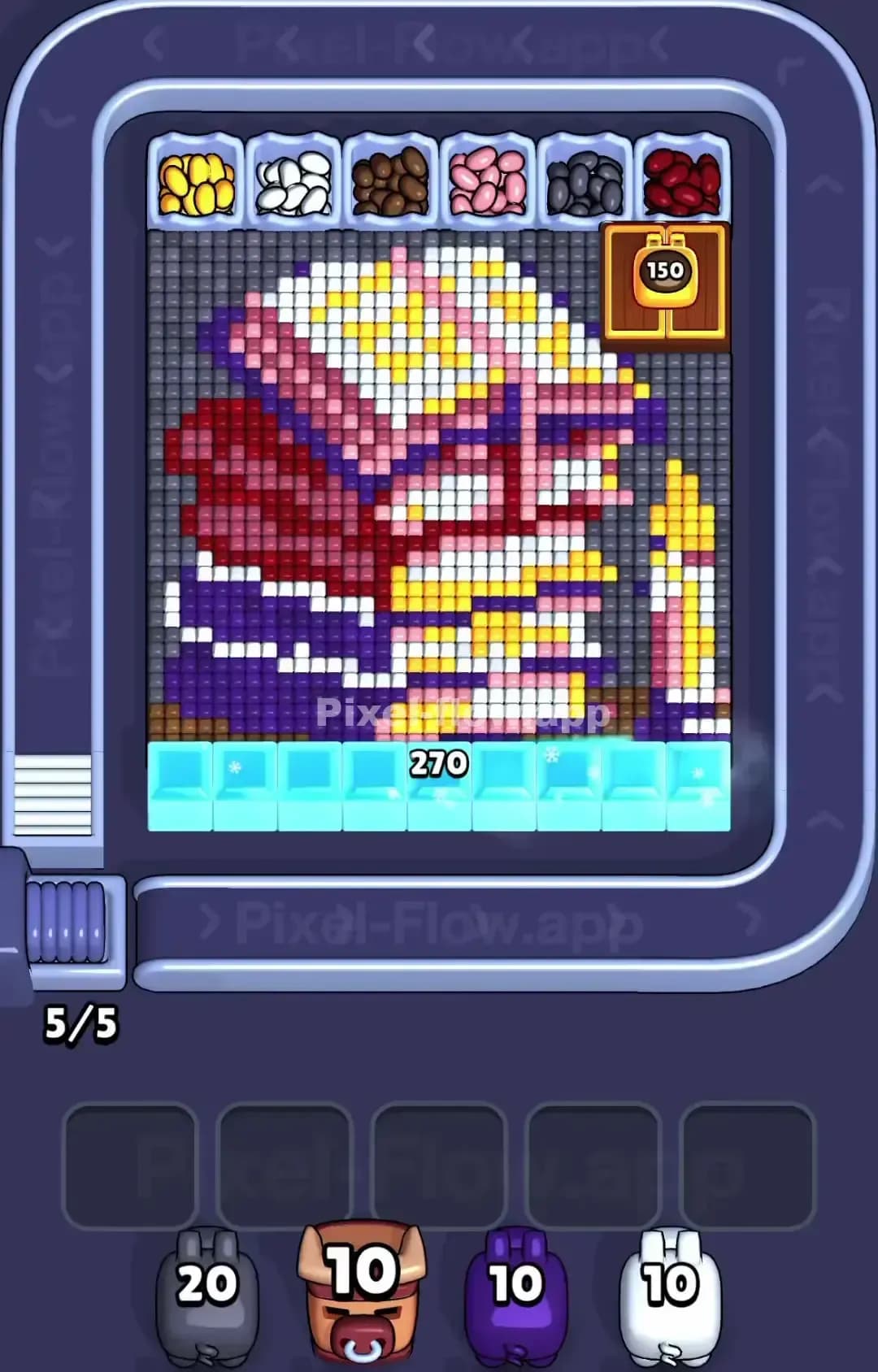
Pixel Flow Level 1305
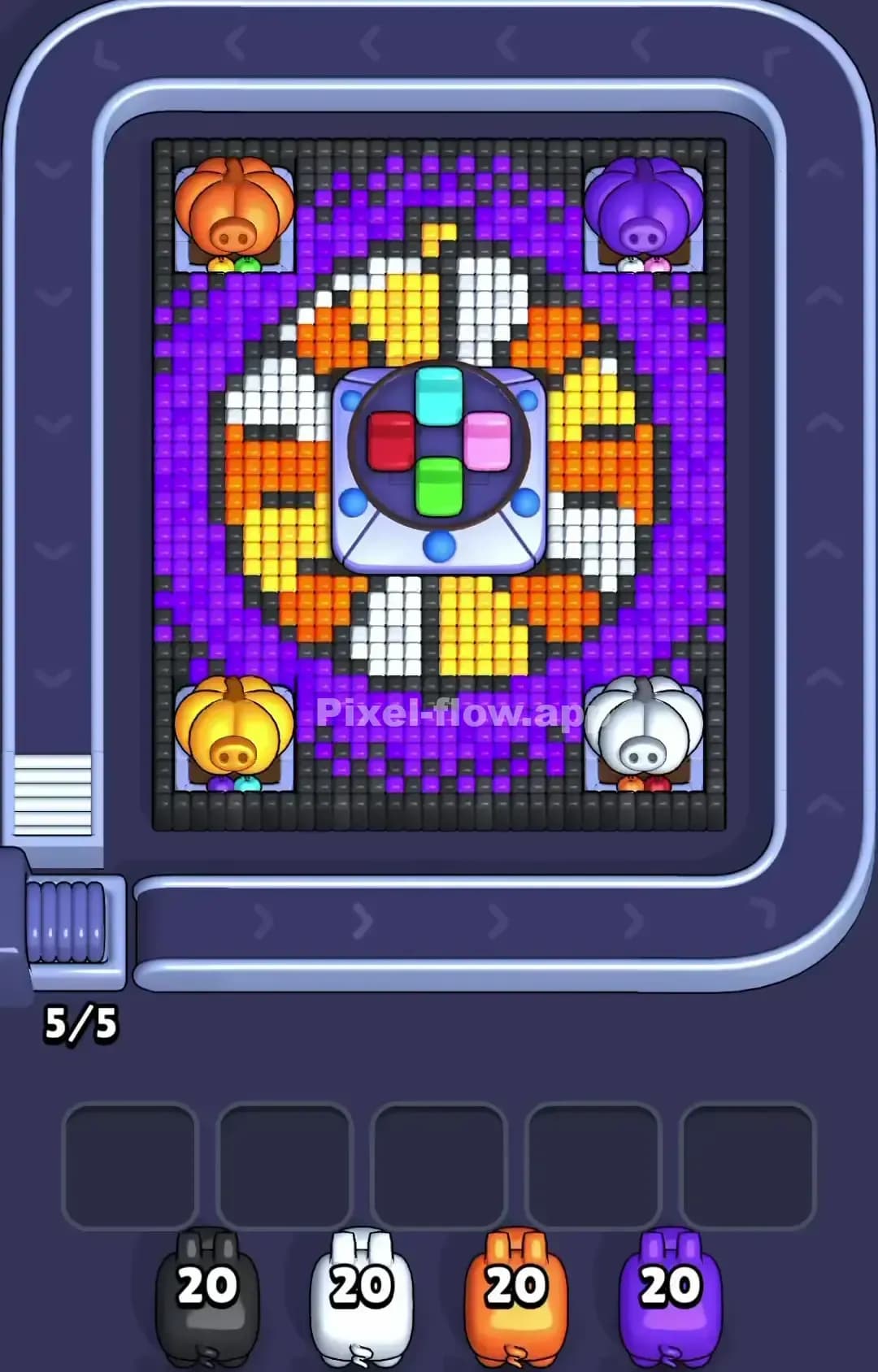
Pixel Flow Level 1300

Pixel Flow Level 1299
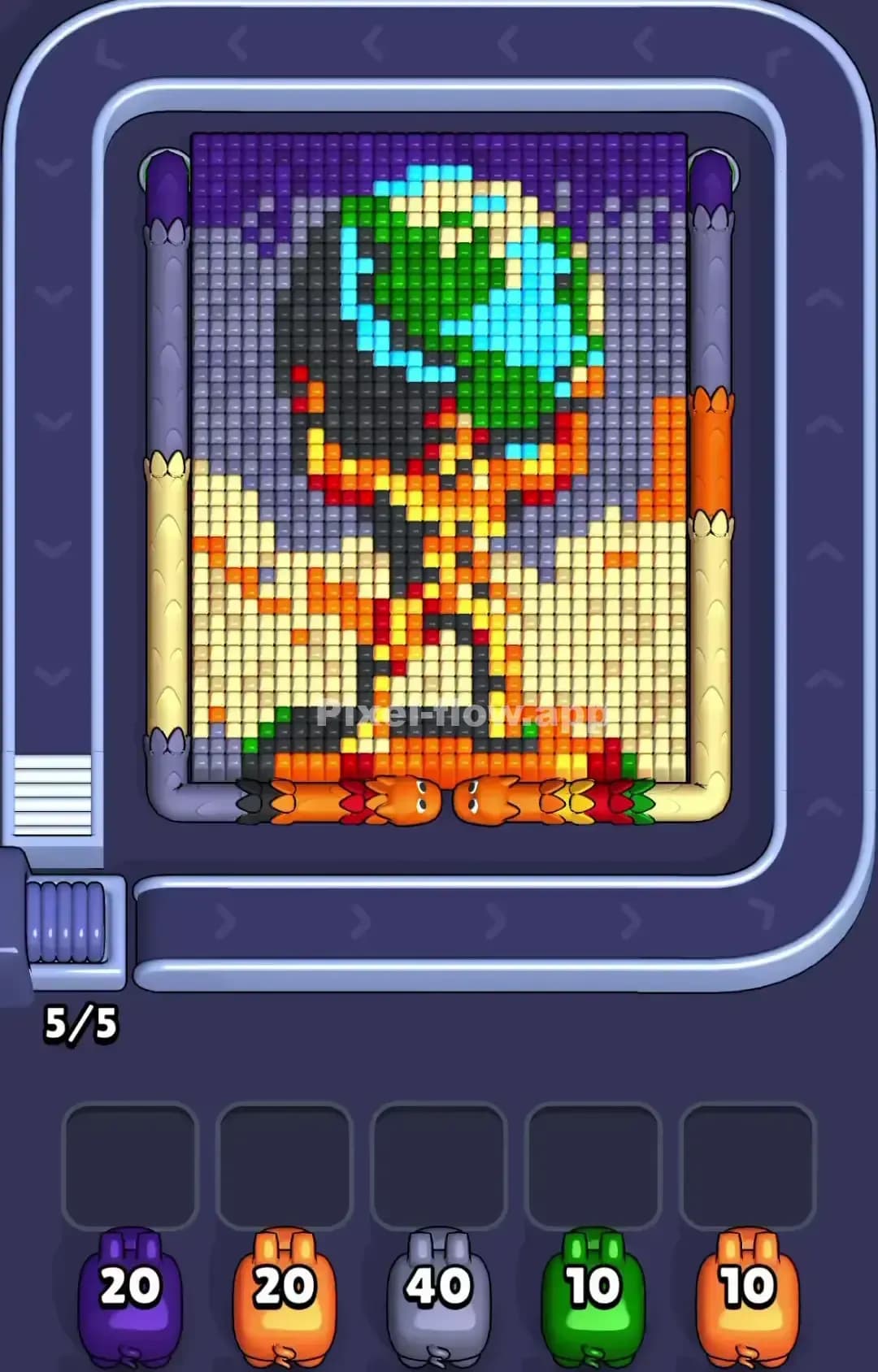
Pixel Flow Level 1295
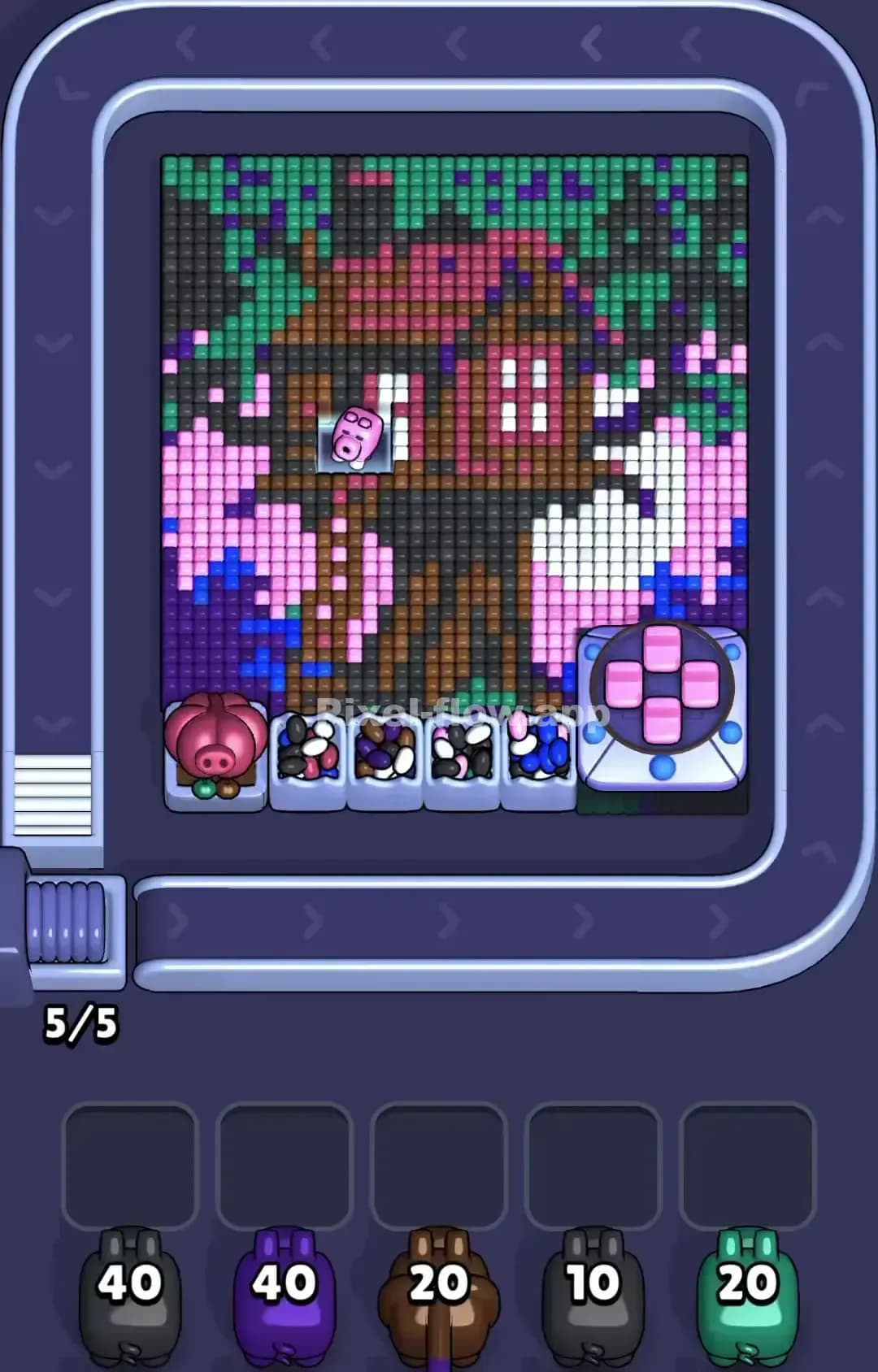
Pixel Flow Level 1290

Pixel Flow Level 1289

Pixel Flow Level 1285
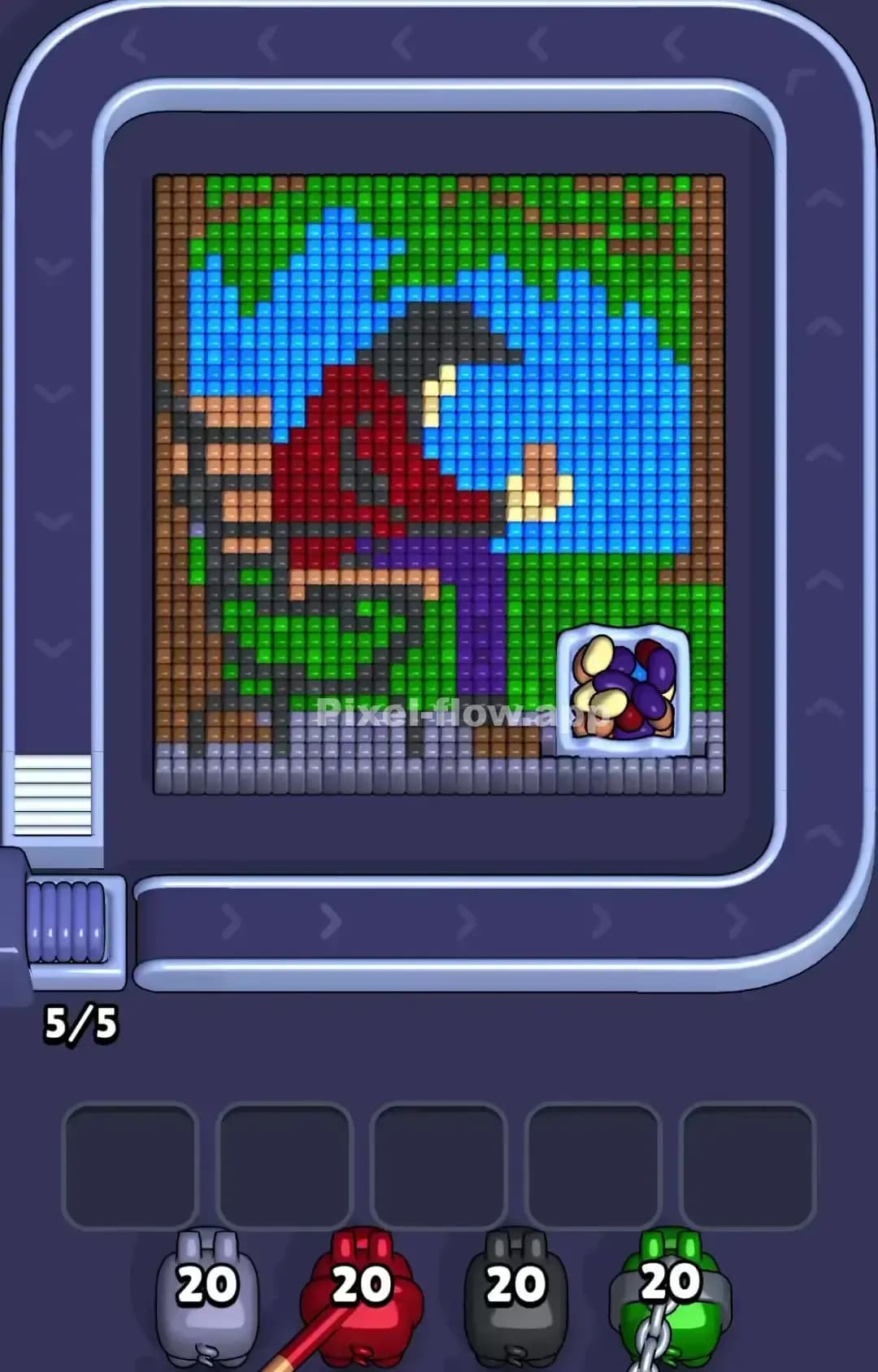
Pixel Flow Level 1279

Pixel Flow Level 1275
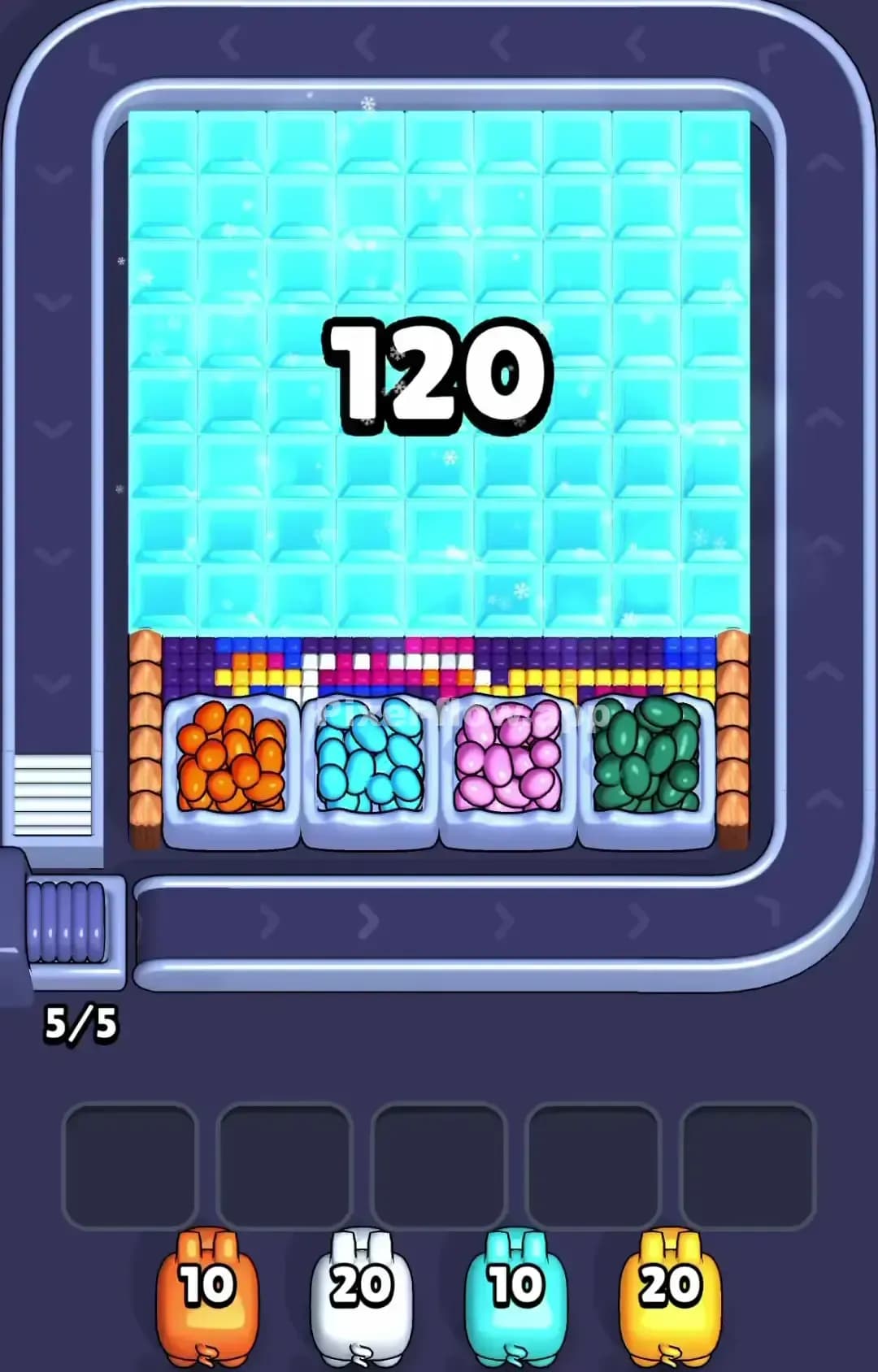
Pixel Flow Level 1270

Pixel Flow Level 1269
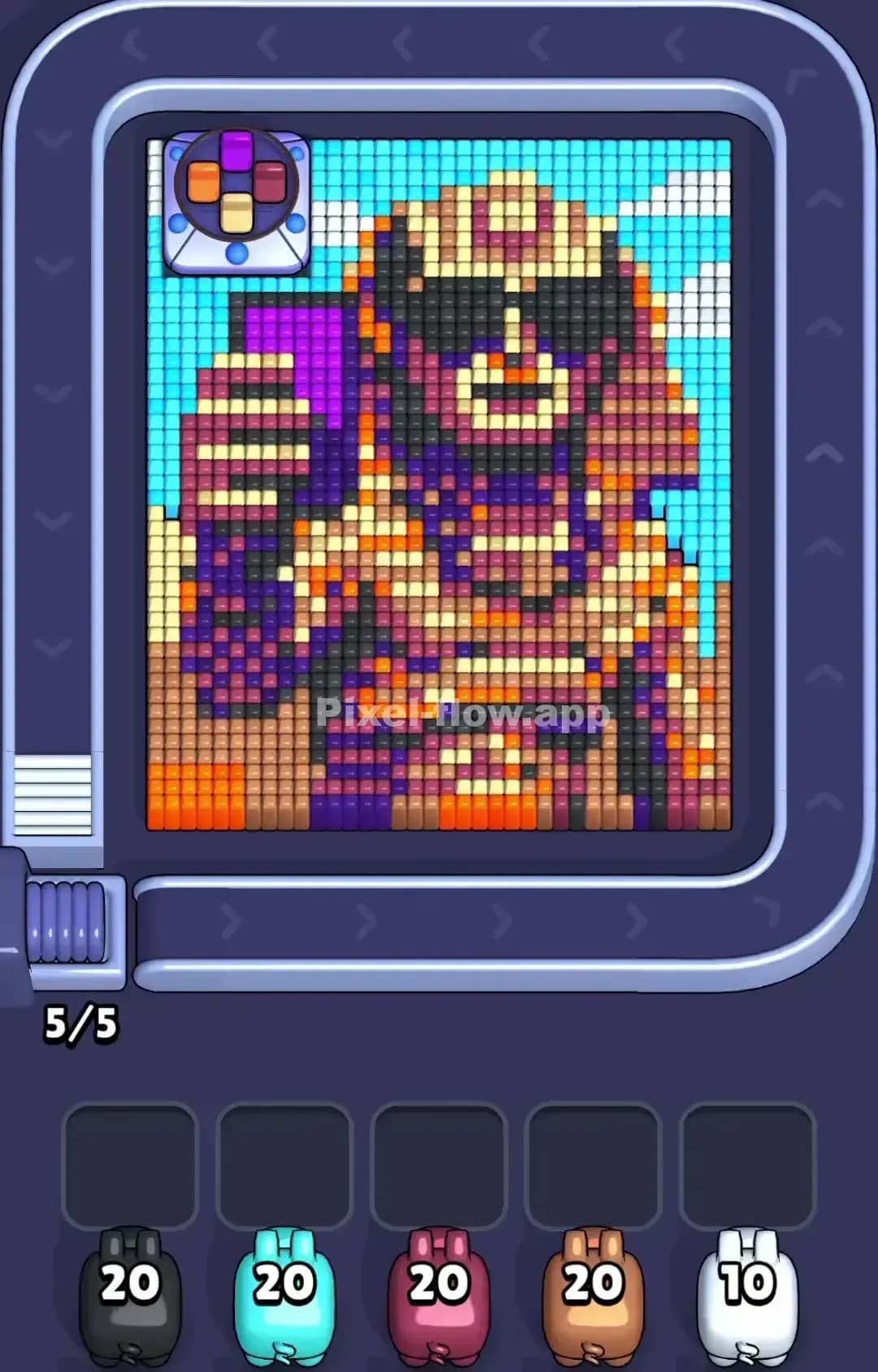
Pixel Flow Level 1265

Pixel Flow Level 1260

Pixel Flow Level 1259
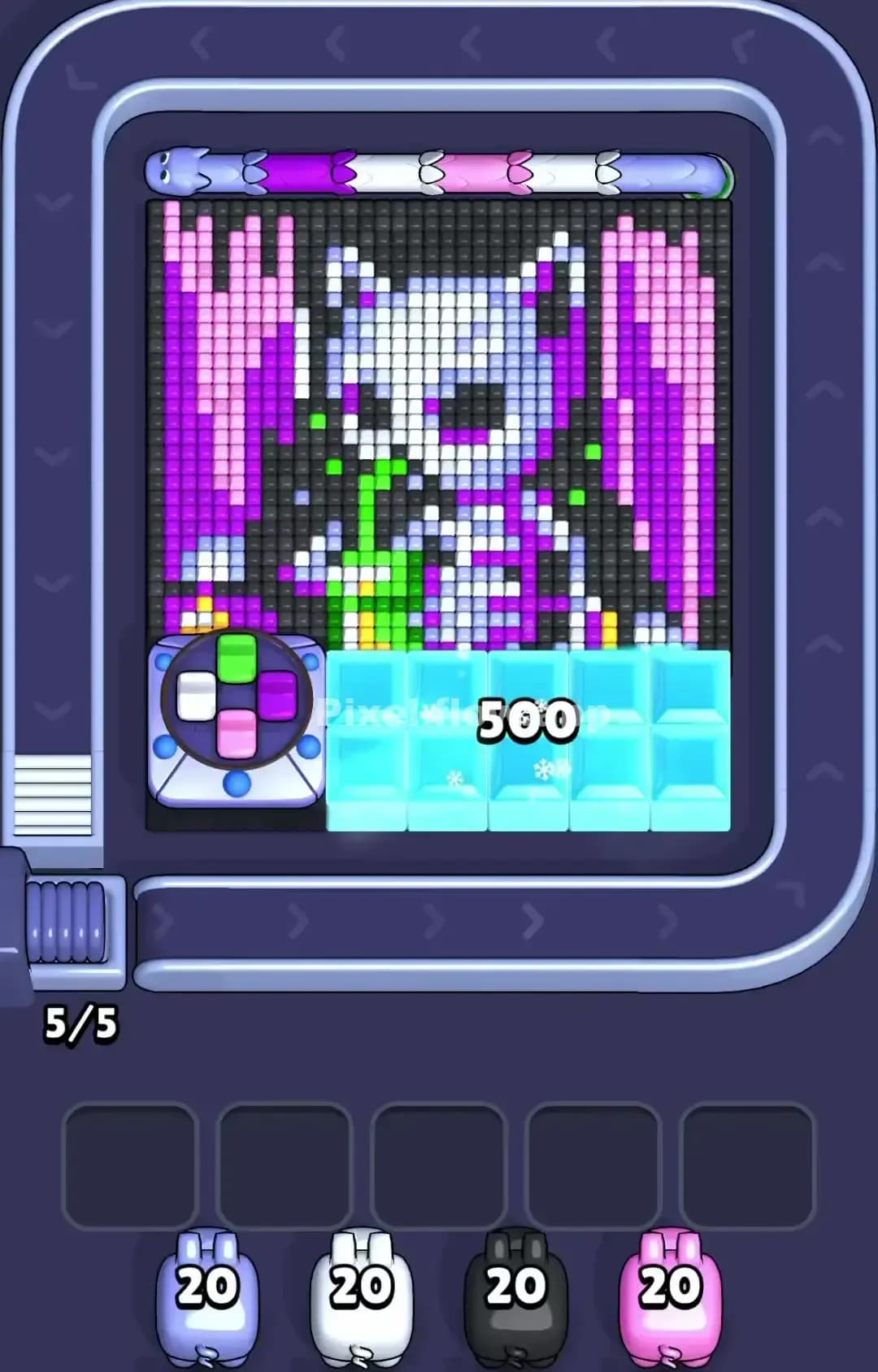
Pixel Flow Level 1255
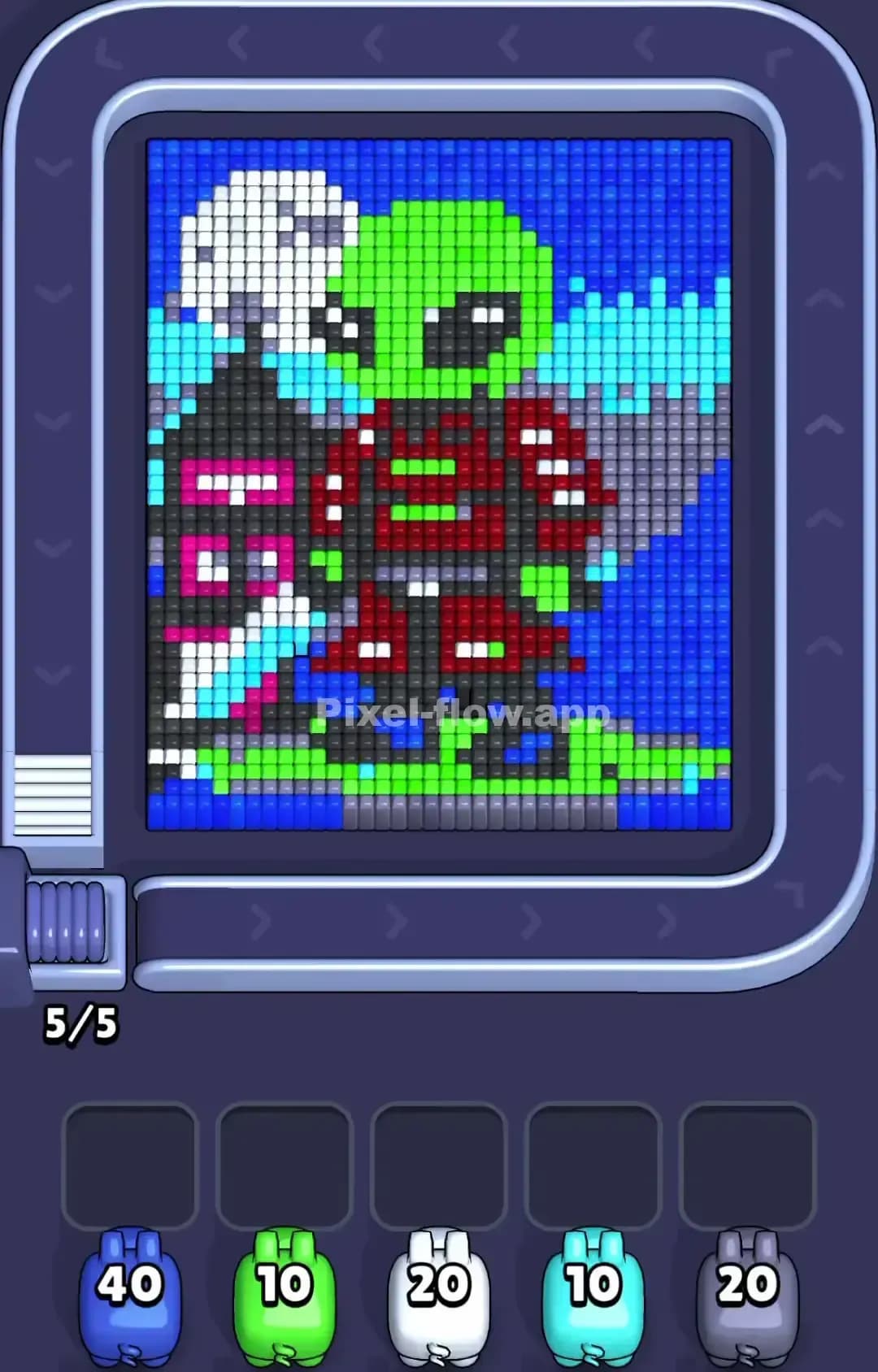
Pixel Flow Level 1250

Pixel Flow Level 1249
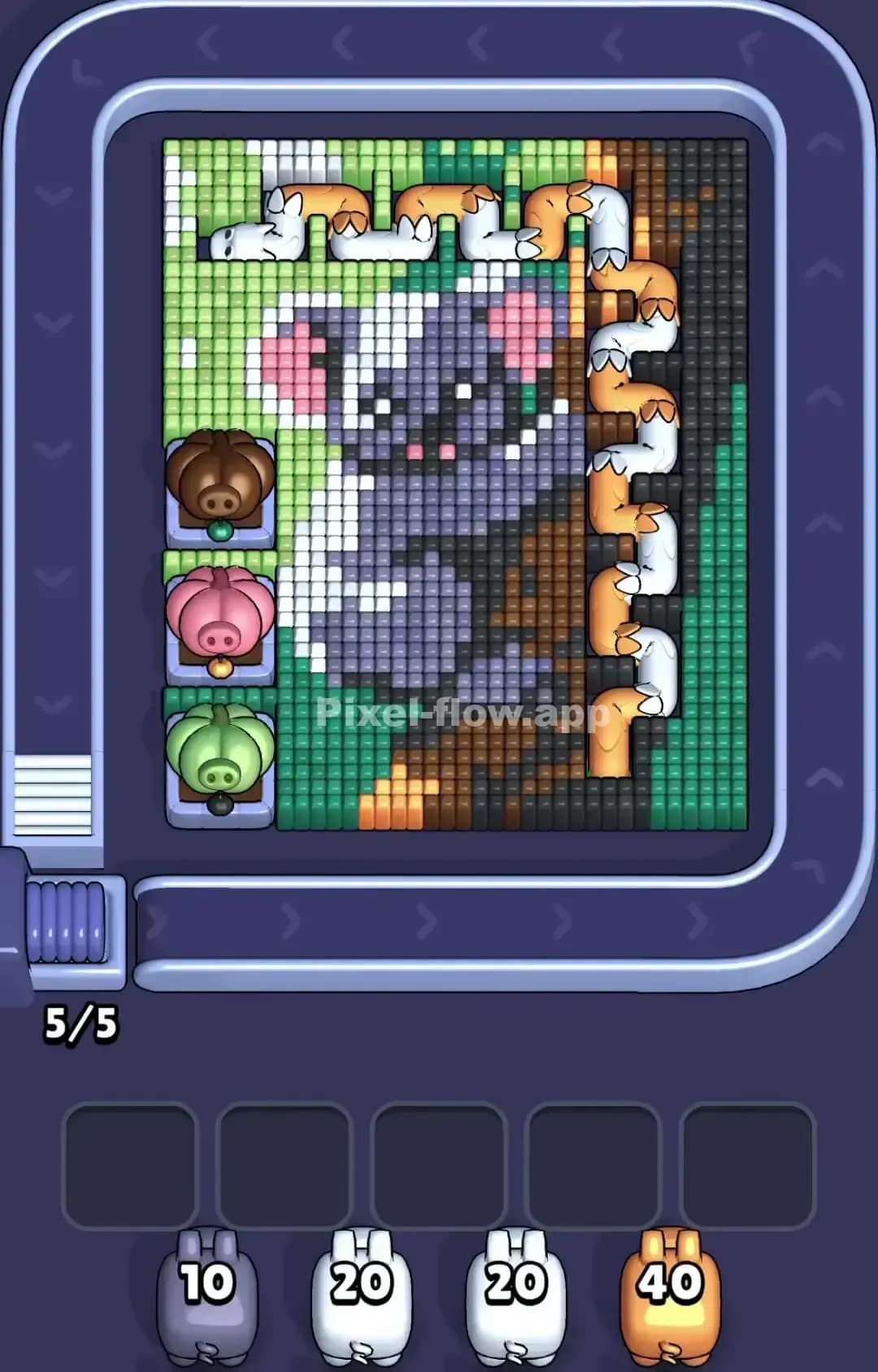
Pixel Flow Level 1245

Pixel Flow Level 1240
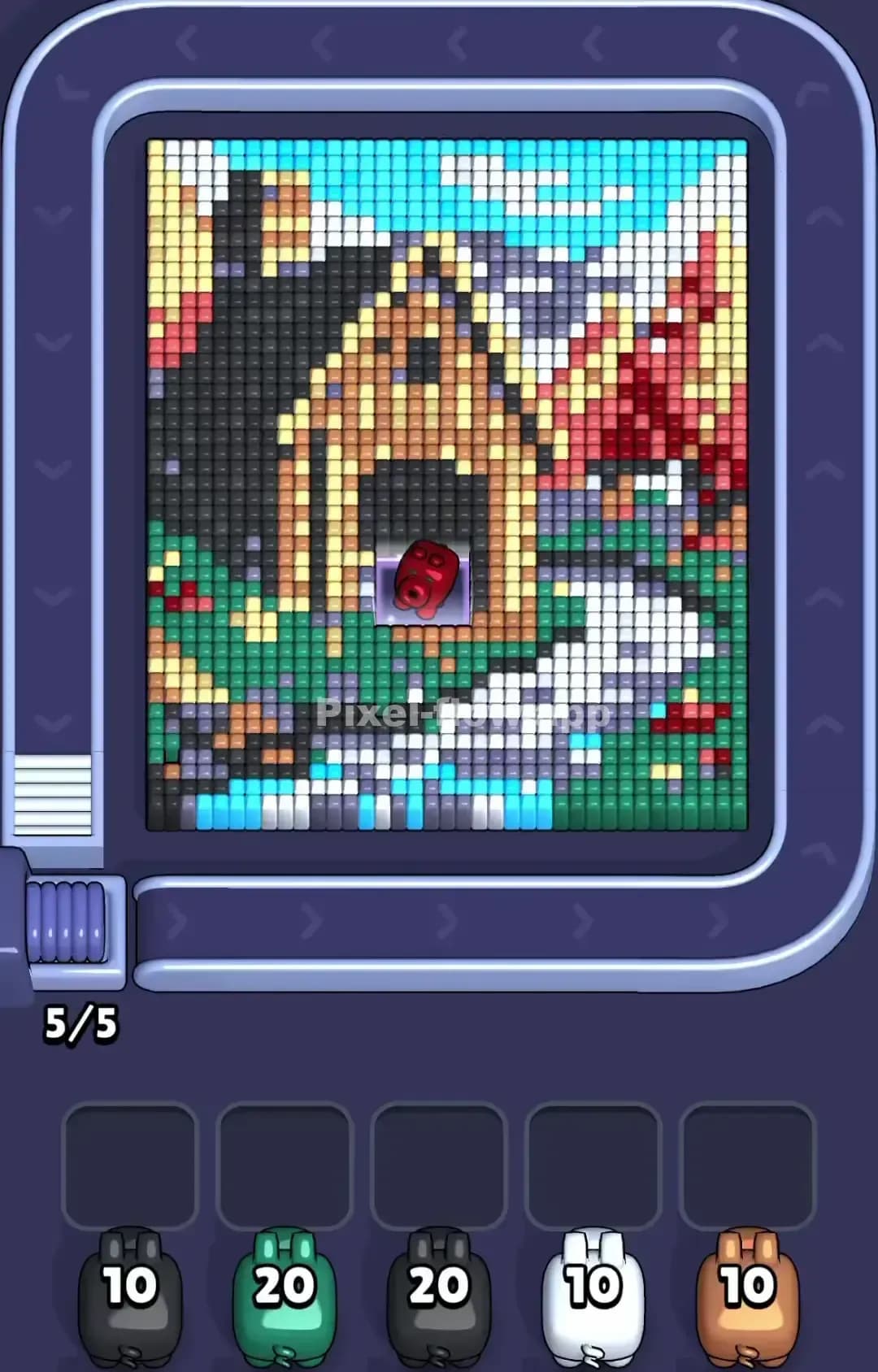
Pixel Flow Level 1239

Pixel Flow Level 1235
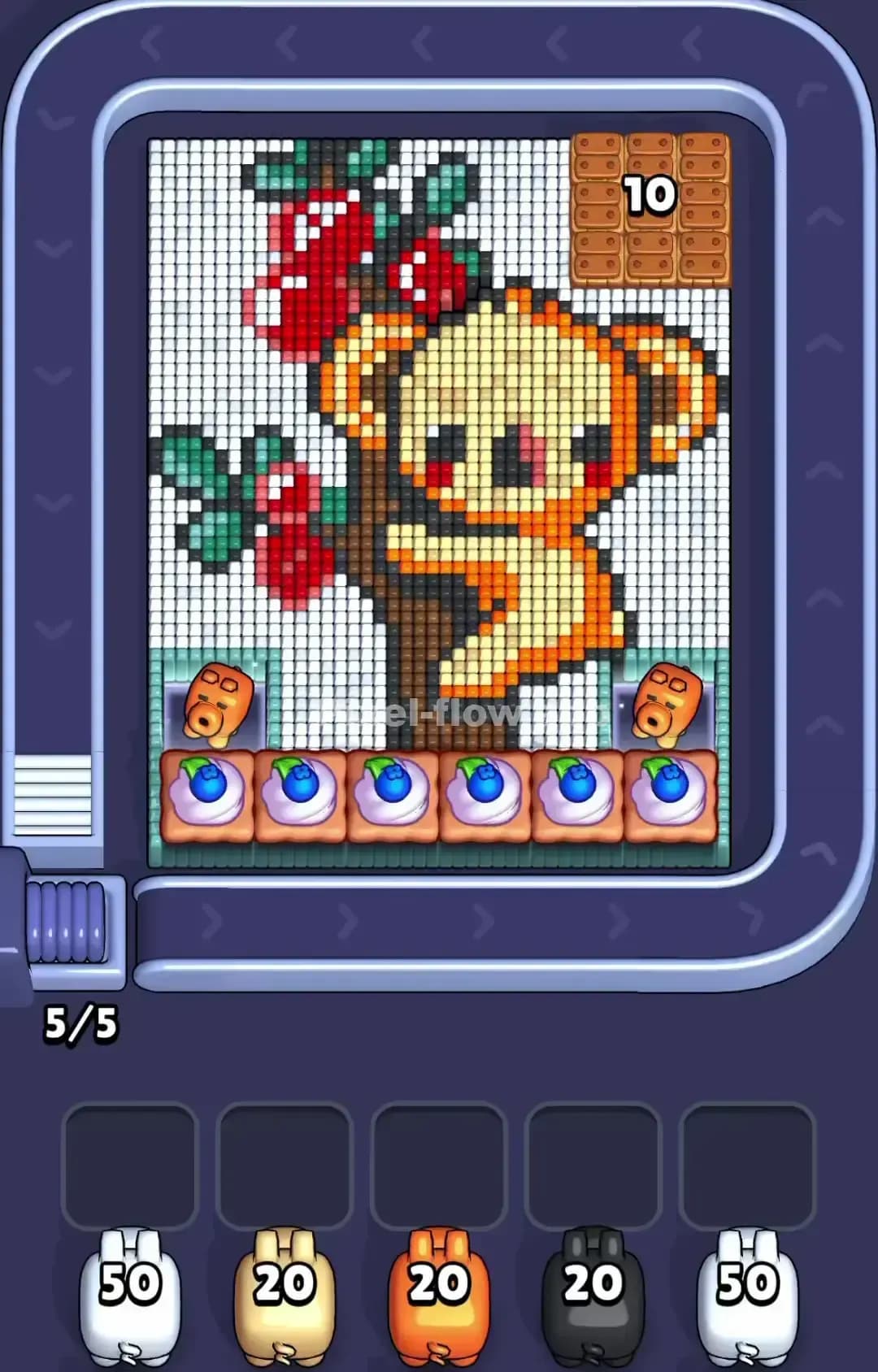
Pixel Flow Level 1230
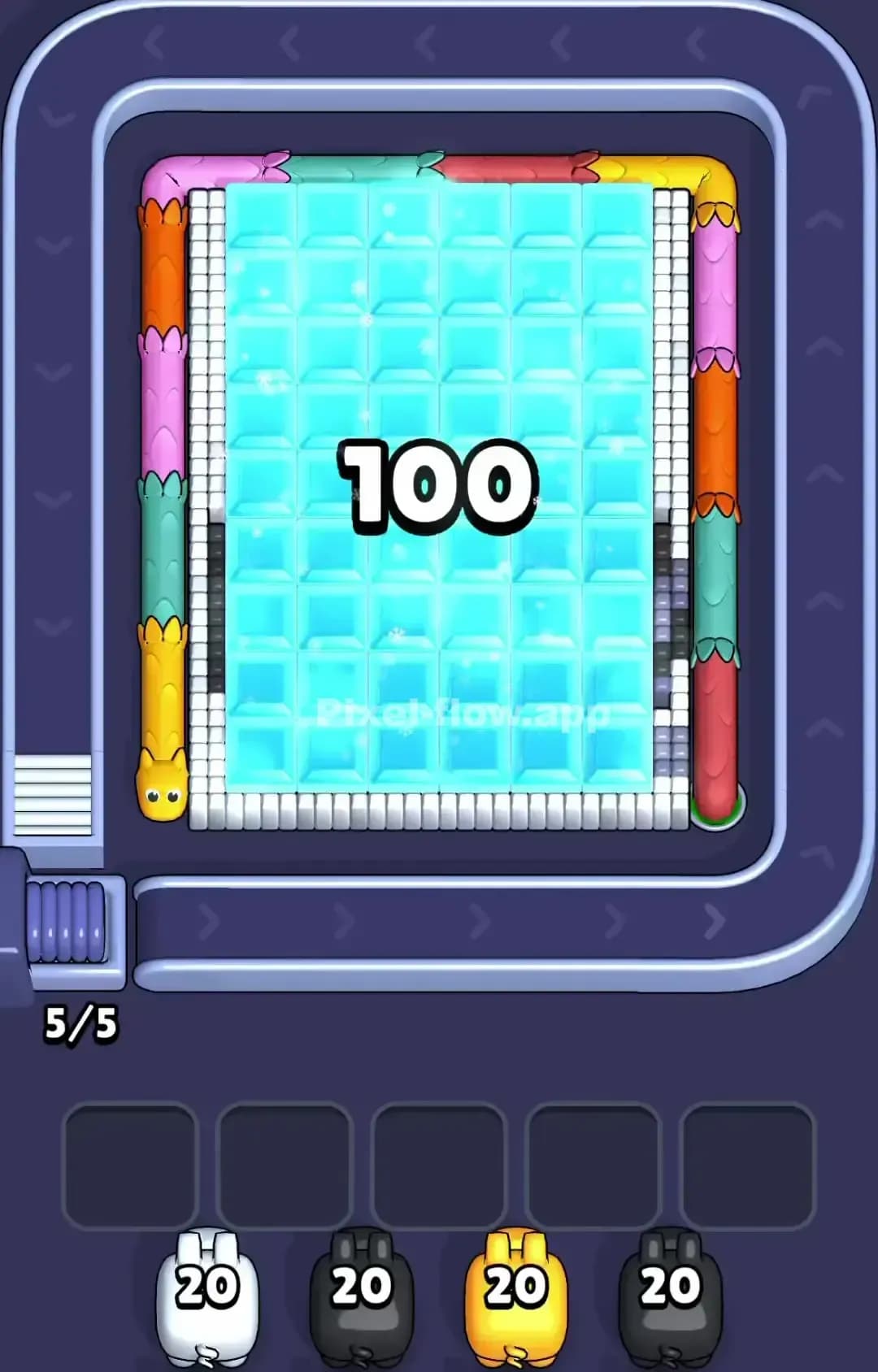
Pixel Flow Level 1229
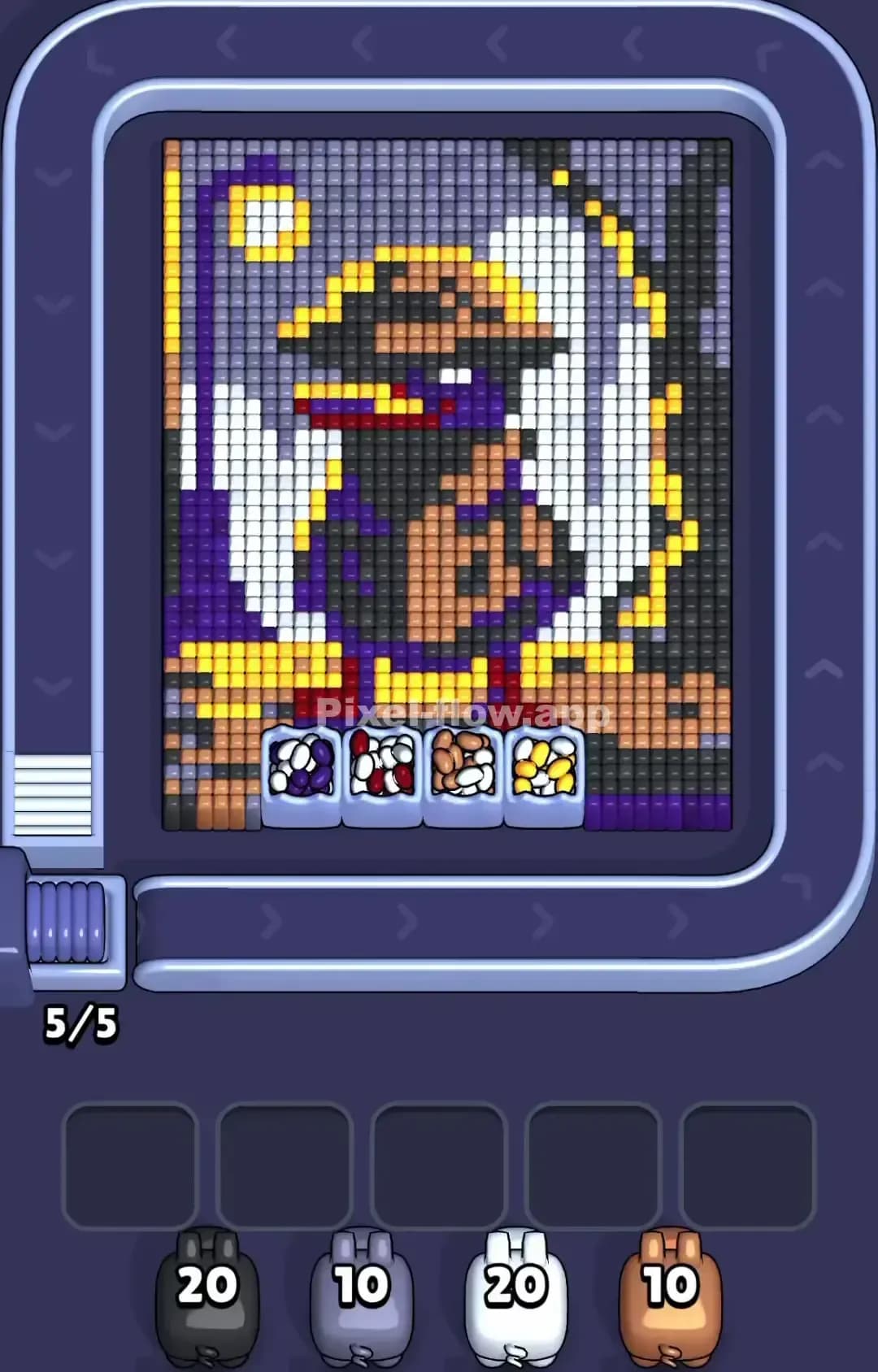
Pixel Flow Level 1225
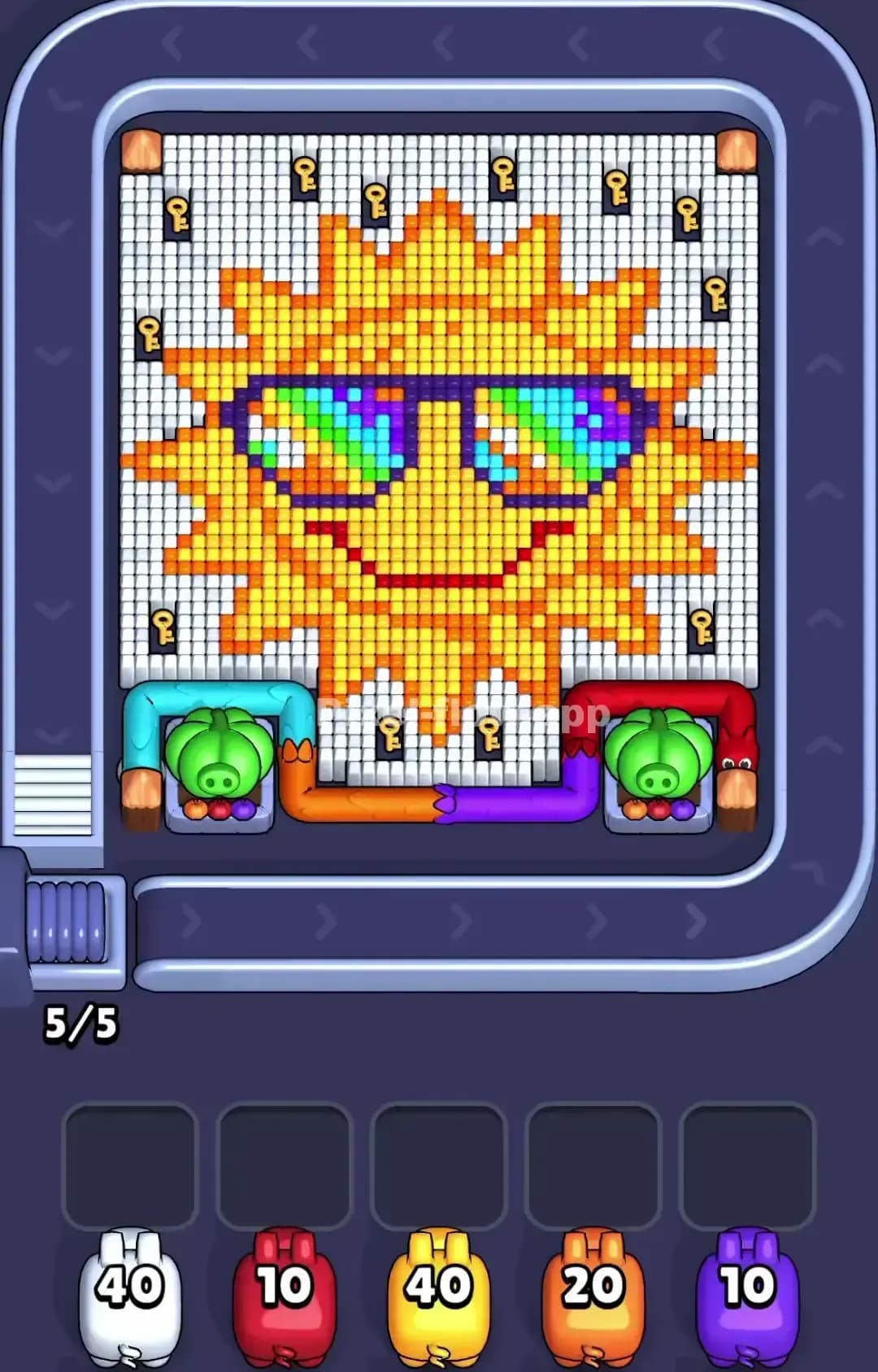
Pixel Flow Level 1220
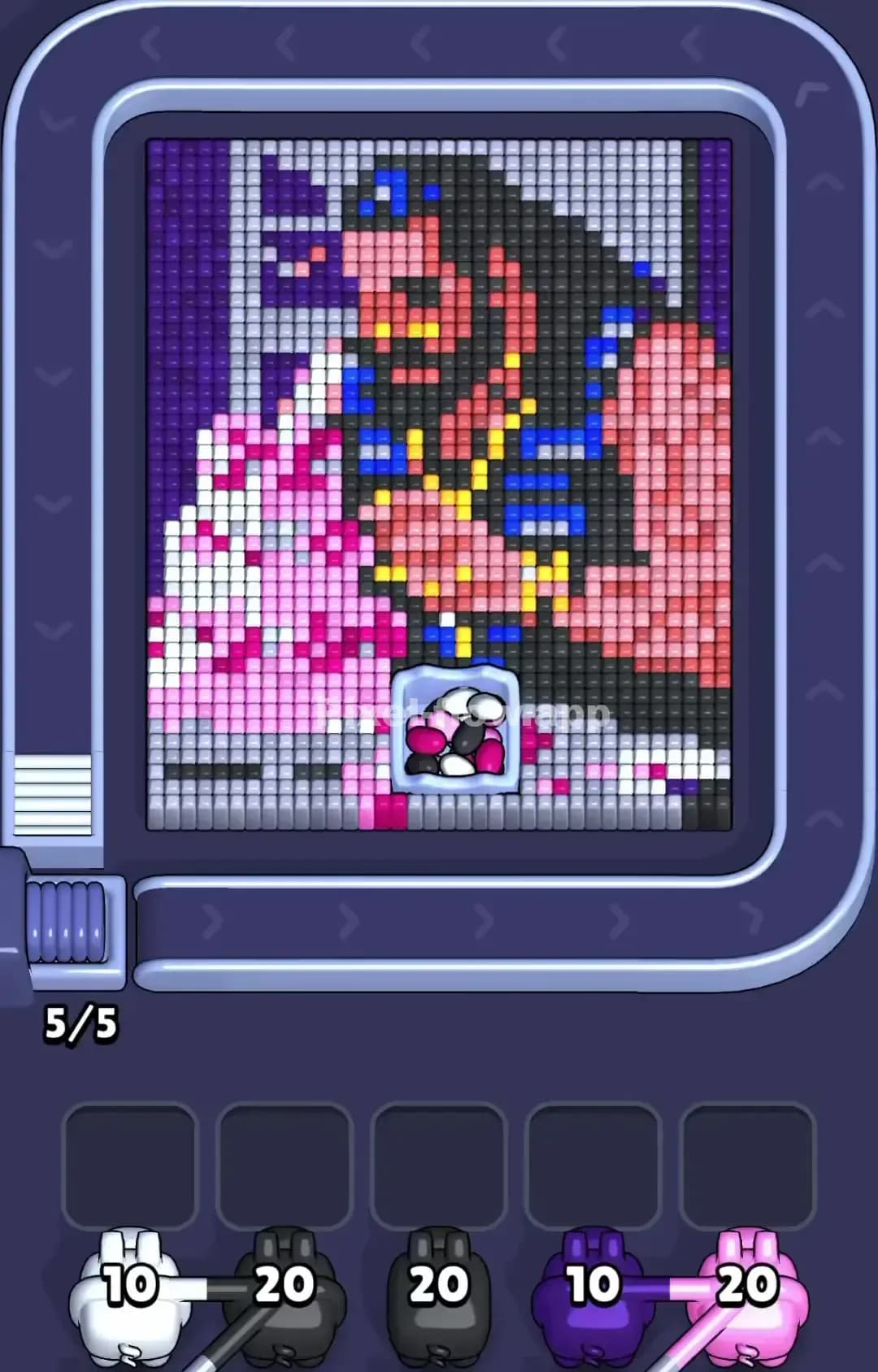
Pixel Flow Level 1219

Pixel Flow Level 1210

Pixel Flow Level 1209
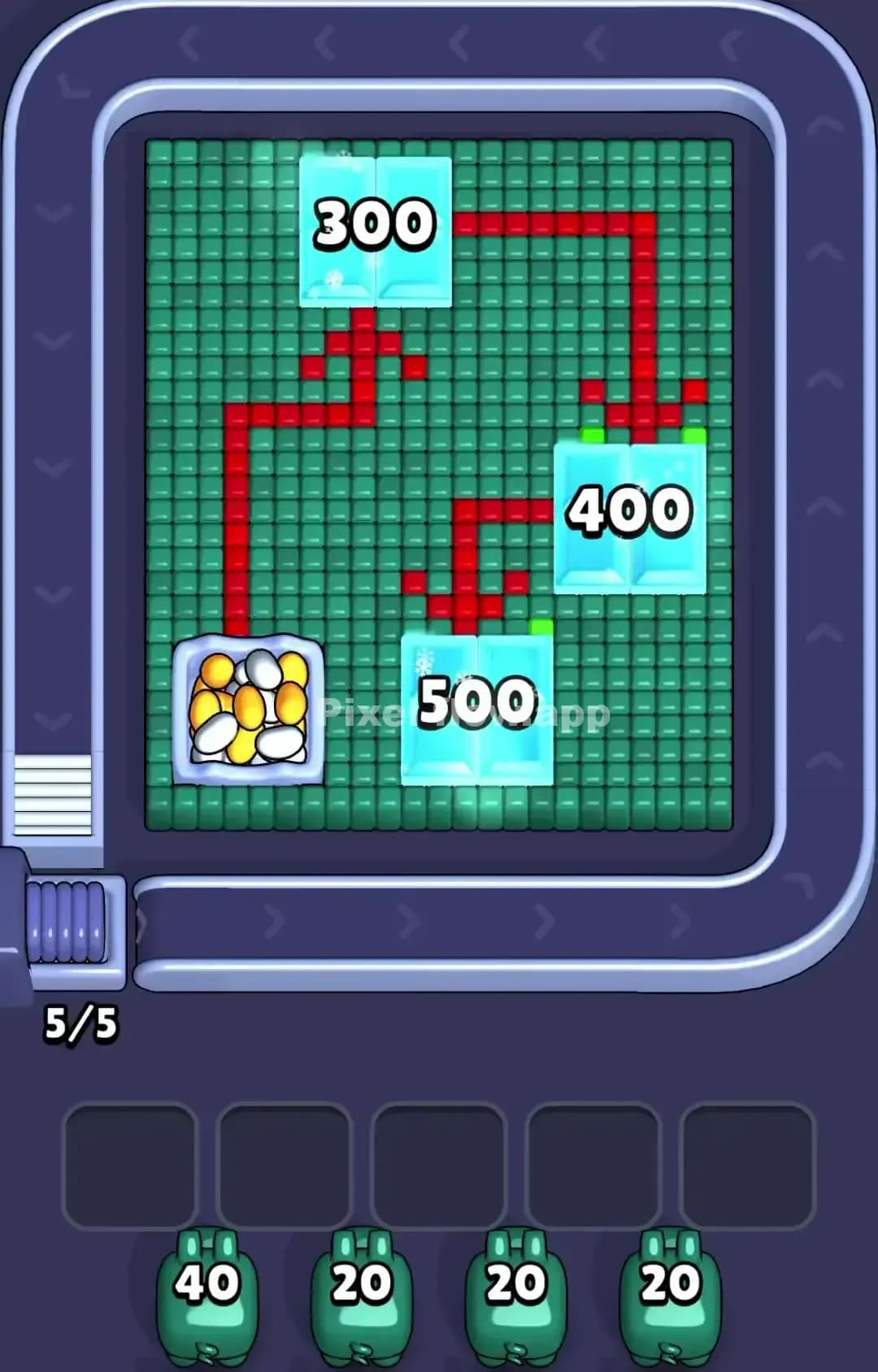
Pixel Flow Level 1205
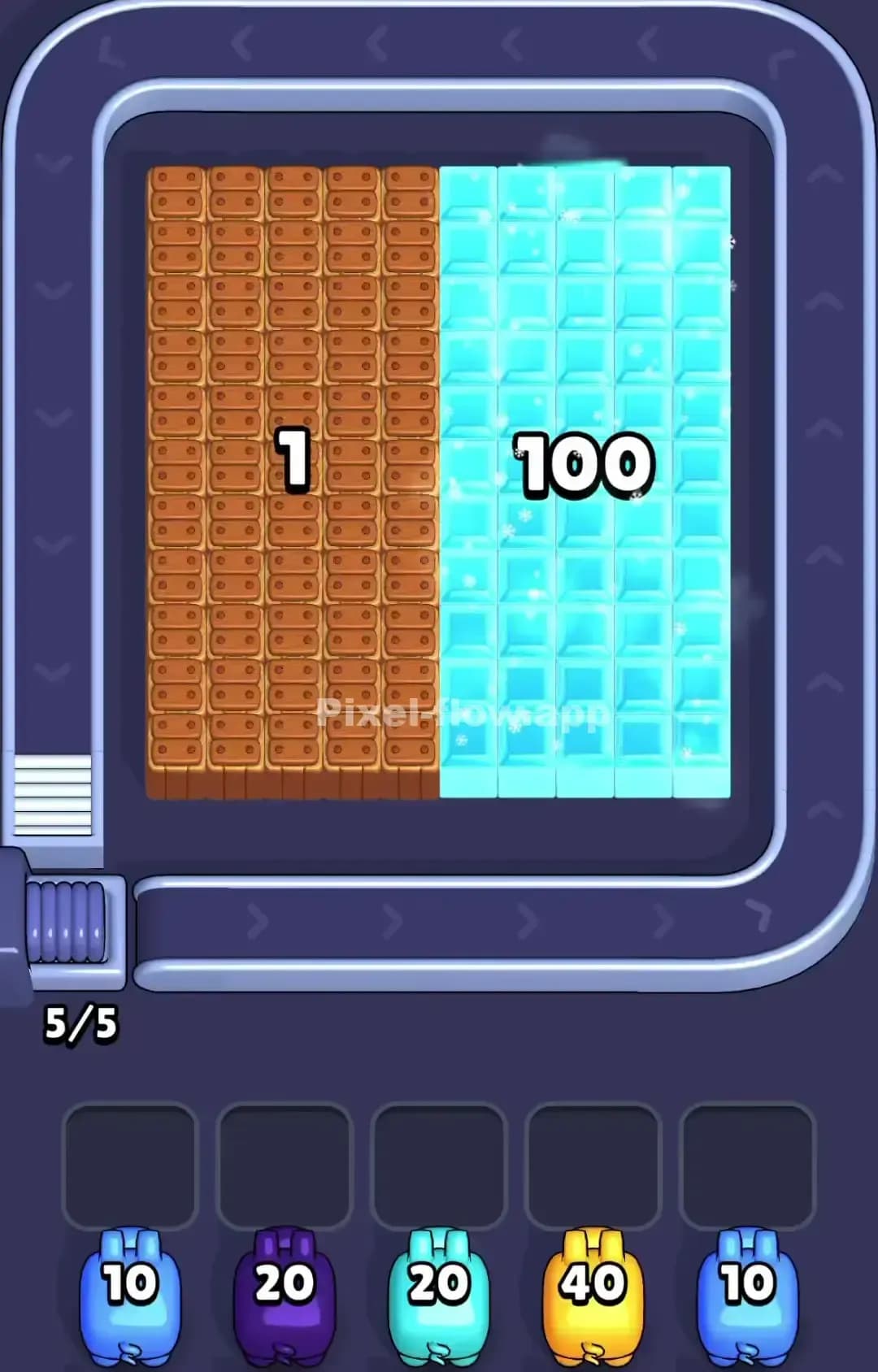
Pixel Flow Level 1200

Pixel Flow Level 1199
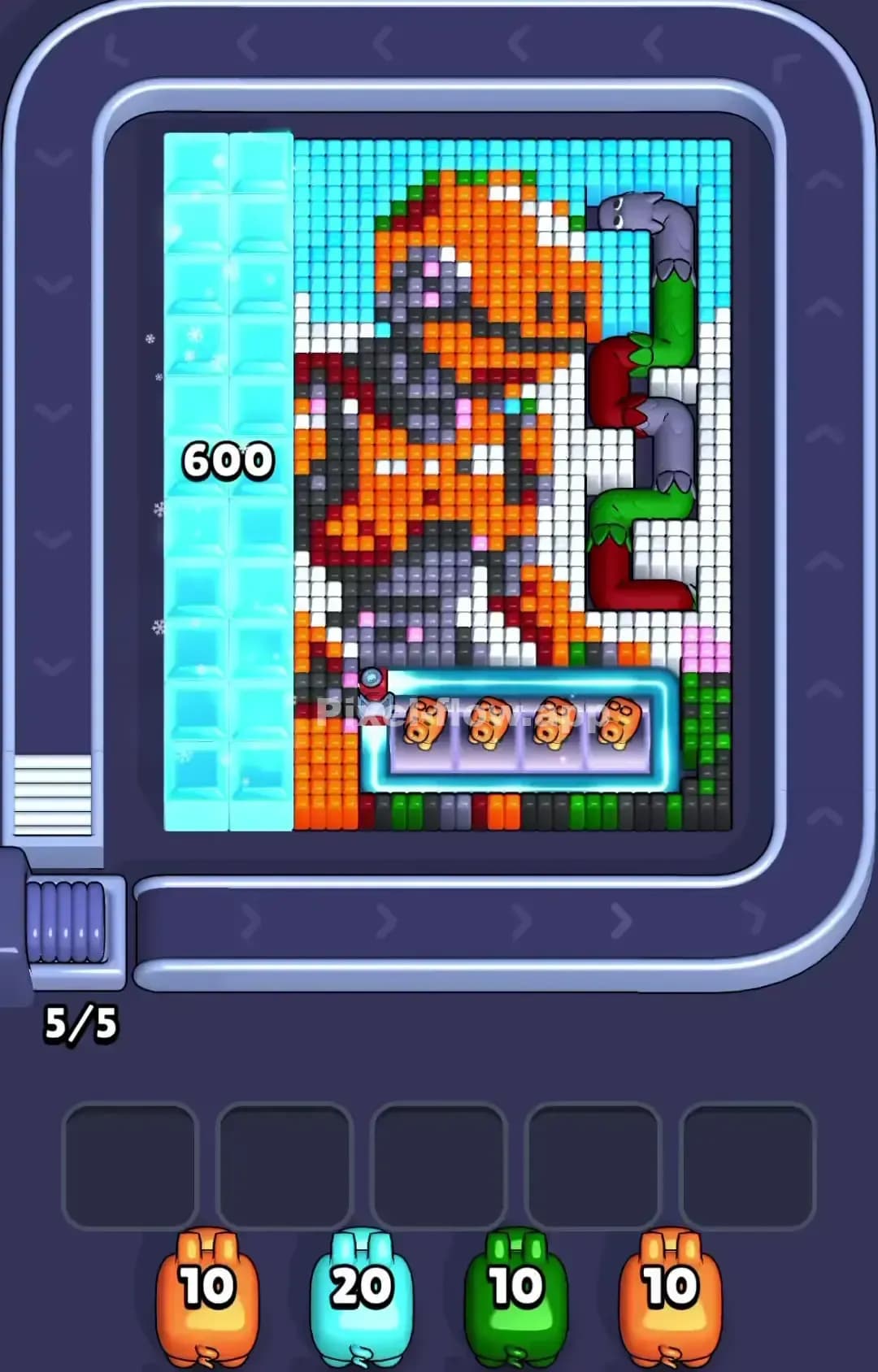
Pixel Flow Level 1197
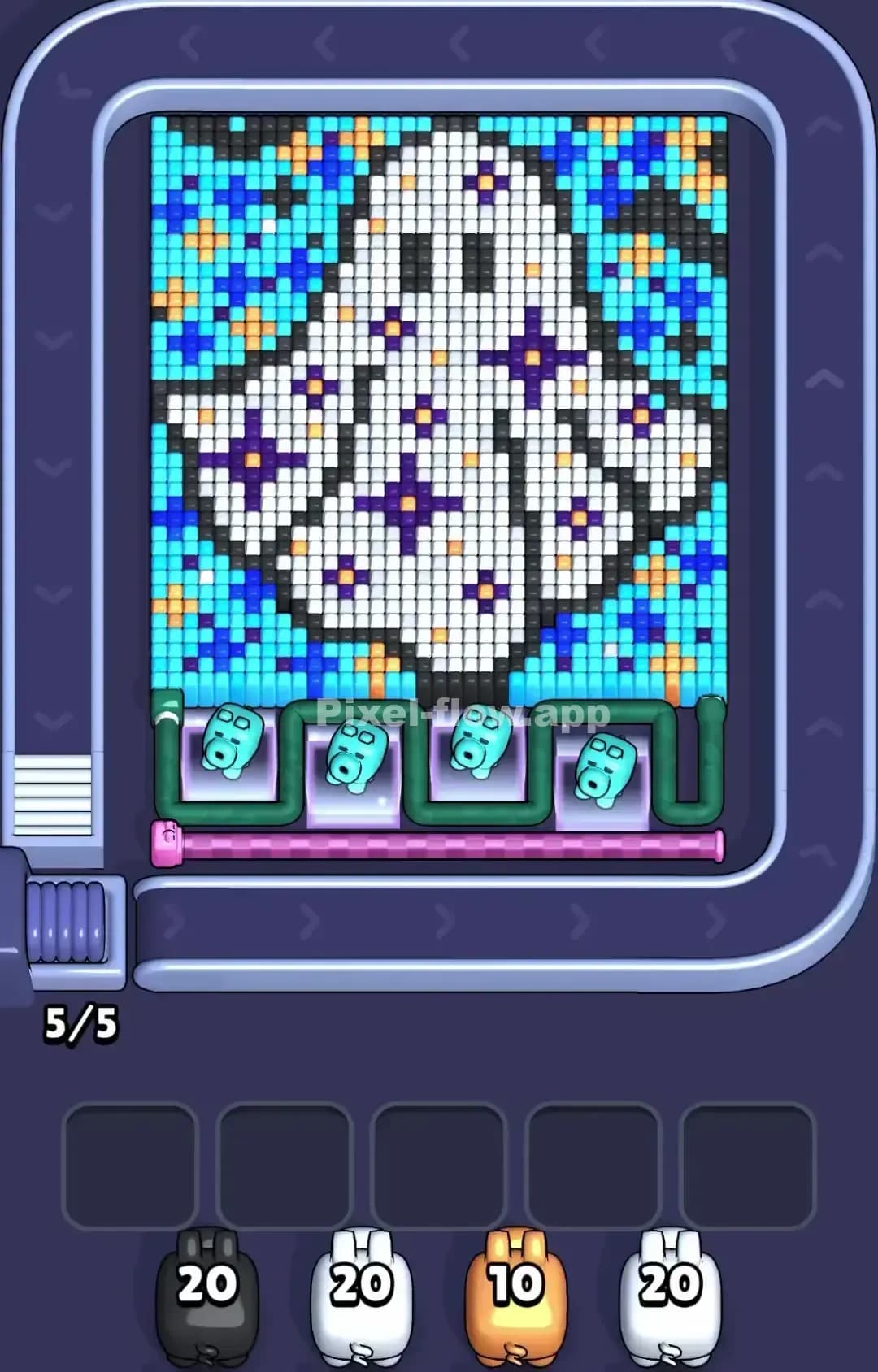
Pixel Flow Level 1195
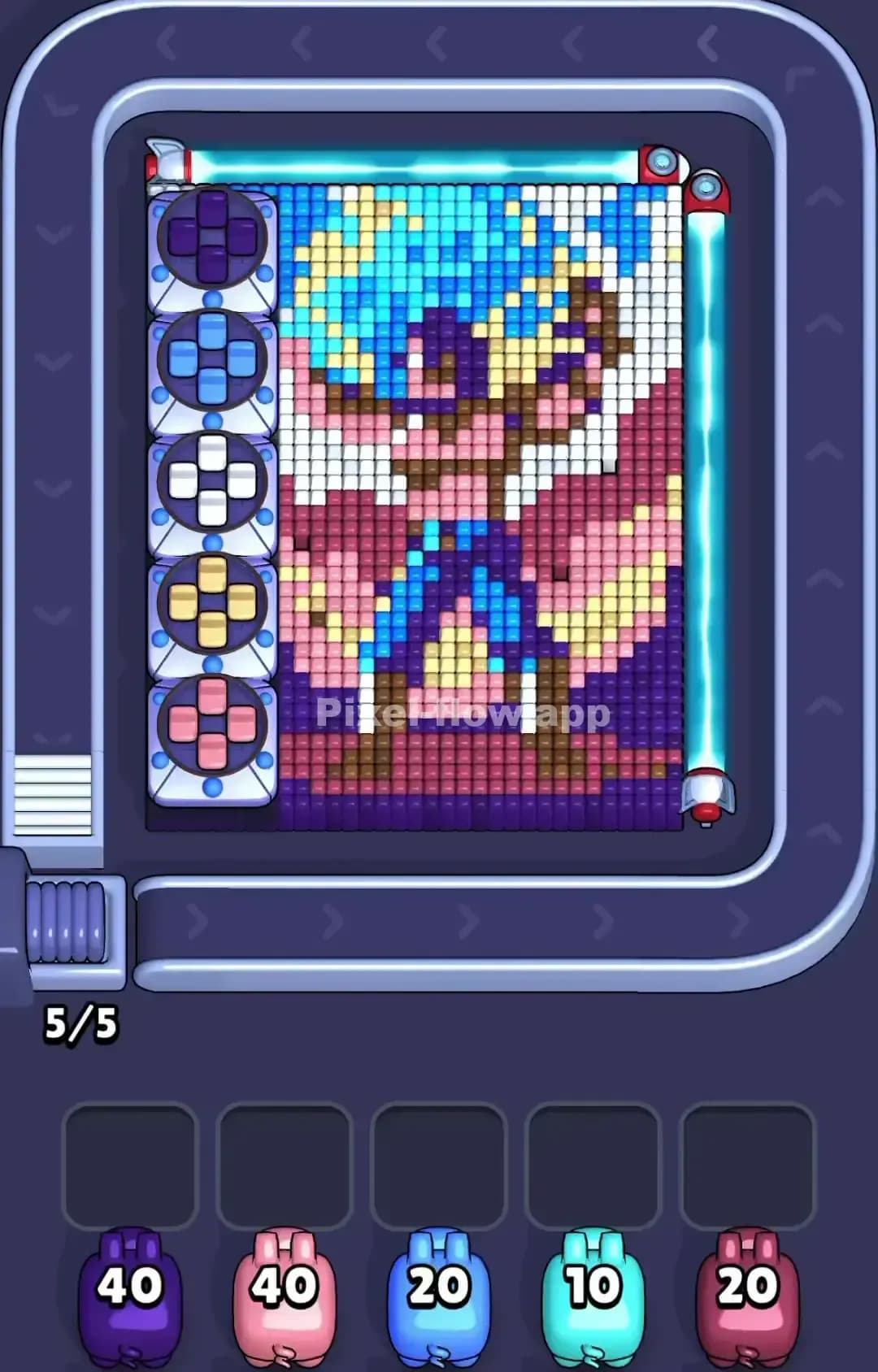
Pixel Flow Level 1190
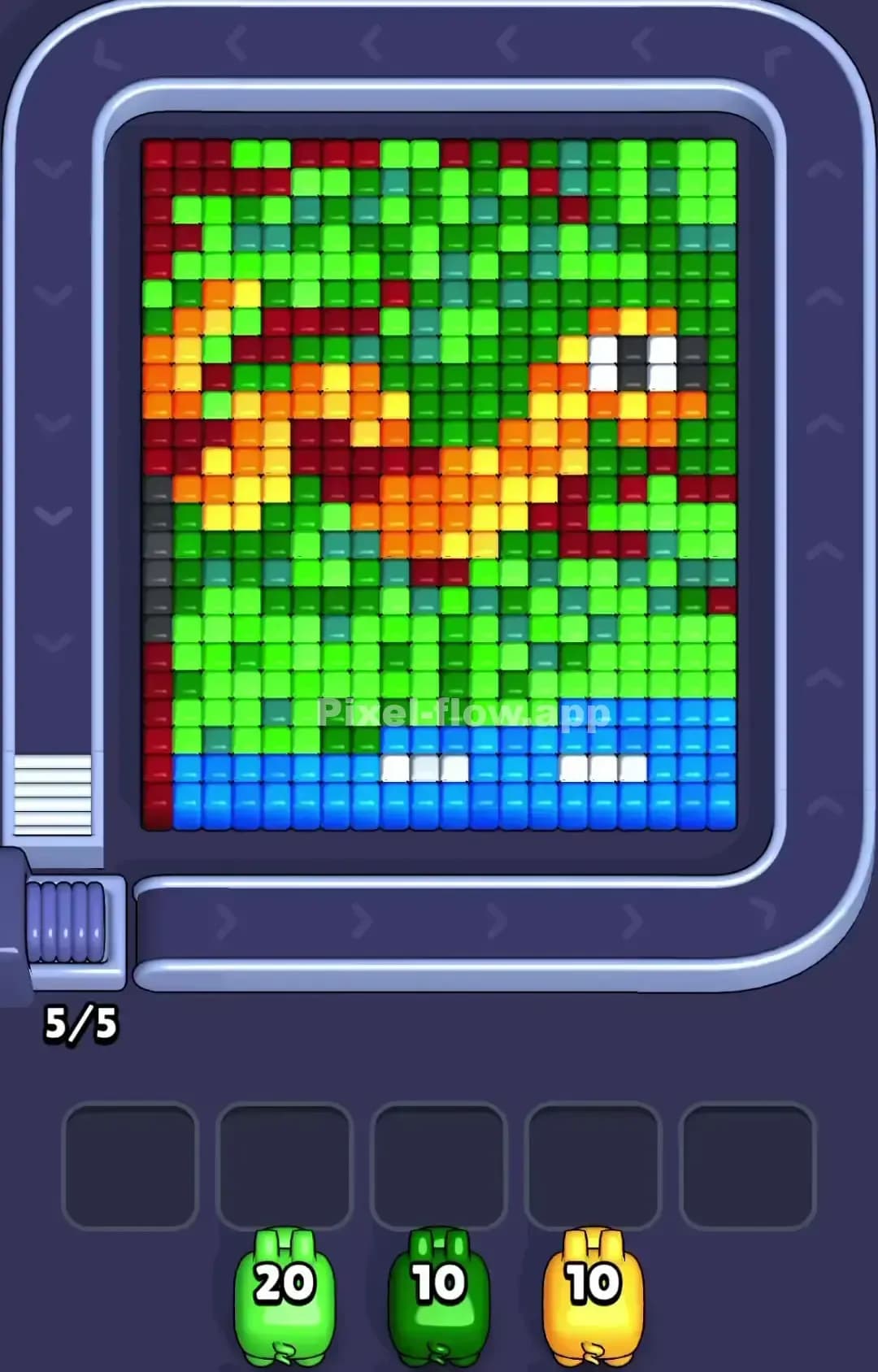
Pixel Flow Level 1189
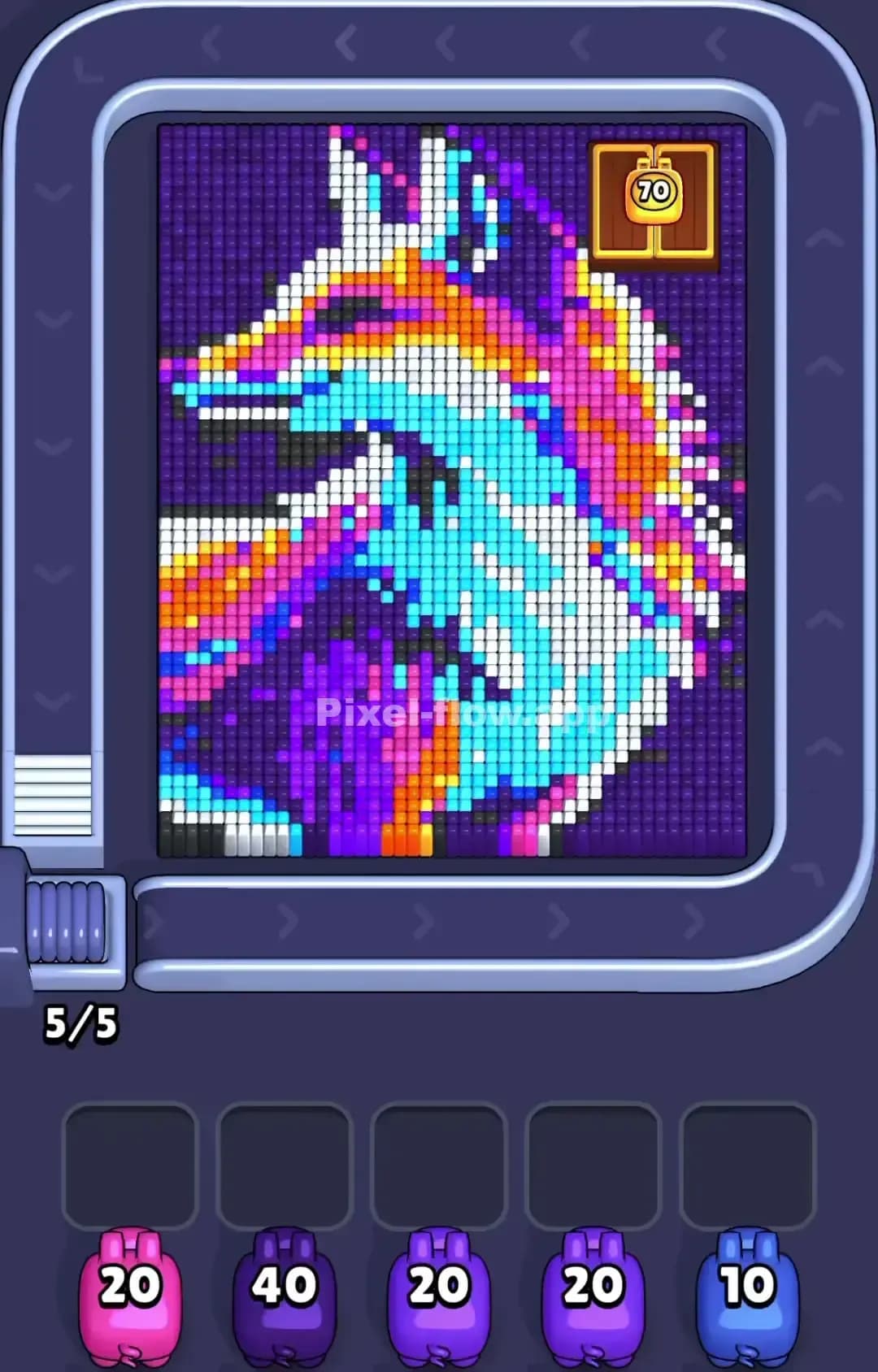
Pixel Flow Level 1185

Pixel Flow Level 1180

Pixel Flow Level 1179

Pixel Flow Level 1175

Pixel Flow Level 1172

Pixel Flow Level 1170
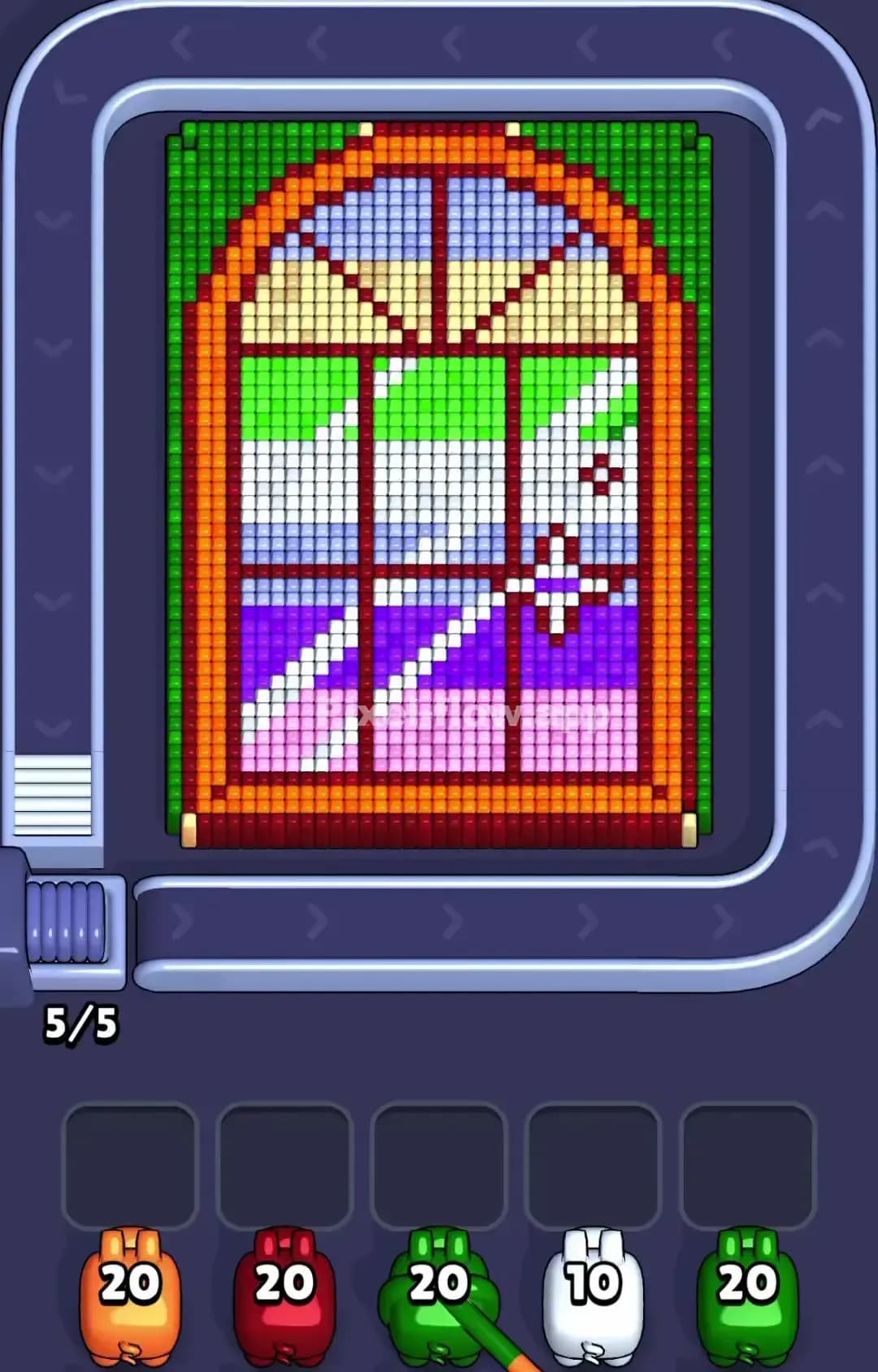
Pixel Flow Level 1169
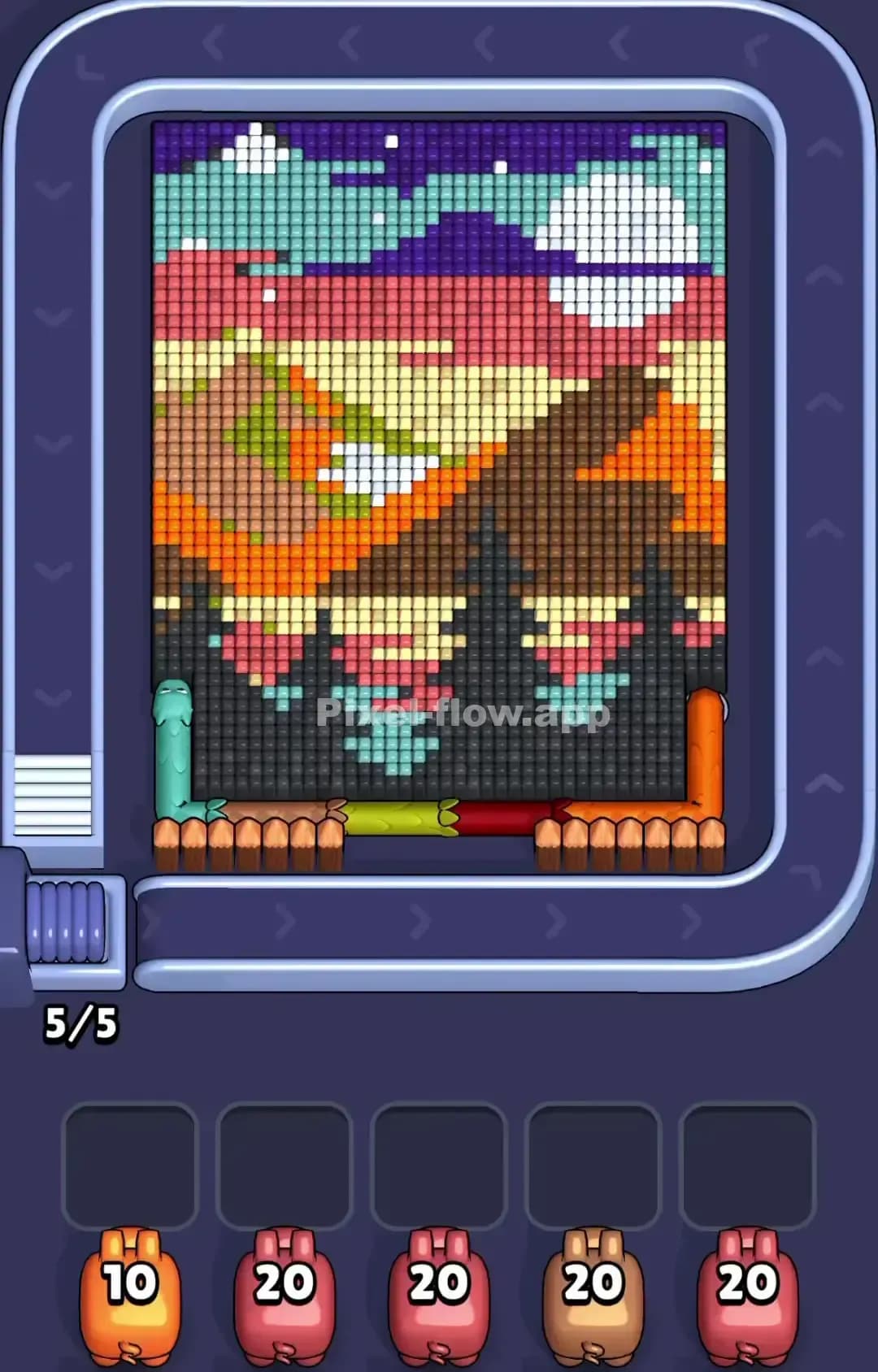
Pixel Flow Level 1165
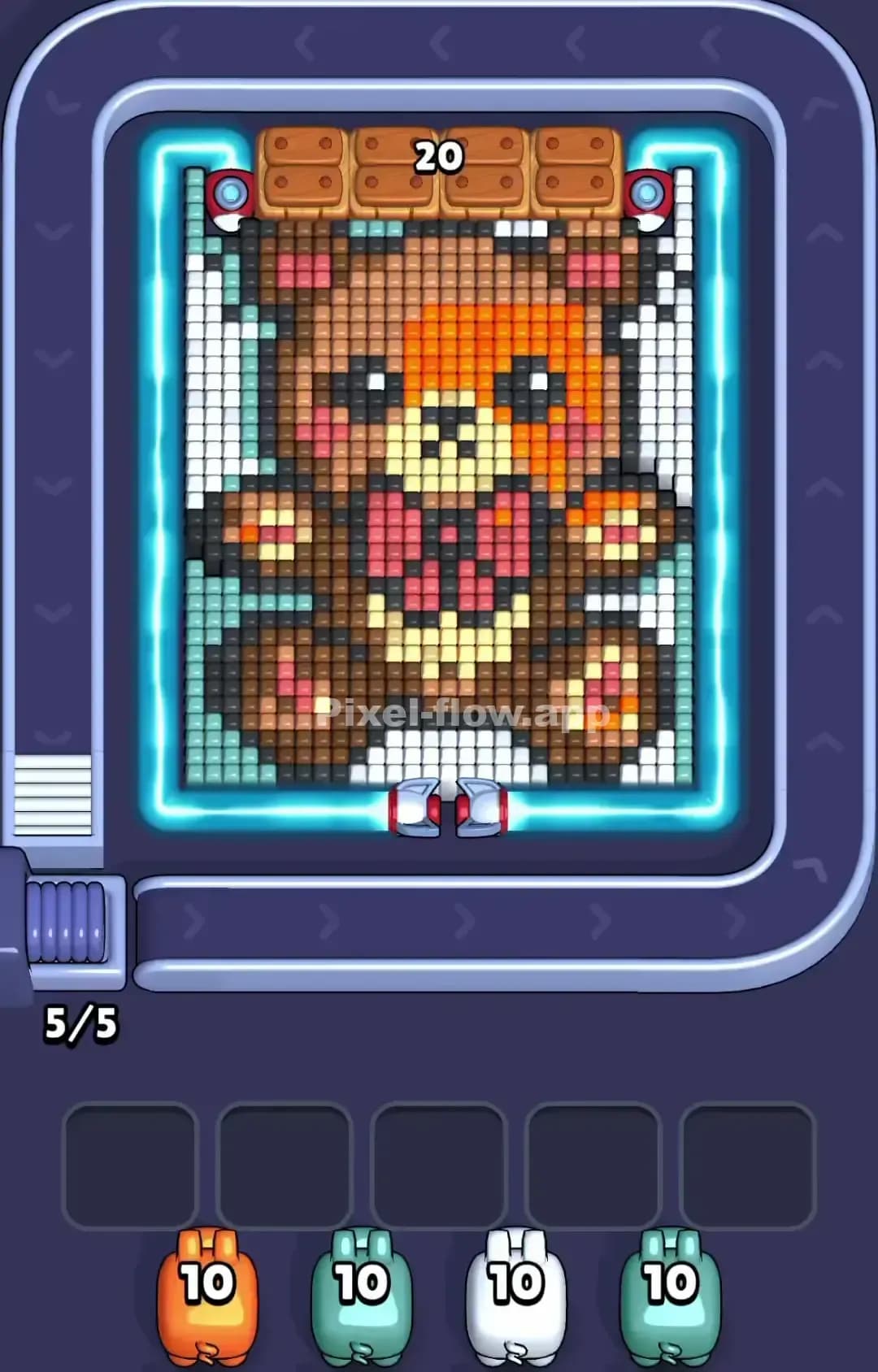
Pixel Flow Level 1160
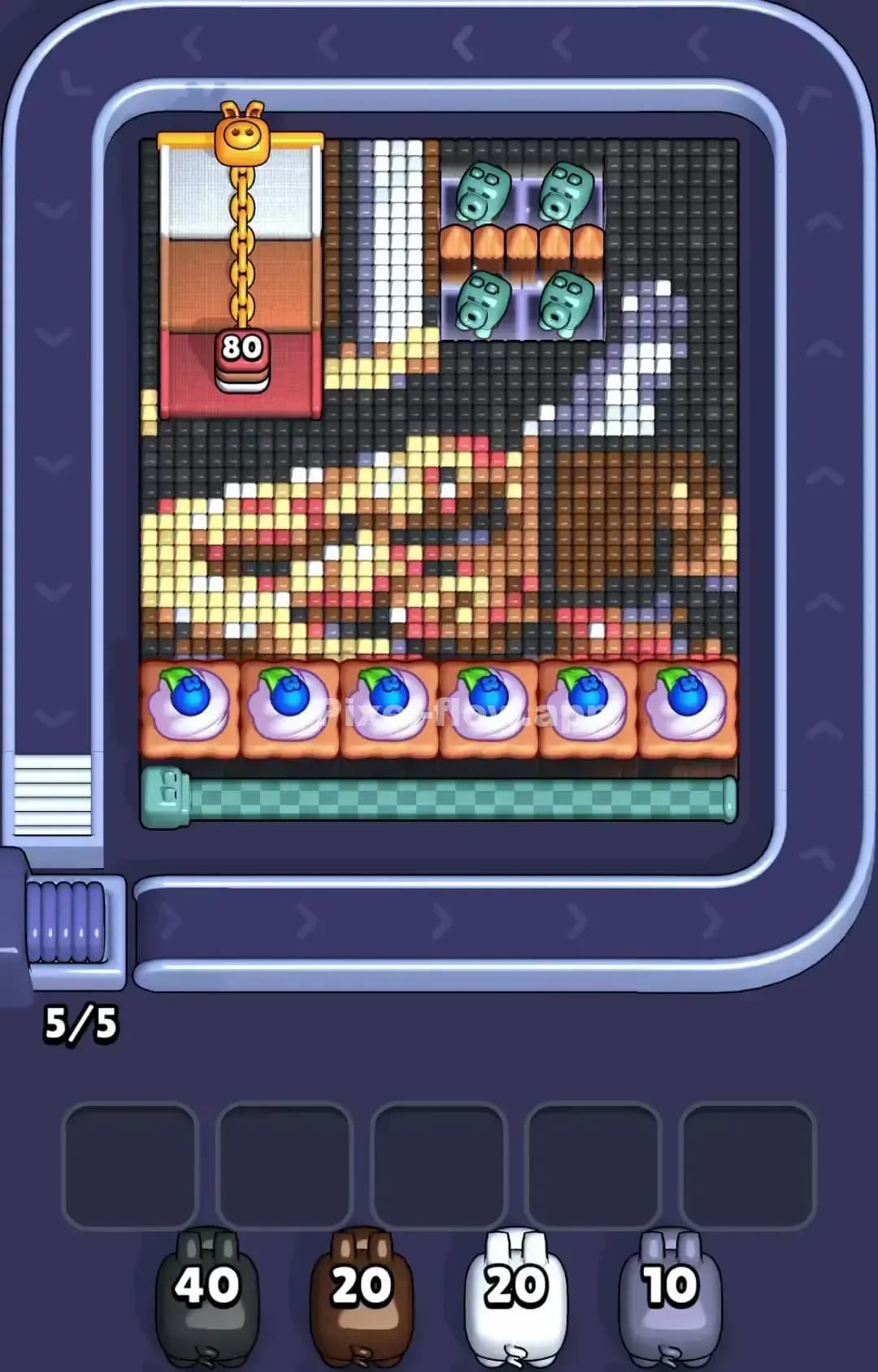
Pixel Flow Level 1159

Pixel Flow Level 1155
Pixel Flow Level 1150
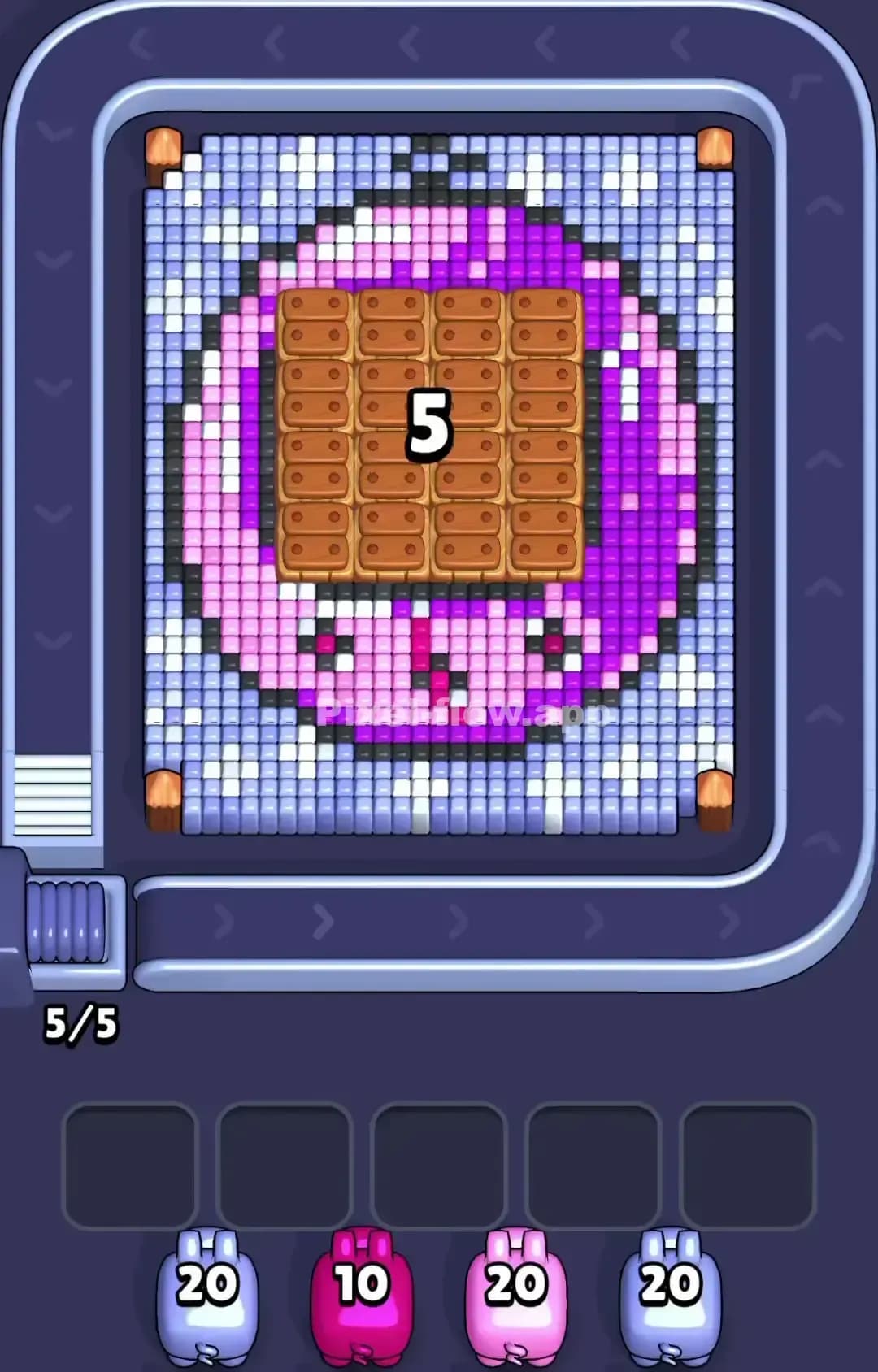
Pixel Flow Level 1149

Pixel Flow Level 1140
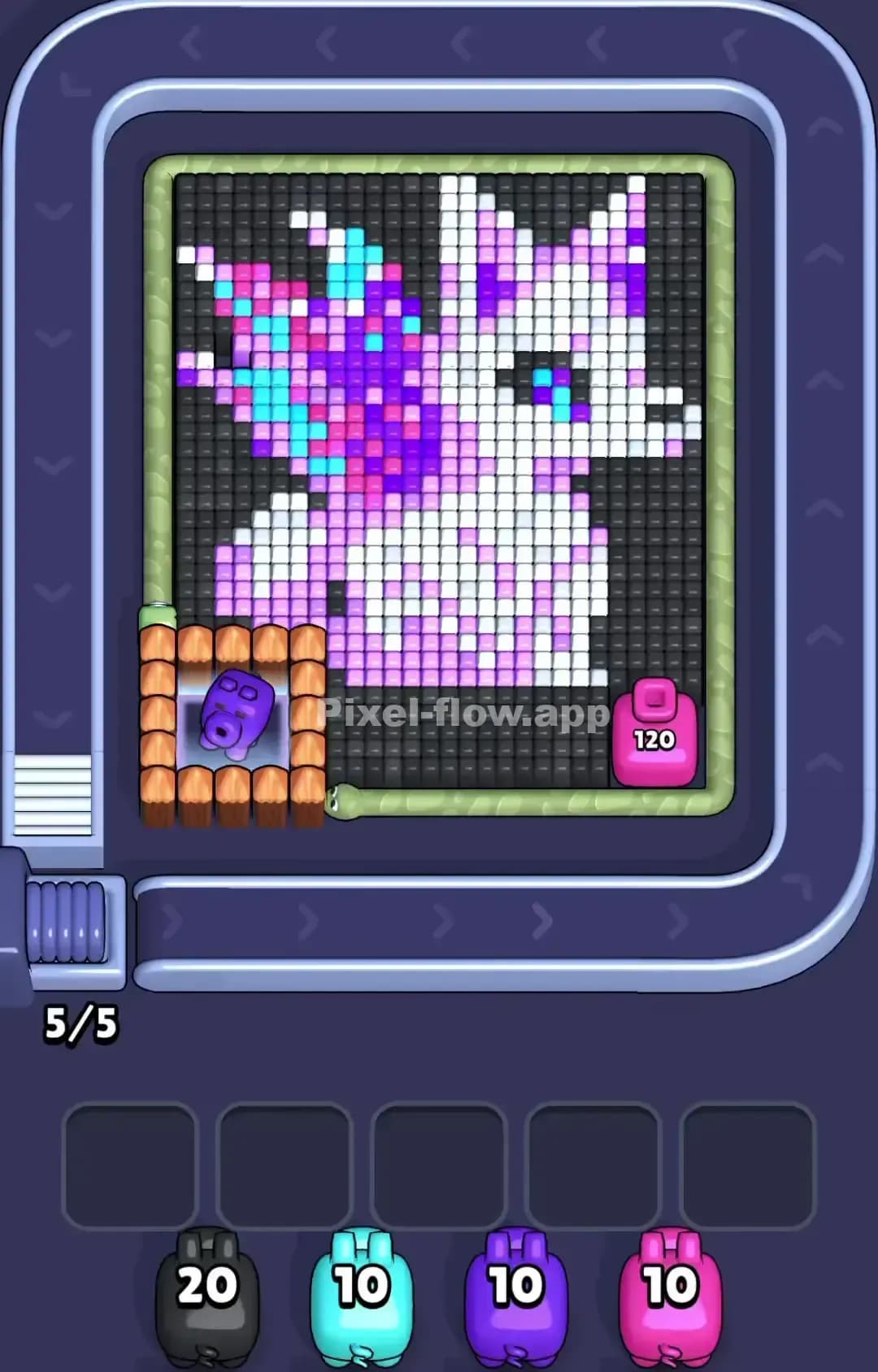
Pixel Flow Level 1130

Pixel Flow Level 1120

Pixel Flow Level 1119
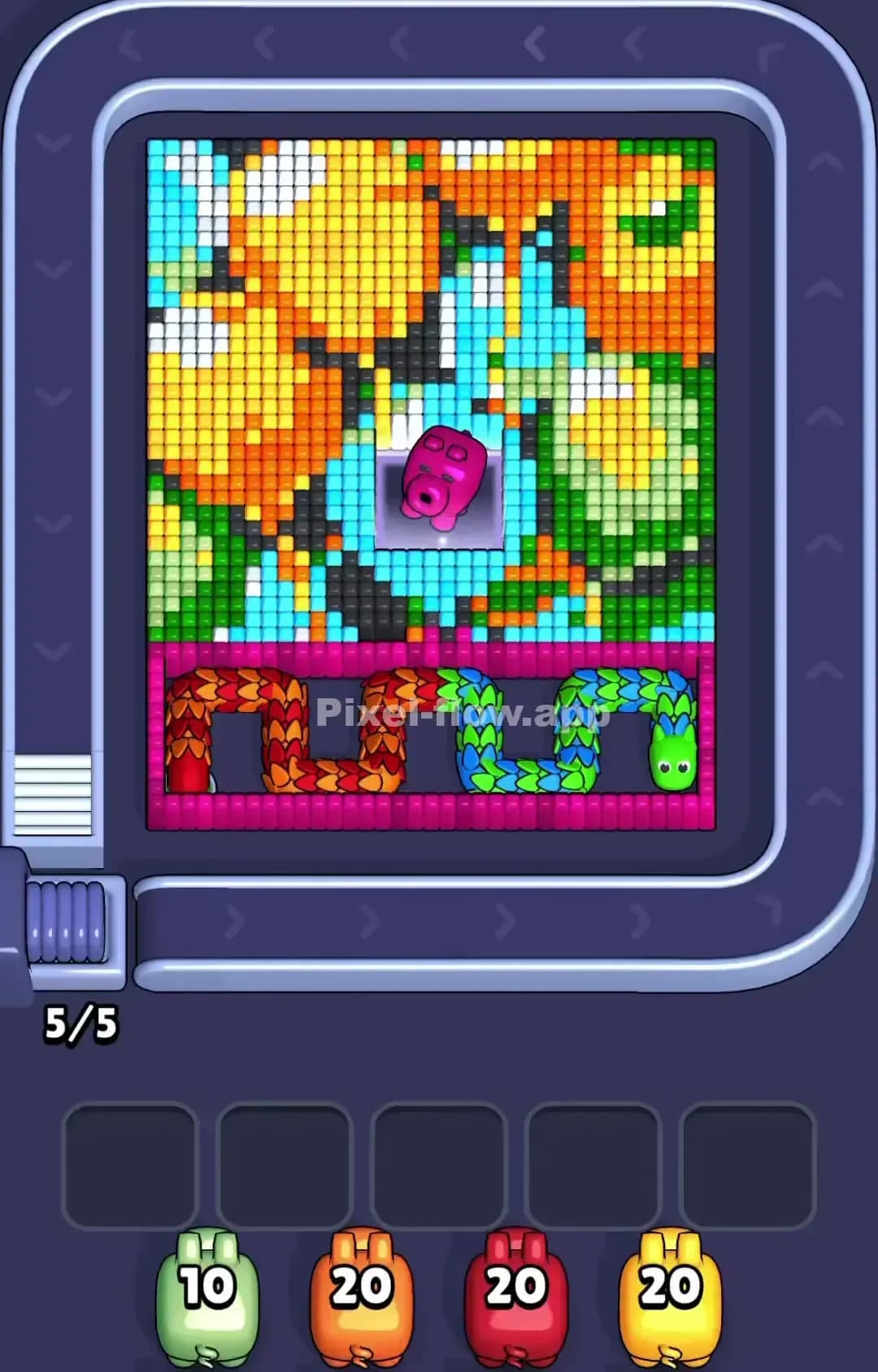
Pixel Flow Level 1110
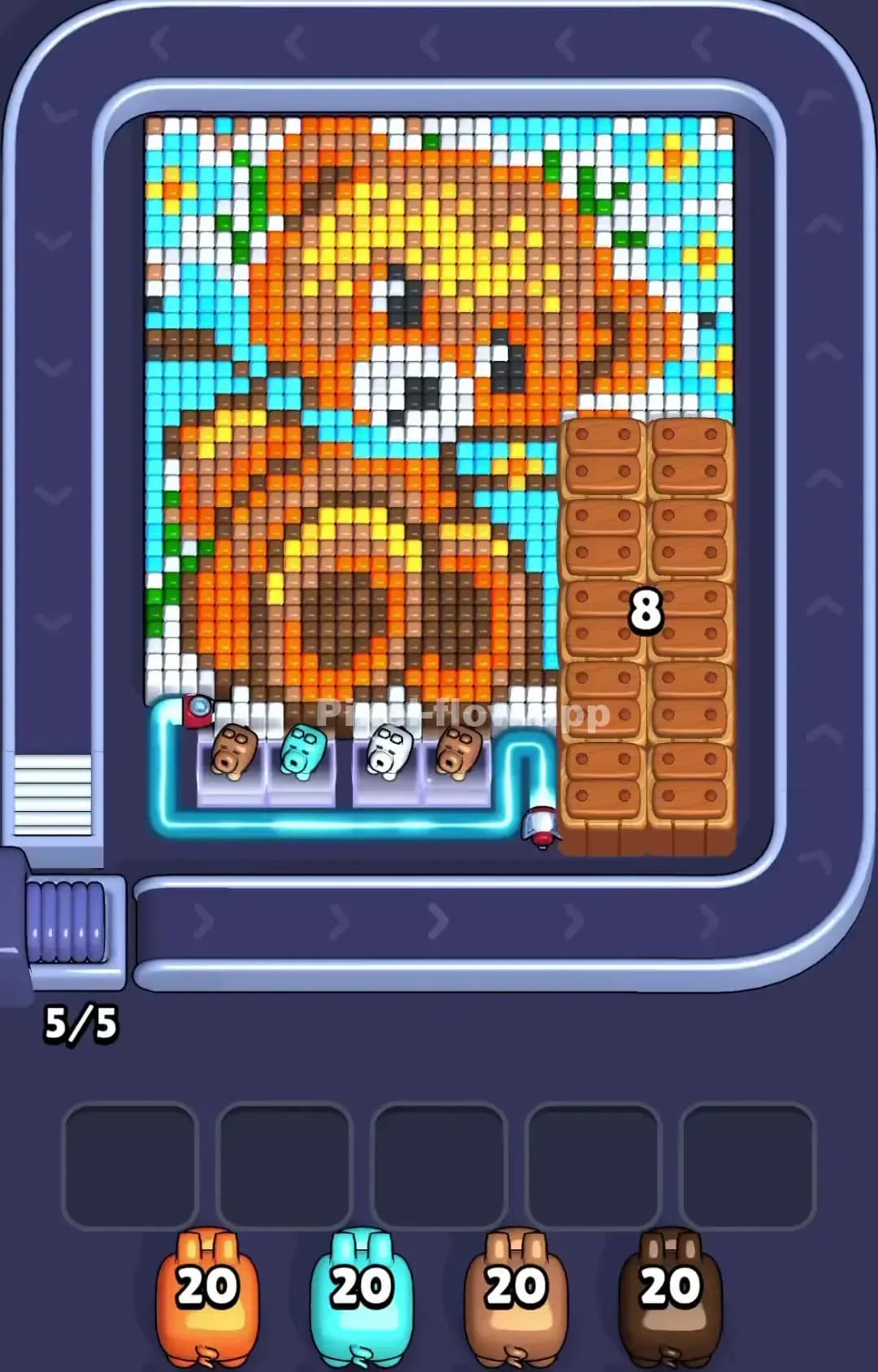
Pixel Flow Level 1109
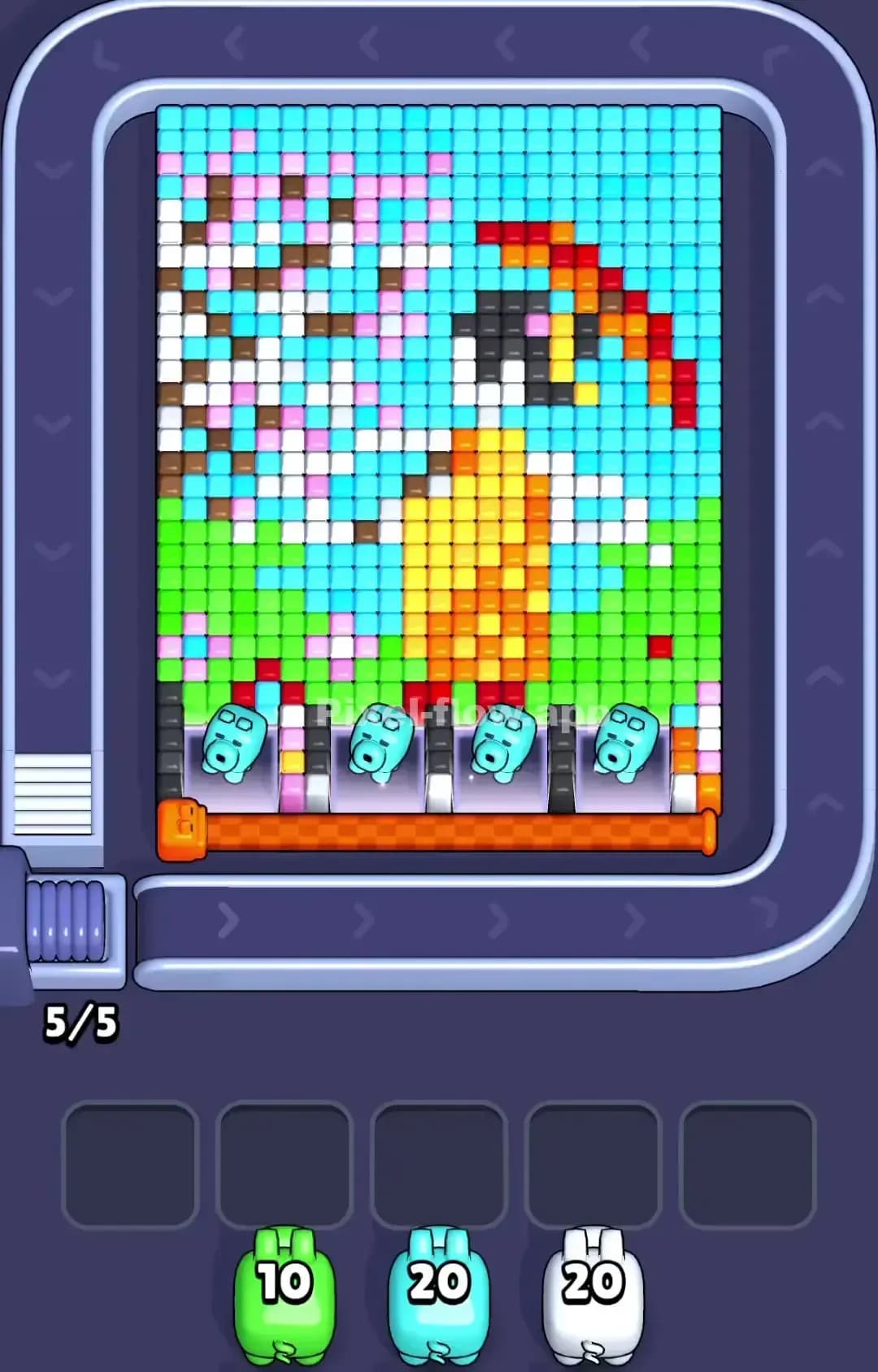
Pixel Flow Level 1100
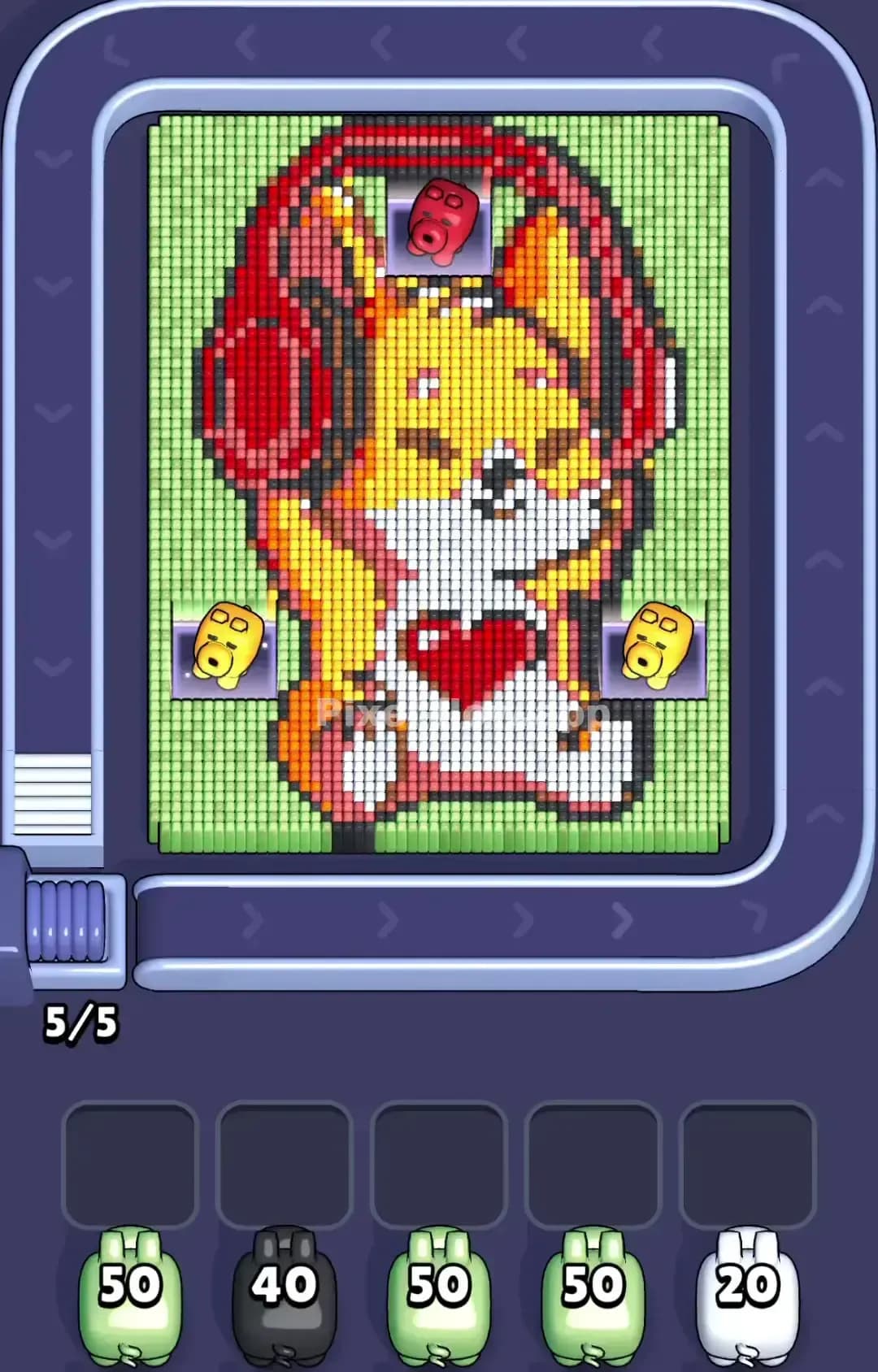
Pixel Flow Level 1099

Pixel Flow Level 1095

Pixel Flow Level 1090

Pixel Flow Level 1089
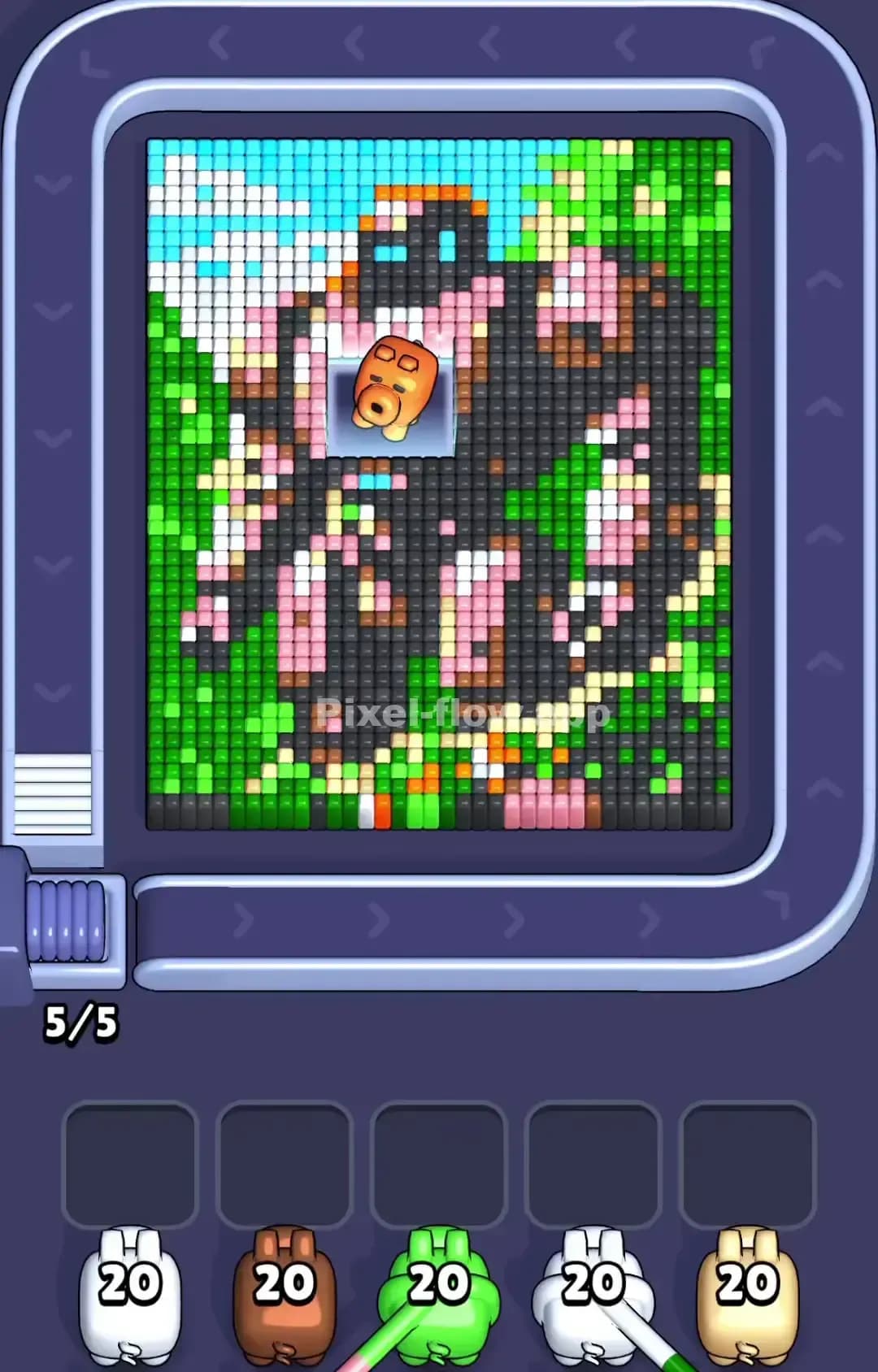
Pixel Flow Level 1085
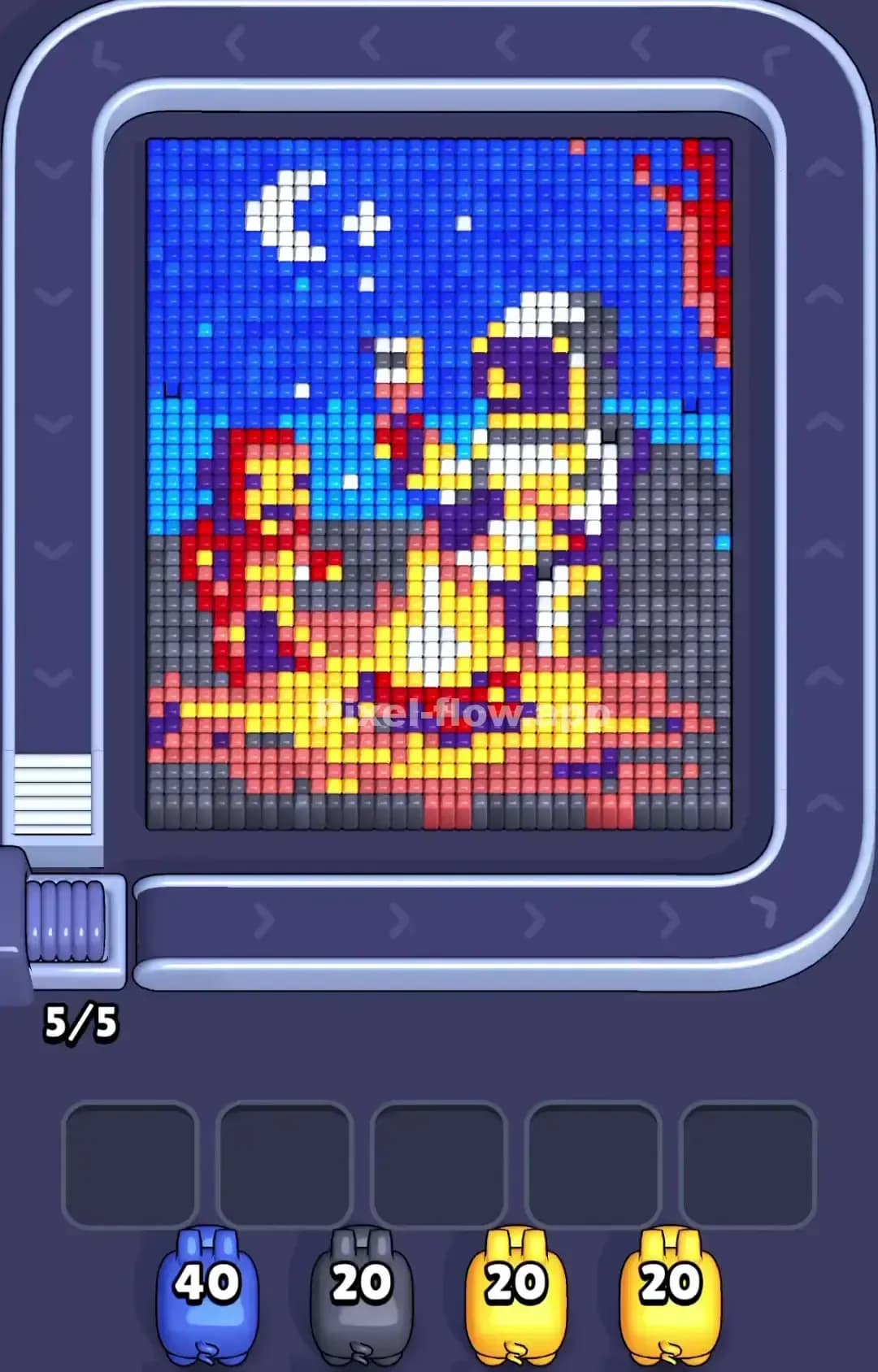
Pixel Flow Level 1080

Pixel Flow Level 1075

Pixel Flow Level 1073

Pixel Flow Level 1070

Pixel Flow Level 1069

Pixel Flow Level 1065

Pixel Flow Level 1060
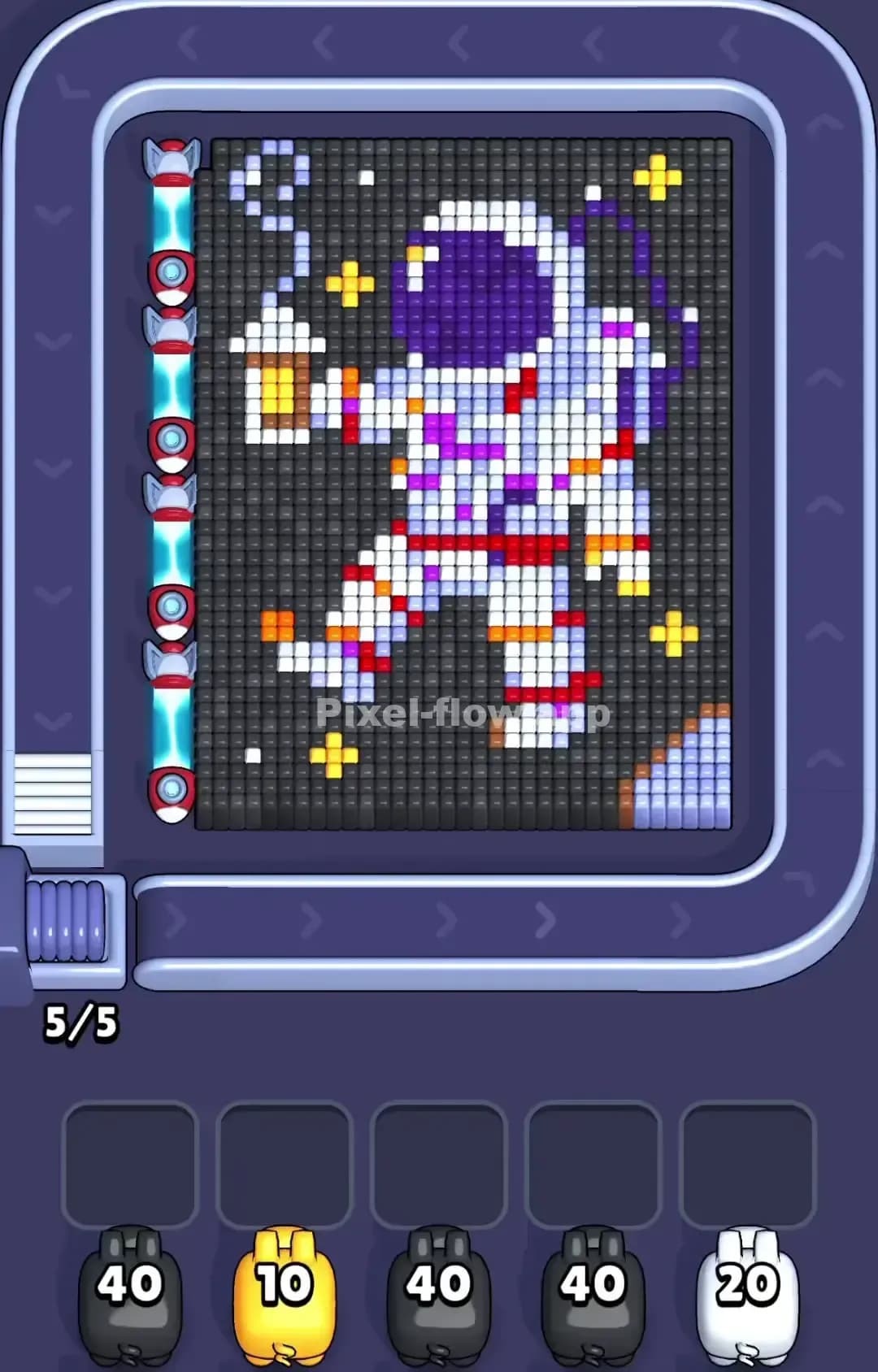
Pixel Flow Level 1059

Pixel Flow Level 1053

Pixel Flow Level 1050

Pixel Flow Level 1049

Pixel Flow Level 1045

Pixel Flow Level 1040

Pixel Flow Level 1035
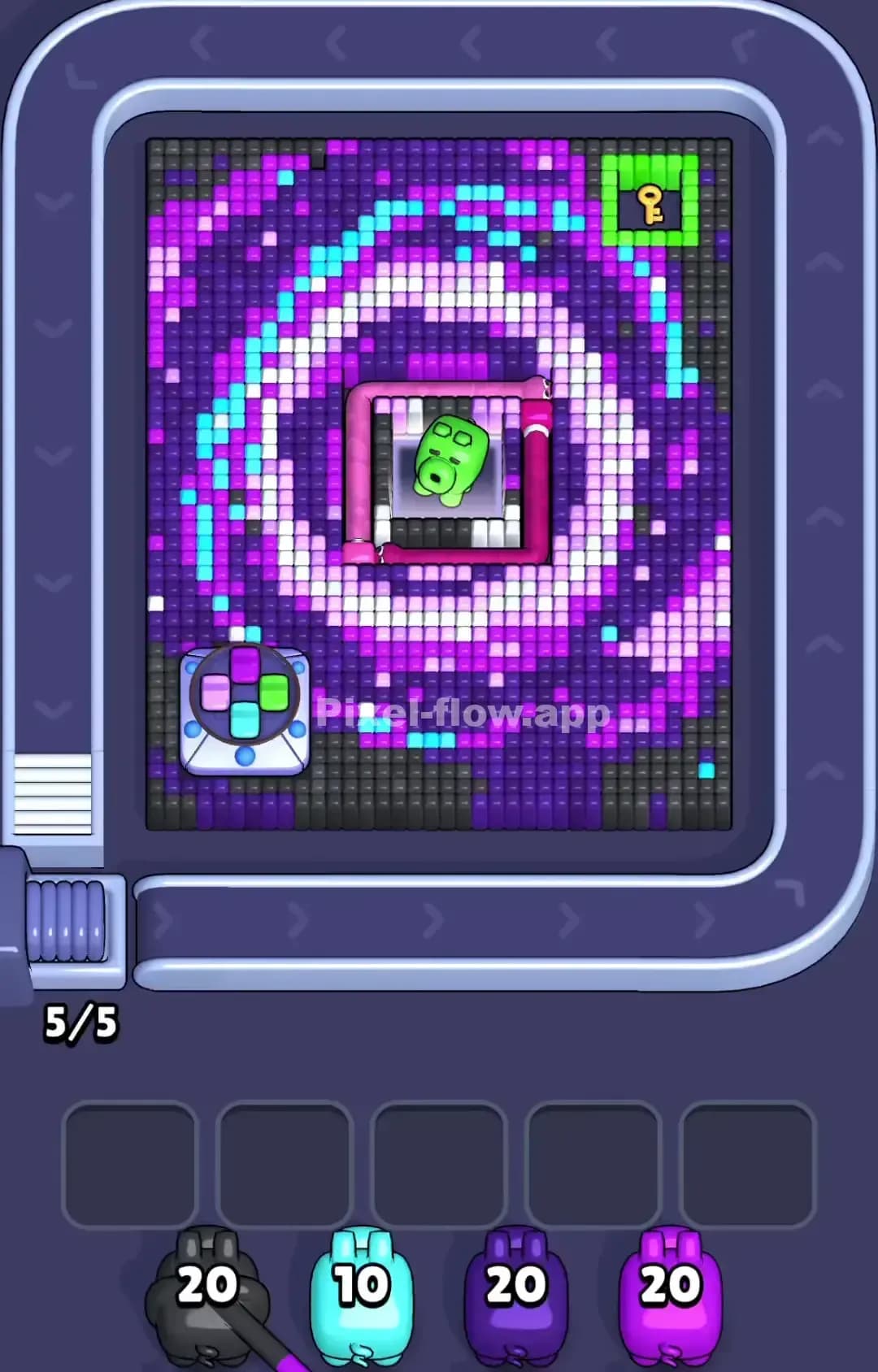
Pixel Flow Level 1030

Pixel Flow Level 1025

Pixel Flow Level 1020

Pixel Flow Level 1000
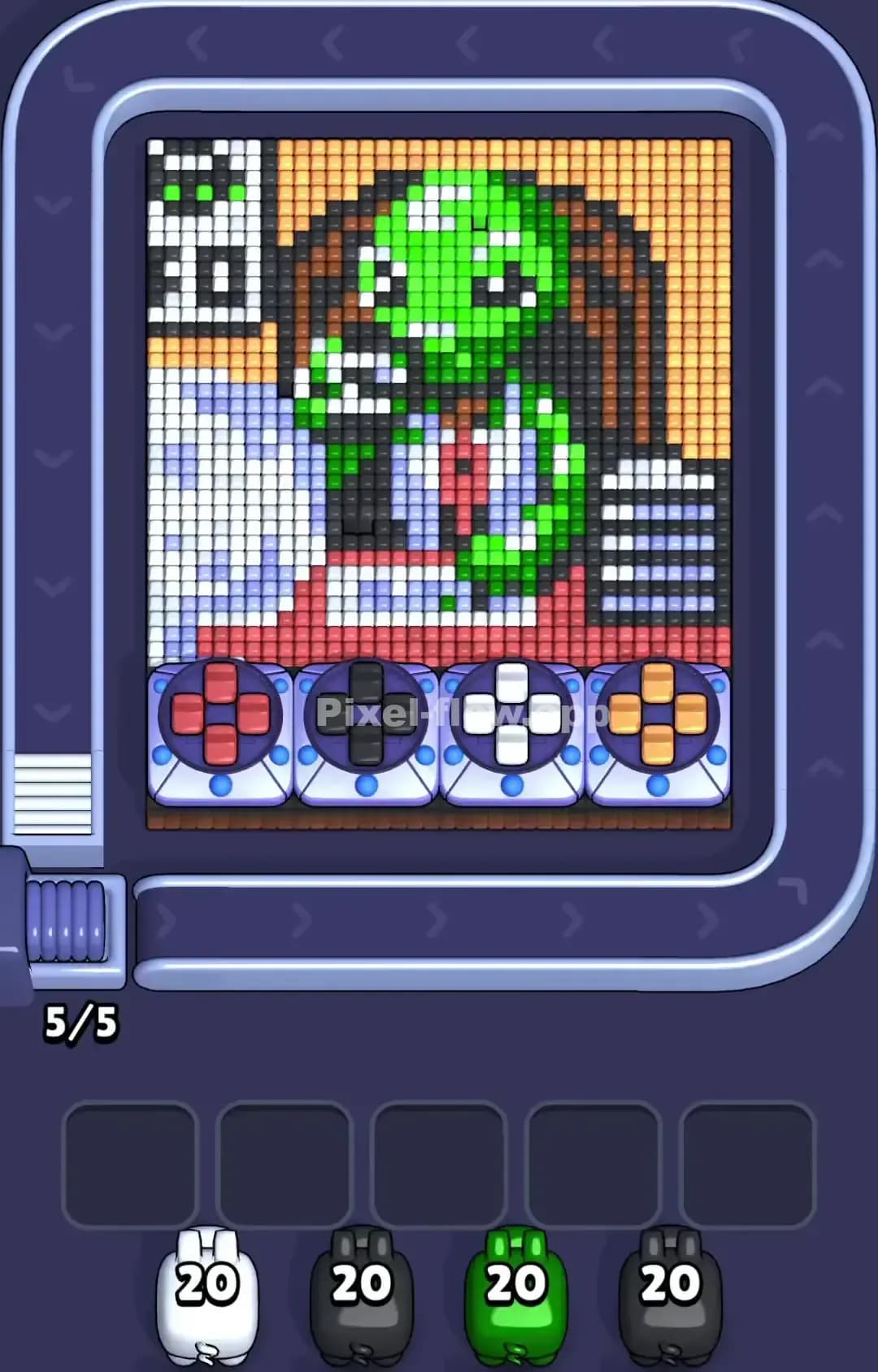
Pixel Flow Level 990

Pixel Flow Level 980
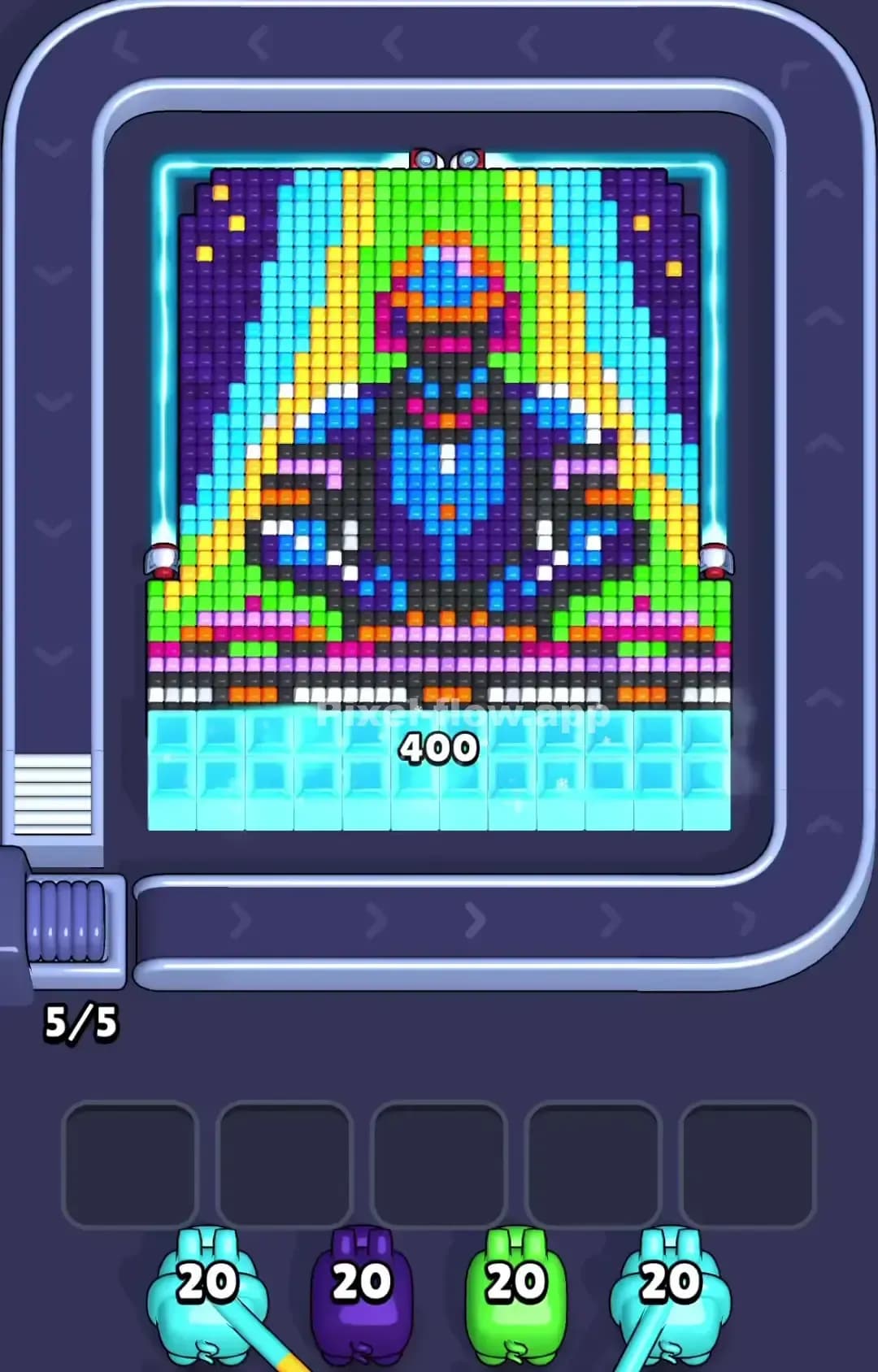
Pixel Flow Level 979
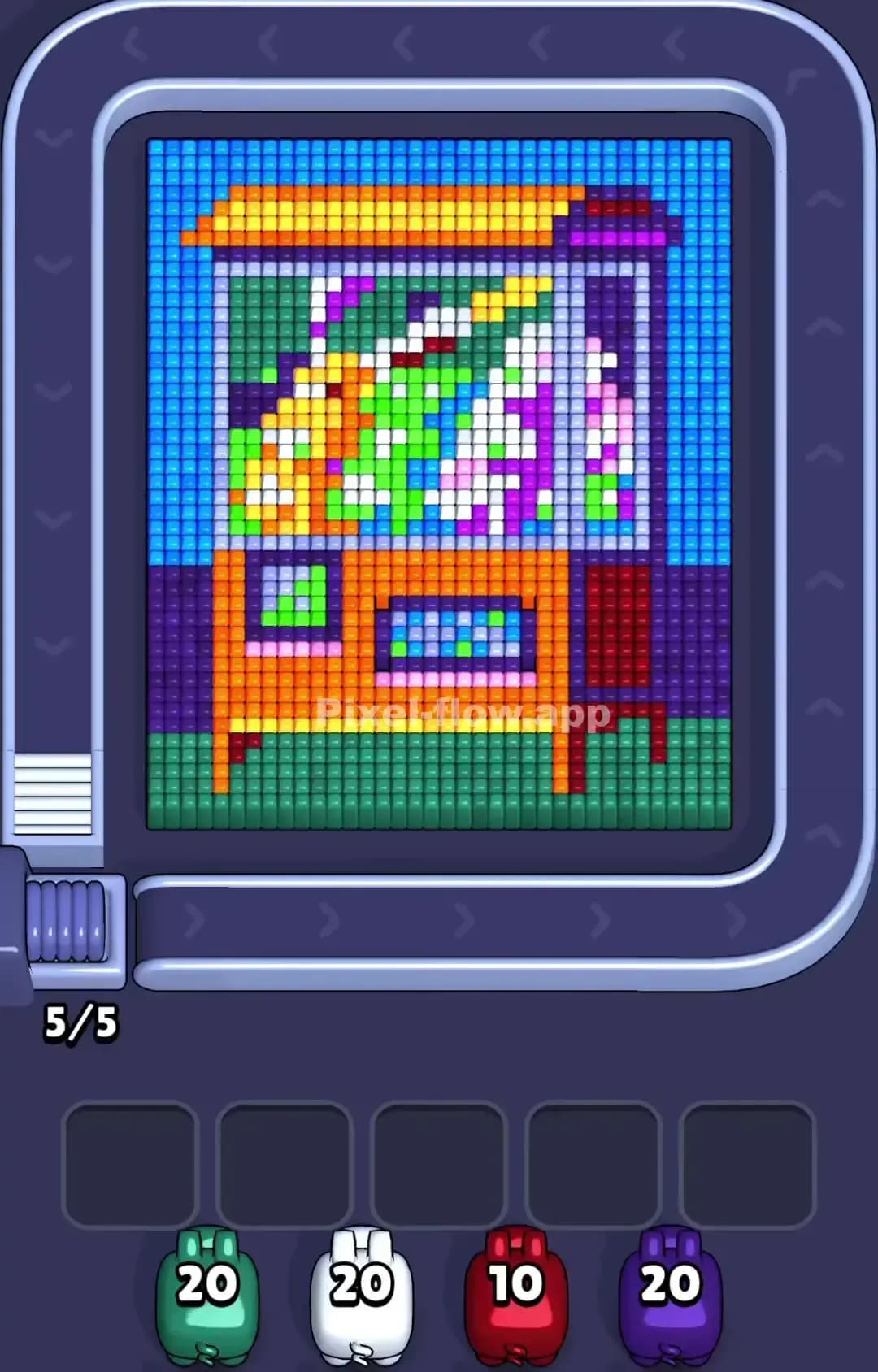
Pixel Flow Level 975

Pixel Flow Level 969
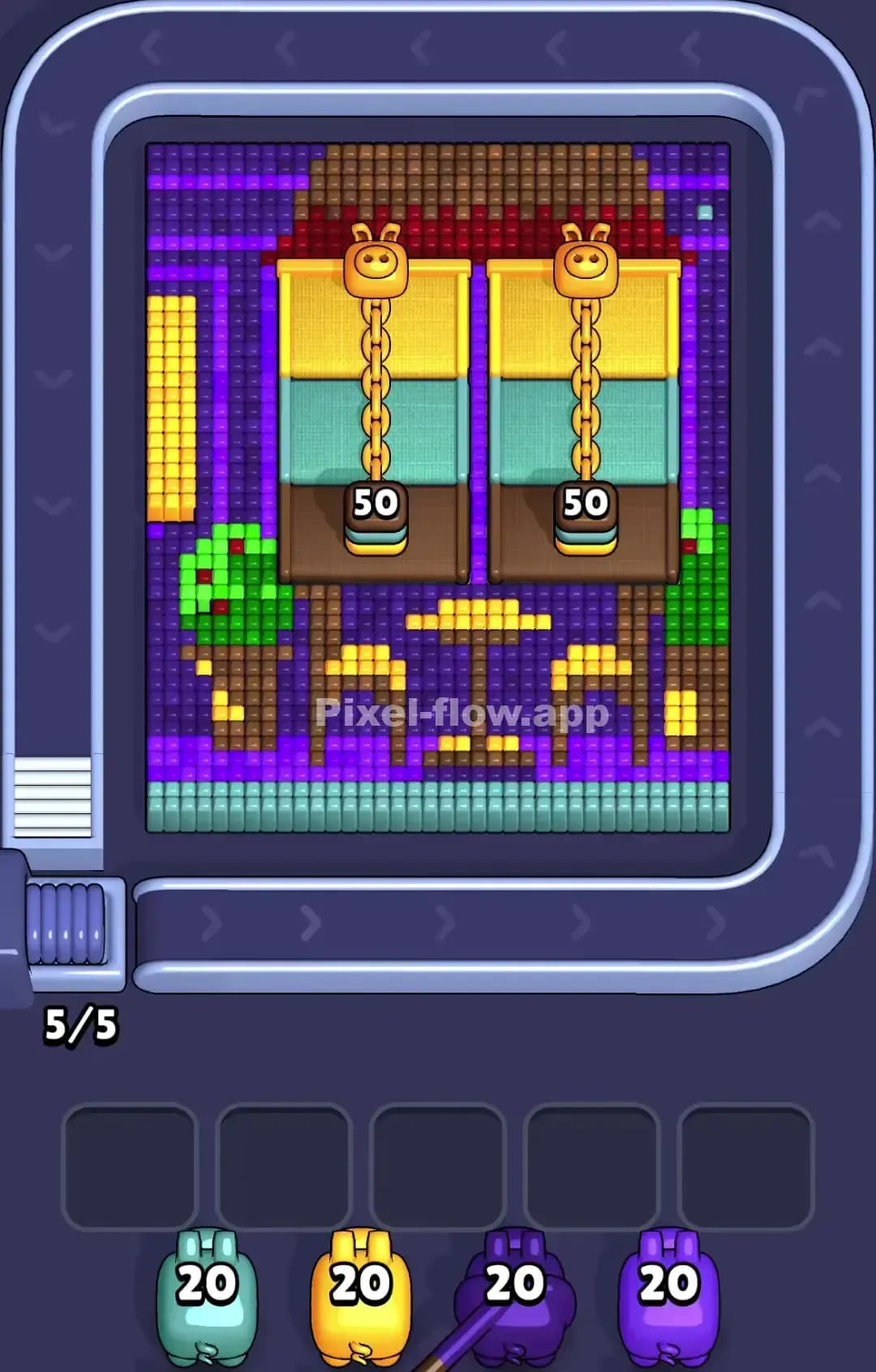
Pixel Flow Level 960
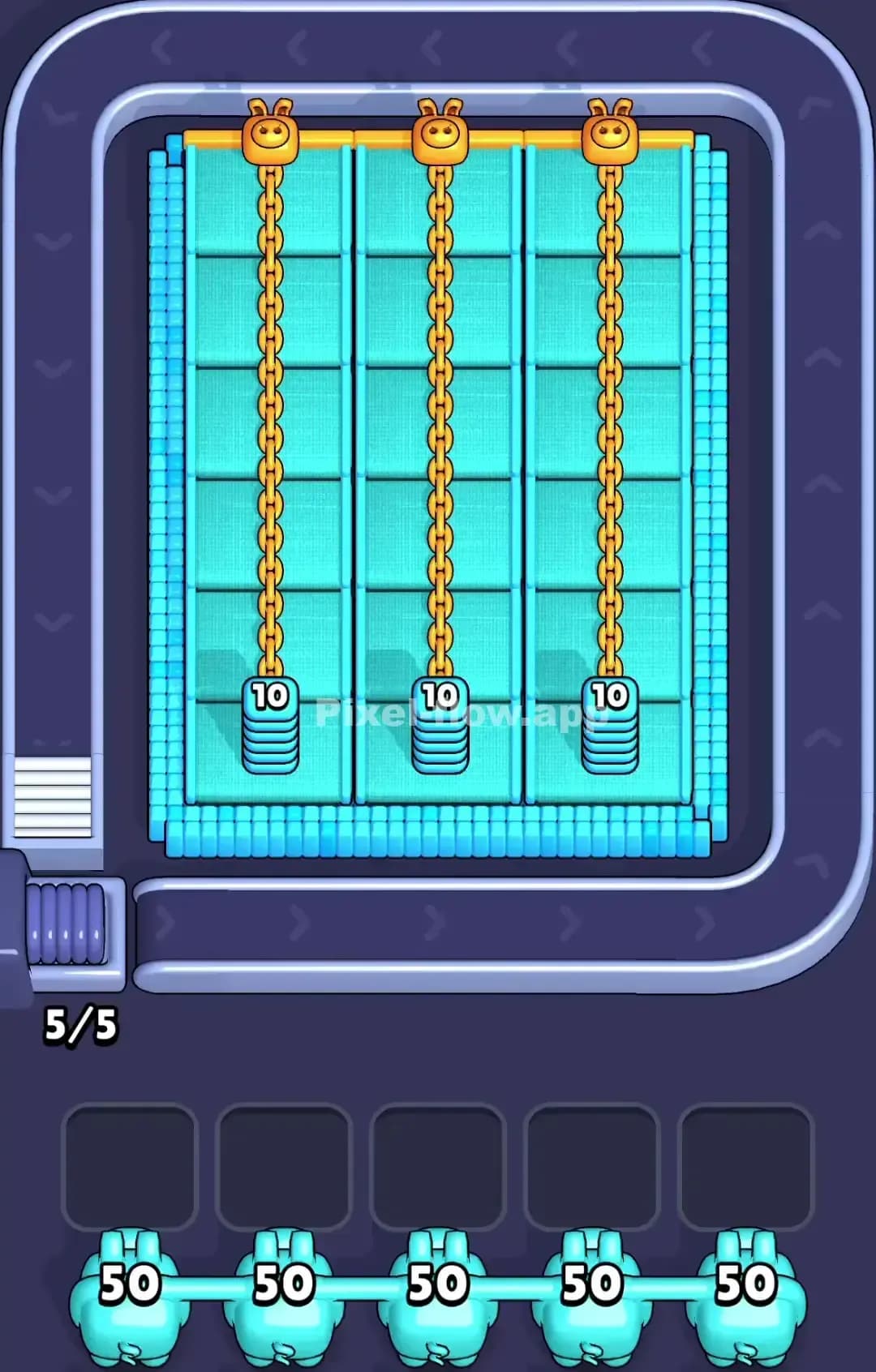
Pixel Flow Level 950

Pixel Flow Level 945

Pixel Flow Level 940
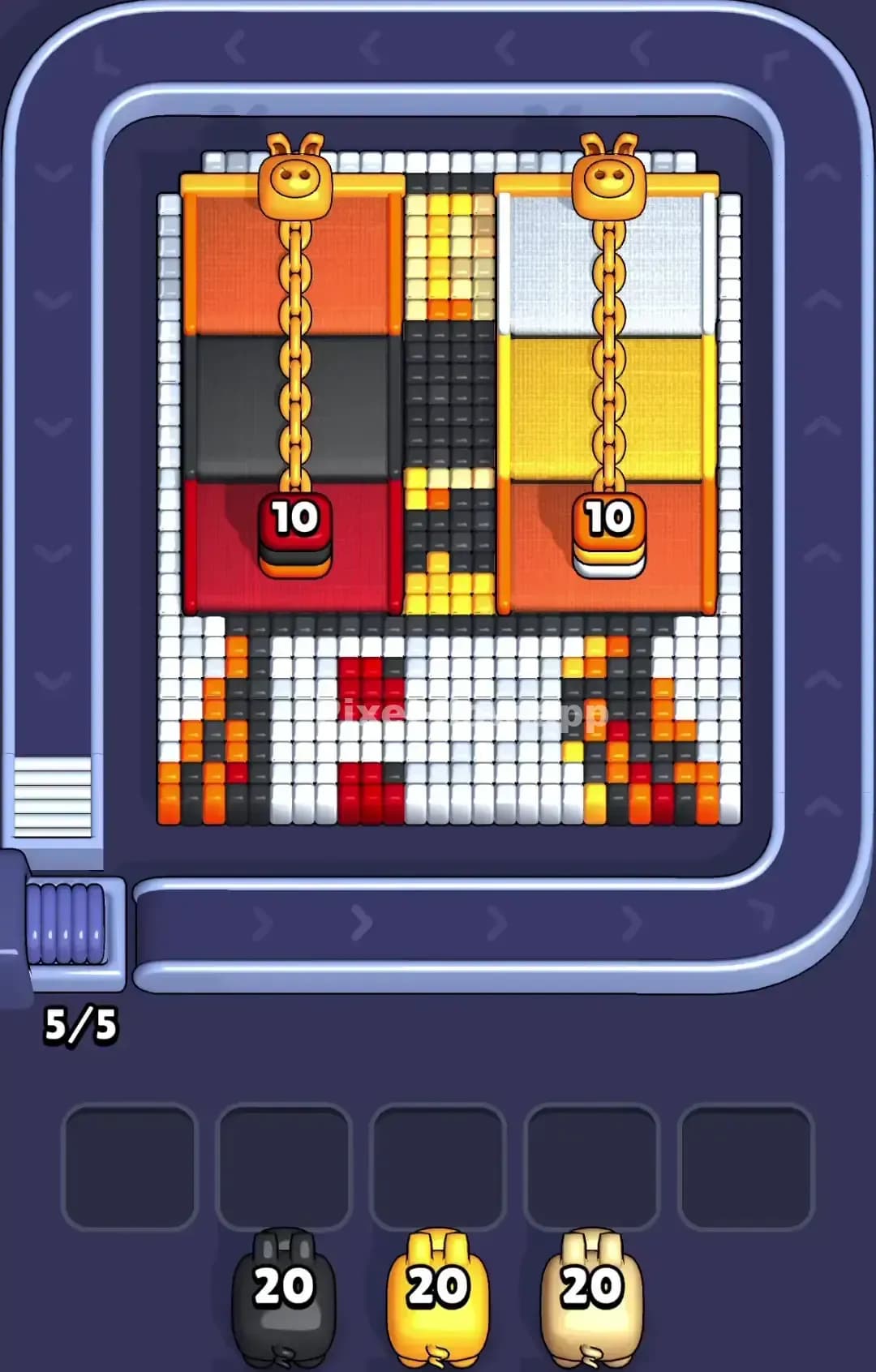
Pixel Flow Level 930

Pixel Flow Level 925
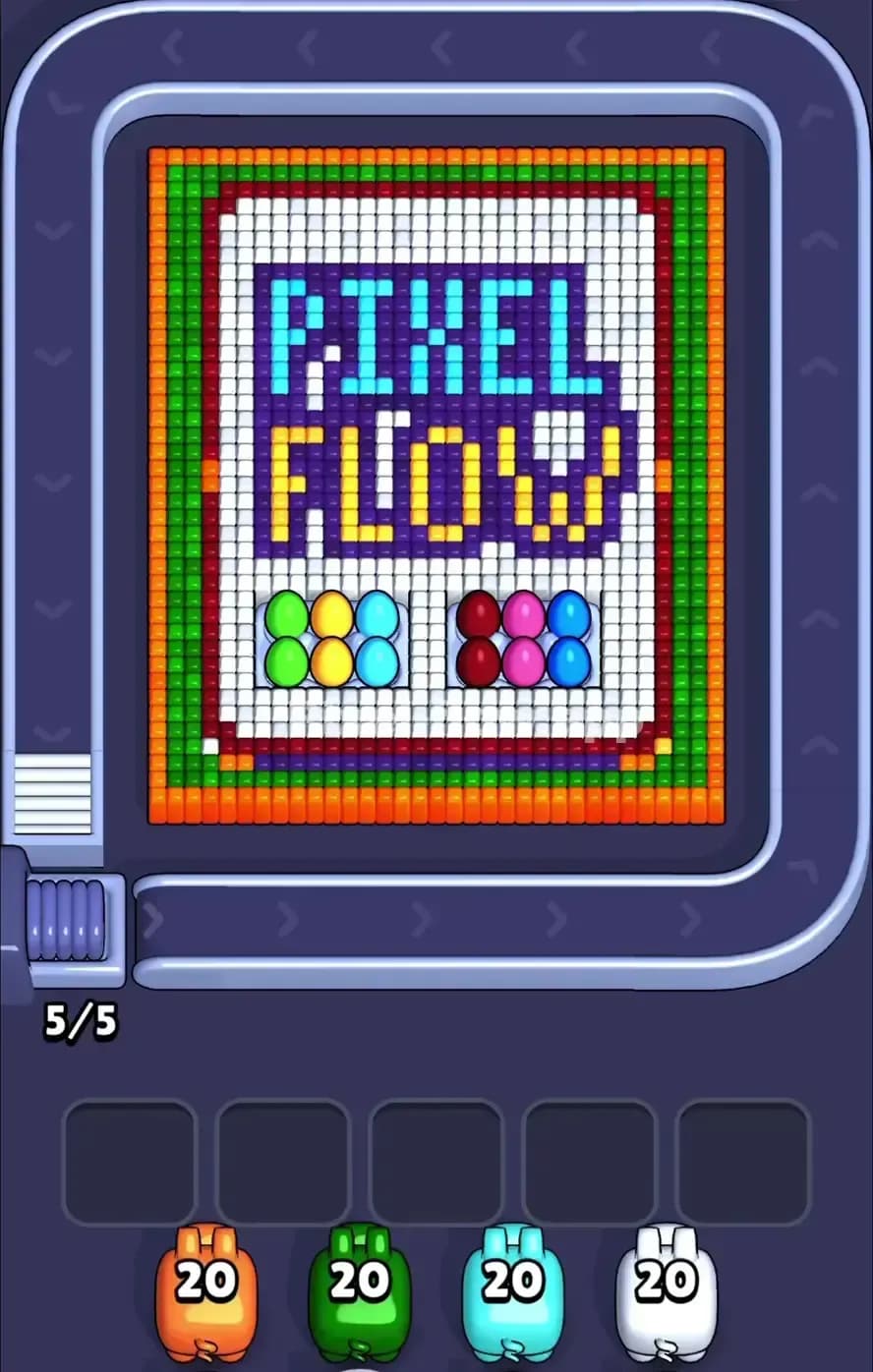
Pixel Flow Level 919
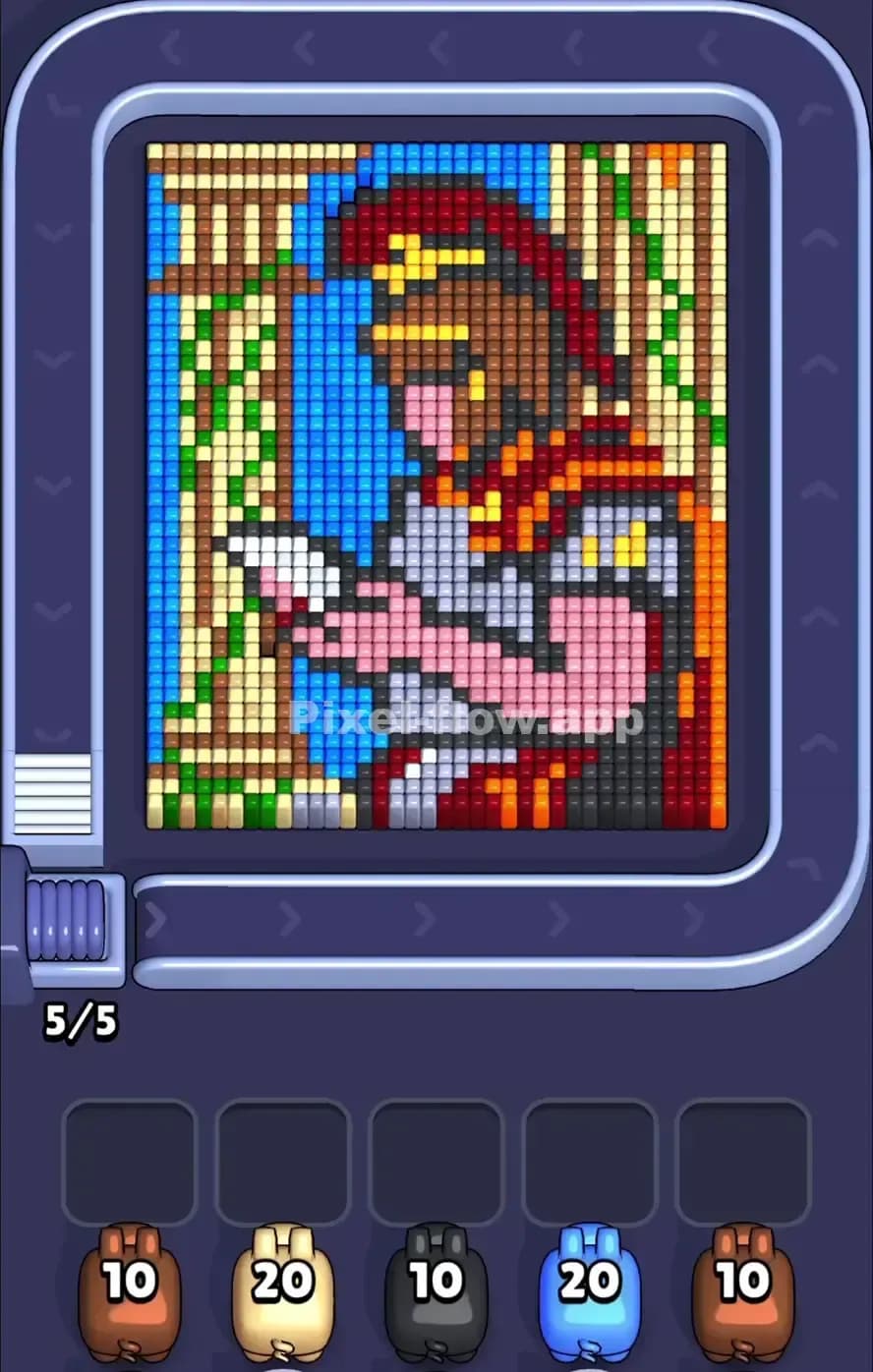
Pixel Flow Level 915

Pixel Flow Level 900

Pixel Flow Level 899
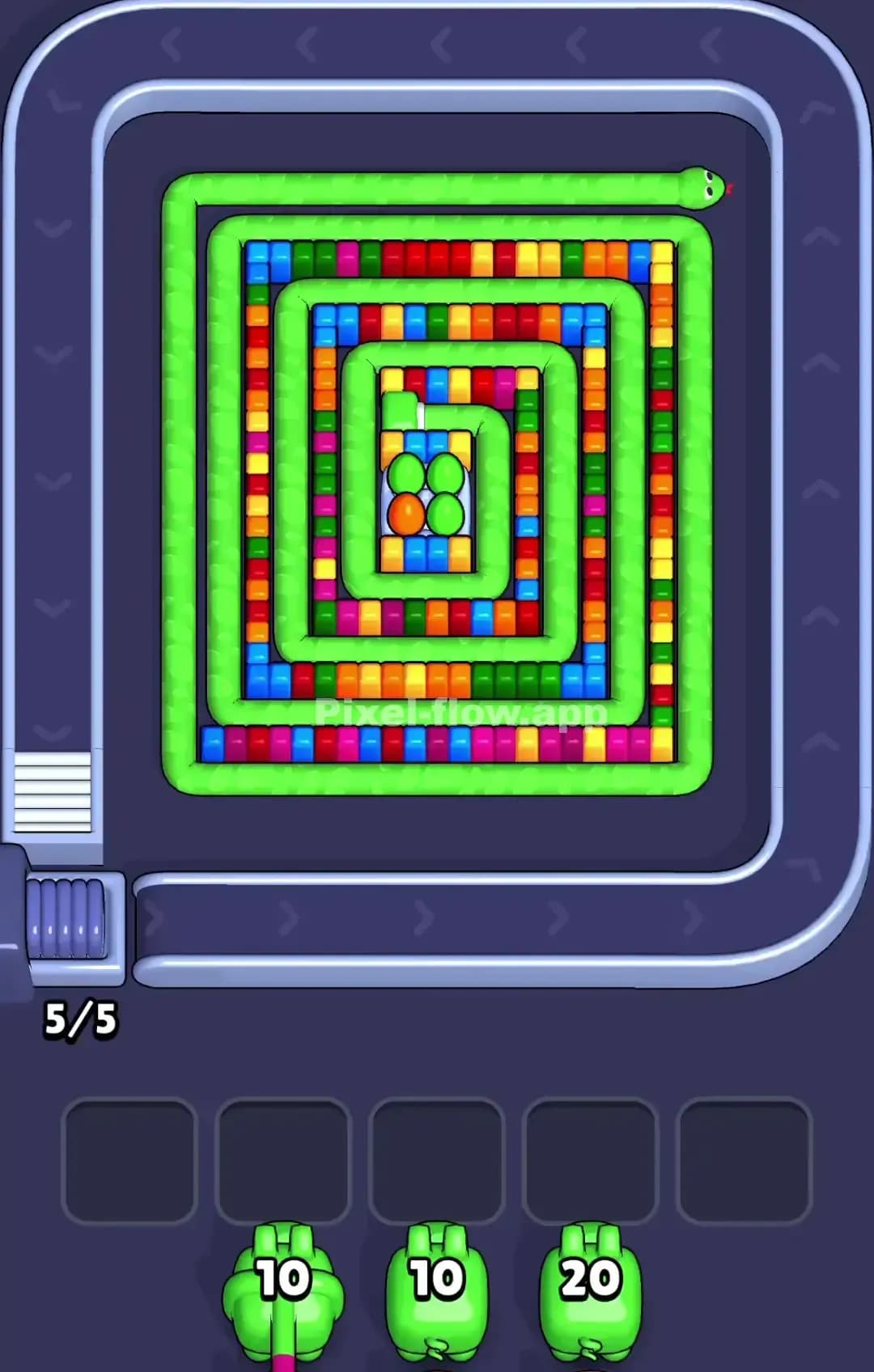
Pixel Flow Level 895
Pixel Flow Level 880
Pixel Flow Level 875
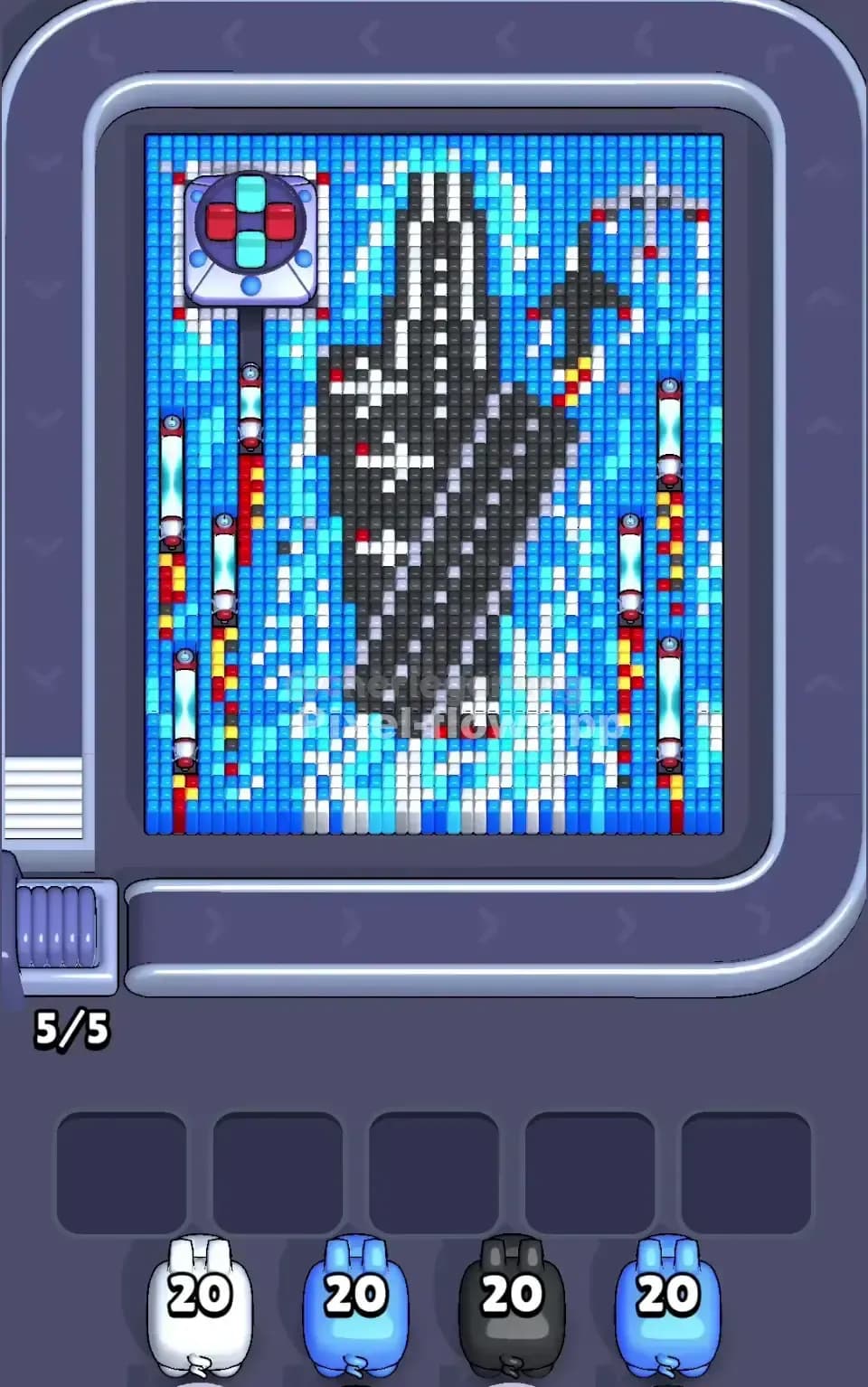
Pixel Flow Level 755
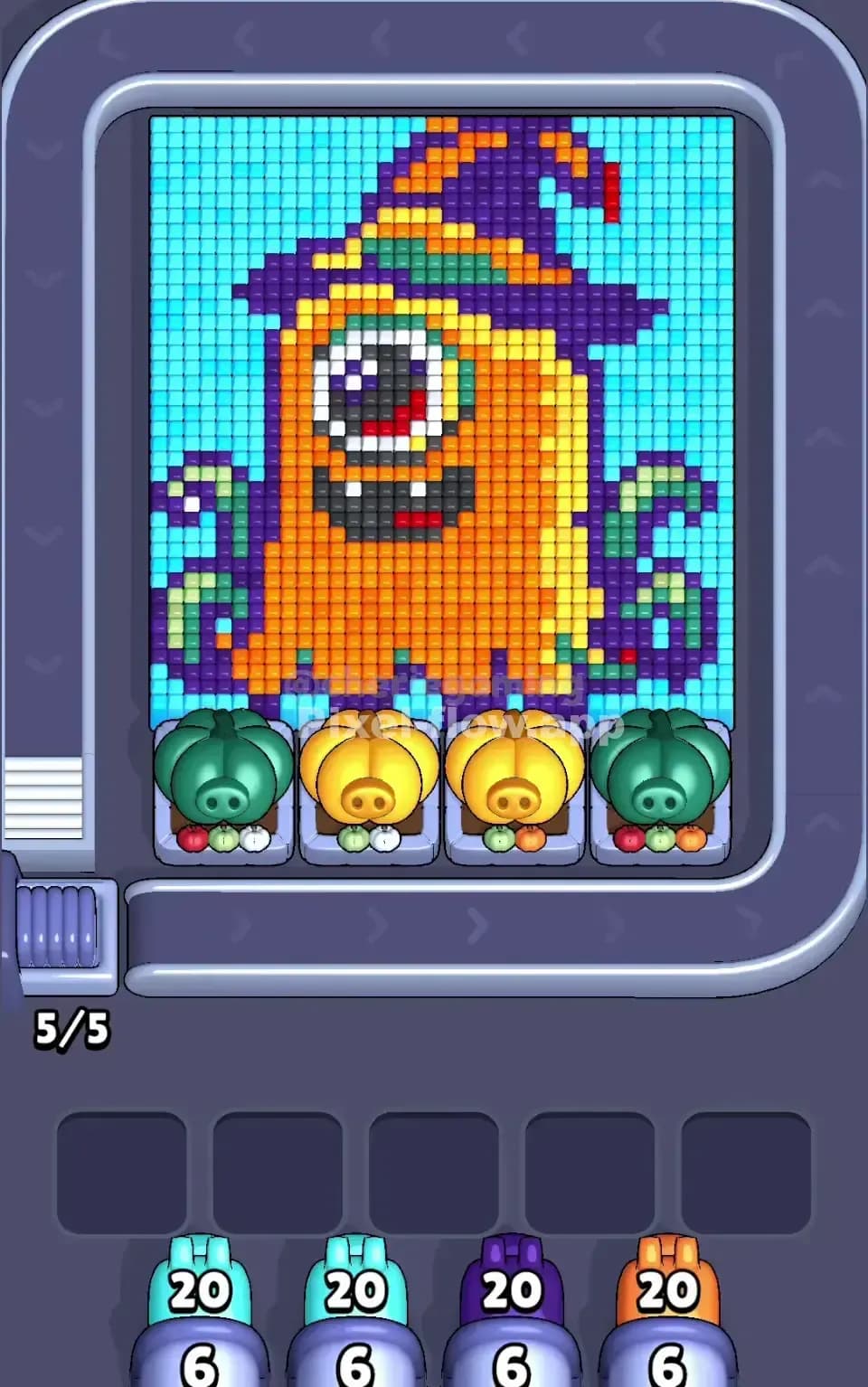
Pixel Flow Level 745

Pixel Flow Level 734
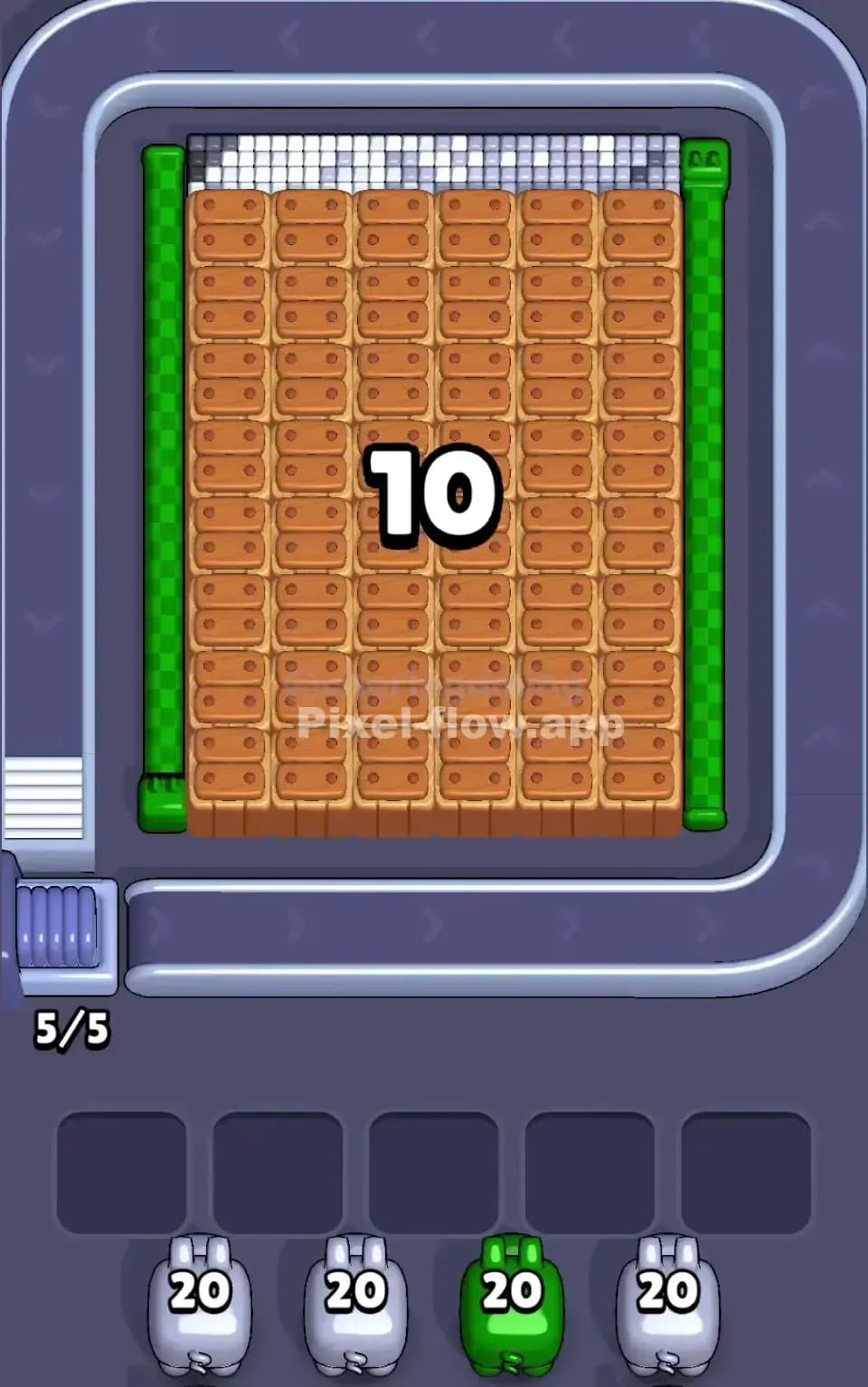
Pixel Flow Level 733

Pixel Flow Level 725
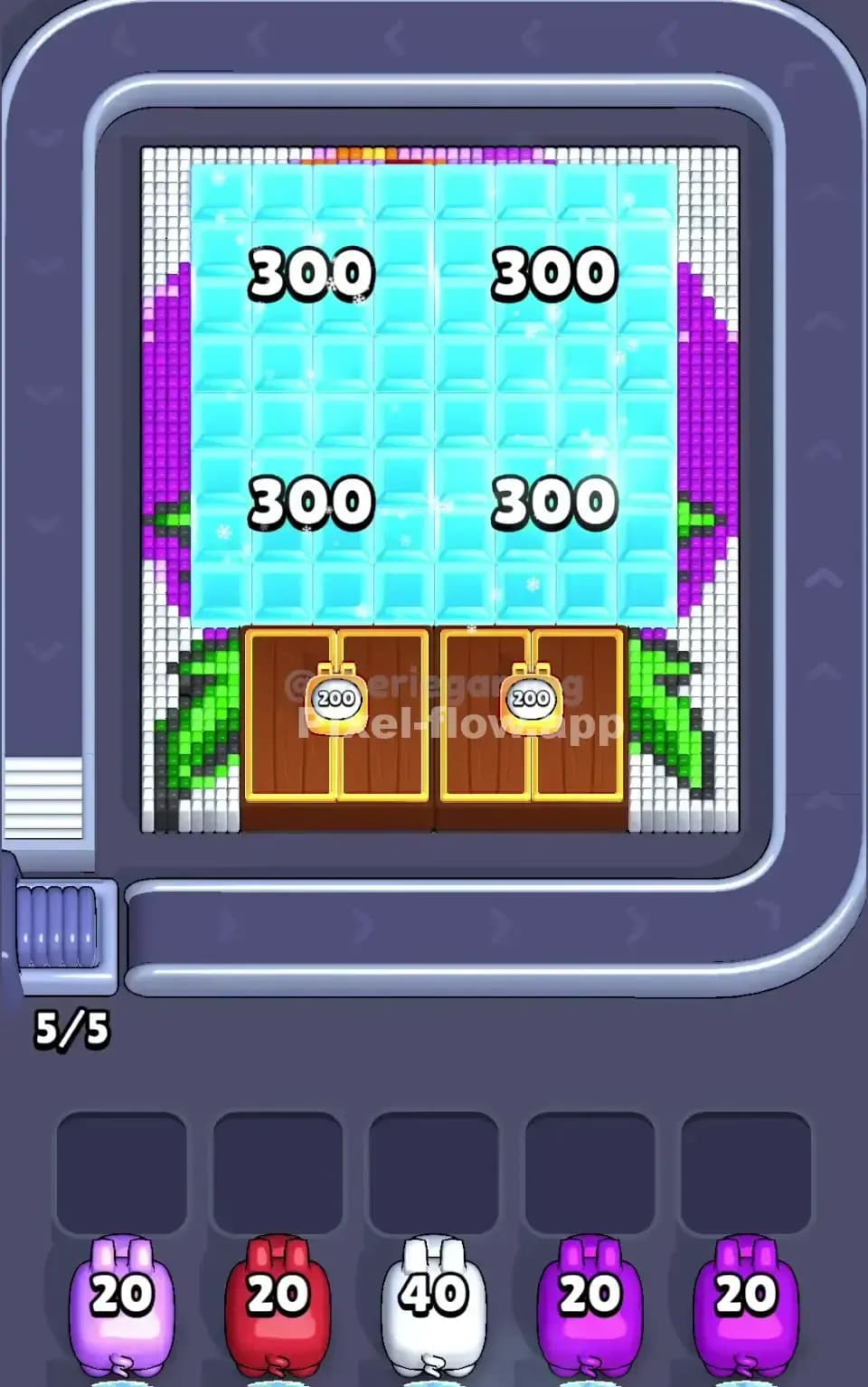
Pixel Flow Level 724
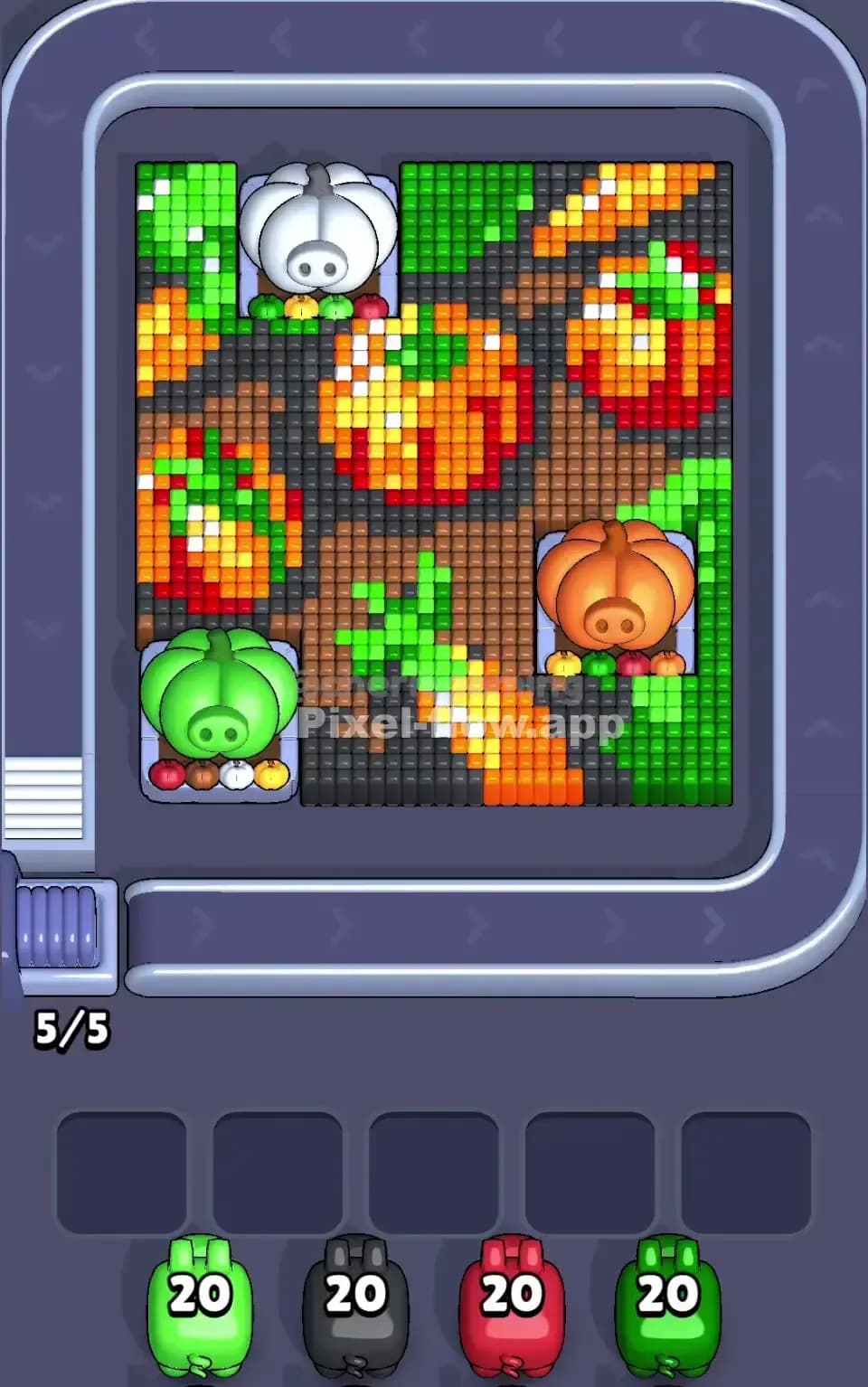
Pixel Flow Level 709
Pixel Flow Level 699

Pixel Flow Level 694

Pixel Flow Level 685

Pixel Flow Level 684

Pixel Flow Level 682
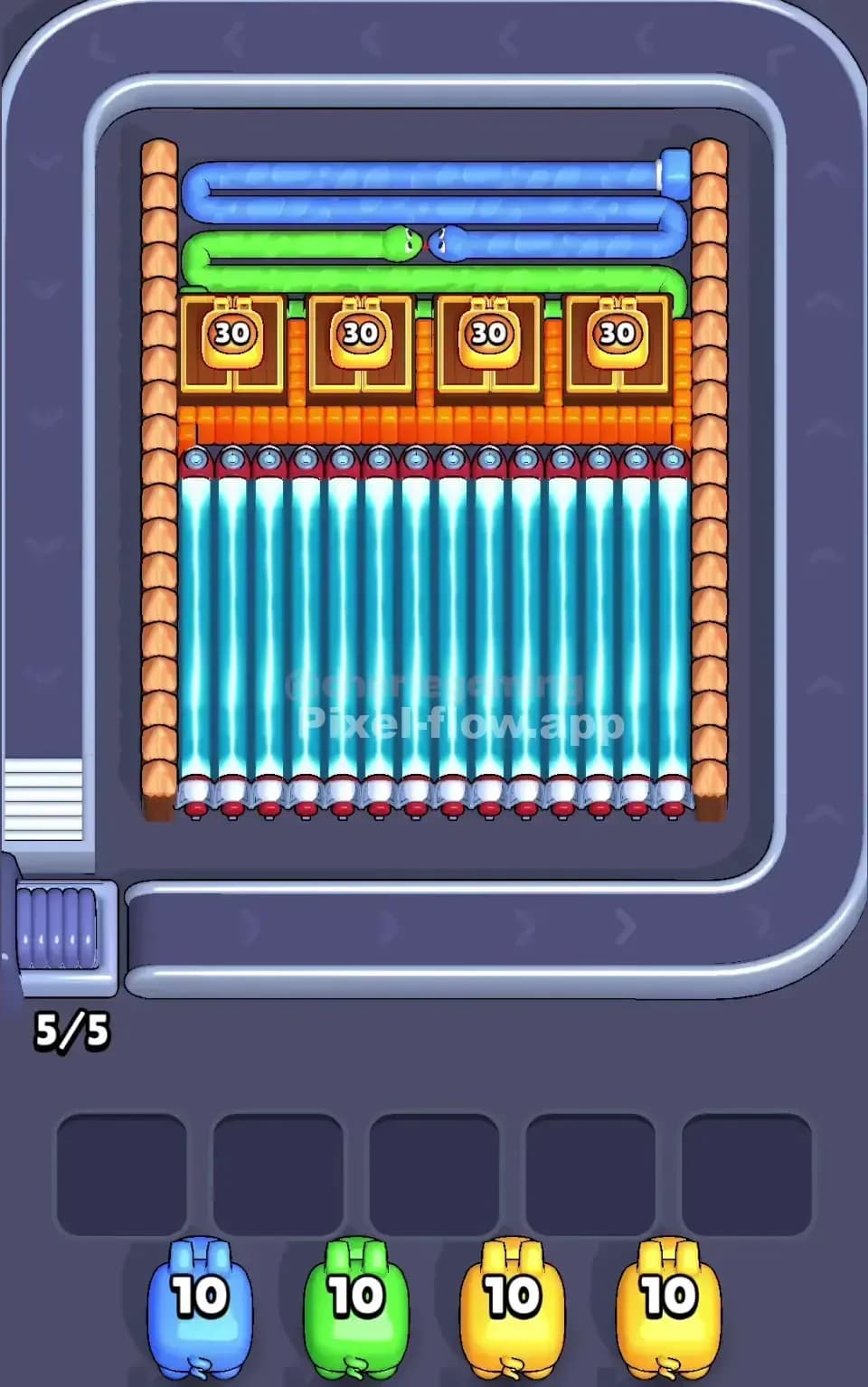
Pixel Flow Level 660
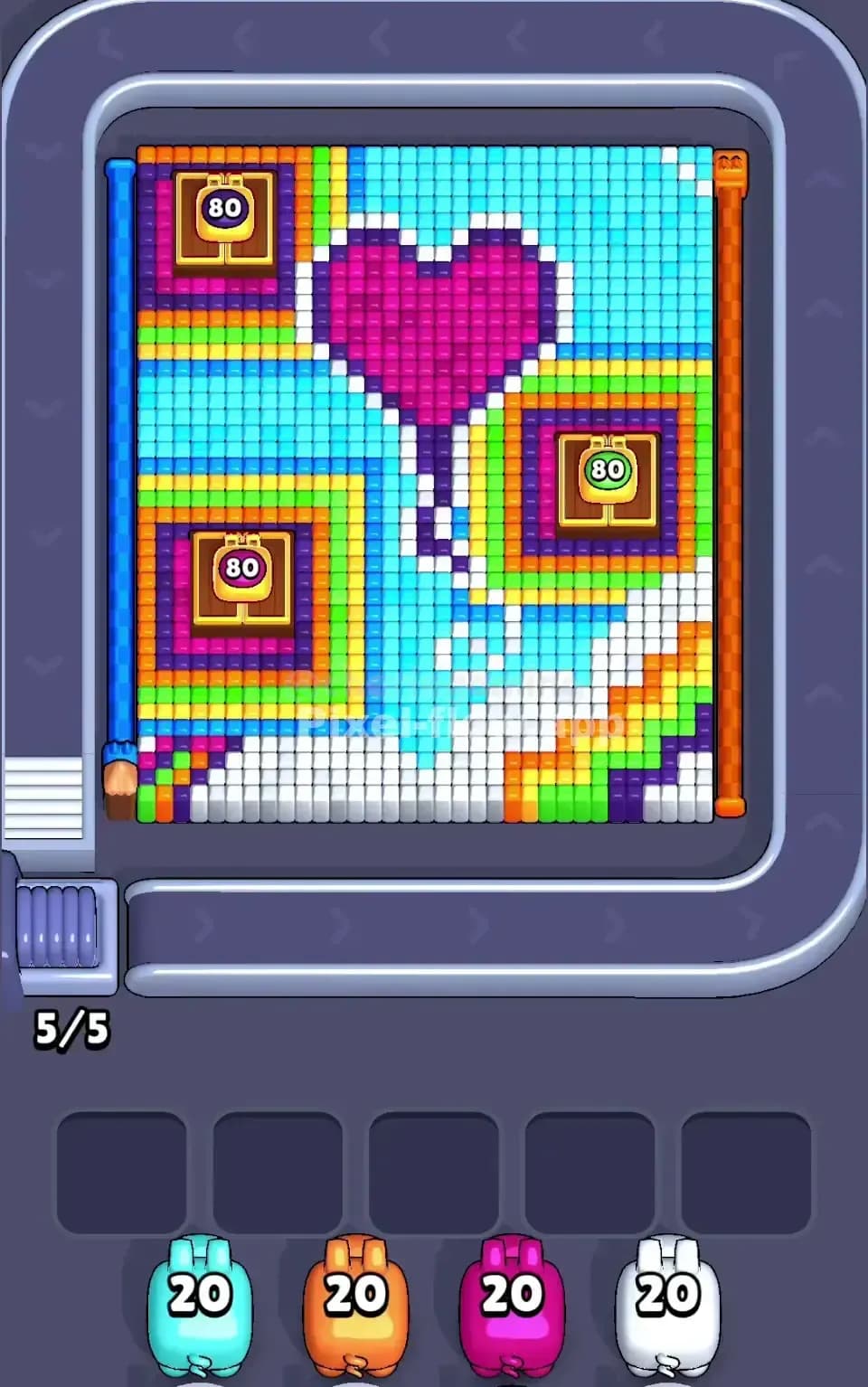
Pixel Flow Level 659
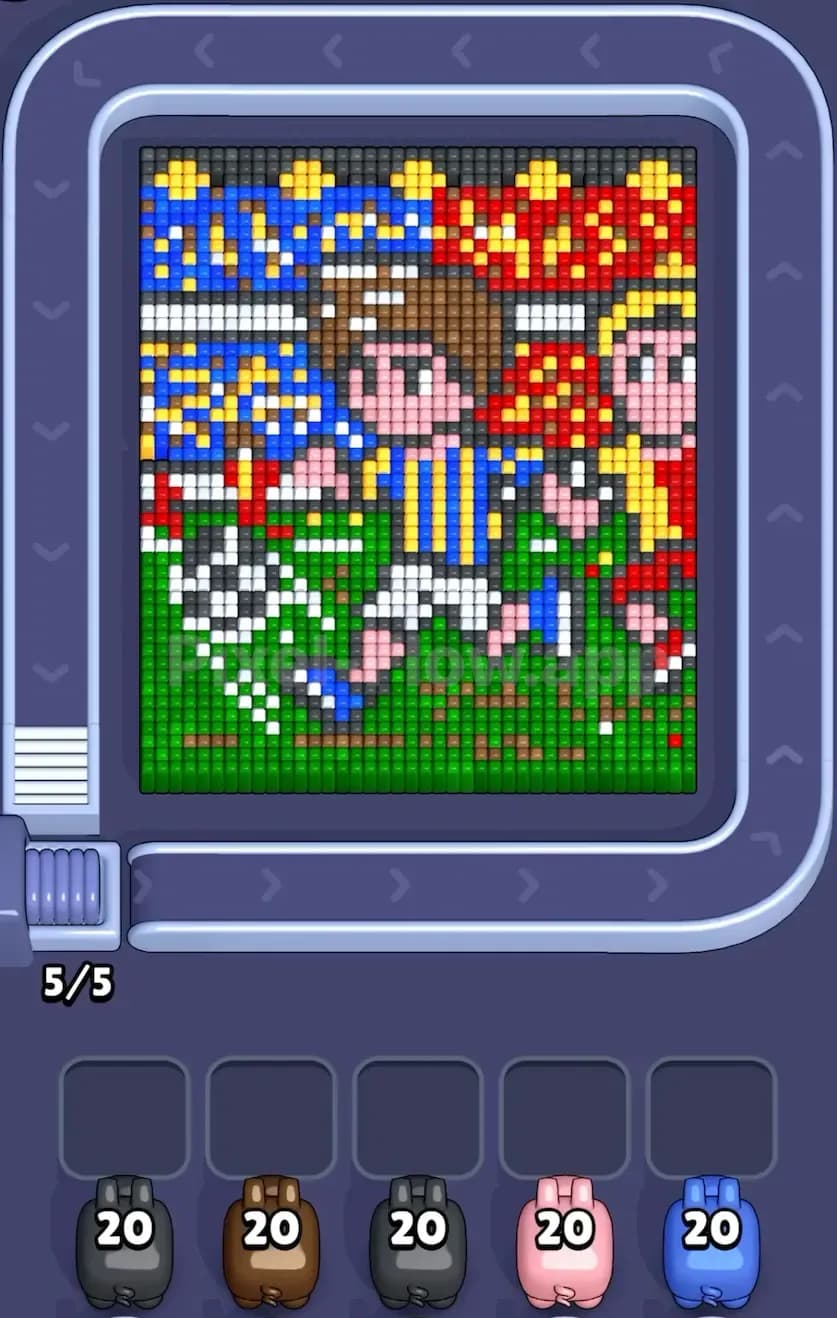
Pixel Flow Level 645
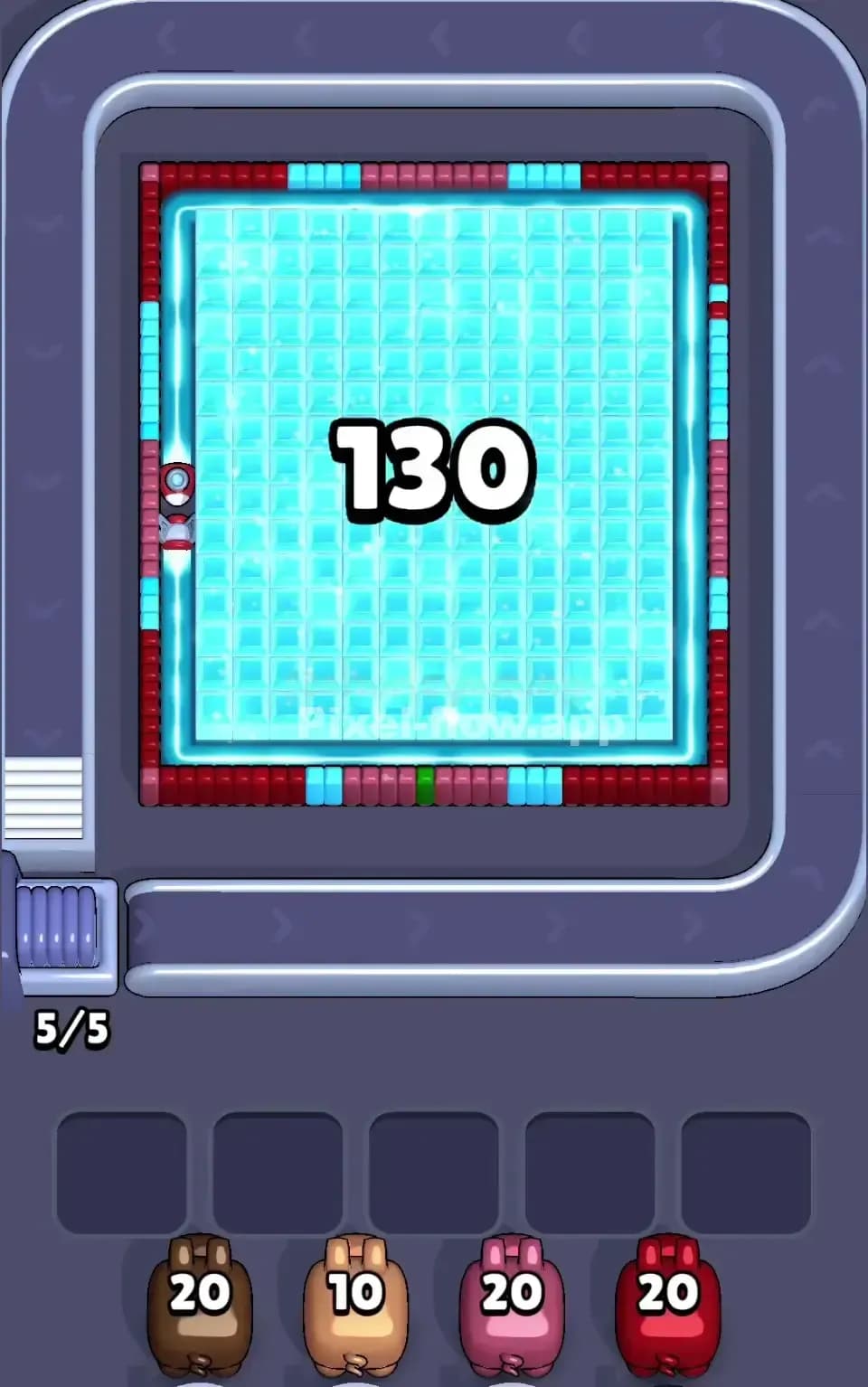
Pixel Flow Level 643
Pixel Flow Level 639
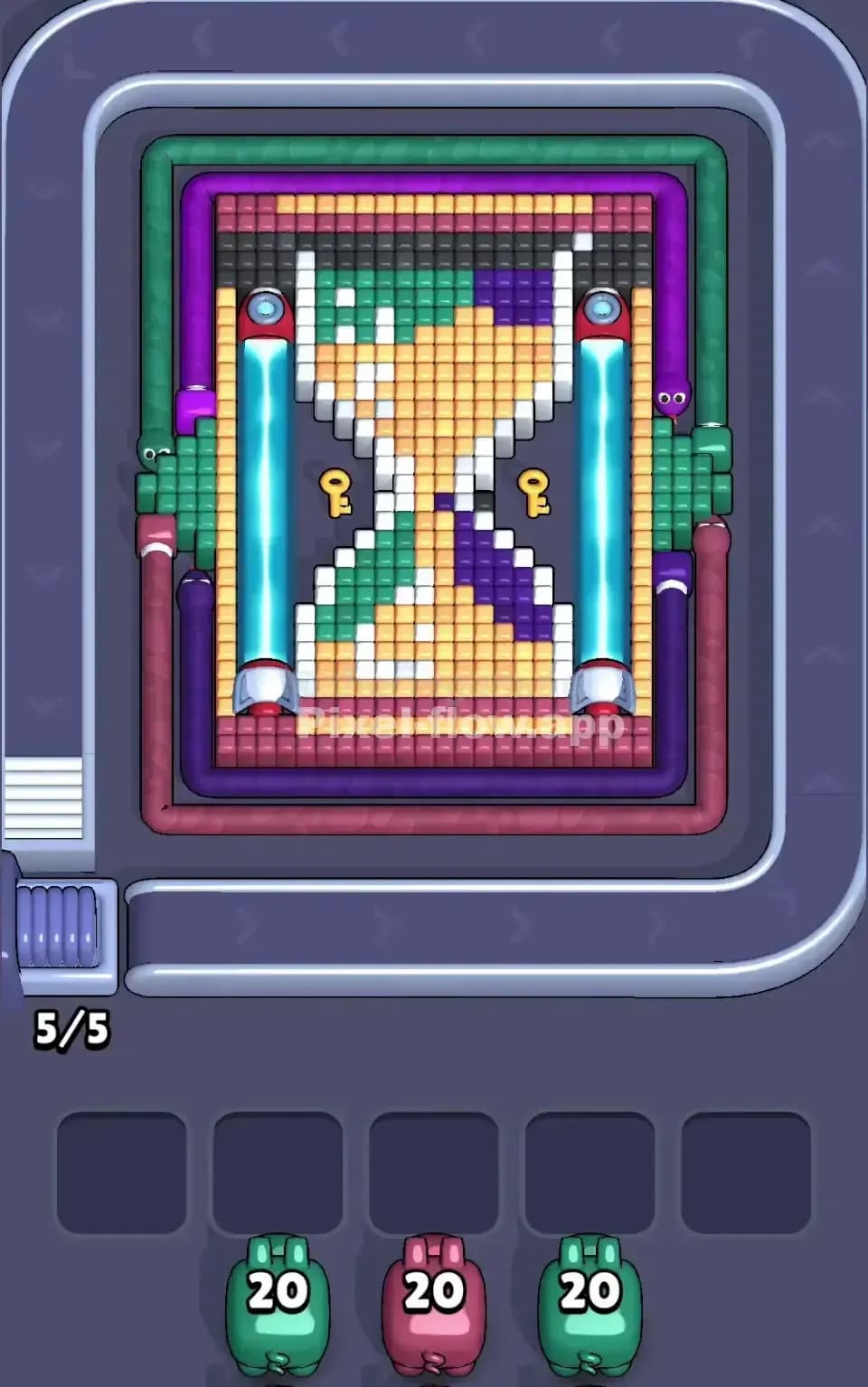
Pixel Flow Level 628
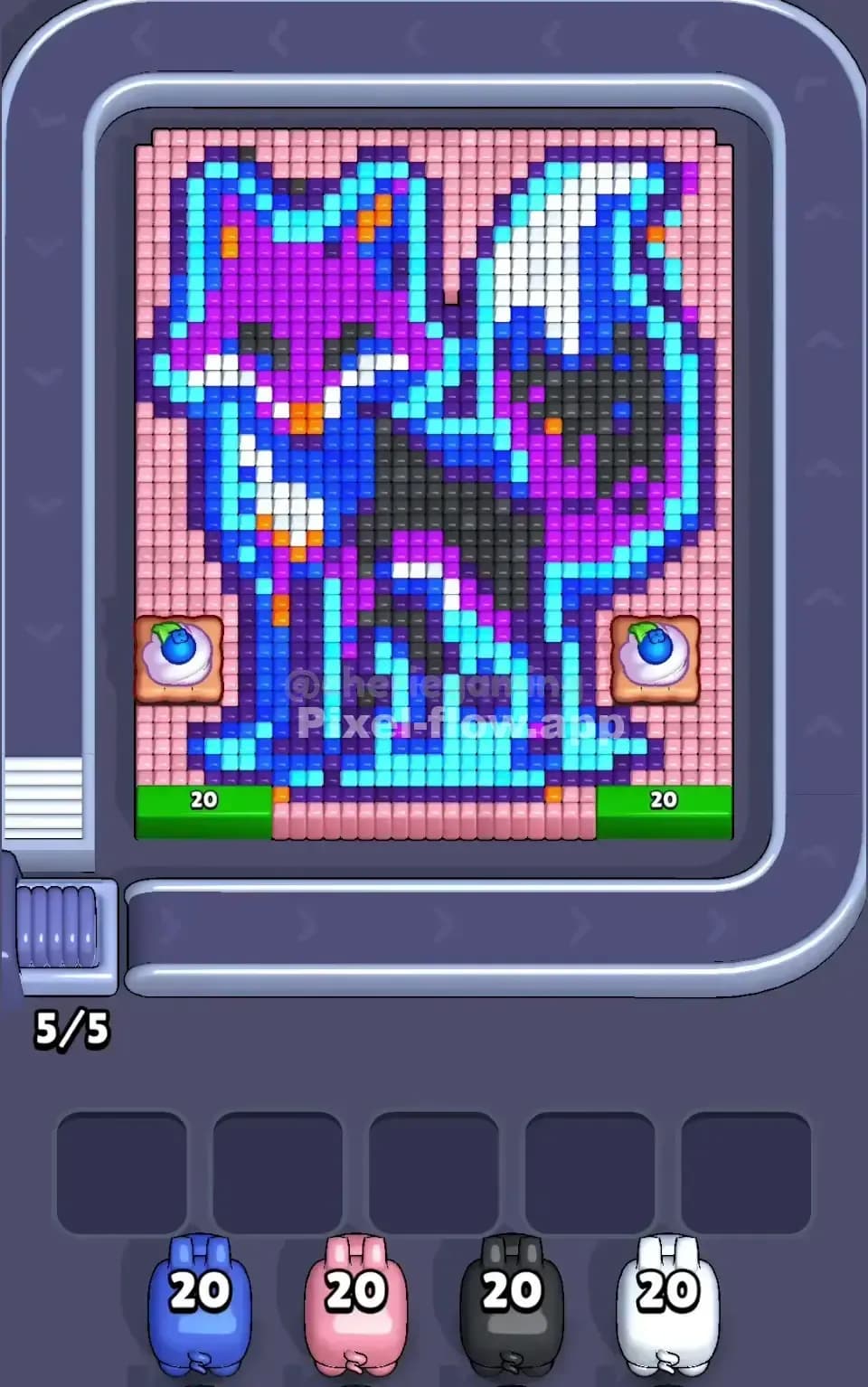
Pixel Flow Level 625
Pixel Flow Level 615
Pixel Flow Level 613
Pixel Flow Level 554
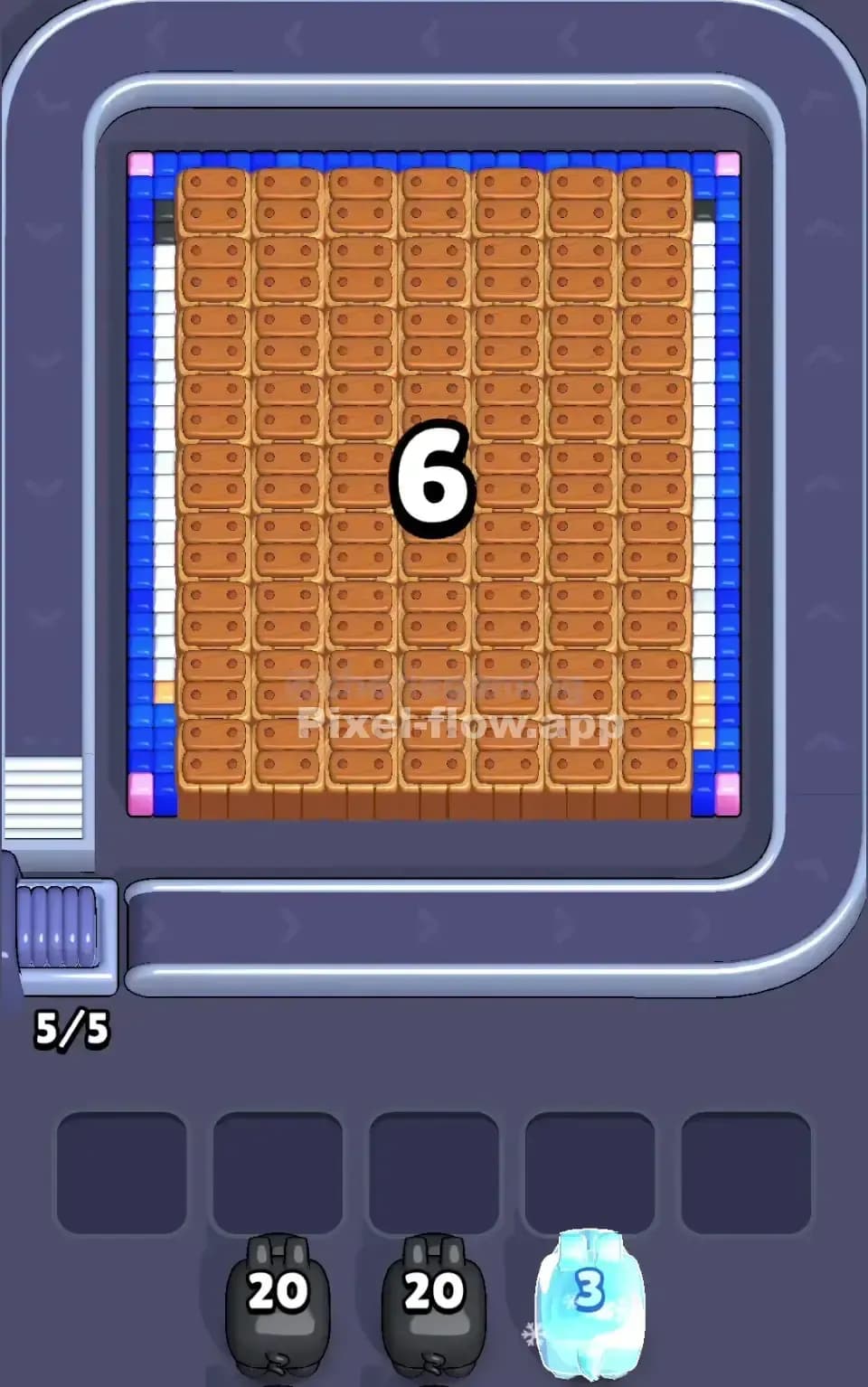
Pixel Flow Level 534
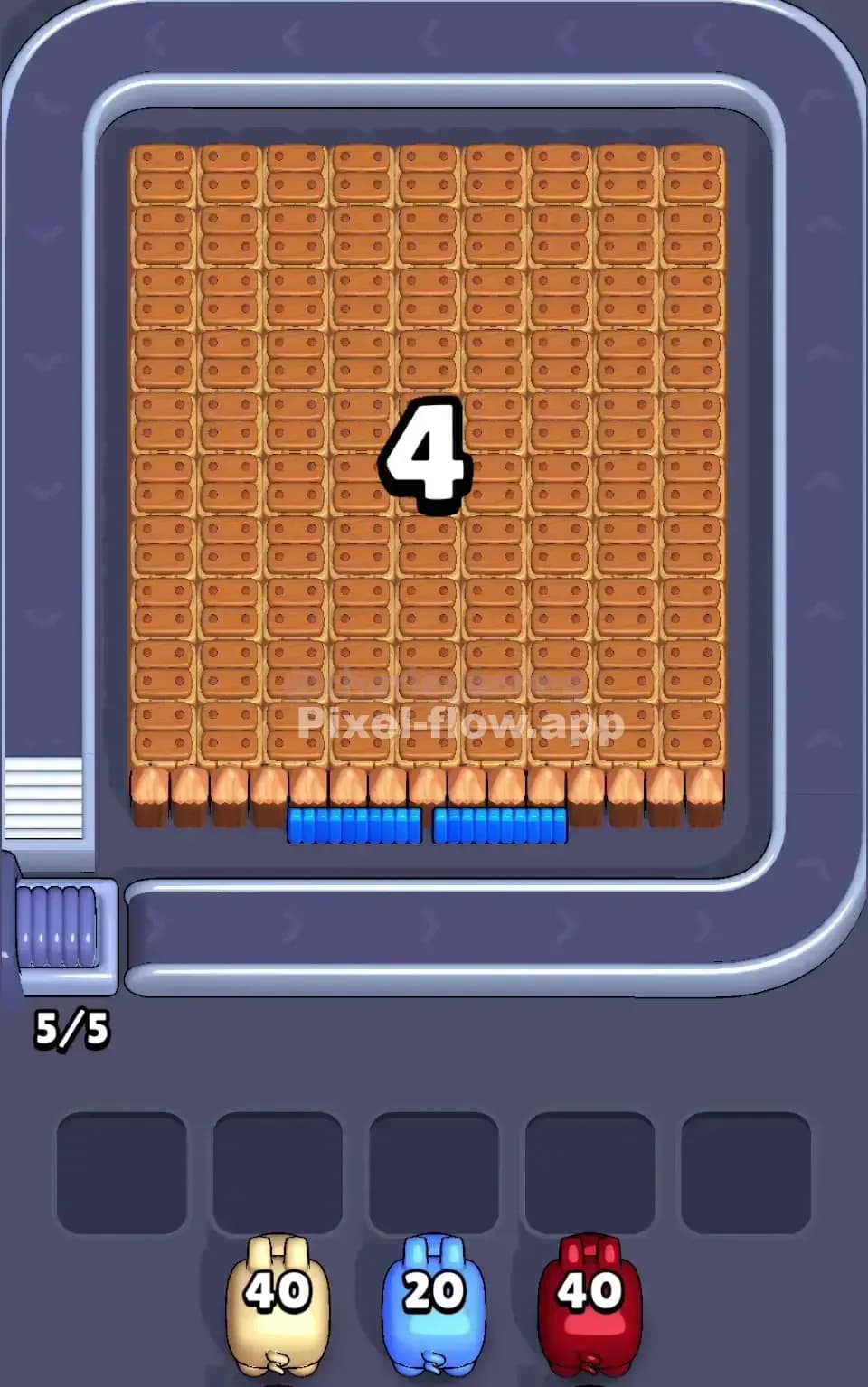
Pixel Flow Level 530

Pixel Flow Level 529
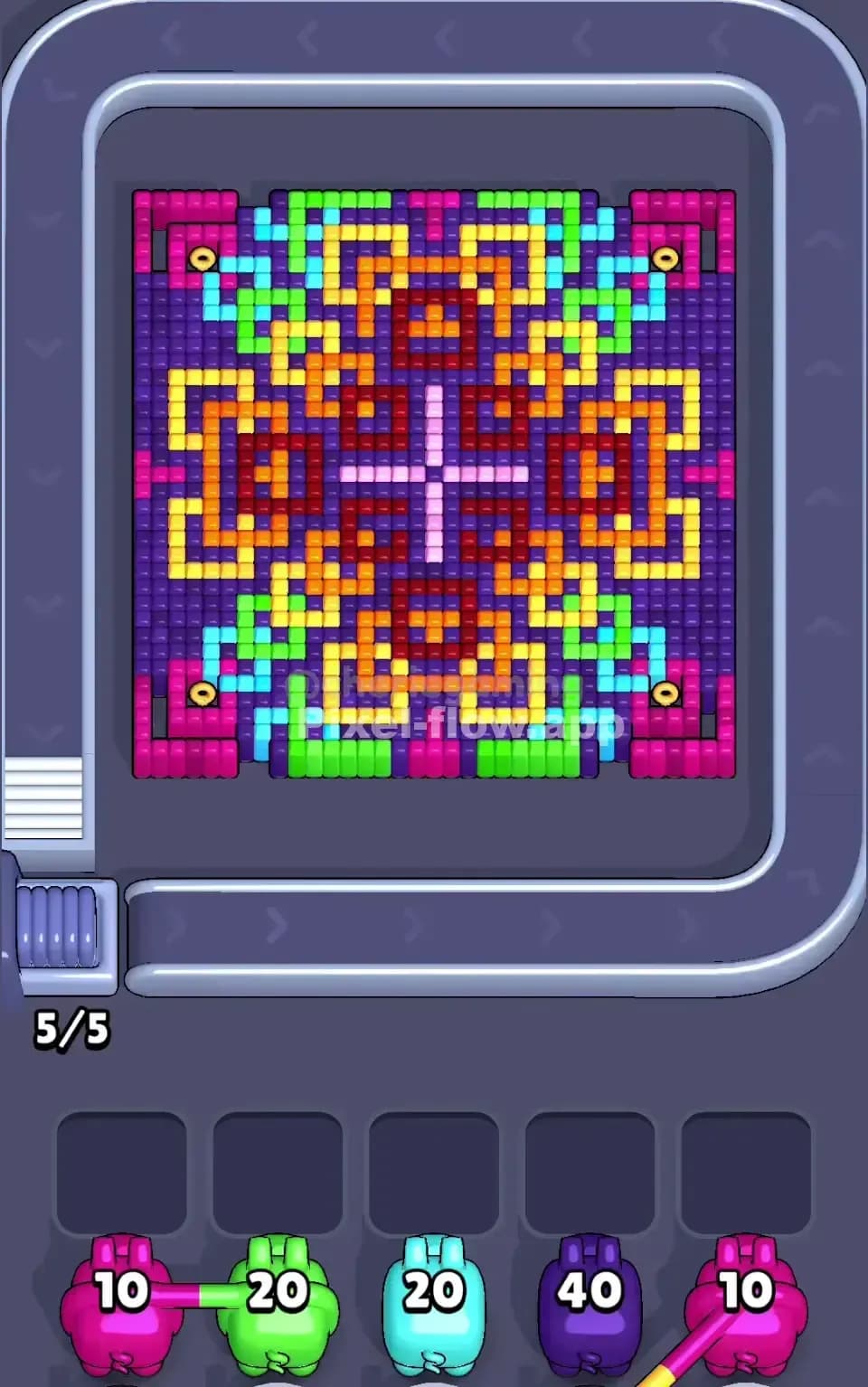
Pixel Flow Level 525

Pixel Flow Level 524
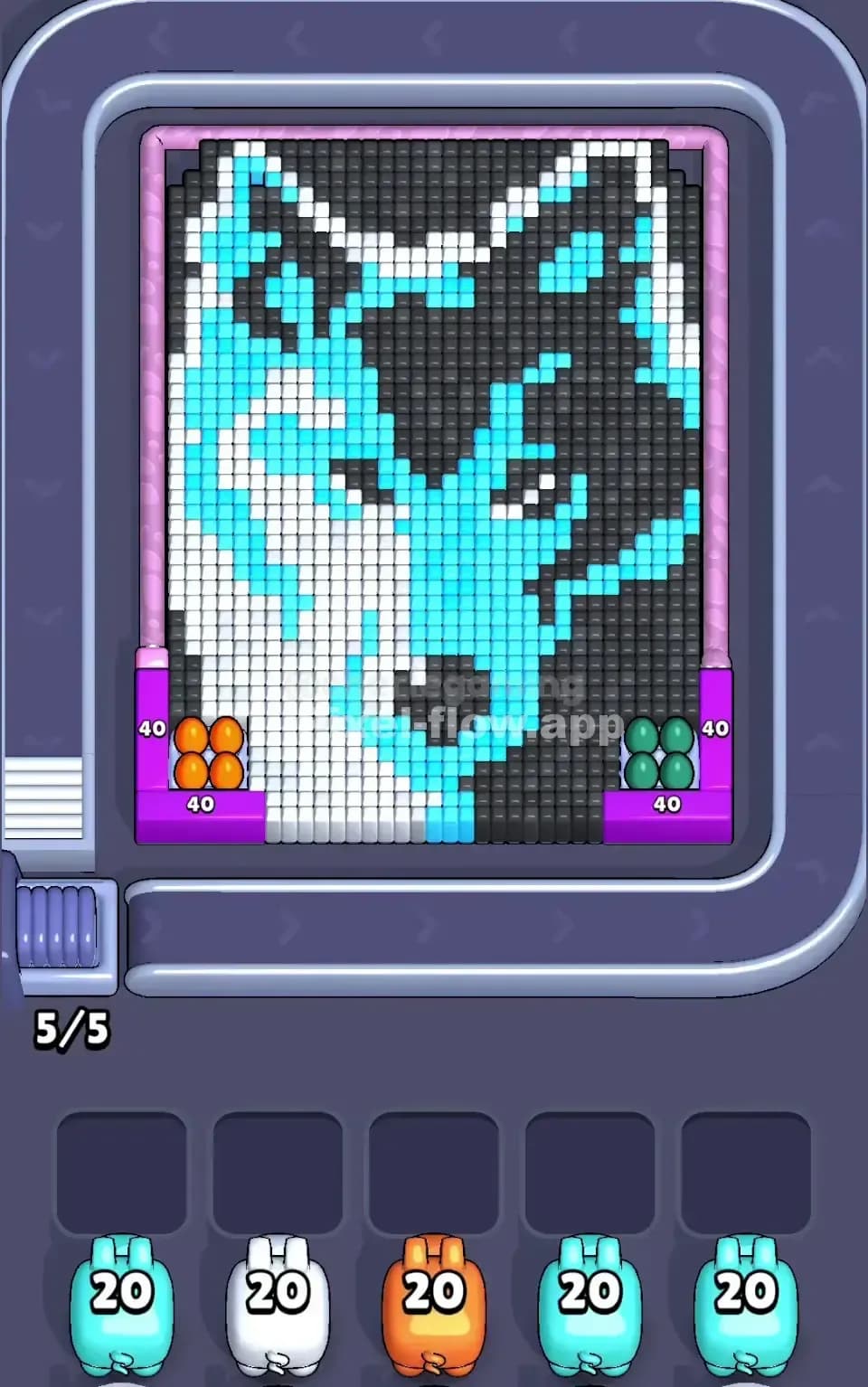
Pixel Flow Level 515
Pixel Flow Level 504
Pixel Flow Level 499

Pixel Flow Level 463

Pixel Flow Level 434

Pixel Flow Level 397
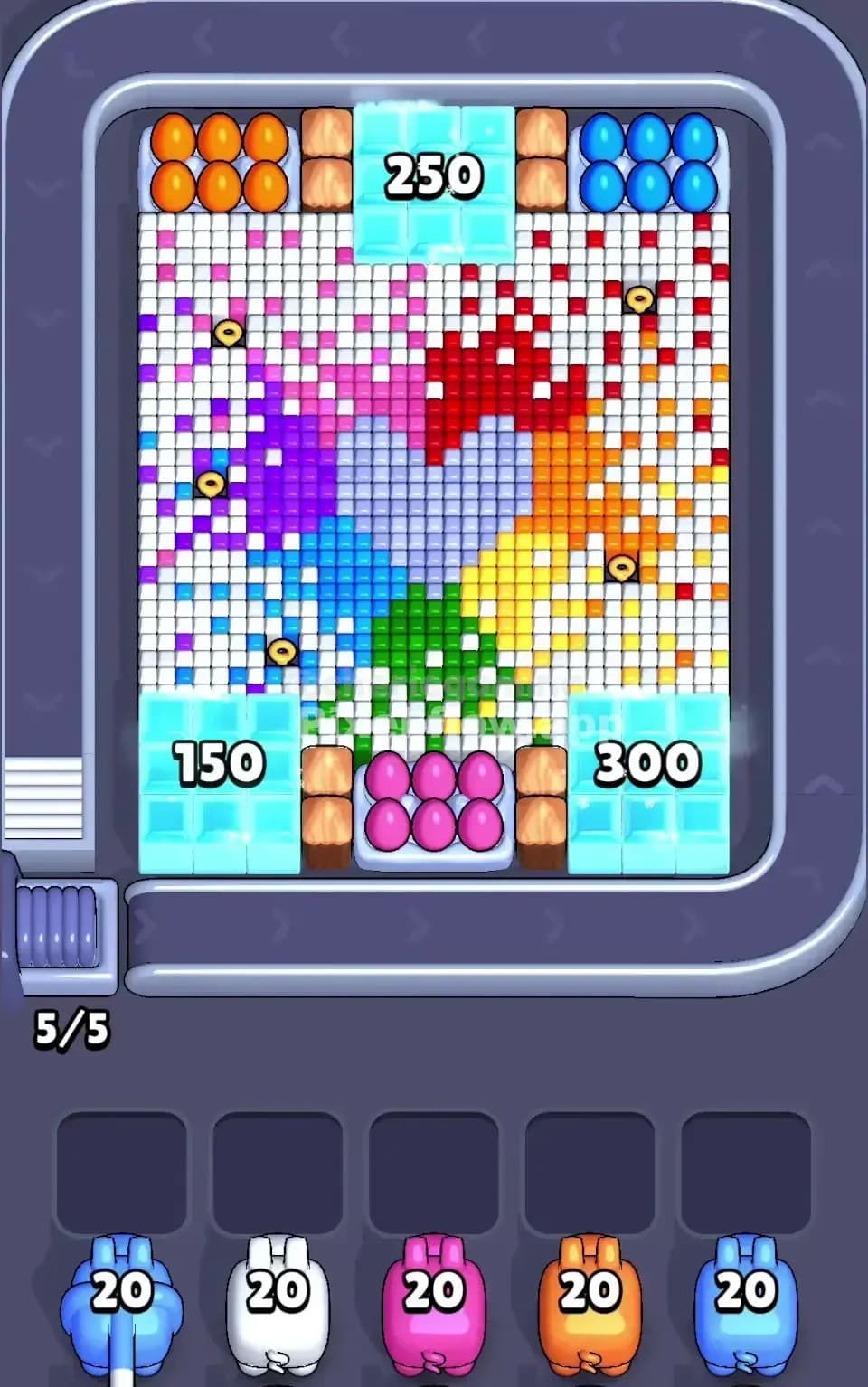
Pixel Flow Level 388

Pixel Flow Level 376

Pixel Flow Level 353
Pixel Flow Level 316
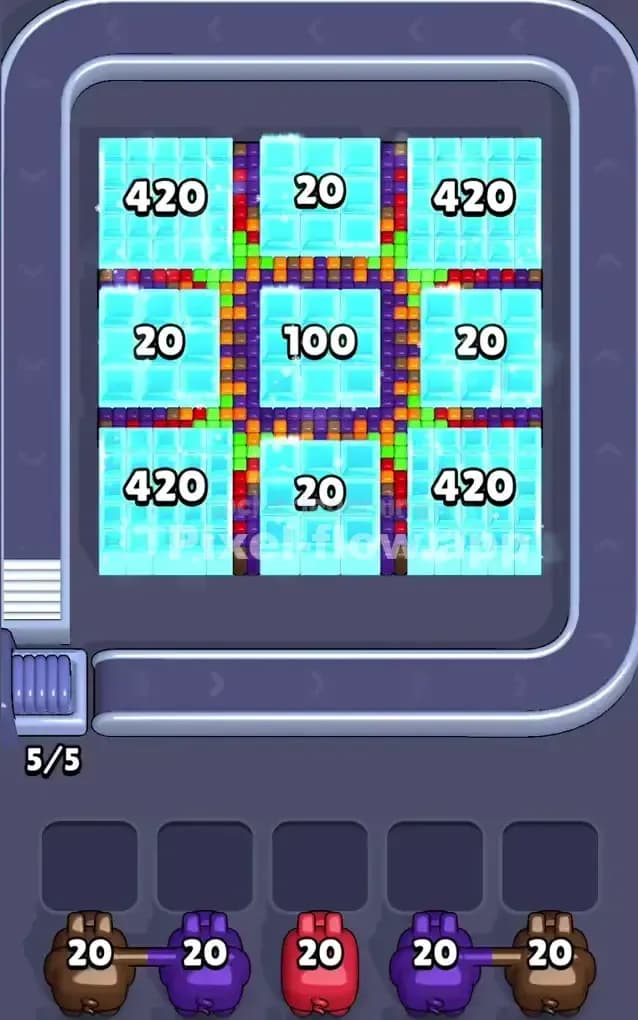
Pixel Flow Level 305
Pixel Flow Level 299
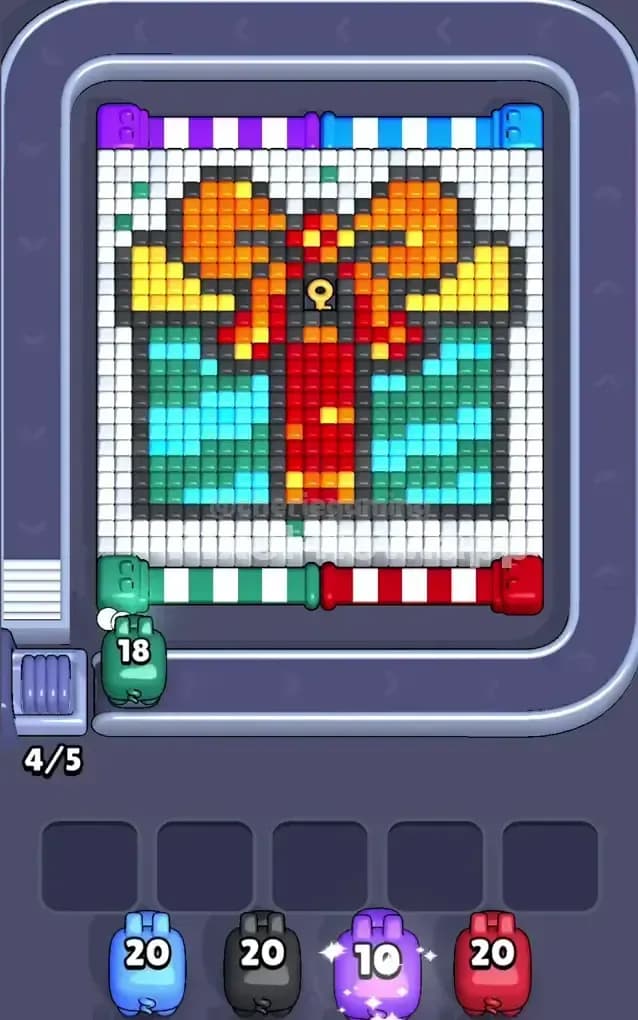
Pixel Flow Level 286

Pixel Flow Level 284
Pixel Flow Level 279
Pixel Flow Level 117
Pixel Flow Level 69
⚠️ Don't rely on level numbers!
Pixel Flow levels are randomized, so the images below might not match your game. Upload a screenshot to get the correct solution for your board.
If you’ve ever tried to chill with Pixel Flow and got immediately roasted by those very hard levels, you know the routine. One minute you’re popping pixel cubes like it’s free. Next minute the conveyor’s jammed, your last power ups are gone, and that smug little pig is basically daring you to tap Continue.
Cool. So now you’ve got two options. Rage uninstall. Or get meaner than the level design.
This guide is for the second group.
What is Pixel Flow
What it is (and who’s behind it)
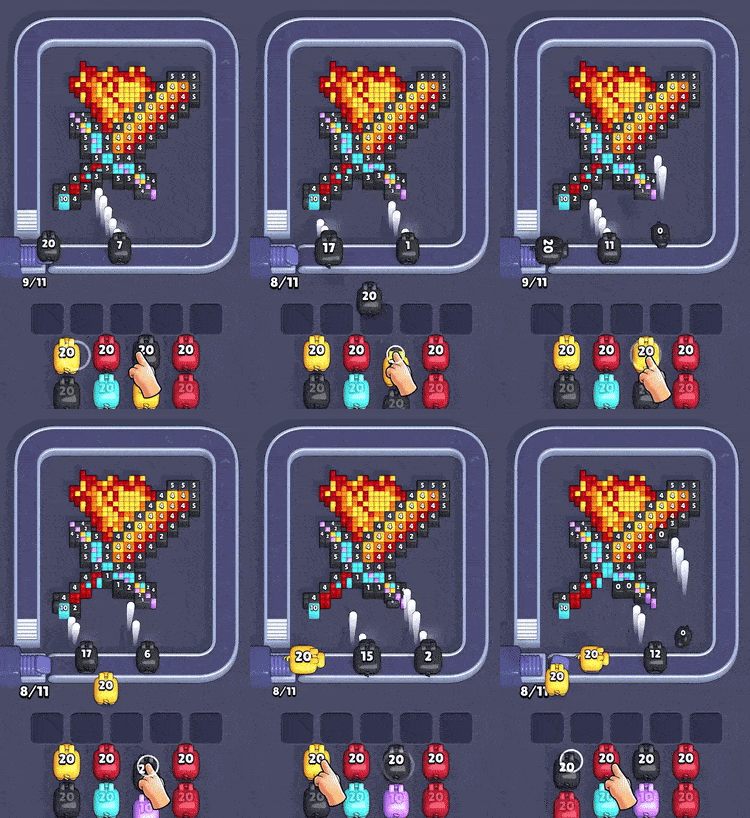
You tap a pig onto a conveyor belt. It sprays shots at pixel cubes of its own color. The number above its head is its ammo, and when it runs dry, it’s done. Simple. Mean. Weirdly sticky.
Pixel Flow comes from Loom Games A.Ş., an Istanbul-based studio led by Kübra Gündoğan and Emre Çelik (the duo tied to Twisted Tangle). And the industry’s watching because the game popped off fast: seed money came in with participation from Akın Babayiğit and e2vc, and reports say it hit the US App Store Top Grossing top-25 and “seven-figure daily revenue” in about three months.
Why it feels different from other puzzlers
Most puzzle games ask you to “match.” Pixel Flow asks you to sequence.
- The board doesn’t fall. It sits there and dares you. You’re shaving down a 3D-ish pile of cubes, layer by layer, and the order matters because colors get buried.
- You don’t choose pieces. You manage a line. You’re basically running a tiny dispatch desk: send the right pig now, or clog your whole future.
- The real resource is your buffer. Those 5 waiting slots are the actual pressure point. Fill them badly and the level turns into a slow panic.
Why it got so popular so fast
Because it hits that perfect mobile combo: satisfying destruction + quick rounds + a loop that punishes sloppy play.
- Cleanup brain goes brrr. Watching a messy cube sculpture get shaved down is pure dopamine.
- Micro-sessions. Levels are short, so you always think “one more.”
- Hybrid-casual meta that keeps pulling you back. Progression, events, boosts, the whole package.
- It’s making real money. One industry write-up pegged it at $400k+ per day from IAP alone (separate from the “million-dollar daily” claims you’ll see elsewhere).
Is Pixel Flow free, and where do you download it?
Yeah, Pixel Flow is free to download and you can play it without paying. But it’s a freemium setup that starts showing its teeth once the very hard levels kick in.
Here’s how it usually goes:
- You beat levels to earn gold coins.
- You spend those coins on power ups, continues, and sometimes extra moves.
- There’s a seasonal Pixel Pass that feeds you boosters and rewards.
- You can pay to remove ads.
So yes, totally playable for free. Just don’t treat it like mindless tap spam when the game ramps up. If you want to survive the very hard levels without bleeding coins, you have to play clean and save your power ups for when they actually flip a loss into a win.
You can download Pixel Flow on:
Quick safety check: make sure the publisher is Loom Games A.Ş. so you don’t end up installing a clone with a similar name.
Pixel Flow rules and how to play
The conveyor and standby queue in Pixel Flow
- You’ve got a visible lineup of pigs sitting on standby.
- You tap to send the front pig onto the conveyor. No picking from the middle.
- While it rides, it auto-fires at matching-color cubes in its lane/path.
The conveyor has limited space. If it’s crowded, you can’t just keep dumping pigs in. Tap-spam turns the belt into a parking lot. Instant loss energy.
Color and ammo
Each pig follows two simple rules:
- Color rule: A pig of Color X in Pixel Flow only destroys cubes of Color X.
- Ammo rule: Every time the pig destroys a matching cube, its ammo goes down by 1. When ammo hits zero, the pig disappears and frees space.
If a pig runs out of valid targets in Pixel Flow before it runs out of ammo, it can’t leave the field cleanly. That’s where the waiting slots kick in.
Waiting slots and the lose condition of Pixel Flow
When a pig has ammo left but nothing to shoot:
- It drops into one of the five waiting slots.
- Later, if you tap again, that pig can re-enter the conveyor to finish its remaining ammo.
You lose in PixelFlow when:
- All 5 waiting slots are filled with pigs that still have ammo and
- Your active pig also can’t spend its ammo, leaving you with no way to clear the blockers without power ups.
That’s the whole game. You’re not “matching colors.” You’re managing a tiny, brutal traffic jam where every bad tap is one step closer to a full lock-up.
Pixel Flow Power Ups Explained (Boosters)
Your run dies for one reason: the Queue gives you the wrong color at the worst time, then your Trays fill up and the whole Conveyor locks. These four power ups are your “nope” button for that exact moment.
Add Tray Power Ups
One more buffer slot. That’s it. And it’s huge.

When do you get it
Add Tray Power Ups unlocks in Level 6
What Add Tray Power Ups does
- Adds an extra Tray to your Conveyor setup.
- Gives you more room to “park” a bad Shooter without instantly losing.
When to use Add Tray Power Ups
- You can see you’re about to be forced to stash 1–2 shooters before the right color shows up.
- Your board is layered, and the next needed color is buried behind junk in the Queue.
- You’re at 4/5 trays used and the current shooter won’t finish its ammo.
Hand Power Ups
This is targeted control. You stop being a passenger.

When do you get it
Hand Power Ups unlocks in Level 8
What Hand Power Ups does
- Lets you pick any Shooter in the queue (not just the front one).
- Fixes those moments where you need one color right now to peel the next layer.
When to use Hand Power Ups
- Pull the exact color that clears a stuck shooter so it can empty ammo and leave.
- Grab a “cleanup” color to strip the outer shell and expose the colors you’ve been hoarding.
- Skip a doomed front shooter that would just squat in a tray.
Shuffle Power Ups
Chaos on purpose. Sometimes random is better than “guaranteed bad.”

When do you get it
Hand Power Ups unlocks in Level 14
What Shuffle Power Ups does
- Shuffles the Shooters in your Queue.
- Rerolls the order when the upcoming sequence is basically a trap.
When to use Shuffle Power Ups
- The next 3–5 shooters are colors you can’t touch yet (or don’t have enough targets for).
- Your trays are nearly full and you cannot afford another parked shooter.
- You’re fishing for one specific color to crack the board open.
Super Shooter Power Ups
This is your “delete a color problem” button.

When do you get it
Super Shooter Power Ups unlocks in Level 18
What Super Shooter Power Ups does
- You select a color, then shoot that color with boosted effect (the game calls it “super powers” for a reason).
- It’s built for breaking a color lock when normal sequencing won’t get you there in time.
When to use Super Shooter Power Ups
- A single color that’s blocking access to everything underneath.
- Clearing enough of a color to let multiple waiting shooters finally finish and leave.
- The “last layer” situation where you’re one good burst away from ending the level.
Pixel Flow levels: why there’s no max level
Pixel Flow has no max level for one reason: updates. Loom Games keeps shipping new levels in updates, so the end keeps moving.
So how many levels are in Pixel Flow right now? Community level libraries are already tracking levels into the 3000s.
Pixel Flow Hard Level, Pixel Flow Very Hard Level: what those labels actually mean
The difference is how fast the game starts stacking problems on your plate:
- Normal levels: teach you timing + basic color sequencing. Mistakes are survivable.
- Pixel Flow hard level: tighter ammo math, uglier color order, more ways to clog the 5-slot buffer.
- Pixel Flow very hard levels: the game throws in rule-benders (special mechanics) and then dares you to clear it clean.
Quick links: some Pixel Flow very hard levels
- Pixel Flow Level 139 (Very Hard)
- Pixel Flow Level 217 (Very Hard)
- Pixel Flow Level 615 (Very Hard)
- Pixel Flow Level 645 (Very Hard)
Why Pixel Flow very hard levels feel brutal
Here are the usual culprits:
-
Locks and Keys. Keys have to be released to open locks. Sounds fine. Until a level like Pixel Flow Level 645 drops 10 locks/keys into a tight board and your whole run turns into “find the key, don’t jam, repeat.” If you’re not using power ups, this is where players snap.
-
Rocket. Rocket parts need to get fused by shooting them. The nasty part is the light path that blocks shooting, so your “obvious” clear order stops working and you’re forced into awkward sequencing.
-
Frozen Pig. It’s a pig you can’t really cash in right away. You have to deplete other pigs first to crack the ice, which means it hogs space in your plan while the board keeps demanding answers.
Why Pixel Flow walkthroughs are so hard to find
Why Pixel Flow level walkthroughs matter
A good pixel flow run isn’t “tap faster.” It’s “tap in the right order so the queue doesn’t choke.”
That’s why a walkthrough is gold when you hit a wall:
- You see the exact solution order (what color goes first, what gets cleared last).
- You learn the “ohhhh” moment behind the level (the trap that fills your waiting slots).
- You stop wasting attempts and power ups just to “test stuff.”
A normal guide can teach you rules. A level-specific walkthrough shows you the moves.
Why Pixel Flow level solutions are hard to find
Here’s the annoying truth: Pixel Flow doesn’t always give everyone the same level.
The devs can (and often do) shift the level layout and even serve different layouts for the same level number to different players. That means:
- You search “Pixel Flow Level 645 solution” and the video is for a layout you don’t have.
- Your buddy sends a “Level 217 walkthrough” and it doesn’t match your board.
- The game can tweak difficulty live (hardness tuning, loss-rate checks, AB tests).
- It also makes it harder to find a reliable cheat by just searching a level number on YouTube.
So the problem isn’t that players aren’t making content. The problem is the content stops matching your actual board.
The new solution: Free Pixel Flow Solver on Pixel-Flow.app
This is where the Pixel Flow Solver finally makes sense.
Instead of guessing which “Level 615” you have, you do this:
- Take a screenshot of your stuck pixel flow level.
- Open Pixel-Flow.app.
- Use the Free Pixel Flow Solver tool.
- Upload your screenshot.
- Using the crop tool to crop your screenshot to show ONLY the puzzle grid for a better match.
- Get the correct video walkthrough for your layout.
That’s the whole trick. It’s basically the cleanest cheat possible: you follow the exact moves from the solution video, clear the board, and you don’t burn power ups on trial-and-error.